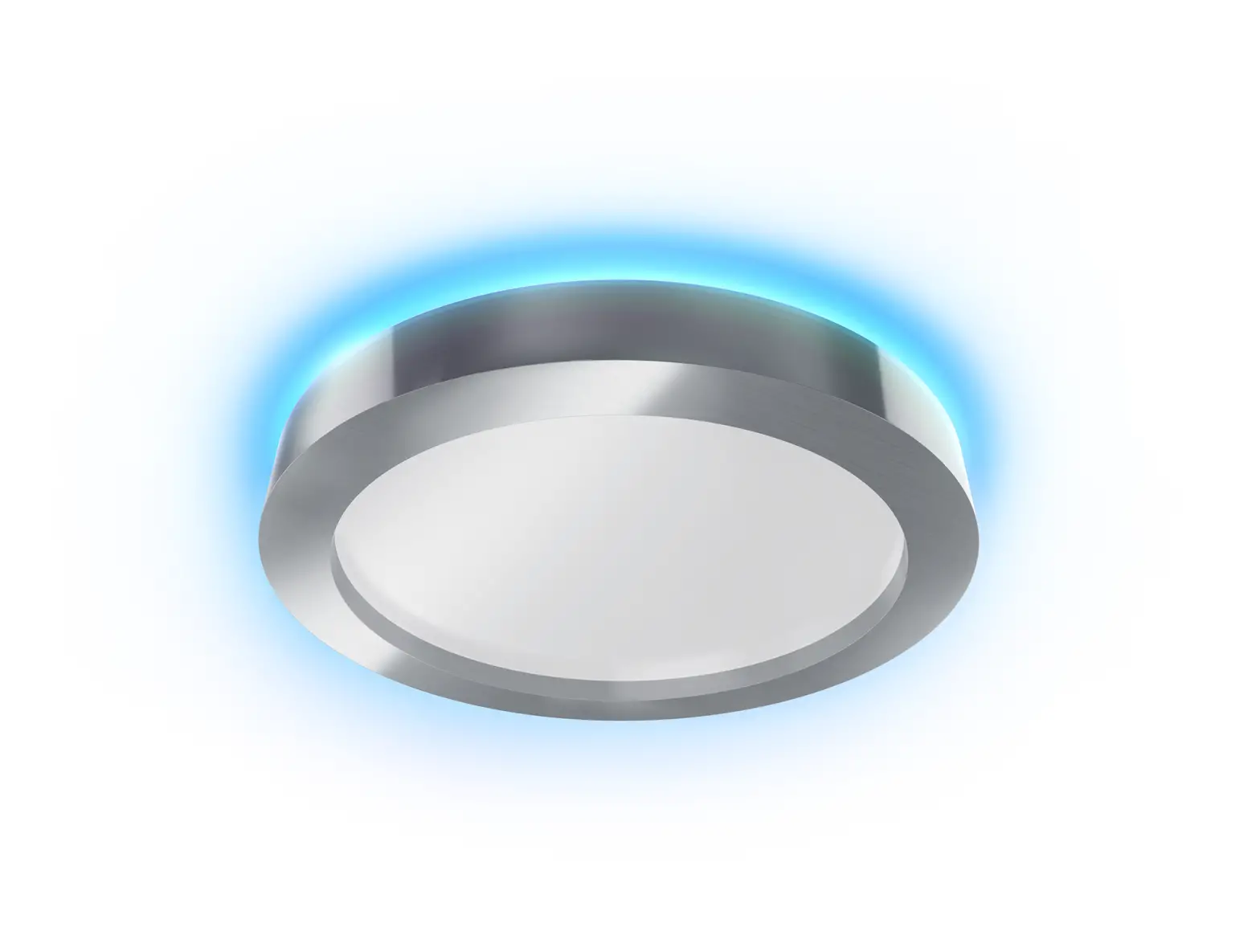
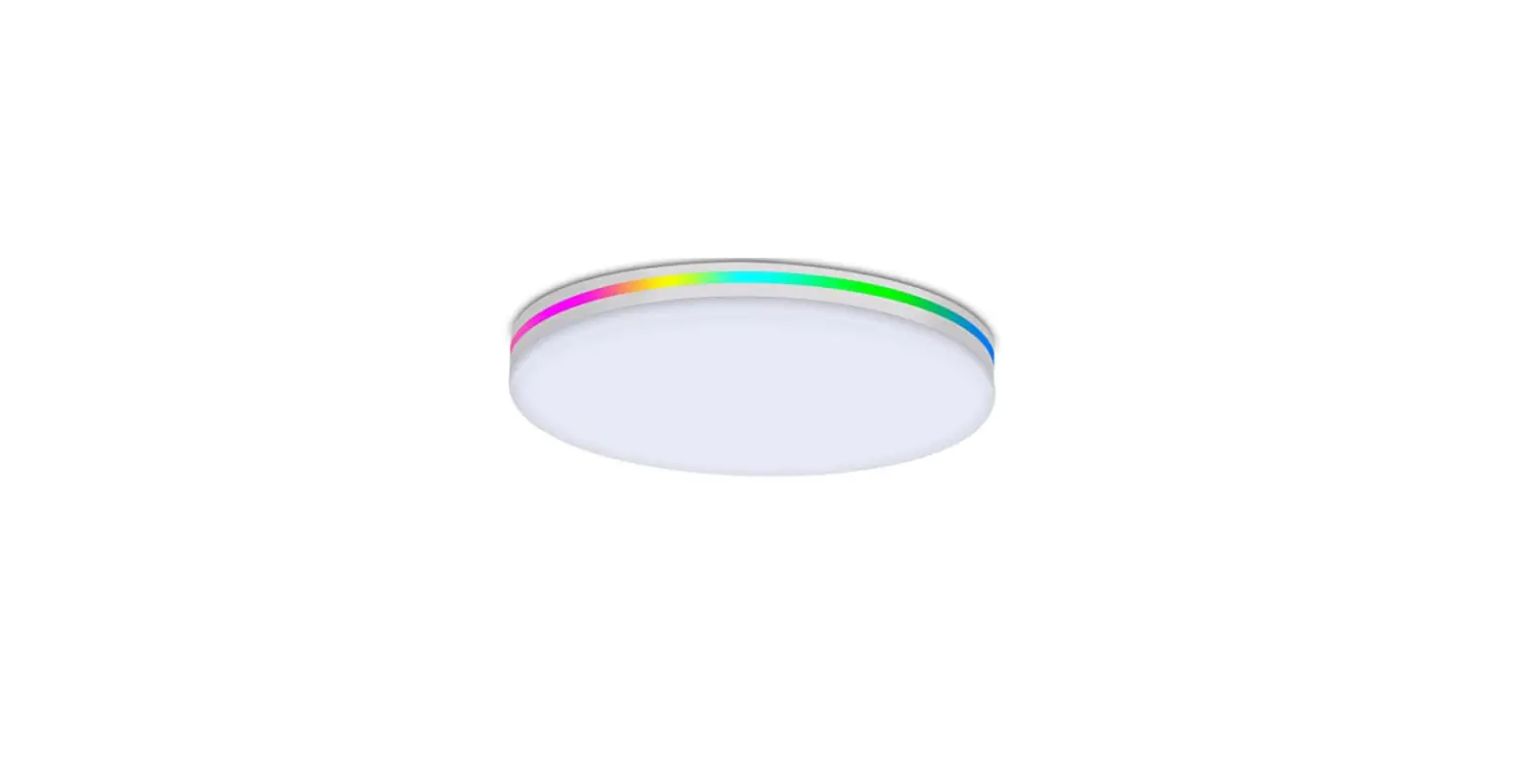
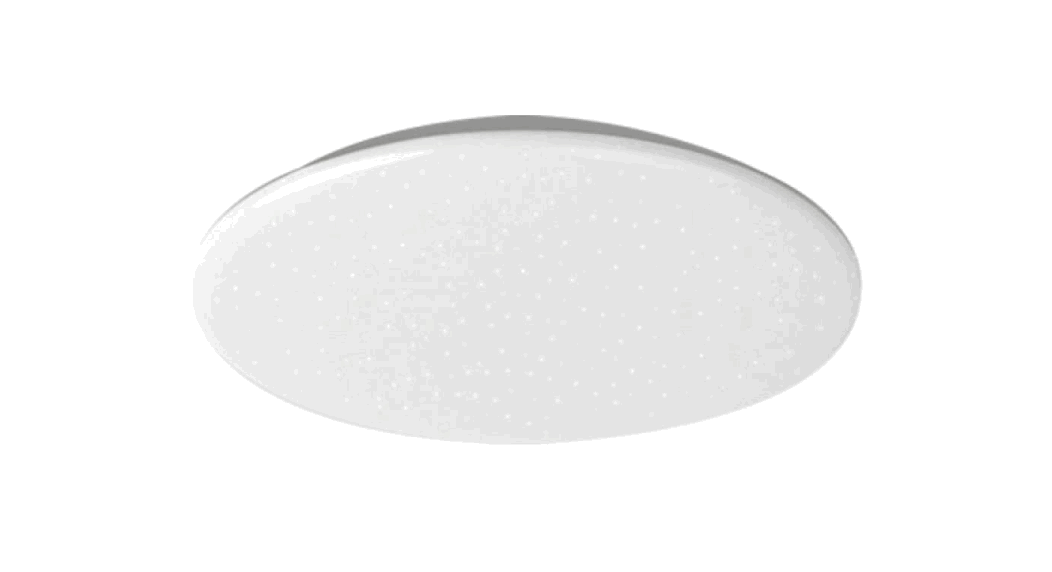
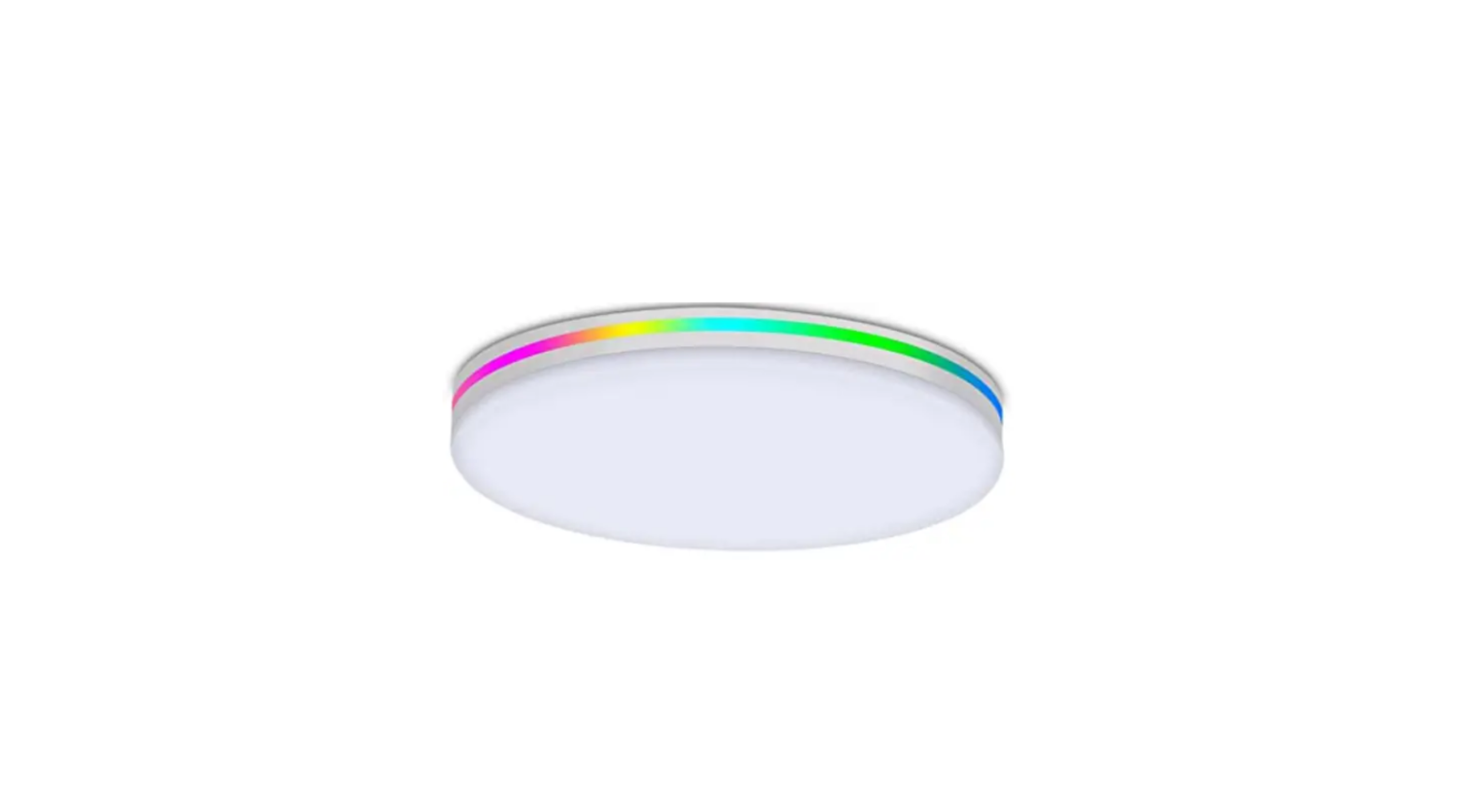
CL20 Aora Children’s Smart Ceiling Lamp
Product Information: BenQ CL20 Aora
The BenQ CL20 Aora is a ceiling light that comes with a remote
control for easy operation. It features an ambient light sensor
that automatically detects and compensates for the ambient light
condition. The light also has an infrared (IR) signal receiver that
receives signals from the remote control. The package includes a
bracket, expansion bolt, metal plate for upper bracket, long screw
(pointed tip), short screw (flat tip), lower bracket, cover, and
two black sponges used to keep the light in position.
Package Contents:
- Bracket x 1
Components and Functions:
- Ceiling light
- Infrared (IR) signal receiver
- Power connector
- Ambient light sensor
Remote Control and Accessories:
- Remote control
- Remote control holder
- AAA battery (2 pcs)
- Adhesive tape (already attached to the backside)
Product Usage Instructions:
Precautions for Installation:
Do not install this product on sloping or uneven ceiling
surfaces such as inverted-V shaped/slanted ceilings, grid ceilings,
ceilings with partitions, and ceilings with extreme protrusions.
This is to prevent the product from falling and getting damaged as
it cannot be fixed securely. Before installing the brackets, make
sure to turn off the mains power and the wall switch to avoid
accidents of electric shock or conduction.
Installation of the Upper and Lower Brackets:
- Depending on the surface material of the ceiling, secure the
metal plate for upper bracket to the ceiling surface using the two
long screws (pointed tip for wooden ceilings) or the long screws
and plastic bolts (for cement ceilings). To prevent the risk of
falling, do not install the steel plate for upper bracket on a
junction box. - Connect the upper bracket to the AC power supply (100-240V AC,
50/60Hz). The neutral and live wires should be single-core wires
with a suitable diameter of 1.6-2.0 mm, and the stripping length
needs to be up to 10mm. Insert the neutral wire into the socket
with a W mark, and the live wire into the socket without the mark.
Ensure that the wires are inserted all the way into the wire
sockets and firmly secured with no looseness, and that the copper
portions are not exposed. - Secure the upper bracket to the metal plate using the two short
screws (flat tip). Make sure that the upper bracket is not askew or
loose. - Align and insert the two metal hooks on the lower bracket into
the two square holes on the upper bracket (1). Turn the lower
bracket to the right (clockwise, as indicated by the green arrows)
until it clicks into place (2).
Once you have installed the brackets, you can attach the light
cover to the ceiling light. The black sponges provided should be
used to keep the light in position. Do not remove them. The remote
control holder can be attached to a convenient location using the
adhesive tape provided. The remote control requires two AAA
batteries, which are also included in the package.
BenQ.com
© 2023 BenQ Corporation. All rights reserved. Rights of modification reserved. P/N: 4J.2T001.004 4J.W3P02.003
CL20 Aora
User Guide
English
Package Contents
Check the packaging for the following items. If any is missing or damaged, please contact the place of purchase immediately.
· Ceiling light x 1
· Long screw (pointed tip) · Metal plate (for upper
· Upper bracket (black) x 1 x 2
bracket) x 1
· Lower bracket (white) x 1 · Short screw (flat tip) x 2 · AAA battery x 2
· Remote control x 1
· Plastic bolt x 2
· Quick Start Guide x 1
· Remote control holder x 1 · Expansion bolt (white) x 2 · Warranty Information x 1
The illustrations in this guide are for your reference only and may look different from the appearance of the product you purchased.
For Your Safety
This product has been tested and certified under regulations and standards for illuminating devices. To ensure your safety, please pay attention to the warnings and cautions below, and follow the instructions in this guide when installing and using the product. · The applicable power supply specification of this product is 100-240V AC, 50/60Hz.
Use only the genuine upper and lower brackets. Use of non-genuine upper and lower brackets may cause damages to the product. · The applicable temperature of this product is 5°C-40°C. If the ambient temperature is too high or the time of use is too long, the product life will be shortened · Remove the packaging materials attached to this product before use. If the packaging material of this product is not completely removed, it may cause a fire when the product is in use. · Once the light source needs to be replaced (such as when the life of the light source is over), please contact the manufacturer or its service agent for replacement. · To prevent burns caused by the high temperature, do not put your hands behind the product when the light is on. · If this product will not be used for a long period of time, turn off the mains power or the wall switch. · Depending on the material and structure of the ceiling, the surface of the ceiling where this product is installed may become discolored. · Avoid using this product in places where corrosive gases are generated, such as hot spring areas. · Due to the expansion and contraction of the parts, cracking sounds may be heard when turning on the light or just after turning it off. · When you shoot with a camera or video camera under the lighting of this product, lines or patterns may appear on the monitor or on the captured image. · Do not disassemble any components of this product to avoid electric shocks or damages to the components. · To avoid fire, do not place heat-generating electrical appliances or equipment (such as a stove or a furnace) directly under this product . · The surface temperature of this product becomes high after prolonged use. If it is necessary to wipe and clean the surface of this product, please turn off the product and wait for it to cool down before proceeding.
English
1
CAUTION
· In case of the following situations, turn off the mains power immediately and contact the authorized service center or a qualified service person for inspection or repair: – When the outer casing of the light is broken – When there are strange odors coming from the light – When the light flickers – When the insulation of the light’s wiring is damaged or frayed, and the metal strings inside can be seen
· Do not use the light in a humid environment (like in a bathroom or outdoors). Otherwise the components inside may short-circuit and result in accidents.
· This light is designed for indoor use only. Do not use it outdoors. · Never disassemble the light or remove any components from it, as
doing so may result in accidents and will void the product warranty.
Components and Functions
Parts for Installation Ceiling Light
Expansion bolt (white) Metal plate for upper bracket Long screw (pointed tip)
Upper bracket Short screw (flat tip)
Lower bracket
Ceiling light
Cover Infrared (IR) signal receiver Receives signals from the remote control These black sponges are used to keep the light in position. Do not remove.
Power connector Caution: Use only genuine brackets for installation. Using non-genuine upper and lower brackets may cause damages to the light.
Ambient light sensor Automatically detects and compensates for
the ambient light condition
2
English
Remote Control and Accessories
Remote control
Remote control holder
Front
Back
AAA battery (2 pcs)
Adhesive tape (already atteched onto the back side)
Installing the Light Precautions for Installation
· This product must be installed by a professional electrician wearing appropriate protective equipment.
· Before installing this product, be sure to turn off the mains power and the wall switch to avoid accidents of electric shock or conduction.
· Do not install on weak ceilings (such as plywood or plasterboard ceilings) to avoid personal injury caused by falling.
· Use only genuine upper and lower brackets for installation. Do not use nongenuine upper and lower brackets. Other lamps (including its lower bracket) cannot be installed on the bracket of this product. Consult professional electricians for the proper process and method of installation of the genuine upper and lower brackets.
· The weight of ceiling light must not exceed 5 kg. If it exceeds 5kg, there may be a risk of falling.
· If the use of a ladder is required when installing this product, be sure to pay attention to the stability of the ladder to avoid danger caused by the ladder tipping over.
· If the use of an extension cord (for electric tools) when installing this product, be sure to pay attention to its extendable length, so as to prevent the installer from being tripped by the extension cord and causing danger.
· The specified power supply specification of this product is 100-240V AC, 50/60Hz. · This product is intended for installation on level and flat ceiling surfaces only. Do
not install this product on sloping or uneven ceiling surfaces (such as inverted-V shaped/slanted ceilings, grid ceilings, ceilings with partitions and ceilings with extreme protrusions), so as not to fall and damage the product because it cannot be fixed securely.
Inverted-V shaped ceiling
Slanted ceiling
Grid ceiling
Ceilings with partitions
Uneven ceiling with extreme protrusions
English
3
· Be sure to install the product on the ceiling surface using the mounting accessories supplied with the product, and ensure that the ceiling is strong enough to bear the weight of the product (approximately 4.1 kg). Do not install this product on a decorative surface (e.g. unreinforced ceilings, plywood or plasterboard), or use only glue to attach the product to the ceiling surface, as it may fall and cause a hazard because it cannot be secured securely.
· Ensure that there is space at least 84 cm in diameter between the position of the upper bracket and the surrounding walls to maintain ideal lighting effects.
· This product must be used with a nondimmable wall switch. If the wall switch is a dimming switch, please have a professional electrician replace it with a non-dimming wall switch to prevent abnormal operation.
84 cm
· If there are lighting devices with rectifiers nearby, please reserve a space of 150 cm in between.
· Do not install the upper bracket if the situation below occurs. Contact BenQ customer service for replacement. -The upper bracket is damaged -The upper bracket becomes loose -The upper bracket has been installed on ceilings with partitions
· To prevent fires, do not cover the brackets with paper or cloth.
Damaged
DN
Loose
Installed on ceiling with partitions
4
English
Installation of the Upper and Lower Brackets
Before installing the brackets, be sure to turn off the mains power and the wall switch to avoid accidents of electric shock or conduction. Follow the steps below to avoid the danger of lamps falling due to improper installation. 1. Depending on the surface material of the ceiling, secure the
metal plate for upper bracket to the ceiling surface using the two long screws (pointed tip for wooden ceilings) or the long screws and plastic bolts (for cement ceilings).
To prevent the risk of falling, do not install the steel plate for upper bracket on a junction box.
2. Connect the upper bracket to the AC power
supply (100-240V AC, 50/60Hz). The neutral
and live wires should be single-core wires with a suitable diameter of 1.6-2.0 mm, and the stripping length needs to be up to 10mm. Insert the neutral wire into the socket
Neutral wire
“W” mark
Live wire
with a “W” mark, and the live wire into the
socket without the mark. Ensure that the
wires are inserted all the way into the wire
sockets and firmly secured with no
looseness, and that the copper portions are
not exposed.
3. Sesure the upper bracket to the metal plate
using the two short screws (flat tip). Make sure that the
upper bracket is not askew or loose.
4. Align and insert the two metal hooks
on the lower bracket into the two
square holes on the upper bracket
(1). Turn the lower bracket to the right
(clockwise, as indicated by the green
1
arrow mark
)(2), until the red
lock
button on the lower bracket is
aligned with the red positioning
2
sticker (3) of the upper bracket. If
you hear a “click” sound at this time,
it means that the lower bracket has
been installed in place. If there is no 3
“click” sound, or the lower bracket is
lock
loose after installation, check
whether the metal hooks have been 3
unlock
inserted into the square holes.
If you do not hear the “click” sound, or if the
lock
unlock
lower bracket is loose after installation,
contact the customer service center for
inspection.
English
5
Installation of the Ceiling Light
Perform the installation correctly in order to prevent personal injuries caused by the fall of the ceiling light.
1. Remove the cover in the center of
1
2
3
the ceiling light. Rotate the cover
counterclockwise until you hear a
“click” sound (1). Make sure that the
concave point on the cover is
aligned with the unlock symbol (2),
and then remove the cover (3).
2. Align the mounting hole in the
center of the ceiling light with the
lower bracket. Pass the power cord
from the lower bracket through the
mounting hole (1), then push the
2
ceiling light all the way up against the lower bracket. At this time, if you
1
hear a “click” sound twice, it means
that the ceiling light has been
3
installed in place.
Check the installation of the ceiling light and ensure that the following conditions do not occur:
The light shakes easily The light rotates easily
3. Hold the ceiling light with one hand and use the other hand to slide the green
button on the lower bracket to the direction indicated by the green arrow mark
lock (2) to lock the tenon and avoid the risk of falling.
4. Connect the power cord from the lower bracket to the power connector (3) of the
ceiling light, and ensure that the power cord is firmly connected and there is no
looseness. Once the power cord is connected, do not rotate the ceiling light to
prevent the power cord from generating heating and result in a fire.
5. Reinstall the cover. Align the concave point on the cover with the
1
2
3
unlock symbol (1). Push the cover all
the way up and ensure that the
cover can be rotated but will not fall
off. Turn the cover clockwise until
you hear a “click” sound (2) and
ensure that the concave point on the cover is aligned with the lock symbol (3).
6
English
Detaching the Ceiling Light
If the ceiling light needs to be detached for cleaning or maintenance, follow the instructions below.
Precautions
· If the use of a ladder is required, be sure to pay attention to the stability of the ladder to avoid danger caused by the ladder tipping over.
· Turn off the mains power and the wall switch first to avoid accidents of electric shock or conduction.
Detaching the Ceiling Light
1. Remove the cover in the center of
1
2
3
the ceiling light. Rotate the cover
counterclockwise until you hear a
“click” sound (1). Make sure that the
concave point on the cover is
aligned with the unlock symbol (2),
and then remove the cover (3).
2. Press down on the retaining hook on
the power cord connector with your
finger (1) and unplug the power cord
connector (2) at the same time.
3. Hold the ceiling light with both hands
3
and use your thumb to slide the green
button on the lower bracket to the
direction indicated by the red arrow
markunlock (3) to release the locking
1
2
of the tenon. At this time, the ceiling
light will be released from the lower
bracket. Slowly remove the ceiling light
and place it on a clean and stable surface.
Be sure to support the ceiling light with both hands before releasing the tenon lock to prevent the light from falling and causing personal injury.
Detaching the Lower Bracket
If it is necessary to detach the
lower bracket, detach the ceiling
light first, then press the red
button (1) on the lower bracket
1
lock
and turn the lower bracket to the Red
unlock
left (counterclockwise, as
button
indicated by the red arrow mark
lock
unlock
2
unlock
)(2) at the same time.
English
7
Using the Ceiling Light
Lighting Modes of the Ceiling Light
This ceiling light provides four lighting modes and a My Favorite mode which can be customized with lighting settings:
Lighting mode
Color temperature
Settings Brightness
Lighting area
Note
Full Mode
4000K
100%
In this mode, you can manually Main light adjust the brightness and color source + temperature of the main and indirect light indirect light sources at the same
source time (when adjusting, it will exit the Full Mode)
Casual Mode Reading Mode
3000K 4500K
In this mode, you can manually
Automatically optimized
according to
Indirect light source
adjust the brightness and color temperature of the indirect light source (when adjusting, it will exit
the Casual Mode).
the brightness of the
surrounding environment
Main light source + indirect light
In this mode, you can manually adjust the brightness and color temperature of the main and indirect light sources (when
source adjusting, it will exit the Reading
Mode).
Night Light Mode
1800K
Adjustable in 10 levels (default: Night lamp Only brightness can be adjusted. the 5th level)
· When My Favorite Mode is not set, press the My Favorite button on the remote
My
control and the ceiling light will make a “beep” sound.
Favorite · To set up My Favorite Mode: After adjusting to the preferred light setting, press
Mode and hold the My Favorite button on the remote control, and the ceiling light will
make a “beep” sound twice indicating that the setup is complete.
Operation of the Ceiling Light
You can use the ceiling light in the following ways of operation: · Using the wall switch (functions partially available) · Using the remote control (functions partially available) · Using the BenQ SmartLighting APP (full functions)
Using the Wall Switch
You can use the wall switch to turn the ceiling light on or off, or cycle through the lighting modes between My Favorite Mode, Casual Mode and Night Light Mode. To change the lighting mode of the ceiling light, use the wall switch to turn off and then
8
English
turn on the light within 3 seconds. Repeat this off > on operation to switch to the next lighting mode.
Turn on
On
ON OFF
Turned on according to the last brightness and color temperature settings
My Favorite Mode
Turn off
ON OFF
Repeated on/off operation
ON
Off
Casual Mode
OFF
2
1
Night Light Mode
Memorizes the
brightness and color
temperature settings and turns off
· If the power of the ceiling light remains turned off for more than 3 seconds, the ceiling light will memorize the lighting mode before the power is turned off, and apply it when the power is turned on next time.
· Do not operate more than two ceiling lights with a single wall switch, as it may not be possible to synchronize the operations at the same time.
Using the Remote Control
Installing Batteries Insert the included two AAA batteries into the remote control. When inserting the batteries, make sure that the positive and negative polarities of the batteries match the markings on the remote control.
1
1. Open the back cover of the remote control. Press and
hold the arrow mark on the back cover of the remote
control (1), then slide it downward to open the back
cover (2).
2
2. Insert 2 AAA batteries according to the markings on the battery compartment of the remote control.
3. Slide the back cover upward to close it.
The batteries supplied are used for checking whether the remote control is functioning normally. After confirming that the remote control functions normally, replace them with new batteries as soon as possible. Precautions for using the battery:
· Insufficient battery power will affect the normal operation. If this happens, replace with new batteries. It is recommended to replace the batteries every 12 months.
· Improper use of batteries may cause leakage or explosion. Please read the battery precautions carefully and use it with caution.
· If battery fluid gets into your eyes, rinse with clean water immediately and seek medical attention.
· If battery fluid gets on your skin or clothing, rinse it off with clean water. · Do not place batteries near a fire source, in direct sunlight or in a place where the
temperature is higher than 60°C. · Do not place batteries in water or on wet surfaces. · Do not disassemble, strike or modify the battery. Otherwise it may cause the danger of short
circuit of the battery. · Never recharge a non-rechargeable battery or dispose of a battery in a fire as it could be
dangerous.
English
9
· When the batteries are depleted or the ceiling light will not be used for a long time, remove the batteries to avoid damage to the remote control due to leakage of chemical substances in the batteries.
· In order to reduce the possible harm of waste batteries to the environment and human health, dispose of waste batteries properly following local regulations on environmental protection and recycling.
Signal Emission of the Remote Control
When using the remote control, point the Infrared signal transmitter at the front of the remote control to the Infrared signal receiver on the ceiling light.
Precautions for using the remote control:
· Turn on the wall switch before using the remote control. · The remote control signal has no signal channel, and a single remote control can be used to
operate multiple ceiling lights. · If there is an obstacle blocking the signal transmission between the ceiling light and the
remote control, it may cause the ceiling light to work abnormally. To avoid such situation, pay attention to whether there is any obstacle blocking the signal transmission when operating the remote control. · If the infrared signal transmitter on the remote control and the Infrared signal receiver on the ceiling light are dirty, it will affect the normal operation. If this happens, clean them with a clean and dry cloth. · The operating distance of the remote control may be shortened due to the color or material of the ceiling, wall and floor. · If there is a TV or wireless device controlled by Infrared remote controls near the ceiling light, it may affect the normal operation of the remote control. · After using the remote control to turn off the ceiling light, the ceiling light still consumes less than 2W of electricity. Therefore, if the ceiling light will not be used for a long time, turn off the switch on the wall.
Installing the Remote Control Holder
1. Clean the surface where the remote control will be installed. 2. Tear off the white adhesive tape on the back of the holder,
then attach the holder to the surface to be installed. Press the holder firmly for 30 seconds and then let it stand for 1 hour. 3. Attach the remote control to the holder.
It is not recommended to install the remote control holder on rough and uneven wall surfaces (it will cause weak adhesion) or wallpaper (it may damage the wall when removed).
Adhesive tape
Remove the Remote Control Holder
1. Remove the remote control.
1
2
2. Hold the holder (1) gently with the palm of your hand,
and then slowly turn the holder to the left or right (2) to
remove it.
10
English
Remote Control Functions
On/Off button Press this button to turn the light on or off
Brightness button After pressing this button, turn the
adjustment knob clockwise or counterclockwise to increase or
decrease the brightness Full Mode button
Press this button to change to the Full Mode
Night Light Mode button Press this button to change to the Night
Light Mode Casual Mode button Press this button to change to the Casual
Mode
Using the BenQ SmartLighting APP
Infrared signal transmitter Sends Infrared signal to the ceiling light Adjustment knob Used to adjust brightness and color temperature in conjunction with the Brightness or Color Temperature button
Color Temperature button After pressing this button, turn the adjustment knob clockwise or counterclockwise to increase or decrease the color temperature Prompt Sound button Long press this button to turn on or off the control prompt sound
My Favorite Mode button · When My Favorite Mode is not set, press
this button and the ceiling light will make a “beep” sound. · To set up My Favorite Mode: After adjusting to the preferred light setting, press and hold this button, and the ceiling light will make a “beep” sound twice indicating that the setup is complete. Reading Mode button Press this button to change to the Reading Mode
Downloading and Installing the BenQ SmartLighting APP Search for “BenQ SmartLighting” in GooglePlay or AppStore according to the type of mobile device you are using, or scan the QR code on the right to download and install the BenQ SmartLighting APP:
After the installation is complete, tap the
icon to open
the BenQ SmartLighting APP.
SmartLighting
Using the BenQ SmartLighting APP
After opening the BenQ SmartLighting APP for the first time, the screen will guide you step by step through the procedures of adding a ceiling light and connecting to a wireless network. Follow the on-screen instructions to proceed.
When using the BenQ SmartLighting APP to operate the ceiling light, make sure that the wall switch is in the ON position.
For the detailed operation and setting guide of the various
functions provided by the BenQ SmartLighting APP, tap the icon on the upper left of the screen.
English
11
Maintenance and Troubleshooting
· When performing maintenance and cleaning, be sure to turn off the mains power and wall switch first to avoid accidents of electric shock or conduction.
· Turn off the ceiling light first, and then use a soft, lint-free cloth dampened with diluted neutral detergent to wipe the light body. Never use volatile liquids or any other kind of chemical solvents such as kerosene, spot remover oil, etc., as they may damage the outer casing of the light.
· It is strictly forbidden to rinse the body and parts of the light directly with water or any liquid.
· If the light cannot be turned on, check whether the mains power and the wall switch are in the on position, and whether the ceiling light is installed correctly.
· If the problem still persists, stop using the light and contact the original place of purchase immediately.
Specifications
Model AC power input Max. power consumption Rated current/Power factor Color rendering index Dimensions IP classification
CL20
100-240V AC 50/60Hz Max. 150W
Max. 1.5A/0.95 95 59.2 x 59.2 x 11.2 cm IP20 (IP50 for the light enclosure only)
59.2 cm (23.3 in)
9 cm (3.5 in)
2.2 cm (0.87 in)
59.2 cm (23.3 in)
4 cm (1.5 in)
2.2cm (0.8 in)
12.2 cm (4.8 in)
12
English
·
1
·
·
(
)1
·
·
(
)1
·
·
1
·
·
1
2 2 2
2
·
1
· AAA (4 )
2
·
1
·
1
·
100-240V AC 50/60Hz
·
5-40
·
·
(
·
·
·
·
·
·
·
·
(
)
·
·
–
–
–
LED
–
·
·
·
·
)
·
NCC
:
CCAK21Y10020T0
1
:
AAA (4 ) (2 )
(
)
·
·
·
·
)
·
5kg
2
(
)
(
5kg
·
·
(
)
·
100-240V AC 50/60Hz
·
(
/
)
·
( 4.1
)
(
)
·
84 cm
·
·
· BenQ –
·
150 cm :
84 cm DN
3
1.
(
)
(
)
2.
AC
(100-240V AC 50/60Hz)
1.6-2.0 mm
10 mm
“W”
“W”
3.
4.
(1)
(
)
(2)
1
lock
(3)
2
:
3
lock
3
unlock
lock
unlock
4
1. (3)
2. (1)
: :
:
(1)
(2)
1
2
1
3
2 3
3. 4. 5.
(2) (3)
: (1)
(3)
1
lock
(2)
2
3
· ·
1.
:
1
2
3
(1)
(2)
(3)
5
2.
(1)
(2)
3.
unlock
(3)
3
1
2
:
(1) ) (2)
unlock
(
1
lock
unlock
lock
unlock
2
:
4000K
100%
+
(
)
3000K
(
)
4500K
+
(
)
1800K
10
( 5)
·
·
:
·
(
)·
(
)
·
(
)·
BenQ SmartLighting APP
(
)
6
3
ON OFF
ON OFF
· ·
1.
3
AAA (4 ) (2)
>
ON
OFF
2
1
1
(1)
2
2.
24
3.
:
·
·
·
·
·
· · · ·
·
12 60°C
7
:
· · ·
·
·
·
·
2W
1. 2.
3.
(
30
1
( )
1.
2.
(1)
(2)
)
1
2
/
(
)
(
·
·
:
)
8
1.
2.
/
N
/
N
(N = 1 2 3 4 5 10 15 20 25 30)
N
(N = 1 2 3 4 5 10 15 20 25 30)
·
·
MindDuo Aora
:
·
·
20
·
1 ~ 2
:
1 ~ 2
1 ~ 2
20
5 ~ 8
·
·
1 ~ 2
·
5 ~ 8
·
·
·
BenQ SmartLighting APP
/
9
BenQ SmartLighting APP
BenQ SmartLighting APP
BenQ SmartLighting SmartLighting APP
GooglePlay QR
AppStore BenQ
BenQ SmartLighting
APP
SmartLighting
BenQ SmartLighting APP
BenQ SmartLighting APP
BenQ SmartLighting APP
BenQ SmartLighting APP
BenQ SmartLighting APP
· · · · ·
AC /
IP
59.2 cm (23.3 in)
10
59.2 cm (23.3 in)
CL20
100-240V AC 50/60Hz
Max. 150W
Max. 1.5A/0.95
Ra95
59.2 x 59.2 x 11.2 (cm)
IP20
IP50
9 cm (3.5 in)
4 cm (1.5 in)
2.2cm (0.8 in)
2.2 cm (0.87 in)
12.2 cm (4.8 in)
(Pb)
(Hg)
(Cd)
(Cr+6)
1. 2.
(PBB)
(PBDE)
11
 BenQ.com