AUTEL Dragonfish Standard Fixed-Wing Surveillance Drone User Guide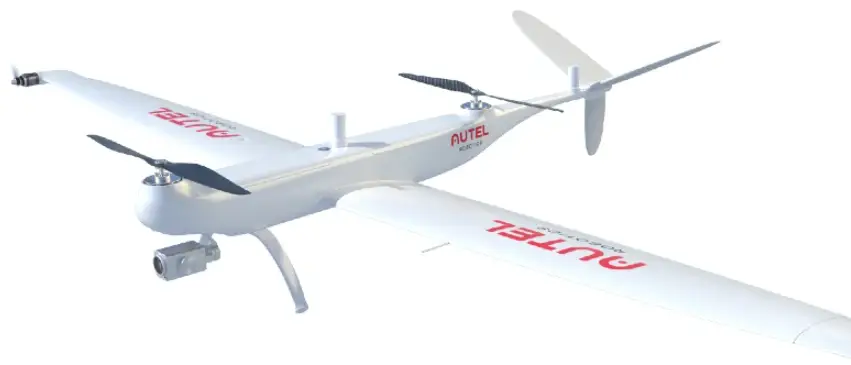
Introduction
Getting to know the aircraft
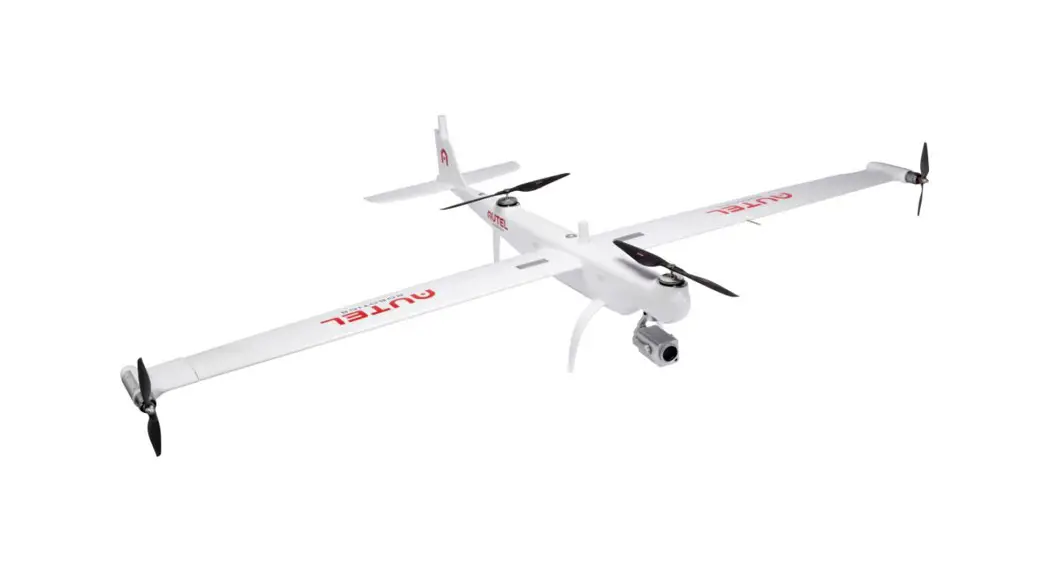
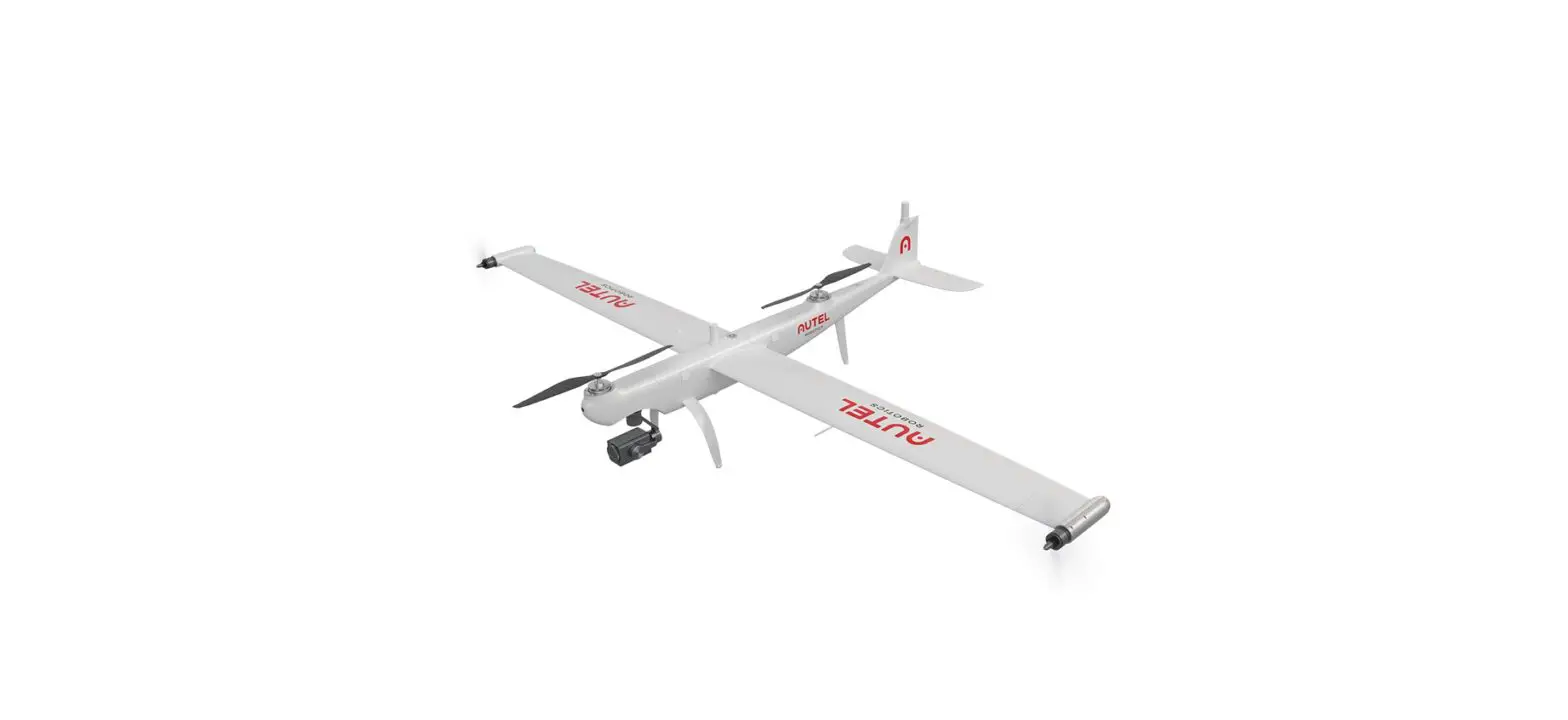
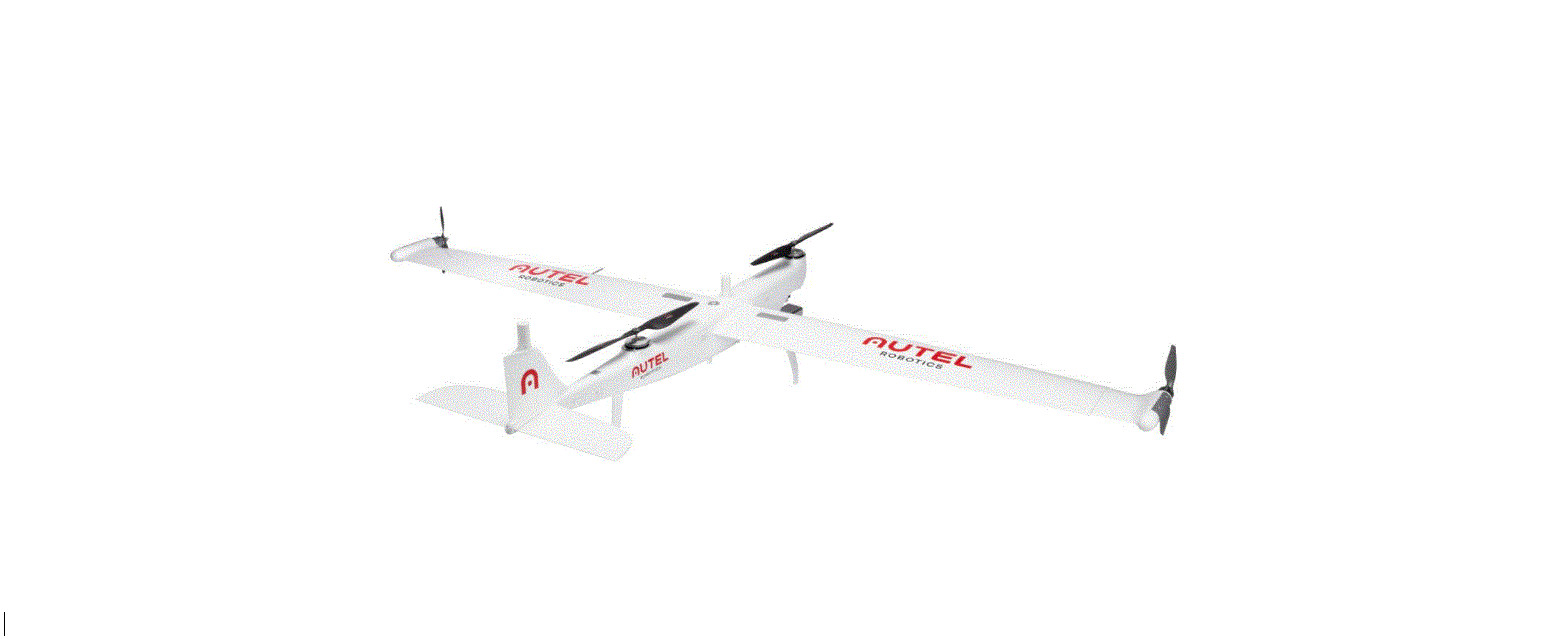
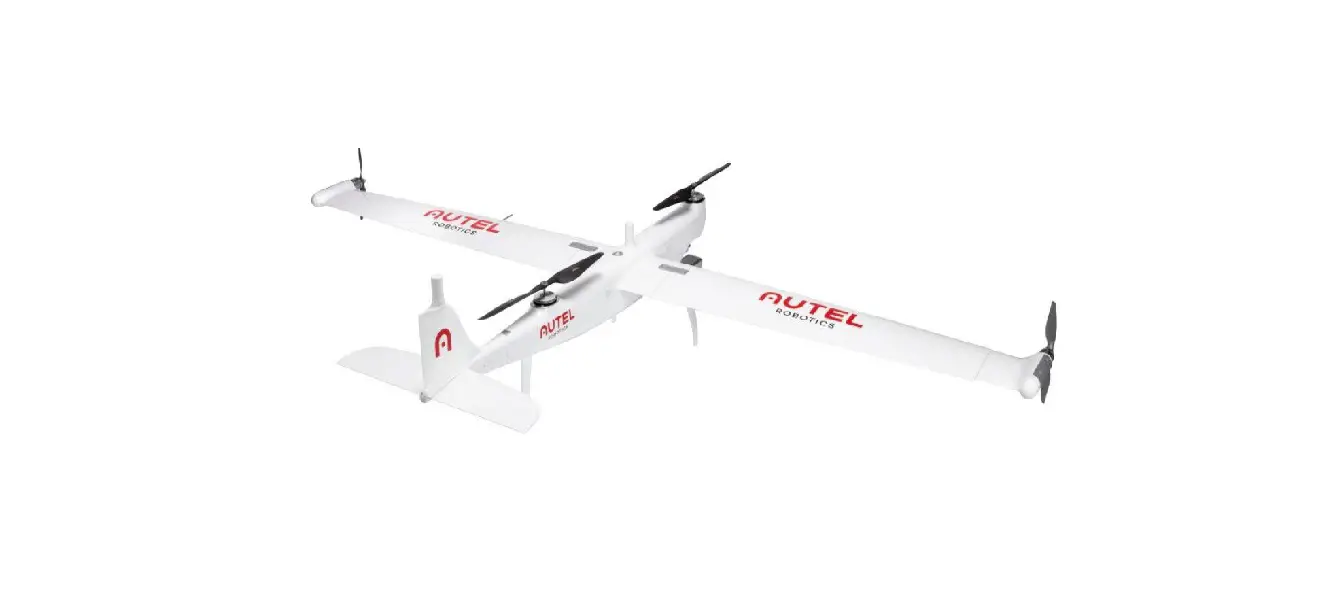
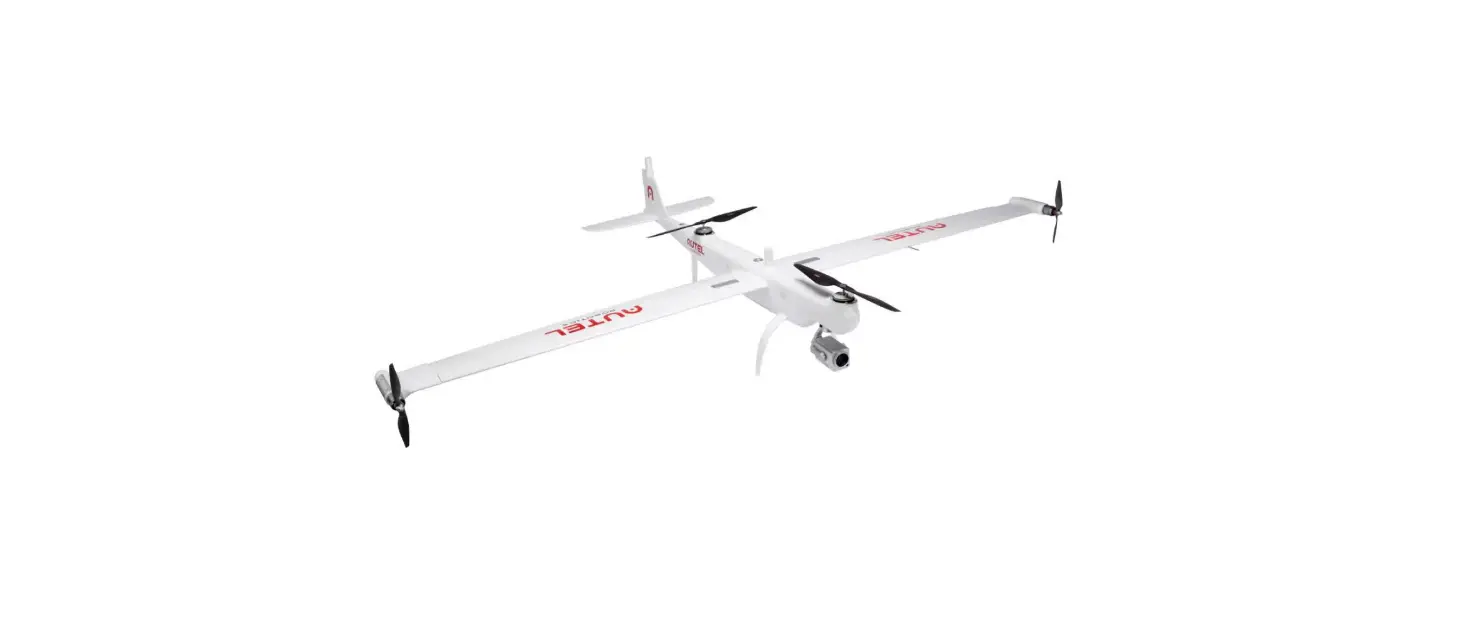
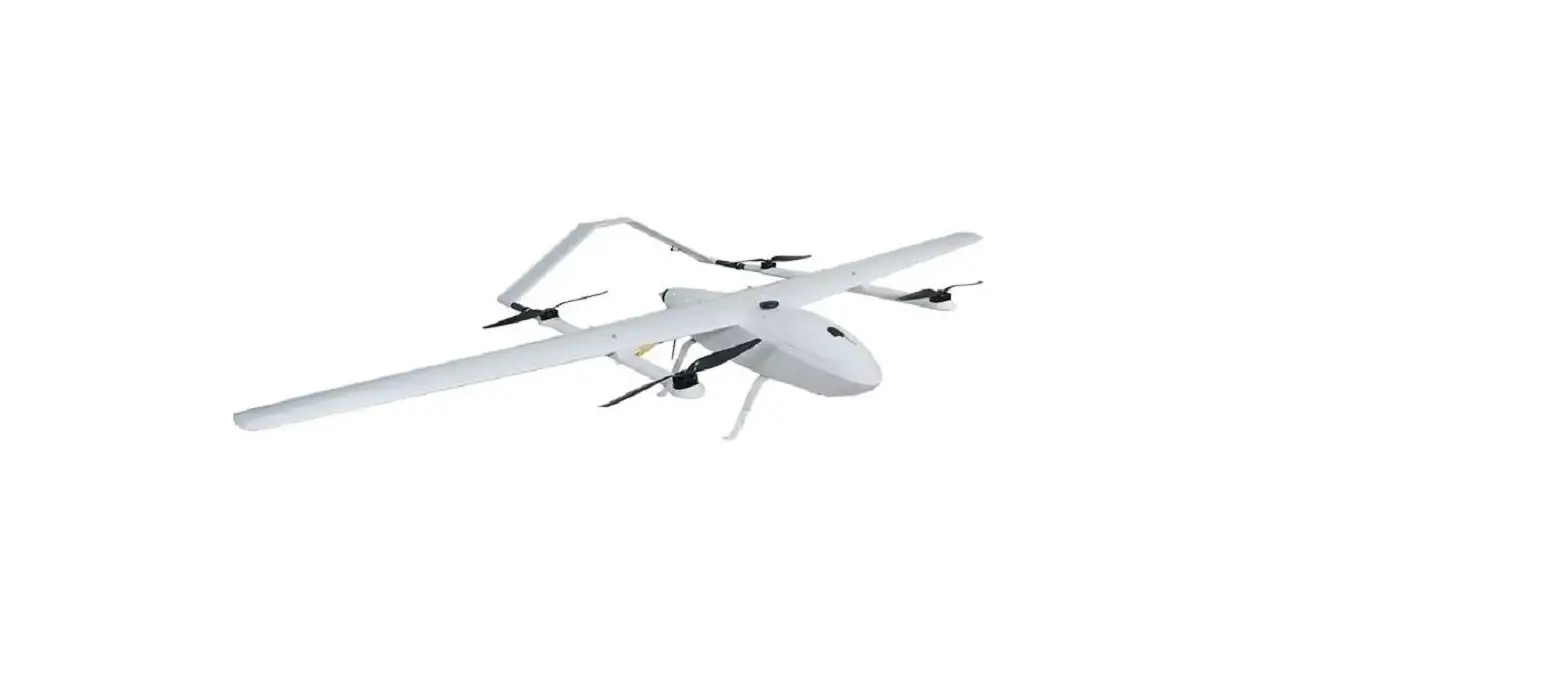
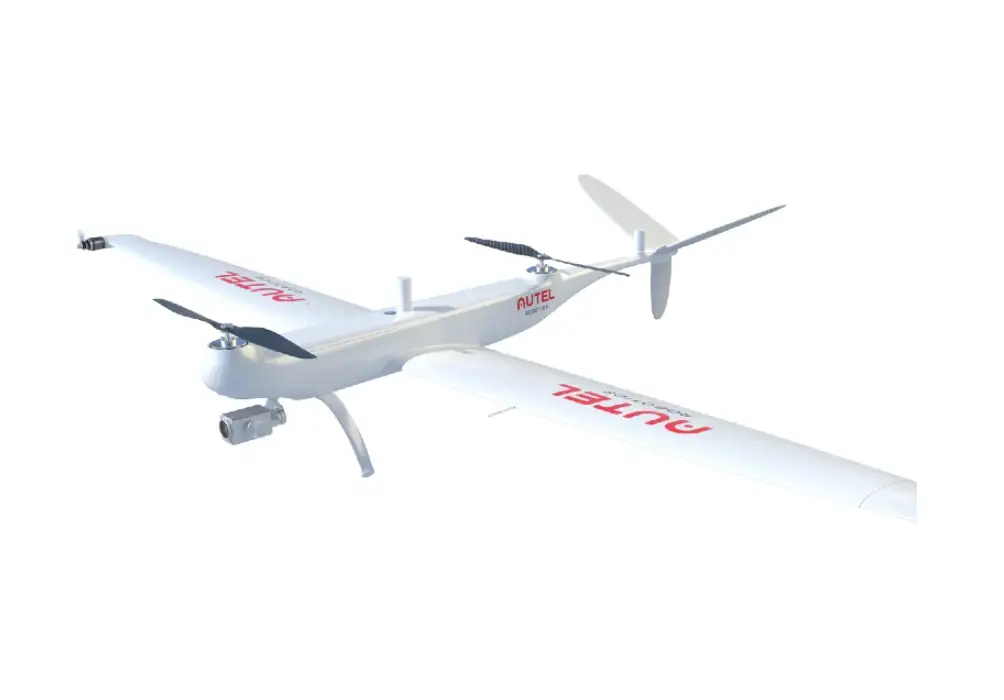
The Dragonfish Standard aircraft integrates intelligent and superior flight control technology, gimbal technology, and imaging technology.
The aircraft boasts a new tilt rotor design that combines the efficiency of fixed-wing aircraft endurance with the takeoff convenience of traditional multi-rotor drones. A 5 second self-check system ensures the aircraft is safe and ready for operation.
It can be assembled quickly, enabling set up and take-off in a matter of minutes.
The Dragonfish Standard offers a maximum flight time of up to 126 minutes and a video transmission range of 30 km.
It comes built in with a range of intelligent features such as automatic take-off and landing, intelligent tracking, terrain follow and more.
Tough and reliable, the Dragonfish Standard has an IP43 protection rating to enable operations across a variety of terrains.
It also features a modular payload mount with an integrated quick release function that enables operators to mount a dual sensor, a triple sensor, or a multispectral payload effortlessly to suit mission needs.
Alongside the aircraft is a GNSS Base Station and the integrated, Dual RTK modules that equip the aircraft with additional redundancy.
This allows the Dragonfish Standard to fly confidently in complex environments while capturing precise, centimeter-accurate data.
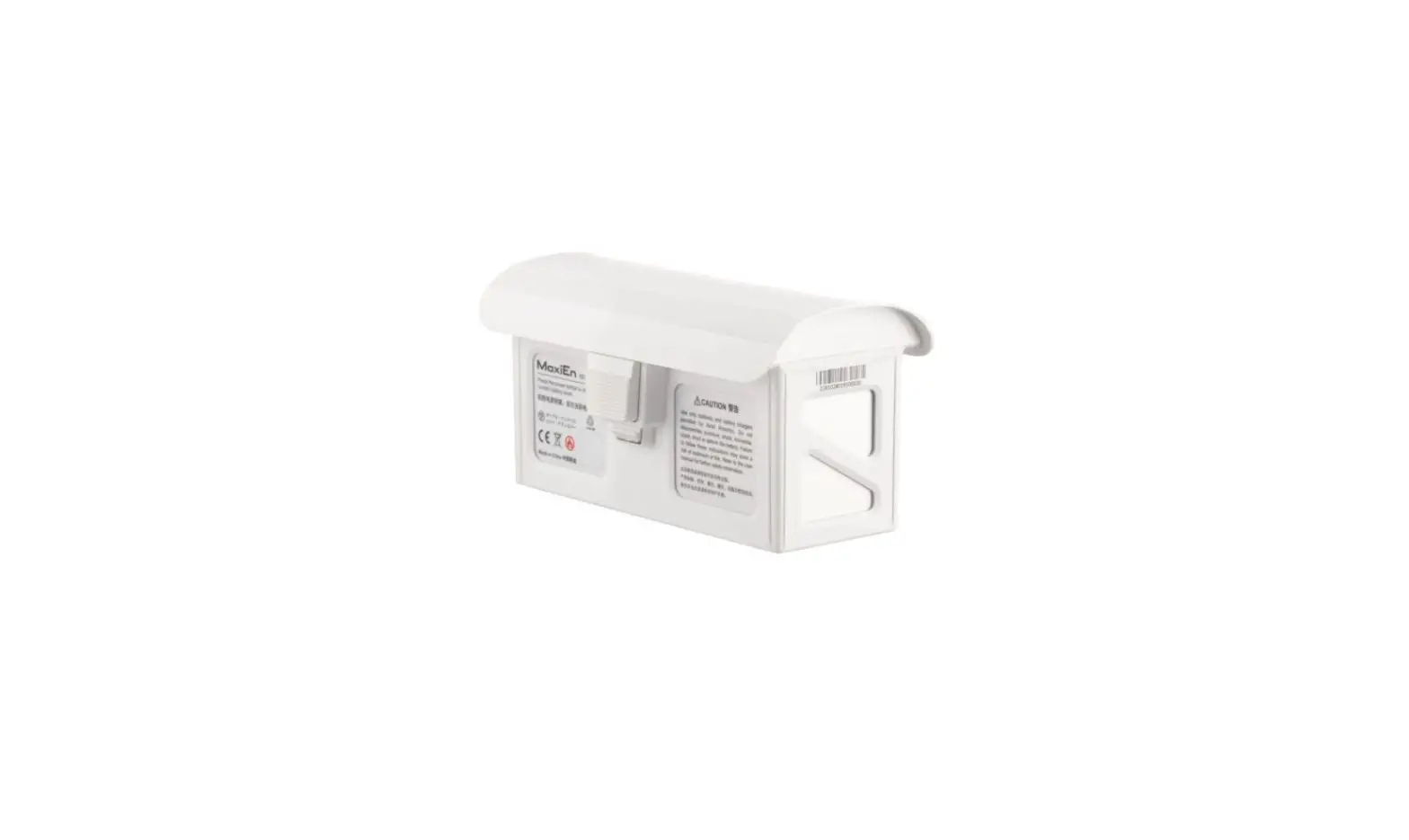
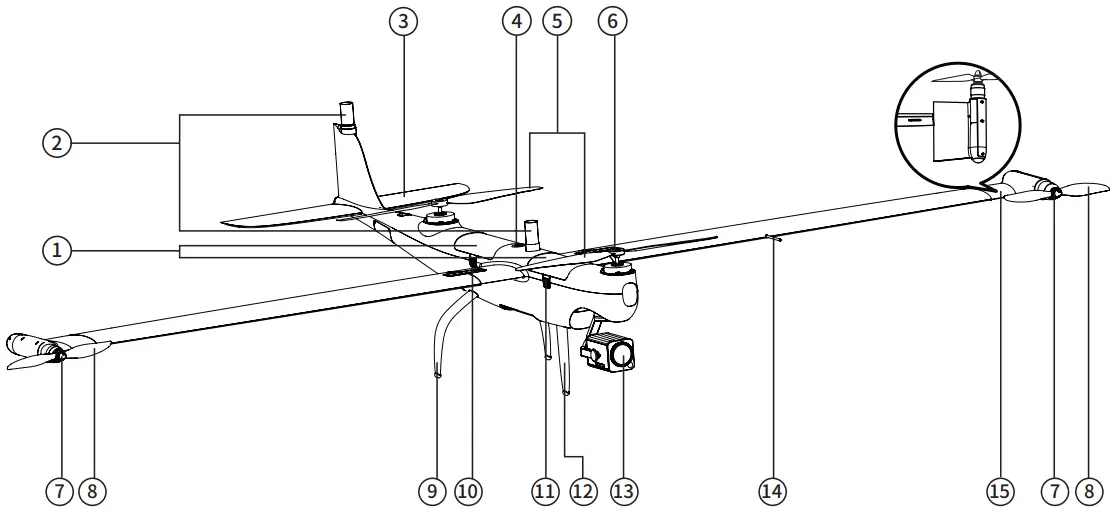
- Smart battery
- RTK antenna
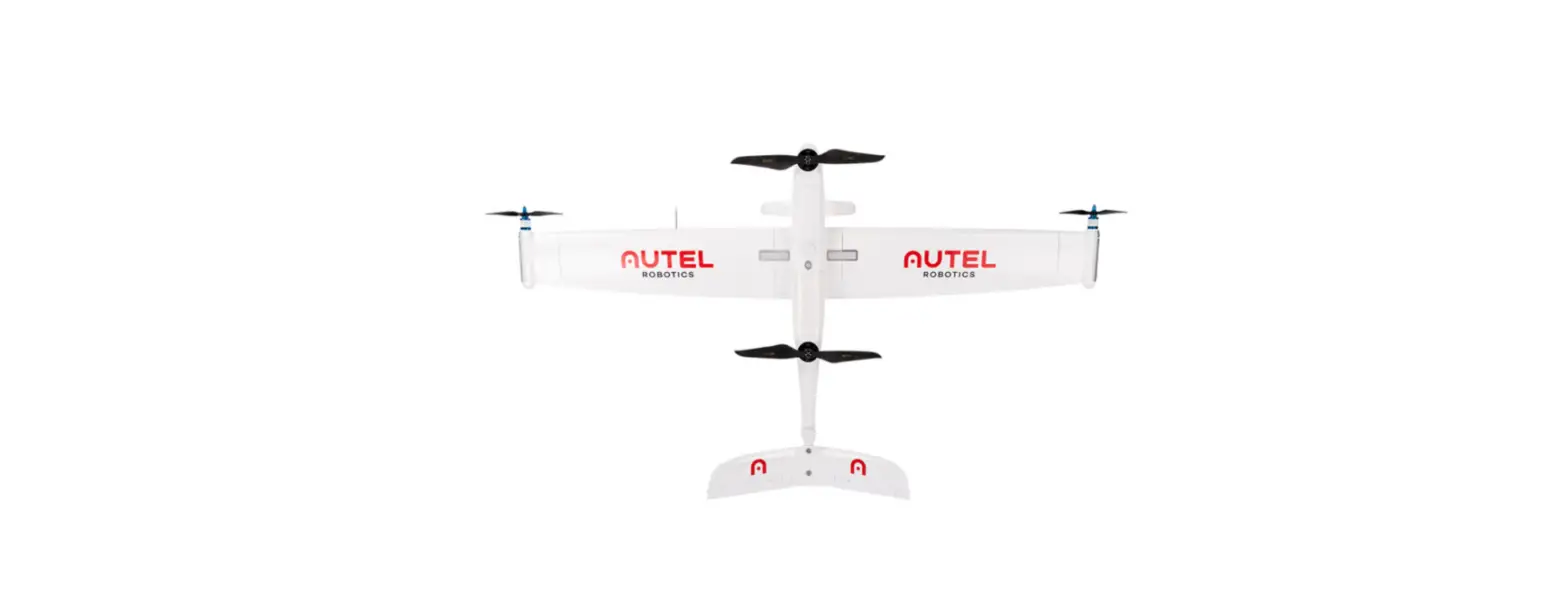
- Horizontal stabilizer
- Power button/indicator
- Propeller blades
- Body motor
- Wing motor
- Wingtip propellers
- Rear landing gear
- Wing lock
- Battery release button
- Front landing gear
- Gimbal camera
- Airspeed sensor
- Tilting wingtip
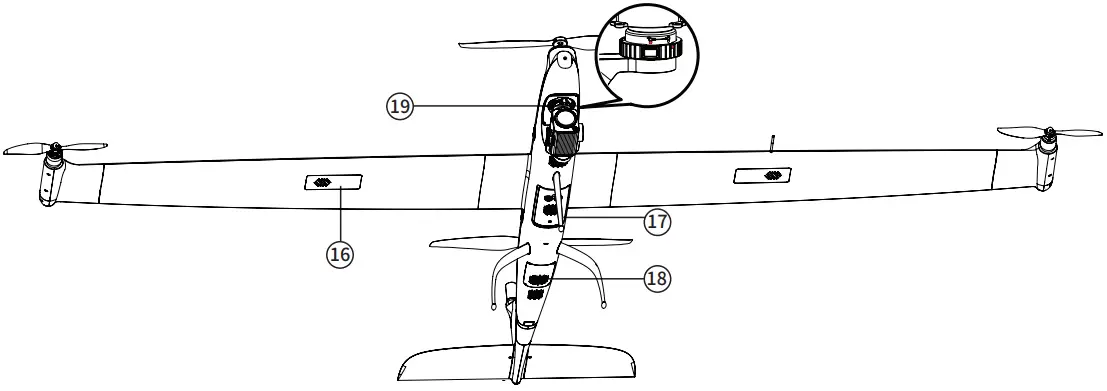
- GPS module
- Ultrasonic Positioning Sensors
- Dust Net
- PTZ installation interface


Parts List
| Item list | |||
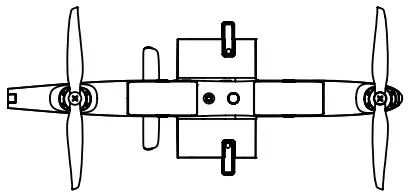 | Aircraft body x 1 | 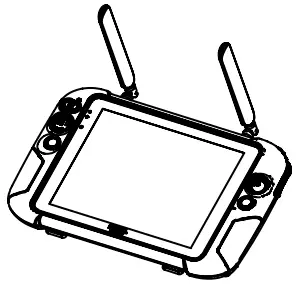 | 9.7 inch ground station x 1 |
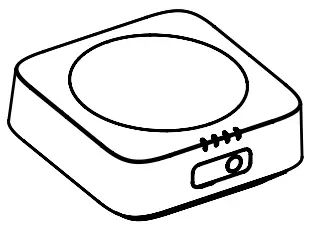 | Base station x 1 | 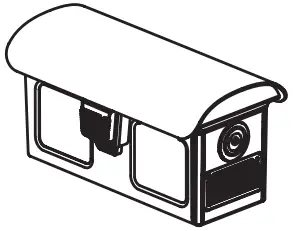 | Battery x4 (the actual quantity is subject to the purchased set) |
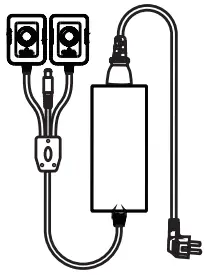 | Charger + AC line x 1 | 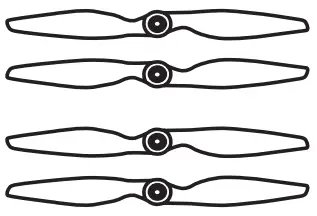 | Propeller blades x 2 |
 | Base station antenna x 2 | 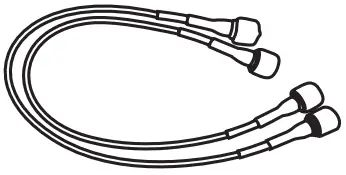 | Base station feeder x 2 |
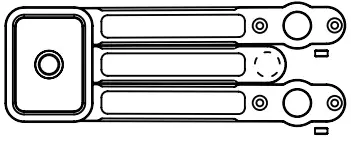 | Base station tray x 1 | 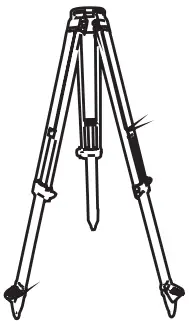 | Base station tripod x 1 |
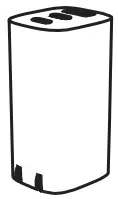 | Base station charger x 1 | 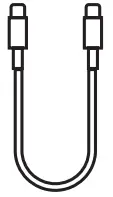 | USB Type-C cable x 1 |
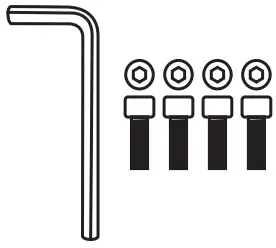 | Repair tool kit x 1 | 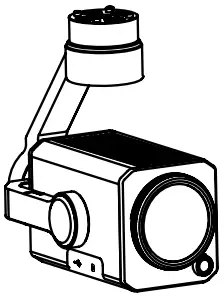 | Gimbal Camera x 1 (The gimbal model is subject to the actual set purchased) |
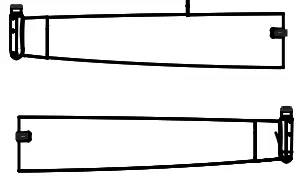 | Wing set x 1 | 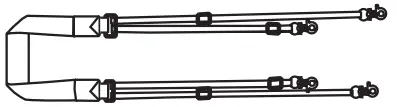 | Ground station lanyard x 1 |
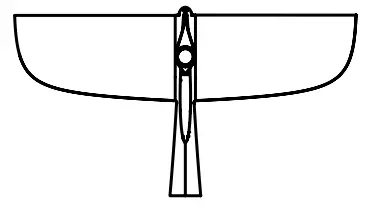 | Tail x 1 | 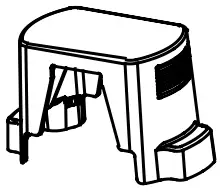 | Propeller holder x 2 |
 | Airspeed indicator cover x 1 |  | TF card x 1 |
 | Tail Rubber Cover x 1 |  | Documentation x 1set (includes Dragonfish Standard, Base station, Charger, Battery quick guide, Disclaimer) |
Getting to know the portable ground station
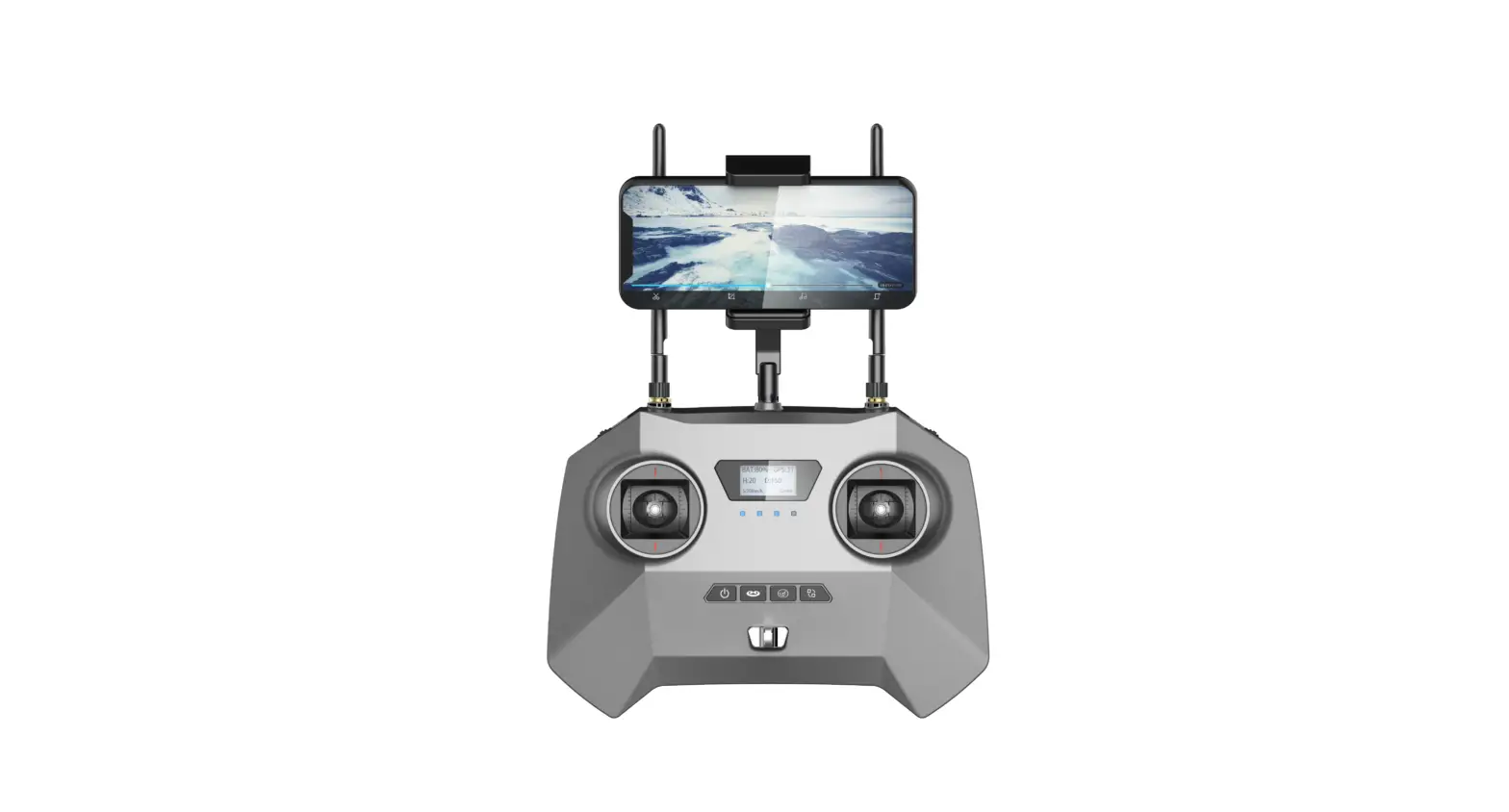
The Dragonfish Standard is equipped with a 9.7-inch TFT-LCD touch screen (2048*1536). It offers a brightness of 1000 cd/m2, making it almost twice as bright as typical mobile devices.
The screen can display images clearly even in direct sunlight, and a built-in 256G memory makes it convenient for storing all your critical data.
With an image transmission range of 30km[1] and a battery life of 4.5 hours, the ground station guarantees optimal performance and reliability
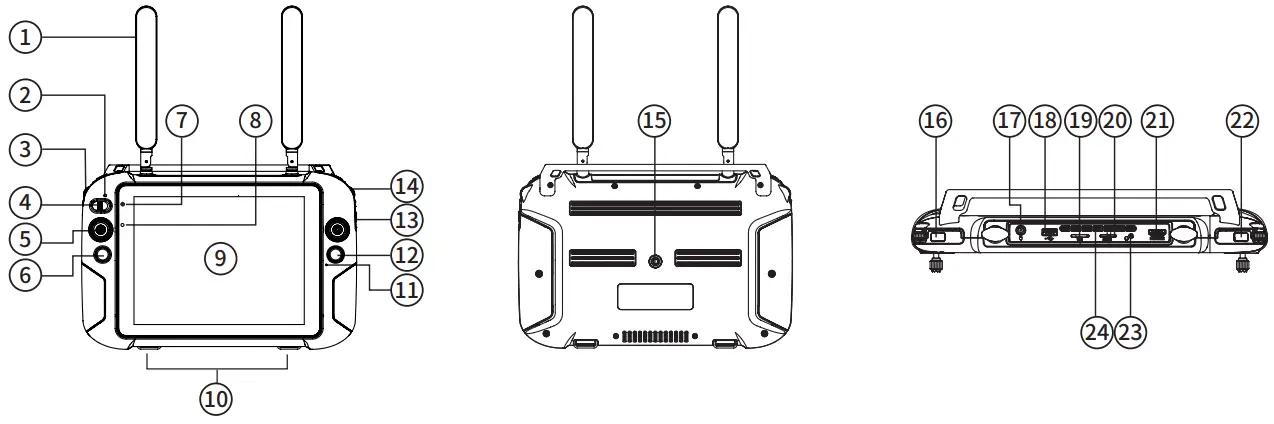
- Antenna
- Mode switch indicator
- Gimbal pitch control wheel
- Manual/Auto mode switch key
- Joystick
- Home button
- Power status indicator
- Light perception sensor
- Touch screen
- Hooks (for lanyard support)
- Microphone
- Photo/Video button
- Zoom button
- Gimbal level control dial
- Tripod mounting interface
- Power button
- Charging port
- USB port
- SD card slot
- SIM card slot
- HDMI port
- Custom buttons
- Headphone jack
- Air outlet
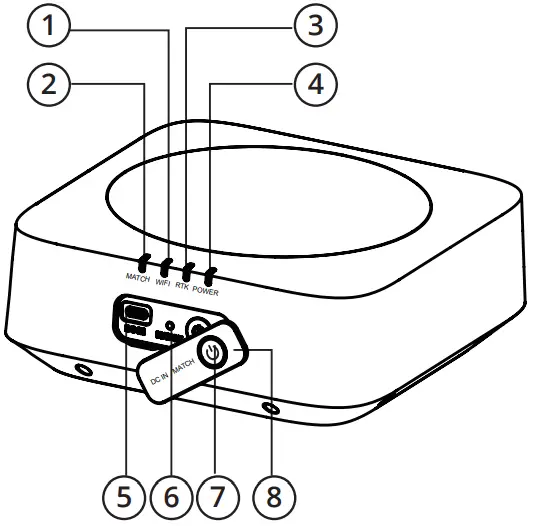
Getting to know the base station
The Dragonfish base station is a high-precision satellite signal receiver that supports GPS, Beidou, Galileo and GLONASS navigation systems.
It can be used across a variety of applications and environments.
The Dragonfish base station and the integrated Dual RTK modules equip the aircraft with additional redundancy and positioning accuracy to provide precise, centimeter accurate data.
It also enables the Dragonfish Standard to withstand signal interference in strong magnetic environments such as power lines and near buildings.
- WiFi indicator
- Linking indicator
- RTK indicator
- Power indicator
- Charging port
- Frequency button
- Power button
- Port cover
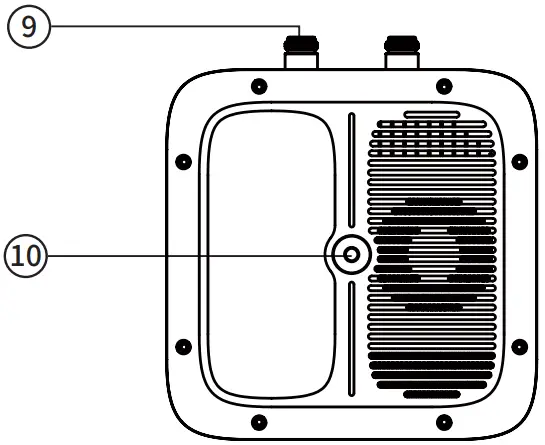
- Antenna interface
- Tripod interface


Using the Dragonfish Standard
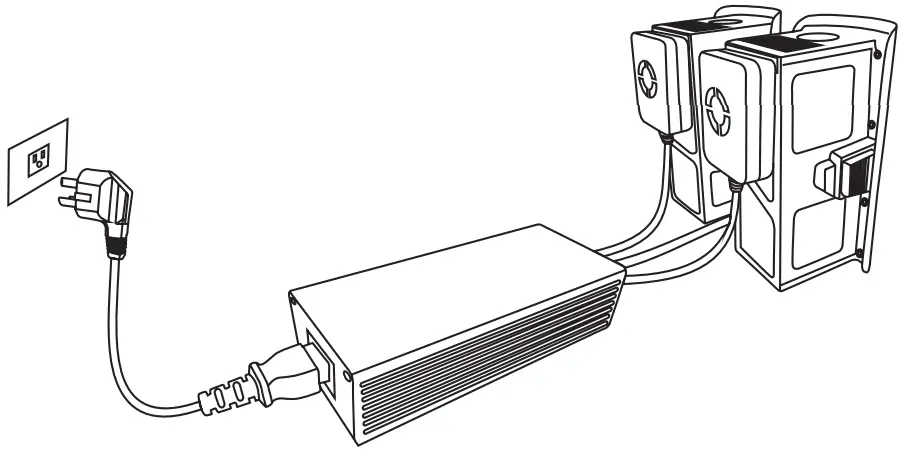
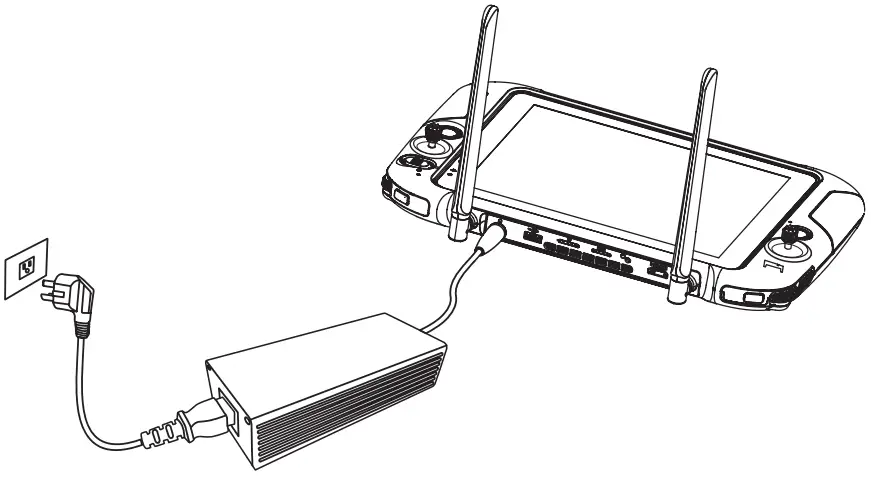
Charging
- Charging the Intelligent flight battery

- Charging the ground station

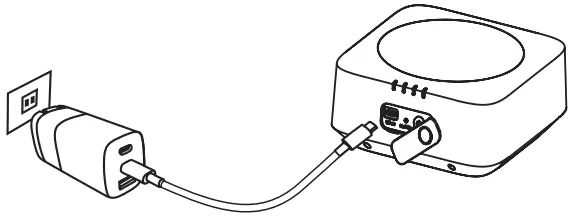
- Charging the base station

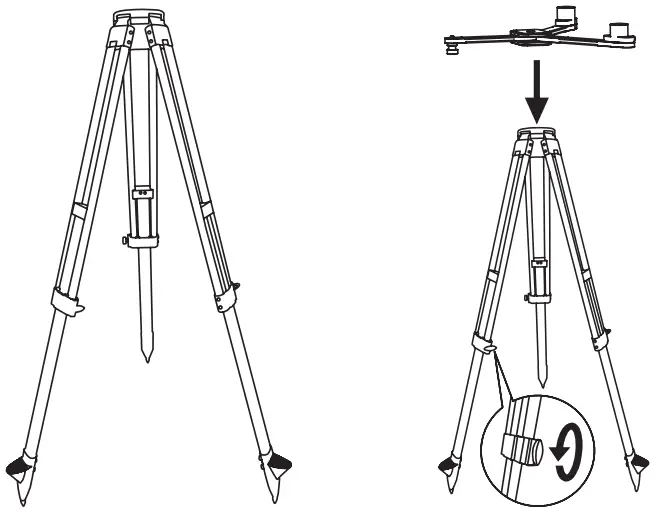
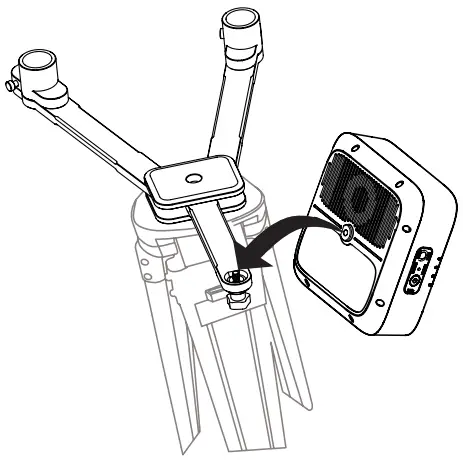
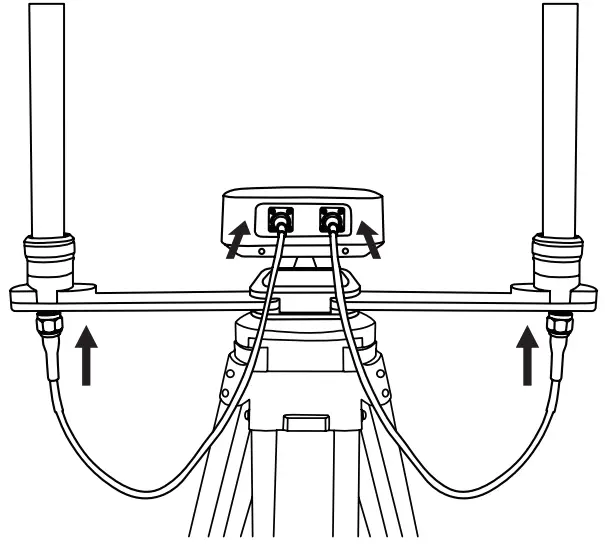
Setting up the base station
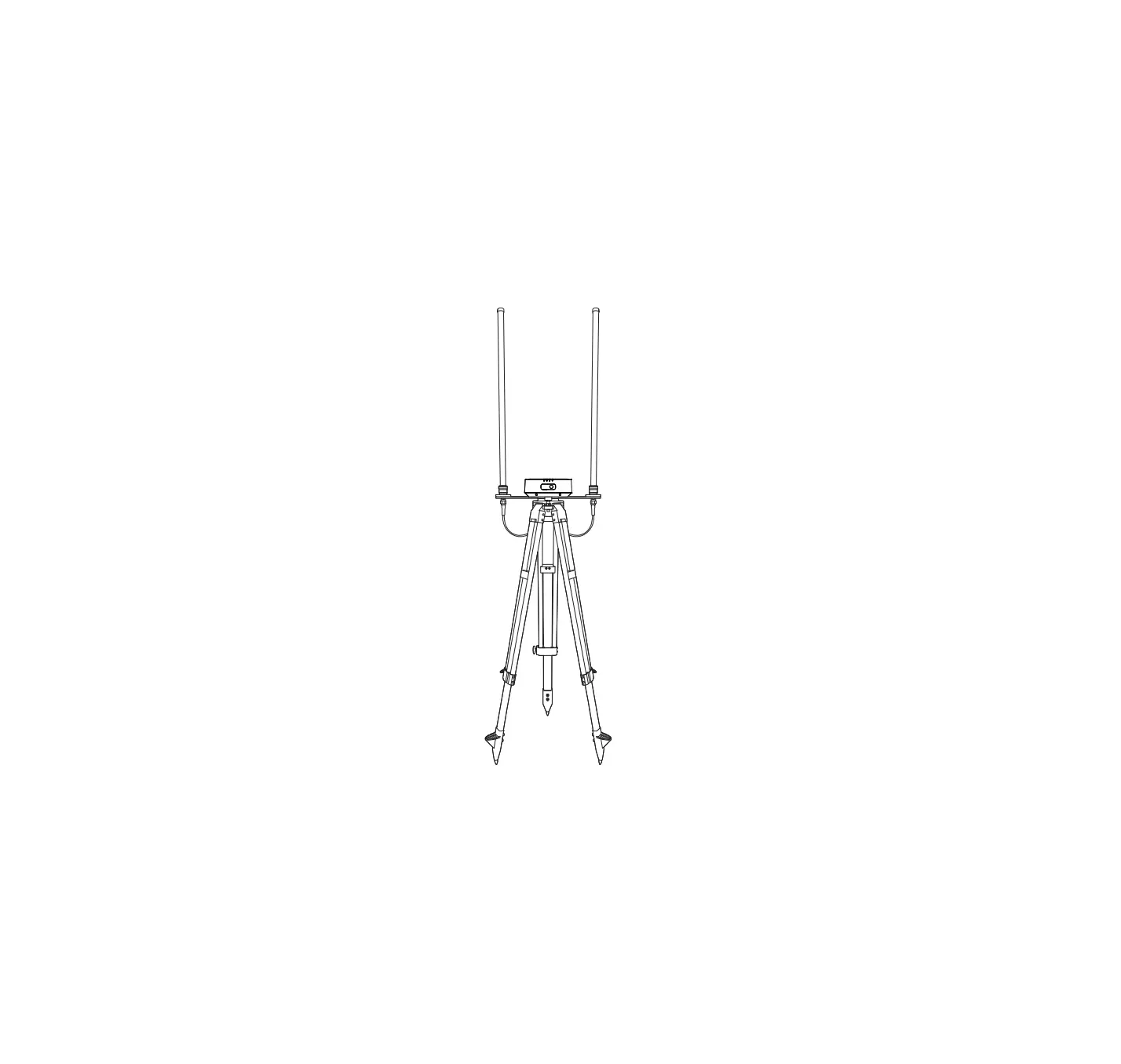
- Unfold the tripod, install the base station tray, and lock the tray

- Install the base station body to the tray and tighten the lock on the tray nut. Ensure that the base station is level and stable.

- Install the antenna on the tripod and connect the antenna feeder to the base station antenna port.

Assembling the aircraft
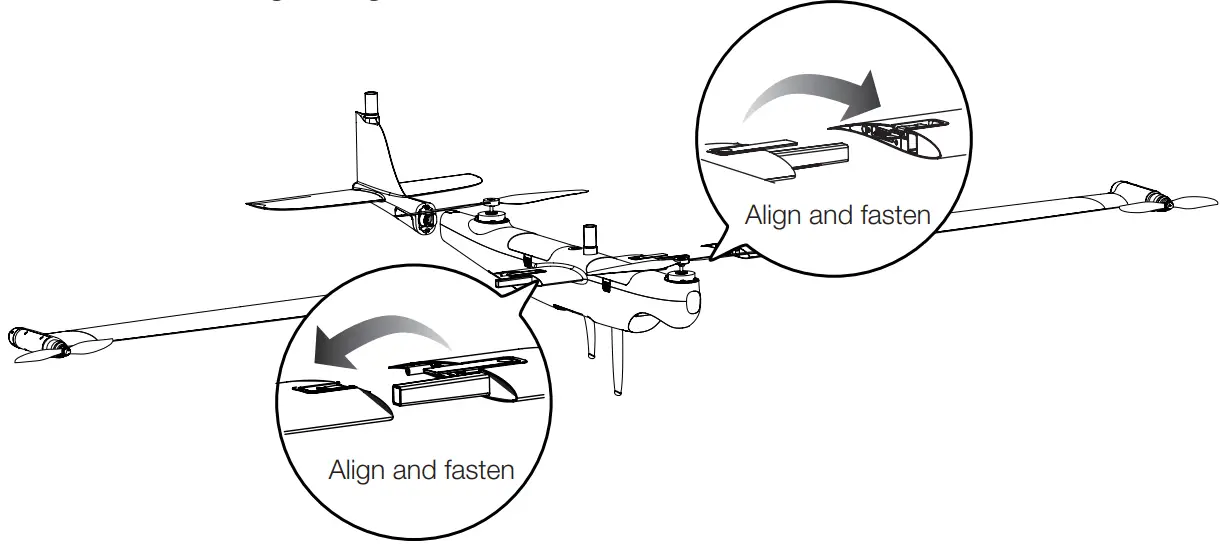
- Install the left and right wings

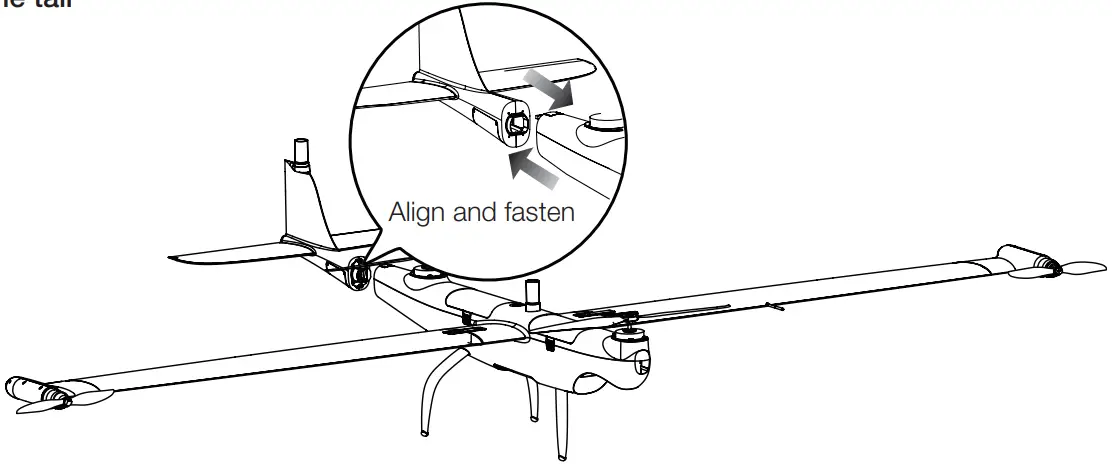
- Install the tail

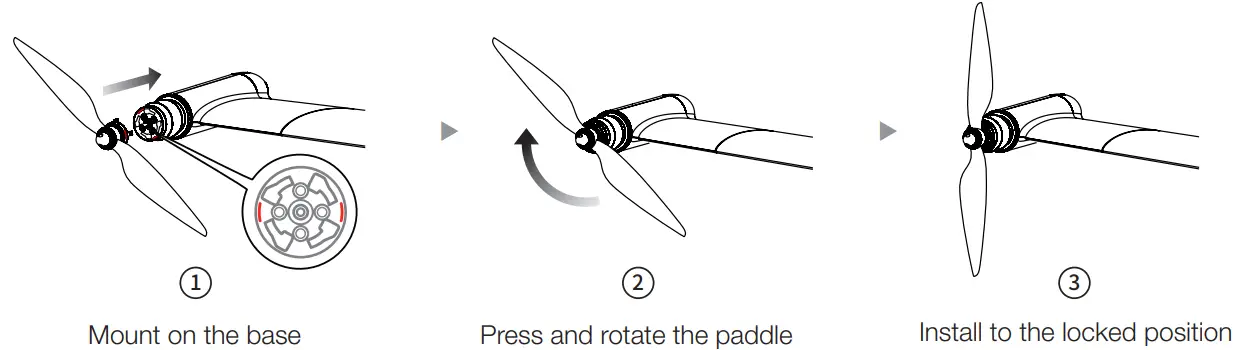
- Install the wingtip propeller
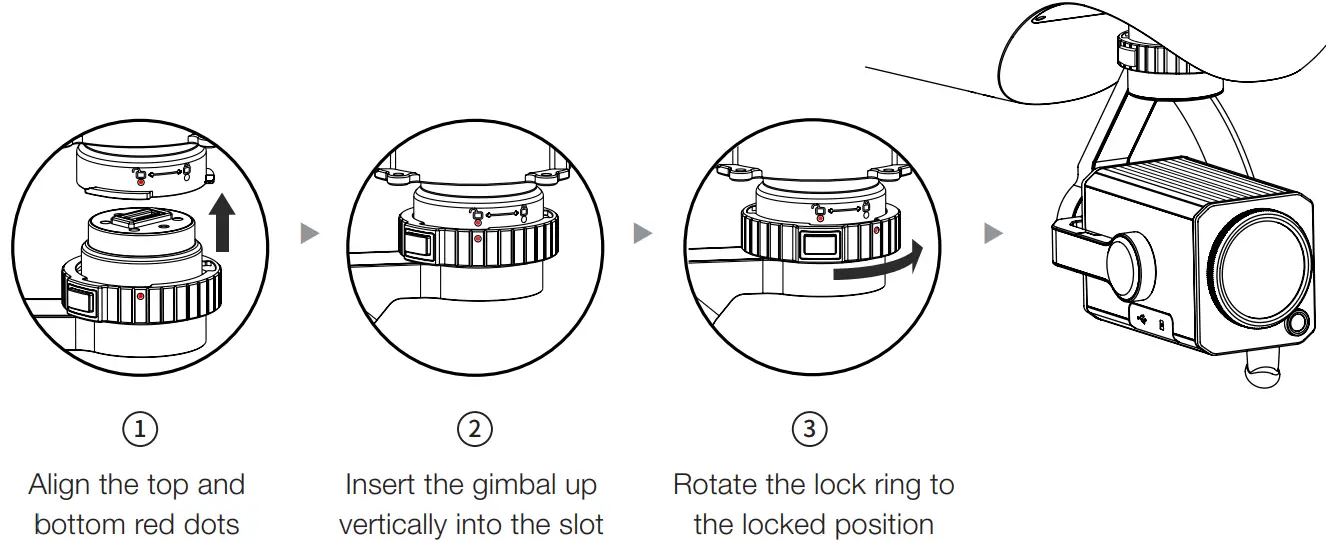
Align the red dots on the mount with the red dots of the gimbal interface of the fuselage, and rotate the lock ring to the locked position.

Locking direction: Press and Rotate in the indicated direction to lock the propeller 
Unlocking direction: Press and Rotate the propeller in the opposite direction to unlock it 
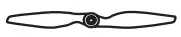
The marked propeller is to be mounted on the marked motor Unmarked propeller is to be mounted on the unmarked motor - Mounting
Align the red dots on the mount with the red dots of the gimbal interface of the fuselage, and rotate the lock ring to the locked position.
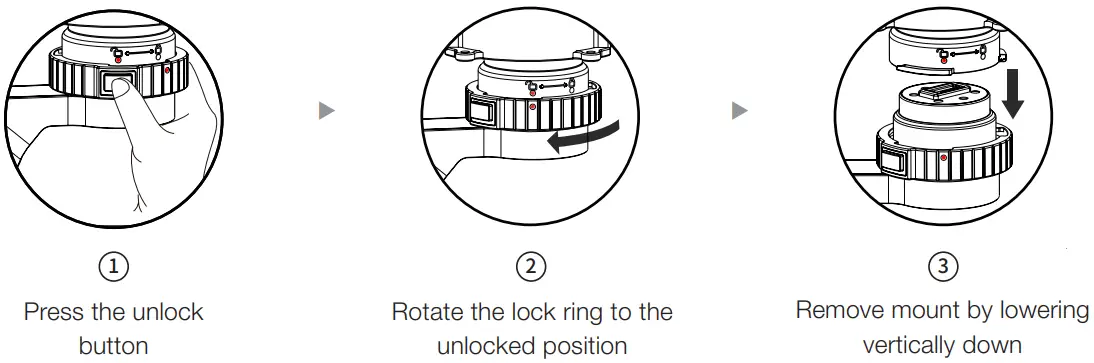
- Unlock mount

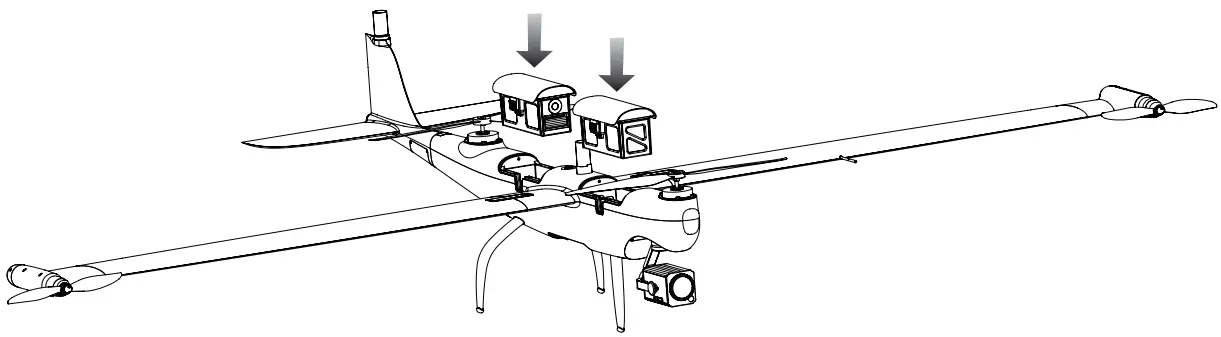
- Installing the Intelligent Flight Battery
When installing or removing the aircraft battery, be sure to power off the aircraft.


Powering on / Activating the aircraft
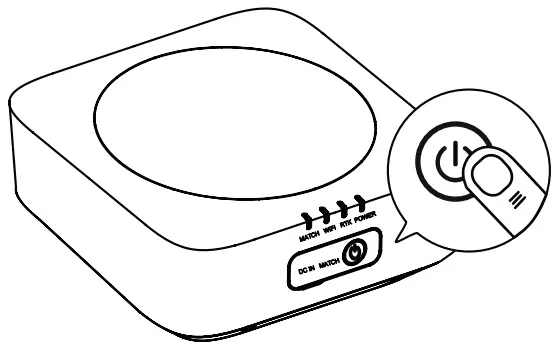
- Powering on the base station
Short press the power button for 1 second to turn on the base station.
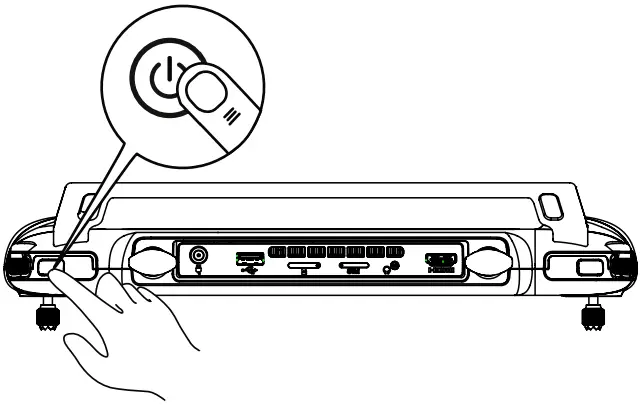
- Powering on the ground station
Short press the power button for 1 second to turn on the ground station.
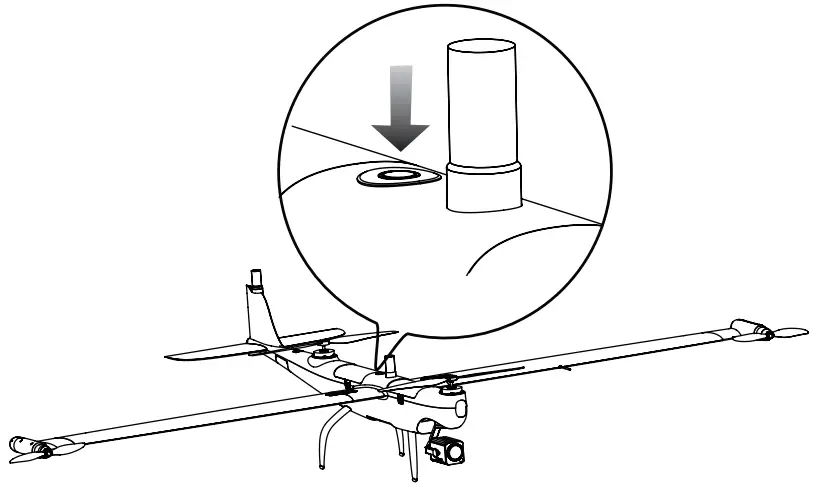
- Powering on the aircraft
Press the power button on the aircraft body for 3 seconds to power on the aircraft.
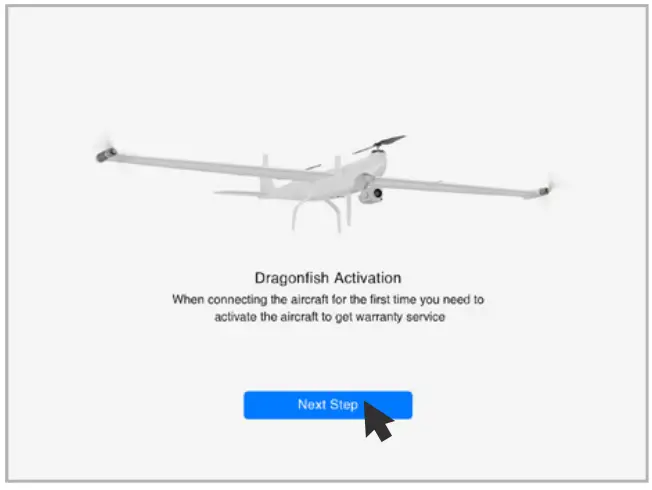
- Activating the aircraft
Open the APP and click the activation button to activate the aircraft.
Flight
Enter the APP safe flight interface. Before taking off, please place the aircraft on a flat surface with the tail facing towards you.
Manual takeoff
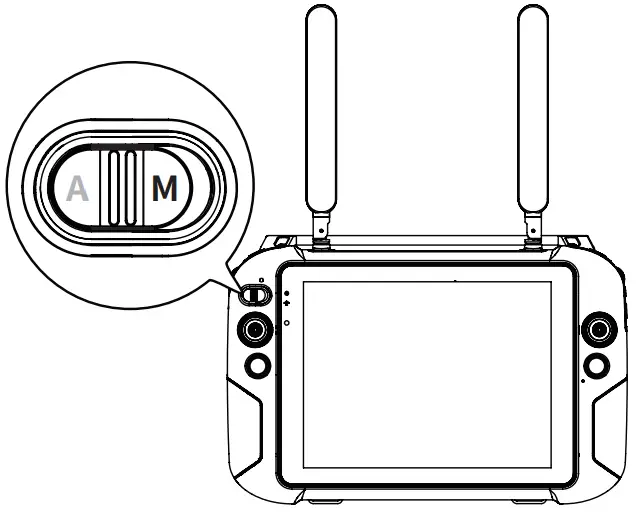
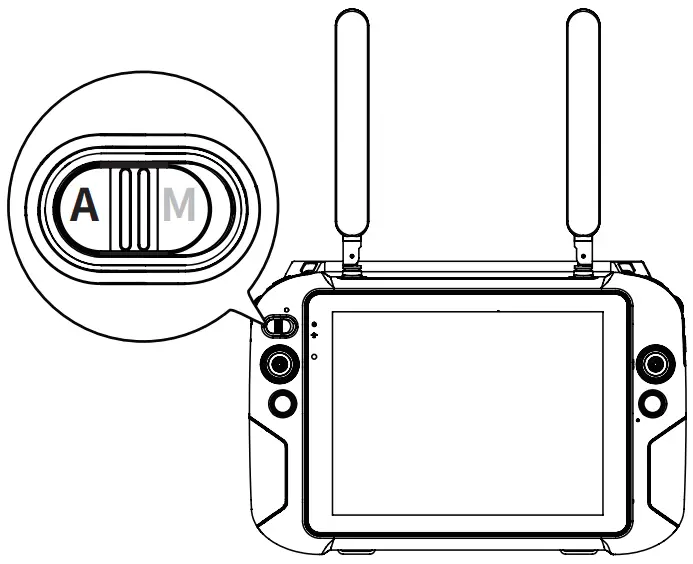
- Switch the ground station gear to M gear.

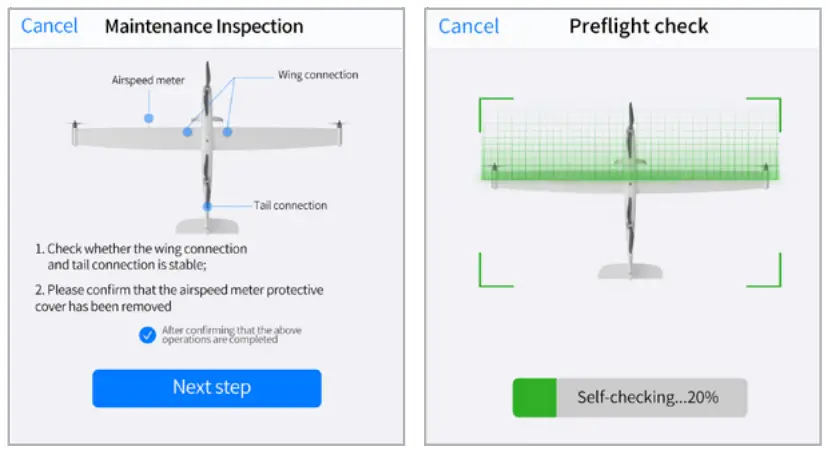
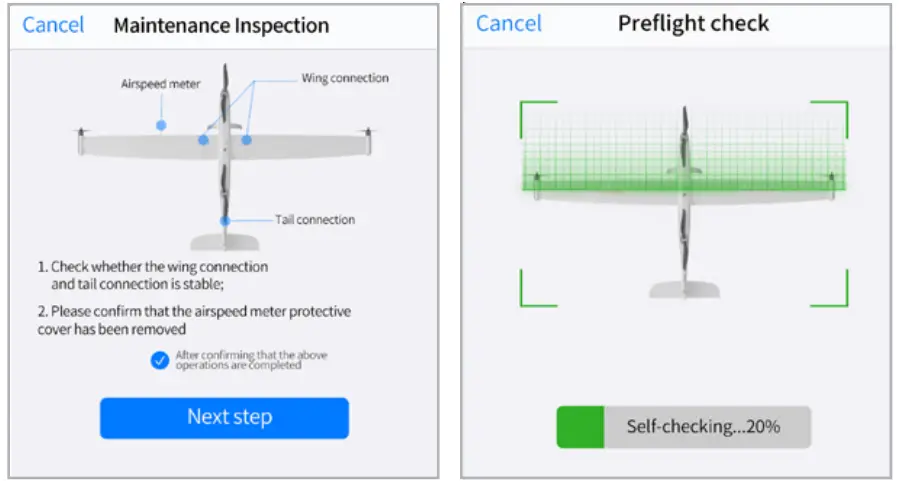
- Check the aircraft system status.

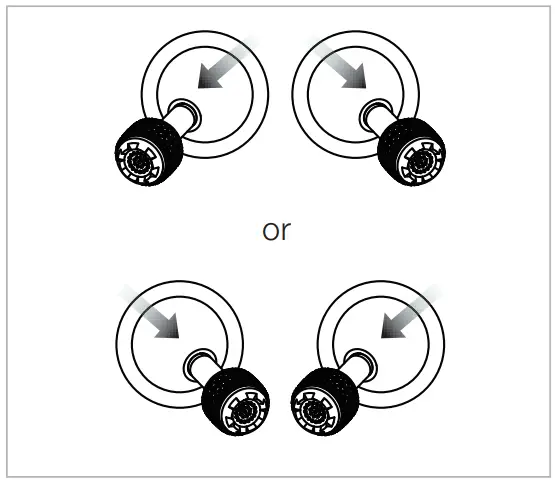
- Simultaneously move the joystick in inwards or outwards and hold for 2 seconds to arm the motors.

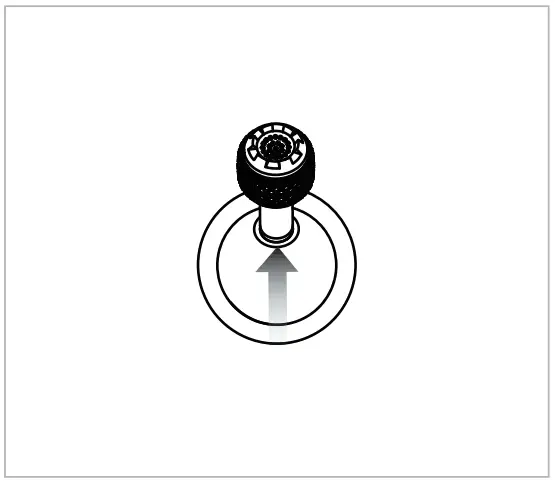
- Push up the left stick (mode 2) to take off.
Flight
Enter the APP safe flight interface. Before taking off, please place the aircraft on a flat surface with the tail facing towards you.
Automatic takeoff
- Switch the ground station gear to A gear

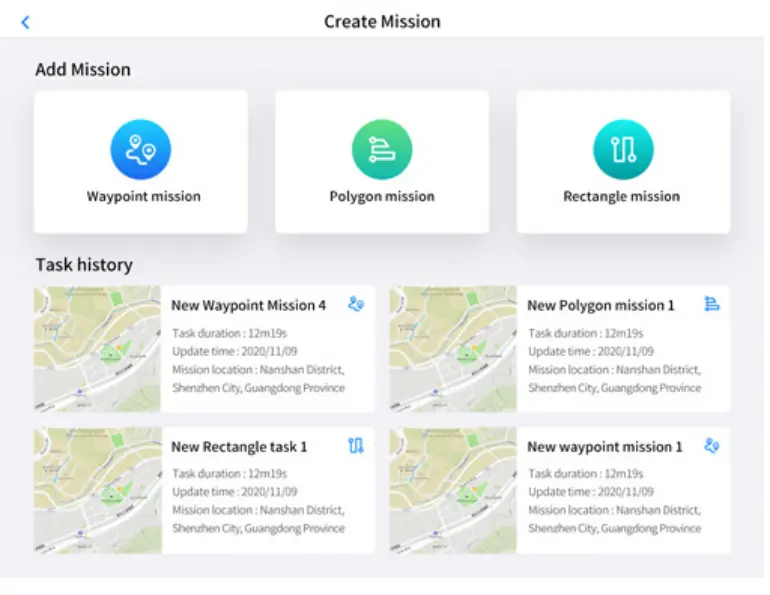
- Click the Create Mission button to plan the mission

- Aircraft system status check

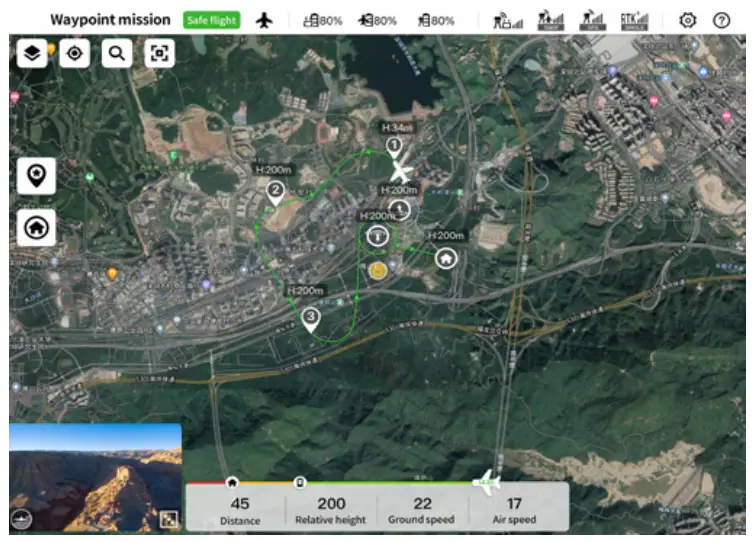
- Flight interface display

Specification
| Aircraft | |
| Size | 2.3*1.29*0.46 m |
| Weight (including two batteries, without gimbal) | 7 kg |
| Single battery weight | 1.3 kg |
| Maximum load | 1.5 kg |
| Maximum take-off weight | 8.5 kg |
| Working frequency | Video Transmission |
| 902-928 MHz (Only for FCC/ISED); | |
| 2.4000-2.4835 GHz; | |
| 5.150-5.250 GHz (Only for FCC/ISED); | |
| 5.725-5.850 GHz | |
| Data Transmission | |
| 5.729-5.771 GHz | |
| EIRP (Equivalent radiated power) | 900MHz |
| FCC/ISED: < 30 dBm; | |
| 2.4 GHz | |
| FCC/ISED/RCM: < 30 dBm | |
| CE: < 20 dBm; | |
| 5.2 GHz | |
| FCC/ISED: < 25 dBm | |
| 5.8 GHz | |
| FCC/ISED/RCM: < 26 dBm | |
| CE: < 14 dBm | |
| Hovering accuracy (P-GPS) | Vertical: |
| ±0.1 m (when the visual positioning is working normally) | |
| ±0.5 m (when GPS is working normally) | |
| ±0.1 m (when RTK positioning is working normally) Horizontal: | |
| ±0.3 m (when visual positioning is working normally) | |
| ±1.5 m (when GPS is working normally) | |
| ±0.1 m (when RTK positioning is working normally) | |
| RTK positioning accuracy | During RTK FIX Mode: 1 cm + 1 ppm (horizontal) |
| 1.5 cm + 1 ppm (vertical) | |
| Maximum rotational angular velocity | Pitch axis: 180° /s |
| Yaw axis: 60° / | |
| Maximum pitch angle | 20° |
| Maximum roll angle | 35° |
| Maximum ascent speed | Vertical flight mode: 4 m/s |
| Fixed-wing flight mode: 5 m/s | |
| Maximum descent speed (vertical) | Vertical flight mode: 3 m/s |
| Fixed-wing flight mode: 5 m/s | |
| Maximum horizontal flight speed | 30 m/s |
| Maximum service altitude | 6000 m |
| Maximum wind resistance | During fixed-wing flight: 15 m/s (level 7 wind) |
| Vertical take-off and landing: 12 m/s (level 6 wind) | |
| Maximum flight time | 126 min |
| Supported Payloads | DG-Z2, DG-T3, DG-T3H, DG-L20T |
| Supported Gimbal Configurations | Fast Disassembly |
| Ingress Protection Rating | IP43 |
| GNSS | GPS+ GLONASS+ Badious+ Galileo |
| Working temperature | -20° C to 50° C |
9.7 inch ground control station
| Image transmission parameters: | Working frequency | 902-928 MHz (Only for FCC/ISED); 2.4000-2.4835 GHz; 5.150-5.250 GHz (Only for FCC/ISED); 5.725-5.850 GHz |
| Maximum transmitting distance (unobstructed, free of interference) | FCC:10 km CE / MIC:5 km | |
| Digital transmission | Working frequency | 5.729-5.771 GHz |
| Wi-Fi parameters: | Protocol | Wi-Fi Direct, Wireless; Display; |
| Working efficiency | 802.11a/g/n/ac; Wi-Fi with 2×2 MIMO | |
| 2.400 – 2.4835 GHz 5. 150 – 5.250 GHz (Only for FCC/ISED) 5.650 – 5.755 GHz | ||
| Other parameters: | Battery | 5.725 – 5.850 GHz |
| Name: Lithium polymer Battery Capacity: 8200mAh Voltage: 11.4 V Battery type: Li-Po Energy: 93 Wh Charging time: 120 minutes | ||
| Battery life | Approximately 3 hours (maximum brightness) Approximately 4.5 hours (50% brightness) | |
| Storage | ROM 256GB + expandable (support TF card) | |
| Video output interface | HDMI interface | |
| USB-A interface supply voltage/current | t 5V / 500 mA | |
| Working temperature | -20°C to 40°C | |
| Storage temperature | -20°C to 60°C (within one month) -20°C to 45°C (within three months) -20°C to 30°C (within one year) | |
| Charging environment temperature | 0°C to 45°C | |
| Satellite positioning module | GPS+ GLONASS+ Galileo | |
| Size | 319×233×74 mm (antenna folded) 319×398×74 mm (antenna expanded) | |
| Weight | 1987 g |
Base station
| GNSS receiver | Satellite receiving frequency | Simultaneously receive: GPS: L1, L2, L5 Bei Dou: B1, B2, B3 GLONASS: F1, F2 Galileo: E1, E5A, E5B |
| Positioning accuracy | Single Point Horizontal: 1.5 m (RMS) Vertical: 3.0 m (RMS) RTK Horizontal: 1 cm+1 ppm (RMS) Vertical: 1.5 cm + 1 ppm (RMS) 1 ppm: For every 1 km increase in distance, the accuracy will be 1 mm less. For example, the horizontal accuracy is 1.1 cm when the receiving end is 1 km away from the base station. | |
| Positioning update rate | 1 Hz, 2 Hz, 5 Hz, 10 Hz and 20Hz | |
| Cold start | < 40 s | |
| Hot Start | < 10 s | |
| Recapture Initialization reliability | < 1 s | |
| Initialization reliability | > 99.9% | |
| Differential data transmission format | RTCM 2.X/3.X | |
| Communication | Data link | Image transmission, Wi-Fi |
| Image transmission | Working efficiency | 902-928 MHz (Only for FCC/ISED); 2.4000-2.4835 GHz; 5.150-5.250 GHz (Only for FCC/ISED); 5.725-5.850 GHz |
| parameters: | EIRP (Equivalent radiated power) | 900MHz FCC/ISED: < 30 dBm; 2.4 GHz FCC/ISED/RCM: < 30 dBm CE: < 20 dBm; 5.2 GHz FCC/ISED: < 25 dBm 5.8 GHz FCC/ISED/RCM: < 26 dBm CE: < 14 dBm |
| WIFI parameters: | Working efficiency | 5.725-5.850GHz |
| EIRP (Equivalent radiated power) | 5.725-5.850GHz FCC/ISED/RCM: < 26 dBm; CE: < 14 dBm | |
| Communication distance | Base station and aircraft: 30km (FCC) Base station and ground station: 200m (FCC) (Unobstructed and free of interference, when the mobile station is used as a base station and the distance from the mobile station antenna to the bottom of the tripod is 2 m; and when the difference in height between the remote controller and mobile station is less than 10 m, and when the remote controller is 1.2 m from ground level) | |
| Electrical characteristics | Power consumption | 7.5 W |
| Power supply | 5 to 20V DC | |
| Battery | Type: Lithium polymer battery Capacity: 4950 mAh Energy: 57.1 WH | |
| Runtime | >7.5 h | |
| Physical properties | Dimensions (base station body + extension pole) | 93 mm×177 mm×73 mm |
| Weight | 1275 g | |
| Ingress protection | IP64 | |
| Working temperature | -20°C to 50°C | |