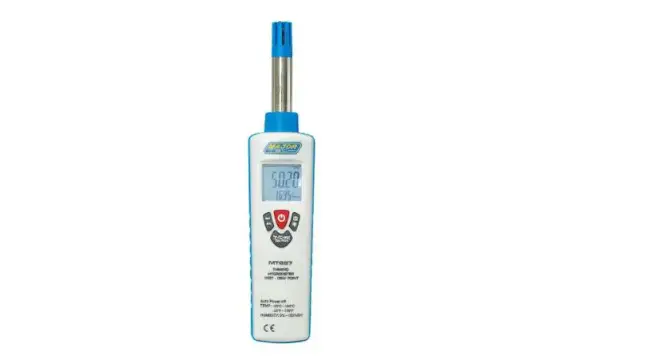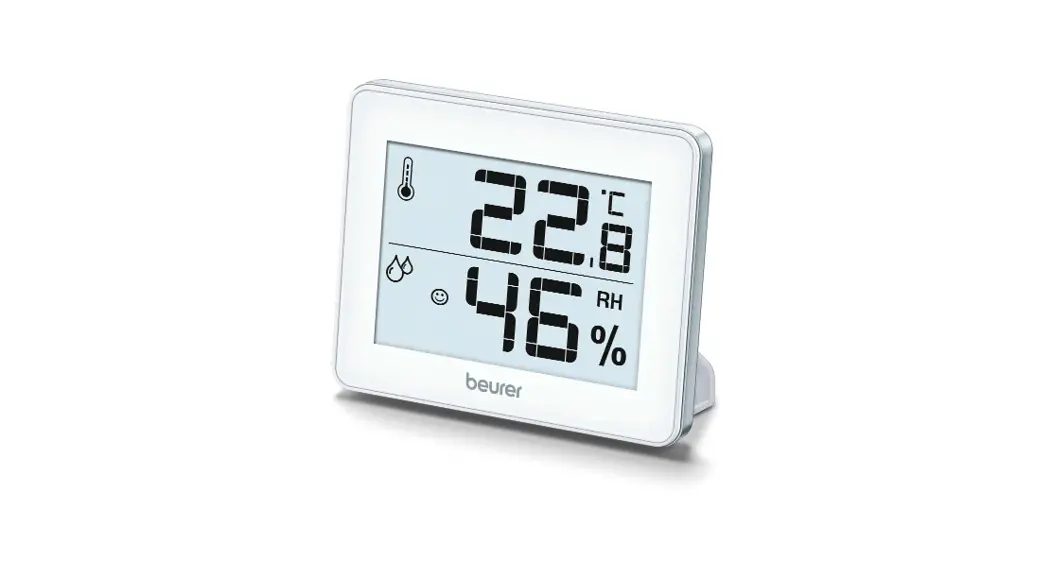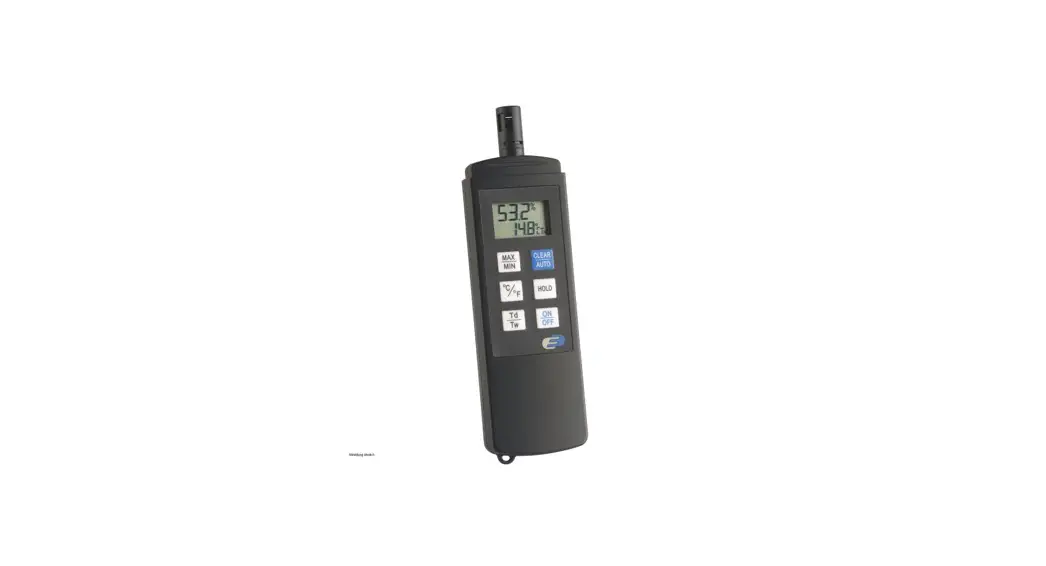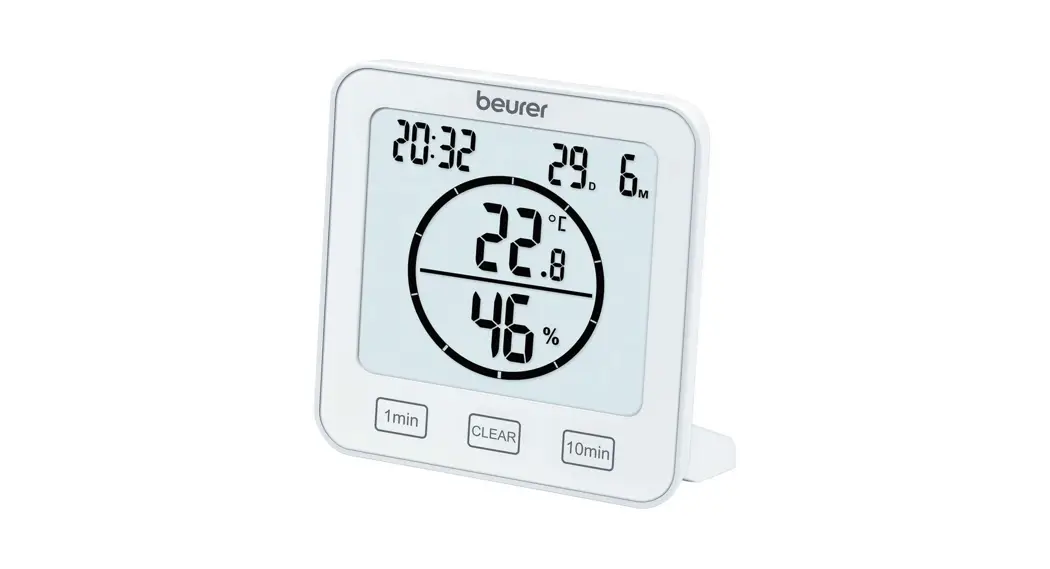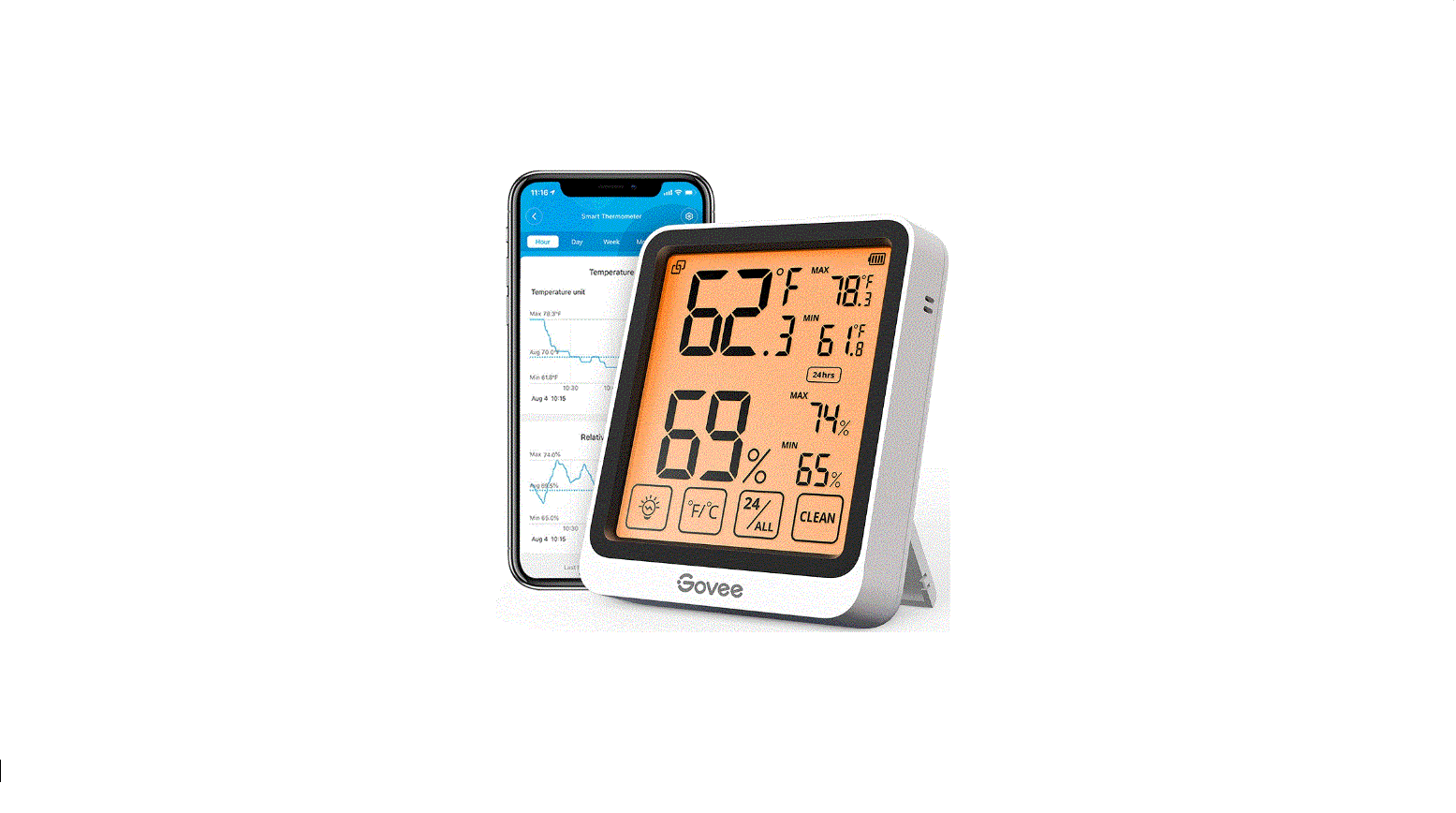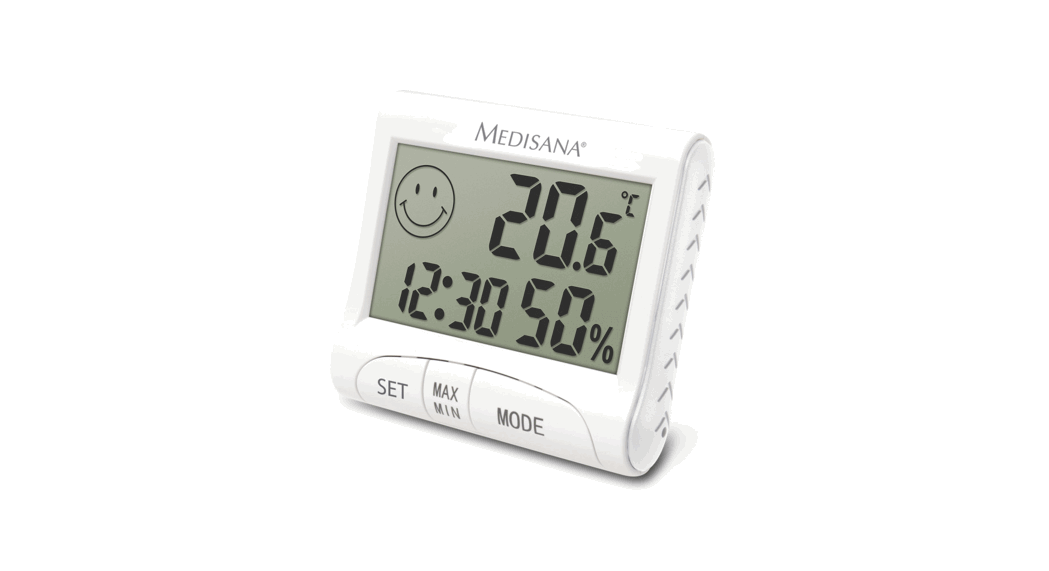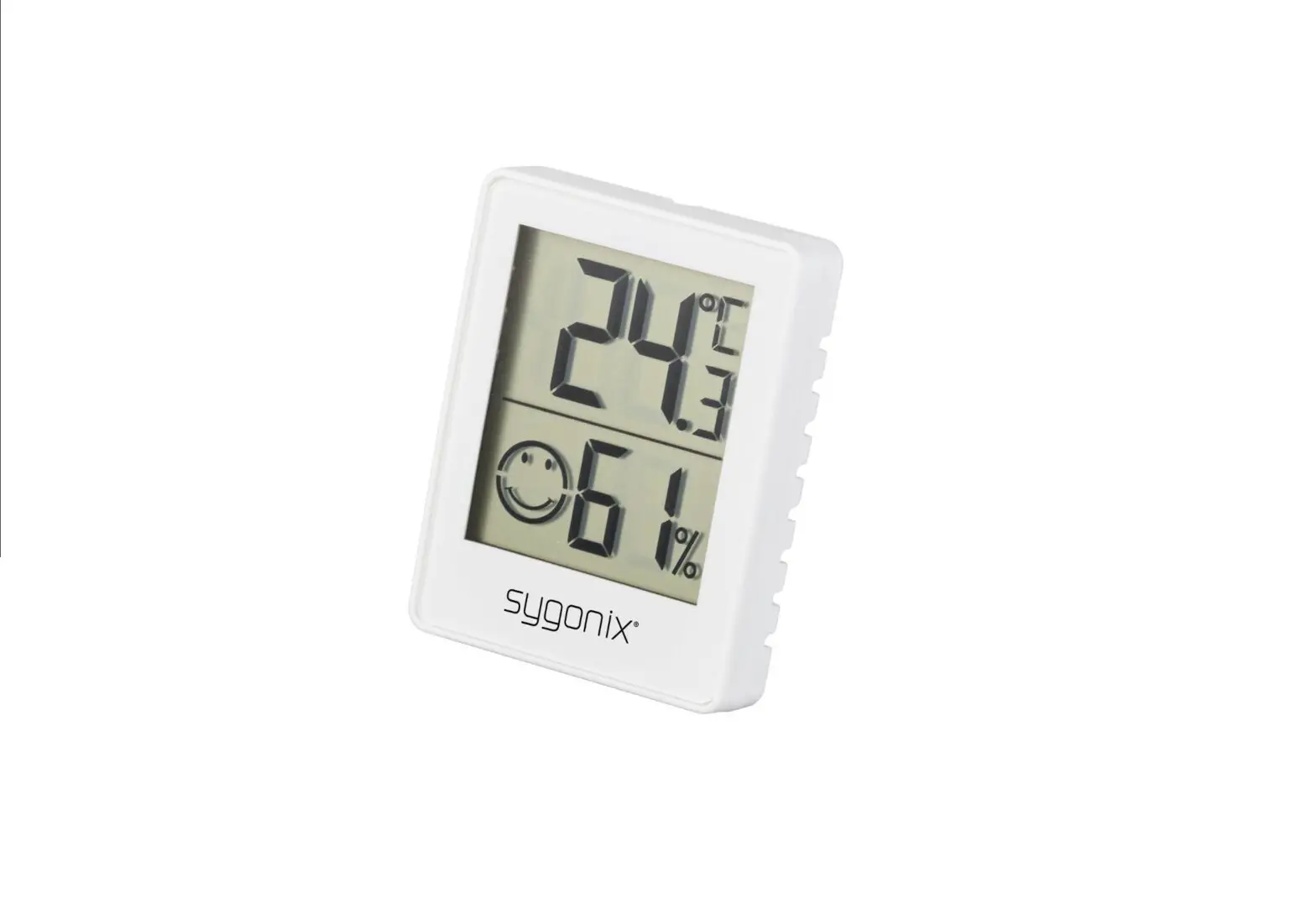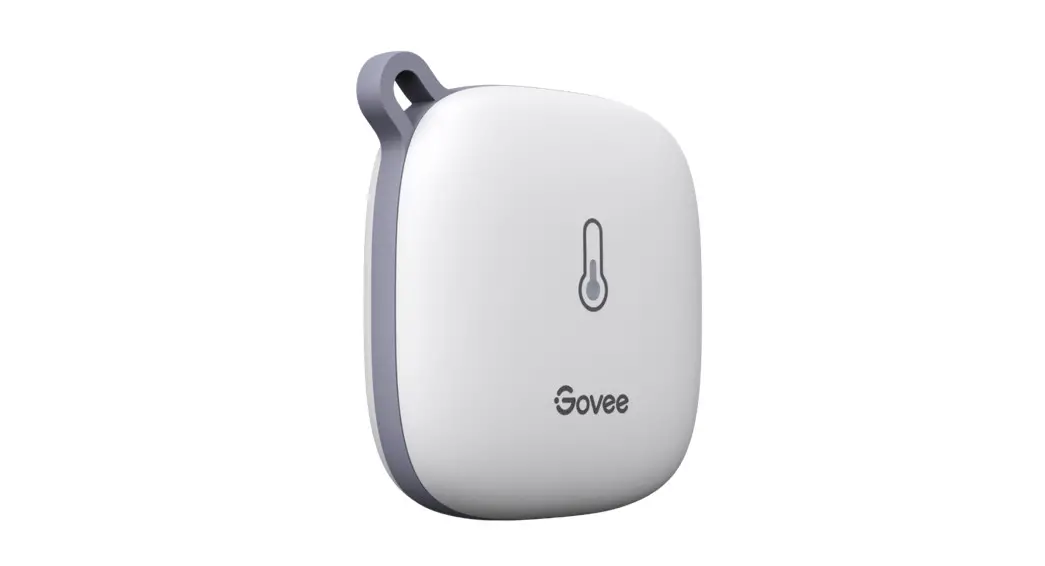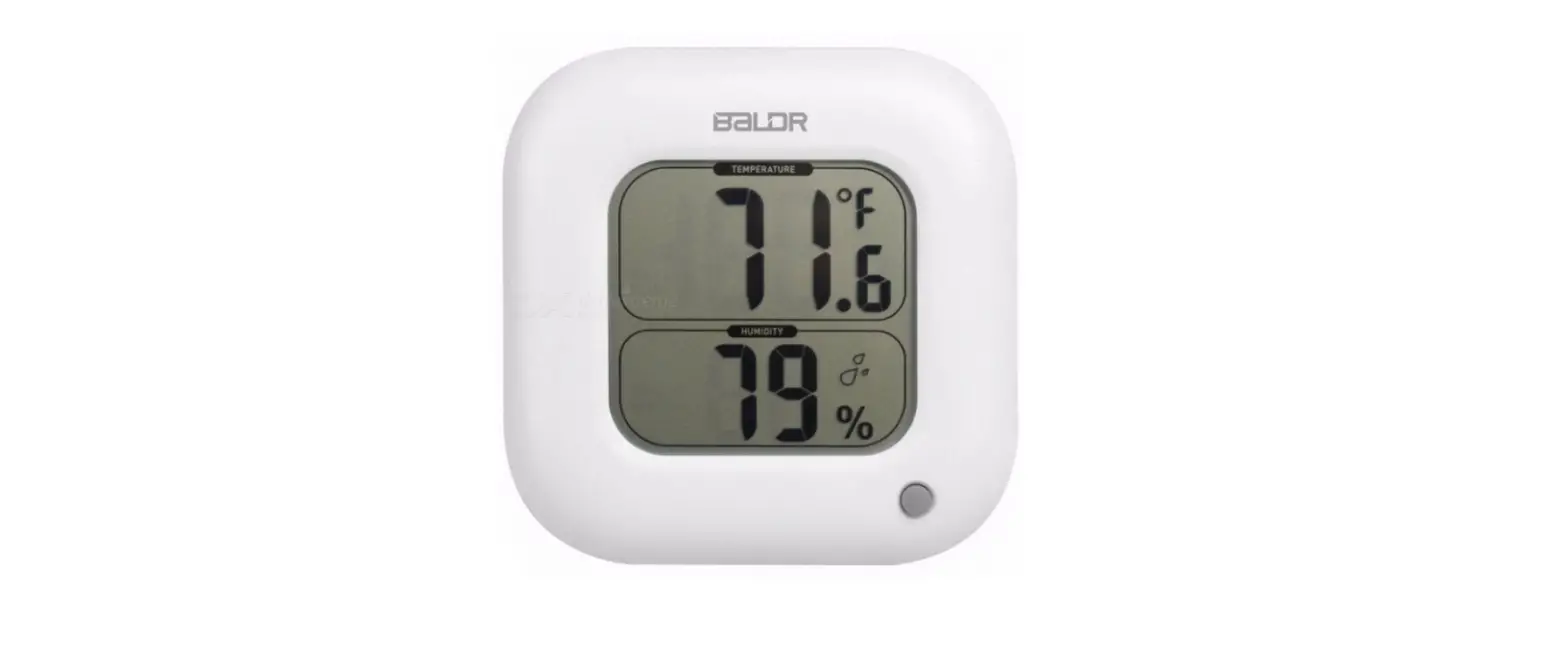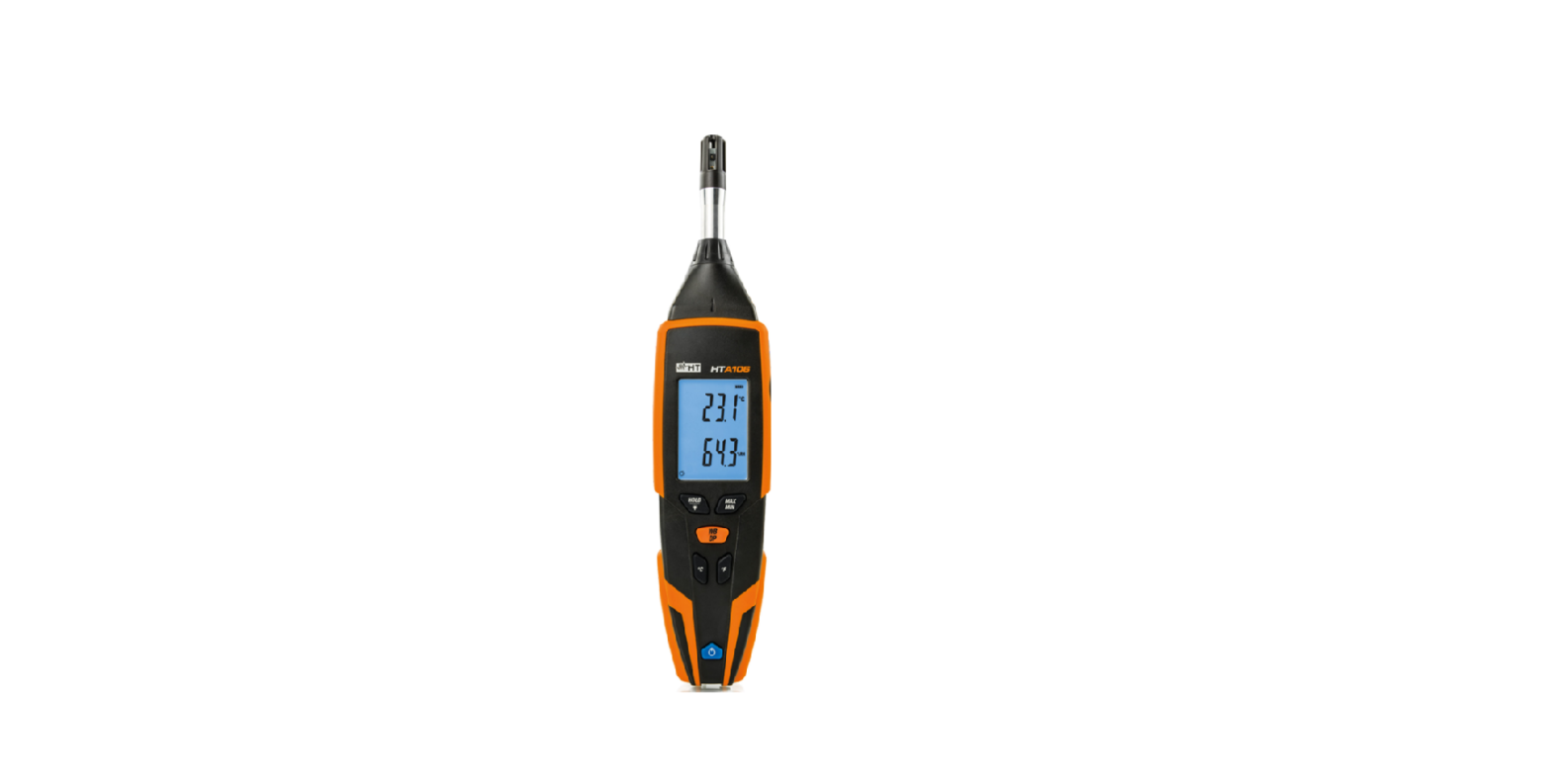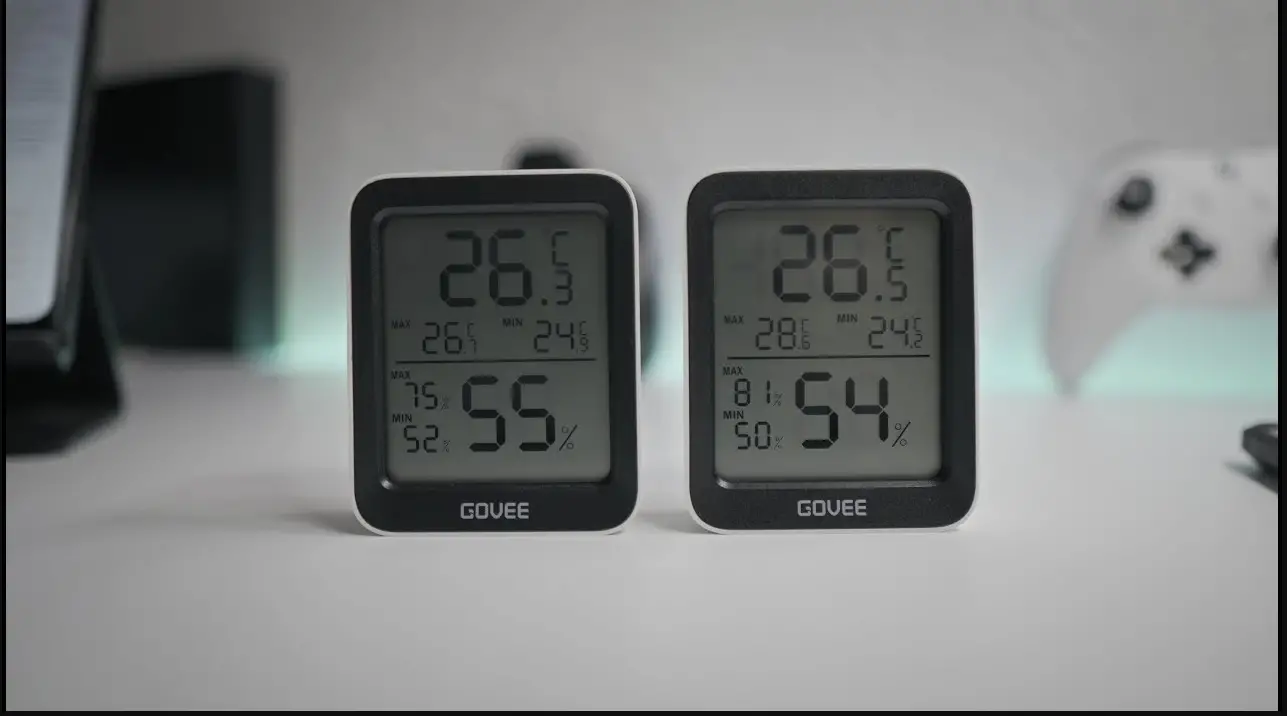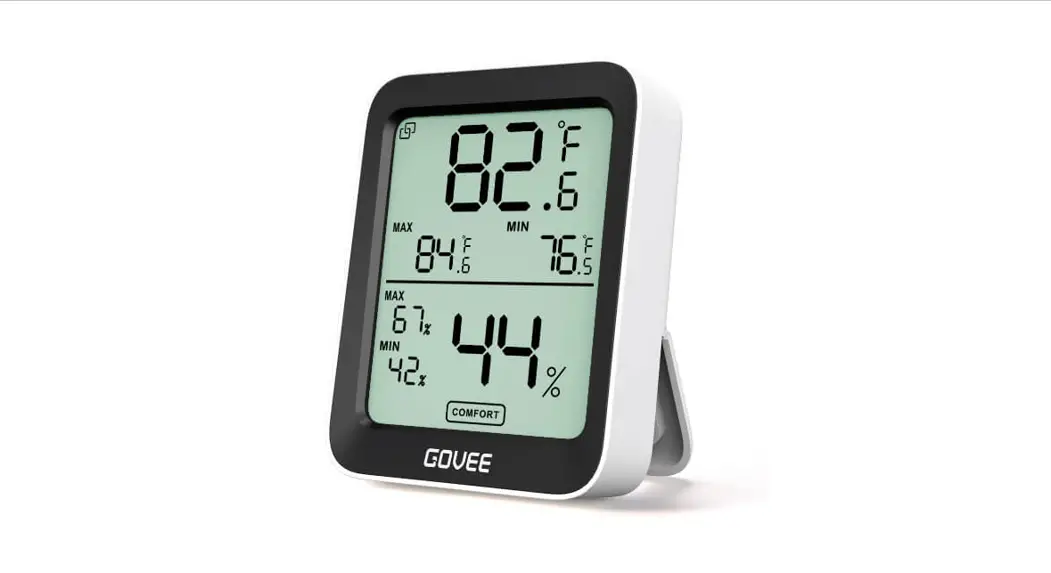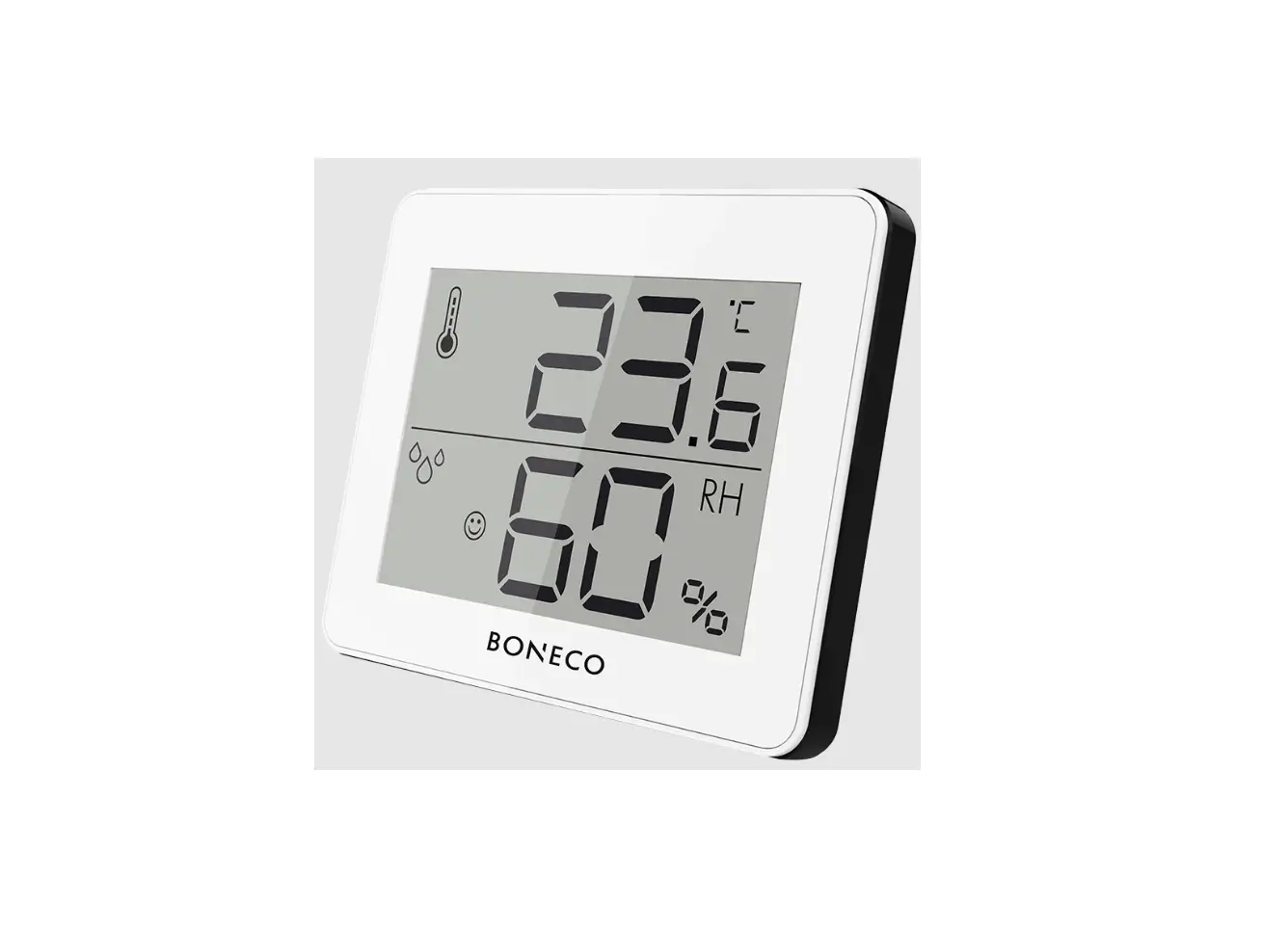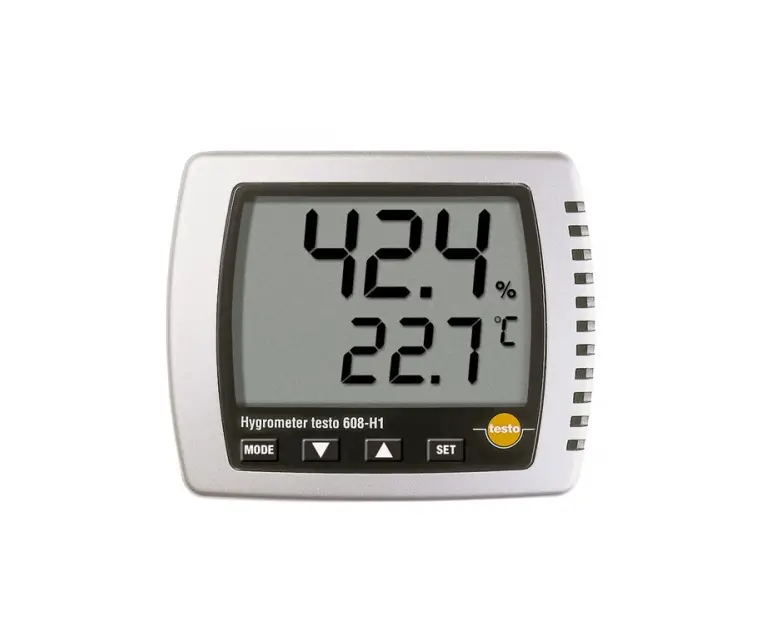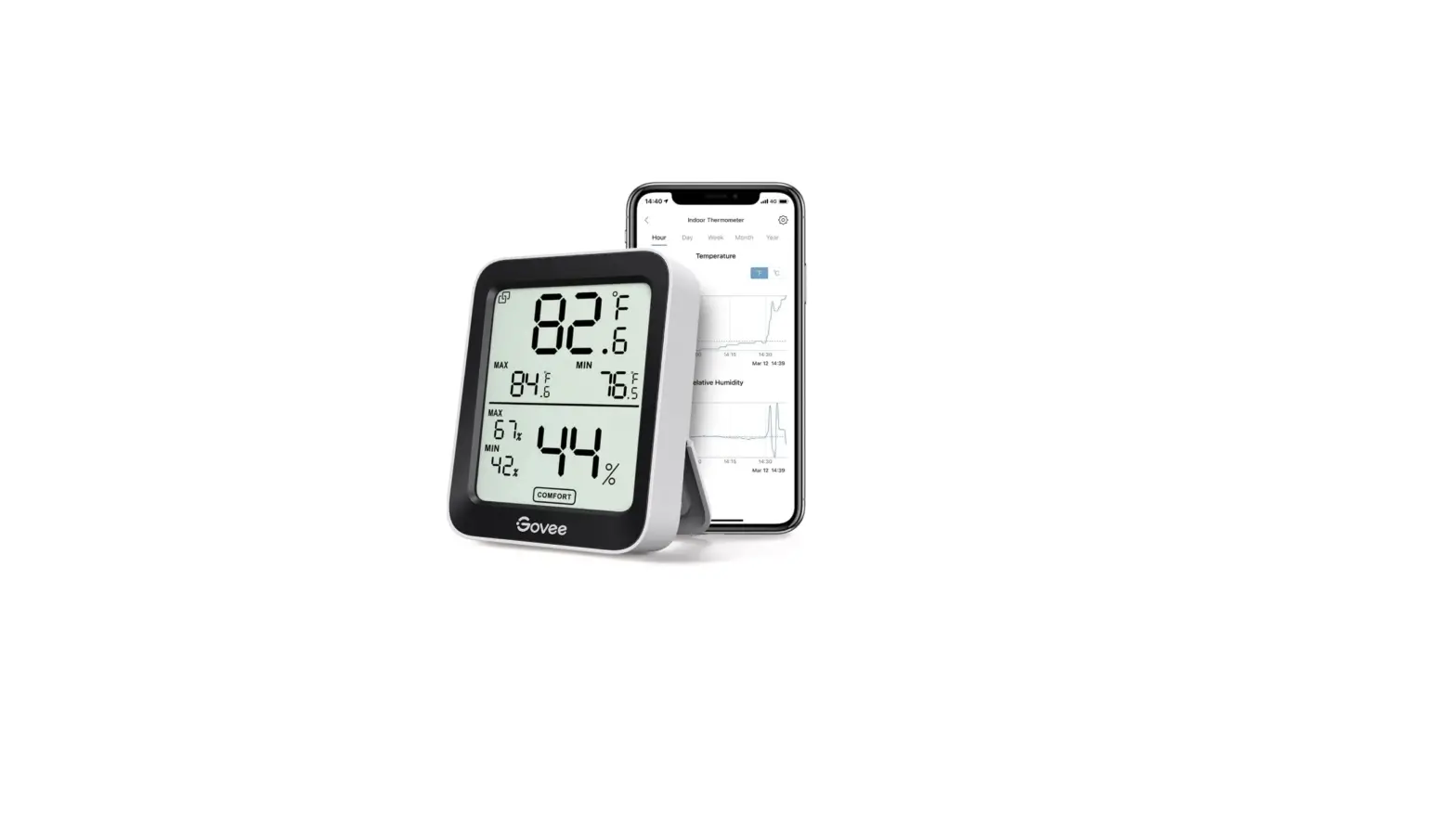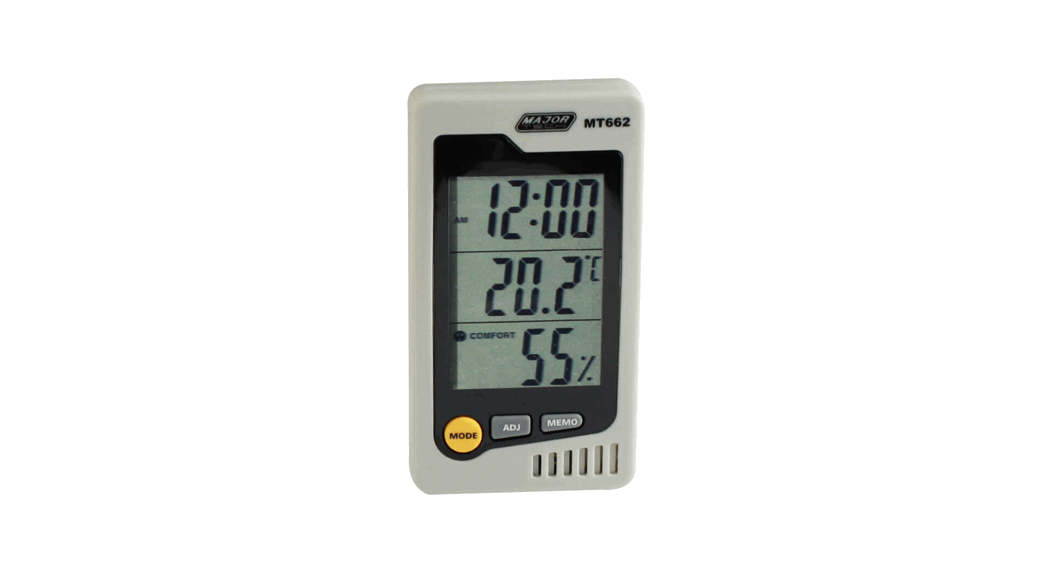
 TECH MT662 Desktop Thermo Hygrometer
 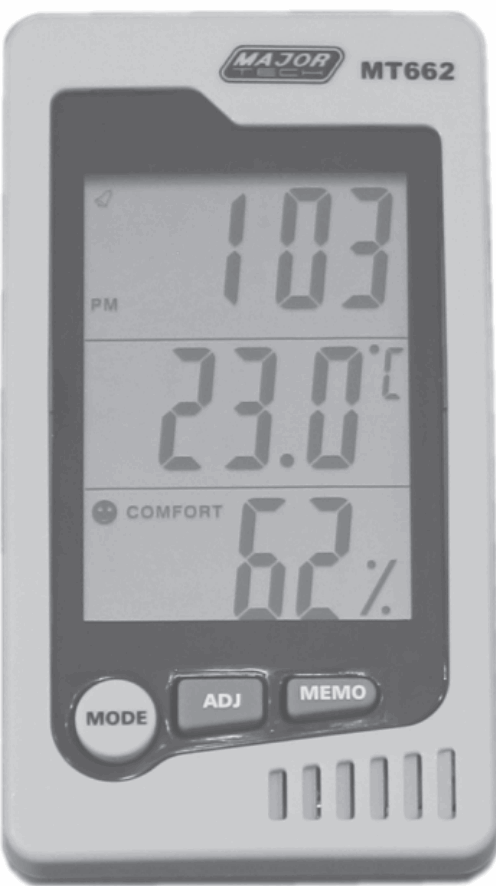 Instruction Manual
Product performance
- Environment comfort display: COMFORT (comfortable), WET (high humidity), DRY
- Temperature measuring range: 0°C~50°C (32°F~120°F)
- Temperature measurement accuracy: ± 1.0°C (1.8°F)
- Temperature display resolution: 0.1°C (0.1°F)
- Humidity measuring range: 10% RH-90% RH
- Humidity measuring accuracy: ±5% (40% RH-80% RH) other ±8%
- Battery: AAA 1.5V
- Time/temperature/humidity display
- °C/°F temperature units the way self-locking switch show
- Highest/lowest temperature and humidity memory function
- Calendar shows that the whole point timekeeping, daily alarm functions, 12/24 hour clock
Feature set
2.1. The basic function keys
- [MODE] clock/alarm function mode switching
- [ADJ] settings adjust the value of projects/On, Off alarm clock/display date
- [MEMO] showed that the maximum memory, the most low-temperature, humidity values, and clear the memory of temperature and humidity values
- [°C/°F] self-locking switch means temperature display unit
- [RESET] to clear all settings and memory data back system the initial status
2.2. Clock and date settings
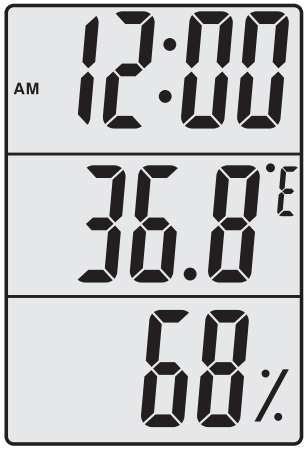
- Press [MODE] key to set the replacement of items: Minutes CLOCK 12/24Time Month Date Exit-set. Press [ADJ] key to add one item, hold down the [ADJ] 2 seconds after 8Hz Express since increasing minute second set automatically cleared, set the month, when the day’s largest auto-adjust the number of days, 1 minute without keys automatically exit.
- Detail: According to [MODE] 2 second to enter the clock setting mode, minutes begin blinking, press [ADJ] regulation minutes. Then [MODE] click, clock start blinking, press [ADJ] regulator clock.
- Then [MODE] click conversion 12/24 hours, according to [ADJ] regulation. Then [MODE] about the month start flashing, press [ADJ] regulation.
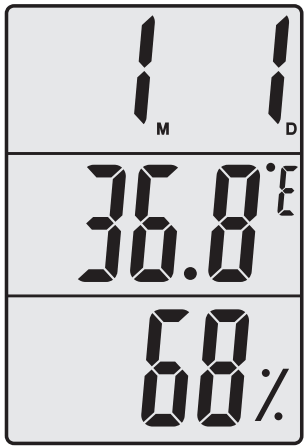
- Then [MODE] about the date of start blinking, press [ADJ] regulation. Then click the [MODE] to confirm and exit mode.

2.3. Alarm clock settings
- Press [ADJ] key to set the replacement items:
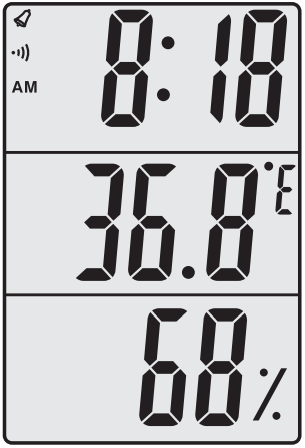
Alarm Clock The whole point timekeeping Alarm clock, the whole point of time at the same time open Alarm clock, the whole point timekeeping clearance simultaneously. - Detailed Description: according to [MODE] click to display the alarm time, and then press and hold [MODE] 2 seconds, minutes start flashing in accordance with [ADJ] regulation minutes, and then [MODE] you start blinking clock according to [ADJ] regulator clock, row by [MODE] twice to confirm.
- Open and turn off the alarm: Click the [MODE] key to display the alarm time, click the [ADJ] button of ” ” symbol, then [ADJ] button click the ” ” symbol, Then [ADJ] button click the ” ” symbols, two functions simultaneously express the opening of a row by the [ADJ] key to enable or turn off this feature, press [MODE] button to confirm exit.
2.4. Date of Show
- At the current status of the clock click [ADJ] automatically display the date, not three seconds after the exit button.
2.5. Maximum/minimum temperature and humidity values - According to [MEMO] showed that temperature and humidity memory
Maximum (MAX)/minimum (MIN), Length by more than 2 seconds to clear memory of temperature and humidity values.
2.6. Environment comfort display
- Temperature at 20°C~26°C (68°F~8.8°F), relative humidity at 50% RH70% RH show between “
- COMFORT” comfort symbols.
- At any temperature, relative humidity above 70% RH show “
- WET” sign high humidity.
- At any temperature, relative humidity below 50% RH show “
- DRY” symbols do bath.
Note:
- Applicable environment: home, office and places of non-corrosive gas.
- Use the ambient temperature range: 0°C~50°C (32°F~120°F).
MAJOR TECH (PTY) LTD
South Africa
www.major-tech.com
[email protected]
Australia
www.majortech.com.au
[email protected]
 Major Tech - Innovation l Quality l Excellence
 Home - Major Tech Australia