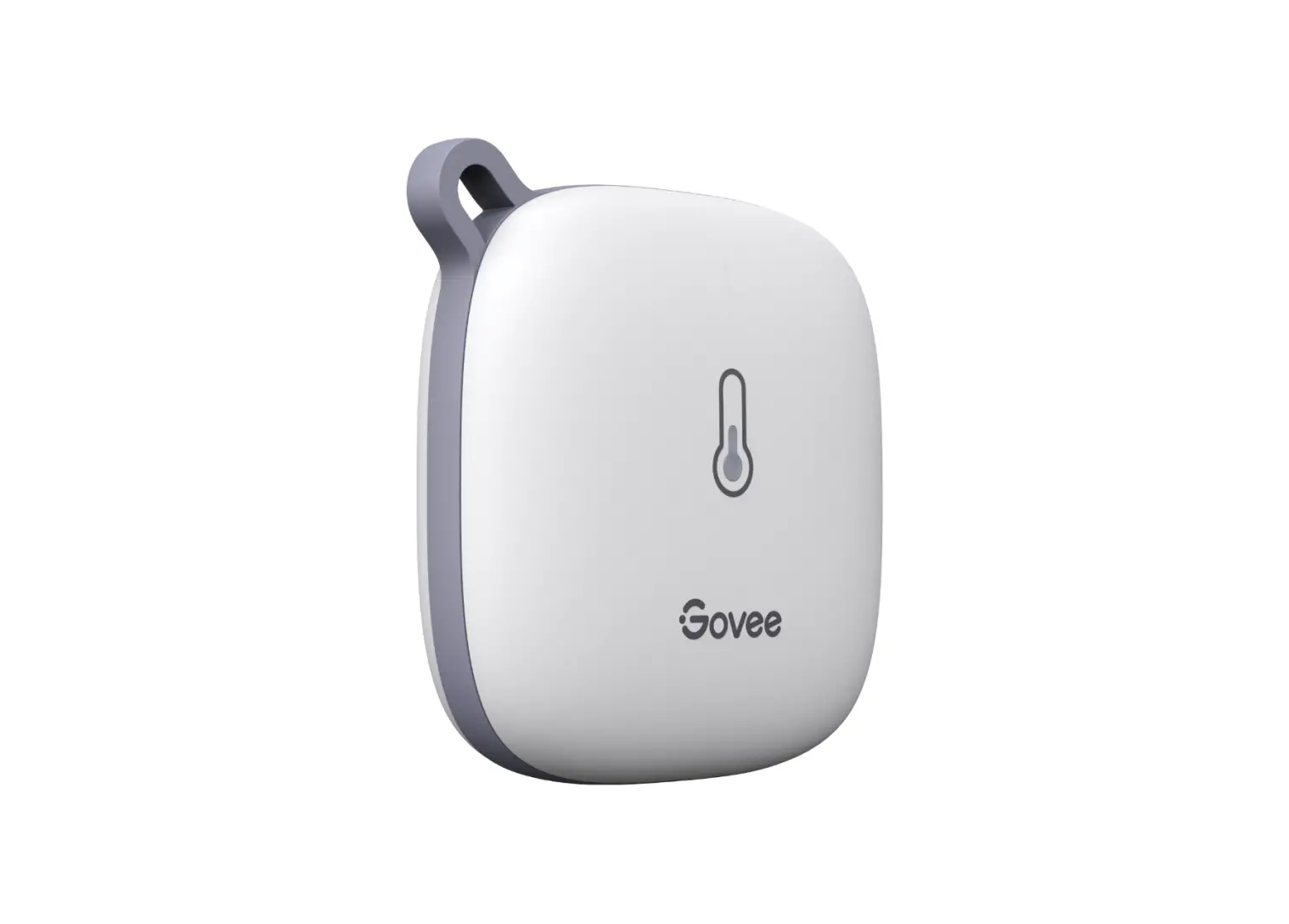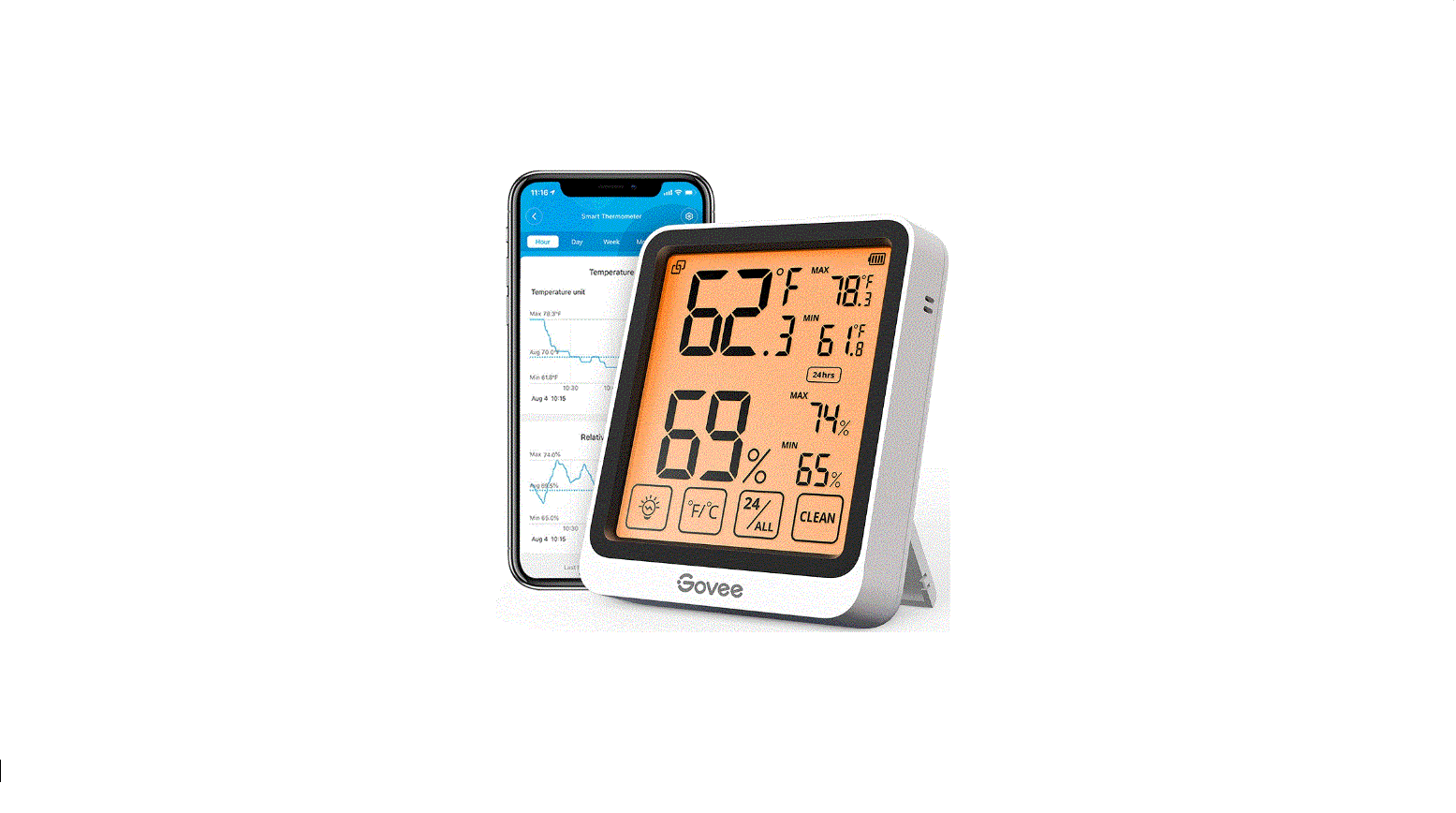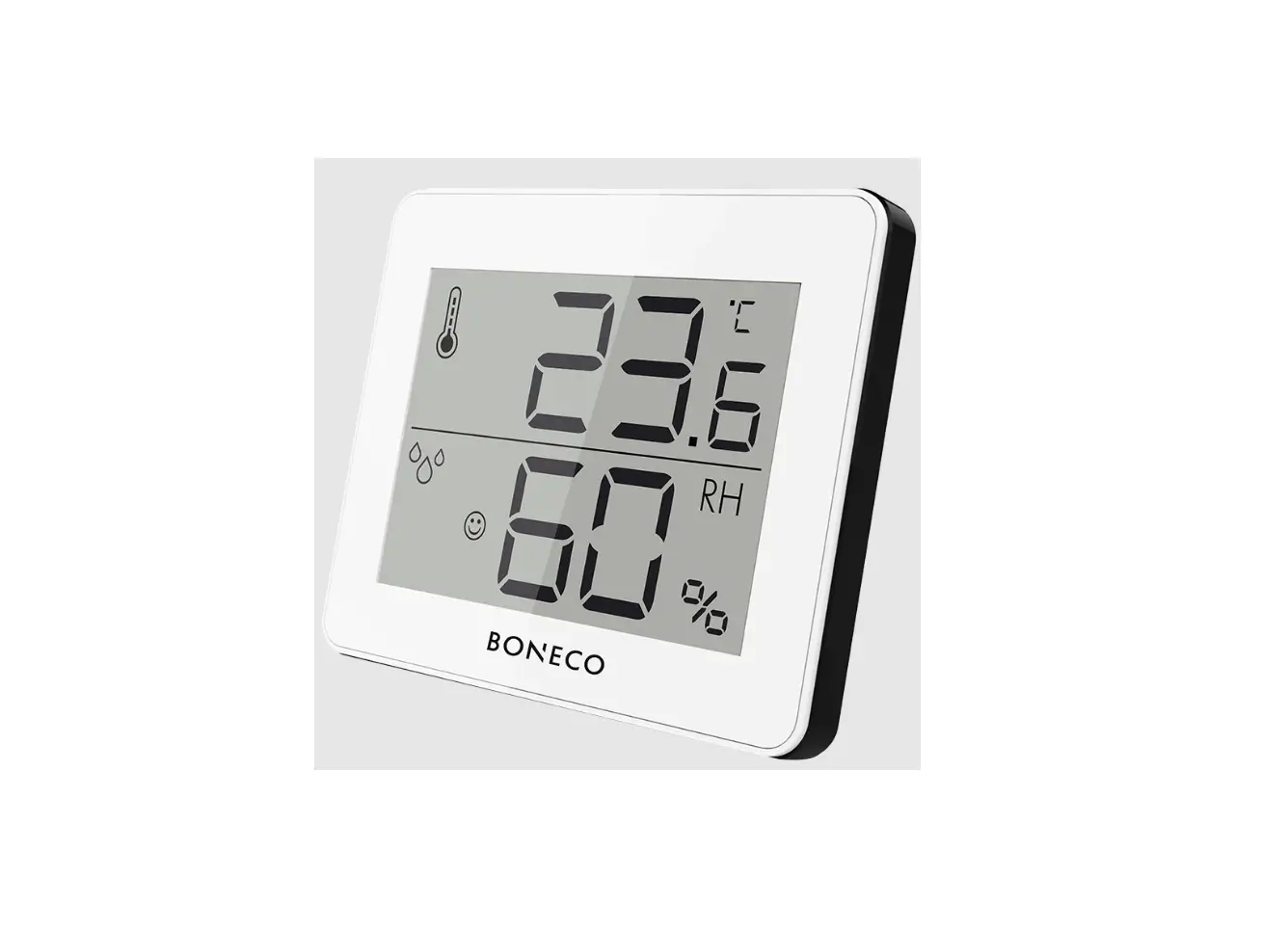
MAJOR MT667 Thermo Hygrometer
Instruction Manual
INTRODUCTION
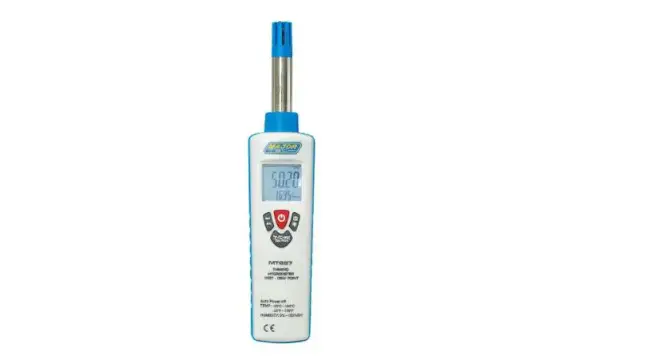
The MT667 is a digital microprocessor controlled Thermo-Hygrometer with fast response and high accuracy with Dew point, Wet bulb and Temperature measurements. The Wet Bulb mode is effectively a Digital Sling Psychrometer.
It is an ideal instrument for scores of practical applications for Laboratory, Industrial, Engineer and Professional use. This offers a wide variety of applications ranging from HVAC to laboratories, and is ideal in other industries such as computer rooms, hospitals, tobacco industry, factories and offices and general use.
The Humidity & Temperature Meter uses a humidity & temperature semiconductor sensor. This operation manual contains general information and specification.
FEATURES
- Fast Response Time %RH: 10s (90% at 25°C still air)
- High Accuracy
- Dew Point Temperature (-30°C to 100°C)/(-22°F to 199°F)
- Wet Bulb Temperature (0°C to 80°C)/(32°F to 176°F)
- Resolution 0.01%RH, 0.01°C/0.01°F
- Max Hold and Data Hold Function
- Micro Processor-based Design
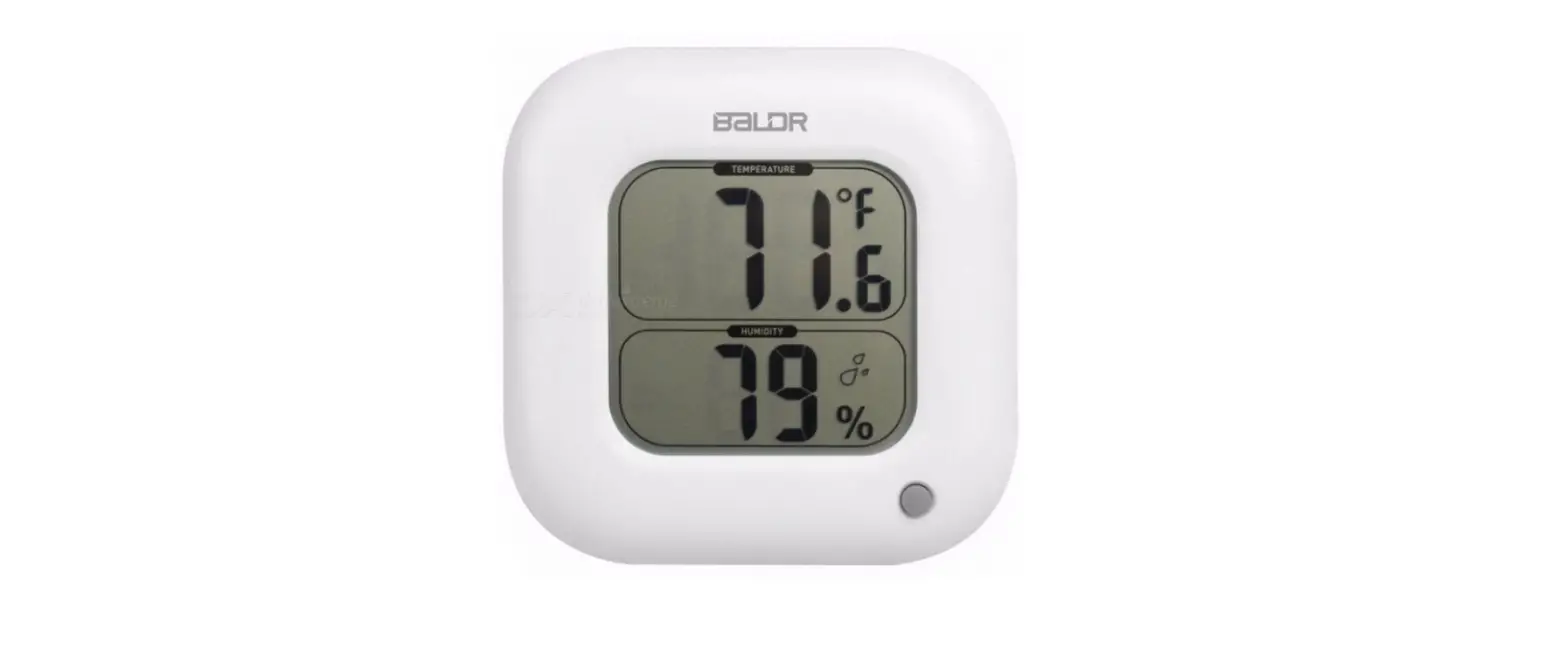
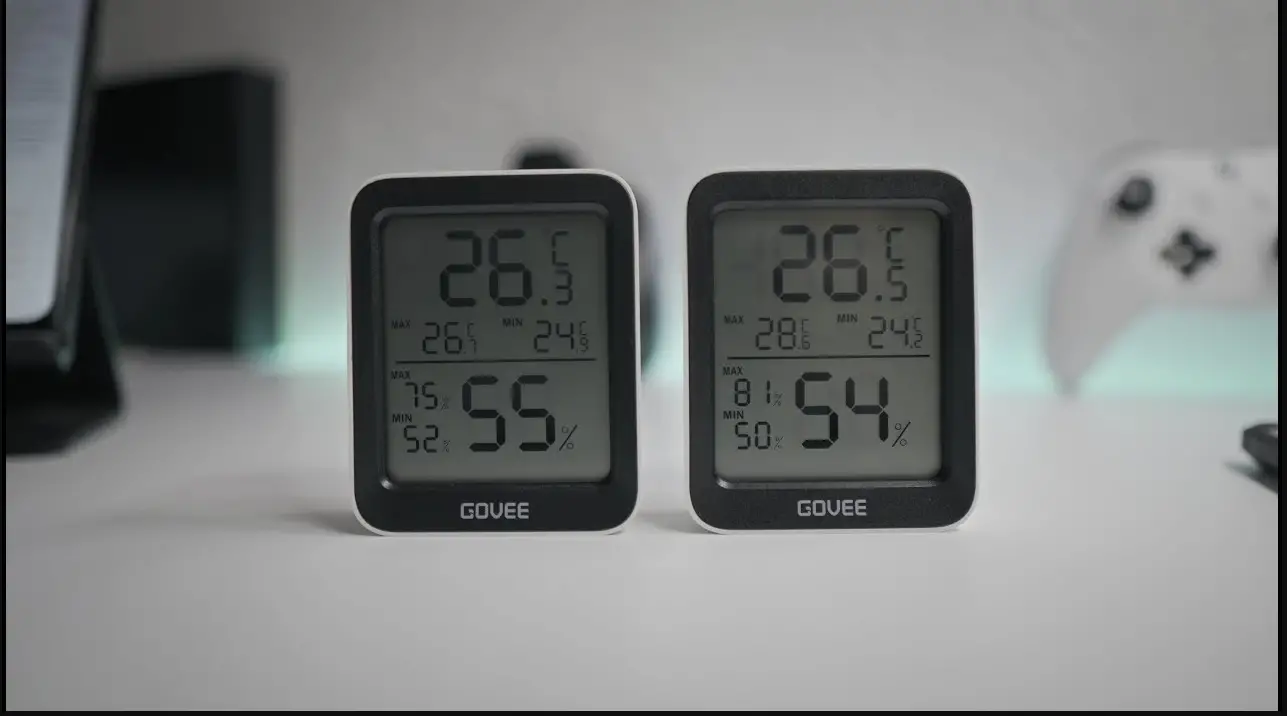
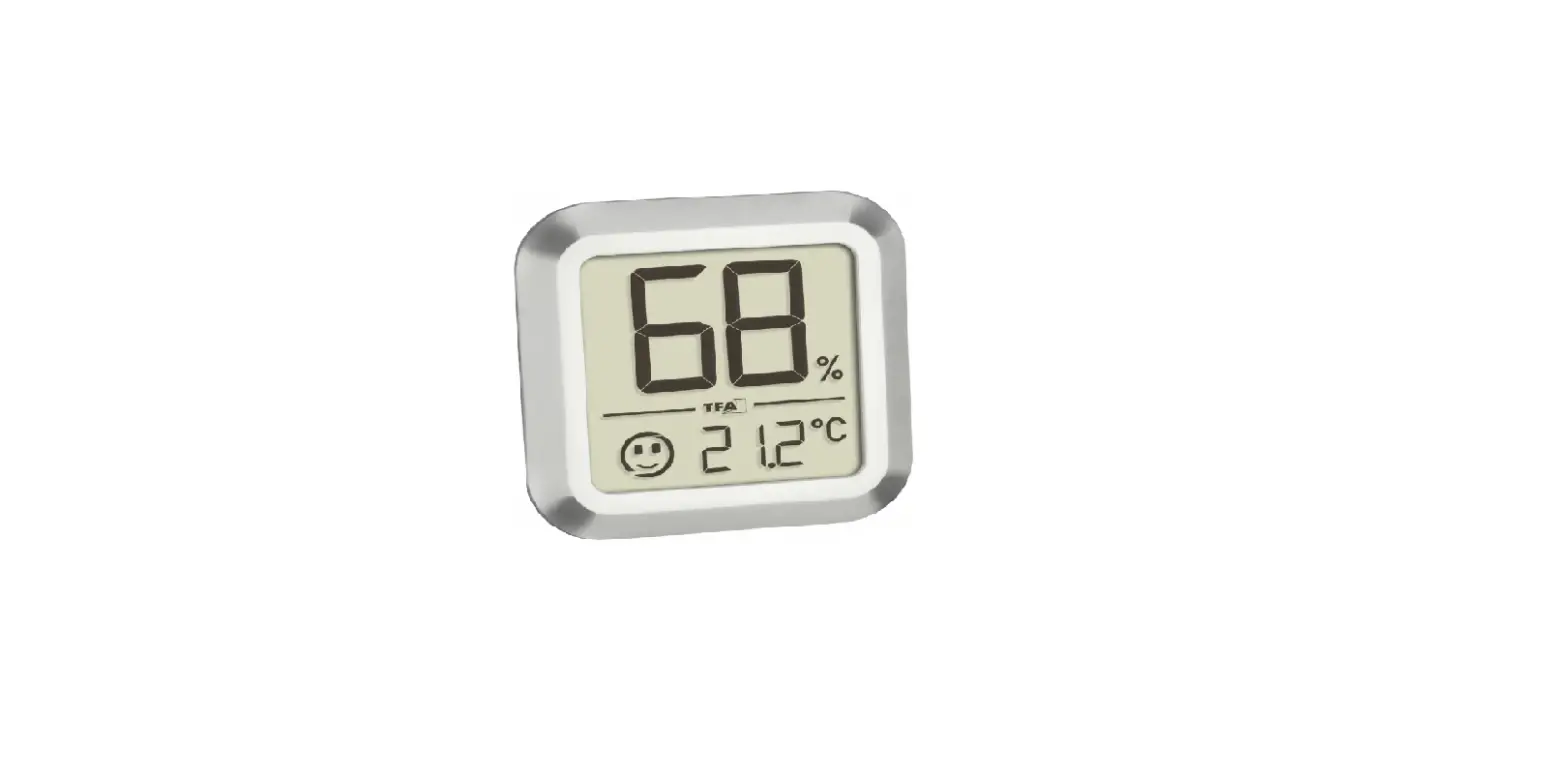
- Dual Display Temperature & Humidity
- Auto Power Off, Disable Sleep Mode
- Back light
- Mini Size
SPECIFICATIONS
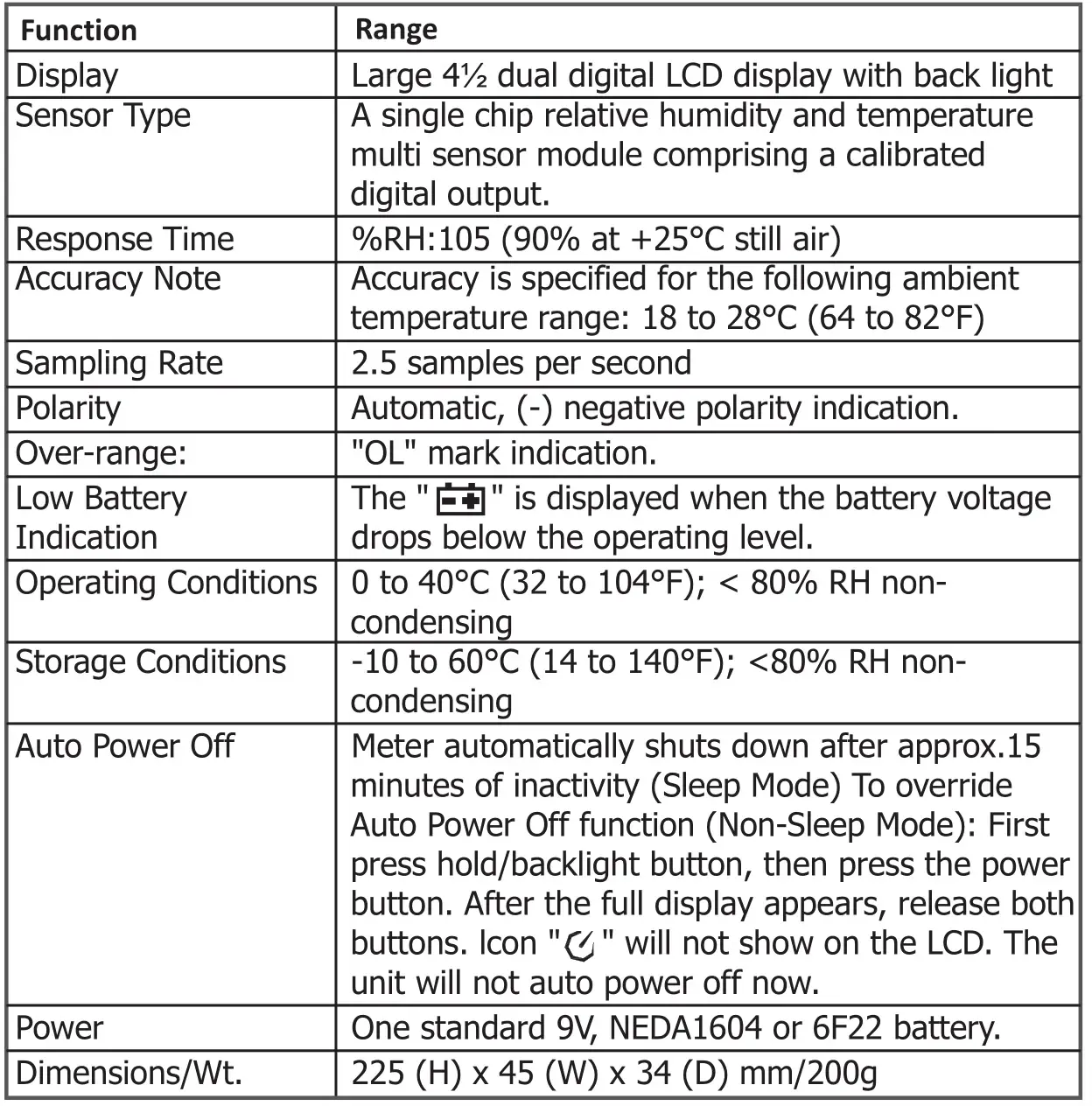
Humidity / Temperature Measurement Range
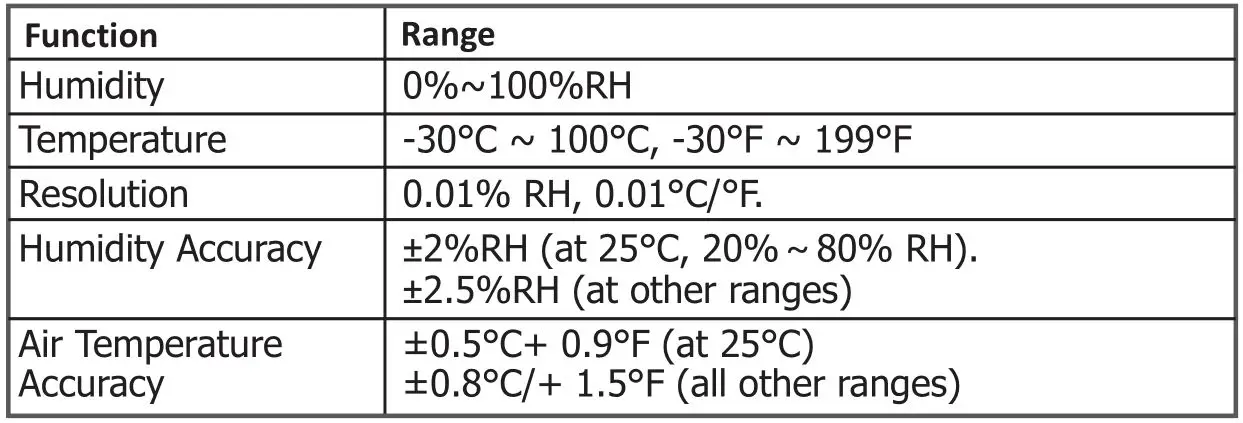
Note: The measuring range is from 0% to 100%, but above 80% and below 20% the deviation is not specified.
PANEL DESCRIPTION
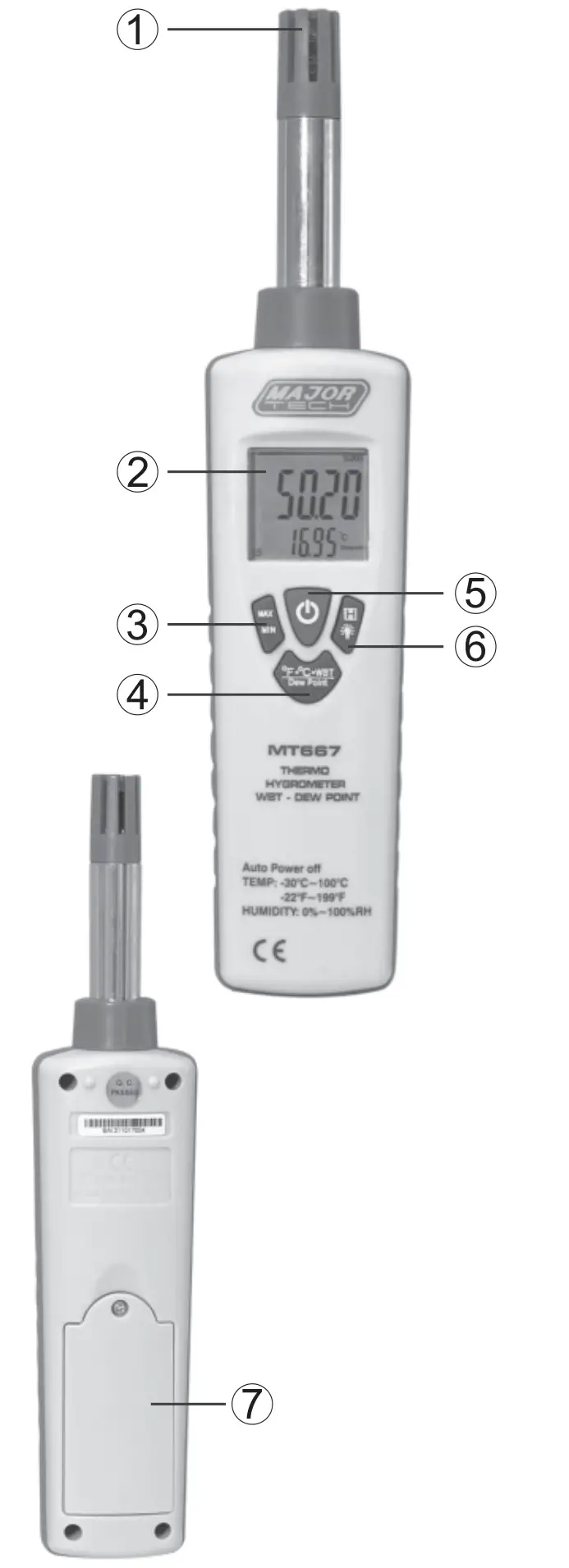
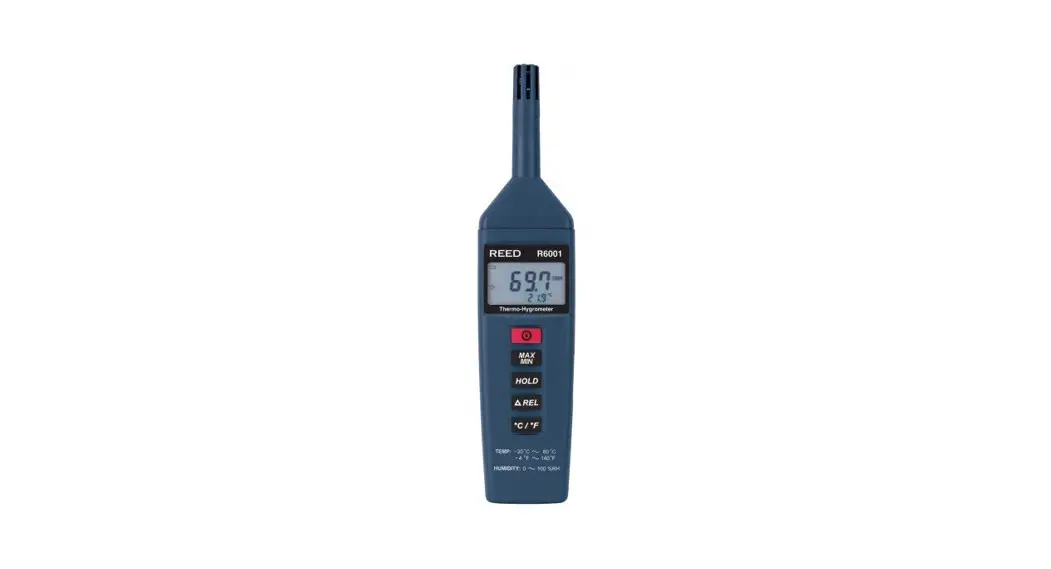
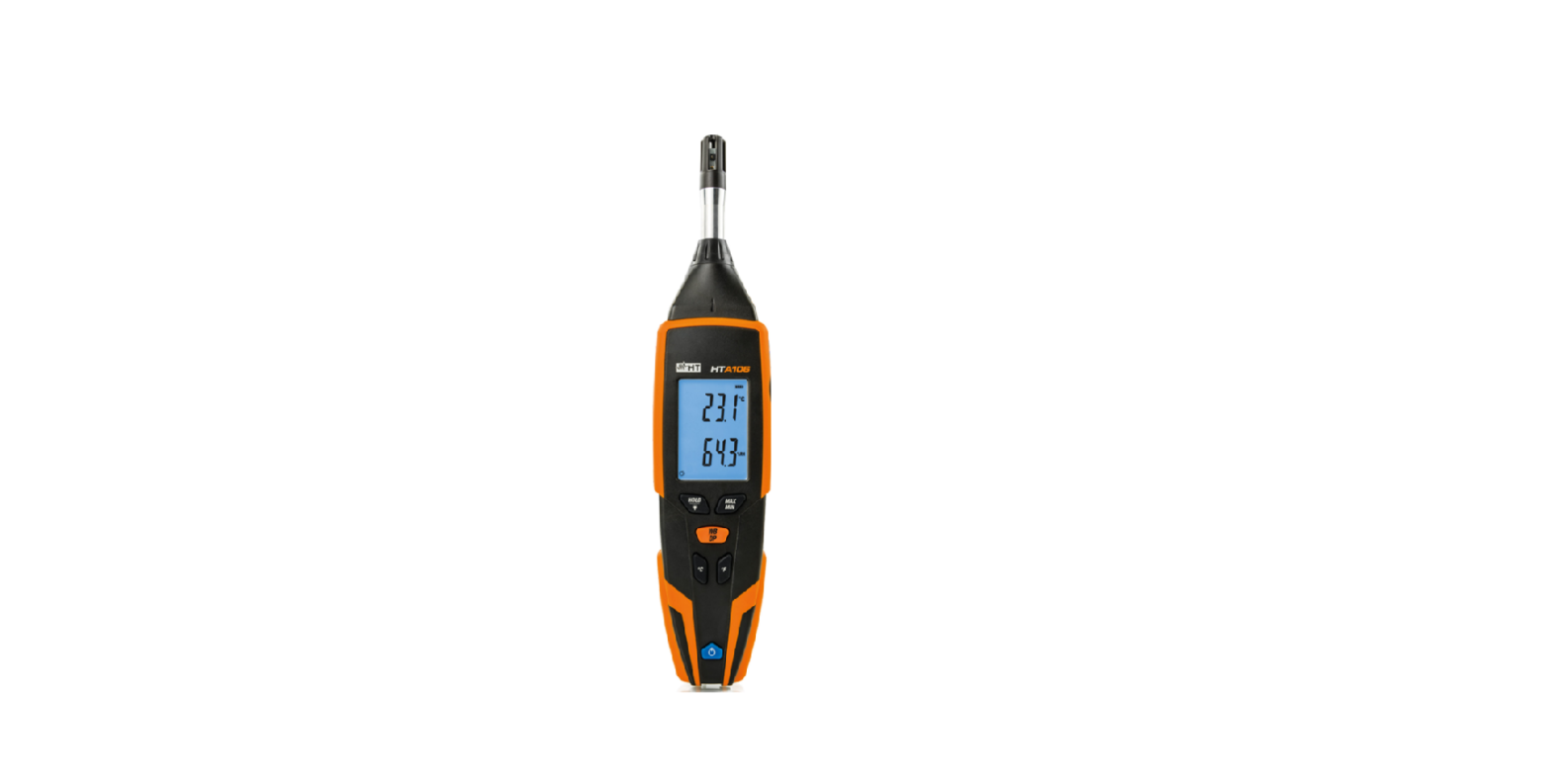
- Humidity / Air Temperature Probe: Humidity & and Temperature Semiconductor Sensor inside.
- LCD Display: 4 ½ dual digits LCD display with units of °C, °F, %RH dew point, wet bulb and low battery “BAT” MIN /MAX HOLD, indication.
- MAX/ MIN Button: Press MAX/MIN button to enter MAX, MIN Recording mode (manual range only). Select the proper range before selecting MAX MIN to ensure that the MAX/MIN reading will not exceed the testing range. Press once to select MIN. Press again to select MAX. Press and hold the Button for over 2 second to turn off MAX, MIN Recording.
- °C, °F, Dew Point, Wbt Select Button: Press °C, °F, Dew Point, Wbt select Button to enter select °C, °F, Dew Point, Wet Bulb Measurement.
- Power ON/OFF Button: Turn the meter power ON/OFF.
- HOLD /Back light Button:
Press Hold/backlight Button to enter hold function. The reading will be held when Data Hold button is pressed. Press Hold/backlight Button for over 2 seconds to turn on or off back light function. - Battery Compartment
HUMIDITY AND AIR TEMPERATURE MEASUREMENTS
- Hold the probe in the area to be tested & allow adequate time for readings to stabilize.
- Press °C, °F, dew point, WBT select Button to enter select °C, °F, dew point Wet Bulb Measurement.
- Read the Relative Humidity and Air Temperature, dew point temperature wet bulb temperature.
NOTE: Do not immerse the probe in liquid; it is intended for use in air only.
 WARNING: Don’t expose the sensor to direct sunlight (in solation).
Don’t touch or manipulate the sensor.
BATTERY REPLACEMENT
If the sign “ ” appears on the LCD display, it indicates that the battery should be replaced. Open the battery case and replace the depleted battery with a new battery. (1 x 9V battery NEDA 1604, 6F22 or equivalent).

MAJOR TECH (PTY) LTD
South Africa


Australia

 Major Tech - Innovation l Quality l Excellence
 Home - Major Tech Australia