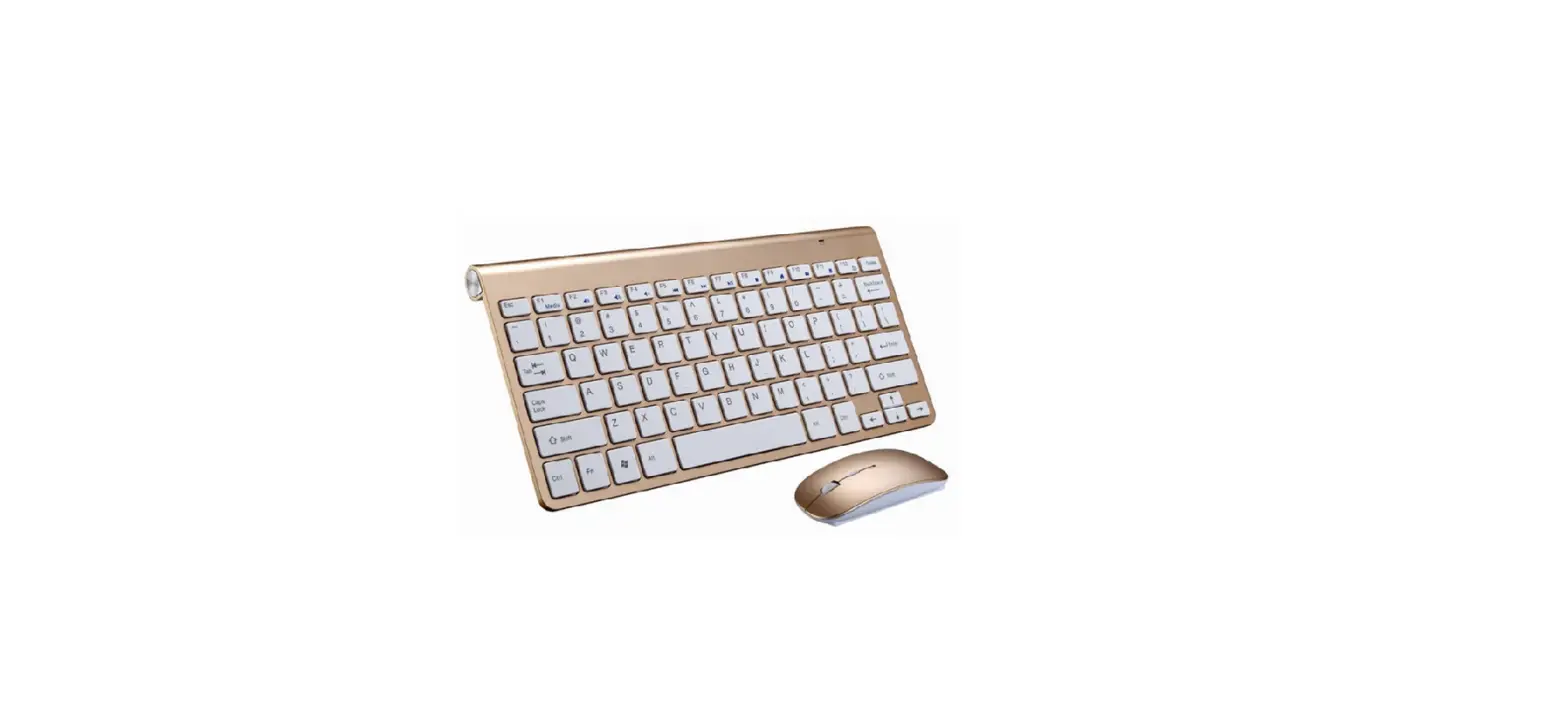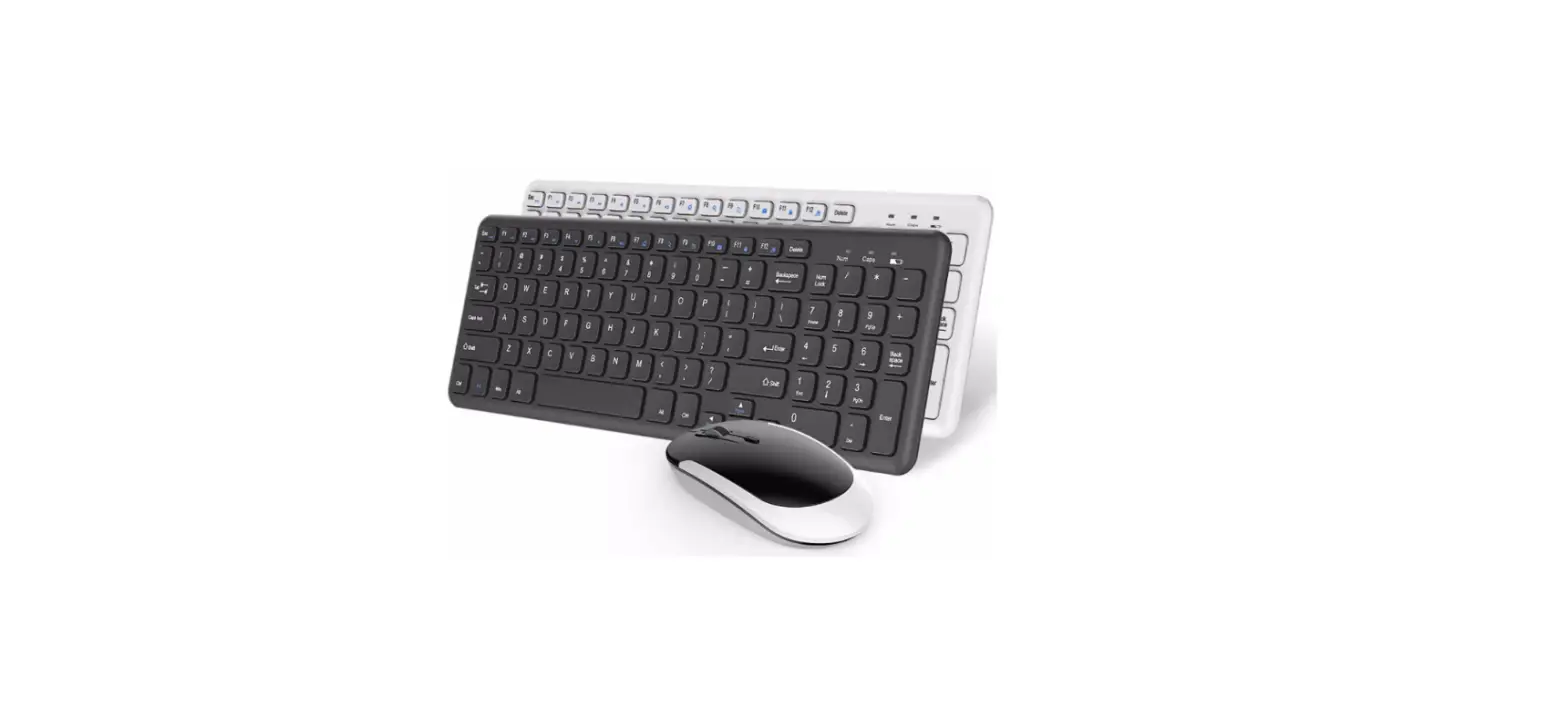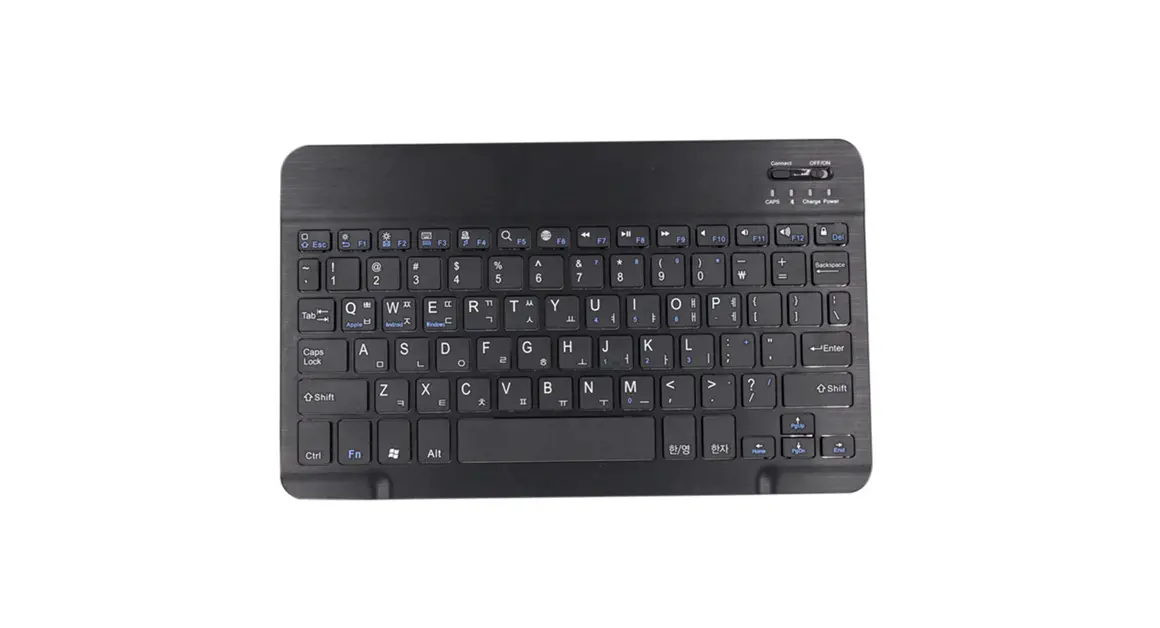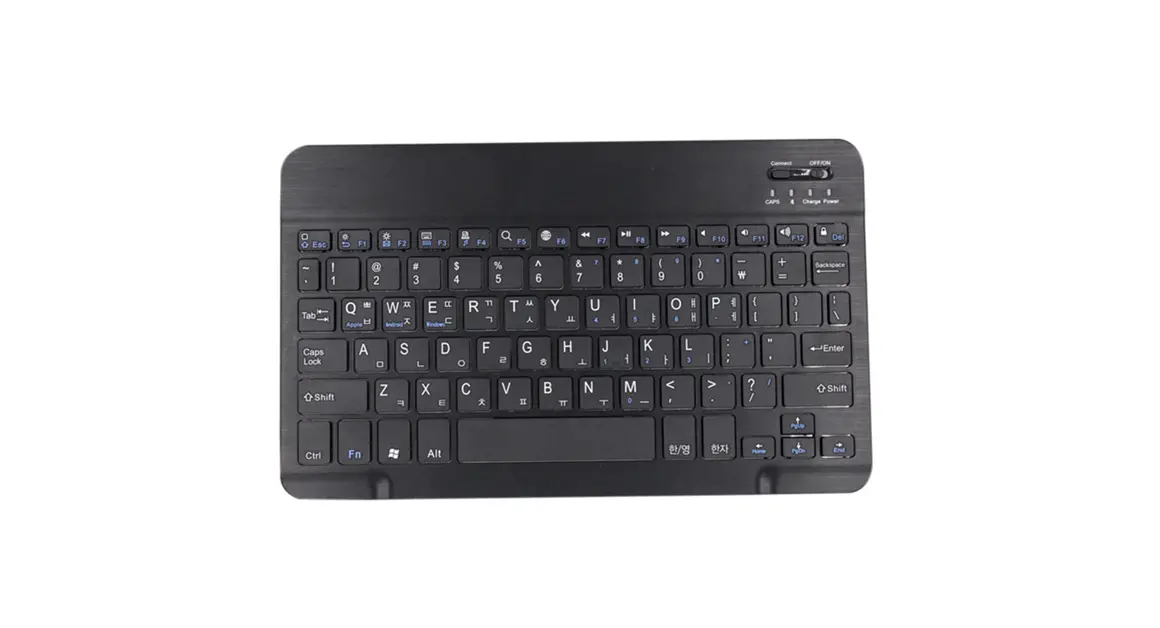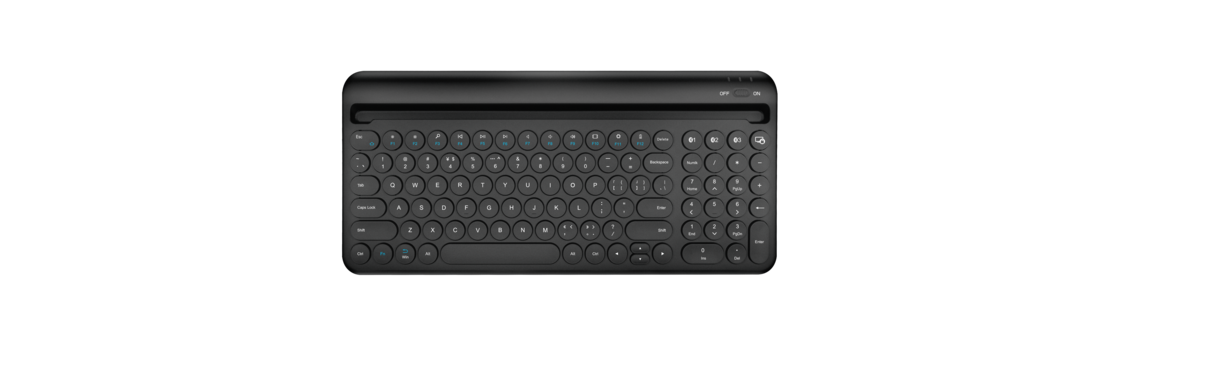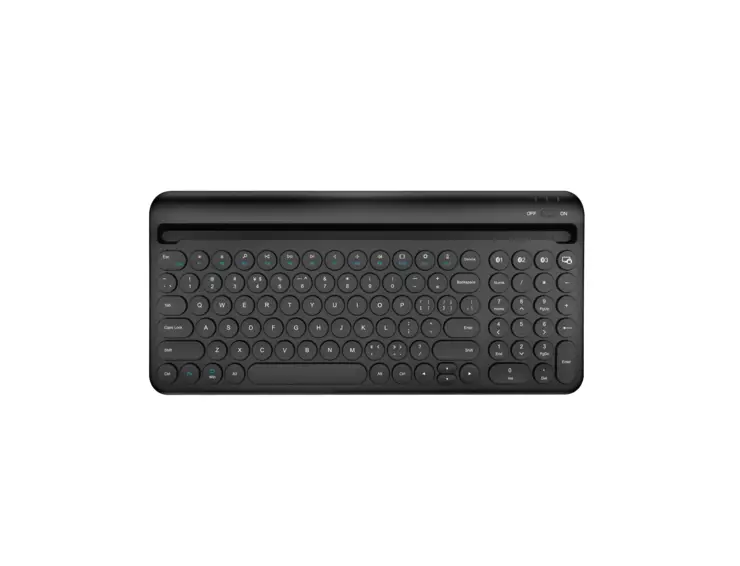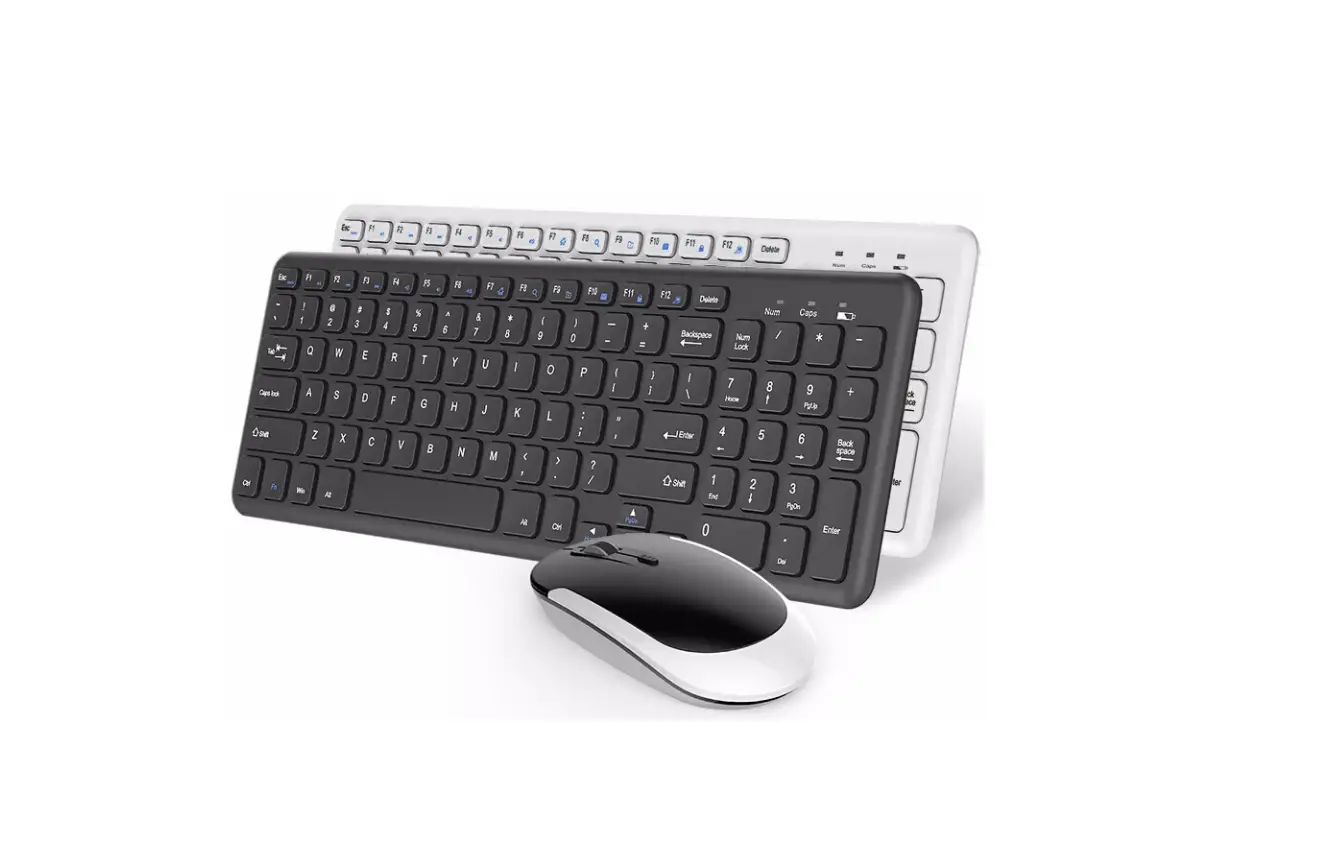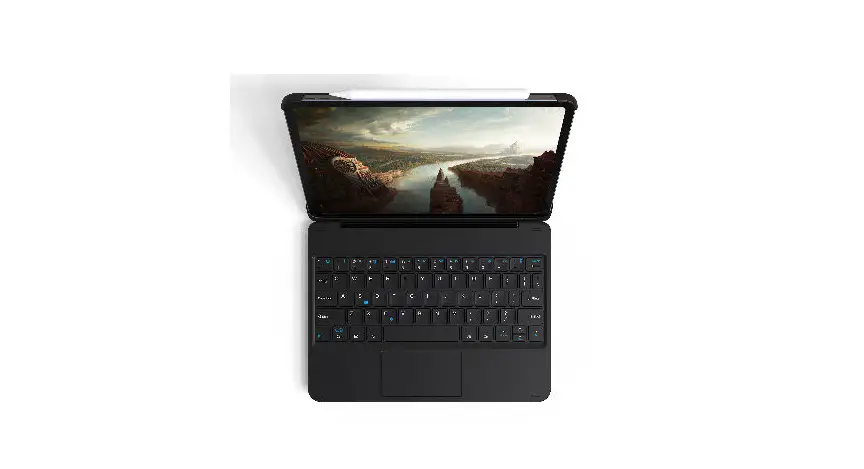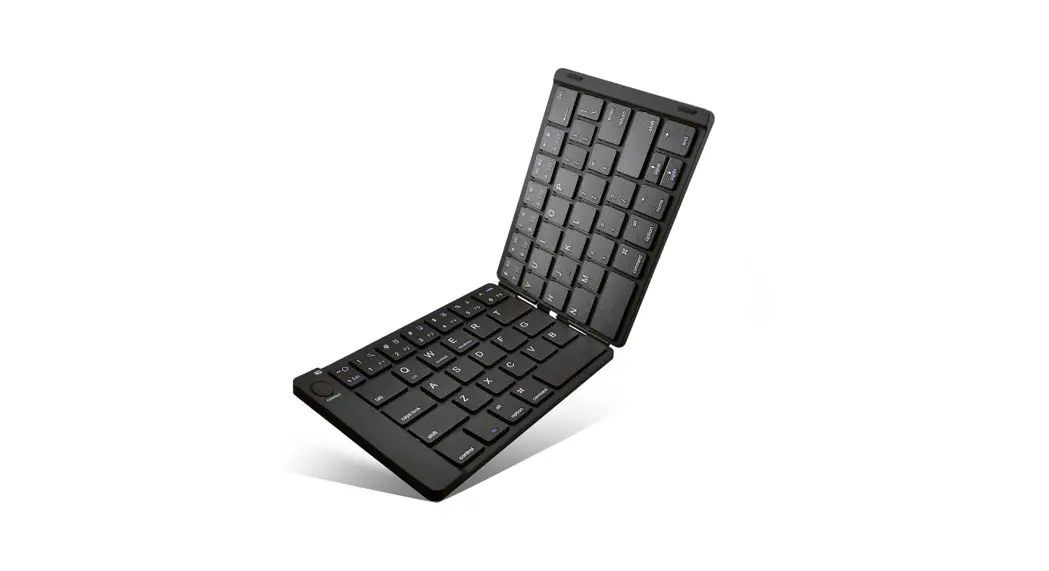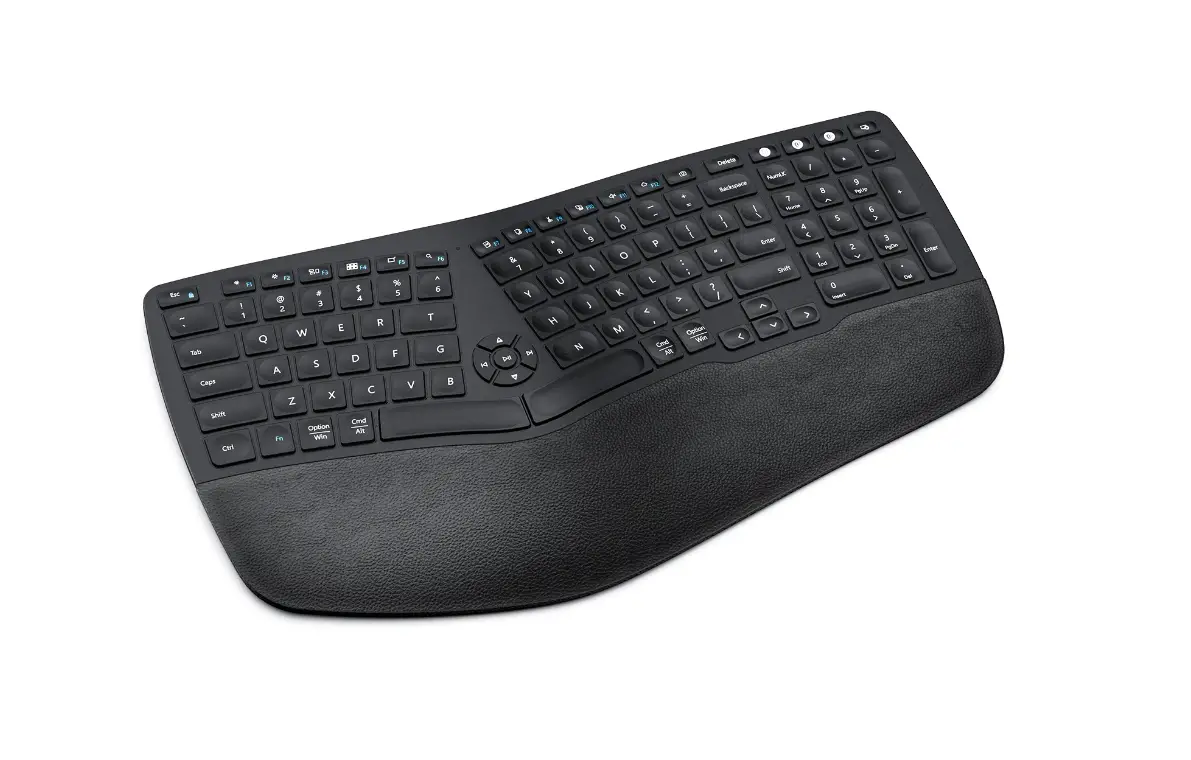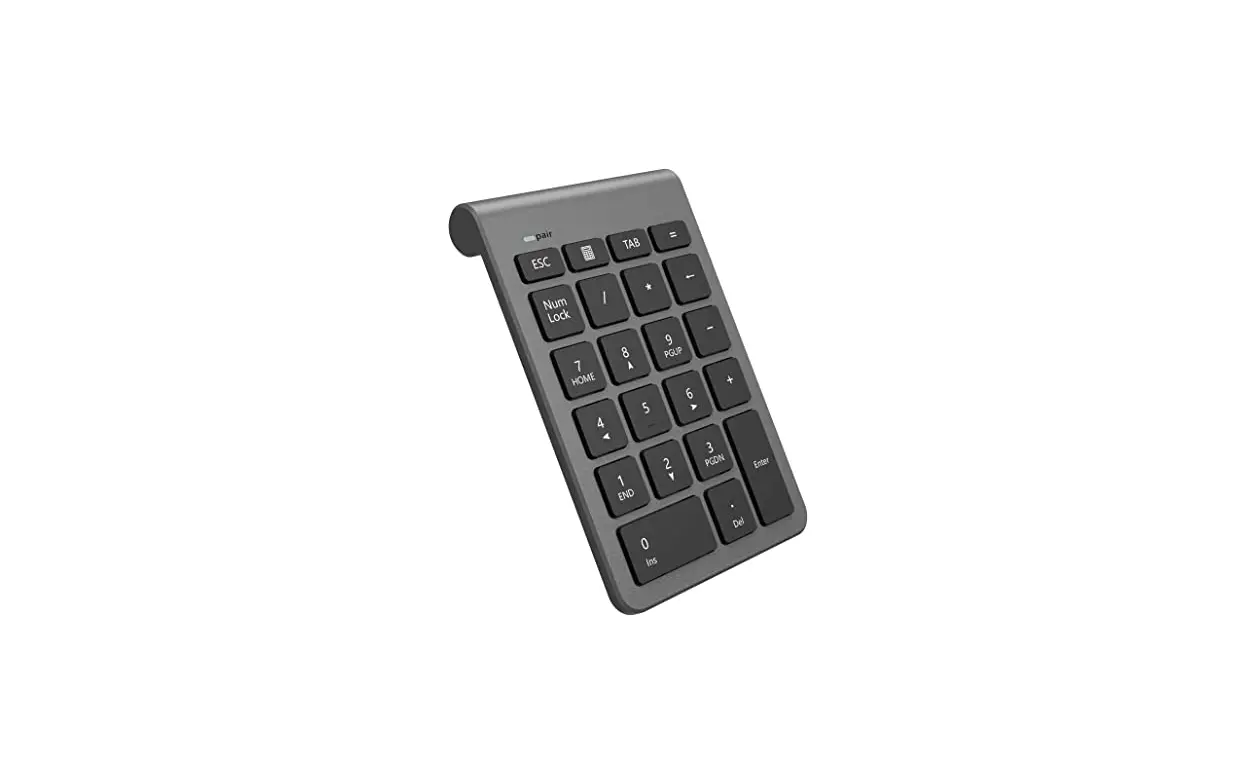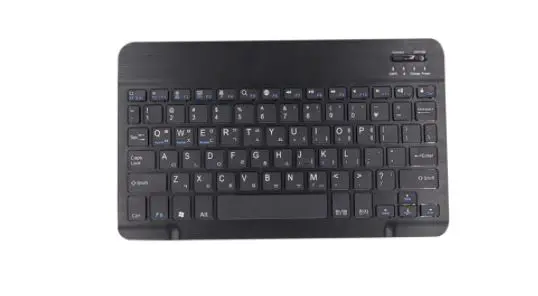
 Hangshi Technology HB206-2 Wireless Membrane Keyboard
User Manual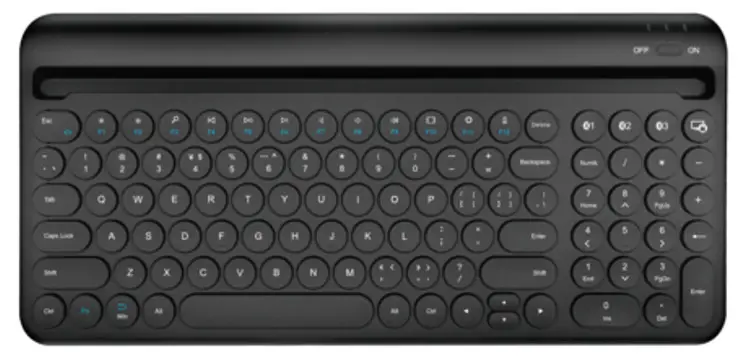 HB206-2
Thank you for choosing our Membrane keyboard. Please read the user manual carefully before using this product.
Package contents
Membrane Keyboard ————————————– xl
User manual———————————————— xl
USB-C Cable————————————————- xl
System requirement
Compatible with Windows7, Windows8, Windows, Mac, Android, IOS
Product Parameter
| Connection: Wireless | Operating Distance:8m |
| Keystroke Life:3 million strokes | Operating Temperature:-10 C – +55 C |
| The Number of Keys:100 keys | Working Voltage:3.0-4.2V |
| Lithium Battery:280mAh | Working Current:54mA |
| BT Version: BT 5.1 | Sleep Current:<50uA |
The keyboard Function
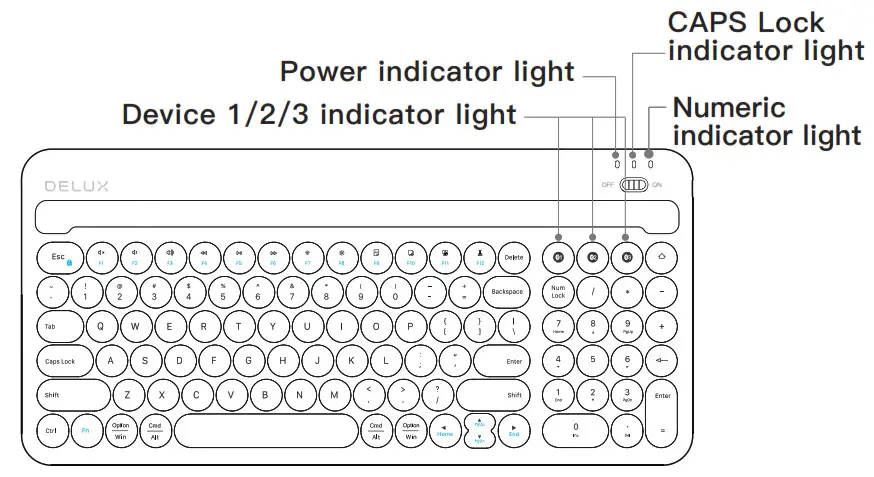
| Icon | IOS Function | Windows Function | Icon | IOS Function | Windows Function |
Fn+ ESC | FN switch | FN switch | Fl | Mute | Mute |
F2 | Volume- | Volume- | F3 | Volume+ | Volume+ |
F4 | Previous Track | Previous Track | F5 | Play/Pause | Play/Pause |
F6 | Next Track | Next Track | F7 | Lightness- | Lightness- |
F8 | Lightness+ | Lightness+ | F9 | Select all | Select all |
F10 | Copy | Copy | Fll | Paste | Paste |
F12 | Cut | Cut |
Instruction
- Code Matching Mode:
• Turn on the power switch on the keyboard.
• Press a BT key for 3 seconds. The BT indicator will flash in white light.
• Turn on the BT of your device and search.(BT name:Bluetooth 5.1 KB2), click the BT name, and then your device will connect to the Keyboard.
• When the connection is done, the indicator light keeps on. - Device Switch:
After the keyboard is connected to your device, you can simply click the relevant BT icon key to select the connected device, and the relevant indicator light will stay on. If you don’t need to connect the keyboard with three devices, you can also connect the keyboard with one or two devices. - The keyboard will go into sleep mode without any action for a period of time. But it can be woken up by pressing any key.
Troubleshooting
- Make sure the keyboard is on (slide switch in the “ON” position).
- Make sure the keyboard is within operating distance (within 10 meters).
- Ensure the battery storage has power.
- Make sure the BT in tablet I PC / smartphone is on.
- Ensure the wireless keyboard has already matched with BT.
- If you cannot find “Bluetooth 5.1 KB2″ in the”add new devices”, it might be because the “Bluetooth 5.1 KB2” is in the “BT interface and other devices” list, you can delete it and add it again.