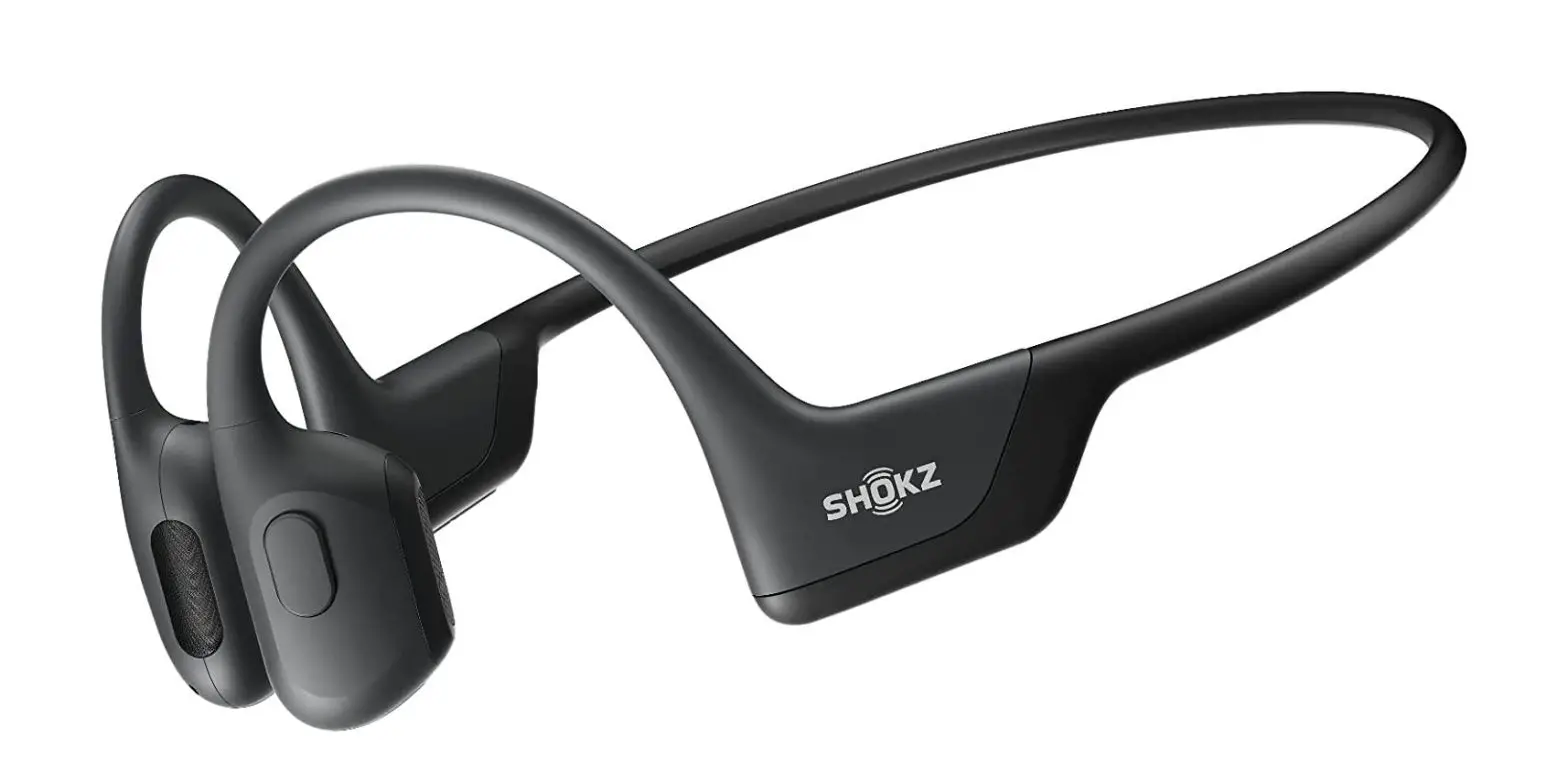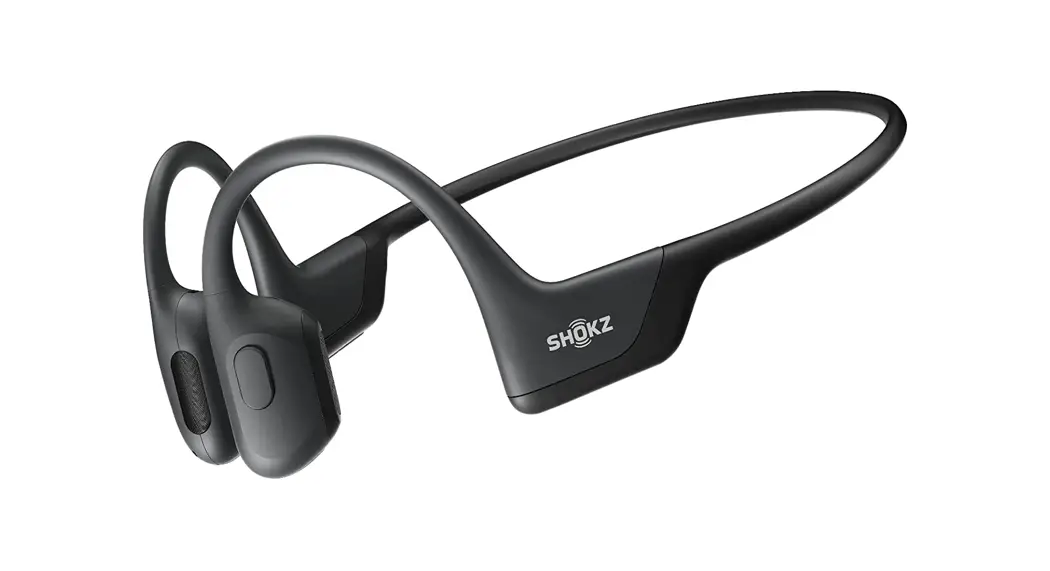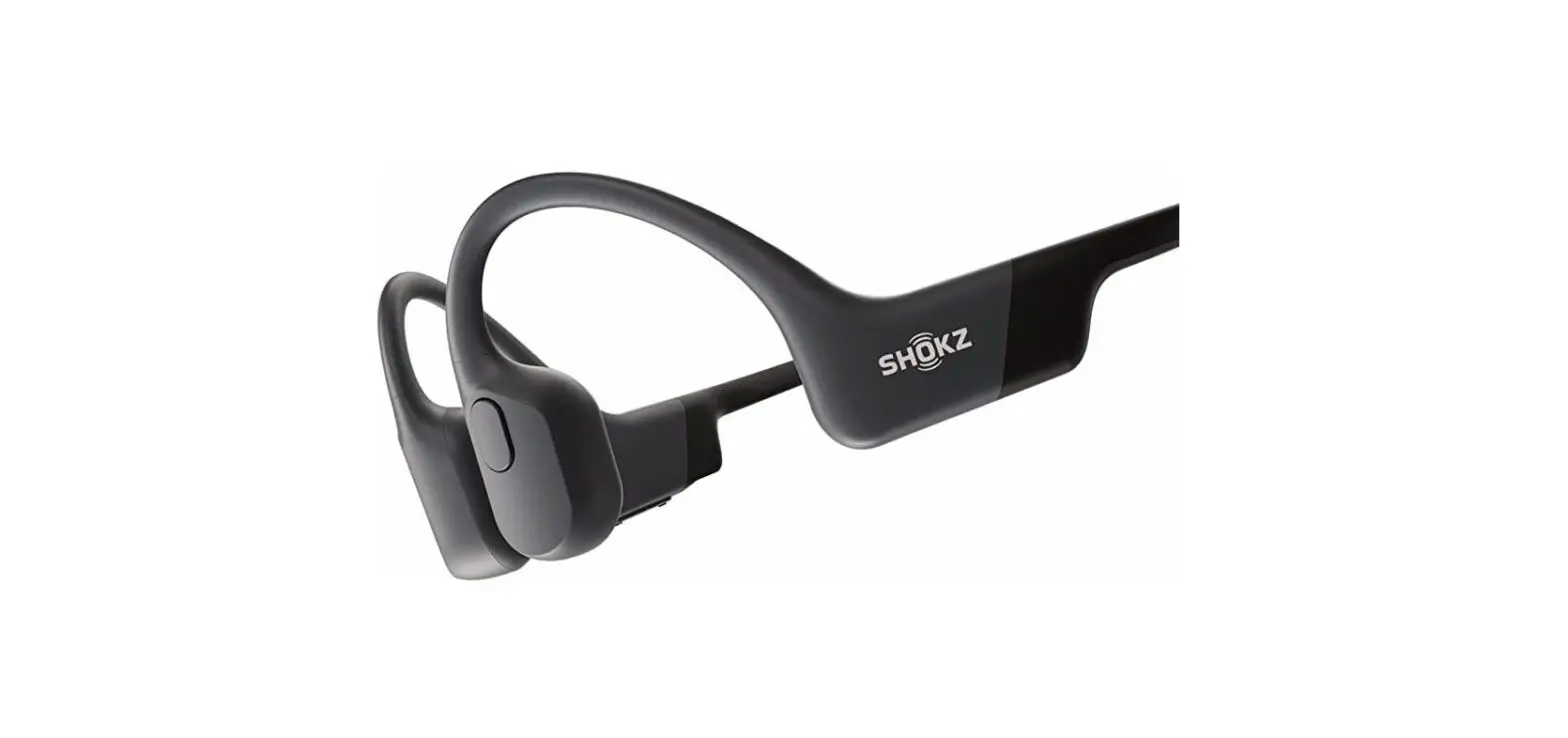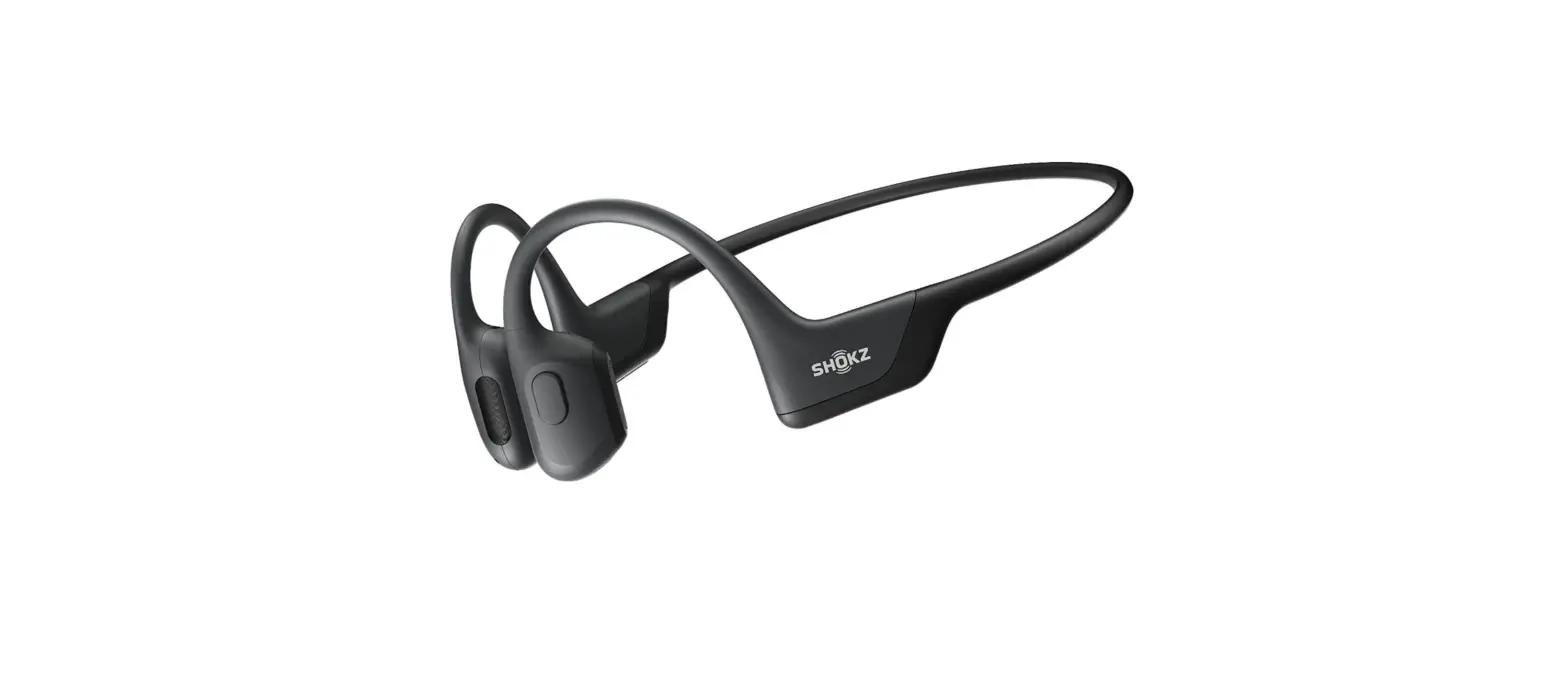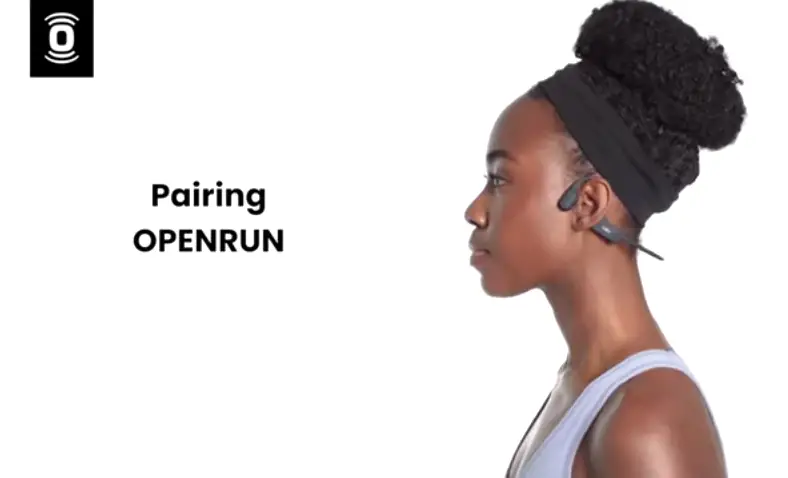
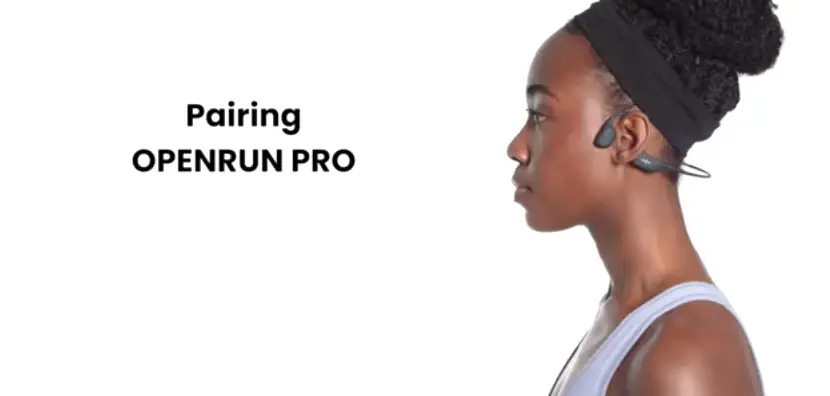
Shokz OpenRun Pairing Instructions
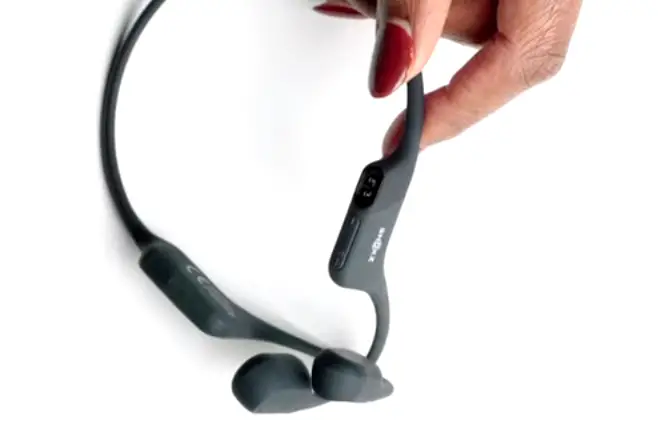
1. Start with your OpenRun powered off.
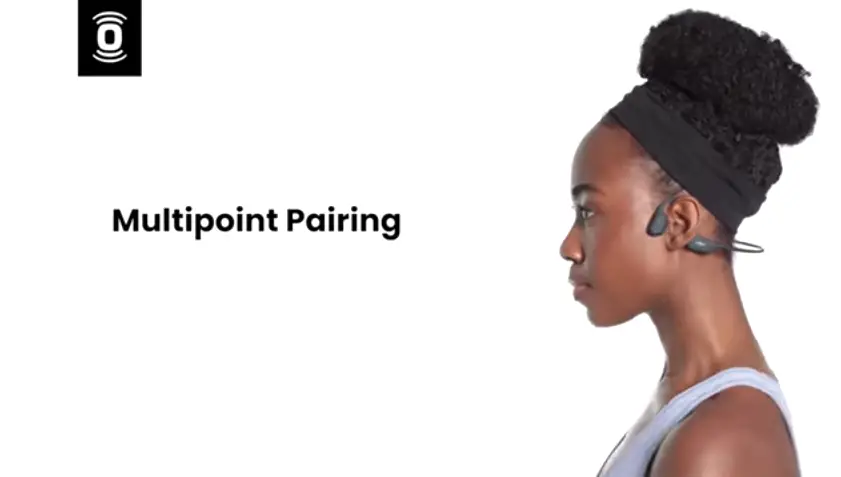
2. Then hold the volume plus button for about three to five seconds until the LED flashes red and blue.
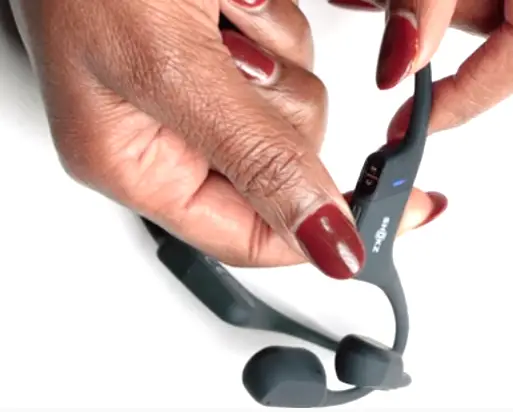
3. Your headphones are now discoverable on your Bluetooth device.
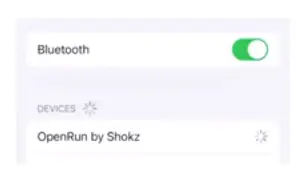
4. Open your device’s Bluetooth settings and select OpenRun by Shokz.
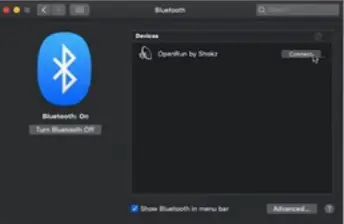
5. You’ll hear Audrey say “Connected” once the connection is complete.
![Harman Jbl Party Xpert User Manual [pairing]](https://static-data1.manualsee.com/1/img/484/4552/2019/05/Harman-JBL-Party-Xpert.png "Harman Jbl Party Xpert User Manual [pairing]")
![Jbl Xtreme User Manual [extreme Pairing Instructions]](https://static-data1.manualsee.com/1/img/239/2490/2018/08/JBL-XTREAM-MANUAL-1.png "Jbl Xtreme User Manual [extreme Pairing Instructions]")

![Anker Soundcore User Manual [pairing Instructions]](https://static-data1.manualsee.com/1/img/244/2482/2018/08/Anker-SoundCore-FEATURED-1568x722.png "Anker Soundcore User Manual [pairing Instructions]")
![Monster Isport User Manual [pairing Instructions]](https://static-data1.manualsee.com/1/img/243/2486/2018/08/190688-MONSTER-BLUETOOTH-HEADPHONES.jpg "Monster Isport User Manual [pairing Instructions]")