Shokz Multipoint Pairing Instructions
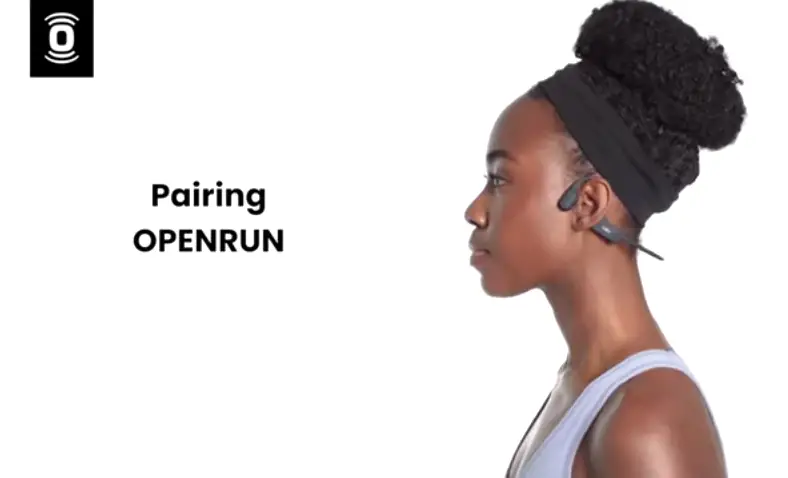
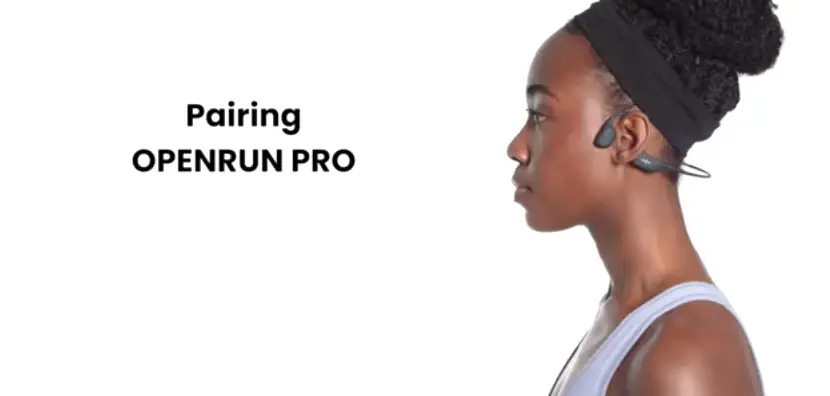
Multi-point pairing allows your Shokz Bluetooth device to be connected to two devices. So that, you can seamlessly transition from one to the other.
Here’s how you do it.
1. Start with your Shokz powered off.
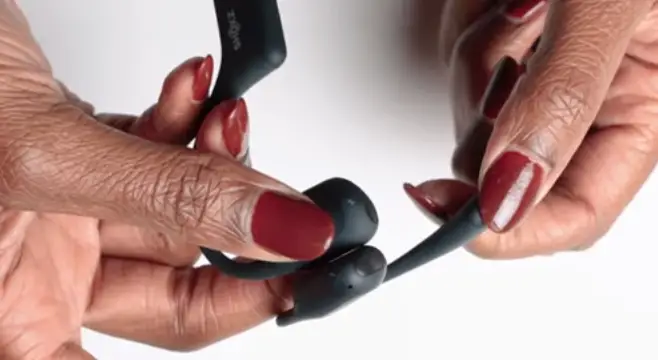
2. Press and hold the volume plus until the LED flashes red and blue.
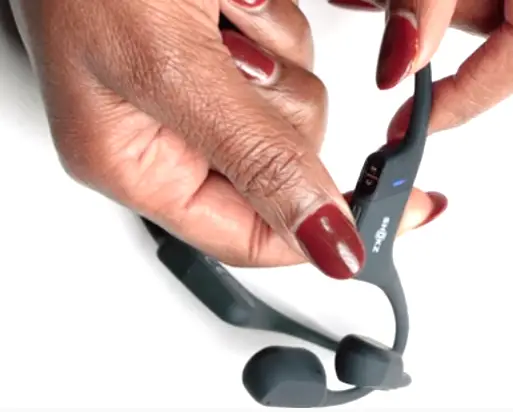
3. Press and hold the multi-function button and volume plus for about three seconds until Audrey says “Multi-Point Enabled”.
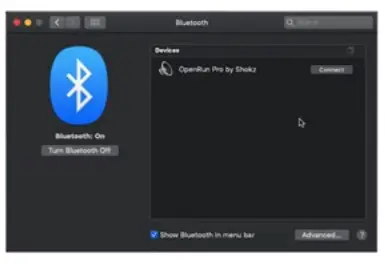
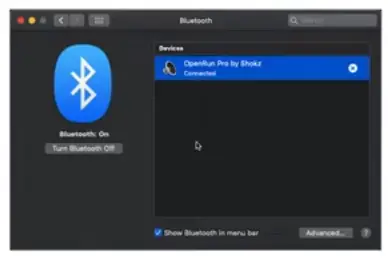
3. Open your first device’s Bluetooth menu and select your Shokz audio device. Audrey will say “Connected”.
4. Turn your Shokz off.
5. Re-enter pairing mode by pressing and holding the volume plus until Audrey says “Pairing” and the LED flashes red and blue.
6. Open your second device’s Bluetooth menu and select your Shokz audio device. Audrey will say “Connected”.
7. Turn your Shokz off.
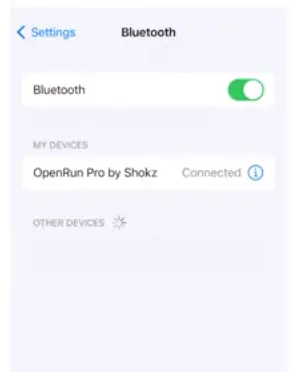
7. Turn your Shokz on. You’re now connected to both Bluetooth devices.
![Jbl Xtreme User Manual [extreme Pairing Instructions]](https://static-data1.manualsee.com/1/img/239/2490/2018/08/JBL-XTREAM-MANUAL-1.png "Jbl Xtreme User Manual [extreme Pairing Instructions]")

![Harman Jbl Party Xpert User Manual [pairing]](https://static-data1.manualsee.com/1/img/484/4552/2019/05/Harman-JBL-Party-Xpert.png "Harman Jbl Party Xpert User Manual [pairing]")
![Anker Soundcore User Manual [pairing Instructions]](https://static-data1.manualsee.com/1/img/244/2482/2018/08/Anker-SoundCore-FEATURED-1568x722.png "Anker Soundcore User Manual [pairing Instructions]")
![Monster Isport User Manual [pairing Instructions]](https://static-data1.manualsee.com/1/img/243/2486/2018/08/190688-MONSTER-BLUETOOTH-HEADPHONES.jpg "Monster Isport User Manual [pairing Instructions]")