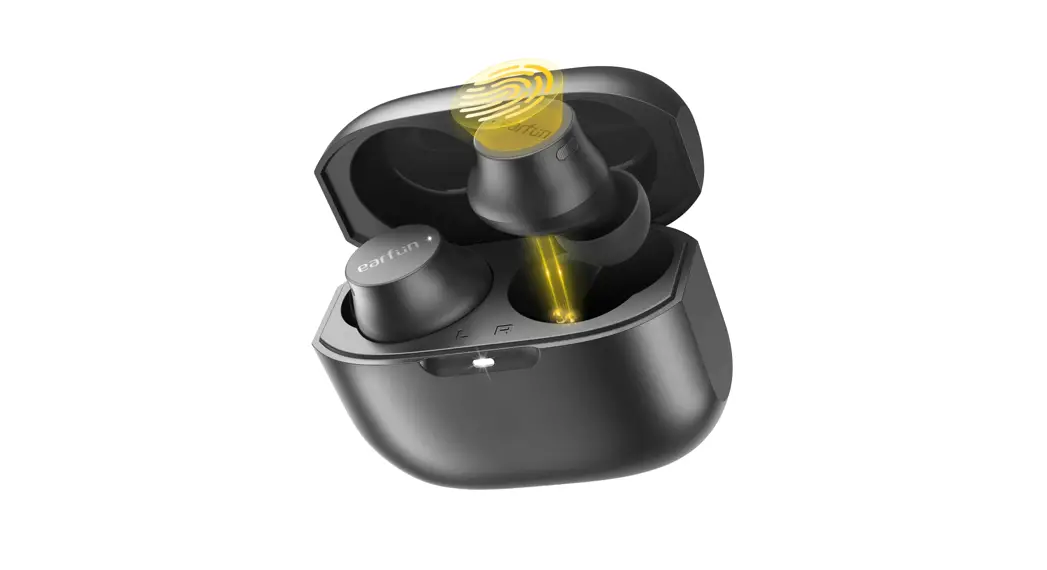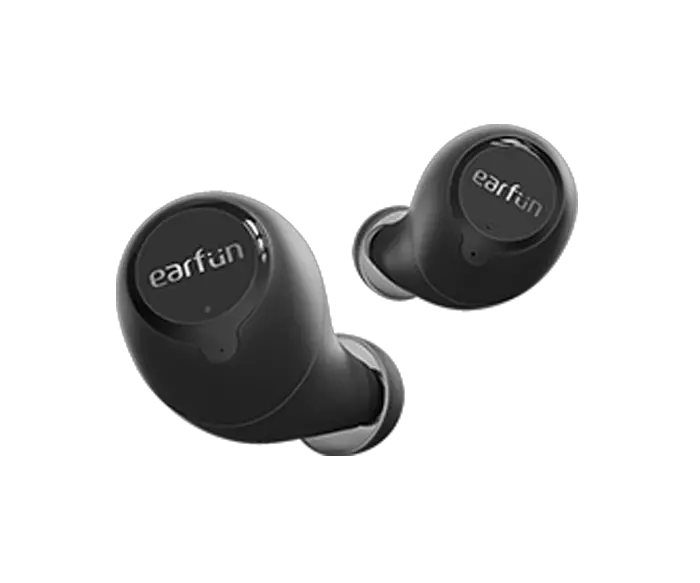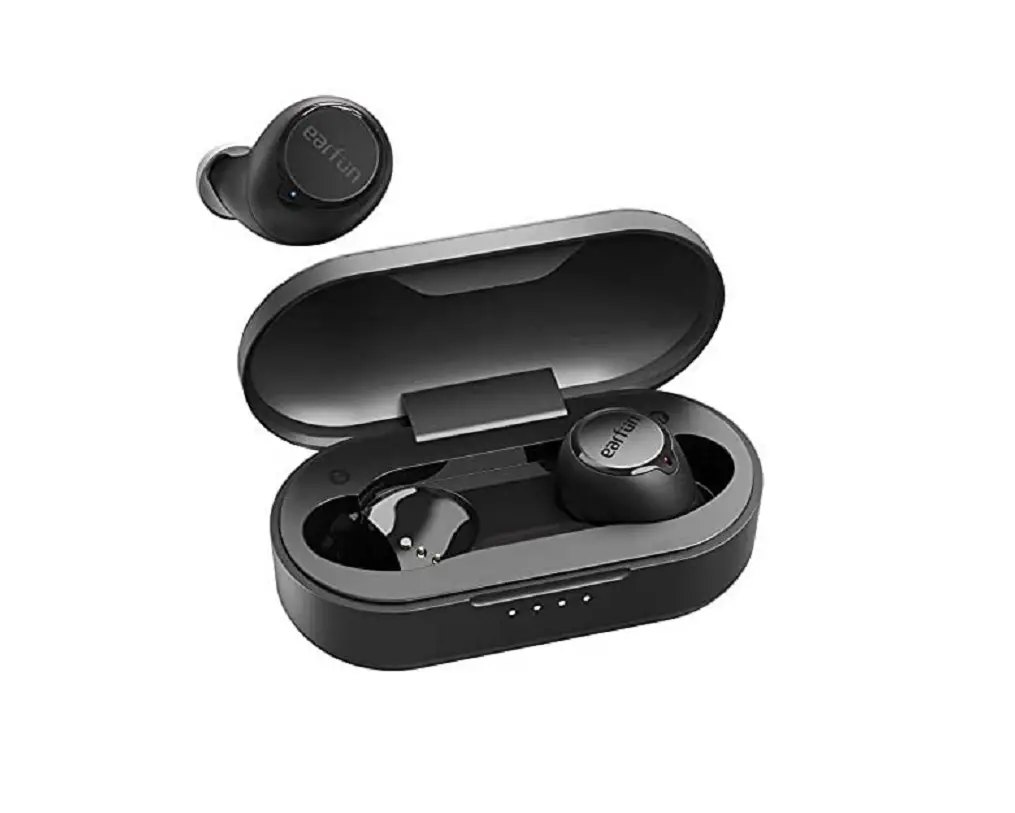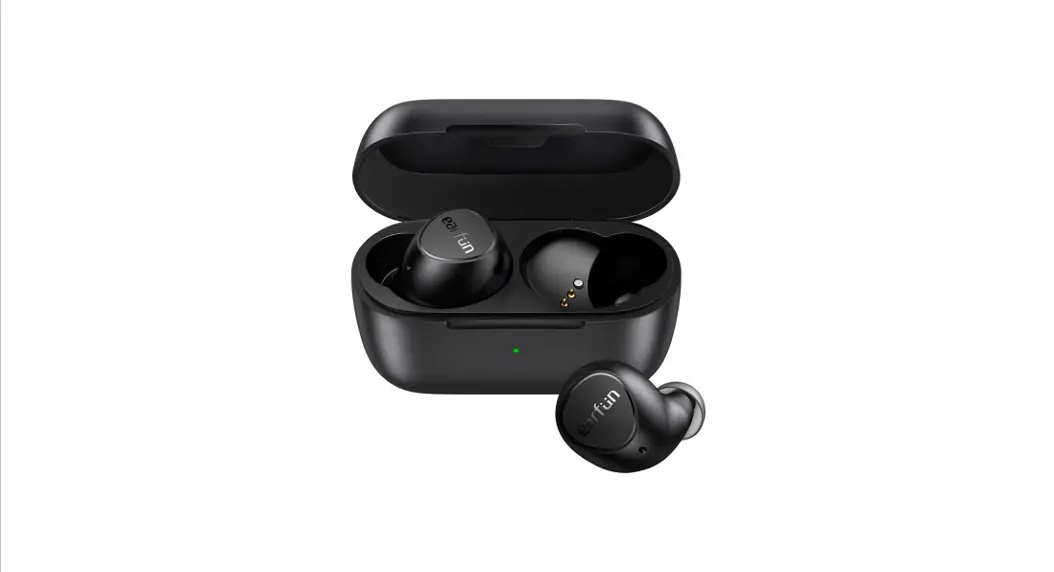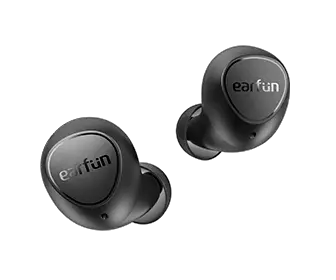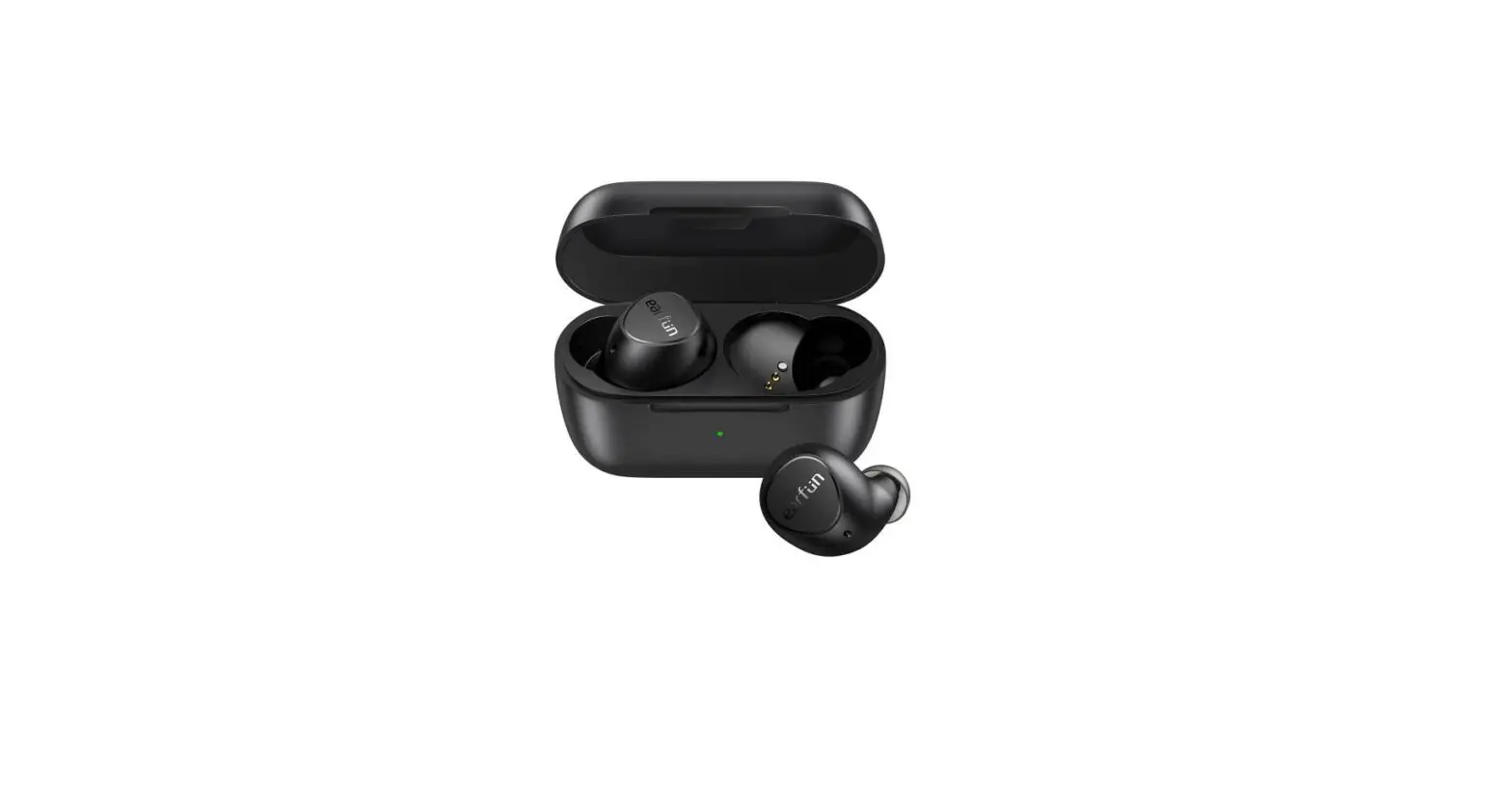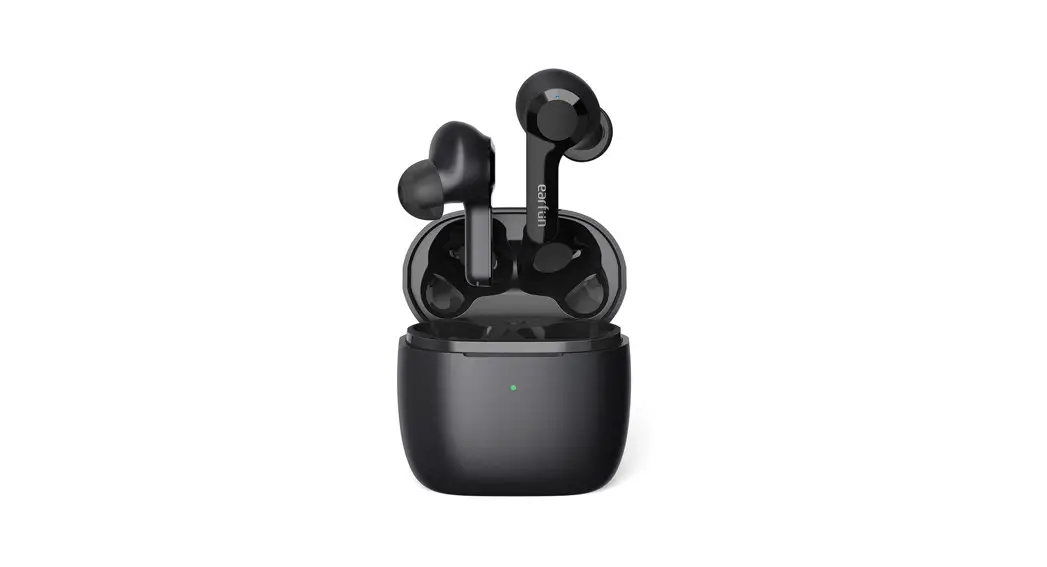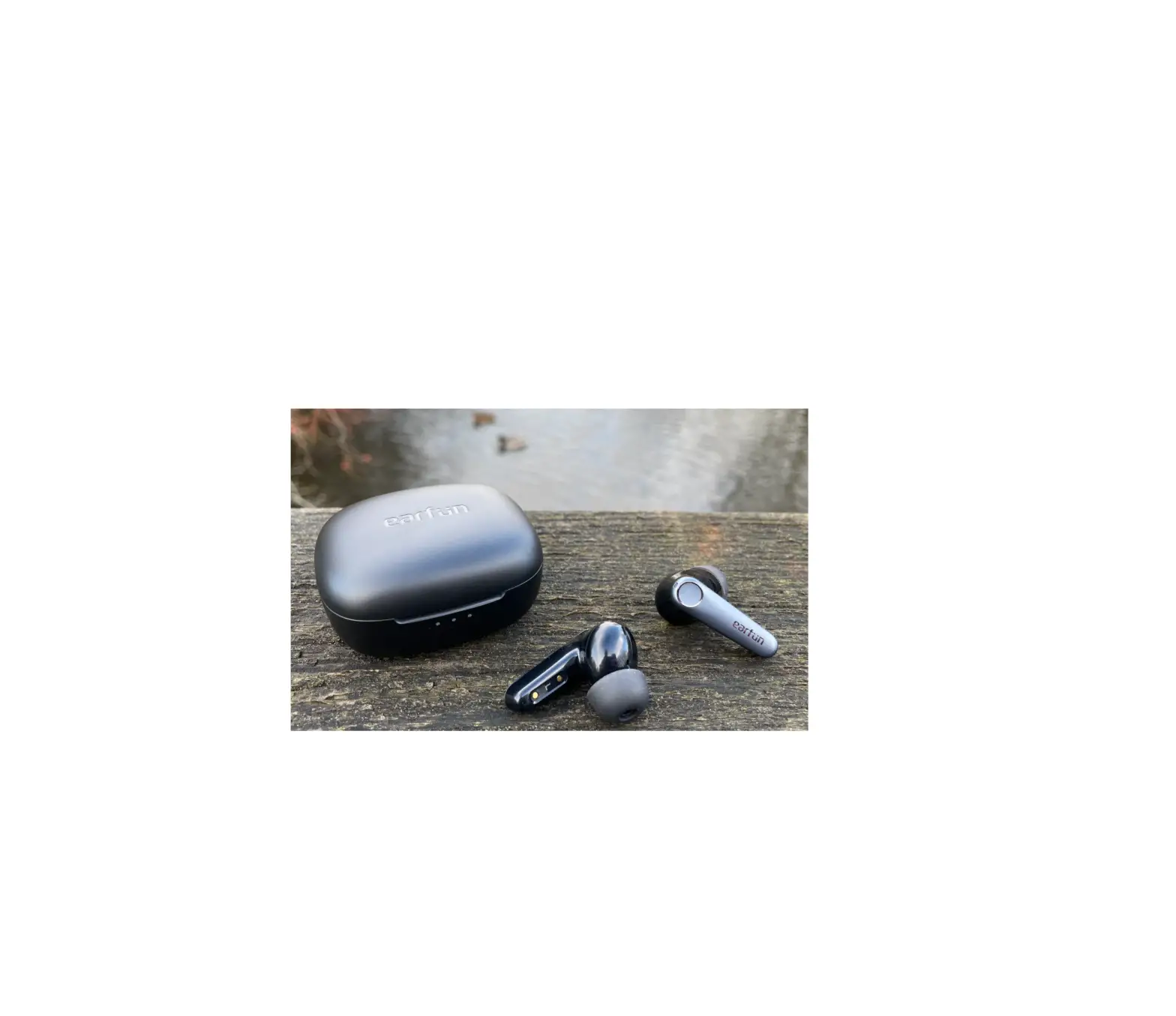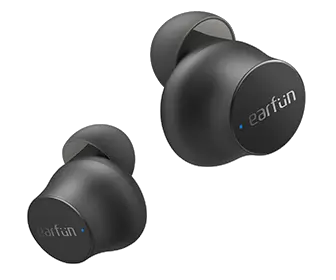
EarFun Free Mini True Wireless Earbuds User Manual
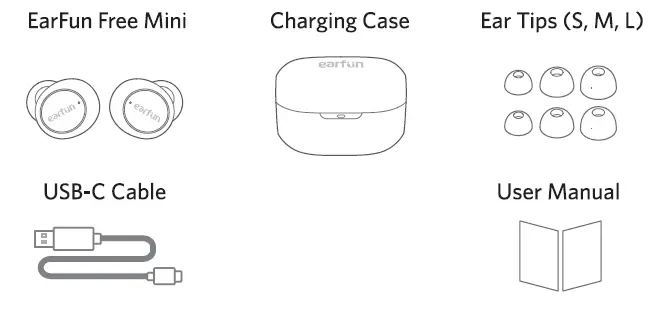
1. What’s in the Box
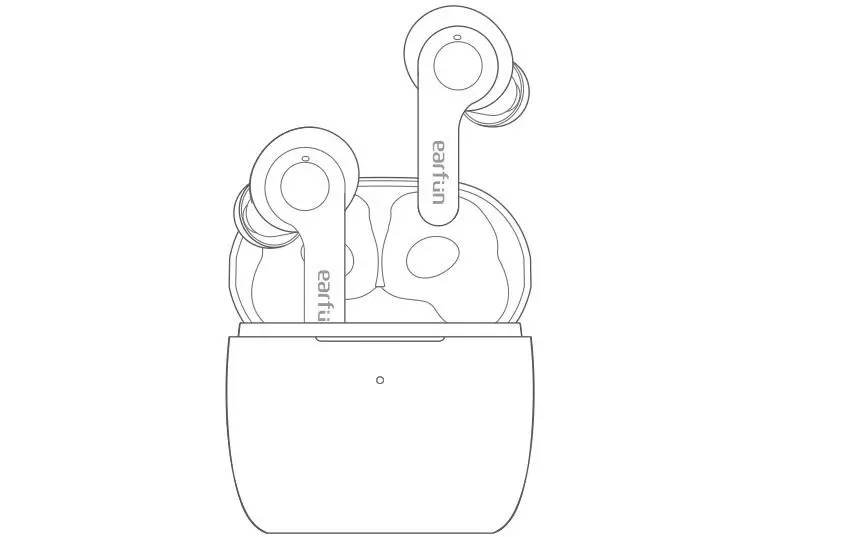
2. Product Diagram
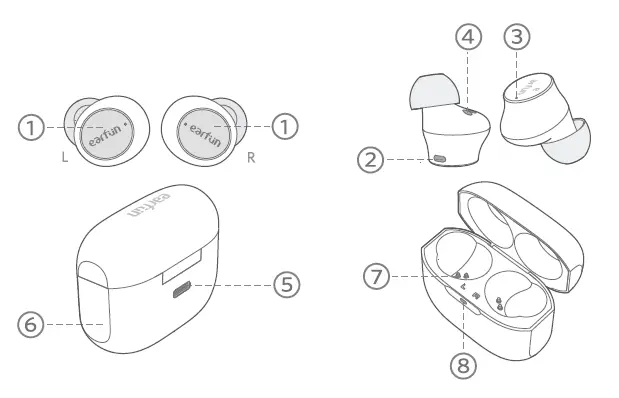
1. Touch button control zone
2. Microphone
3. Earbuds LED indicator
4. Charging contactor
5. USB-C charging port
6. Charging case
7. Charging dock
8. Charging case indicator
3. Charging
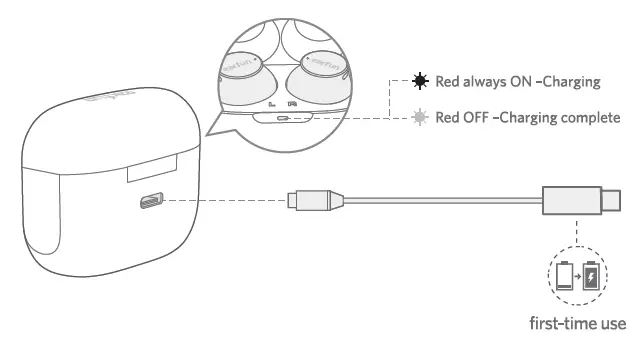
1. Place earbuds back into the charging case to activate the case battery level LED indicator.
2. Place earbuds back into the charging case and the earbuds will start charging.
3. Fully charge both the earbuds and the charging case before the first-time usage.
4. Fully dry off the earbuds and the USB port before charging.
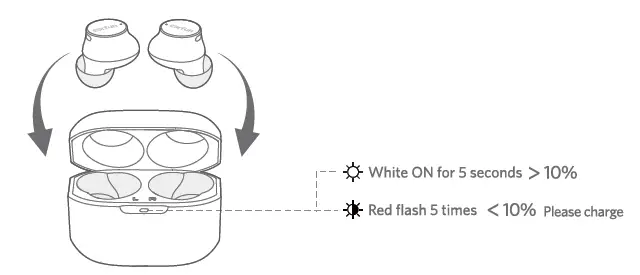
Connect USB-C cable for charging
4. Specifications
| Bluetooth version | V5.0 |
| Bluetooth frequency | 2.402GHz-2.48GHz |
| Bluetooth transmitted power | <7dBm |
| Bluetooth profile | A2DP, AVRCP, HFP, HSP |
| Maximum working range | 15m(without obstacle) |
| Battery capacity | 40mAh x 2(earbuds); 470mA(charging case) |
| Charging time | 1.5 hour(for earbuds); 2.5 hours(for charging case via USB-C); |
| Playtime: | Up to 5 hours, Totally 24 hours with the charging case; (varies by volume level and audio content) |
| Input | DCSV/lA |
| Dimentions | 55mm x 26mm x 43mm |
| Weight | 38g |
5. How to Fit
Note: If the earbuds are not worn correctly, they may affect the bass effect.
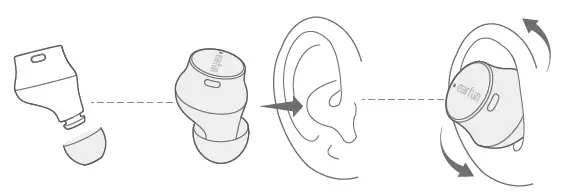
1. Choose the ear tips that fit your ears the best.
2. Identify the left and right earbuds.
3. Insert the earbuds into the canal of your ears.
4. Turn and find the most comfortable position.
6. Pairing Your Earbuds
1. First-time Pairing with Device
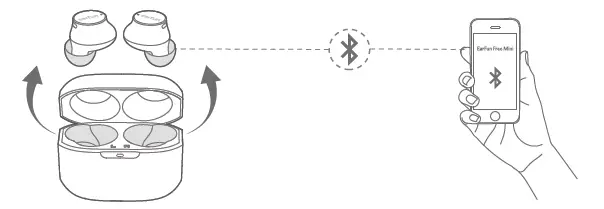
Step 1: Remove both earbuds from the charging case simultaneously and the earbuds will automatically power on and enter into pairing mode.
Step 2: Activate Bluetooth on your Bluetooth-enabled device and search for other Bluetooth devices.
Step 3: Select “EarFun Free Mini” from the list of Bluetooth devices shown.
(if a password is needed, type ‘0000’).
Notes:
- The earbuds will automatically connect with the device they were last paired with when the case is open.
- Each earbud could be used independently.
2. Connect to a New Device
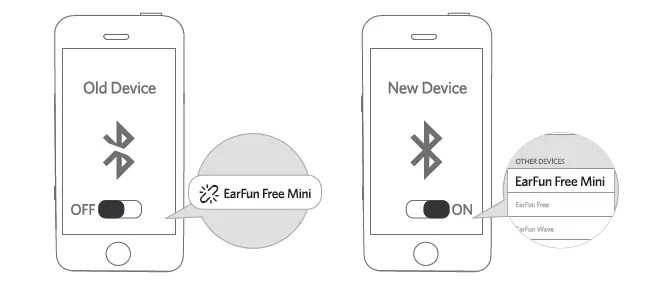
Step 1. Unpairthe earbuds from the Bluetooth-enabled device that’s connected. The earbuds
will disconnect from the current device and enter into pairing mode for another pair.
Step 2. Search on the new device and connect.
7. Functions
Power on/off
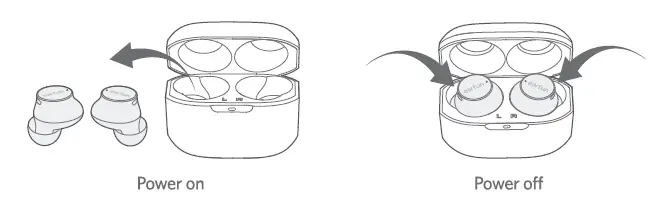
Open the charging case and pick up the earbuds, the earbuds will automatically power on. Place the earbuds back into the charging case, the earbuds will automatically power off.
Note:
If the earbuds are not connected to any device, they will automatically power off after 5 minutes for saving the battery life.
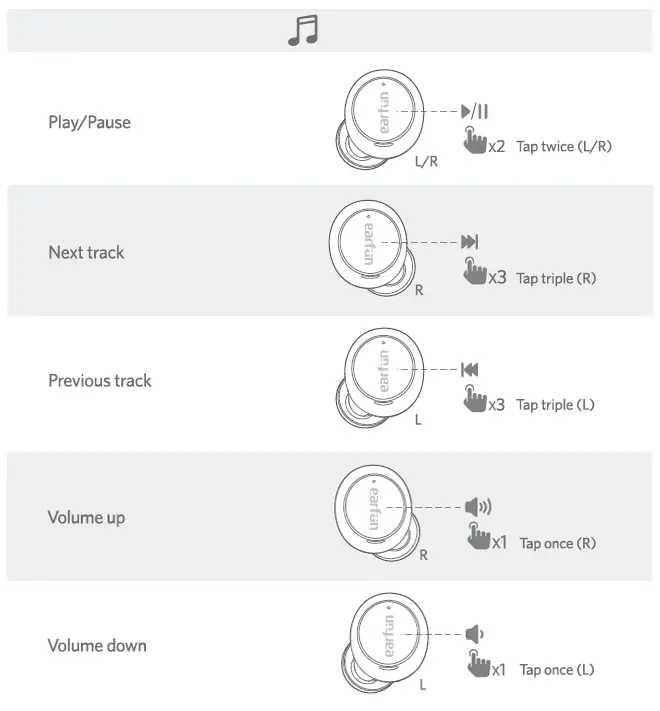
Playing Music
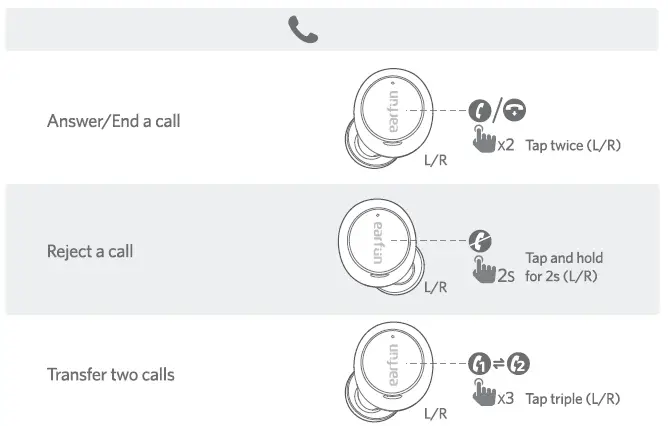
Hands free conversation
Activate the voice assistant

8. Earbuds LED Indicator
| Power on | Blue indicator flashes 1 second |
| Power off | Red indicator flashes 1 second |
| Pairing mode | Indicator flashes blue |
| Successfully connected | Indicator goes out |
| Charging | Red always ON |
| Factory reset | Indicator flashes purple (blue+ red) |
9. Reset and Manually Pairing
Reset Bluetooth Connection
If you fail to build connection between earbuds and Bluetooth device, please try the following steps:
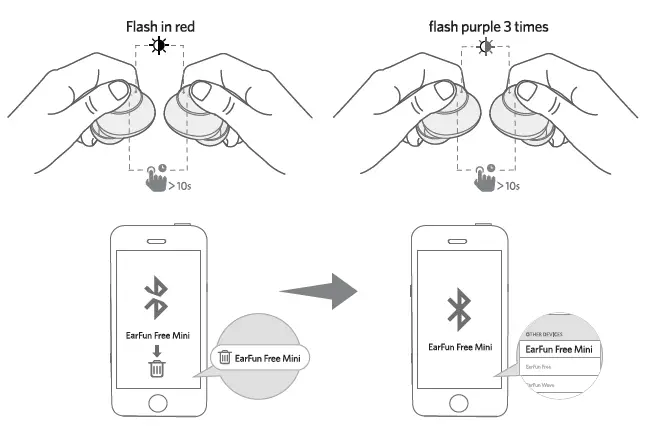
- Keep the earbuds out of the charging case, touch and hold the earbuds button for at least 10 seconds to turn off both earbuds and make sure the both earbuds power off.
- In power-off mode, touch and hold the button on each earbud at the same time for at least 10 seconds until they flash purple 3 times then earbuds have been reset successfully.
- Delete the old connection from the Bluetooth device and reconnect “EarFun Free Mini”.
Left and Right Manually Pairing
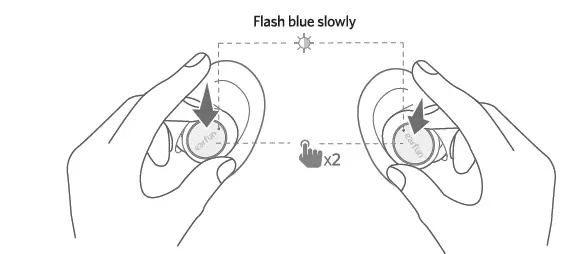
If the left or right earbud is disconnected alone, you may need to manually pair them again.
- Ensure both earbuds are powered on and not connected to any devices, you can see the indicator flash blue quickly when you take them out.
- Tap the touch button twice on both earbuds, then they will enter to the pairing mode which the indicator flash in blue slowly. Once paired, one of the earbuds’ indicator will flash blue quickly while the other will be off.
10. Troubleshooting
A: Yes, each earbud could be used independently.
A: To connect the earbuds to your device, please check if the Bluetooth of the device is on at first, then select ‘EarFun Free Mini’ on the Bluetooth list to get paired. If the earbuds still can’t connect to your device, please try to reset it, or contact our customer support.
A: Please make sure there are no objects between the earphones and your Bluetooth device, and make sure there is no radio or WIFI interference nearby.
A: Bluetooth earphones have maximum range of 49 feet (15m, no obstacle). However, the actual range will depend on usage and environment.
A: Yes, touch L earbud once decreases the volume and touch R once could increase it.
A: No, the earbuds are IPX7 sweat & waterproof, but the charging case is not waterproof.
A: Please recharge it and make sure it has enough battery power. If it is fully charged and still nothing happens or if you are not able to charge the unit, please contact our customer support for warranty cover.
A: The earbuds will remain on as long as they are connected to a device. If no audio is in use, they will enter power-saving mode and wake up once audio is played. If the earbuds are not connected with any devices, they will automatically shut off in 5 minutes.
Customer Service
For FAQS and more information
Please Email to: [email protected]
www.myearfun.com
Download
EarFun Free Mini True Wireless Earbuds User Manual – [ Download PDF ]