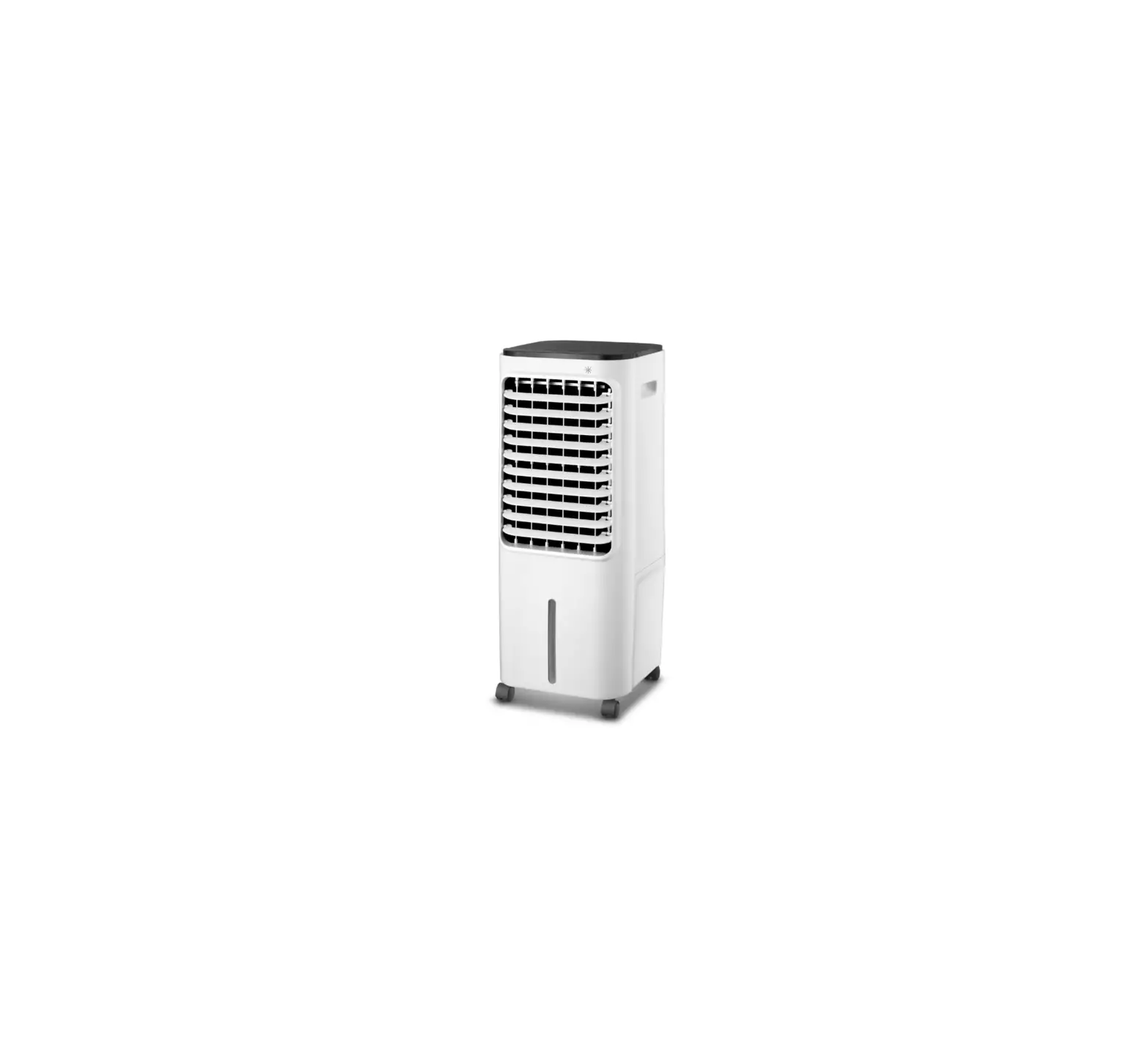
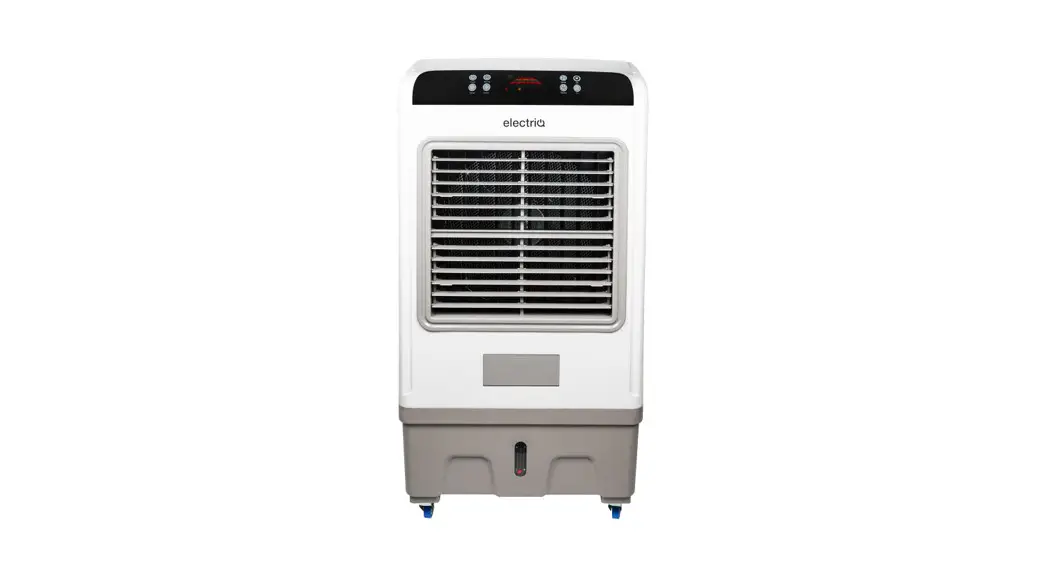
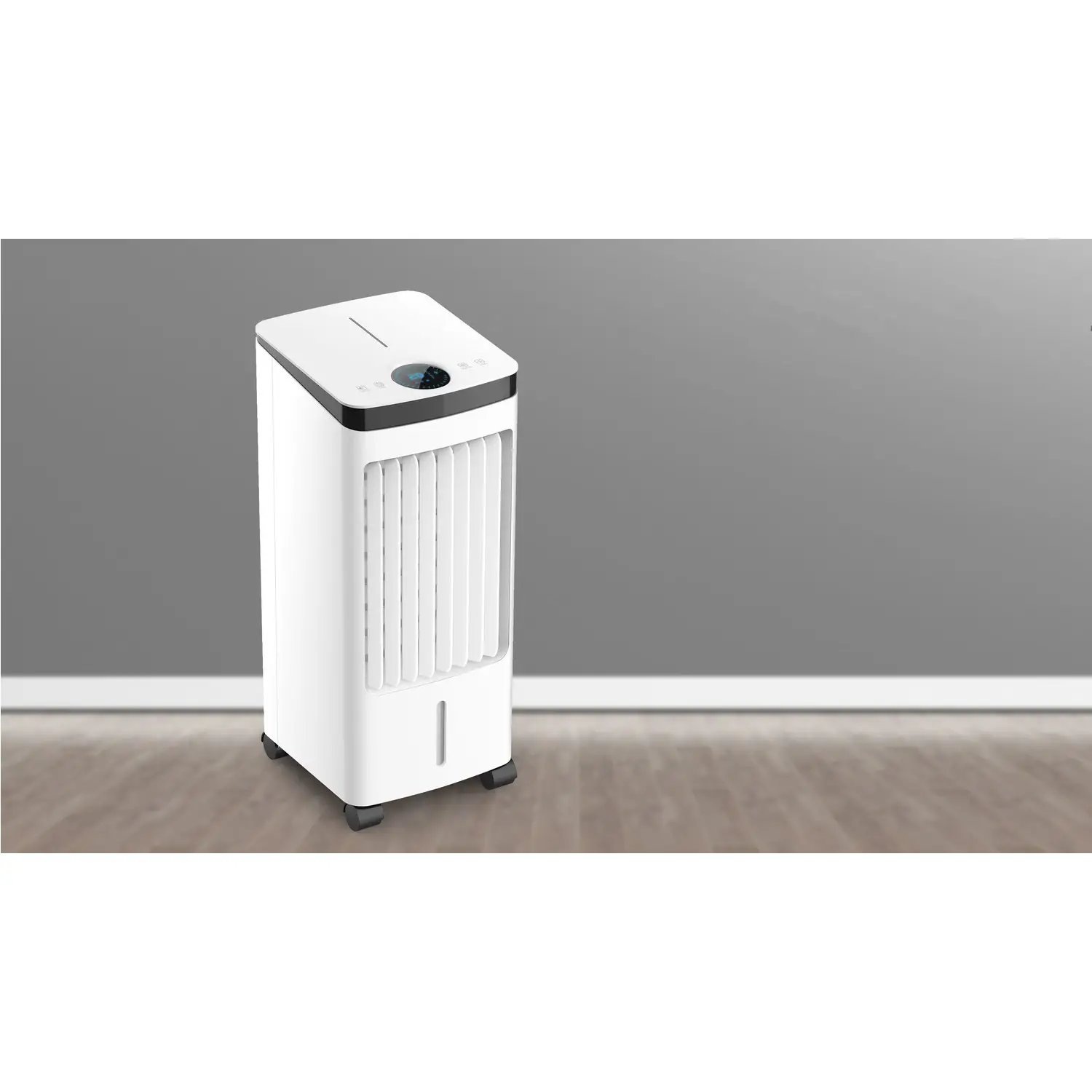
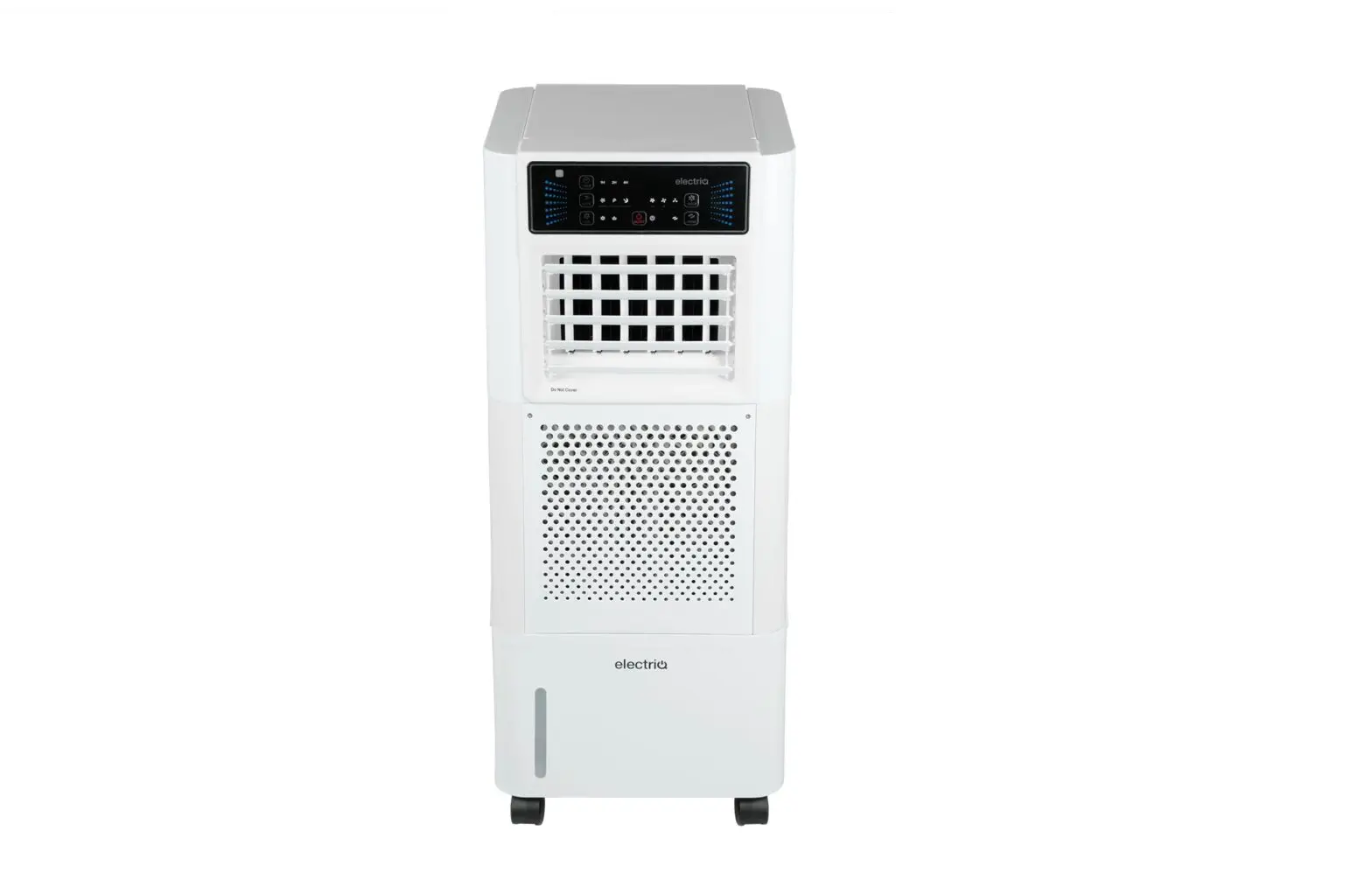
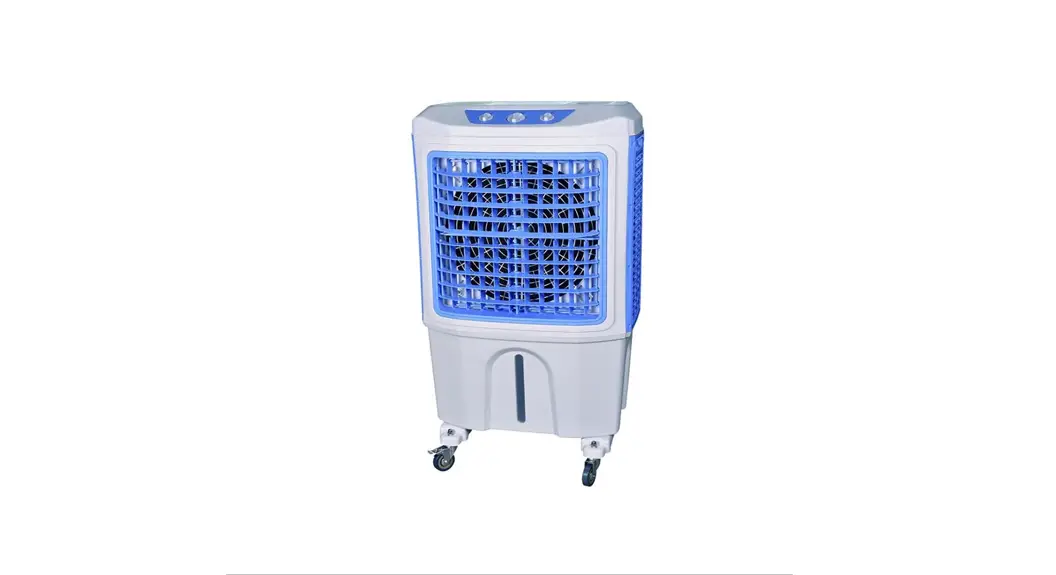
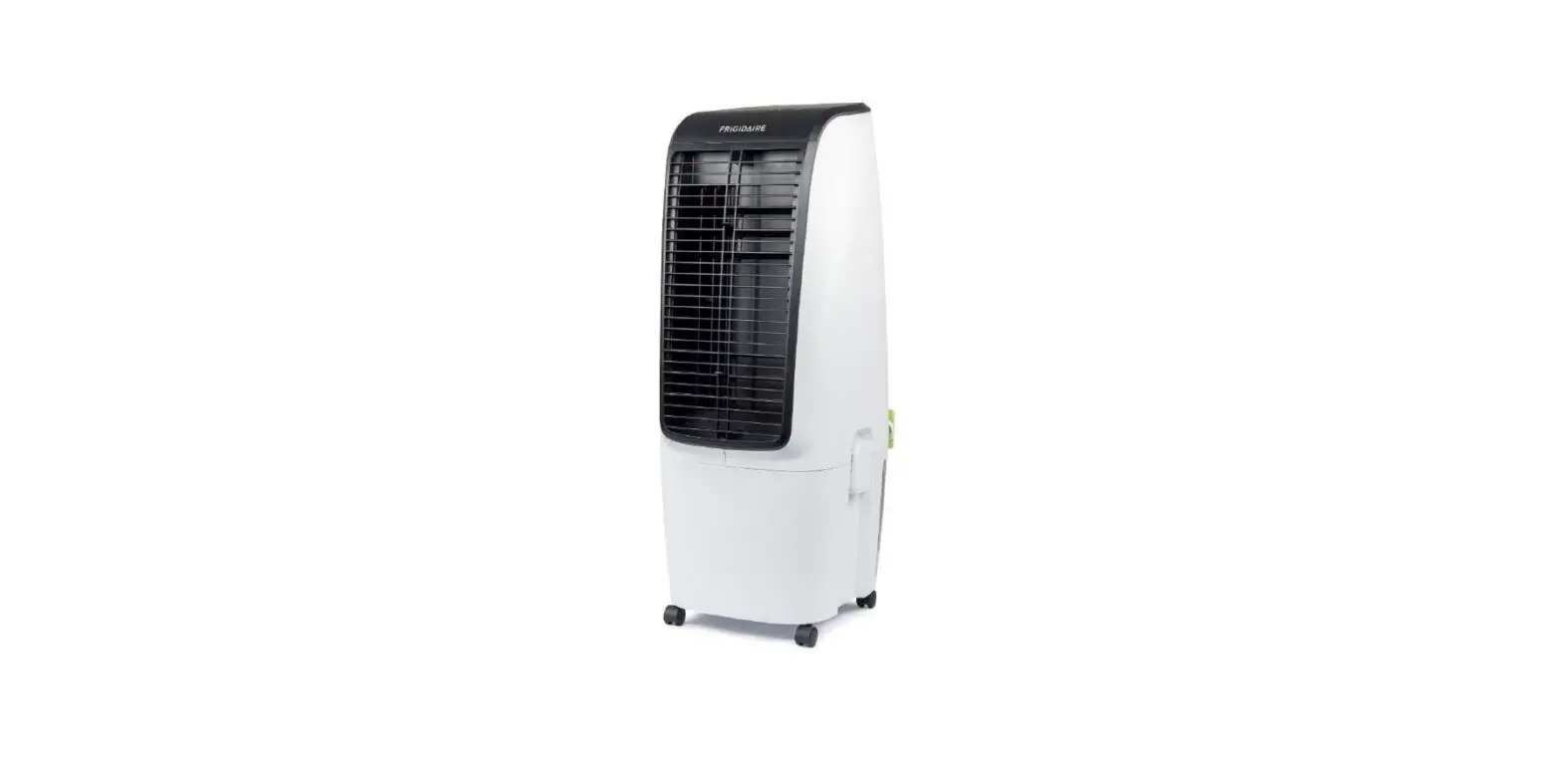
20230315 EcoCool30i Evaporative Cooler
Product Information: ECOCOOL30i Evaporative Cooler
The ECOCOOL30i is an innovative Air Cooler that cools the air by
means of evaporation. When water evaporates into the air, the
result is a mixture of air and water molecules, which requires heat
taken from the water molecules, resulting in a spot cooling effect.
The cooler has a control panel, remote control, and a top water
tank for filling water. It also features a swing mode that gently
swings the airflow from left to right, and its vertical direction
can be adjusted manually. The honeycomb filter should be cleaned
after each use to ensure optimal performance and longevity.
Product Usage: Instructions
Please follow the below instructions for using the ECOCOOL30i
Evaporative Cooler:
- Read the user manual before using the product and keep it safe
for future reference. - Ensure that the power cord is plugged in and there is power
from the socket. - Fill the top water tank with water before turning on the
cooler. - Press the POWER button on the control panel or remote control
to turn the cooler on or off. - Press the SPEED button to change the fan speed between low,
medium, and high. - Press the COOL button to activate the evaporative cooling.
Ensure that the water level is sufficient for operation. When this
function is turned off, the unit will operate as a fan/air
purifier. - Press the SWING button to activate the swing mode. The airflow
will gently swing from left to right. The vertical direction of the
airflow can be adjusted manually. Press again to turn it off. - Fill the water tank with warm soapy water and clean the
honeycomb filter after each use to ensure optimal performance and
longevity. - For end of season maintenance, empty the tank, wipe it with
warm soapy water, dry the tank, and clean the honeycomb pads. Store
any ice pack you may use in the water tank and cover the unit,
keeping it in a dry place.
Do not repair or disassemble the unit by yourself, unauthorized
repair attempts will invalidate the warranty and may cause bodily
harm. Refer to the troubleshooting section in the user manual for
any issues.
USER MANUAL
ECOCOOL30i
EVAPORATIVE COOLER
Thank you for choosing electriQ Please read this user manual before using this innovative Air Cooler and keep it safe
for future reference.
Page 2 of 12
CONTENTS
SAFETY INSTRUCTIONS
4
FEATURES
5
HOW EVAPORATIVE AIR COOLERS WORK
6
DIAGRAM
7
INSTALLATION
7
CONTROL PANEL
8
OPERATION
8
REMOTE CONTROL
9
FILLING THE WATER TANK
9
MAINTENANCE
10
TROUBLE SHOOTING
11
APPENDIX
11
TECHNICAL DATA
12
SUPPORT
12
Page 3 of 12
SAFETY INSTRUCTIONS
IMPORTANT!
· Carefully read the instructions before operating the unit. · This appliance is for indoor use only. Any outdoor use must be supervised and the
unit must not be exposed to wet conditions such as rain. · Rating: This unit must be only connected to a 220-240 V / 50 Hz earthed outlet. · Installation must be in accordance with regulations of the country where the unit is
used. · If you are in any doubt about the suitability of your electrical supply have it checked
and, if necessary, modified by a qualified electrician. · This air cooler has been tested and is safe to use. However, as with any electrical
appliance – use it with care. · Disconnect the power from the appliance before changing filters, dismantling,
assembling or cleaning. · Avoid touching any moving parts within the appliance. · Never insert fingers, pencils or any other objects though the guard · This appliance is not intended for use by persons (including children) with reduced
physical, sensory or mental capabilities. It is also not intended for use by those with a lack of experience and knowledge, unless they have been given supervision or instruction concerning the use of the appliance by a person responsible for their safety. · Do not leave children unsupervised with this appliance. · Do not clean the unit by spraying it or immersing it in water. · Never connect the unit to an electrical outlet using an extension cord. If an outlet is not available, one should be installed by a qualified electrician. · Never operate this appliance if the cord or plug is damaged. Ensure the power cord is not stretched or exposed to sharp objects / edges. · A damaged supply cord should be replaced by the manufacturer or a qualified electrician in order to avoid a hazard. · This appliance is designed for personal comfort and so should not be left unattended for extended periods. · Any service other than regular cleaning or filter replacement should be performed by an authorised service representative. Failure to comply could result in a voided warranty. · Do not use the appliance for any purpose other than its intended use. · Never use the plug as a switch to start and turn off the air unit. Use the provided ON/OFF button located on the control panel. · Always place the unit on a dry and stable surface. Do not move or tilt the unit while the water tank is full. · The appliance should not be installed in laundry or wet rooms. · Do not use this unit in environments with flammable and explosive gases. · Avoid keeping the unit in direct sunlight for a long period of time.
Page 4 of 12
ENERGY SAVING AND UNIT SAFETY PROTECTION TIPS · Do not cover or restrict the airflow from the outlet or inlet grills. · For maximum performance the minimum distance from a wall or objects should be 50cm. · Please make sure, while in operation, the water in the water tank does not exceed the MAX level
and does not fall below MIN. · Keep the filters clean. Under normal conditions, filters should only need cleaning once every
three weeks (approximately). Since the filters remove airborne particles, more frequent cleaning may be necessary, depending on the air quality. · In order to achieve maximum efficiency please place the unit near an open door or window. Evaporative Air Coolers work with an evaporative cooling mechanism which requires cross ventilation · This unit will lose efficiency if the relative humidity in the room exceeds 60% · The ambient operating temperature range is from 5°C to 40°C. If used in low temperatures (as a humidifier) it is recommended to fill the water tank with warm (but not hot) water. · Never leave water in the reservoir when the appliance is not in use. · Empty and clean the humidifier before storage. Clean the humidifier before next use.
FEATURES
· Air Cooler, humidifier and air cleaner great in well ventilated rooms and commercial spaces · Powerful air throw, perfect for spot cooling · Alternative spot cooling solution for rooms and spaces which cannot be sealed or traditionally air
conditioned · 3 fan speeds and oscillation setting for improved air flow: low, medium and high speed allowing
adjustment between maximum cooling and quiet operation · Honeycomb Filters for improved cooling and air cleaning · Easy to use digital controls with remote control. · Handle and wheels for great mobility · Powerful air throw with directional swing for faster cooling
Page 5 of 12
HOW EVAPORATIVE AIR COOLERS WORK
The air cooler cools the air by means of evaporation. When water evaporates into the air, the result is a mixture of air and water molecules. This chemical change requires heat which is taken from the water molecules, resulting in a spot cooling effect.
· The recommended relative humidity for optimum operation is 60% or lower. A drier climate makes for more noticeable cooling.
· The evaporative air cooler should not be used in enclosed or sealed spaces. It must be kept level and there must always be water in the water tank. Doors and windows should be open to allow free air flow. The evaporative air cooler works best when placed near an open window/air current.
· When the product is used for the first time the Honeycomb cooling media will have an odour, this should dissipate within a week of use.
· Be aware that high humidity levels may encourage the growth of biological organisms in the environment.
Page 6 of 12
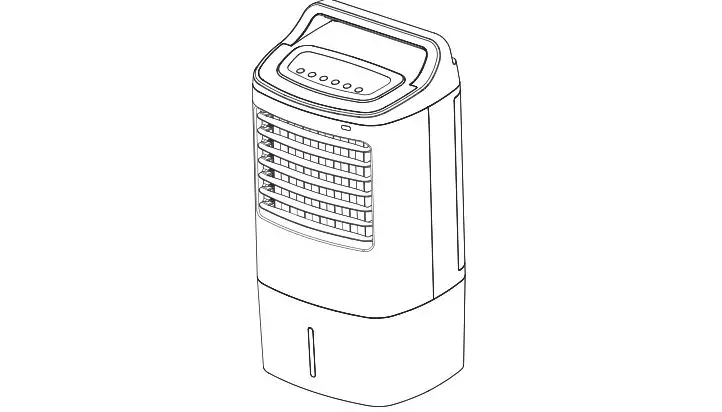
DIAGRAM Control Panel Display Panel
Top Water Tank
Louvres (Air Outlet)
Air Inlet
Water Tank
Castors
INSTALLATION
This unit can easily be moved from one room to another. While moving the unit please note that it must always be kept upright and then placed on an even surface. · Remove any packaging – keeping the air cooler in a vertical position. · Make sure all parts are present and the unit is assembled correctly · WATER TANK: Fill the appliance through the top water tank with water or ice, ensuring the main
water tank does not to go above the MAX level shown through the window on the side of the tank. · Make sure that the honeycomb filters are properly inserted. · Connect the power plug to a working socket, and then press the power button.
Page 7 of 12
CONTROL PANEL
OPERATION
POWER
Press to turn the air cooler On and Off
SPEED COOL TIMER SWING
Press to change the fan speed between low, medium and high. The LED indicators above the button will show the currently selected fan speed.
Press to activate the evaporative cooling, The LED light above will illuminate to show the mode is activated. Ensure that the water level is sufficient for operation. When this function is turned off the unit will operate as a fan / air purifier.
The timer can be used as a shutdown or a power on timer with a duration between 30 minutes and 7.5 hours. Repeatedly press the TIMER button to select the duration of the timer. The duration is calculated by adding up the lights illuminated. So, if the 1H, 2H and 4H LEDs are all lit then 7 hours is selected. If the timer lights are off, the timer is not activated. Please note: These are single use timers, and cannot be combined or automatically repeated. SHUTDOWN TIMER: While the air cooler is running, repeatedly press the TIMER button to set the duration until the unit will turn off POWER ON TIMER: While the air cooler is turned off, repeatedly press the TIMER button to set the duration until the unit turns on.
Press to activate the swing mode. The airflow will gently swing from left to right. The vertical direction of the airflow can be adjusted manually. The Swing led will be illuminated when the function is active. Press again to turn it off.
Page 8 of 12
REMOTE CONTROL
The remote control enables you to control all the same functions as the control panel from a distance of up to 6 metres. The remote control should be pointed towards the receiver on the front of the air cooler. ATTENTION: · Do not mix old and new or different types of batteries · If not in use for a prolonged period the batteries should be
removed. Please note: Design of the remote may vary.
FILLING THE WATER TANK
ATTENTION: Please turn off the appliance and disconnect from the mains before filling the water tank. Before turning on the cooling function, please add water to the tank. The appliance can be used without water in air cleaner mode. Before filling with water, open the cover on the top of the appliance and fill the water tank slowly before closing the cover. Only use clean tap water and do not fill the water beyond the maximum water level shown through the window on the side of the water tank. Frozen ice packs can also be inserted into the top tank to cool the water as it circulates. Note: It is completely normal and in no way dangerous if the device has a slight odour or the water tank has slight discolouration when used for the first time.
Page 9 of 12
MAINTENANCE
CLEANING
ATTENTION: Please turn off the appliance and disconnect from the mains before cleaning or performing any maintenance.
CLEANING THE SURFACE · Clean the plastic housing with a duster or a soft wet cloth. · Do not use chemical solvents (such as benzene, alcohol or gasoline) as they may cause irreversible
damage. · Make sure no water enters the control panel. · Do not permit the area around the humidifier to become damp or wet. If dampness occurs, turn the
output of the humidifier down. If the humidifier output volume cannot be turned down, use the humidifier intermittently. Do not allow absorbent materials, such as carpeting, curtains, drapes, or tablecloths, to be damp.
CLEANING THE WATER TANK · Unplug the appliance then remove the screws securing the rear filter frame. · Lift the filter frames to remove from the unit. · Drain the tank by removing the bung on the underside of the tank. · With a cloth (dipped in a mild detergent), wipe the water tank, rinse it with water. · Cleaning the water tank at least once a week will help reduce any mineral deposits and keep the
filters clean. · Do not run the unit in cooling mode with stale water in the tank. · We recommend emptying the tank and refilling it with fresh water if water has been standing in
the tank for an extended period of time.
MAINTAINING AND CHANGING THE HONEYCOMB FILTER PADS The appliance is supplied with a set of honeycomb cooling / filters pads. The cleaning frequency for the honeycomb filters depend on local air and water conditions. In areas where the mineral content of the water is high (hard water), mineral deposits may build up on the honeycomb filter and restrict air flow. If mineral deposits remain on the honeycomb pads, the filter should be removed and washed under fresh water. We recommend cleaning the honeycomb filter at least every two months, depending on your needs.
For best results, allow the honeycomb filter to dry after each use by turning off the cooling function and running as a fan for 15 minutes (with empty water tank) before turning the unit off. Unplug the power cord, then unscrew the screws holding the filter frames in position. Remove the filter frames from the appliance and take the honeycomb filter out of the frame. With a mild detergent and a soft brush, scrub the honeycomb filter, clean with water and dry. Do not dip in water.
END OF SEASON MAINTENANCE 1. Empty the tank and wipe it with warm soapy water. 2. Dry the tank and clean the Honeycomb pads 3. Store any Icepack you may use in the water tank 4. Cover the unit and keep it in a dry place.
Page 10 of 12
TROUBLESHOOTING
Do not repair or disassemble the unit by yourself, unauthorized repair attempts will invalidate the warranty and may cause bodily harm.
Issue No power
Possible Reason 1. Power cord is not plugged in 2. No power from the socket. 3. Honeycomb filter support is not
installed correctly 4. The power button has not been
pressed.
Solution
1. Connect the power cord 2. Check socket is switched
on test with a different appliance. 3. Install the honeycomb filter correctly. 4. Press the power button
No dust elimination
1. The honeycomb filter is blocked. 2. The air inlet is blocked
1. Remove the honeycomb filter and clean it.
2. Remove the obstruction
Odour emission from unit
1. New unit. When the unit is used for the first time, the Honeycomb cooling media will have an odour, which will dissipate within a week of use
2. Honeycomb filter may have developed mould or bacterial growth
1. No action required 2. Clean the filter pads with
mild antibacterial solution. Dry before use.
If the above solutions do not resolve the problem please contact the service centre.
APPENDIX
Disposal: Do not dispose this product as unsorted waste. Collection of such waste must be handled separately as special treatment is necessary. Recycling facilities are now available for all customers at which you can deposit your old electrical products. Customers will be able to take any old electrical equipment to participating civic amenity sites run by their local councils. Please remember that this equipment will be further handled during the recycling process, so please be considerate when depositing your equipment. Please contact the local council for details of your local household waste recycling centres.
Page 11 of 12
TECHNICAL DATA
Model Number: ECOCOOL30i
Water Tank
Description
Voltage Frequency Maximum fan flow rate Maximum Power Fan Power input Service Value Standby Power Consumption
Fan sound power level Maximum air velocity Size (LxWxH) Net weight
Measurement standard for service value
Contact details for obtaining more information
Symbol Value
Unit
25
Litres
220-240
V
50
Hz
F
30
m3/min
120
W
P
120
W
SV
0.3 (m3/min)/W
PSB
<0.5
W
LWA
<65
dB(A)
c
5.0 Meters/sec
340 x 340 x 850
mm
7.75
kg
In accordance with
(EU) No 206/2012
electriQ, Unit J6, Lowfields Way
Elland, West Yorkshire, HX5 9DA.
BuyItDirect, The Black Church, St
Mary’s Place, Dublin 7.
electriQ UK SUPPORT
www.electriQ.co.uk/support
Please, for your own convenience, make these simple checks before calling the service line. If the unit still fails to operate call: 0330 390 3061 or complete the online form
1. Is the unit plugged into the mains? 2. Is the fuse OK? 3. Switch the unit off and wait three minutes to see if the issue is resolved. Restart the
unit.
Office hours: 9AM – 5PM Monday to Friday
www.electriQ.co.uk Unit J6, Lowfields Way Elland, West Yorkshire
HX5 9DA
Page 12 of 12
V20230315
 Buy electriQ Appliances Online | TVs | Ovens | Dehumidifiers | Security