 DLT 22
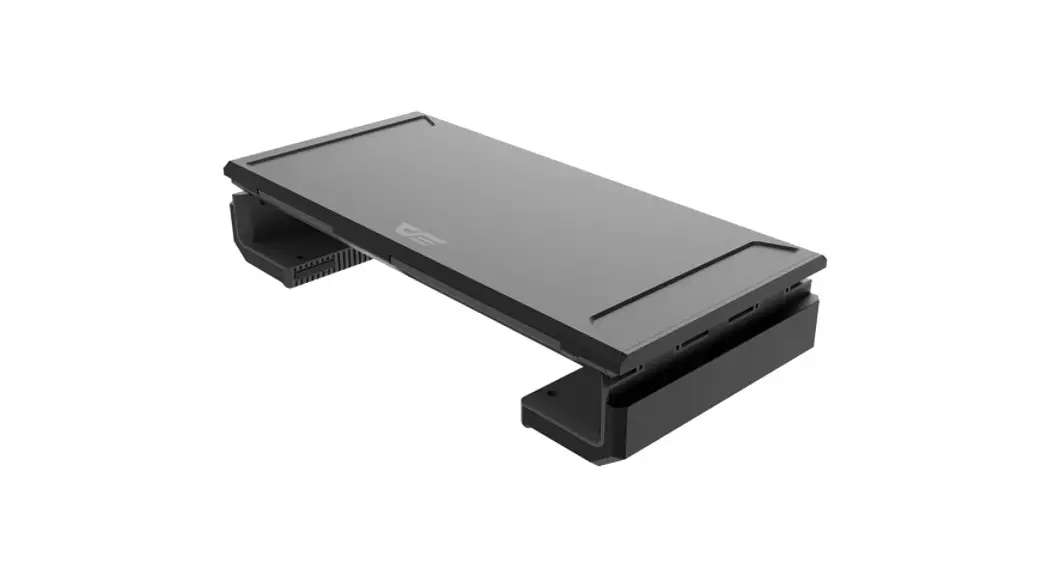
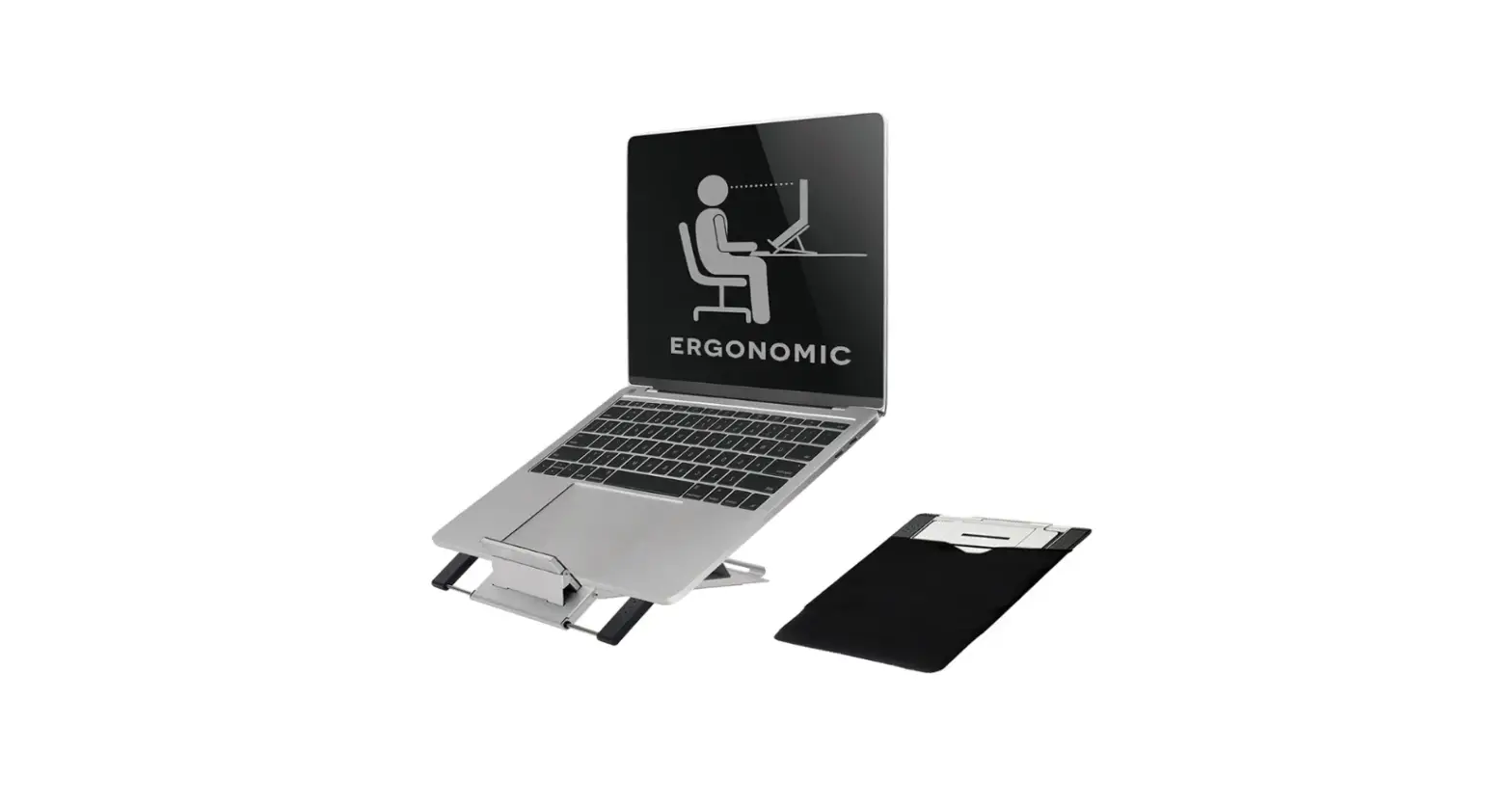
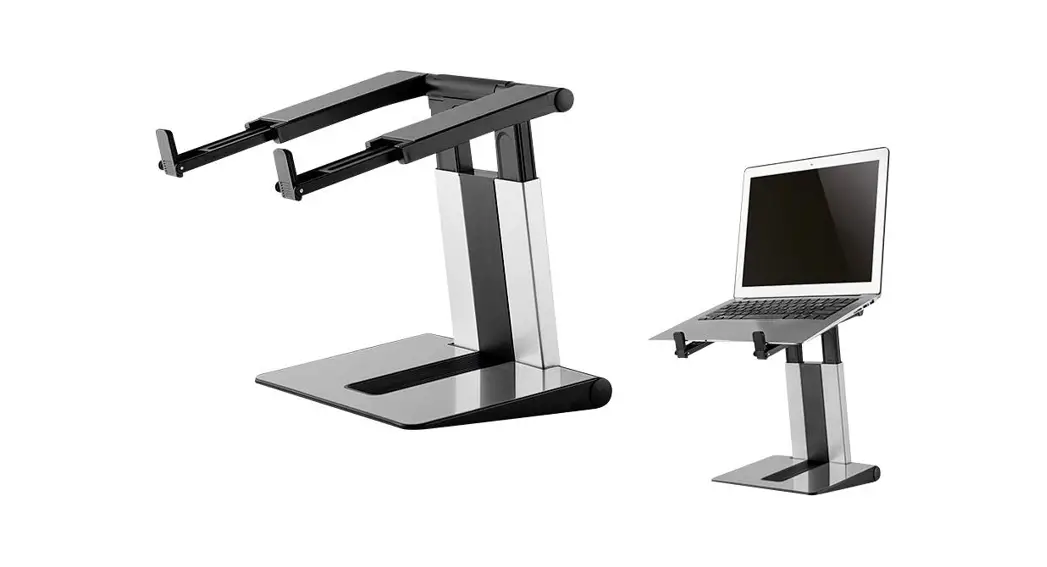
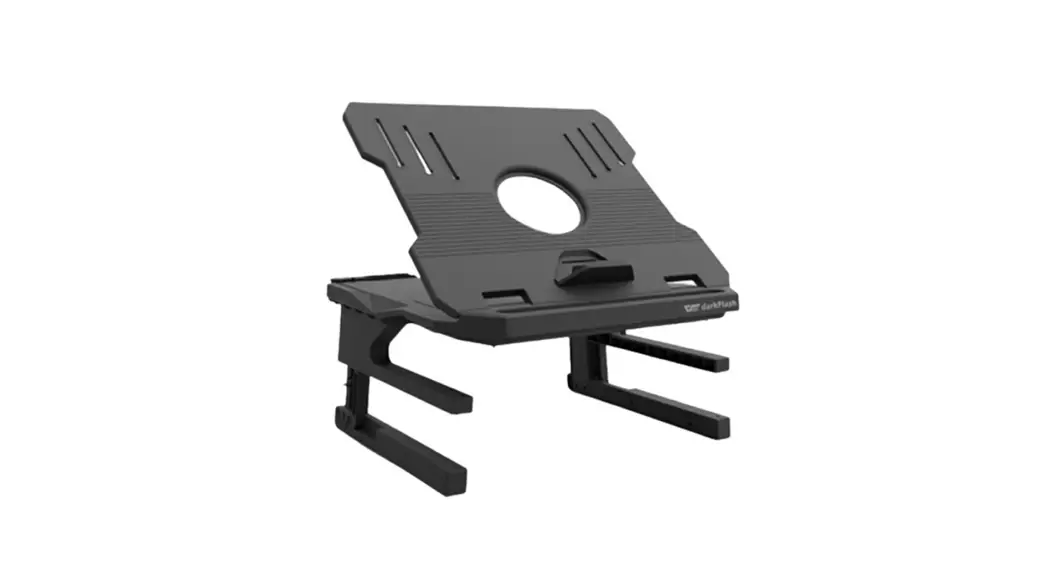
FOLDABLE STAND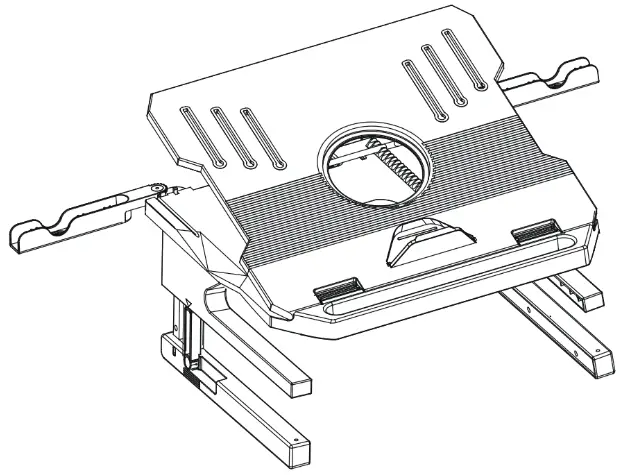
Installation Guide
Product Features:
- Product load capacity: 10KG
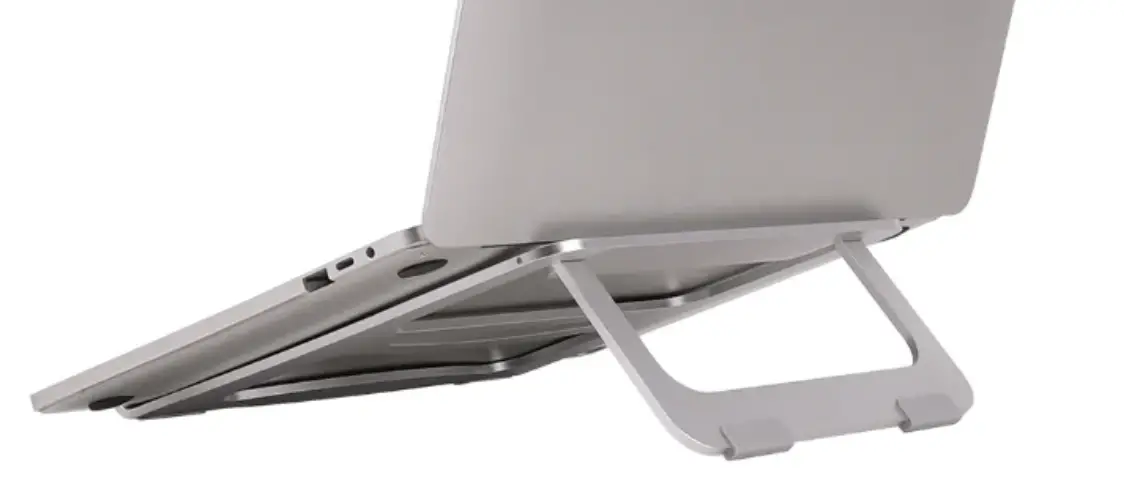
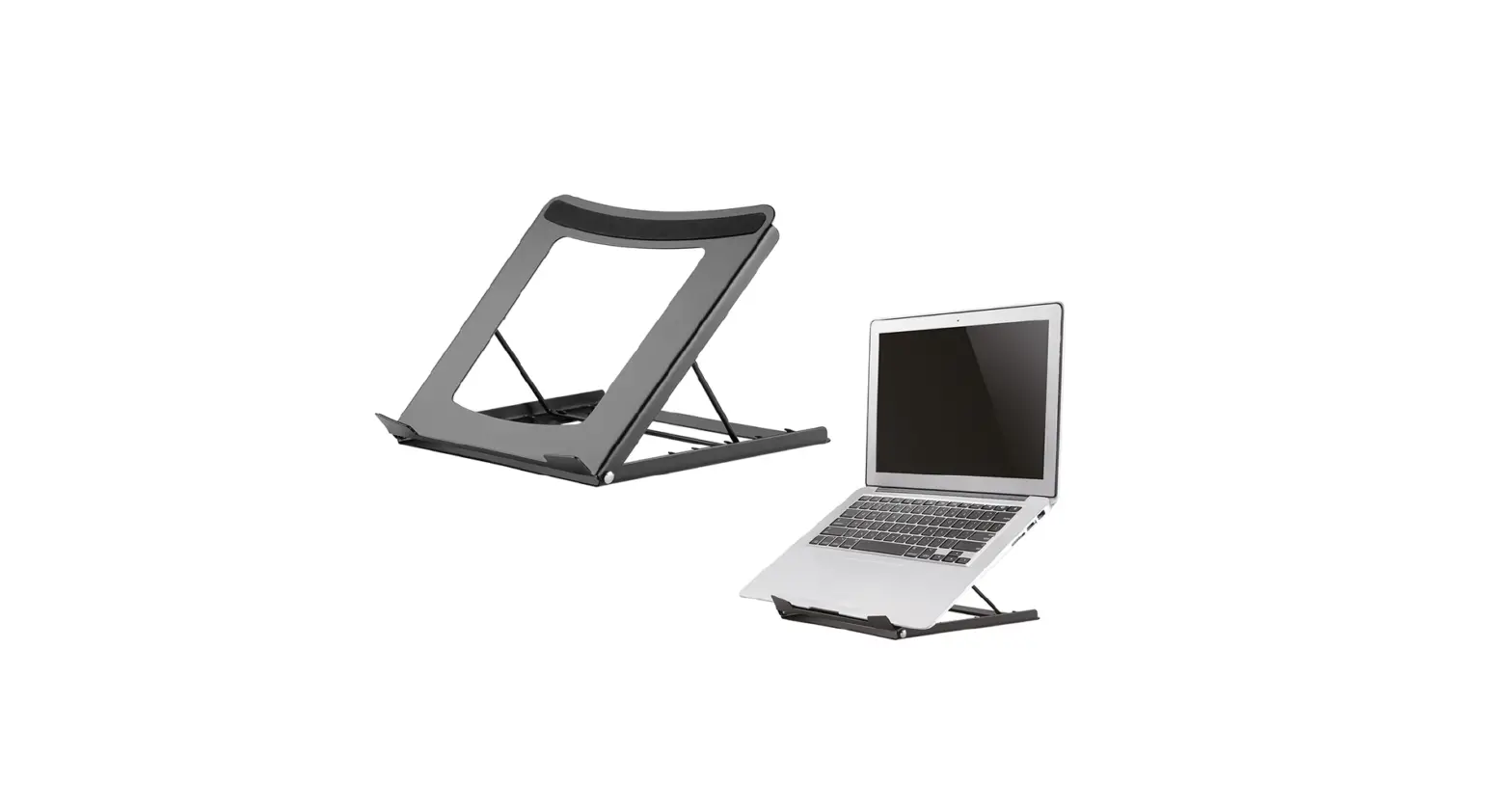
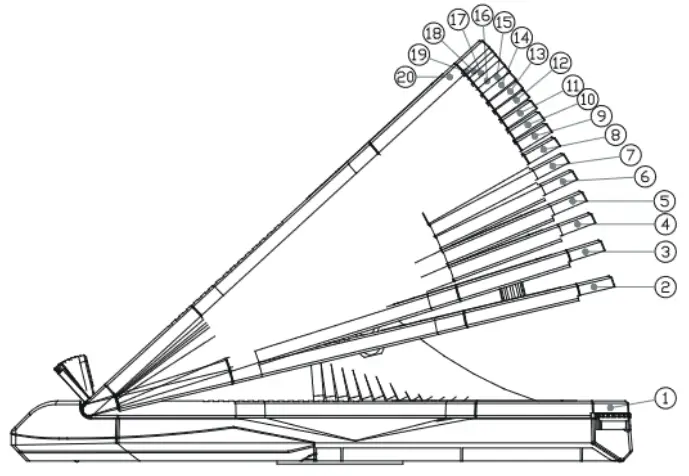
- 20-segment angle adjustment of the panel.
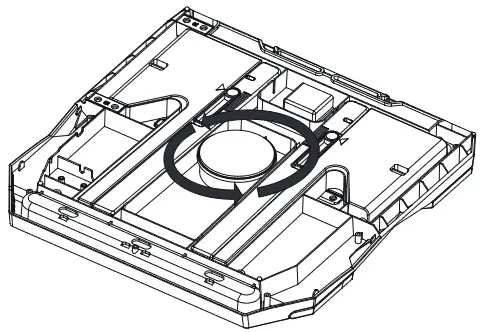
- The base has a turntable that can rotate 360 degrees.
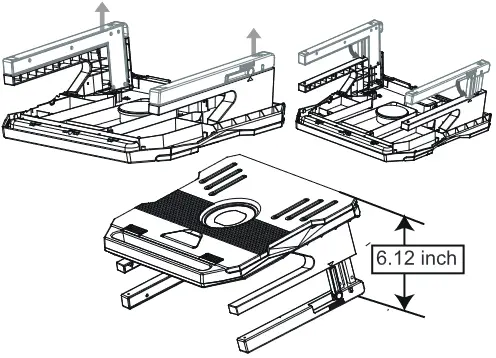
- The base tripod can increase in two stages, the height of the first section is 80MM. The height of the second section is 125MM
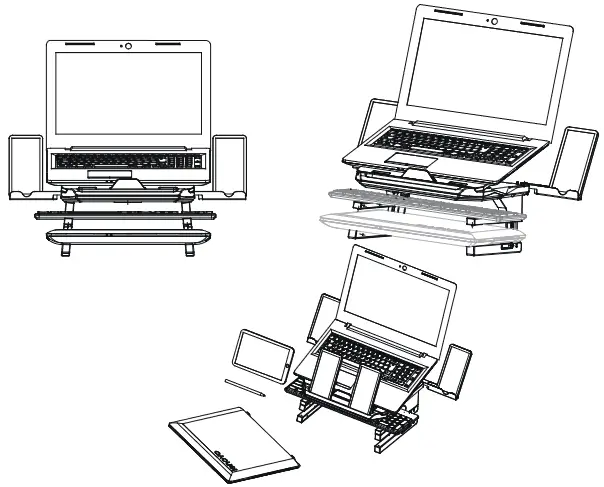
- There is a slot in the front for storing stationery, mobile phones, and tablet holders that can be collected;
- Storage space can hold keyboard and mouse, etc;
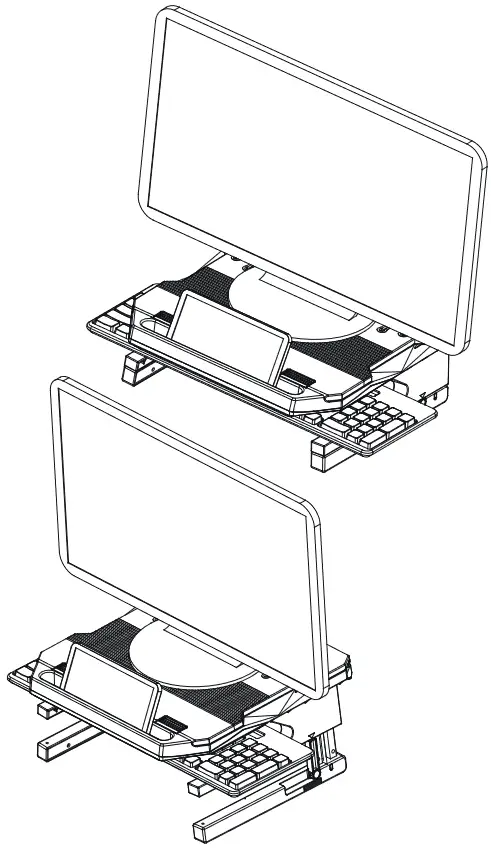
- Can be used as a monitor heightening bracket when the panel is at an angle of 0 degrees.
Product Specifications
| Product Size | Size 1: 311*311*32.2mm Size 2: 311*311*110.7mm Size 3: 311*311*155.5mm |
| Material | Metal + Engineering Plastic |
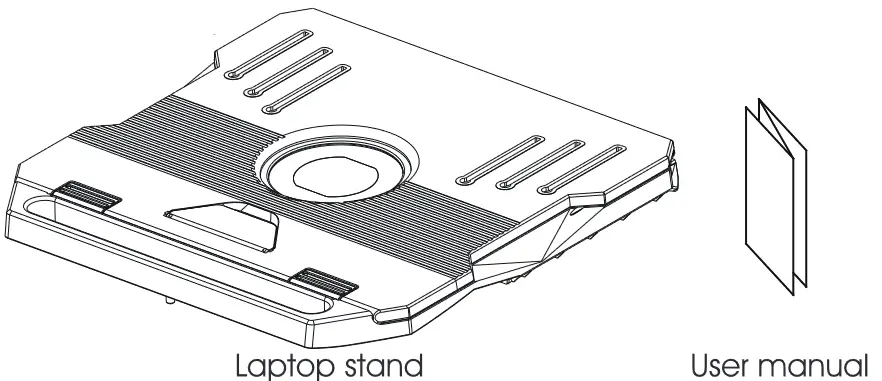
Accessory name
| Item | Quantity |
| Laptop stand | 1 |
| User manual | 1 |
Product Instructions
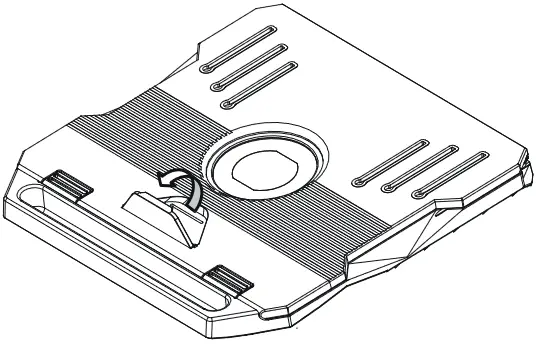
- Take the laptop stand and accessories out of the packager

- Open the laptop base on the top panel.

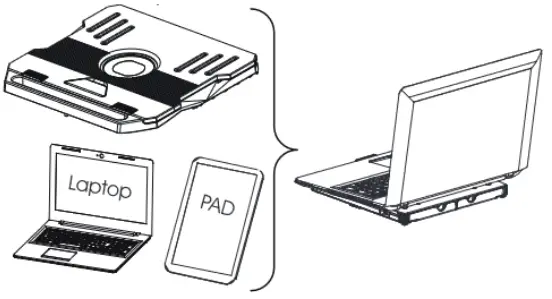
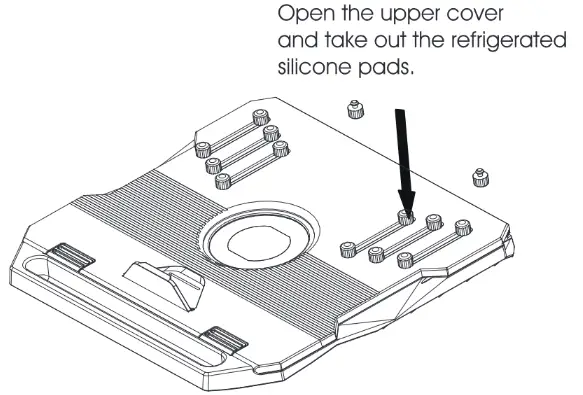
- Take out the refrigerated silicone pads and insert it into the corresponding card slot, and freely adjust it to the right position according to the needs of your laptop and tablet.

- Adjust the angle you need, the product has 20 angle adjustments.

- 360 degree turntable on the base, Use the turntable without opening the stands at the bottom.

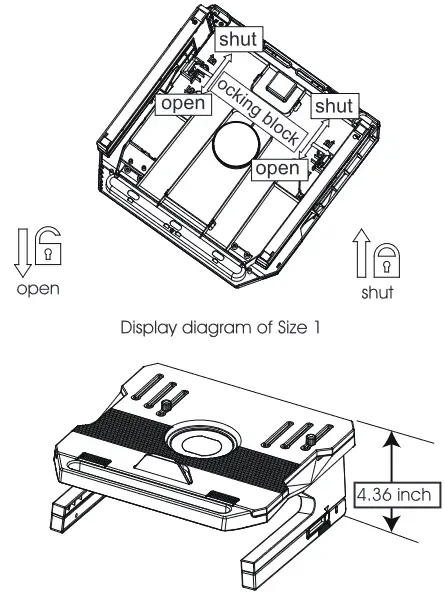
- Open the left and right stands at the bottom, which can be used as a keyboard storage
 After flip the left and right stands, push the locking block towards the closing direction to fix. Push the locking block in the open direction when it is to be folded.
- Height increase to Size 2 operation instructions

- After setting the product to personally applicable status, you are ready to use it.

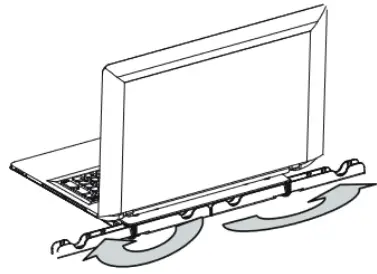
- There is a mobile phone holder on the left and right of the rear, which can be placed according to personal habits.

- Product function display diagram

- Function as Fordable Monitor Stand while flat segment angle adjustment

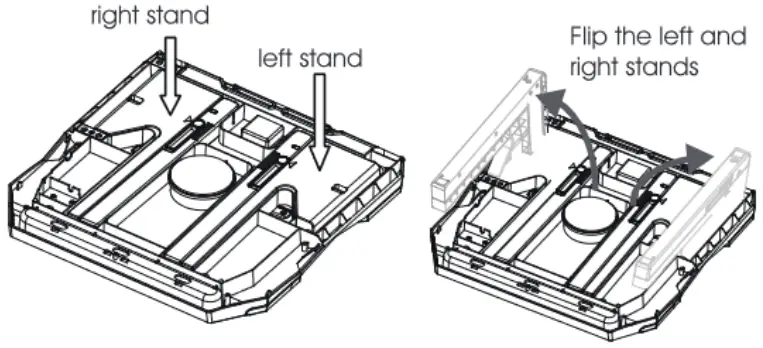 After flip the left and right stands, push the locking block towards the closing direction to fix. Push the locking block in the open direction when it is to be folded.