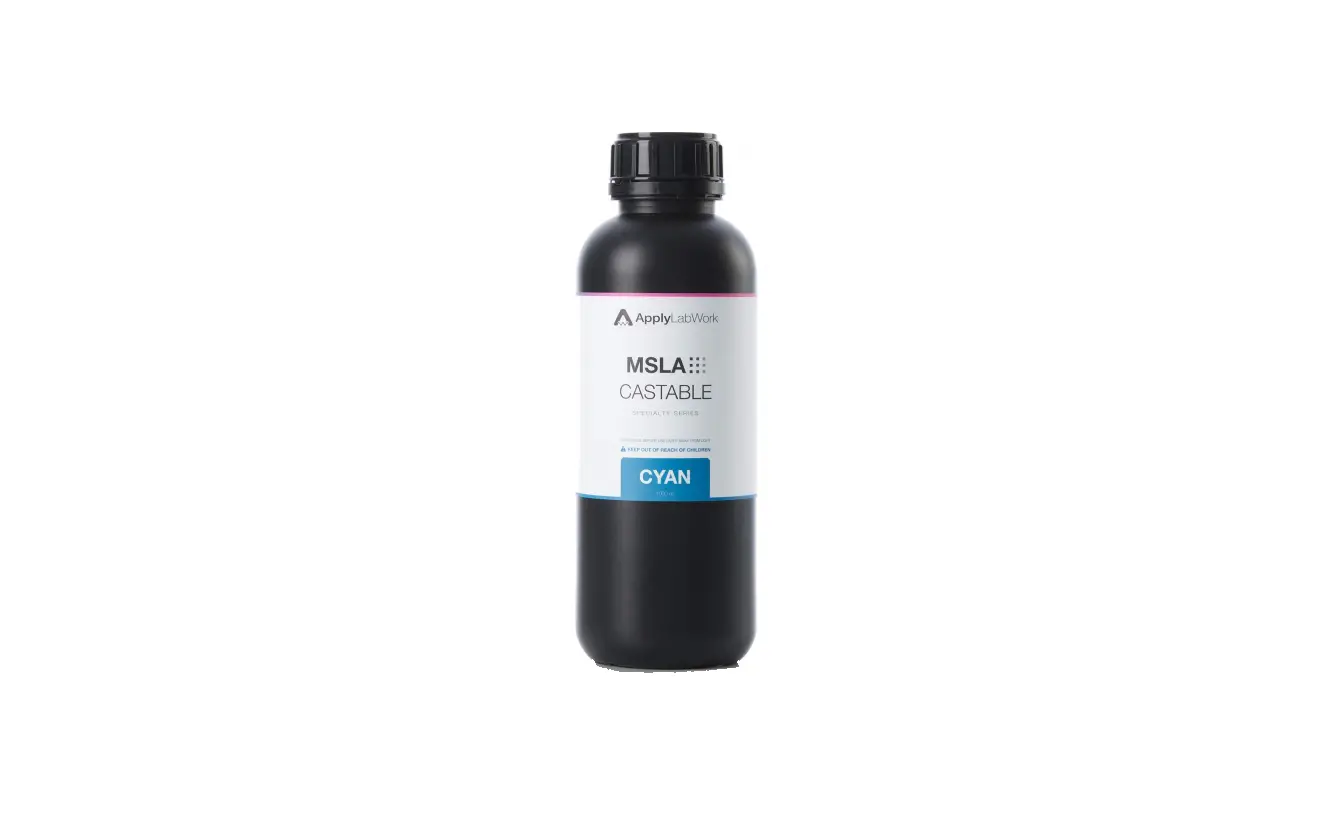
MPT-RI001DO MSLA Dusty Olive
Product Information
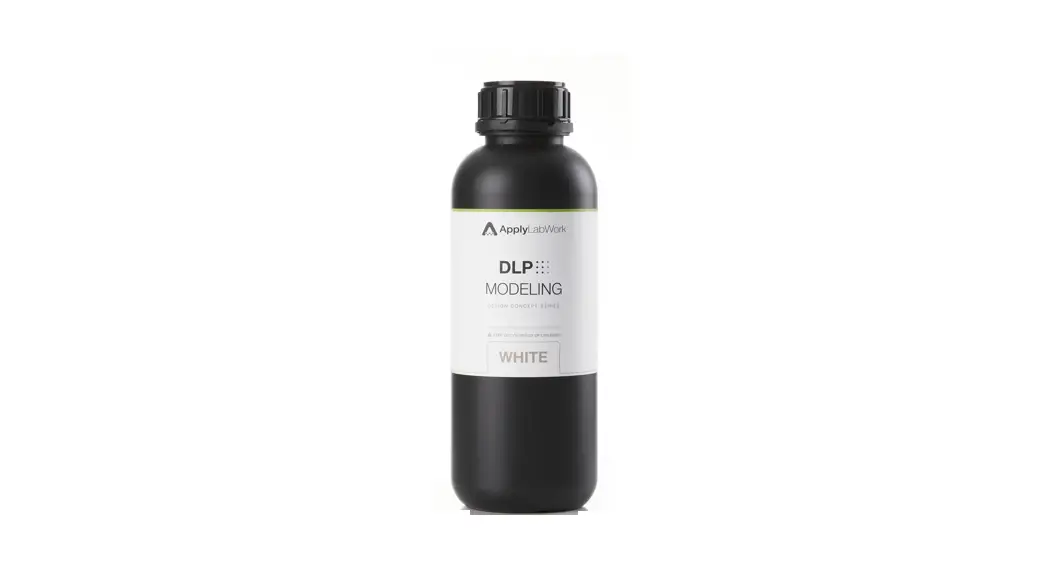
The ApplyLabWork MSLA Dusty Olive (MPT-RI001DO) is a 3D printing
resin that can be used with various printers including Elegoo Mars2
Pro, Anycubic Photon MonoX, Phrozen cure XL, and more. The resin
has a recommended layer thickness of 6mm and lifting distance of
5mm. It requires a total energy per unit area of 18000 mJ/cm2 for
optimal material performance.
Product Usage Instructions
- Check the Exposure Setting Recommendation Chart for your
printer to determine the appropriate exposure time for the bottom
(burn-in) layers and normal layers. - Select the recommended exposure time for the bottom and normal
layers and set it in your printer. - Set the rest time after retract to the recommended time as per
the chart. - Start printing your 3D model with the recommended layer
thickness, lifting distance, lifting speed, and retract speed as
per the chart. - After printing, submerge the print in clean IPA (95+%
concentration) for up to 5 minutes. Gently shake-off/blow-off
excess IPA and set prints in shaded, airy place to dry before
post-curing. - For post-curing, use a curing chamber with the recommended
temperature and time as per the chart. For optimal material
performance, ensure that the resin is exposed to 405 nm light of
total energy per unit area required: 18000 mJ/cm2. - Store the remaining resin in the resin tank. Gently mix it with
a soft wiper for color evenness. Ensure there are no pigment
settled on the resin tank bottom before starting the next print. In
case of failed/incomplete print, filter used resin to ensure there
are no debris in the resin before the next print.
APPLYLABWORK PRINTING TIPS
MSLA Dusty Olive
(MPT-RI001DO)
Check
· Tank and LCD screen are clean · Shake well (60 sec) before pouring · Tank and platform are tightened properly
Exposure Setting Recommendation Chart
Printer
Layer Thickness
(m)
Bottom (Burn-In)
Layers
Normal Layer Exposure Time (s)
Bottom Layer Exposure Time (s)
Rest Time After
Retract (s)
50
6
10
40
6
Shuffle
100
6
15
40
6
50
6
9
40
8
Shuffle XL
100
6
13
40
8
50
6
2.5
25
6
Sonic
100
6
4.5
25
6
50
6
Sonic Mini
100
6
4
25
6
6
25
6
Sonic Mighty
50
6
3.6
30
8
4K
100
6
5
30
8
Sonic Mighty
50
6
3.8
30
8
8K
100
6
5.2
30
8
Elegoo Mars2
50
6
2.6
25
6
Pro
100
6
4
25
6
Elegoo Mars3
50
6
3.1
25
6
Ultra 4K
100
6
4.2
25
6
50
6
3.4
25
8
Elegoo Staurn S
100
6
4.6
25
8
Anycubic
50
6
1.7
25
8
Photon MonoX
100
6
2.4
25
8
Lifting Distance
(mm)
5 5 5 5 5 5 5 5 5 5 5 5 5 5 5 5 5 5 5 5
Lifting Speed (mm/min)
60 60 60 60 60 60 60 60 60 60 60 60 60 60 60 60 60 60 1 (mm/s) 1 (mm/s)
Retract Speed (mm/min)
150 150 150 150 150 150 150 150 150 150 150 150 150 150 150 150 150 150 2.5 (mm/s) 2.5 (mm/s)
Each printer is unique, light intensity varies from printer to printer, even within same
model and make. Please adjust normal exposure time from above recommended settings ± 2 (± 0.2 ~ 0.5 for Mono LCD printer) for optimal results. Sizing calibration, stl file: https://www.thingiverse.com/thing:1586206
Prototype Engineering Series
Page 1 of 2
APPLYLABWORK PRINTING TIPS
Washing
Submerge print in clean IPA (95+% concentration) for up to 5 minutes, gently shake-off/blow-off excess IPA, set prints in shaded, airy place to dry before post-curing. Extended time in IPA causes deformation.
Post Curing
Curing Chamber
Temperature () Time (min)
Formcure (Formlabs)
60
60
Phrozen cure XL (Phrozen)
–
60
Mercury x Cure (Elegoo)
–
60
For optimal material performance, 405 nm light of total energy per unit area required: 18000 mJ/cm2.
Example: light power or curing chamber: 5 mW/cm2 (higher power per unit area
shortens curing time), 18000 (mJ) / 5 (mW) / 60 (sec) = 60 mins of curing time.
Storage
· Keep resin in shaded environment; temperature between 15 and 26 · NOT accessible to children · Filter used resin before storage · To extand tank life, limit prolong storing resin in tank
Notes: Slight pigment settlement is normal. Gently mix remaining resin in resin tank with soft wiper for color evenness. Ensure there are no pigment settled on the resin tank bottom before start printing.
In the case of failed/incomplete print, filter used resin to ensure there are no debris in the reisn before next print.
Prototype Engineering Series
Page 2 of 2
 20mm XYZ Calibration Cube by sjdennis - Thingiverse