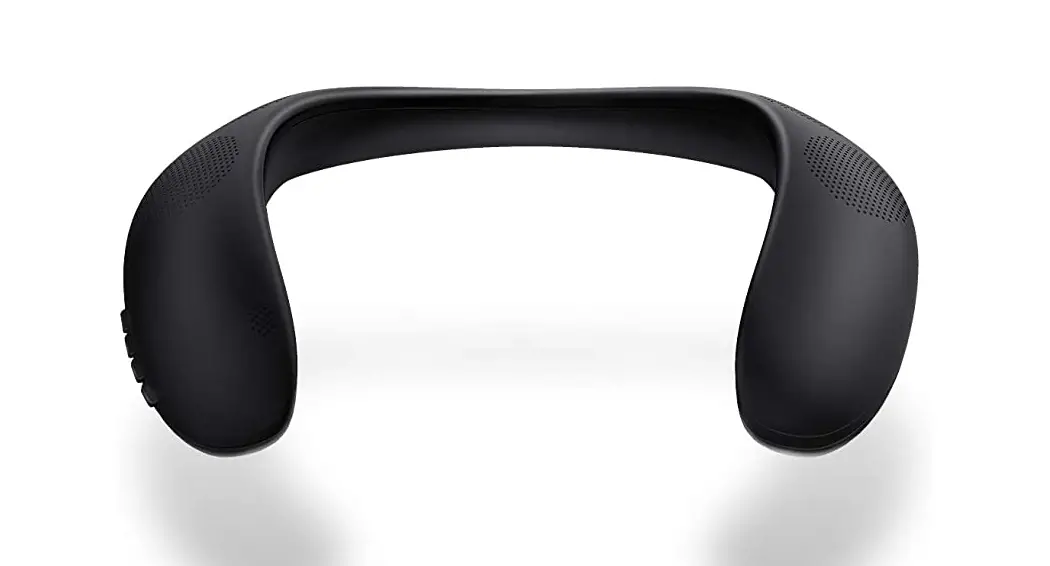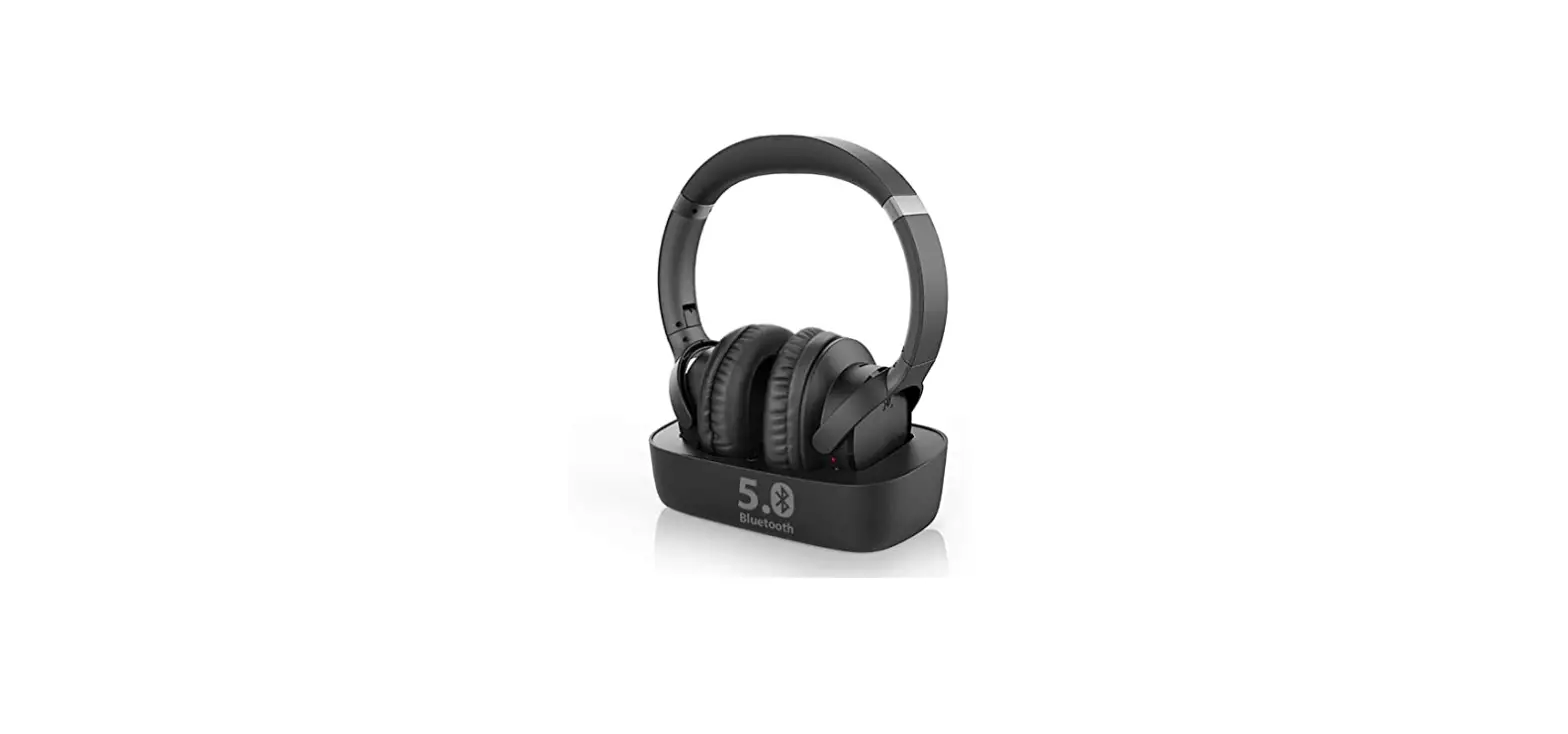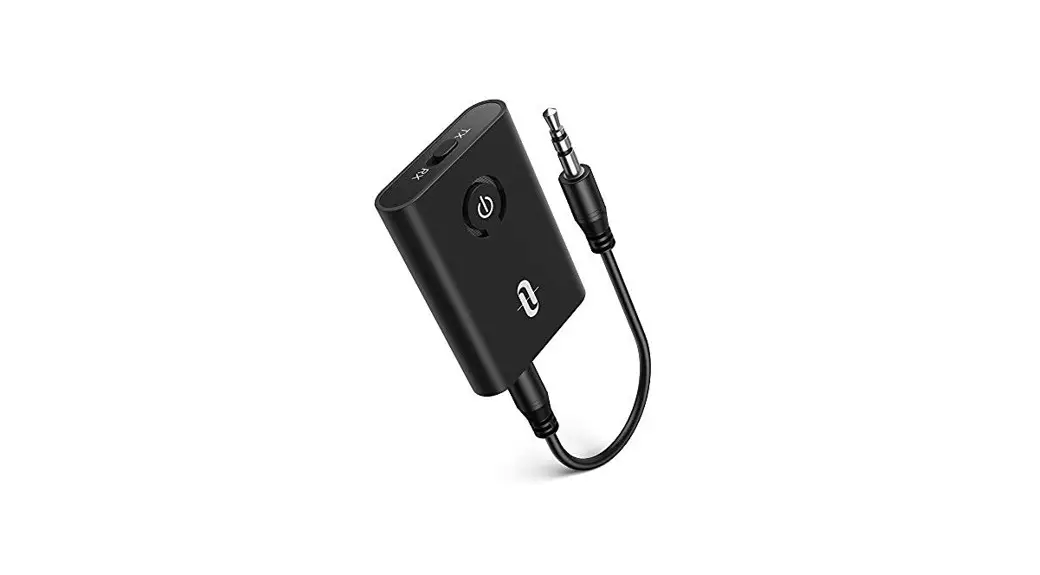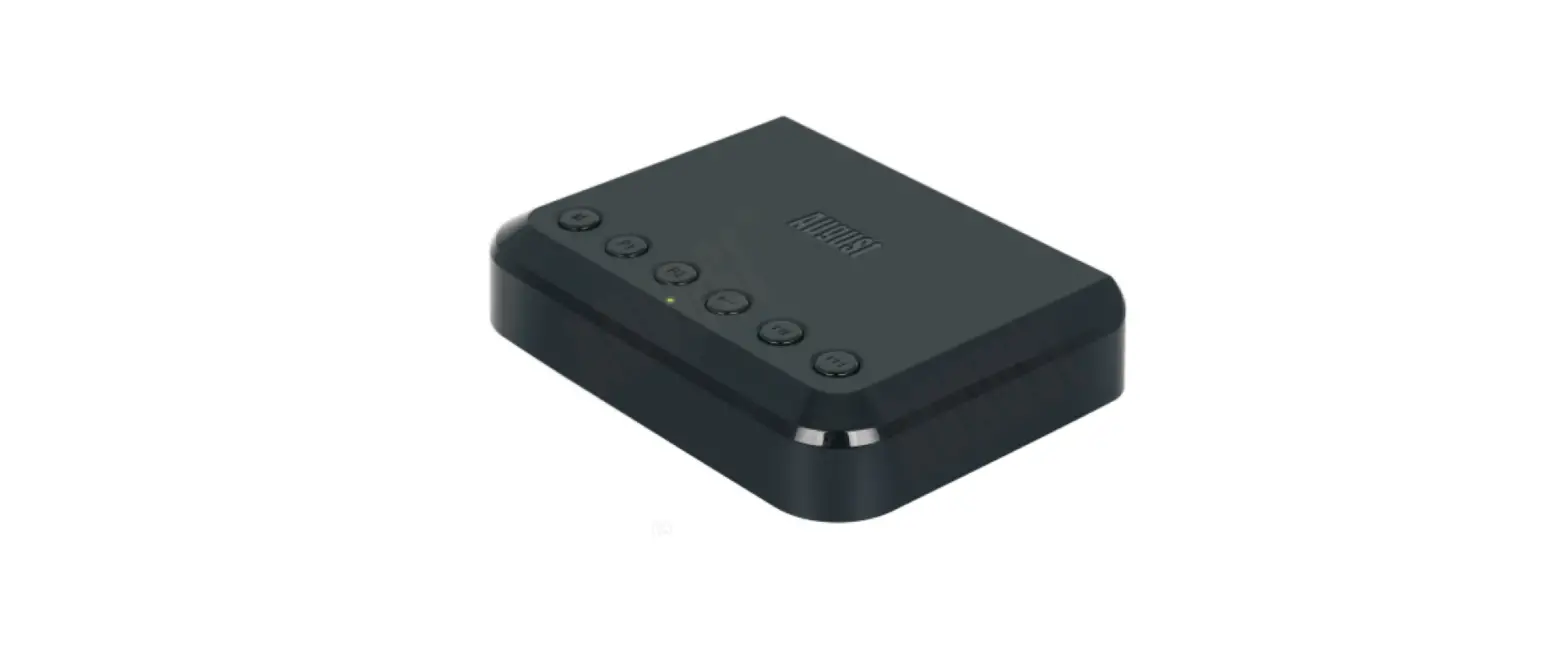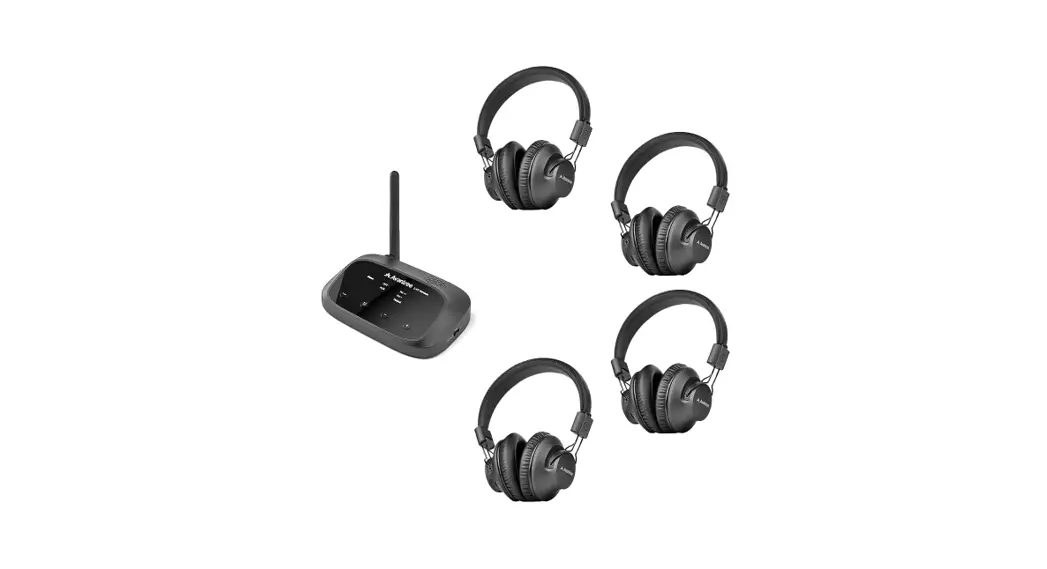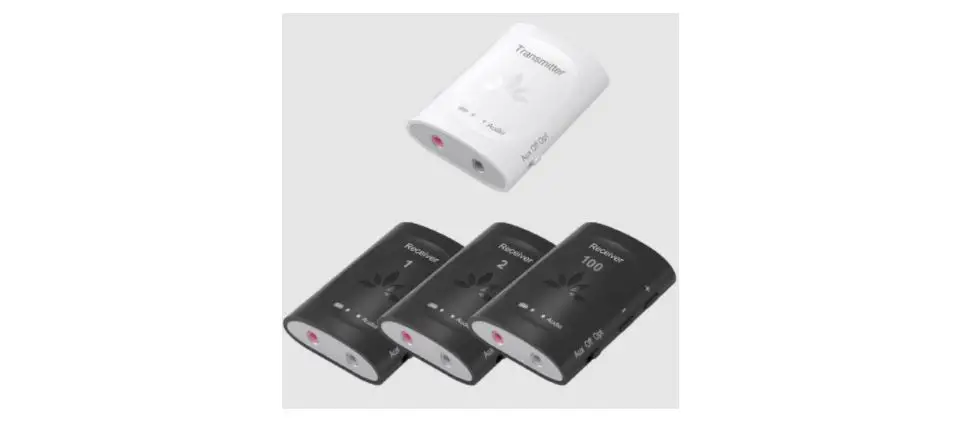
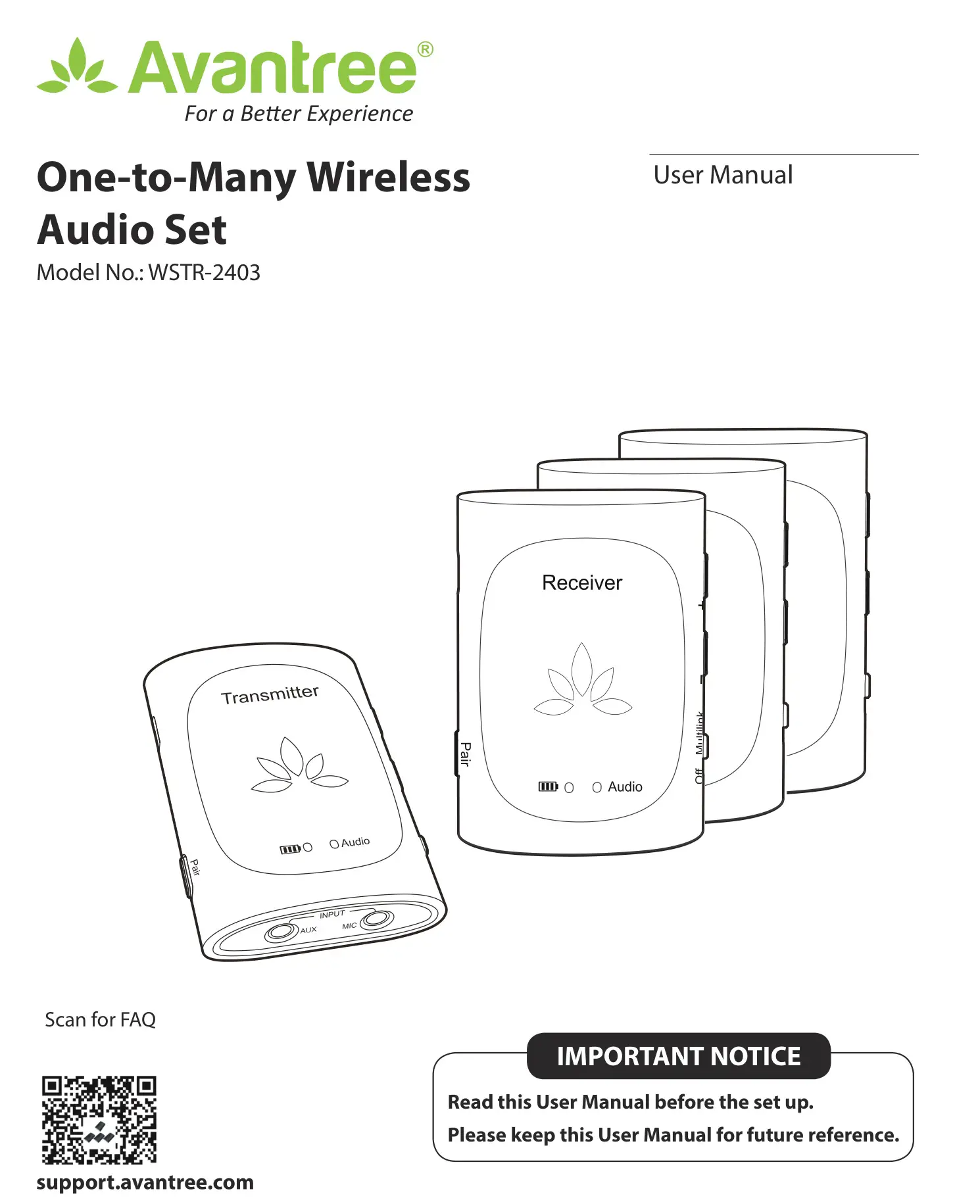
Avantree WSTR-2403 One-To-Many Wireless Audio
Set User Manual
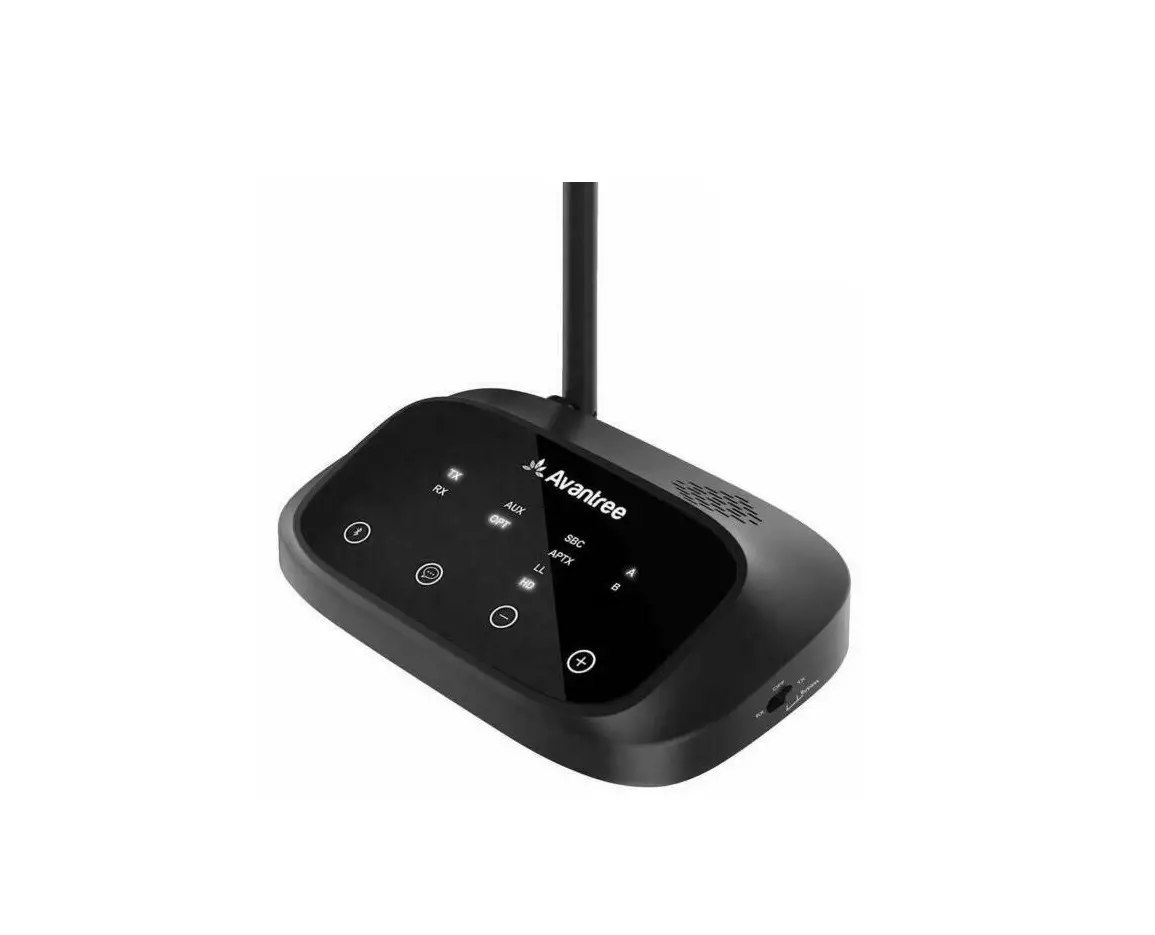
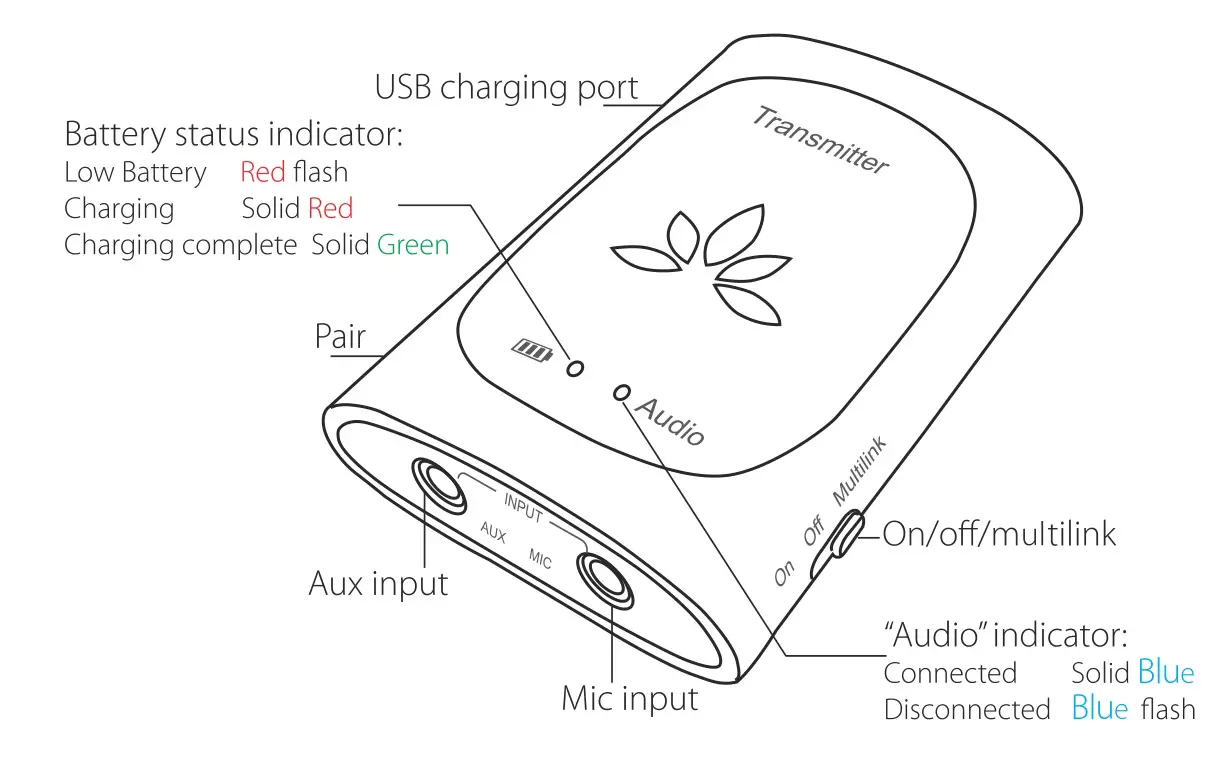
Product Overview
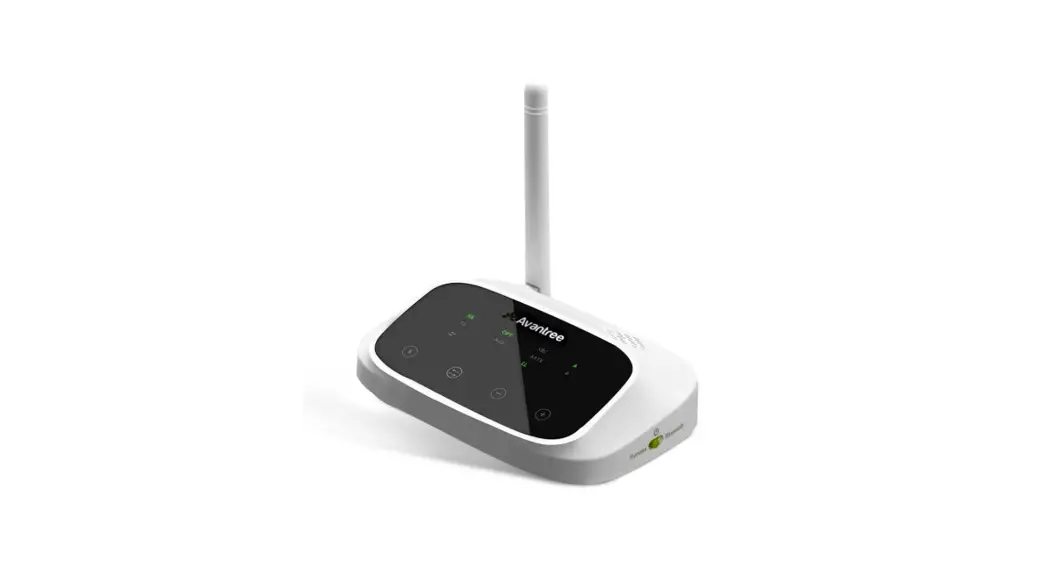
Transmitter:
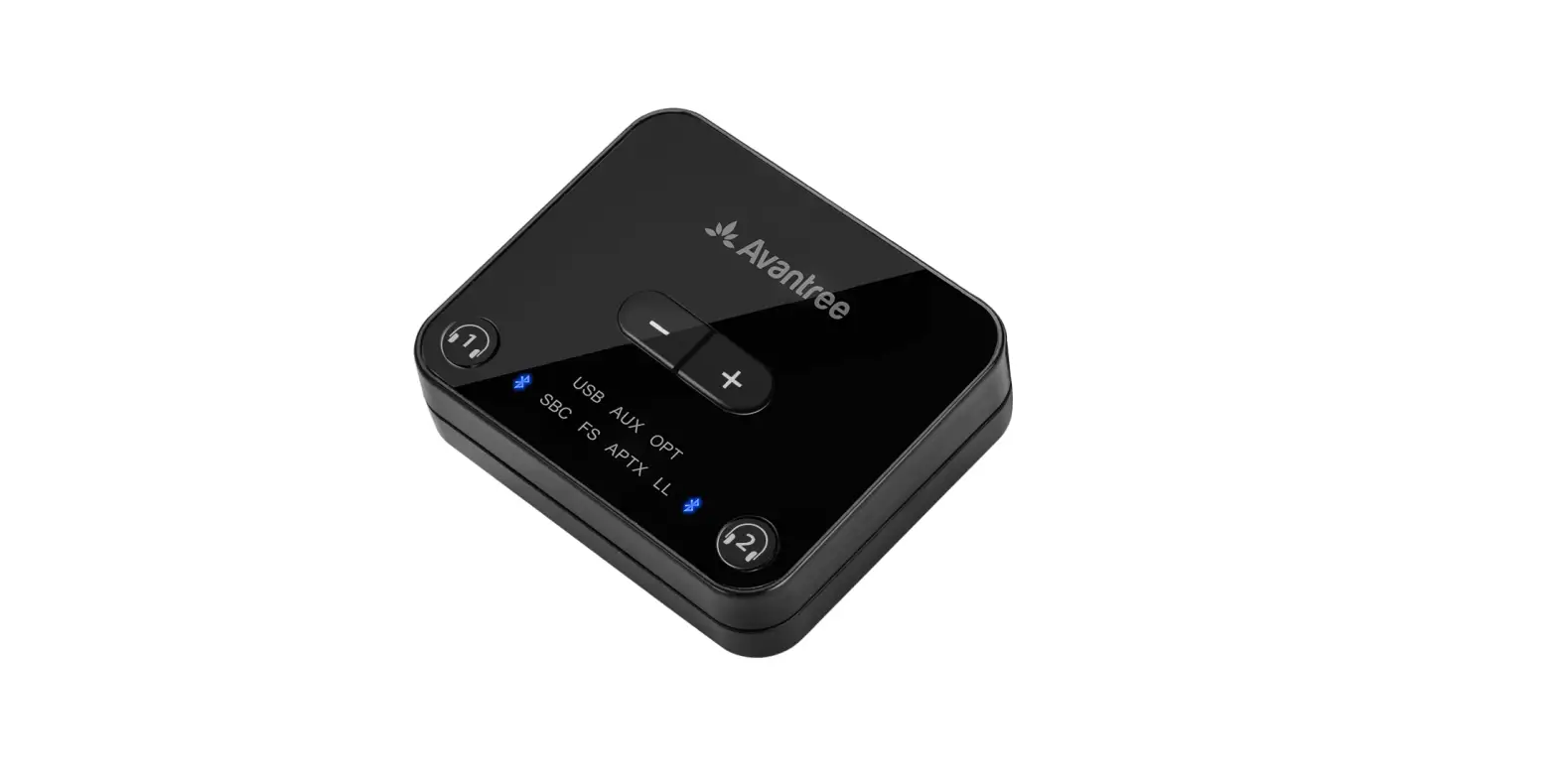
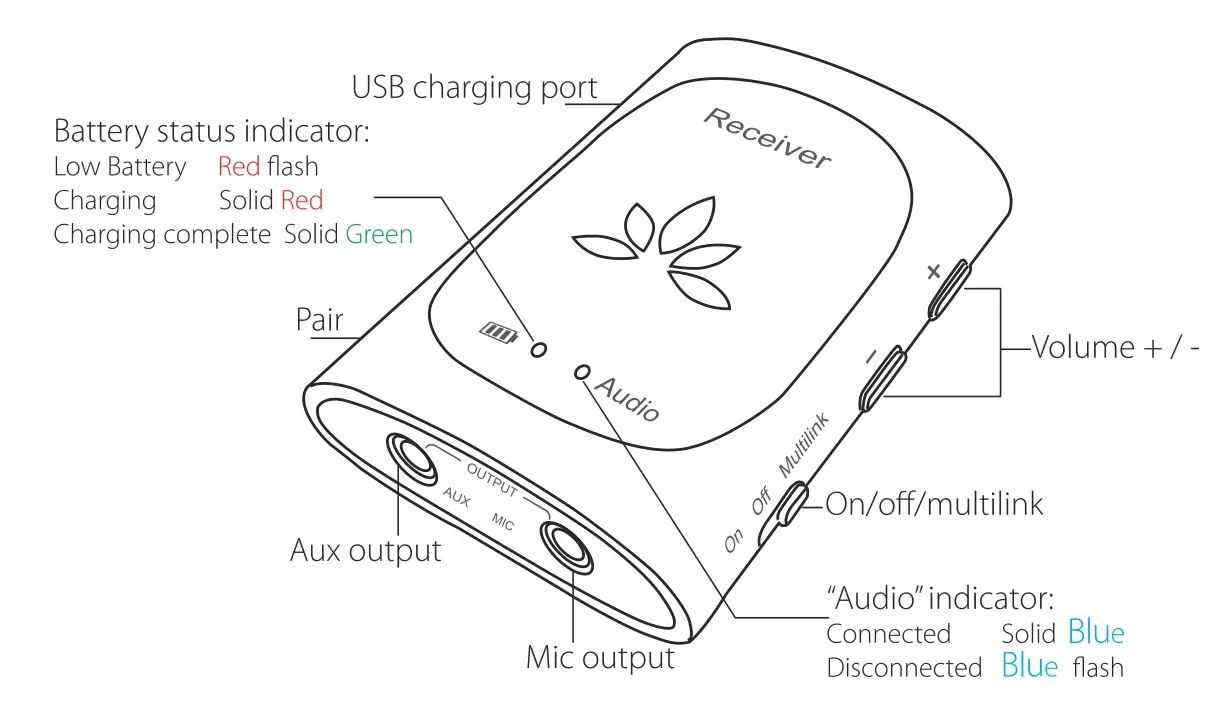
Receiver:
User Guide
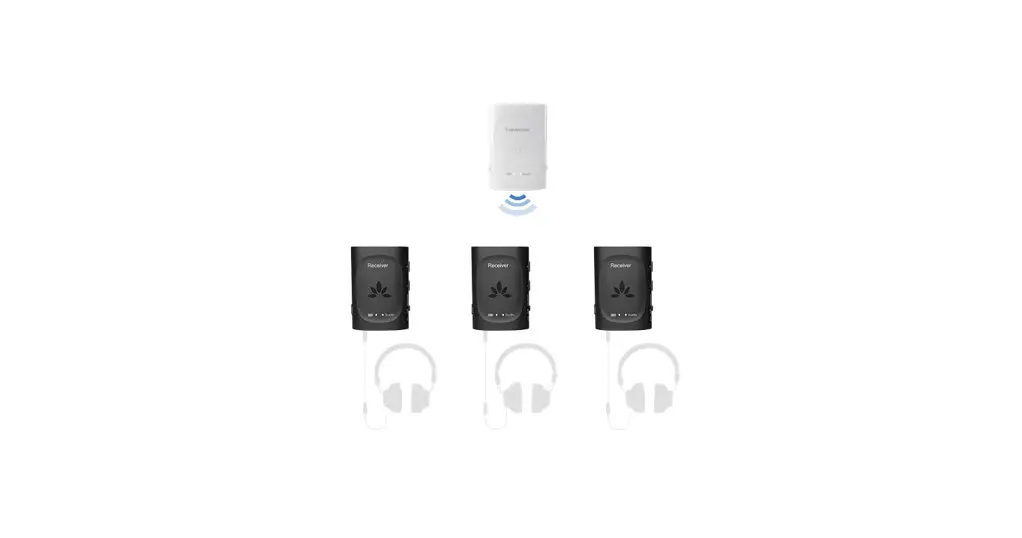
Slide the switch on ALL devices to “Multilink”, they will auto connect.
The indicator on all devices will turn SOLID BLUE.
If the receiver dongle fails to connect to the transmitter, you can manually pair them:
- Slide the switch on the failed receiver and the transmitter to “Multilink”.
- Press and hold the “Pair” button on BOTH dongles until the indicator on BOTH devices start flashing BLUE quickly.
- Once connected, the indicator on BOTH devices will turn SOLID BLUE.
- If more than one receiver failed to reconnect, please repeat the steps above for each receiver.
Any questions? Please visit:
support.avantree.com
(User Manuals, FAQ, Video Tutorials and more)
Email support: [email protected] (Response Time: 1 working
Live chat: www.avantree.com
Dispose of the packaging and this product in accordance with the latest provisions.
 Support Center | Avantree
 Wireless TV Headphones, Devices, and Audio Solutions | Avantree