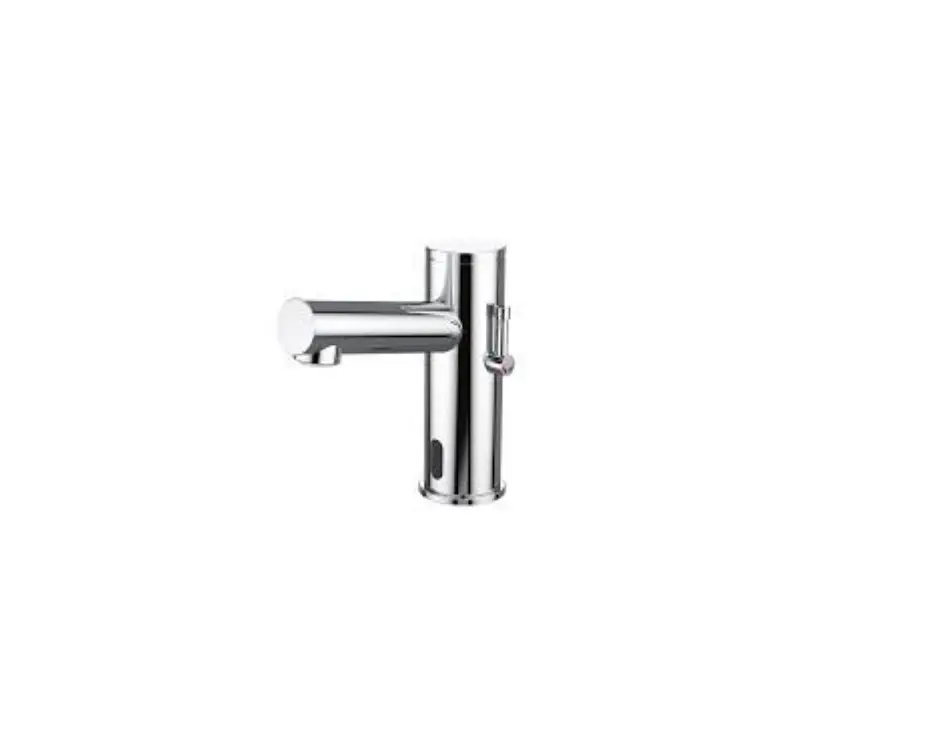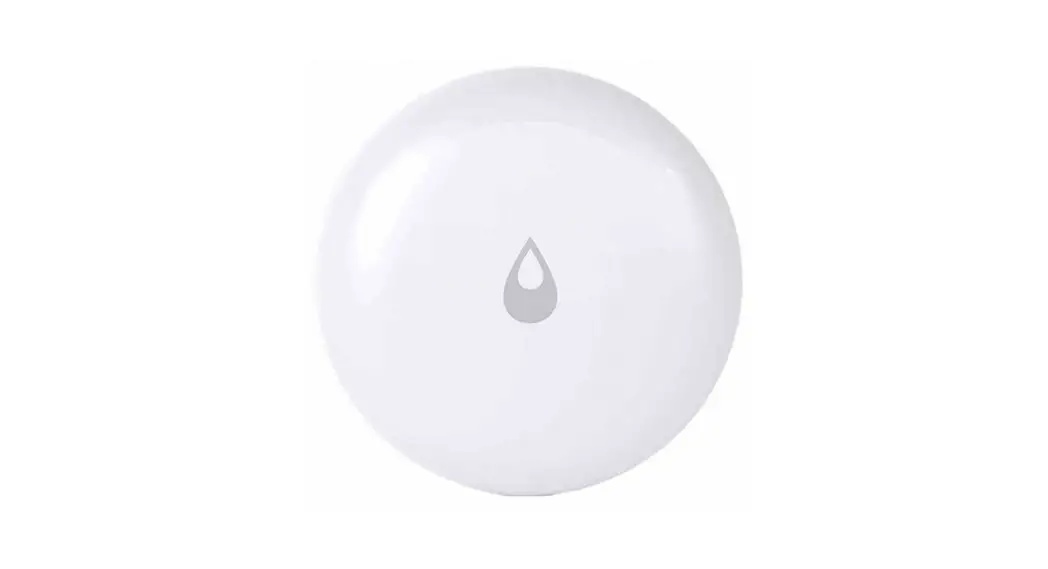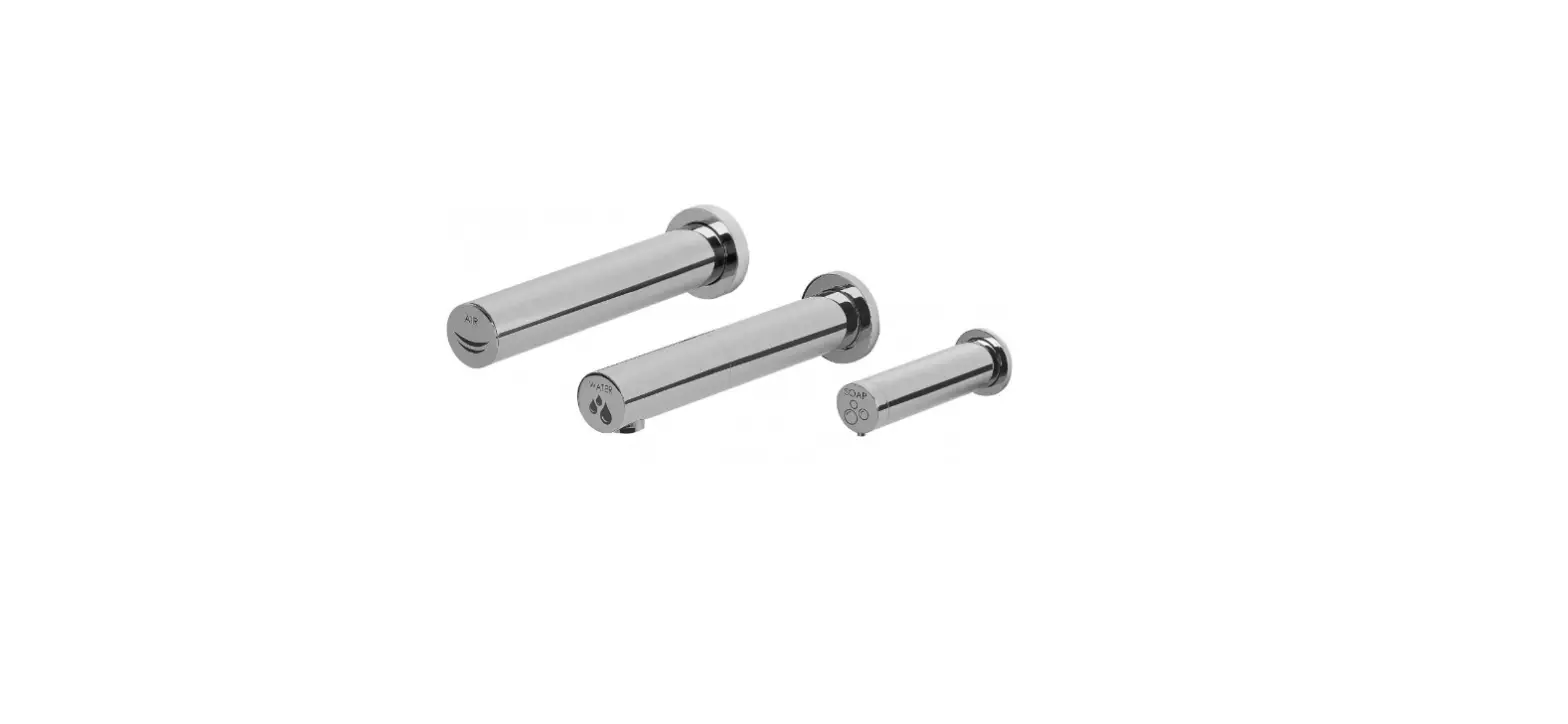

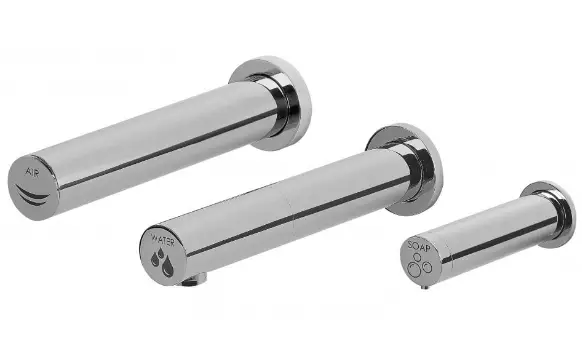
Intelligent IFSGA003AC-ANON Dryflow Tri-Tap Water Sensor Tap
The trusted independent experts for hand dryers and washrooms since 2012.
INSTALLATION INSTRUCTIONS
We strongly recommend that you use a qualified and registered plumber and electrician.
Note: Always flush pipework before installation.
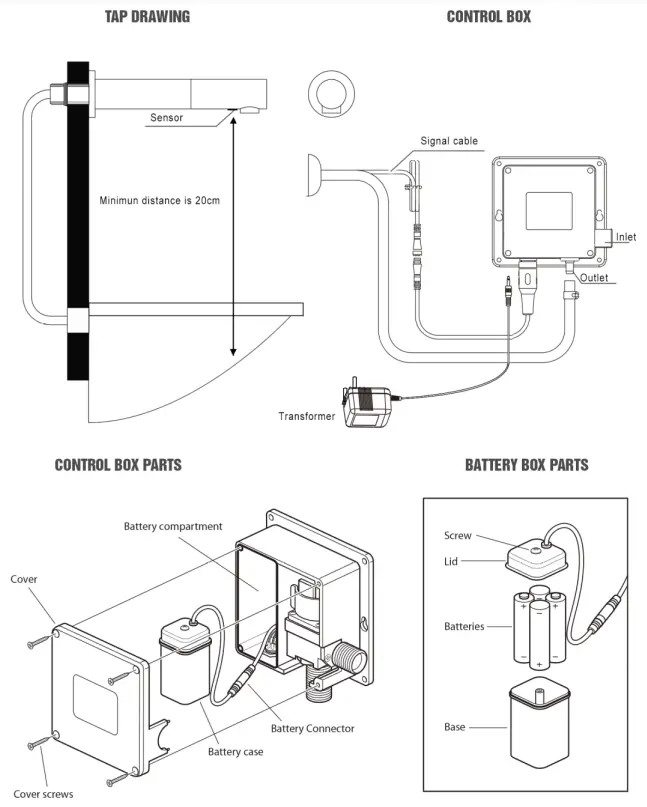
- Push flexi hose and control cable through the hole in the wall or S/S wall mounting plate and tighten the nut.
- Insert batteries into the control box. (See drawing)
- Screw the control box to wall (Within the length of the flexible pipe and control cable) (control box can be located in a wall cavity with access if required)
- Connect flexi hose from tap to outlet of the control box, squeeze clamp over hose and slide pipe onto the outlet of control box then release clamp to secure.
- Connect the water feed to the inlet of the control box.
- Connect the transformer to the control box.
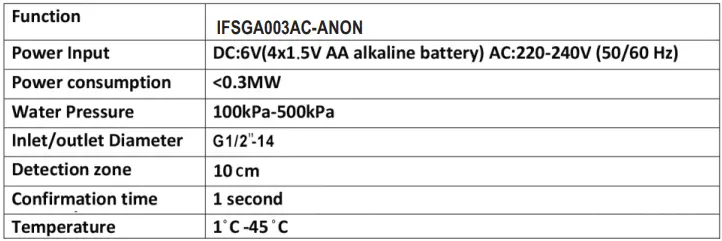
TECHNICAL SPECIFICATION
COMPONENTS
TROUBLESHOOTING
|
No water out | The batter is exhausted Water supply cut off Dirt in the filter Water pressure to low | Change the battery Check Supply Clean the filter Raise the pressure |
| Water will not turn off | Dirt on the sensor window | Clean the sensor |
| Too little water flow | Water supply is turned down The filter is too dirty Water pressure is too low | Adjust water supply Clean the filter Raise the pressure |
| Too much water flow | Water pressure is too high | Adjust pressure |
| Short cycles of battery | lncorrect batteries | Change to 4AA Alkaline batteries |
| The indicator light is not on | The light is broken The circuit board is wet or signal line is wet The battery is exhausted Poor connection of battery | Change the light or circuit board Dry out Change the battery Check battery connections |
| Flashing sensor light | Battery running low | Replace battery |
| lnlet filter cleaning | Control box has a filter on the inlet | Remove filter and wash out any obstructions |
AFTERCARE
Whilst advanced plating techniques are used in the manufacture of this product, the surface will be affected if cleaned incorrectly. Surfaces should be maintained using a clean damp cloth, no abrasive agents or materials should be used or come into contact with the surface finish, or this will invalidate your guarantee.