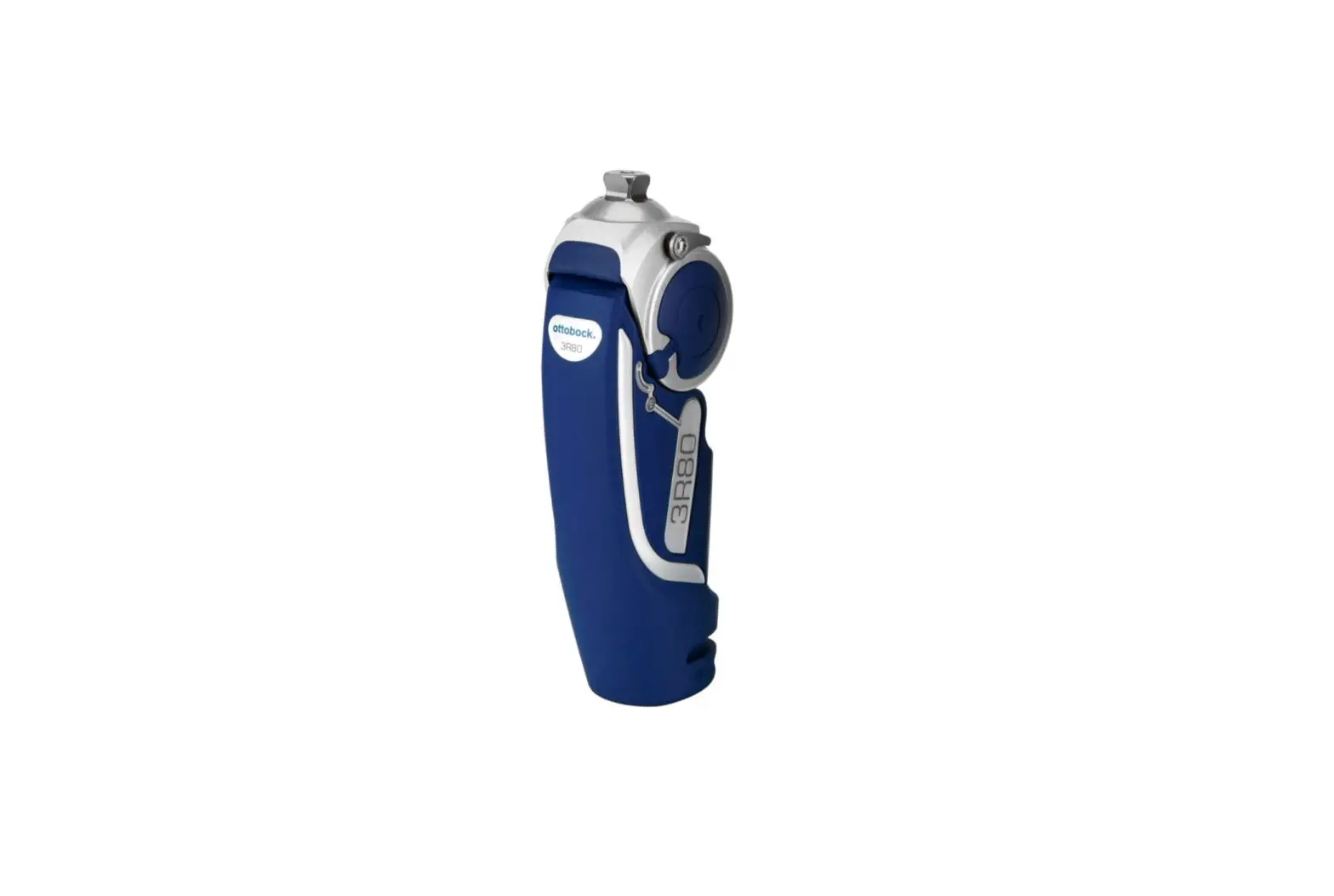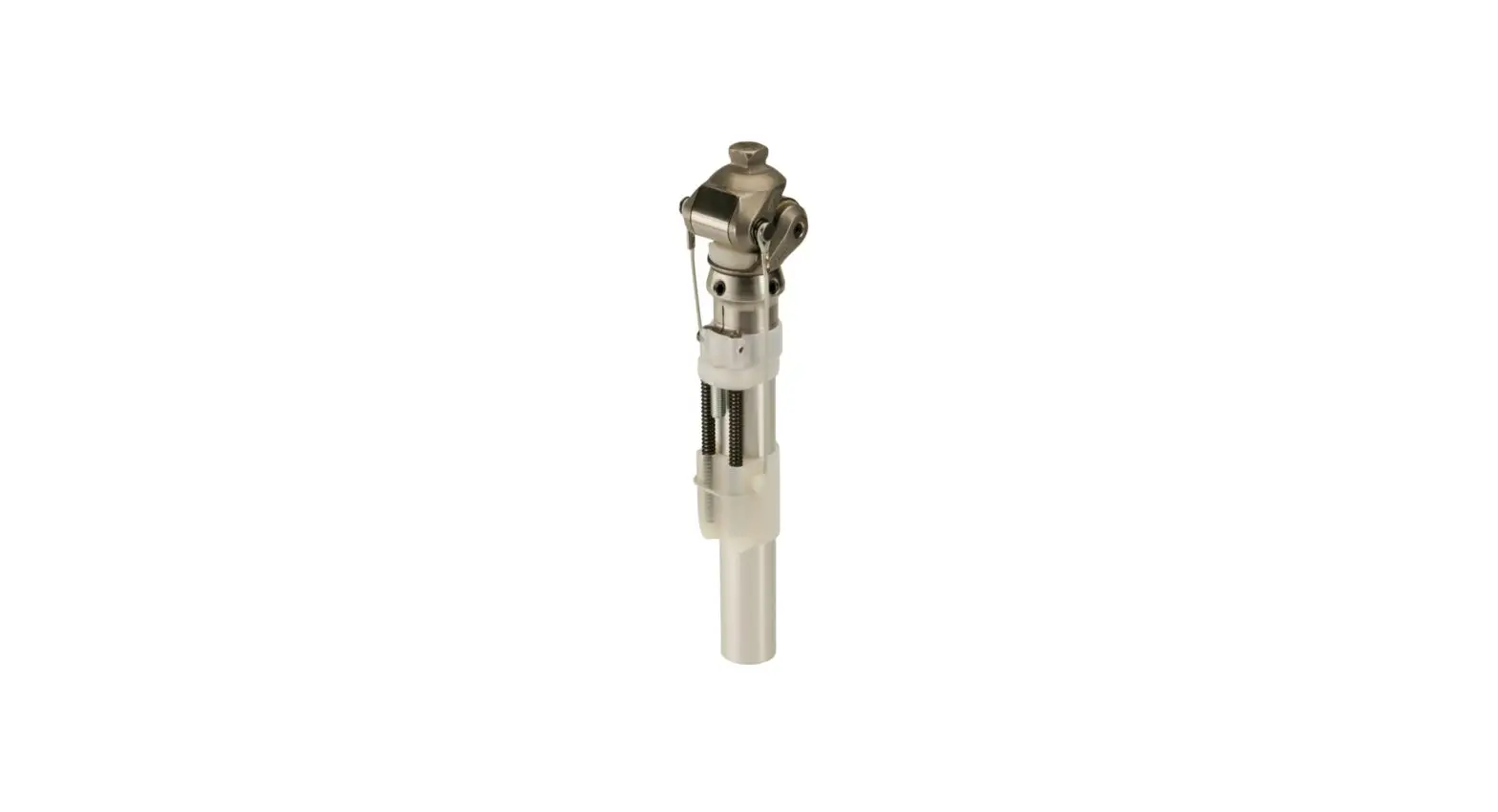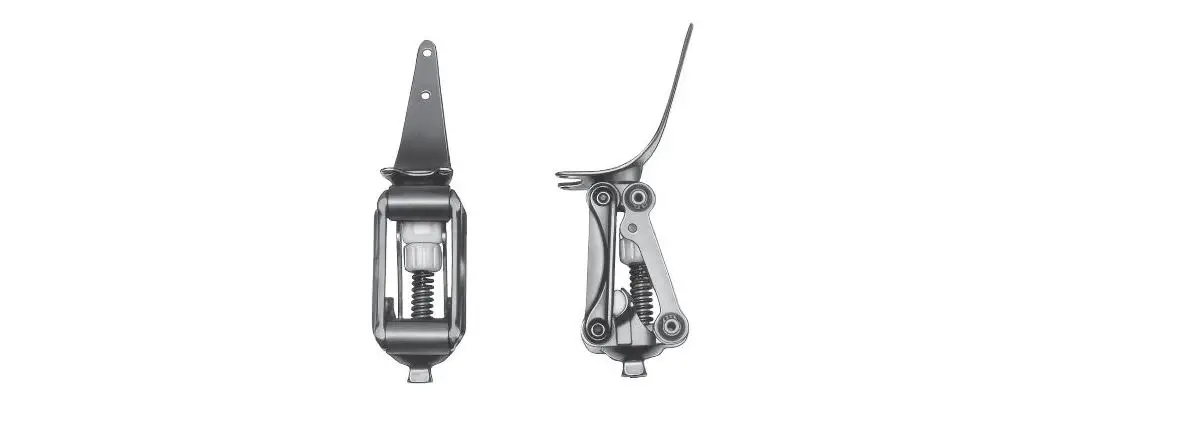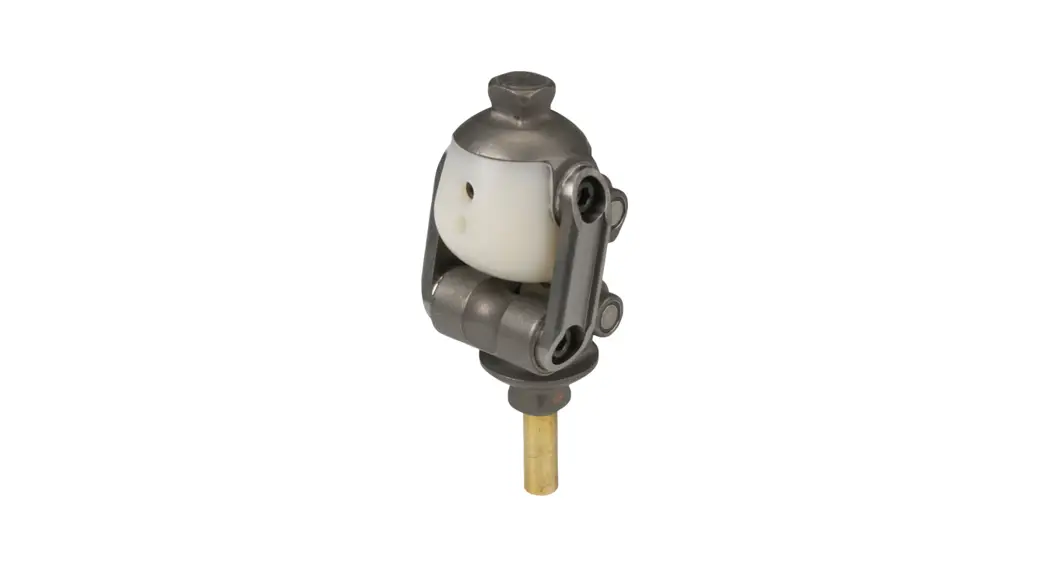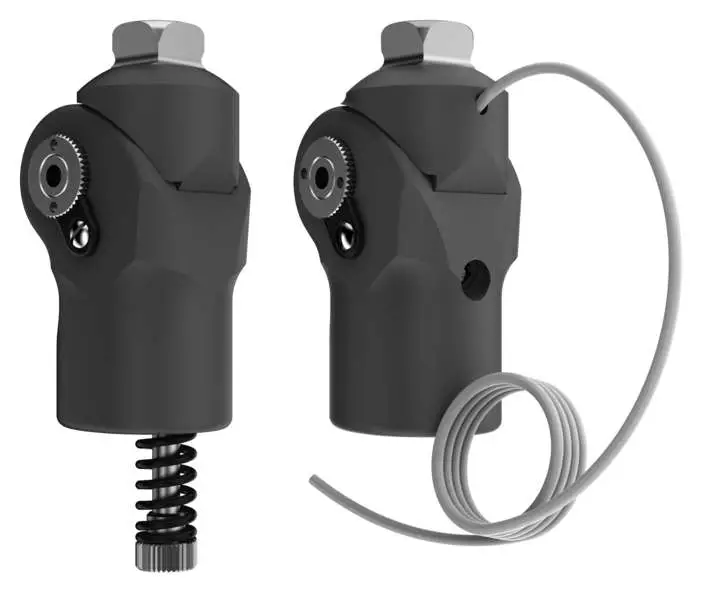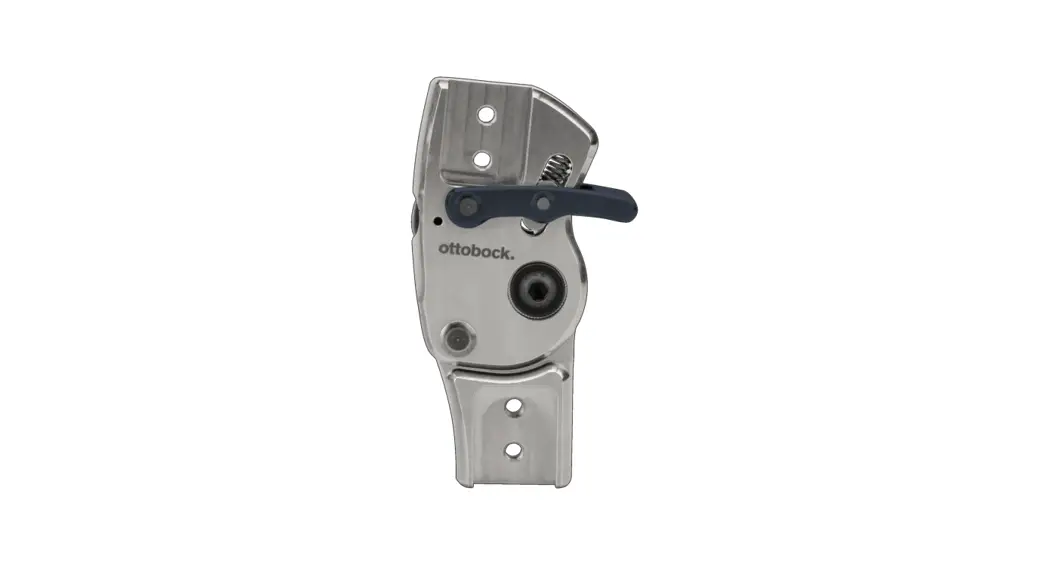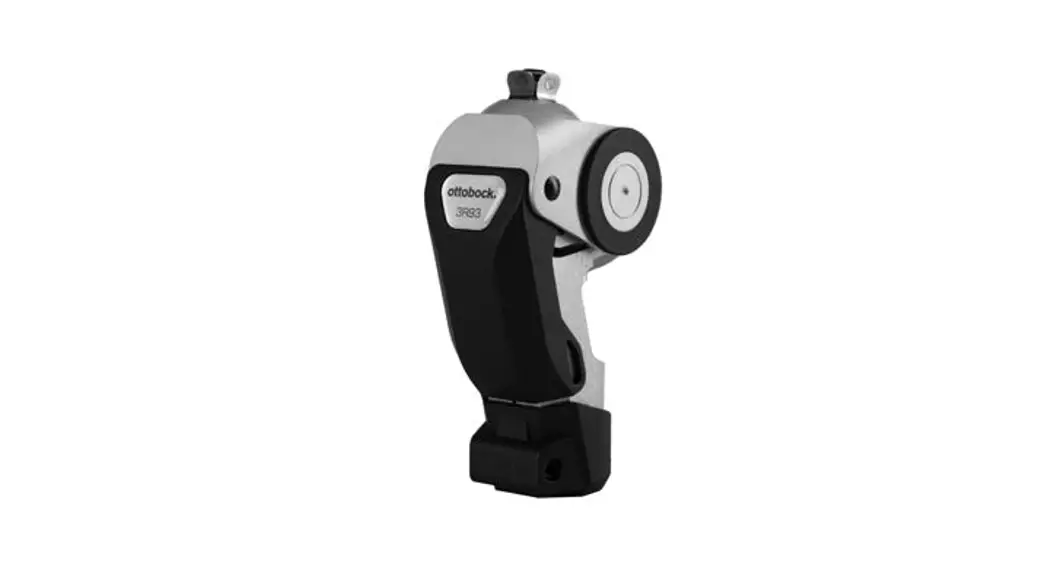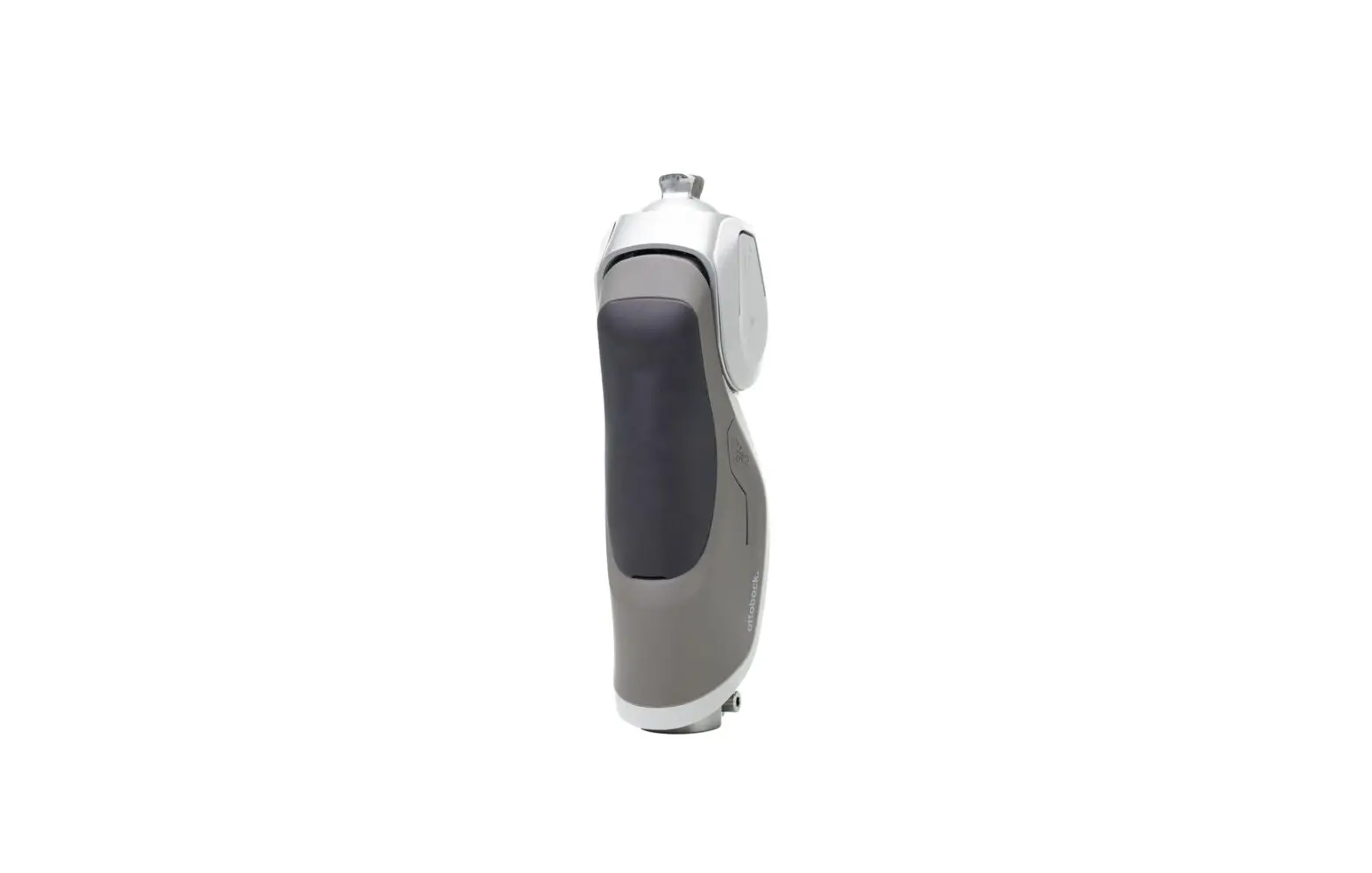
ottobock 3R85 Dynion knee joint User Guide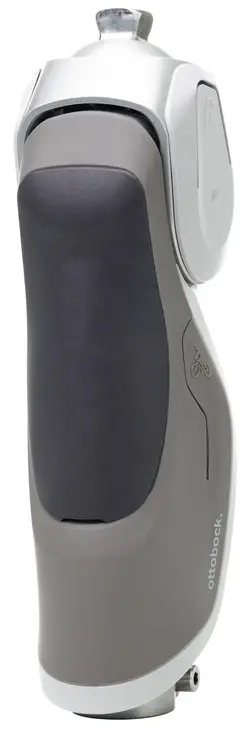
Read and follow the instructions for use
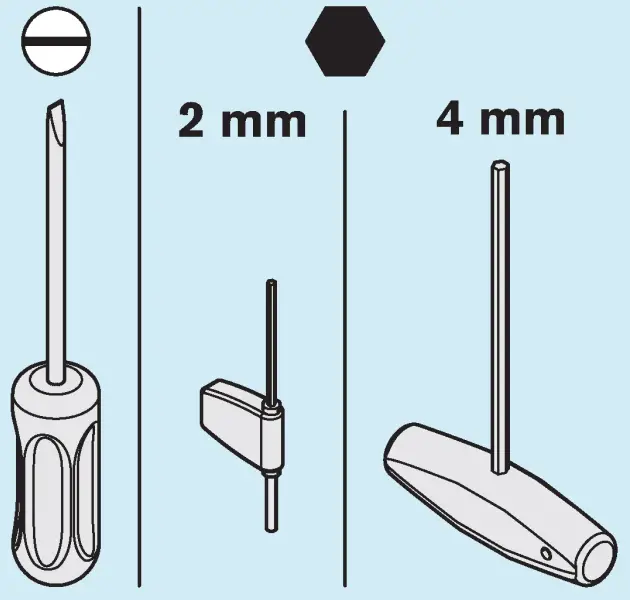
Required Tools
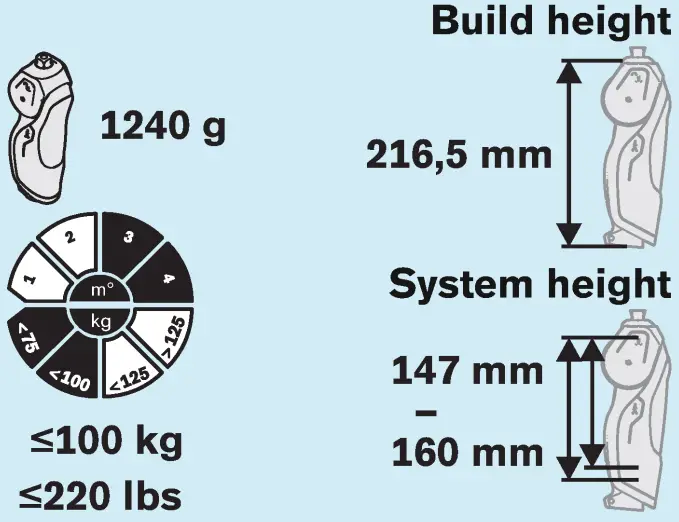
Technical data
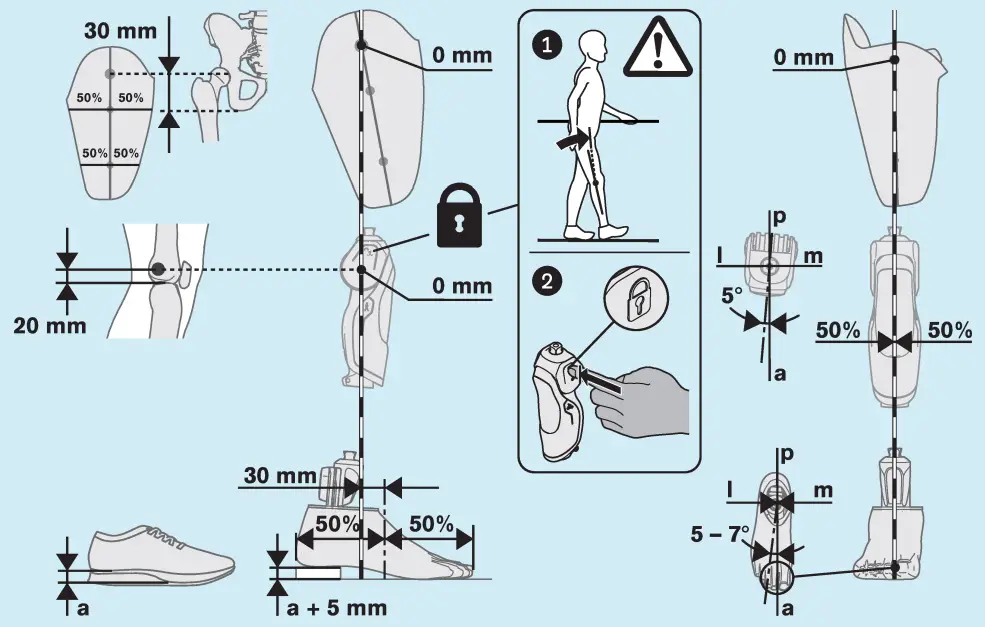
Bench alignment of the prosthesis
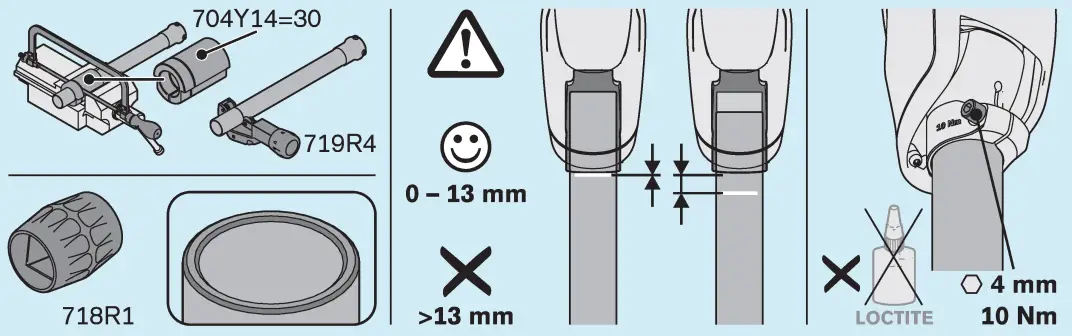
Shortening and assembling the tube adapter
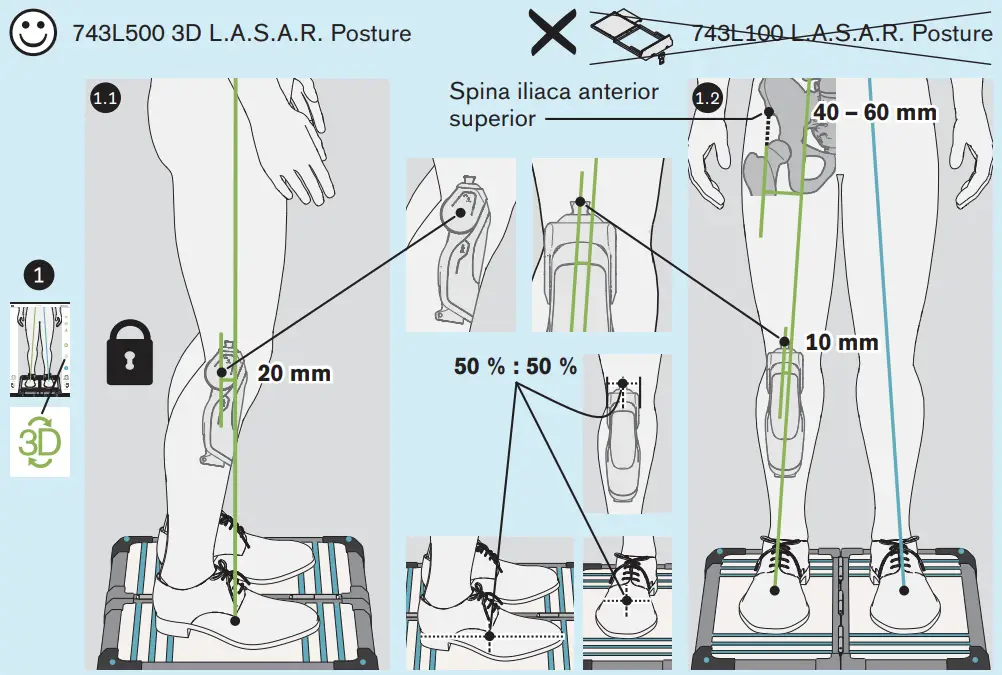
Optimising the static alignment
Making adjustments before dynamic trial fitting
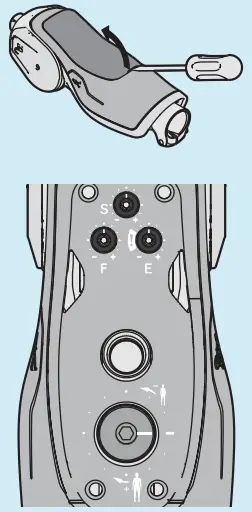
Switching threshold to deactivate stance phase flexion resistance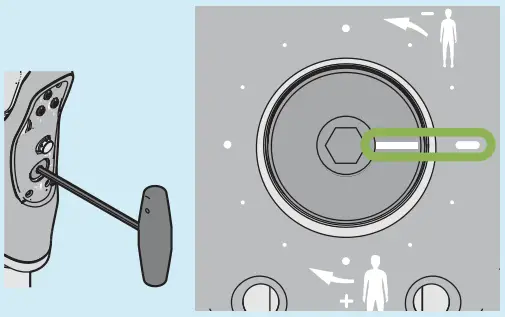
Note the correct sequence to restore the switching threshold.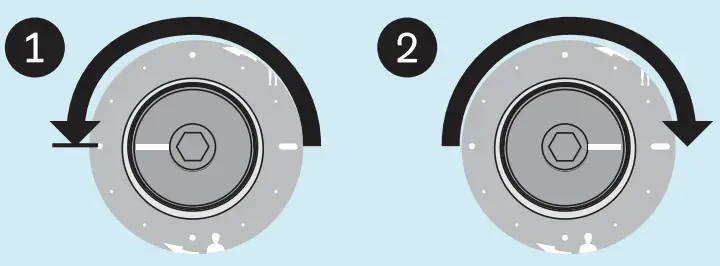
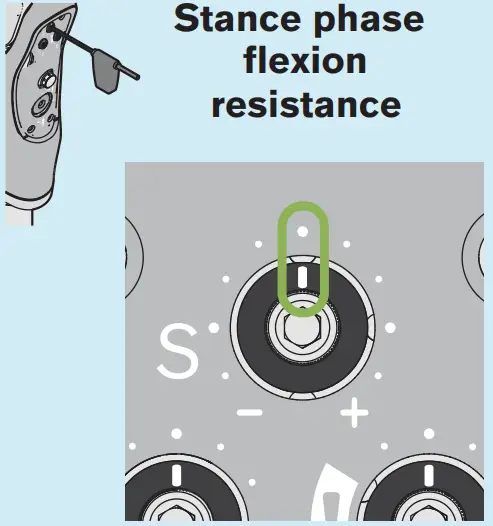
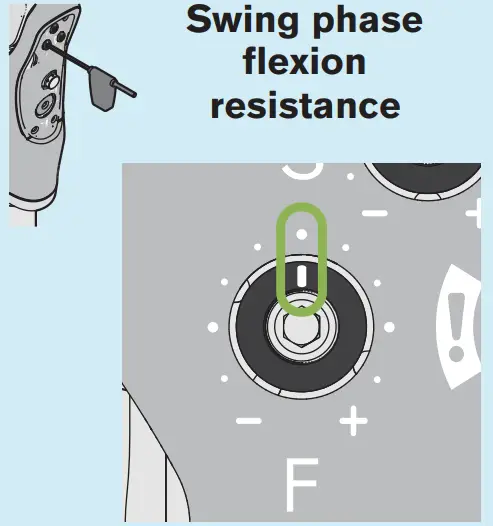
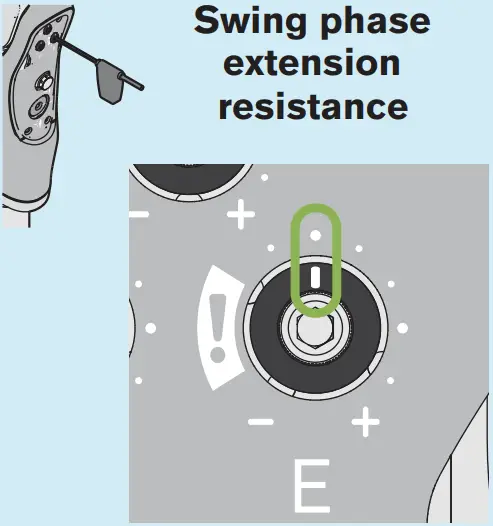
Optimisation during the dynamic fitting – exercises and adjustments
Sitting down
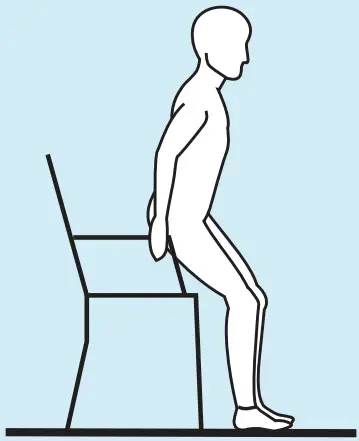
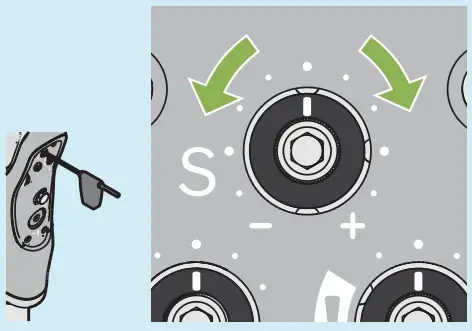
Adjust the stance phase flexion resistance so it provides the patient with adequate safety yet does not generate excessive resistance.
Walking
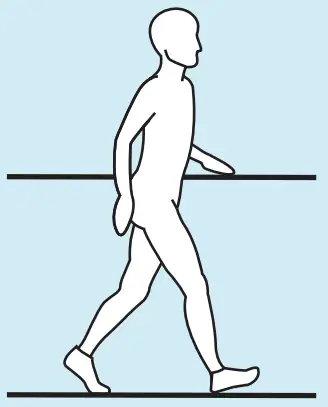
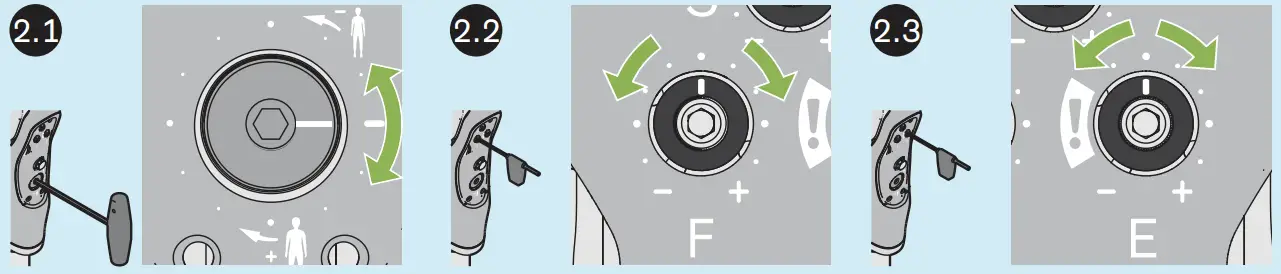
Allow the patient to walk only with safeguards in place. At the start of the walking exercise, increase the switching threshold so the swing phase cannot be enabled. Subsequently, decrease the switching threshold in especially small increments (max. 15°) until the swing phase can be initiated. Do not further reduce the switching threshold value after the appropriate setting is found. Adjust the settings first at normal walking speed, then with short, quick steps and finally with long, fast steps.
Adjust all settings in small increments (max. 15°). Check the effect on the gait pattern after each change.
Adjust the swing phase flexion resistance so the lower leg of the prosthesis does not swing through too far in dorsal position and reaches full extension in time for the next heel strike.
Adjust the swing phase extension resistance so the prosthetic knee joint does not swing too hard against the extension stop but reaches full extension in time for the next heel strike. After making adjustments ( – especially for settings in the range marked with!), test the settings while walking with support (e.g. between parallel bars) at different walking speeds, because the switching threshold may have been changed so that stance phase flexion resistance is deactivated under heel load. In this case, increase the switching threshold setting clockwise correspondingly.
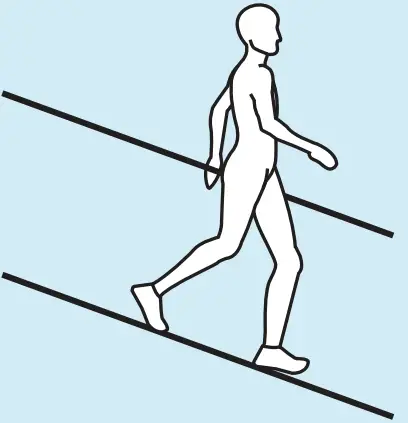
Walking down ramps
Walking down stairs
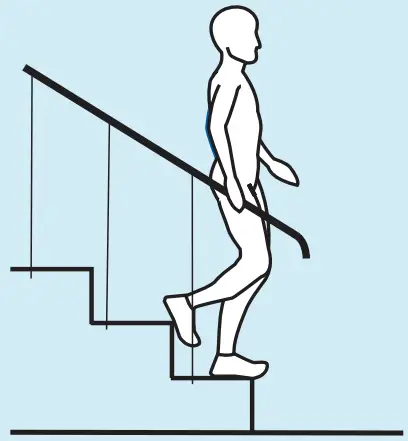
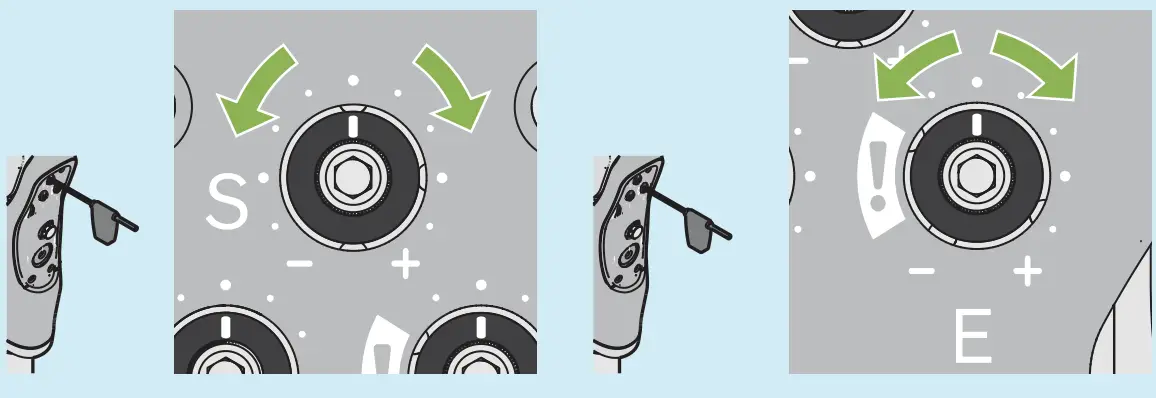
Adjust the stance phase flexion resistance so it provides the patient with adequate safety yet does not generate excessive resistance.
During the exercise, also check whether the swing phase extension resistance setting is still appropriate and adjust it if necessary.
Set the swing phase extension resistance so that full extension is reached at heel strike if possible.
Sitting down
(Repeat for readjustment)
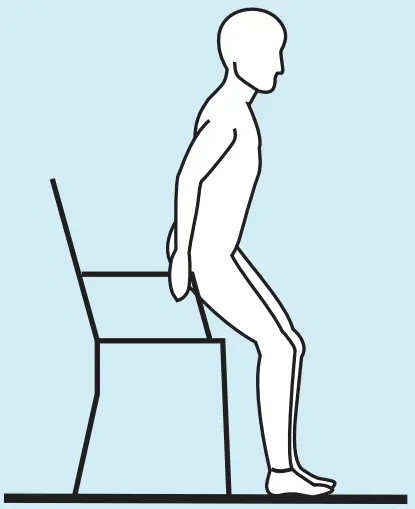
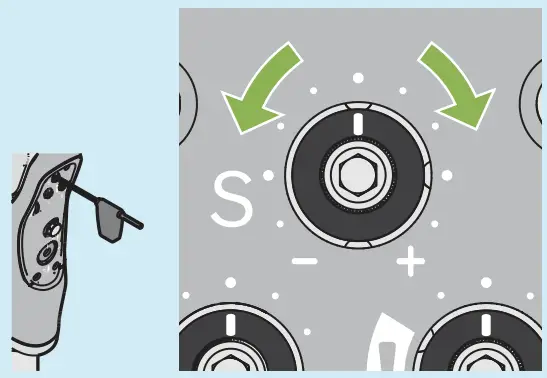
Check the stance phase flexion resistance for sitting down again and match it with the setting for walking down ramps and stairs.
Walking
(Repeat for readjustment)
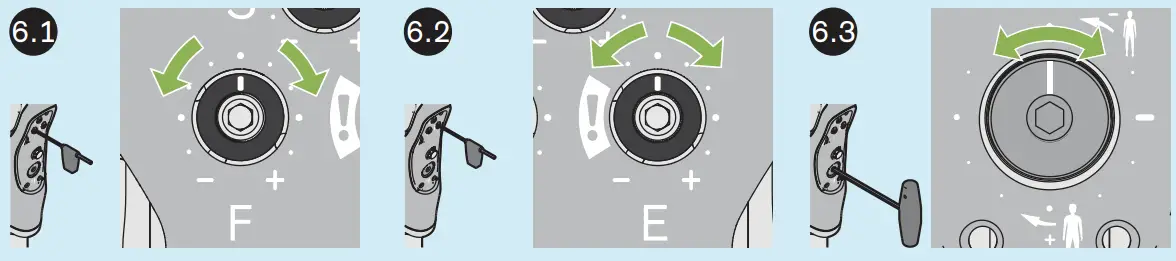
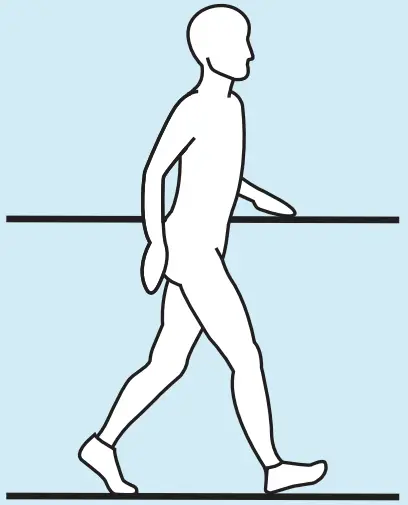
 Since the switching threshold buffer exhibits settling (especially during the first 10 minutes), it is essential to check again while walking on a level surface whether short, quick steps are still possible or whether the settings have to be readjusted. Check the swing phase flexion resistance again and, if necessary, adjust it in small increments so the lower leg of the prosthesis does not swing through too far in the dorsal direction and reaches full extension in time for the next heel strike. During the exercise, also check whether the swing phase extension resistance setting is still appropriate and adjust it if necessary. After changing the swing phase extension resistance, check the switching threshold setting and adjust it if necessary.
After changing the static alignment during dynamic fitting (e.g. increasing plantar flexion), check the switching threshold setting and adjust it if necessary.
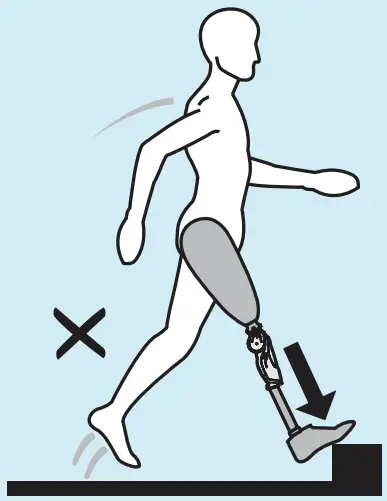
For the movements shown in the illustration, there is a risk of falling because they may deactivate the stance phase flexion resistance. Provide the patient with support (e.g. parallel bars) and have them carefully test at what load stance phase flexion resistance is deactivated. Then discuss with the patient how these movements can be avoided or supported.
To avoid a hard ground contact of the prosthetic leg with strong extension (e.g. curb) immediately followed by knee flexion moment, adjust the stride length so the movement is carried out with the sound leg.
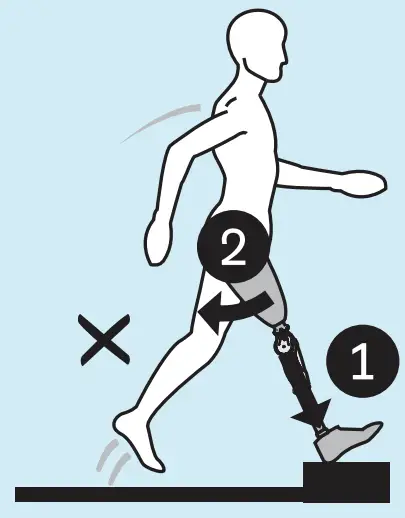
To avoid a quick, forceful step forward with the prosthetic leg (e.g. jump) and strong hip extension moment at heel strike immediately followed by knee flexion moment, adjust the stride length so the movement is carried out with the sound leg.
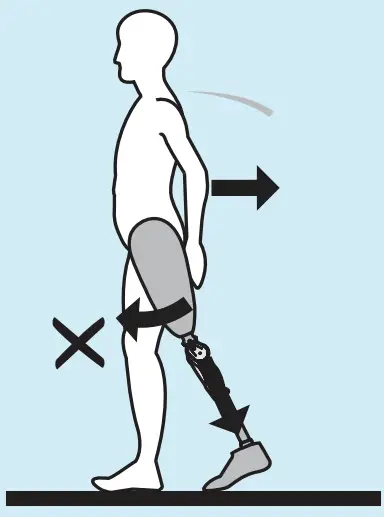
To walk backwards safely, make sure that no load is placed on the prosthetic forefoot with simultaneous hip and knee flexion moment, or walk with the prosthetic knee joint locked.
Using the lock
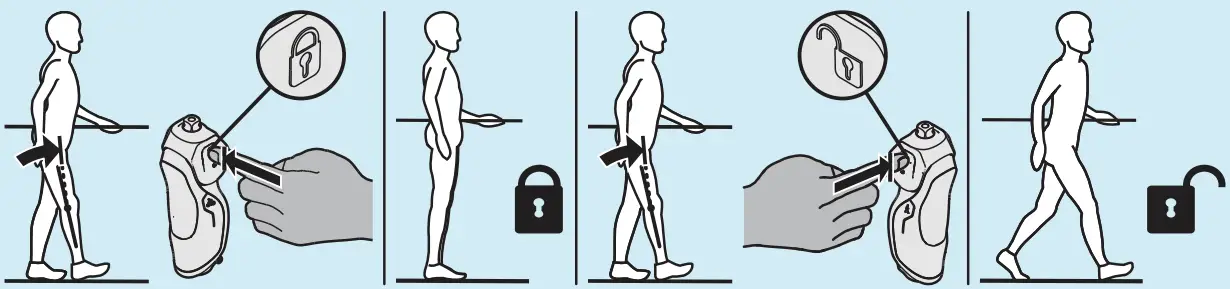
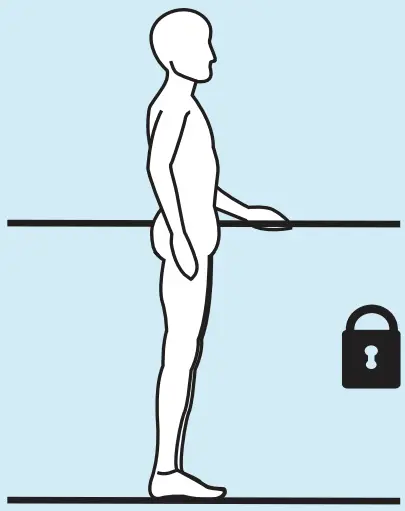
Put weight on the prosthetic knee joint and push against the extension stop during activation and deactivation. Then, carefully check for proper function.
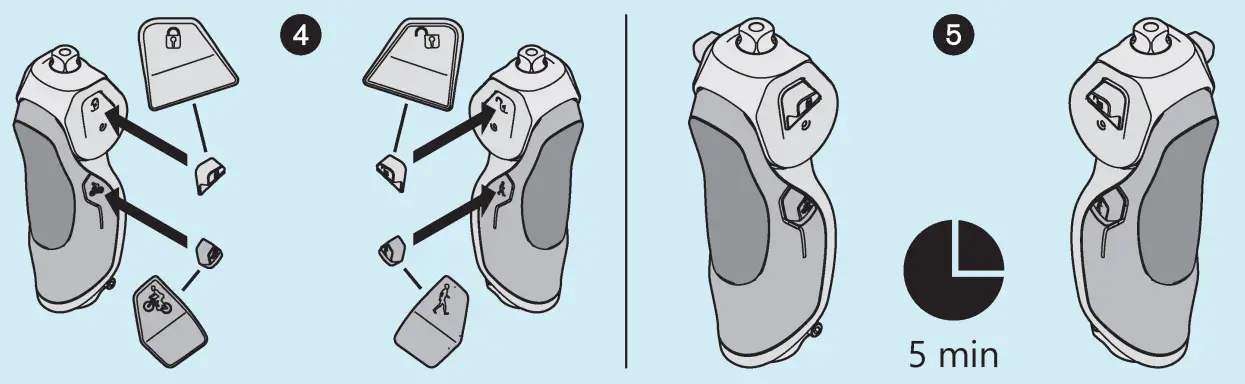
Cycling
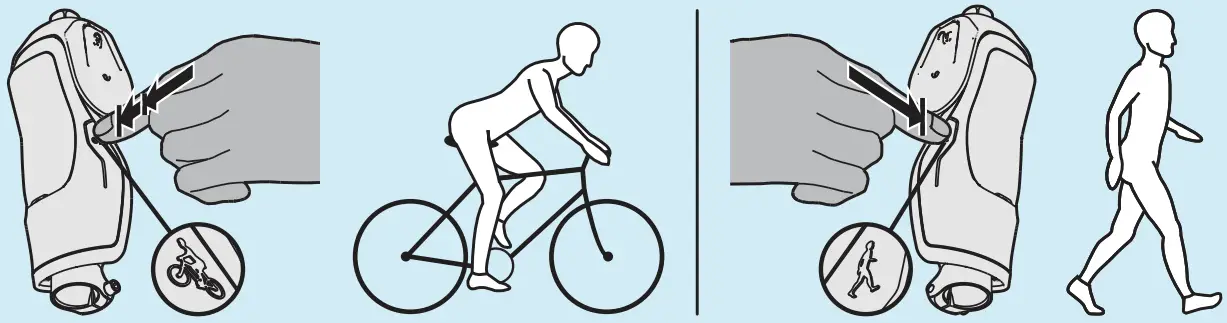
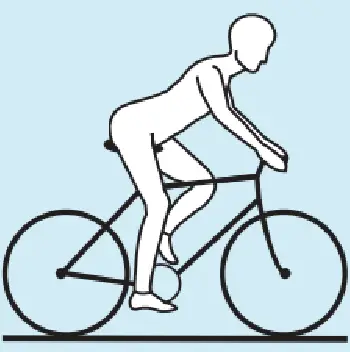
Activate cycling mode as illustrated to deactivate stance phase flexion damping. Switch back to standard mode for normal walking.
 At the end of the exercises and adjustments, check again whether the switching threshold is correctly adjusted while walking at different speeds with support (e.g. between parallel bars).
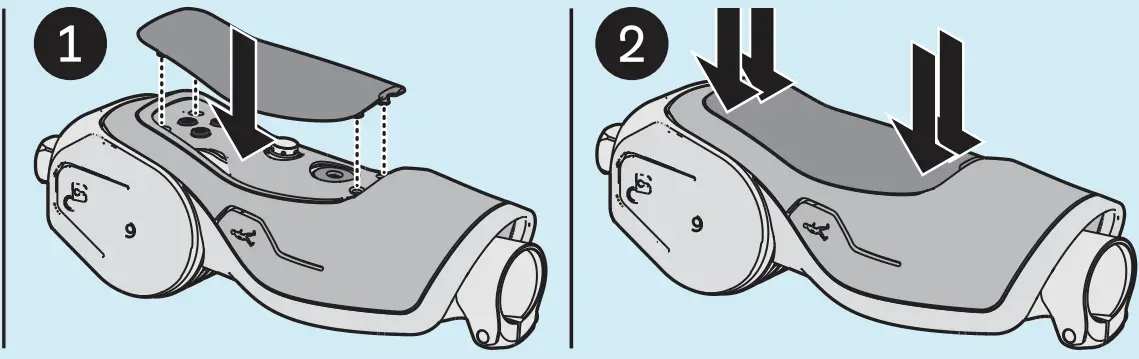
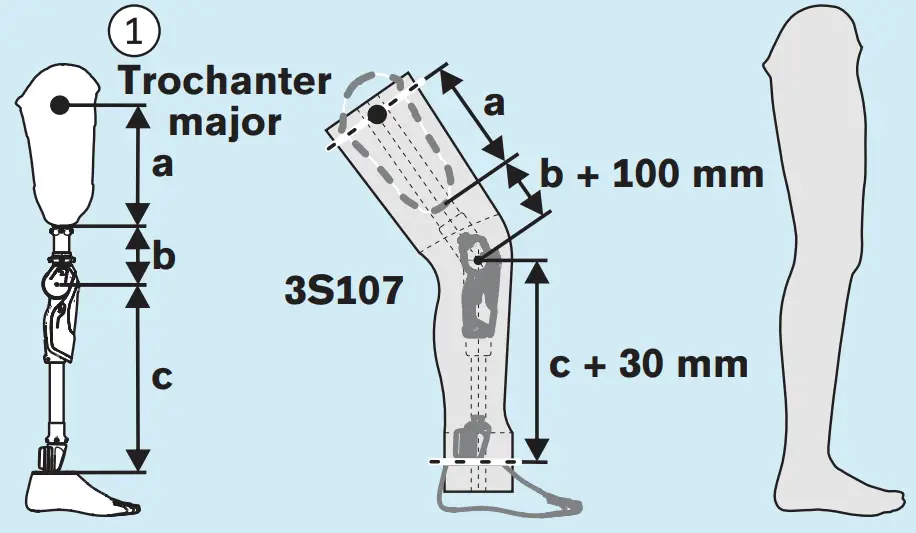
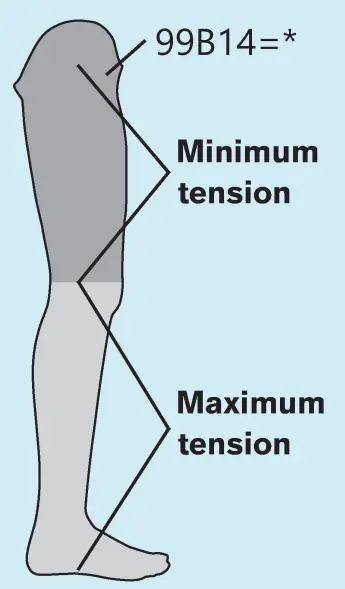
Attaching the cosmetic cover – recommended foam covers
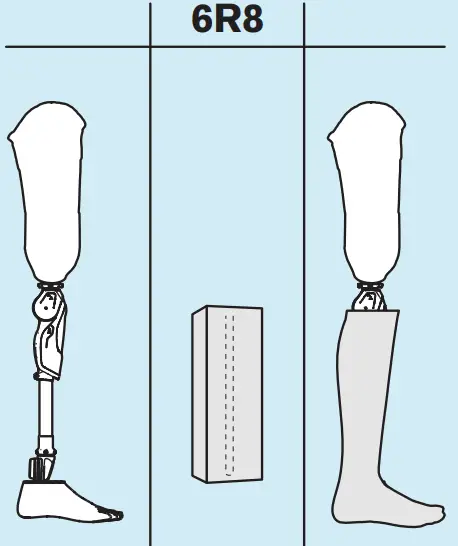
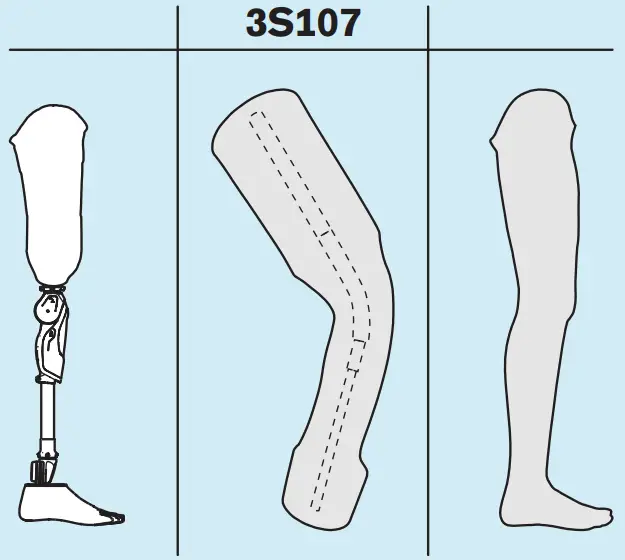
Important trim values
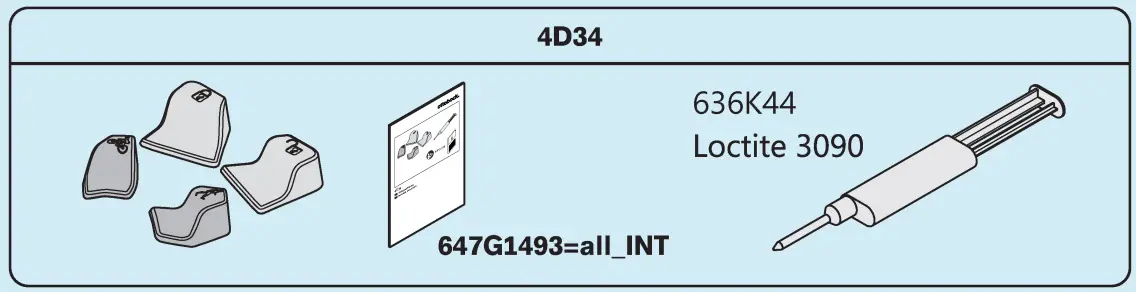
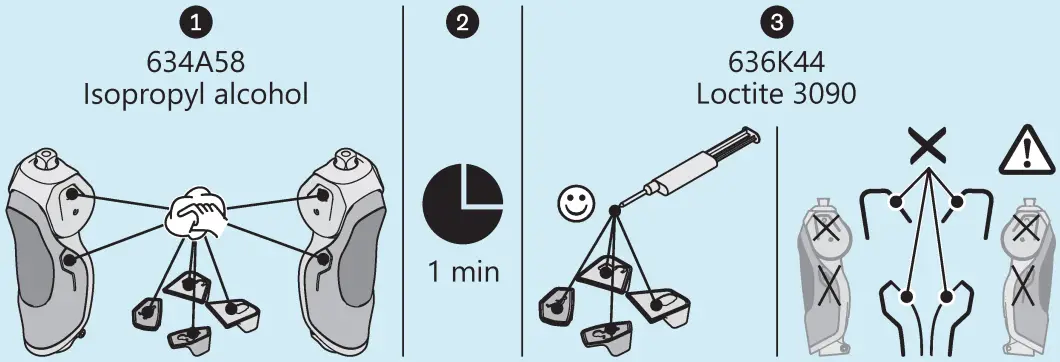
Attaching adhesive dots
Ottobock SE & Co. KGaA
Max-Näder-Straße 15 · 37115 Duderstadt · Germany
T +49 5527 848-0 · F +49 5527 848-3360
[email protected] · www.ottobock.com

 Welcome to Ottobock. We help people regain their movement.