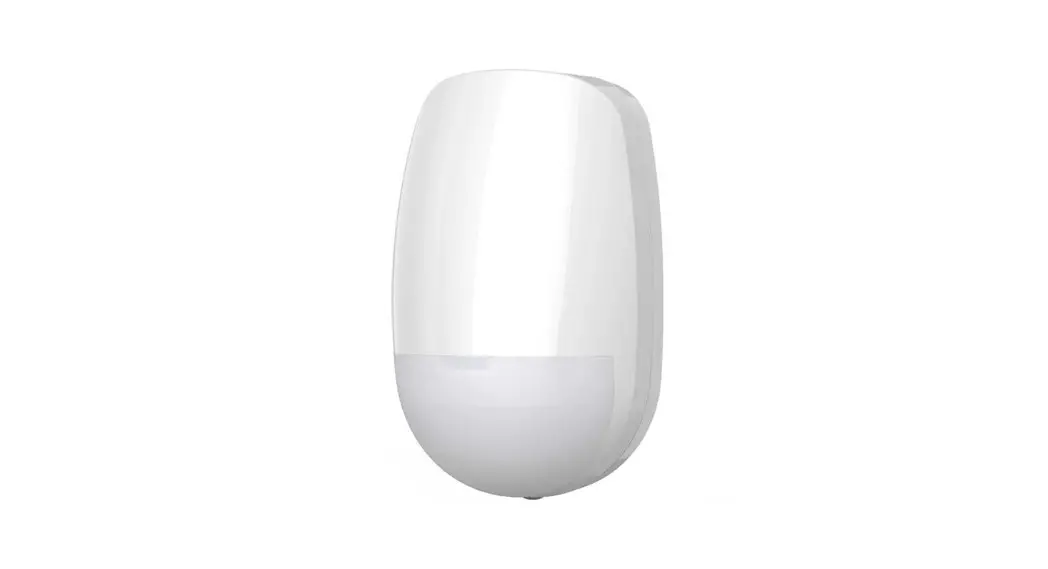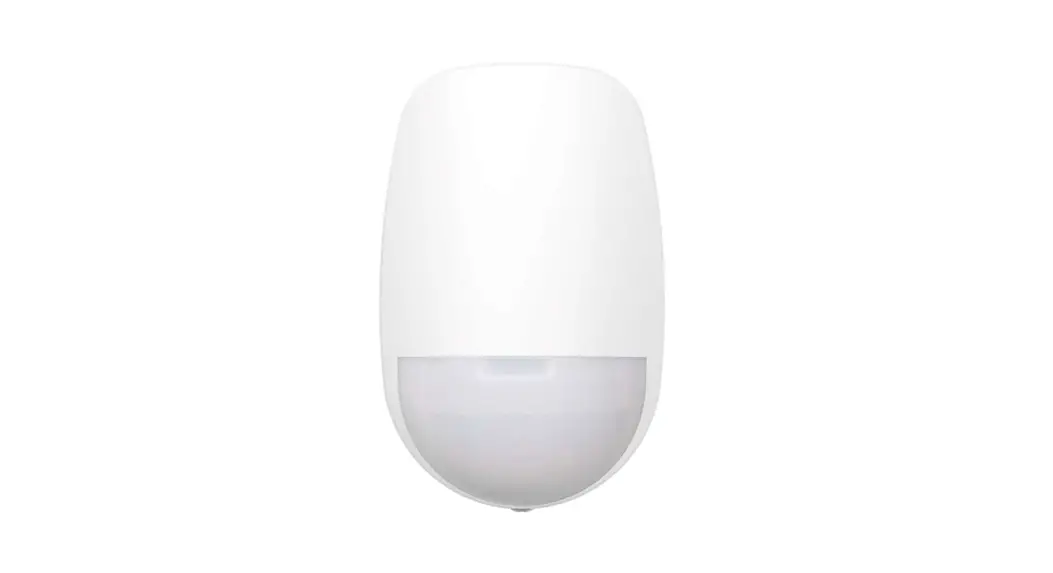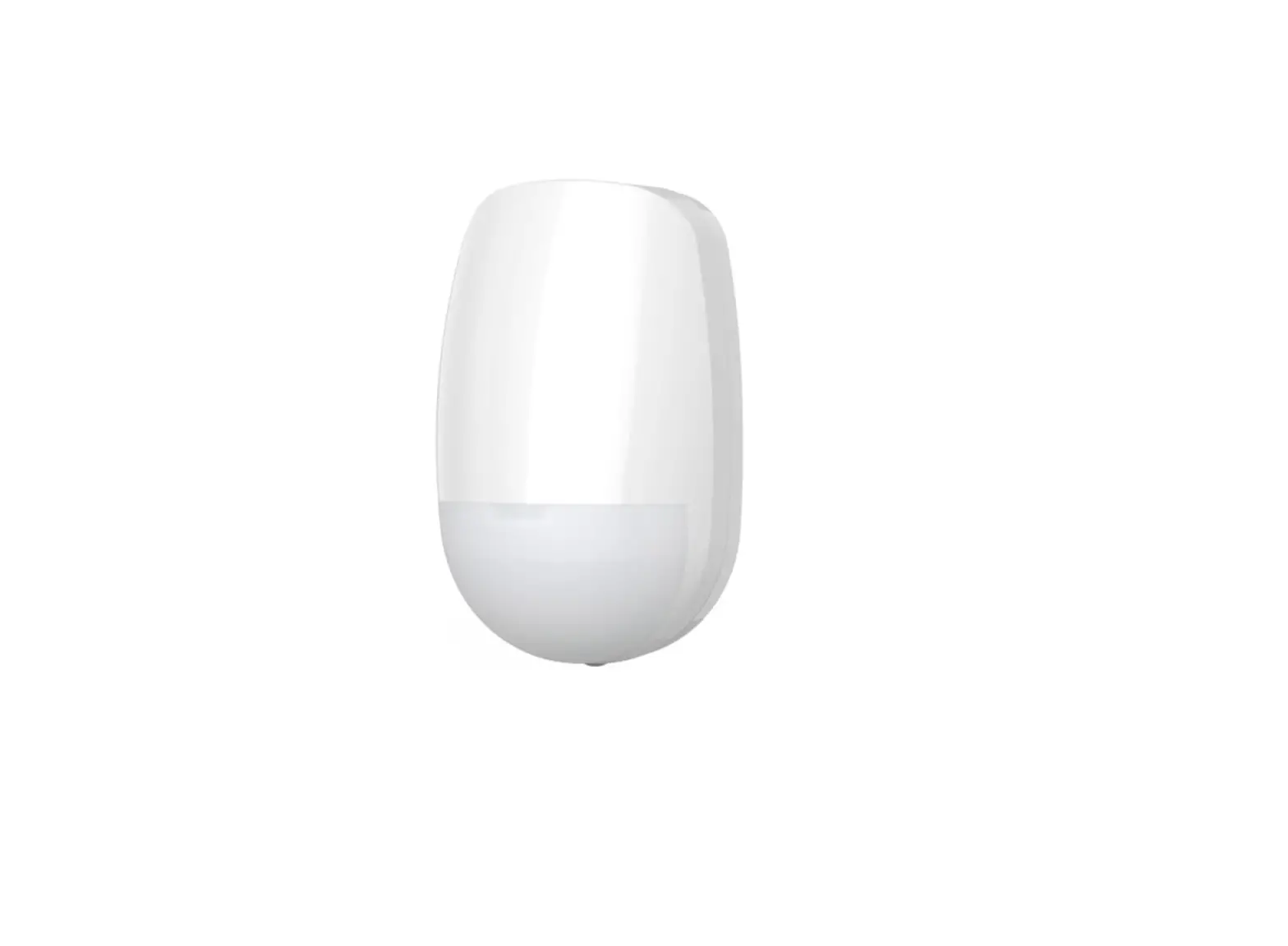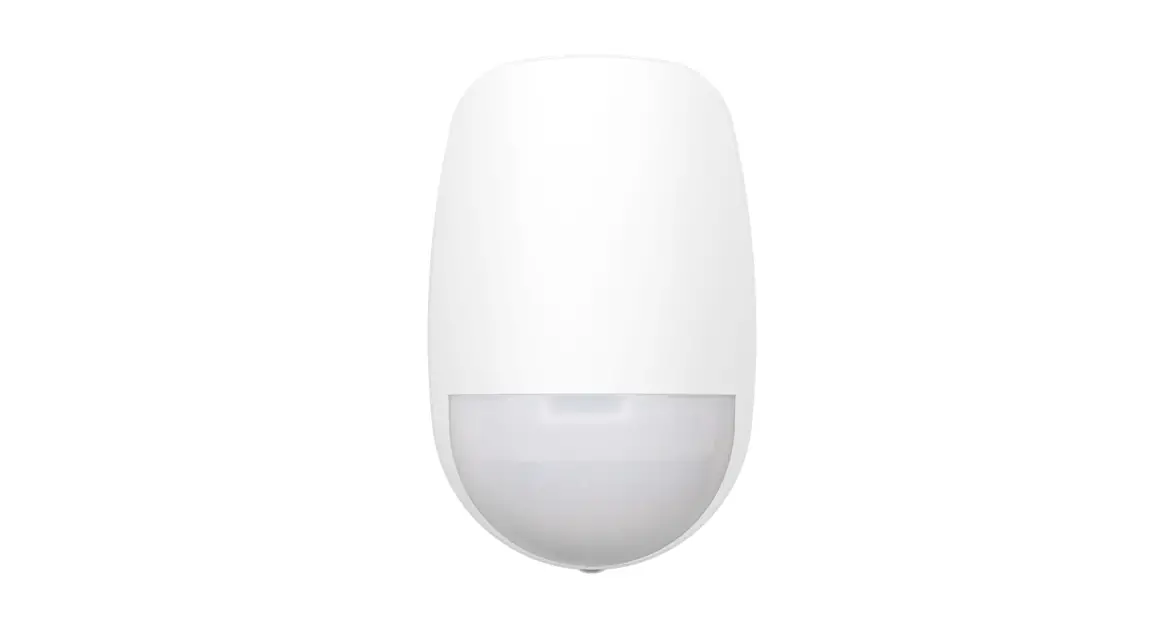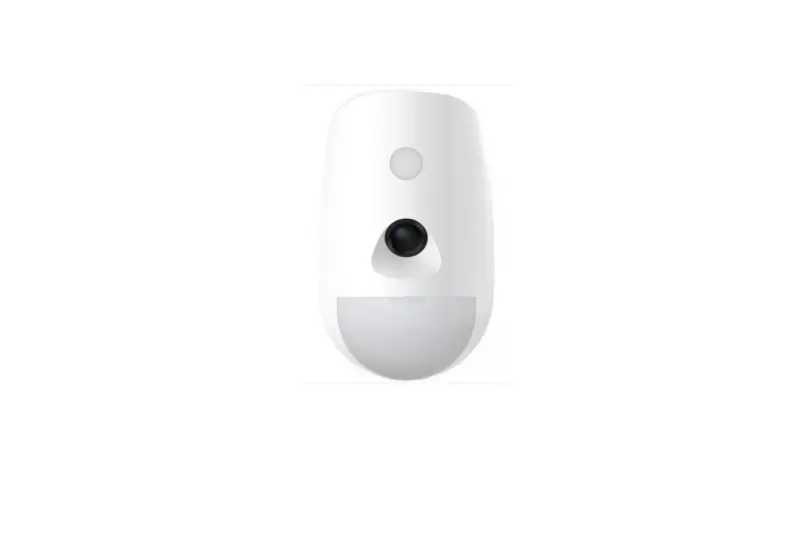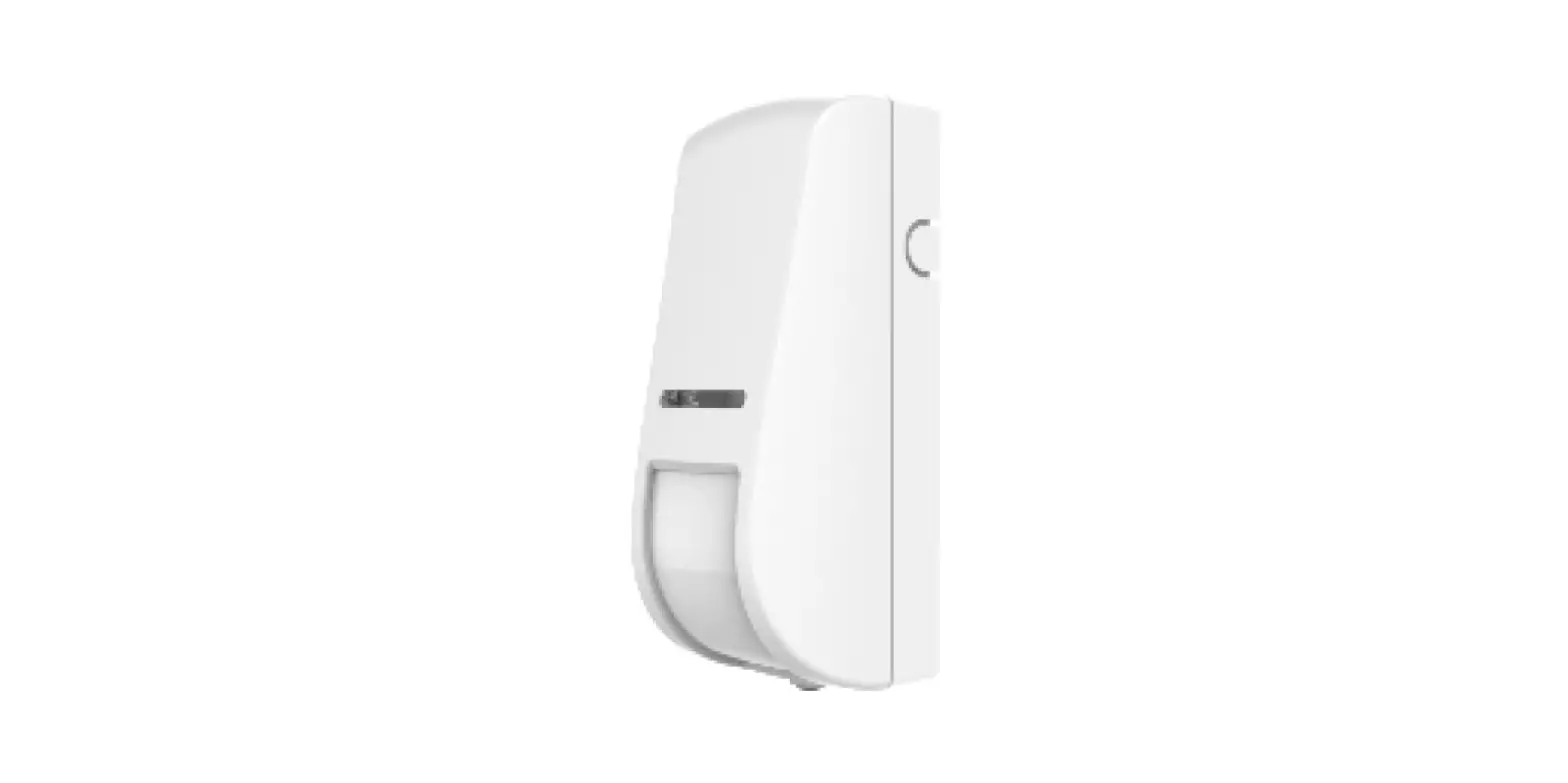

HIKVISION DS-PDC10AM-EG2-WB Wireless PIR AM Curtain Detector

Appearance
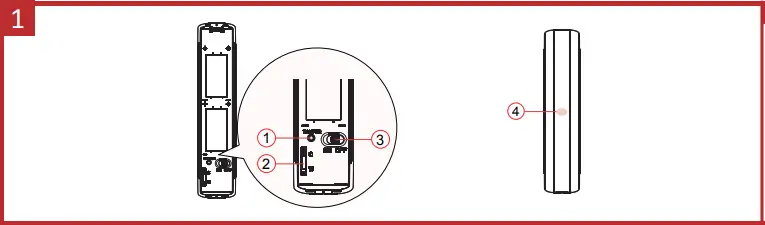
- Tamper Switch
- Mode Switch
- Power Switch
- Indicator


Enrollment
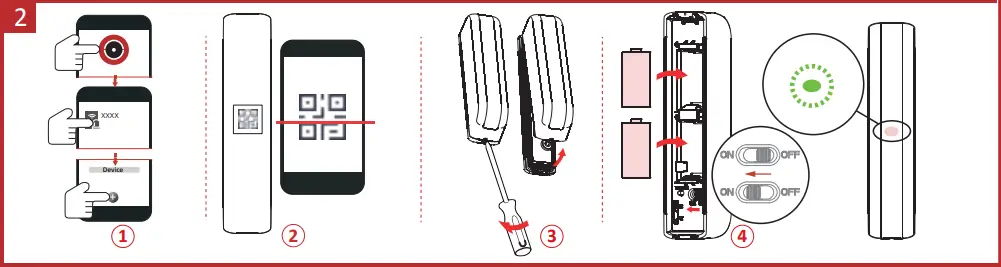
Installation
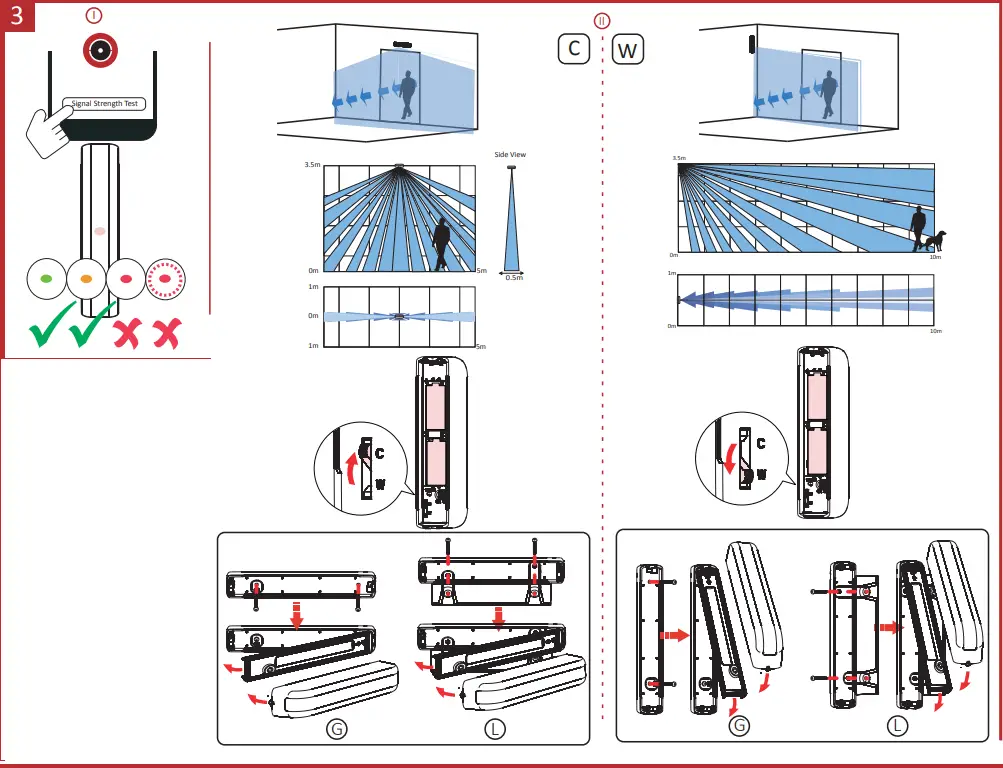
- I. Check signal strength.
- II. Install the device.
C Ceiling mounting
W Wall mounting
G Mounting with the general mounting plate.
L Mounting with L-mounting plate.
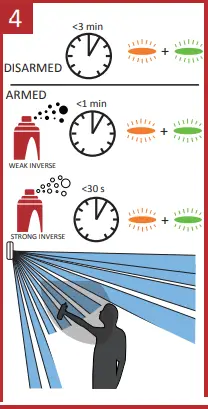
Anti-Masking Alarm
User Manual
Scan the QR code for more information and operation help.
Specification
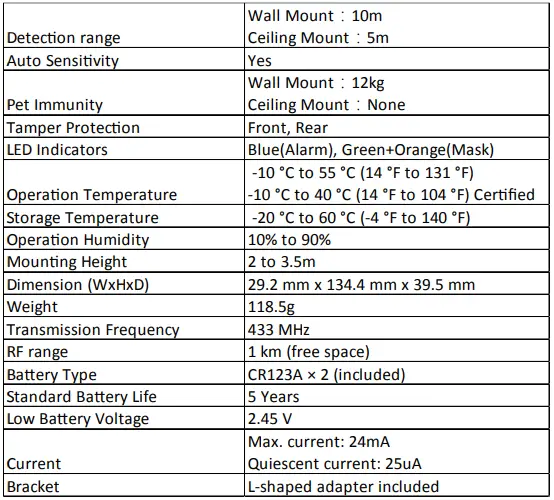
Note:
when the low voltage message appears there will be at least 30 days of use.
 Bienvenidos a SION | Crecemos junto a tus proyectos
 HOME
HOME Hikvision - Leading the future of AIoT