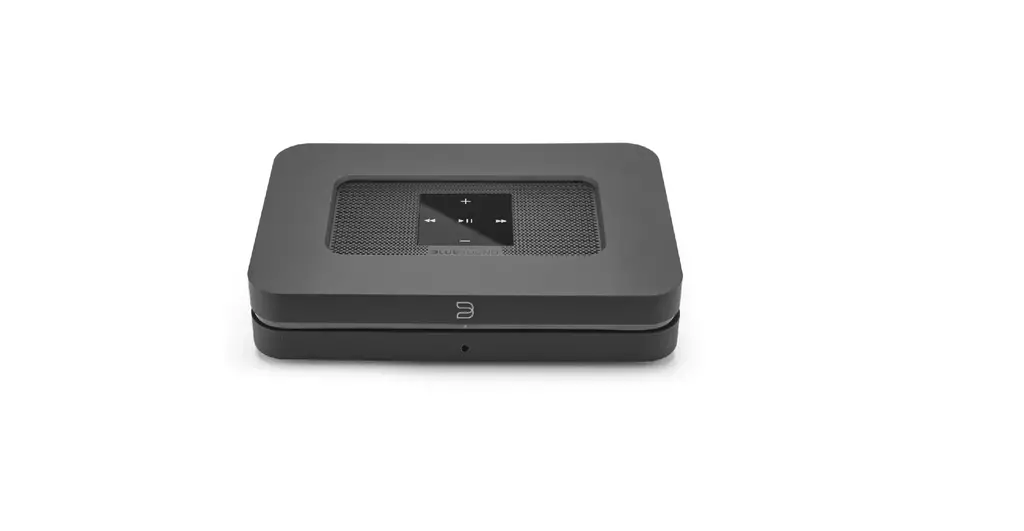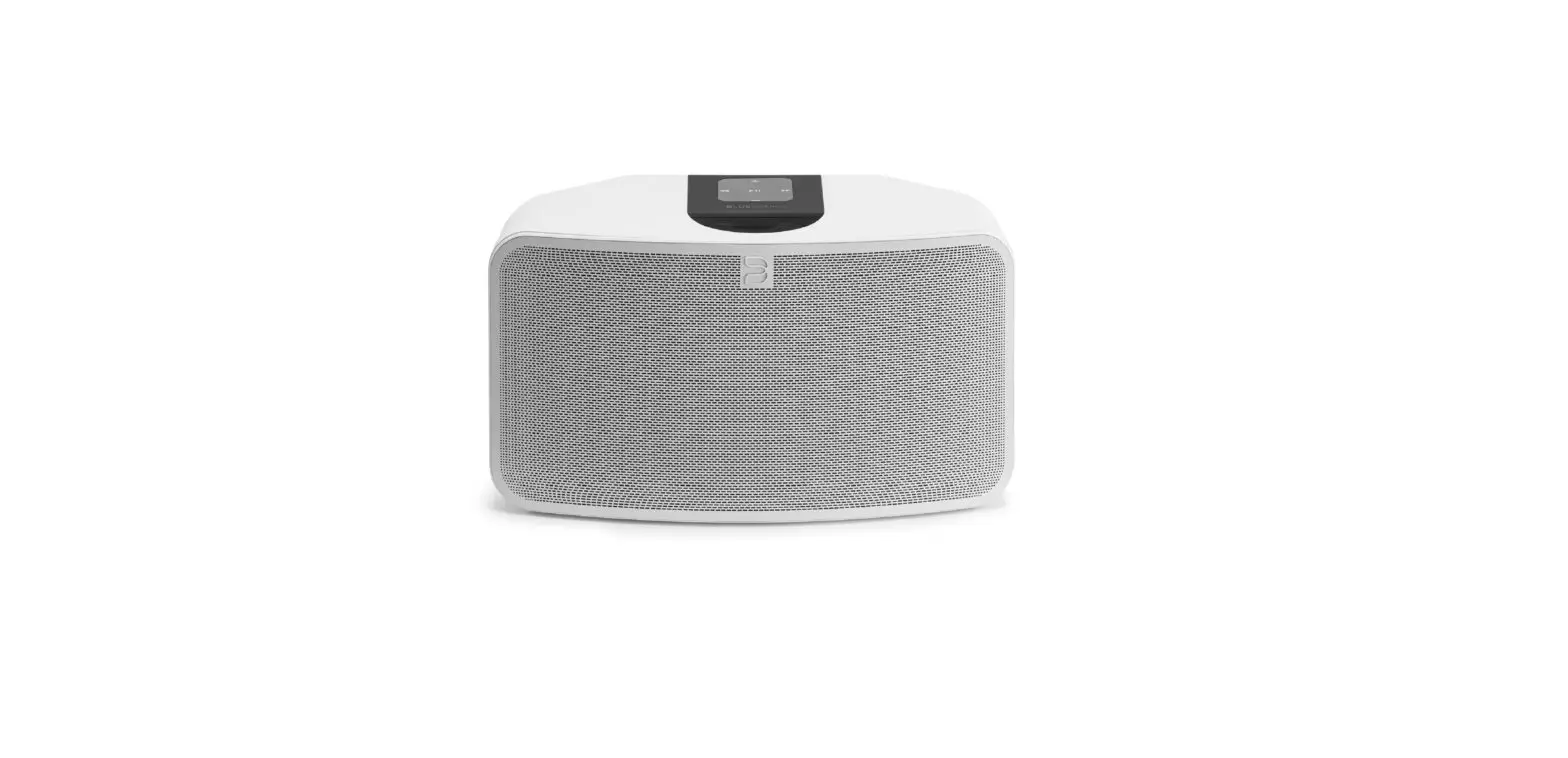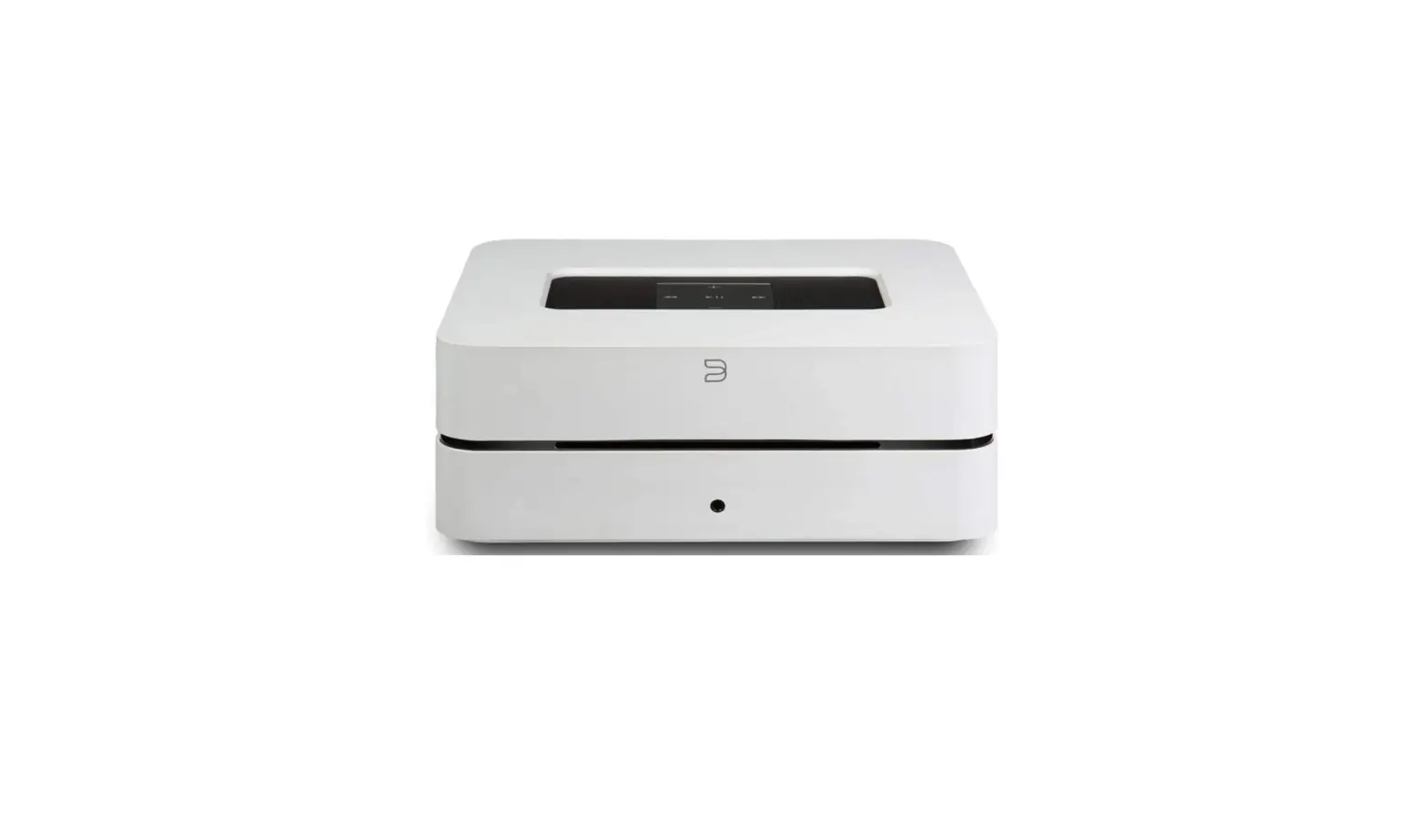
 Bluesound VAULT 2i WHT Hard Drive CD Ripper
 Bluesound VAULT 2i WHT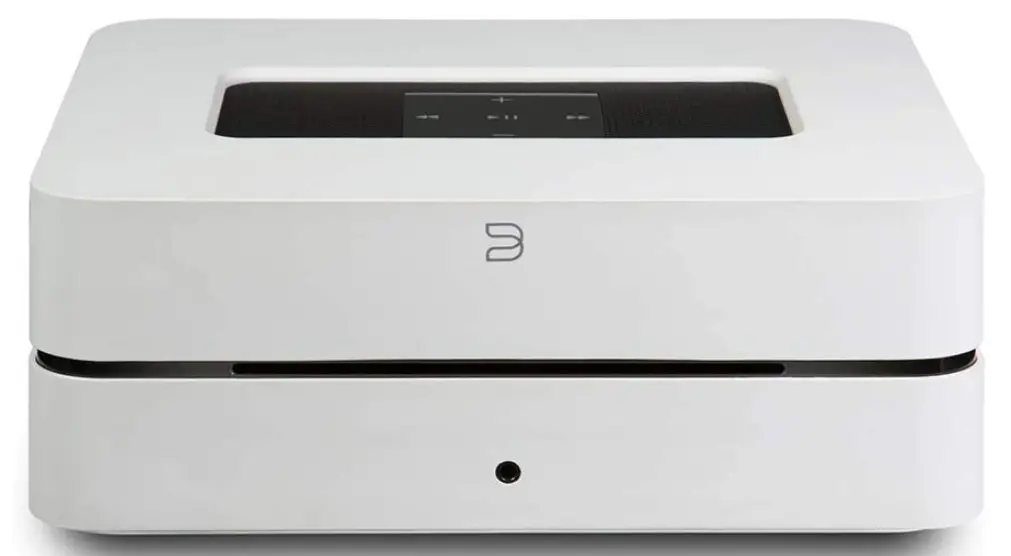
SPECIFICATION
- DIMENSIONS: 24.61 x 11.8 x 12.59 inches
- WEIGHT:48 pounds
- STORAGE 2TB internal ultra-quiet hard-drive with low power consumption
- RIP FORMATS FLAC, MP3 (320kbps), WAV selectable
- NATIVE SAMPLING RATES 32 – 192 kHz
- BIT DEPTHS 16, 24
- THD+N: – 110dBA
- DISTORTION: – 0.005%
- DAC: 32-Bit, 192kHz
INTRODUCTION
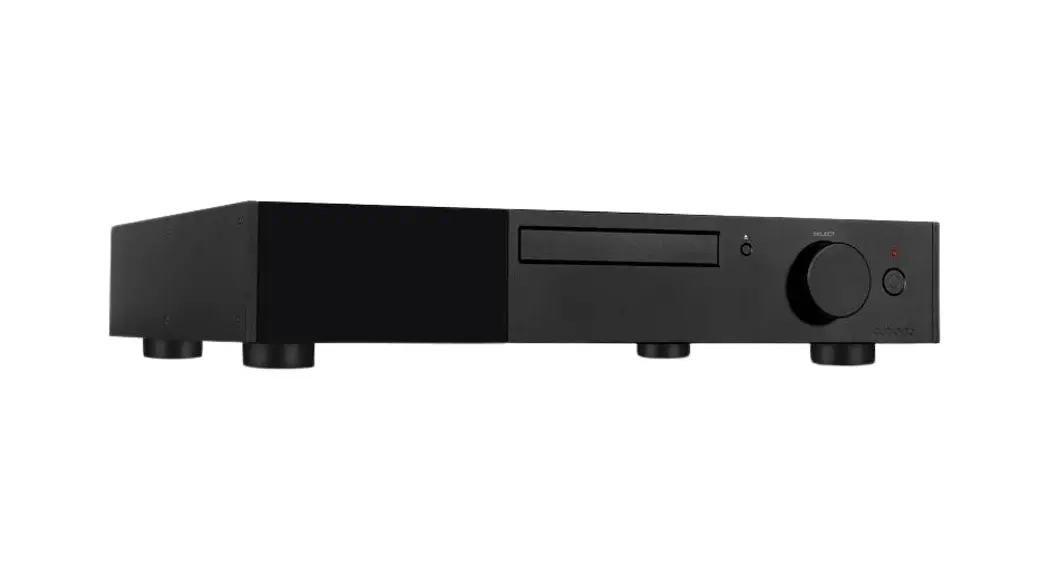
With the Vault 2i, you can quickly rip all of your CDs into bit-perfect, high-resolution formats, space-saving MP3 files, or both at once. Keep all of your music on the internal, 2TB, ultra-quiet hard drive, which also functions as a network NAS device. Connect the Vault 2i to your current equipment, pair it with a set of powered speakers, or stream studio-quality audio from your digital music library to blue sound speakers placed throughout the house.
Welcome to Bluesound, Hi-Fi for the Wi-Fi generation.
Bluesound transforms your local digital music library by putting the music of your life right at your fingertips. The clutter of CDs is relegated to a previous era! Your smartphone, desktop or tablet running the Bluesound App now controls your music.
Your Bluesound music system is also a sophisticated Internet streaming device that allows you to listen to a wide range of Internet music service providers. Bluesound also provides access to music subscription services featuring extensive catalogs of millions of songs streamed to you over the internet in real time. TuneIn Radio makes every radio station in the world a local station via the magic of the internet.
To take full advantage of all these Bluesound capabilities requires a robust wired home network and a reliable high-speed Internet connection, provided by a DSL or Cable modem. Internet access must be contracted and installed by your local Internet Service Provider. For remote areas there are satellite options for high speed internet access.
Before signing on to a music subscription or cloud service we suggest that you review your Internet service plan and be sure you have enough internet speed and bandwidth to provide uninterrupted streaming. Most internet service providers offer multiple plans and can help you make the best choice.
For detailed instructions on how to control your Bluesound player, visit our website at: www.bluesound.com.
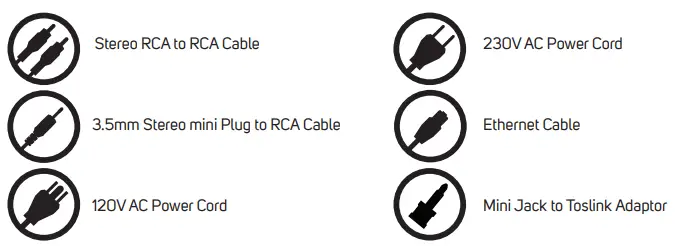
Included Accessories

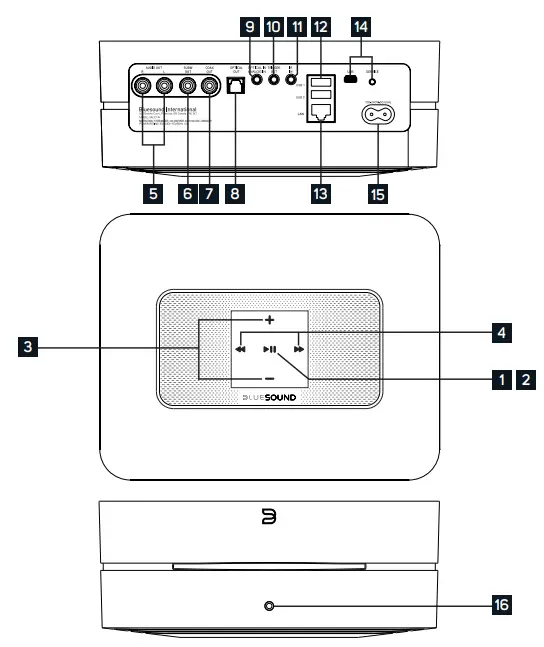
- STATUS INDICATOR:
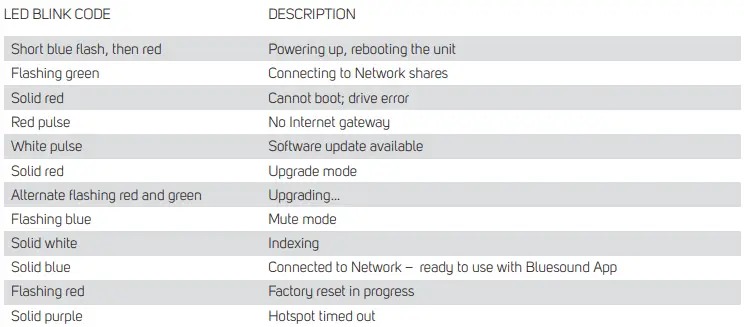
Below is a table of the LED blink codes and their corresponding descriptions.
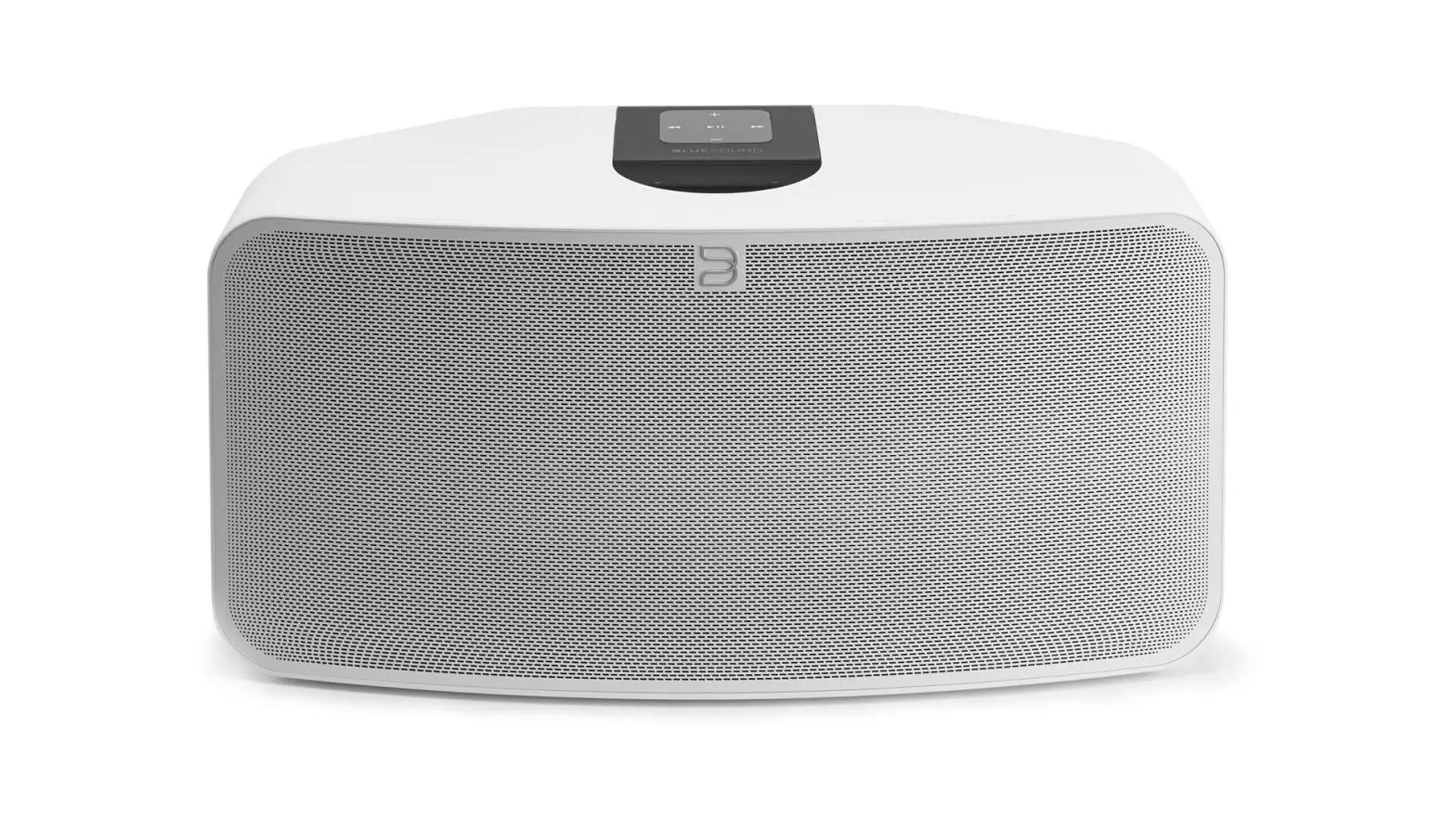
- PLAY/PAUSE BUTTON: This button has multiple functions – a visual indicator of network connectivity and a PLAY/PAUSE button. For a full listing of LED Blink Codes, please see #1 – Blink Codes. For an ungrouped Player, press the button to Play and Pause the stream. If listening to an Internet radio stream, the Pause function will work for 30 seconds. At this point, the buffer is full and the stream will Stop. When a Player is grouped, pressing the PLAY/PAUSE button will Mute that Player while other Players continue the stream. The Player’s LED will flash blue when muted.
- +, – (VOLUME): Toggle either button to vary volume level. Volume level will not change if you press and hold either button.
(+): Increase volume level
(-): Decrease volume level - PREVIOUS TRACK/NEXT TRACK: These buttons can be used to go back to the previous track◄◄or skip to the next track►► in your current playlist.
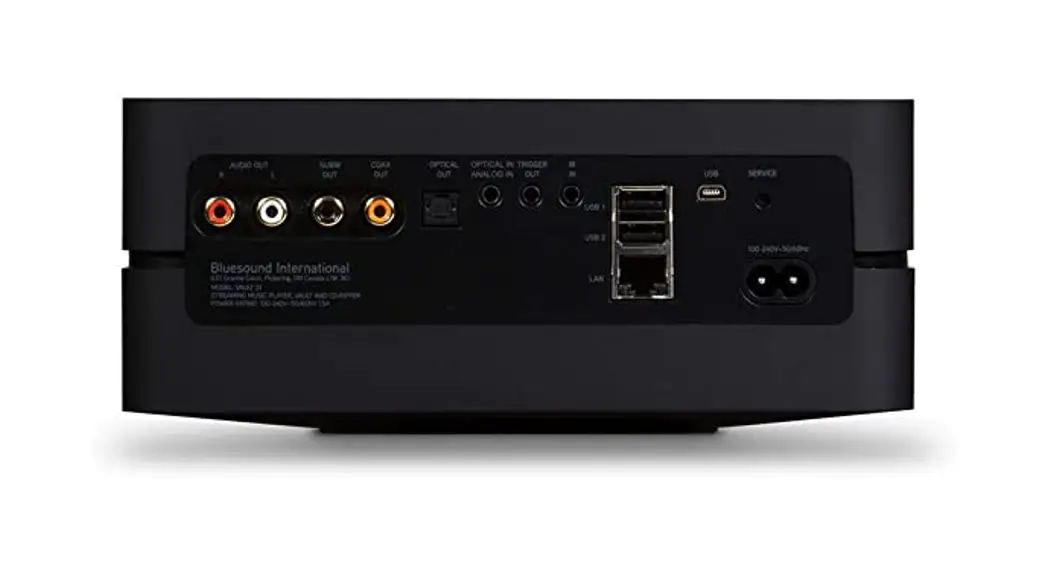
- AUDIO OUT: Connect to the corresponding analog audio input of an amplifier, receiver or stereo system.
- SUBW (SUBWOOFER) OUT: A Subwoofer can also be connected directly to the VAULT 2i. Connect SUBW OUT to a powered (“active”) subwoofer.
- COAX OUT: Using a coax cable (not provided), connect one end to the COAX OUT of the VAULT 2i and the other end to the corresponding coax input of compatible devices such as receivers, computer soundcards or other digital processors.
- OPTICAL OUT: Using a Digital Optical cable (not provided), connect one end to the OPTICAL OUT of the VAULT 2i and the other end to the corresponding digital audio input of compatible devices such as receivers, computer soundcards or other digital processors.
- OPTICAL IN/ANALOG IN: Using a 3.5mm Stereo Audio Cable (provided), connect one end to the Analog in of the VAULT 2i and the other end to the corresponding analog output of other compatible devices. The source will show as an Analog Input in the Navigation Drawer of the Bluesound app. Using the 3.5mm Mini Jack to Toslink adaptor (included with the VAULT 2i), a digital optical source can also be added. This will appear as Optical Input in the Navigation Drawer.
- TRIGGER OUT: A 12V DC signal is available using TRIGGER OUT. The 12V DC signal can be used to control or activate other external devices equipped with a corresponding 12V trigger input using a 3.5mm mono audio cable.
- IR IN: An infrared extender can be connected to allow for programmable learning remotes to control volume and source selection when a VAULT 2i is stored in a way that the front panel IR sensor is not visible.
- USB (TYPE A): Connect a USB mass storage device or Bluetooth adaptor to the USB input. Typical USB mass storage devices compatible with the VAULT 2i include portable flash memory devices and external hard drives (FAT32 formatted).
- LAN PORT: To setup the VAULT 2i, a LAN port for a wired ethernet connection is required. Using the Ethernet cable provided, connect one end of the Ethernet cable to the LAN port of your wired Ethernet broadband router and the other end to the VAULT 2i’s LAN port.
- SERVICE: Use the SERVICE port in conjunction with USB (Type B Mini) to initially load firmware on the Player. This is not for consumer use. Only Authorized Bluesound Service personnel can access this USB port and SERVICE control button.
- AC MAINS INPUT: The VAULT 2i comes supplied with two separate AC power cords. Select the AC power cord appropriate for your region. Before connecting the plug to the wall outlet, connect firmly the other end of the AC power cord to VAULT 2i’s AC Mains input socket. Never force the plug into a wall outlet. An adaptor may be necessary in certain regions. Always disconnect the plug from the wall outlet first, before disconnecting the cable from the VAULT 2i’s AC Mains input socket.
- FRONT PANEL HEADPHONE JACK: A 3.5mm headphone jack is located on the front of the VAULT 2i.
WARNING!
THIS IS A FACTORY RESET OF YOUR PLAYER. ALL CUSTOMIZATION INCLUDING WI-FI NETWORK CONFIGURATION, FILE SHARES AND SAVED PLAYLISTS WILL BE LOST. YOU WILL HAVE TO RE-CREATE THESE ONCE COMPLETE. THIS PROCESS IS ONLY RECOMMENDED IF YOUR PLAYER IS NOT FUNCTIONING AND AN INTERNET FIRMWARE UPGRADE HAS FAILED. FOR ANY QUESTIONS OR CONCERNS CONTACT AN AUTHORIZED BLUESOUND CUSTOMER REPRESENTATIVE BEFORE PROCEEDING!
Steps to Factory Reset:
- Disconnect the player from electrical power.
- Wait 10 seconds
- Reconnect the power
- The LED will flash Blue – once you see it turn Red, touch and hold the Play/Pause icon (it will immediately turn Green and then back to Red) – do not let go of the LED.
- Once the LED turns back to Red, continue to hold the button for 30 seconds.
- After 30 seconds, the LED will begin to blink red – then release the button.
All customization to the Bluesound player will be removed and restored to factory settings.
IMPORTANT: Removing your finger from the LED at any time before the LED begins flashing red will cancel the factory reset and leave the player in Upgrade Mode. Just start the steps again to factory reset the player.
You will know the factory reset is successful if the player reconnects to the network (plugged in via Ethernet) as if it is a new player. The default player name will be used and the LED will be solid blue.
FREQUENTLY ASKED QUESTIONS
Can you transfer ripped files to a different computer, mobile device, or tablet?
You can copy, modify, remove, or add files on the disc on the Vault2i at any time using any computer.
Is it possible to transfer the saved music to your iPhone so you can play it while driving?
A smart phone can download playlists.
Can a desktop computer load files through USB?
To connect to source devices, the Vault 2i features analogue, digital optical, and USB inputs.
How many WAV tracks can this device store at a time?
Depending on the duration of the track, but assuming an average of 5 minutes per song, the VAULT can store about 37,000 songs, or about 2000 CDs, in WAV format. For higher storage and significantly improved metadata management, we propose FLAC.
Can you use an app to listen to ripped music while you’re not at home?
Certainly, but only if you bring the Bluesound Vault 2i. As an example, if you were travelling, you could set up the unit in your hotel room and listen to music, but you would still need to be in the same space.
Can you simply use it as a CD player to listen to a CD without ripping it first?
No. There is no CD playback capability in the Bluesound Vault. It begins to rip a CD to the hard drive the moment you insert it.
Does it also function as a CD player?
Not at all, no. The CD would be ripped, and you would play it from your hard drive.
If this is connected to my network via ethernet cable, can I still control it wirelessly with the IOS app?
Yes, that is correct, as long as your devices are on the same network, any mix if wired and wireless devices running the BluOS controller can control your Bluesound devices
Is Sonos available?
No, it is a substitute for Sonos.
Does this make recordings of vinyl music?
No. This gadget does not have an audio input jack; hence it is unable to record music from an external source.
Can audio be sent to WIFI speakers that aren’t blue audio?
Any Bluetooth speakers can be used for streaming.
What is Bluesound Vault 2i?
You can copy your current music collection to the VAULT 2i’s hard drive or rip all of your CDs in bit-perfect, high-resolution formats using the VAULT 2i. You may connect it to your current audio system or a set of powered speakers to stream your digital music library in studio-quality.
Does the Bluesound Vault 2i have WIFI?
The VAULT (2) will never enter Hotspot Mode since it lacks a wireless network card. The installation location is more versatile thanks to the VAULT (2) network card’s full compliance and compatibility with the majority of Powerline Ethernet Kits or Wireless Media Bridges.