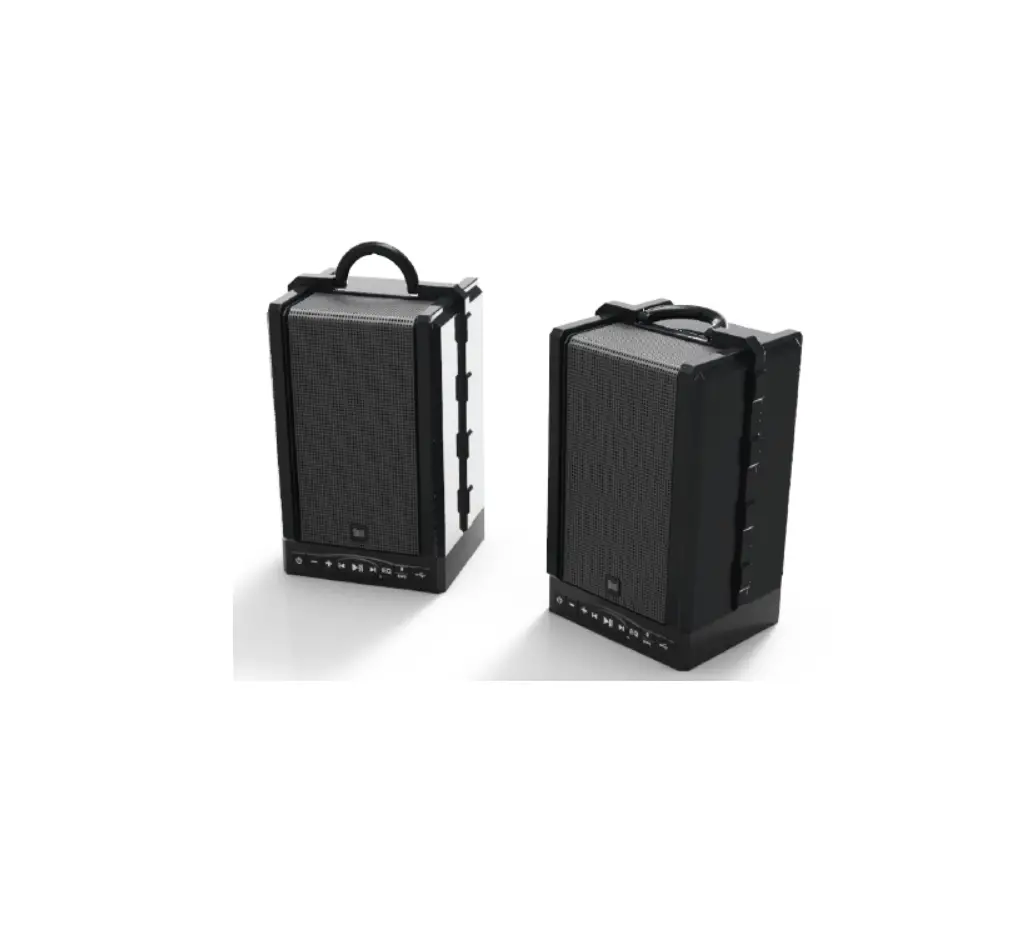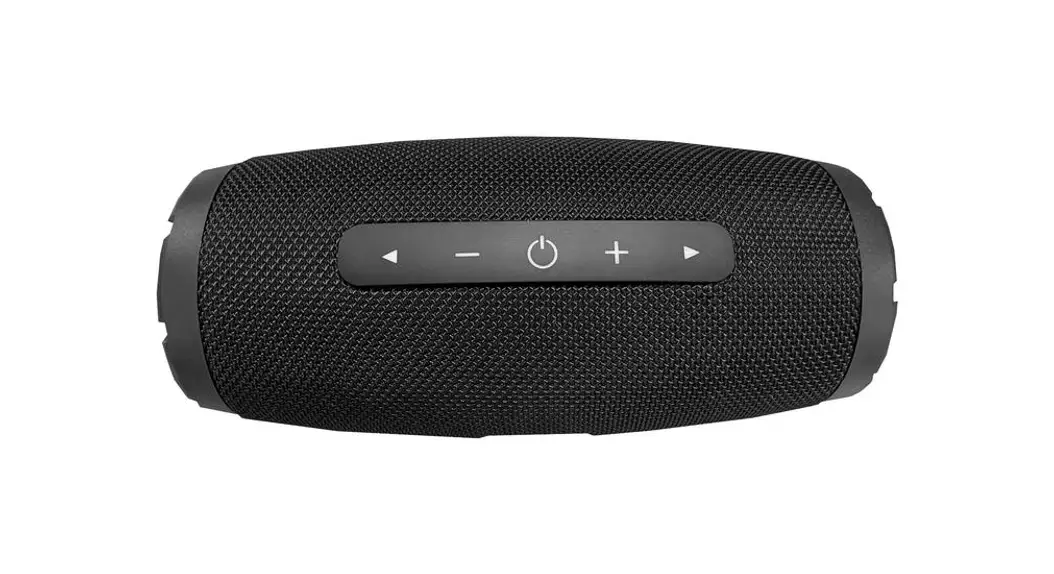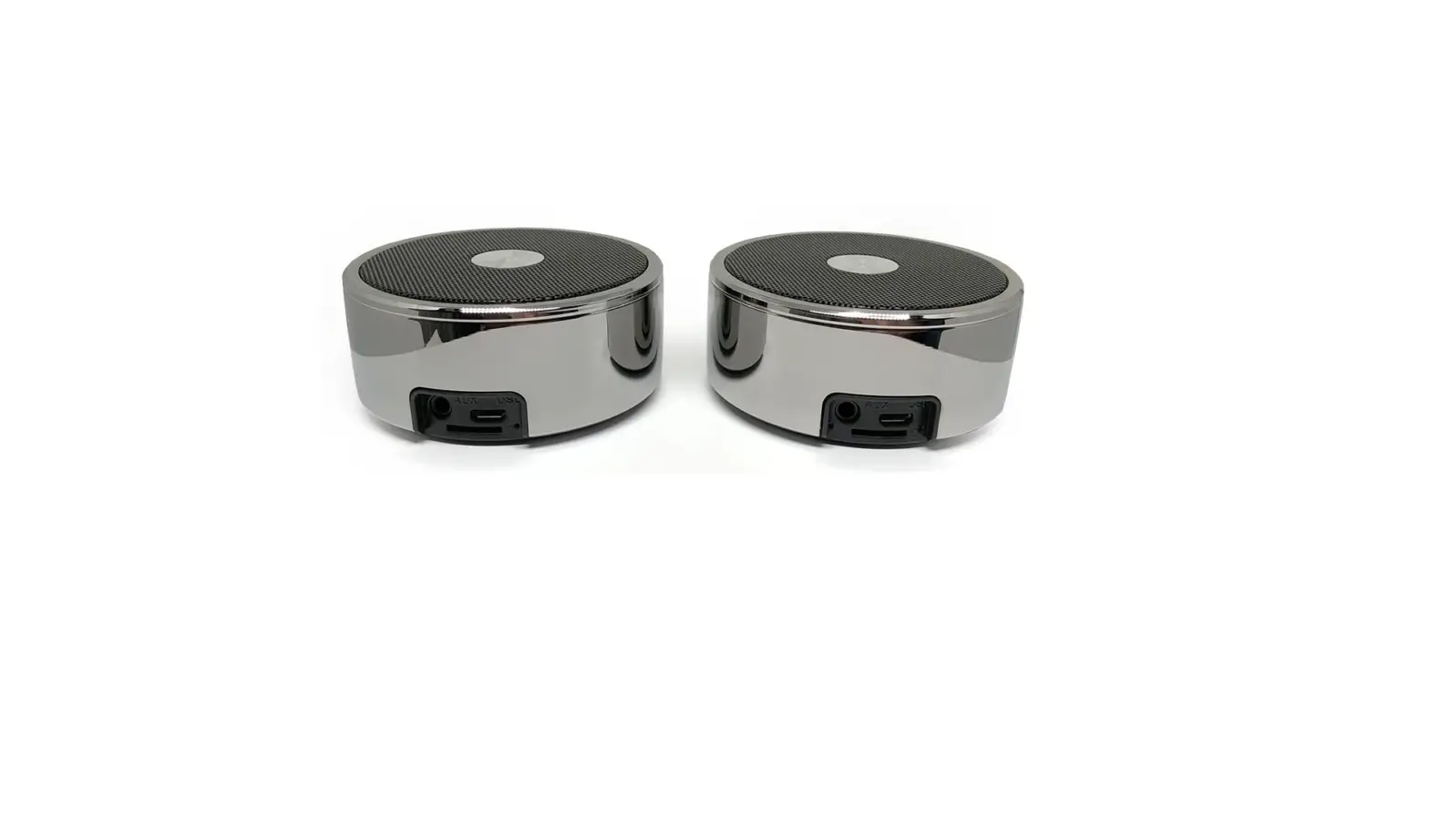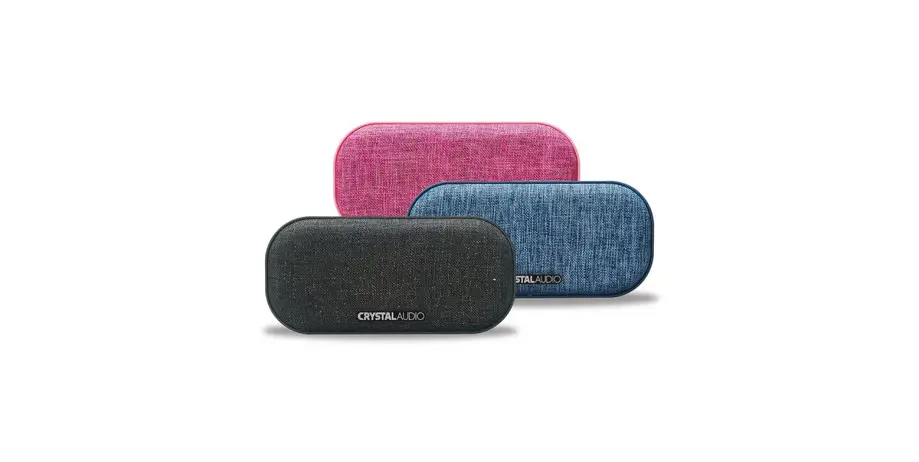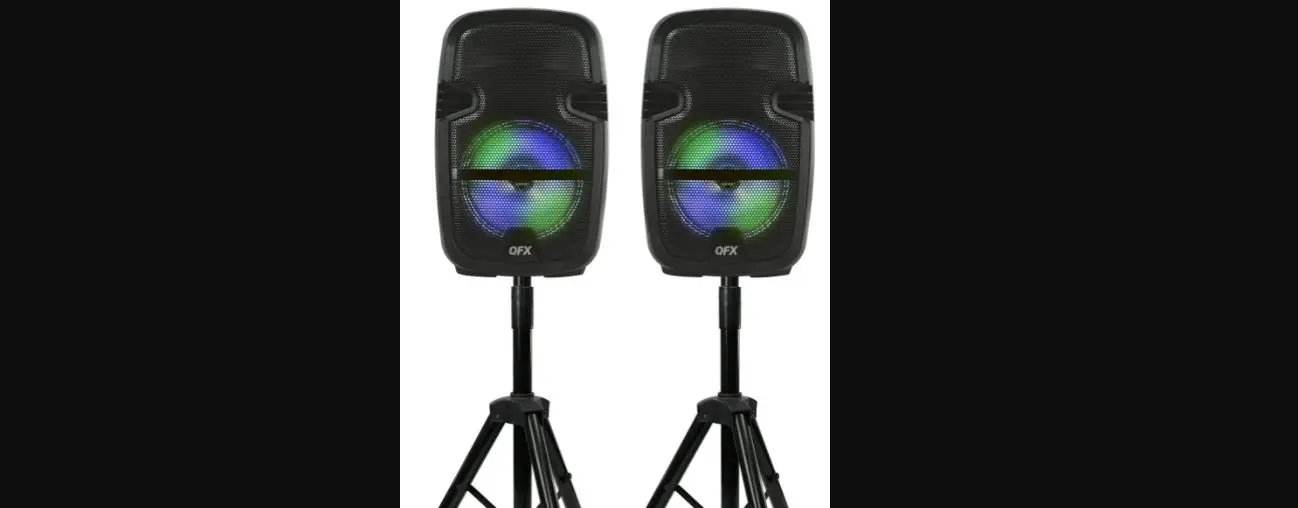

CRYSTALAUDIO PRT-8 True Wireless Stereo Portable Speakers
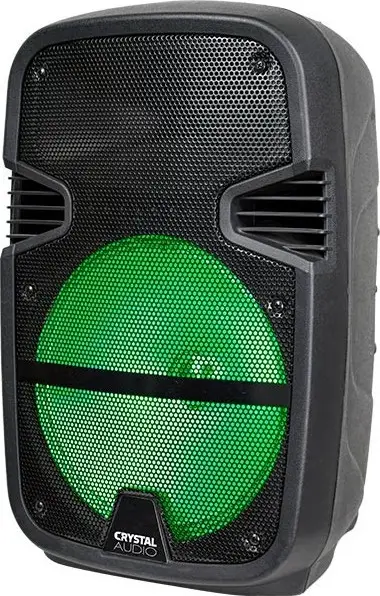
Thank you for purchasing Crystal Audio PRT speakers
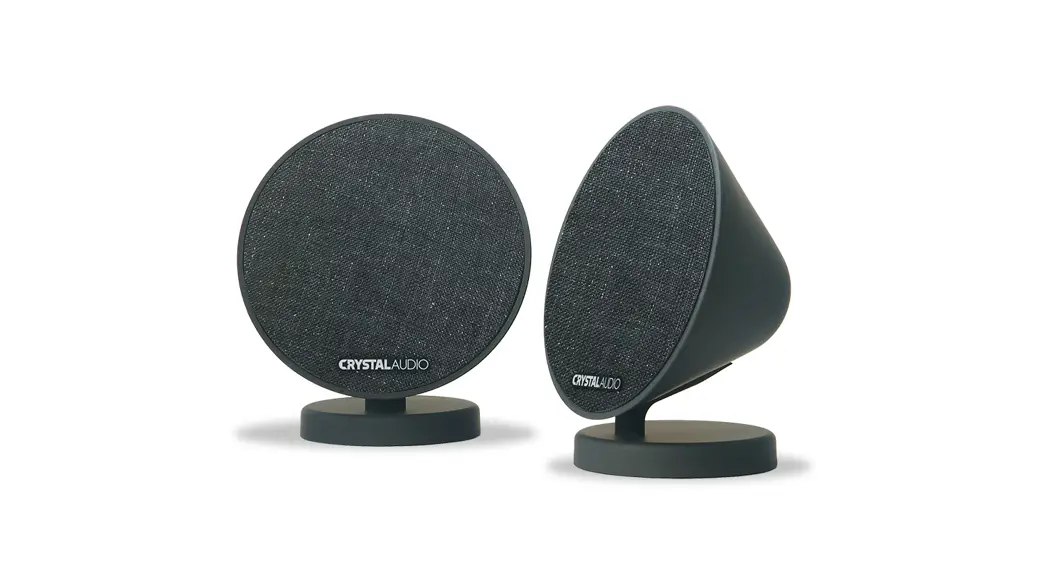
PRT speakers are innovative portable, battery powered, speakers equipped with TWS & Bluetooth wireless streaming capabilities. Small and portable yet powerful, they produce an unexpectedly deep and clear bass for their dimension.
TECHNICAL SPECIFICATIONS
- Woofer:
- PRT-8 8inch, Long Throw
- PRT-12: 12inch, Long Throw
- Sensitivity:
- PRT-8 : 96dB@2,83V/1m
- PRT-12: 102dB@2,83V/1m
- Twitter:
- PRT-8: 1inch, Soft Dome
- PRT-12: 1inch, Soft Dome
- Sensitivity:
- PRT-8: 98dB@2,83V/1m
- PRT-12: 100dB@2,83V/1m
- Battery:
- PRT-8: 9V / 3x 2200mAh (25Whr)
- PRT-12:12V / 4500mAh (54Whr)
- Power Supply
- PRT-8: 30W
- PRT-12: 45W
- Pow. Sup. Voltage:
- PRT-8: 15V
- PRT-12: 15V
- Pow. Sup. Current:
- PRT-8: 2A
- PRT-12: 3A
CONNECTIVITY FEAUTURES:
- Bluetooth® v4.2
- USB port
- SD/microSD slot
- AUX In
- Microphone In
- Guitar/Keyboards In
- 12V DC External Battery In
REAR PANEL
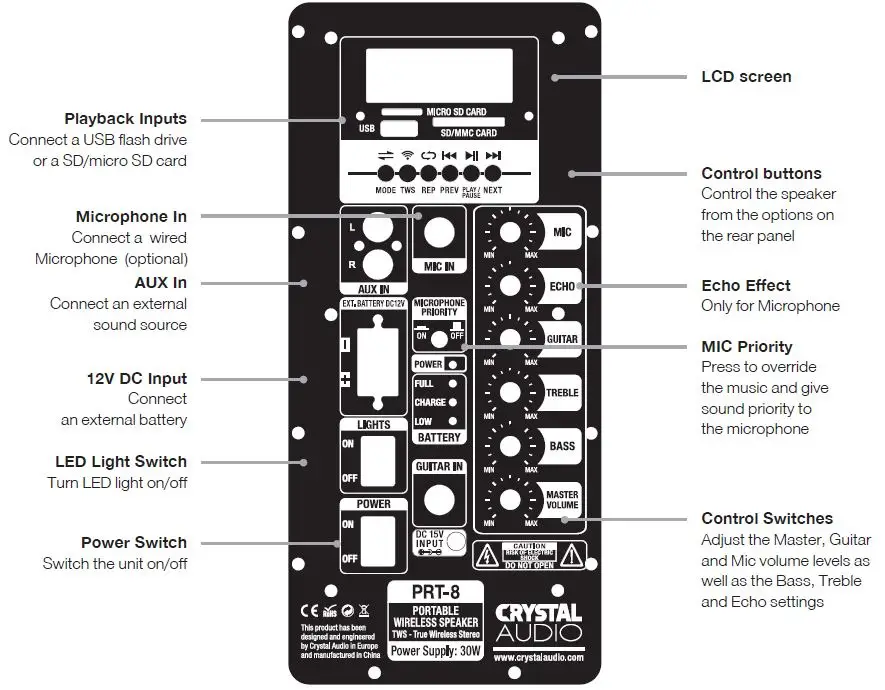
Control the unit
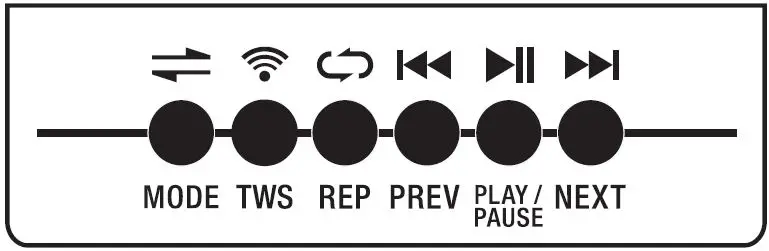
Control PRT speakers by the unit’s rear panel keys.
Pair it (Bluetooth®)
You can pair PRT speakers with any Bluetooth enabled device (phone/tablet).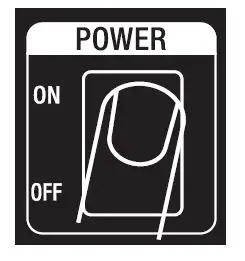
- Enable Bluetooth mode in your phone or tablet.
- Turn ON the speaker from the relevant switch on the back panel.
- The speaker starts by default in Bluetooth mode. The Bluetooth indication (bLUE) will be shown on the screen of the back panel.
- Go to BT connections (in your phone or tablet) and perform a Device Scan for all the available BT devices.
Add a second speaker (TWS)
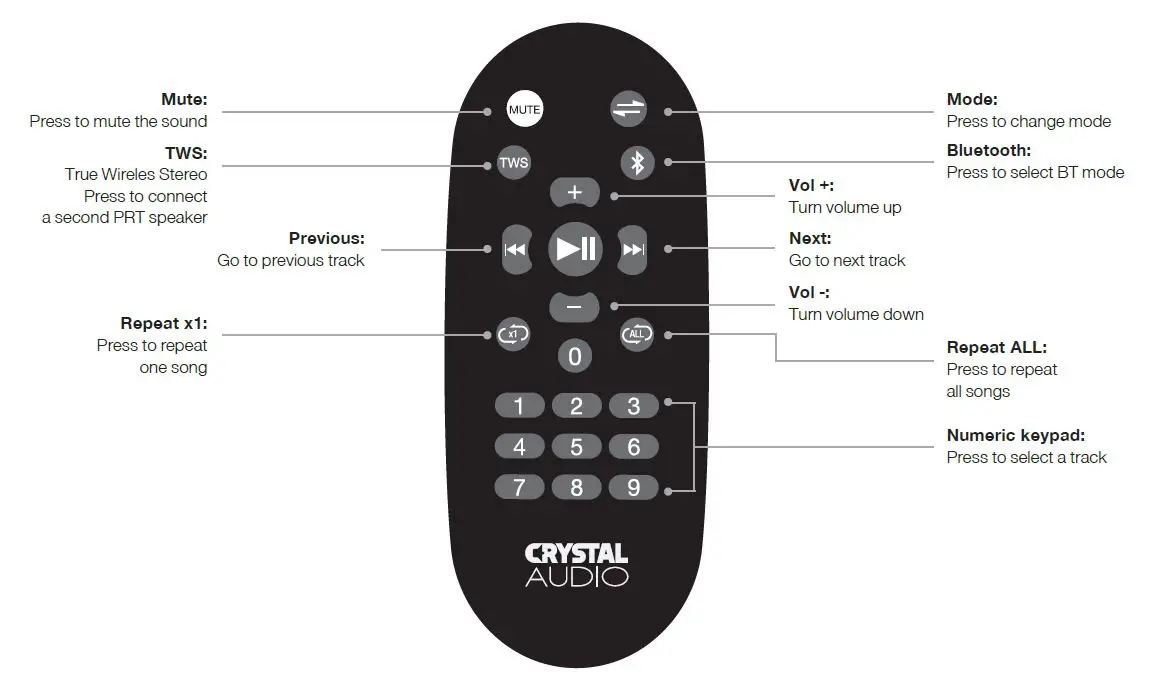
You can connect your PRT speaker with another PRT speaker and enjoy a True Wireless Stereo experience.
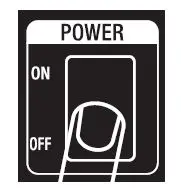
- Turn ON speaker no1 (Master speaker).

- Turn ON speaker no1 (Master speaker).

- Turn ON speaker no2 (Slave speaker).

- Press TWS button (once) to activate SLAVE mode (SLAV message will flash on the speaker’s screen.
- Wait for 15-20 seconds until “CONN” message appears on the MASTER speaker. The speakers will pair automatically and the SLAV message will stop flashing on the SLAVE speaker.
- Connect your audio device to the MASTER speaker and enjoy TRUE WIRELESS STEREO sound.
- To exit TWS mode place the speaker in MASTER mode and then press MODE button.
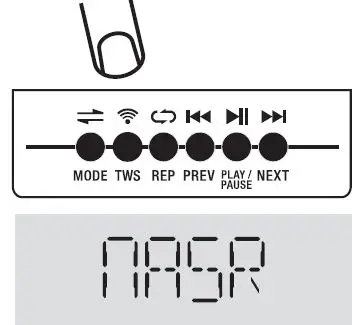
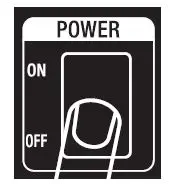
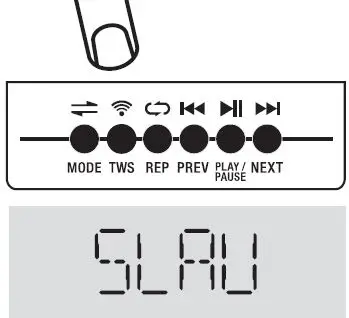
- When pairing two speakers the right channel would be the MASTER speaker and the left channel would be the SLAVE speaker.
- Once the speakers have been succesfully paired, to re-use them as a pair turn on SLAVE speaker first and then turn on MASTER speaker.
Connect your playback devices
Apart from the wireless connection (Bluetooth) you can connect PRT speakers to your playback devices via:
- AUX: Connect to the headphone output of your device
- USB: Play songs directly from your USB flash drive
- SD Card: Play songs directly from your SD card
- MicroSD Card: Play songs directly from your micro SD card
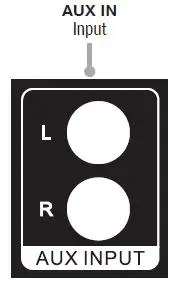
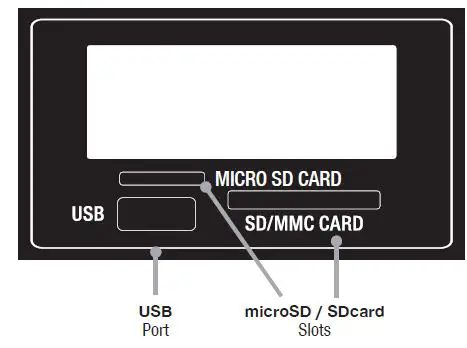
Select Modes
Use the Mode selector on the unit, to cycle between the various available inputs/modes:
Note: Every time you turn on the speaker it starts by default in Bluetooth mode. In case you are requested to enter a PIN code, please enter 0000.
Plug in
your wired Microphone, guitar or keyboards
Not included. Make sure you adjust the respective volume switch accordingly.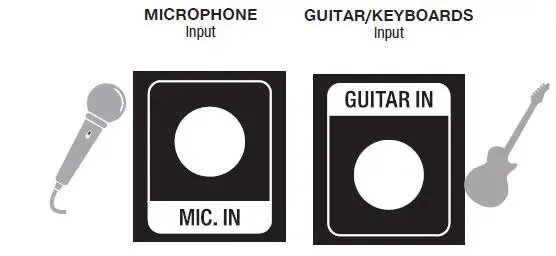
Tip:
Press
Mic Priority button to override music and give the Microphone sound priority.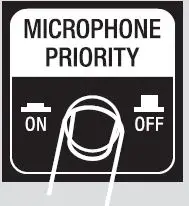
Connect your wireless Microphone
Connect the supplied MIcrophone with the speaker wirelessly.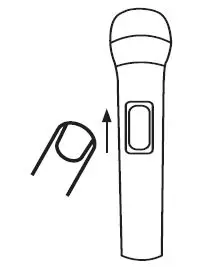
- Turn On the Microphone by placing the switch in the top position.
- The Microphone will connect to the speaker automatically.
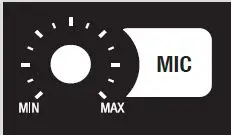
Make sure you adjust the MIC volume switch accordingly.
Switch on/off
the LED light
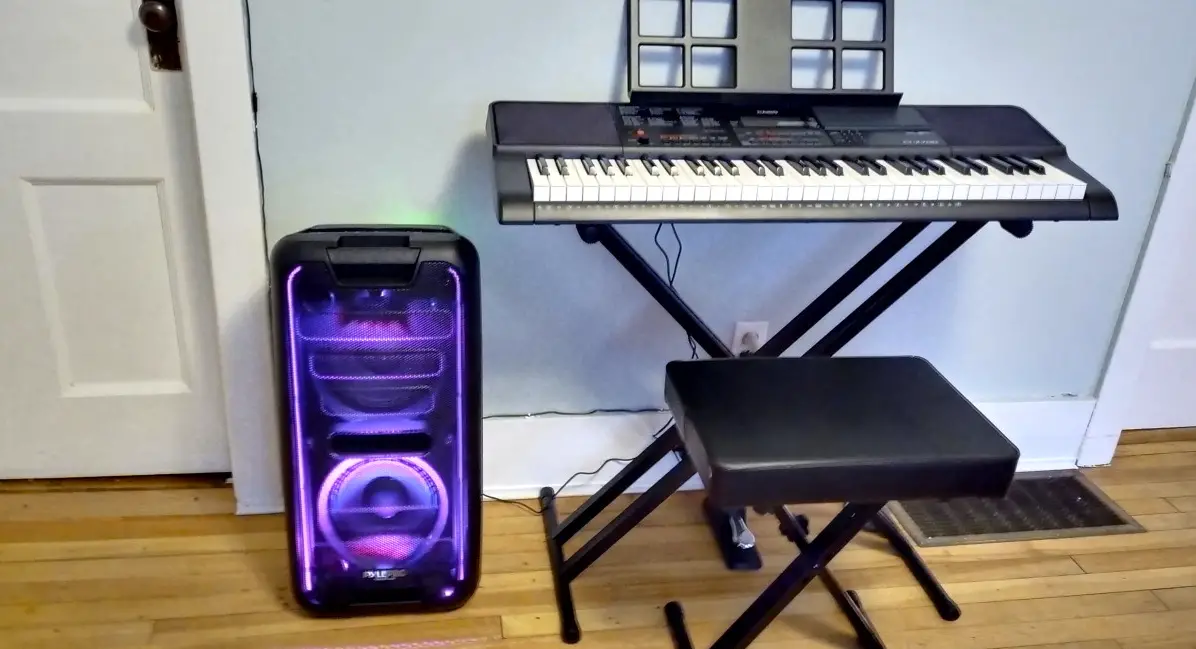
Push the LIGHTS switch on the back to switch on/off the LED lights. The colors of the lights are changing during the playback.
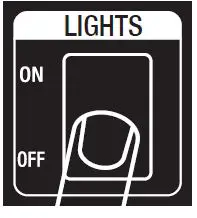
Tip:
You might want to have the lights turned off in order to preserve battery life.
Add external battery
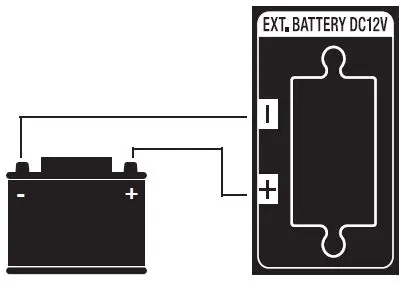
You have the option to add an external battery (12V) on the unit’s rear panel in order to have more playback hours and keep the party going on!
Charge the unit

Please use the supplied adapter to charge the battery of the speaker.
Check battery status
You can check the battery life on the back of the unit.
The indications will let you know when: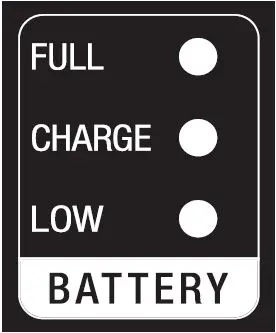
- battery is fully charged
- battery is being charged
- battery needs to be charged
General instructions
This unit has a built-in rechargeable battery. When the battery is completely empty please plug the power adapter into a suitable socket outlet. After the battery is fully charged please unplug carefully the power cord. Battery charge time: 5-6hrs (PRT-8) and 7-8hrs (PRT-12). Before using the unit for the first time charge the battery for about 8hrs (PRT-8) & 10hrs (PRT-12). The unit’s playback time is up to 8hrs (PRT-8) & 12hrs (PRT-12) depending on the volume level and use of additional features, e.g. LED light, of the speaker.
Note: To get the best performance and prolong battery’s life, please charge the battery when it is completely empty. Do not leave the unit without being used or charged for a very long time. In order to prolong the life of the battery please charge and use the unit periodically.
Warnings
- The lightning flash with the arrowhead symbol within an equilateral triangle alerts the user to the presence of un-insulated dangerous voltage within the product’s enclosure that could cause electric shock.
- The exclamation mark within an equilateral triangle alerts the user to the presence of important operating and maintenance instructions as well as warnings in the user’s manual or on the product.
 Crystal Audio | Crystal Acoustics | Affordable High-End | Speakers, Headphones