Shenzhen Pacific Dragon Intelligent Manufacturering Technology A56 Smart Pet Feeder User Manual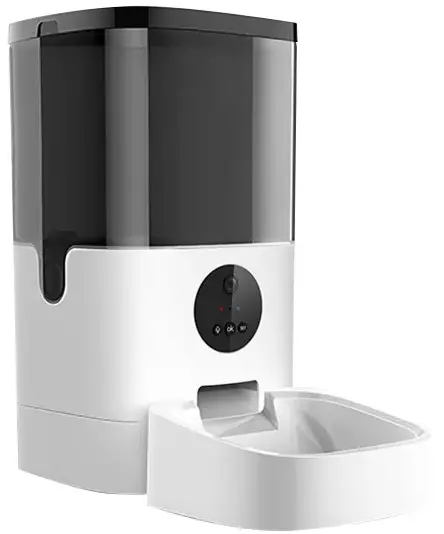
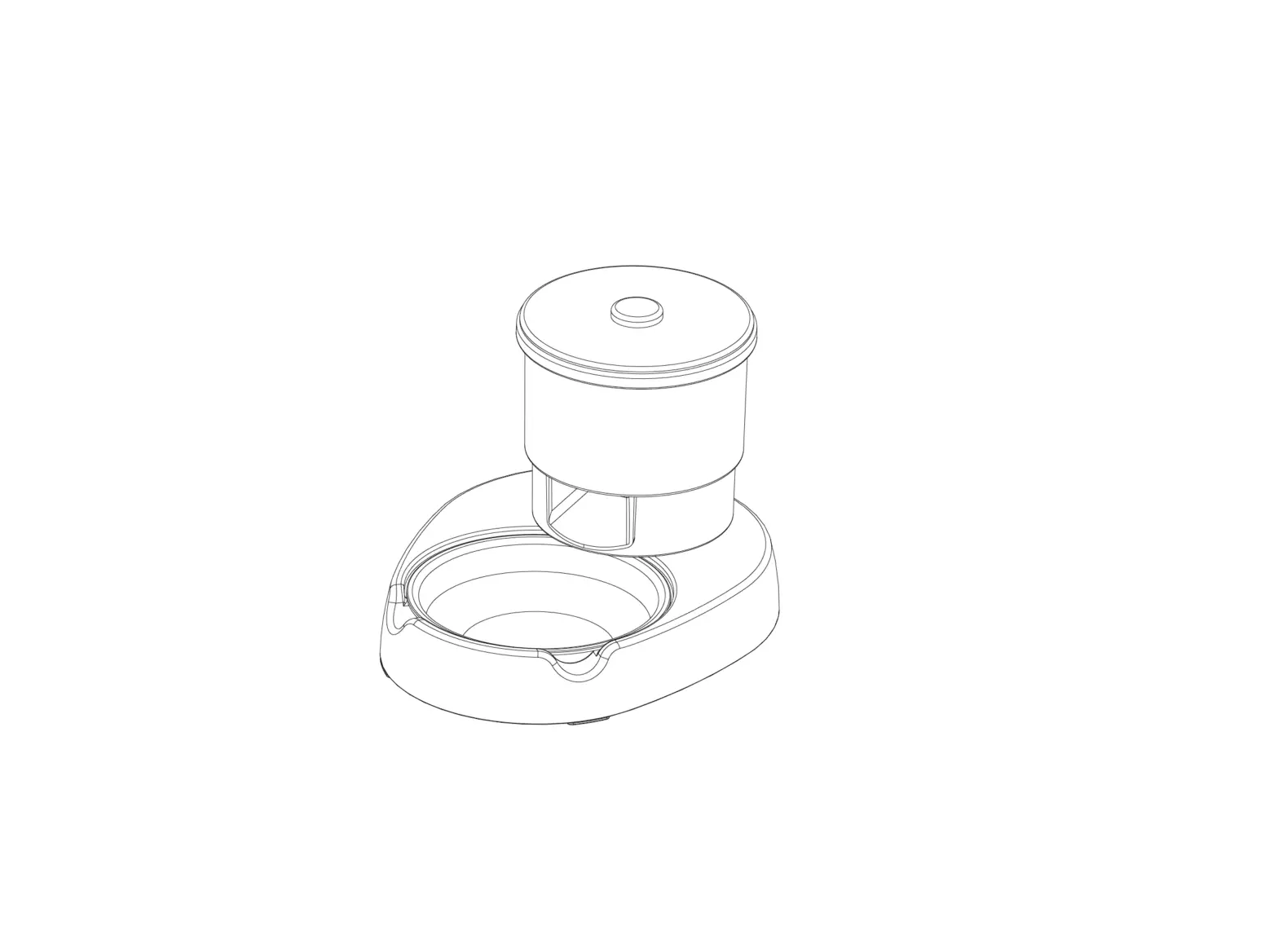
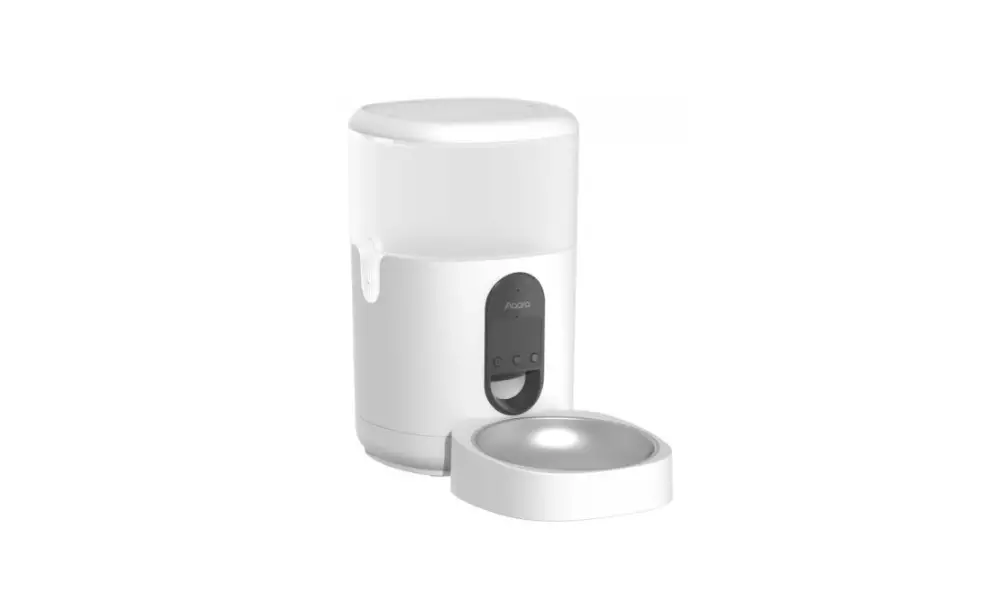
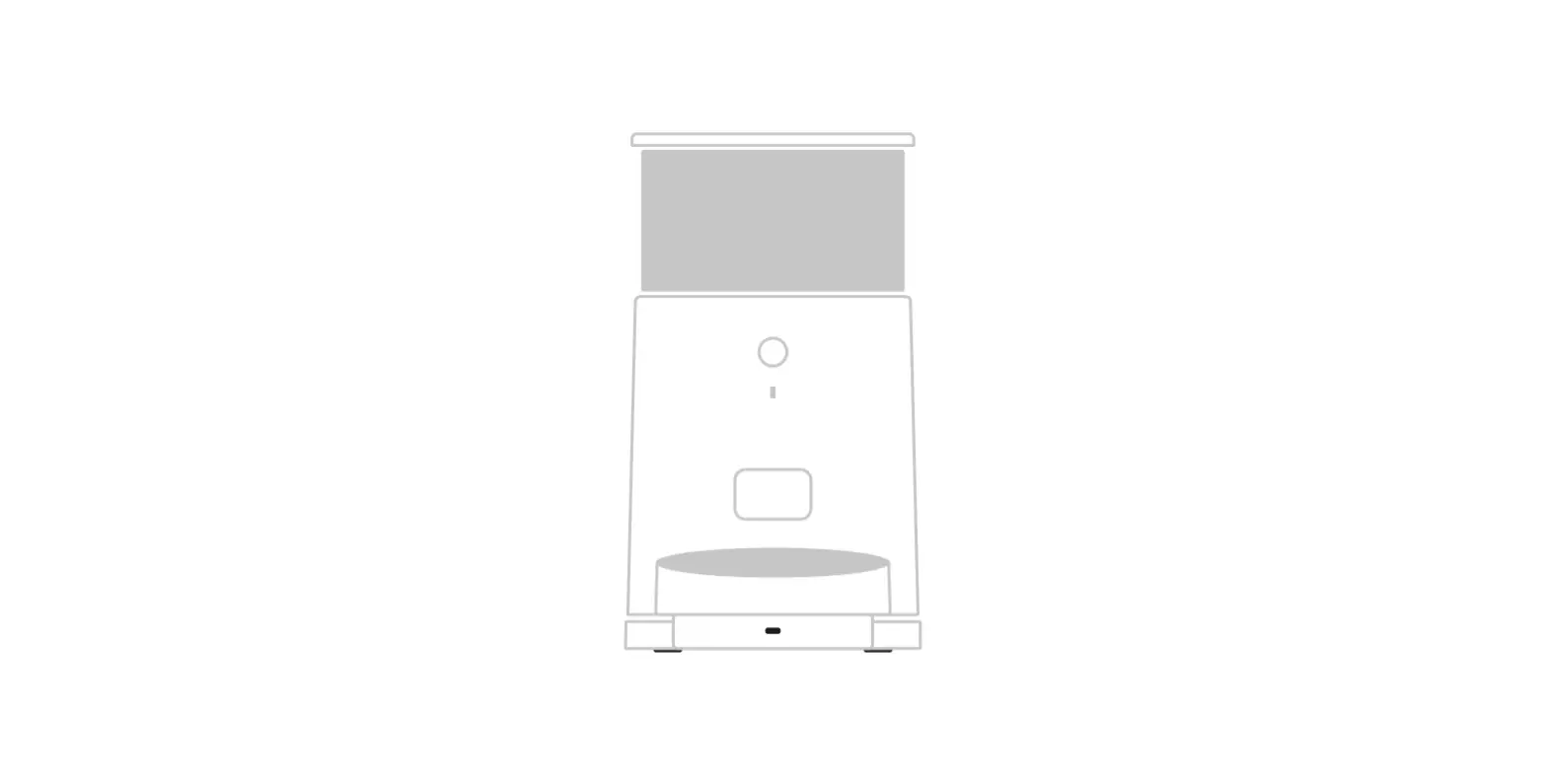
Product Structure
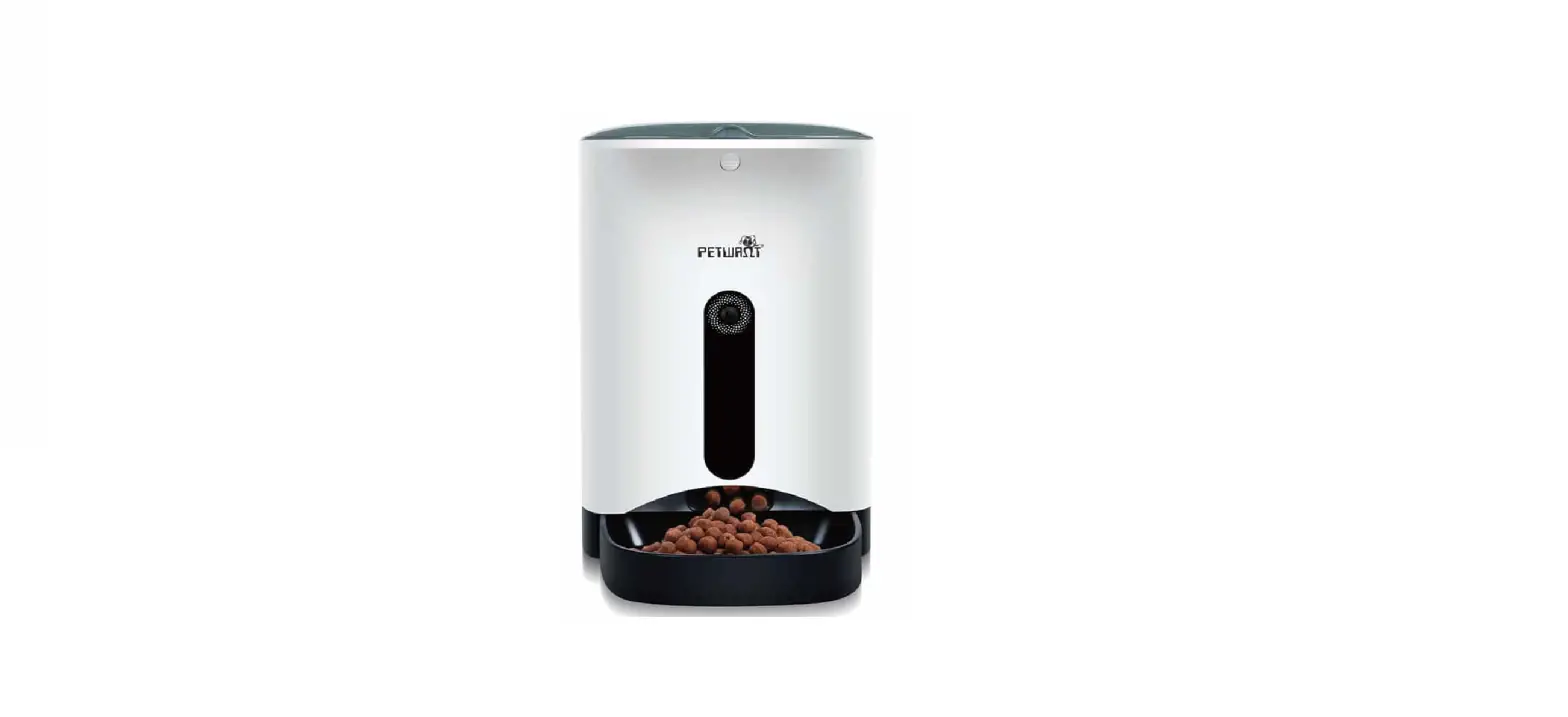
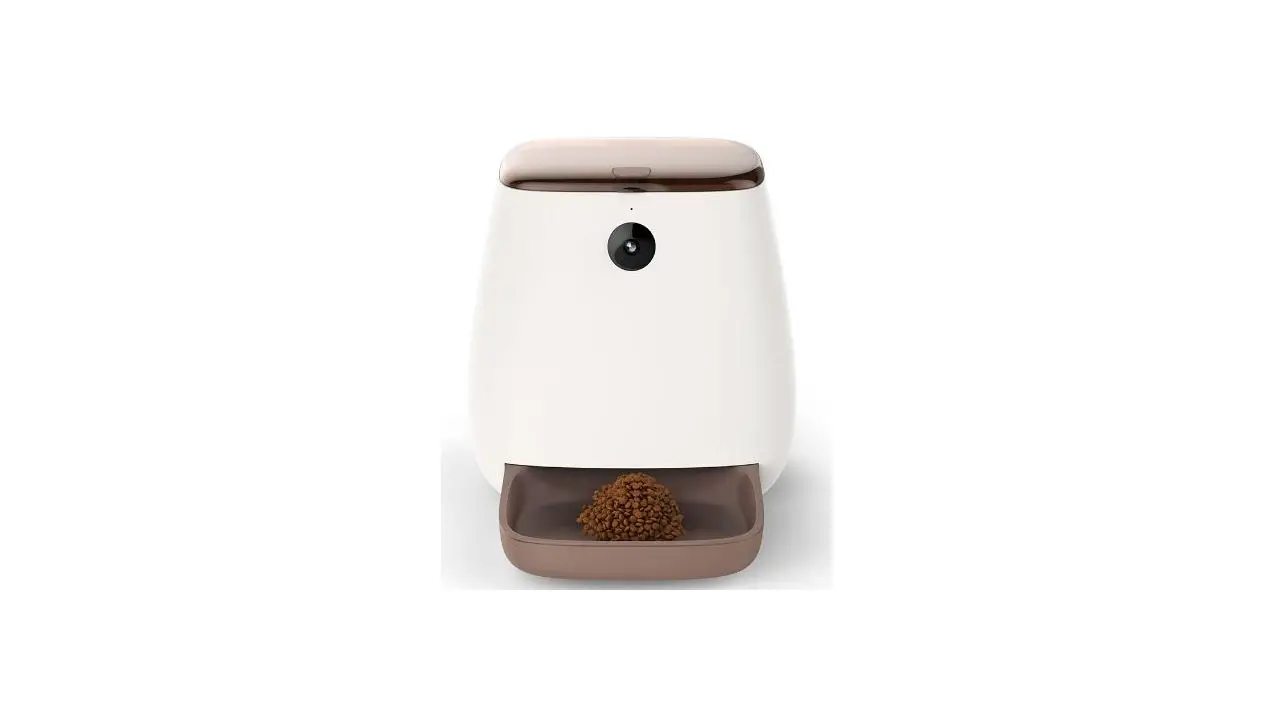
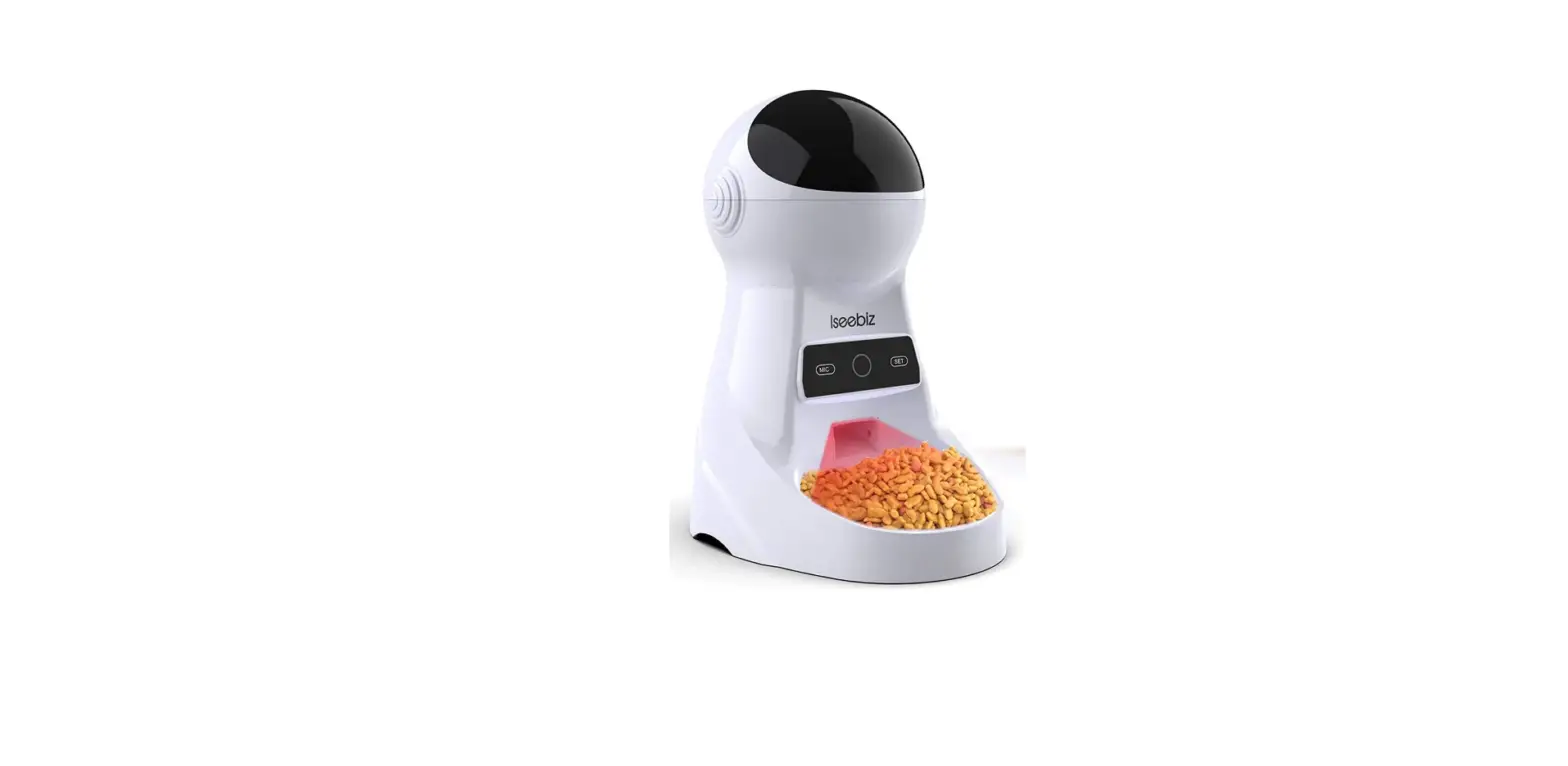
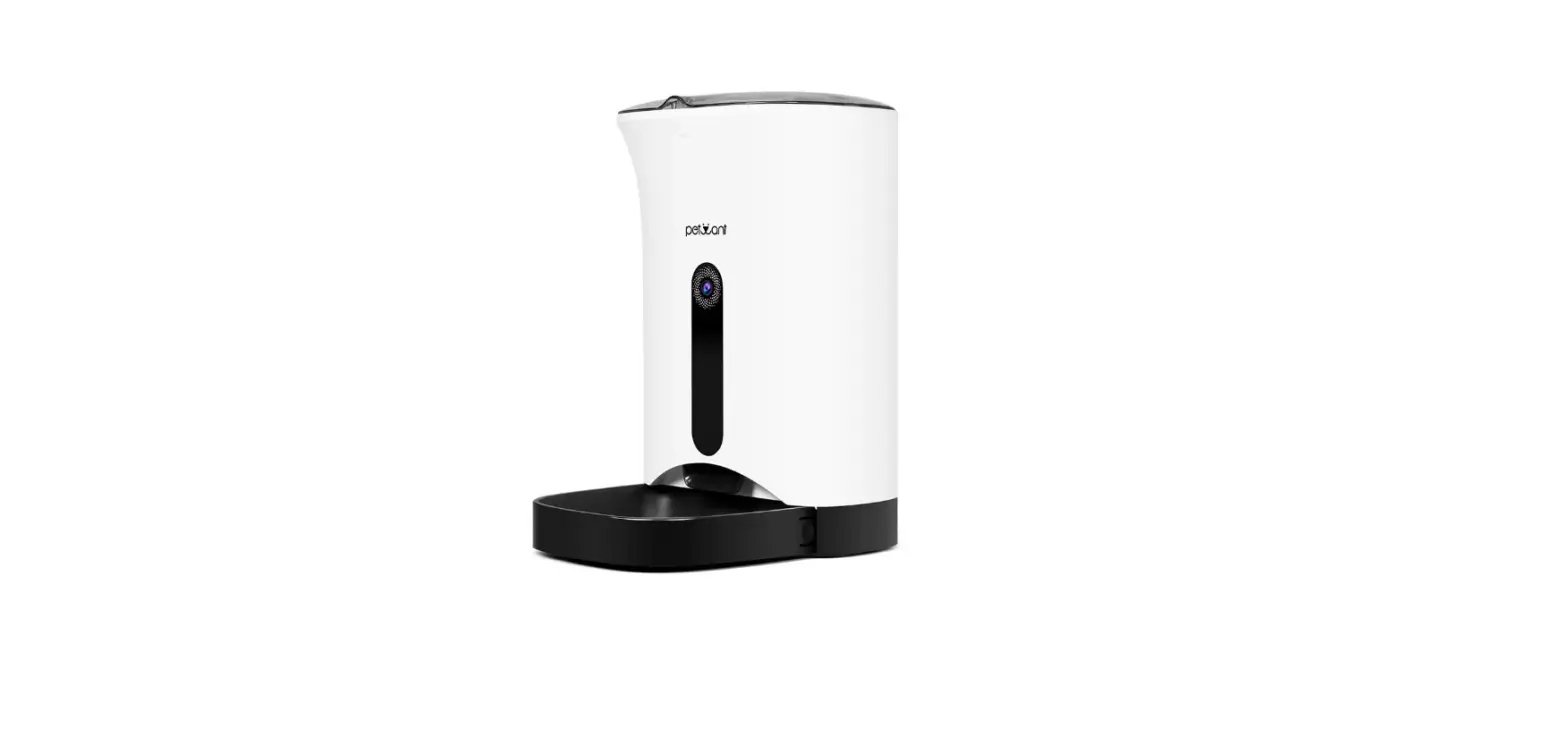
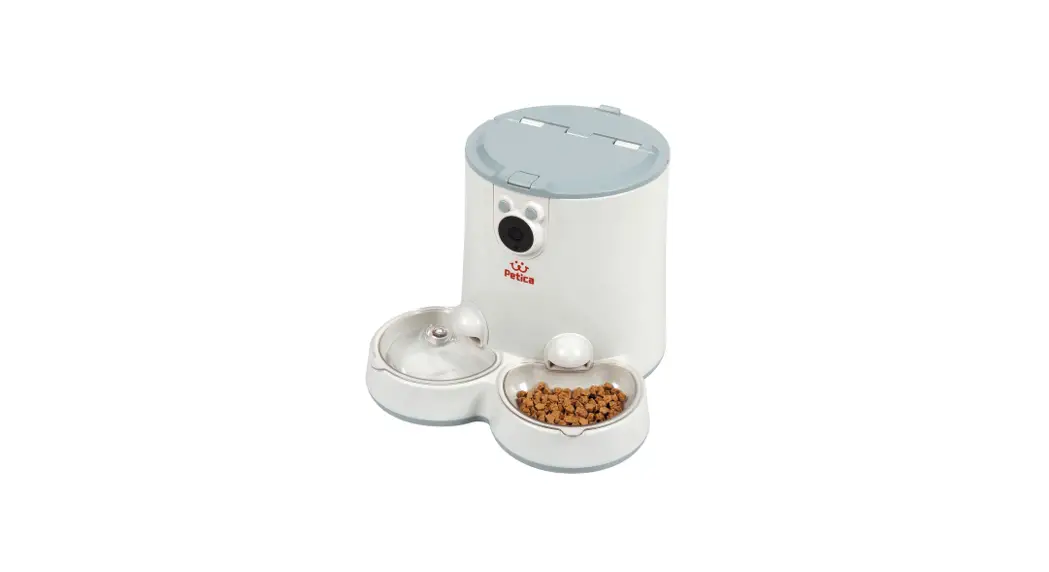
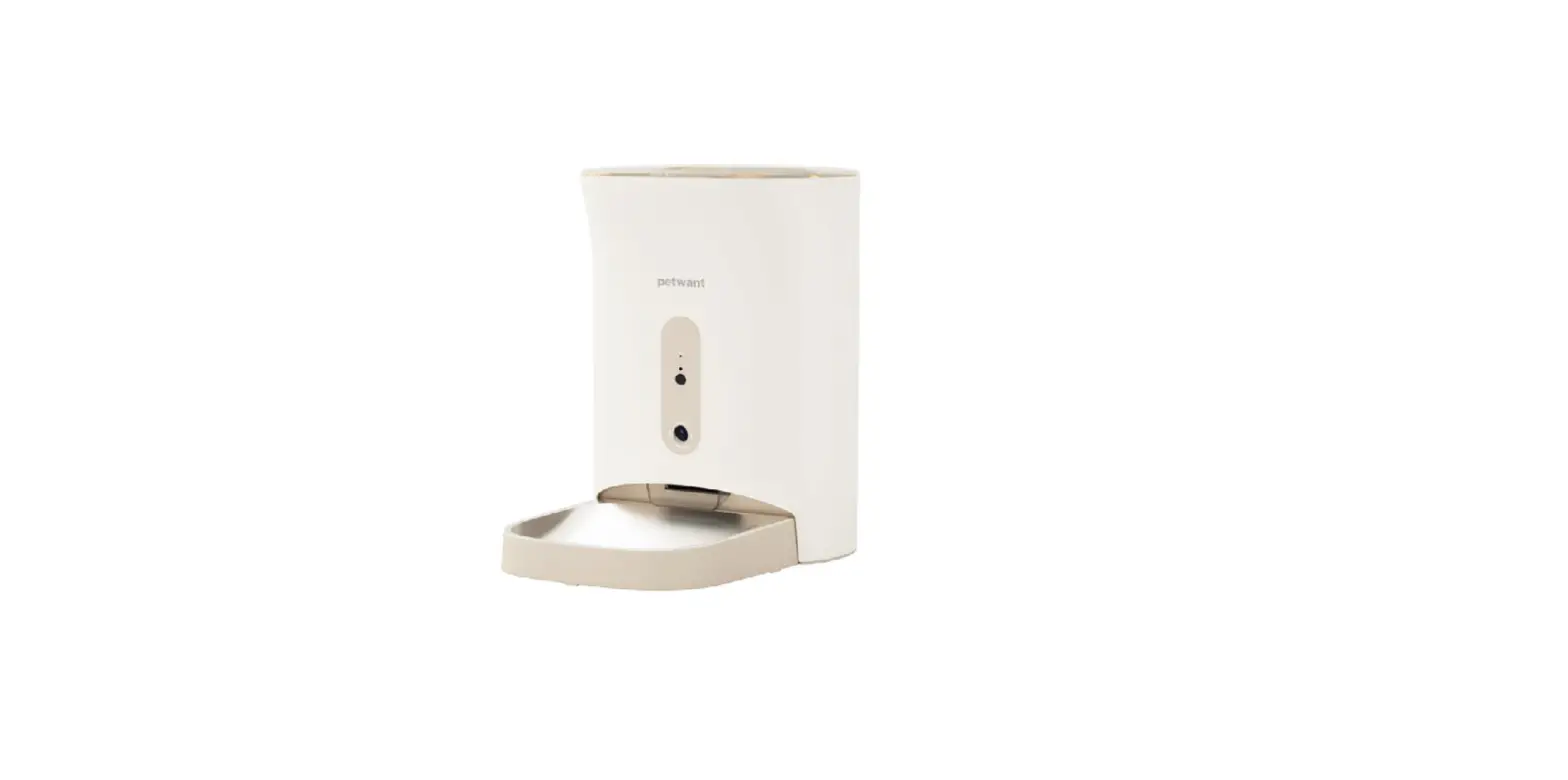
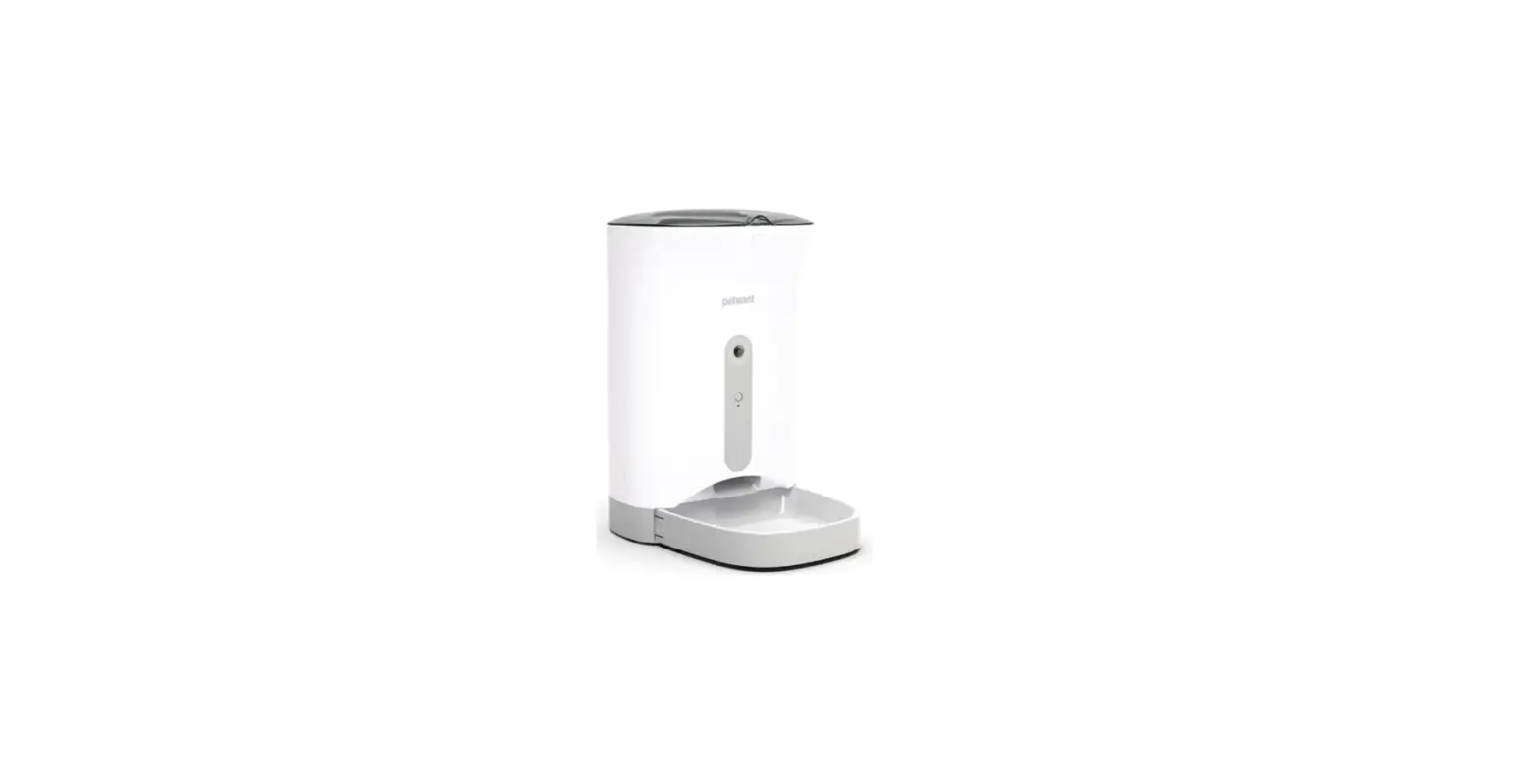
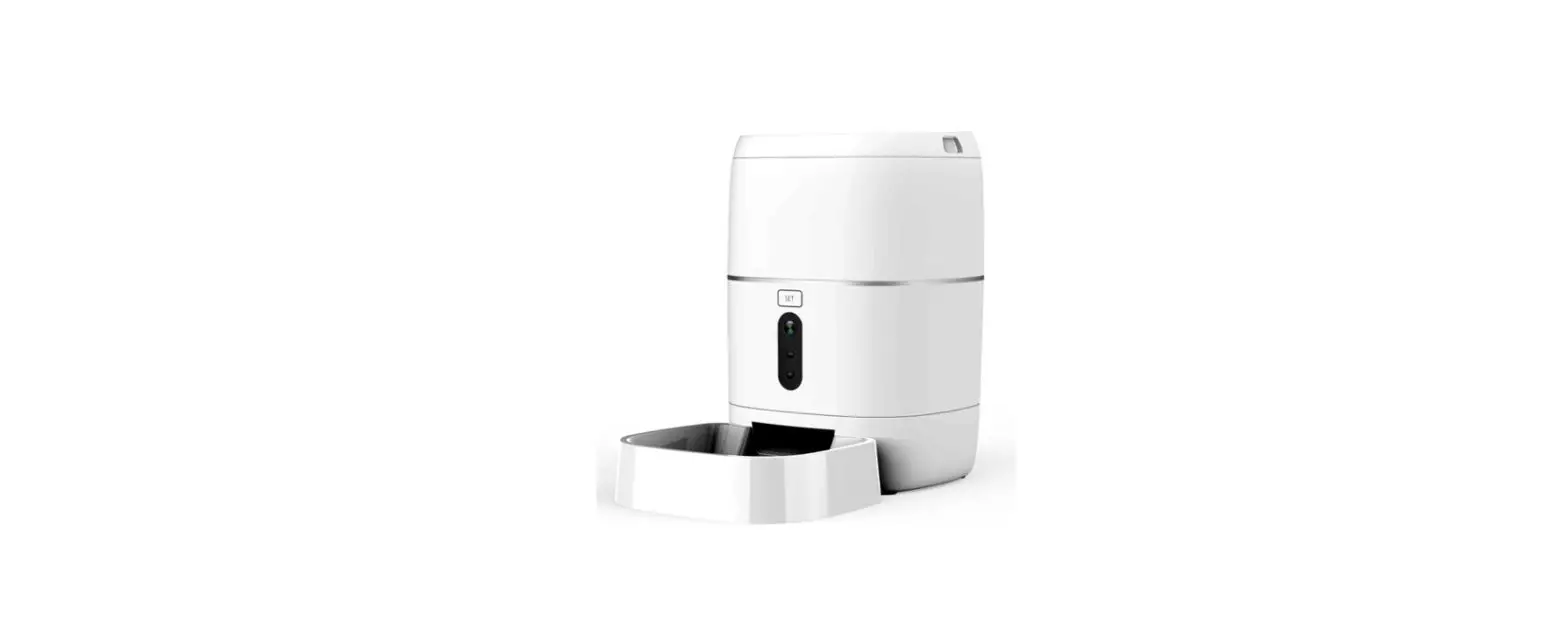
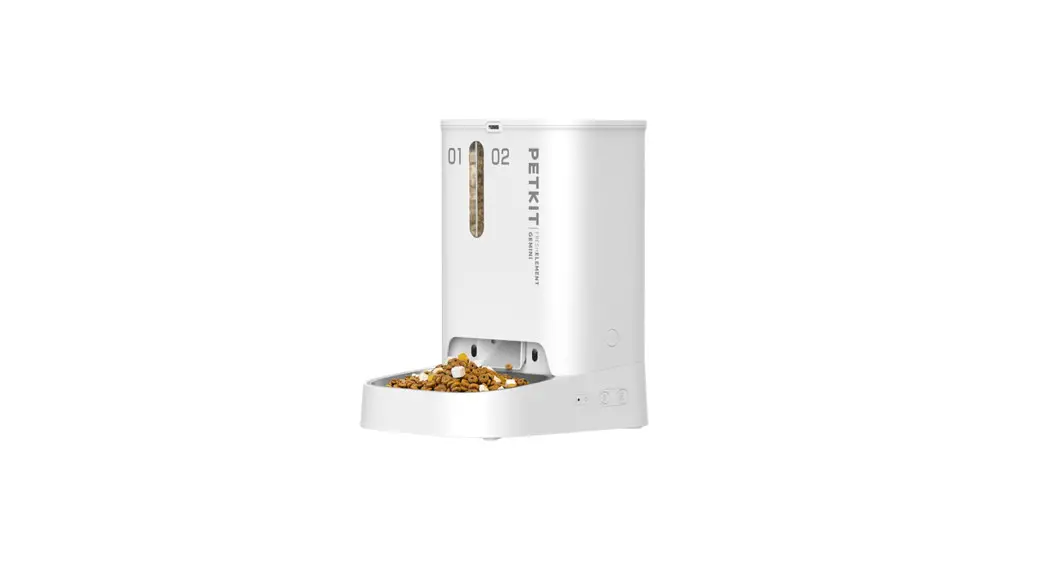
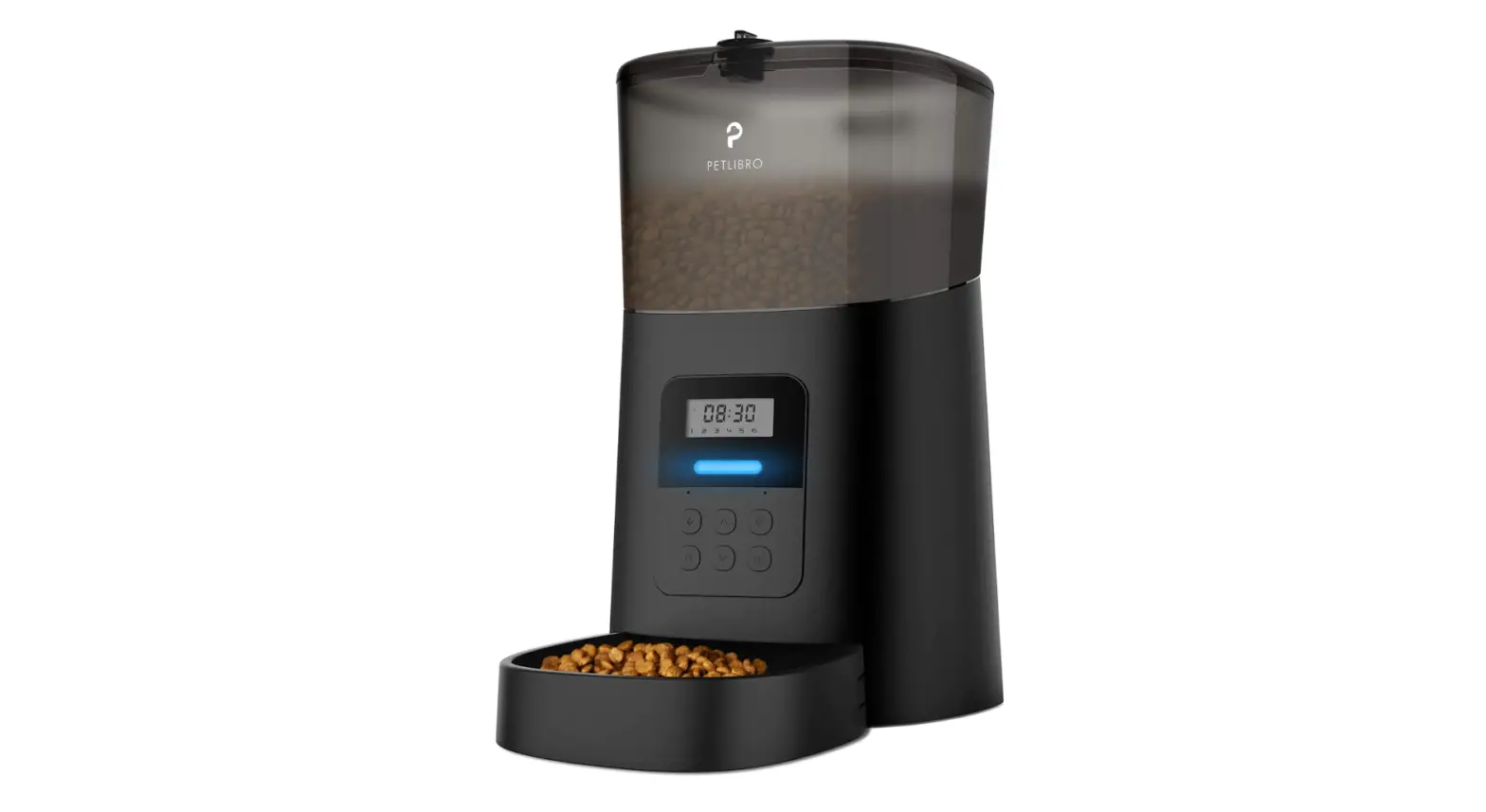
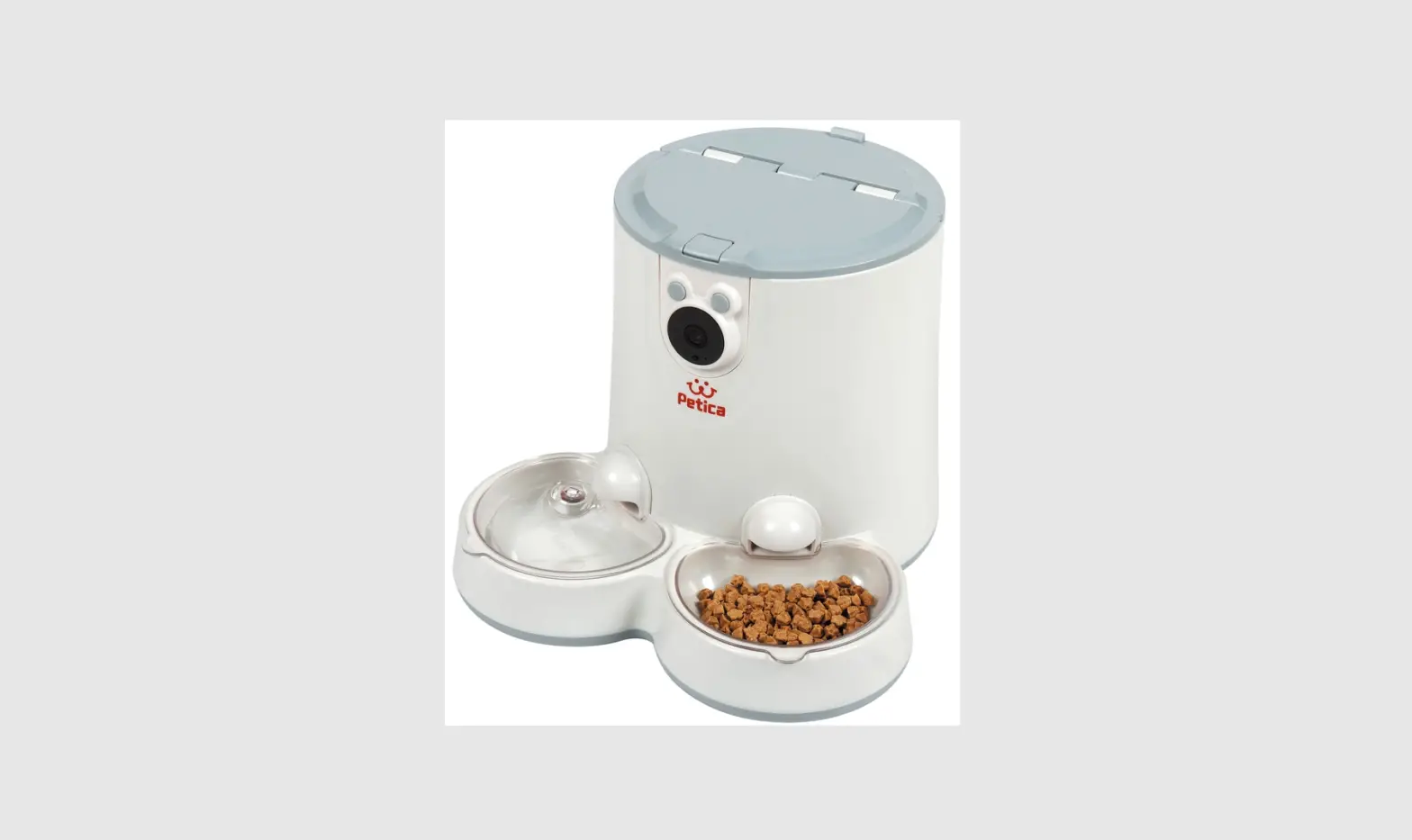
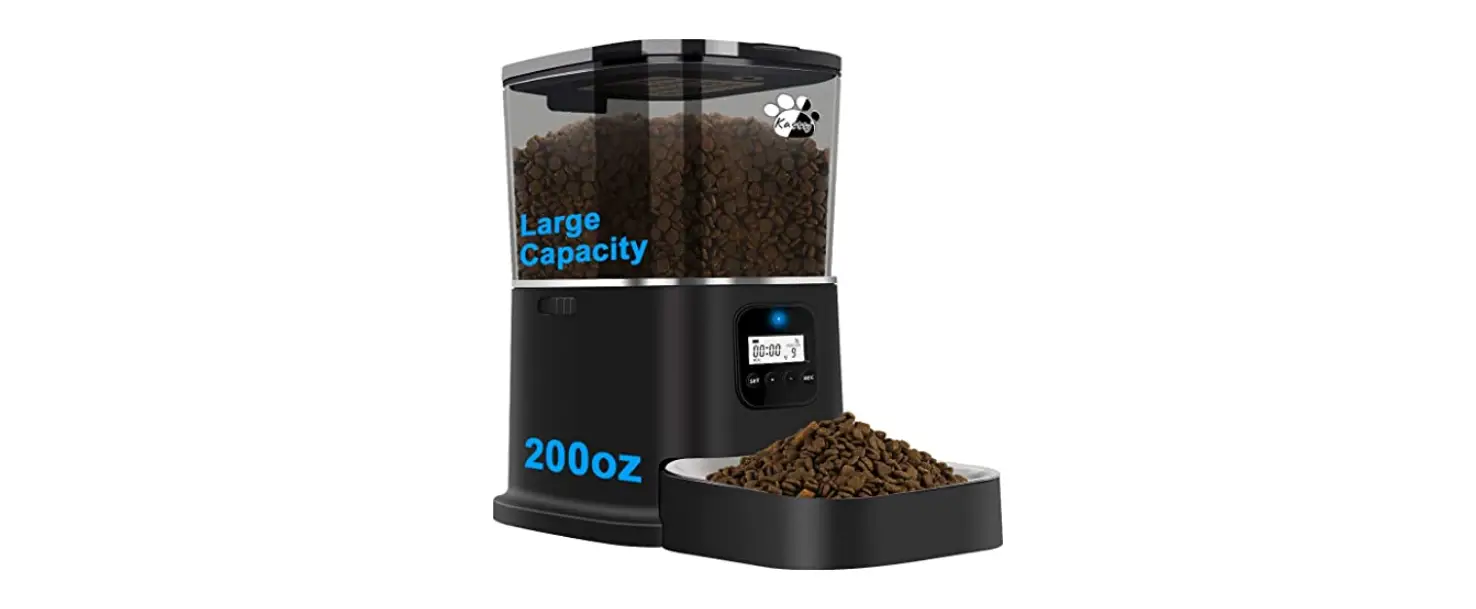
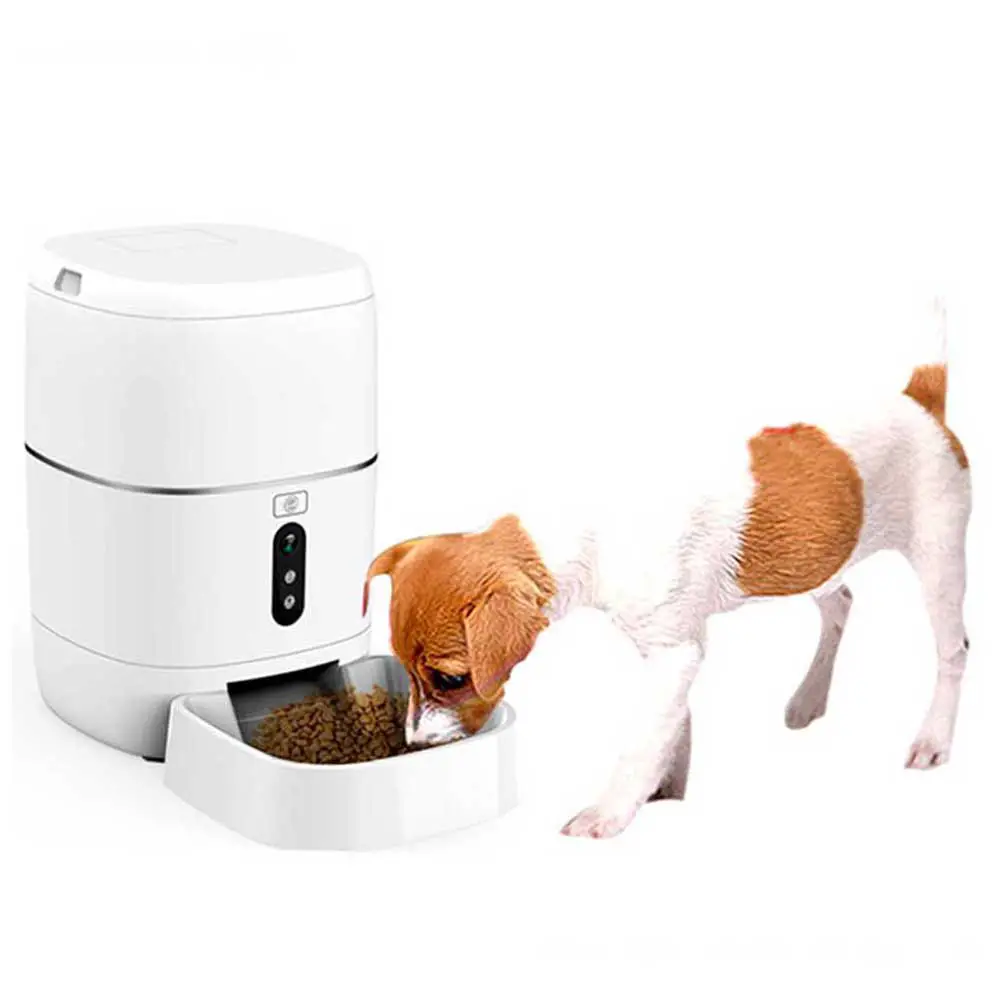
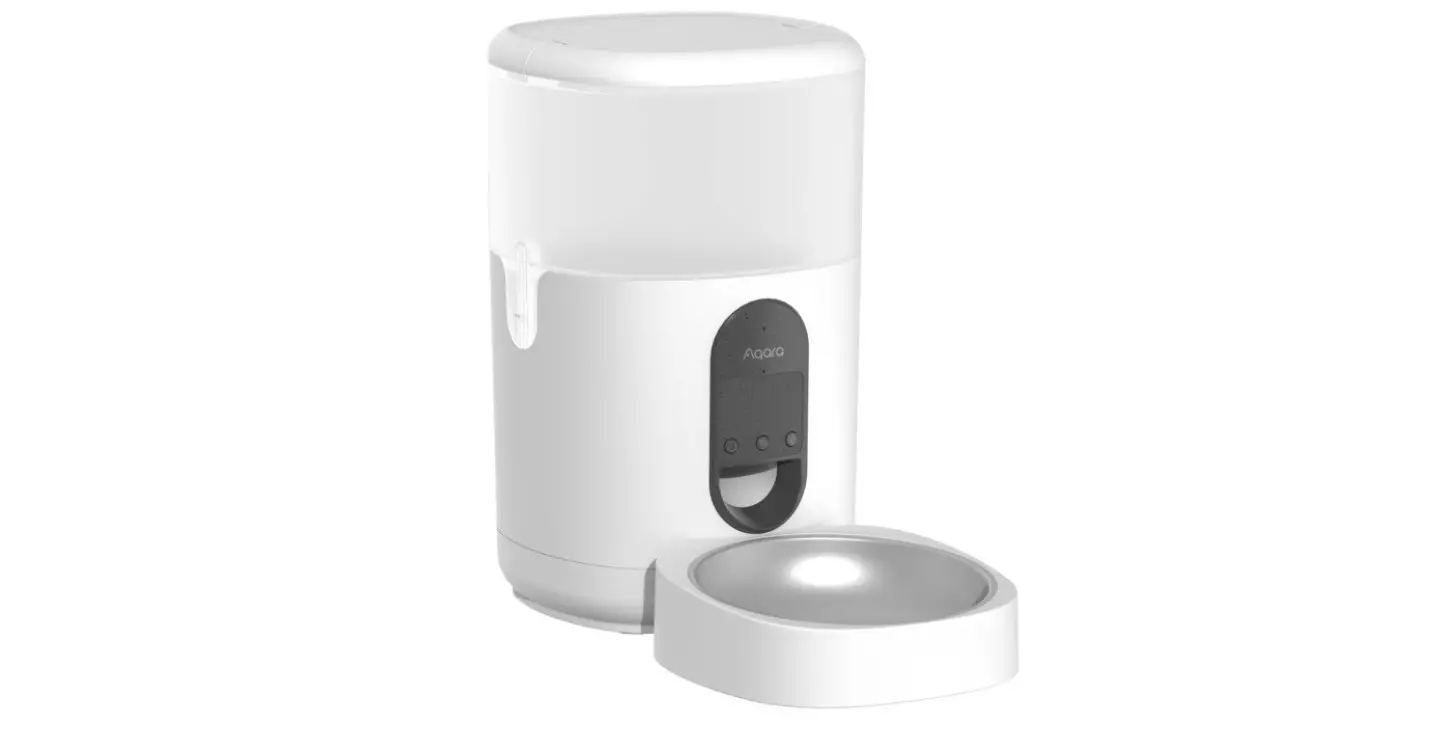
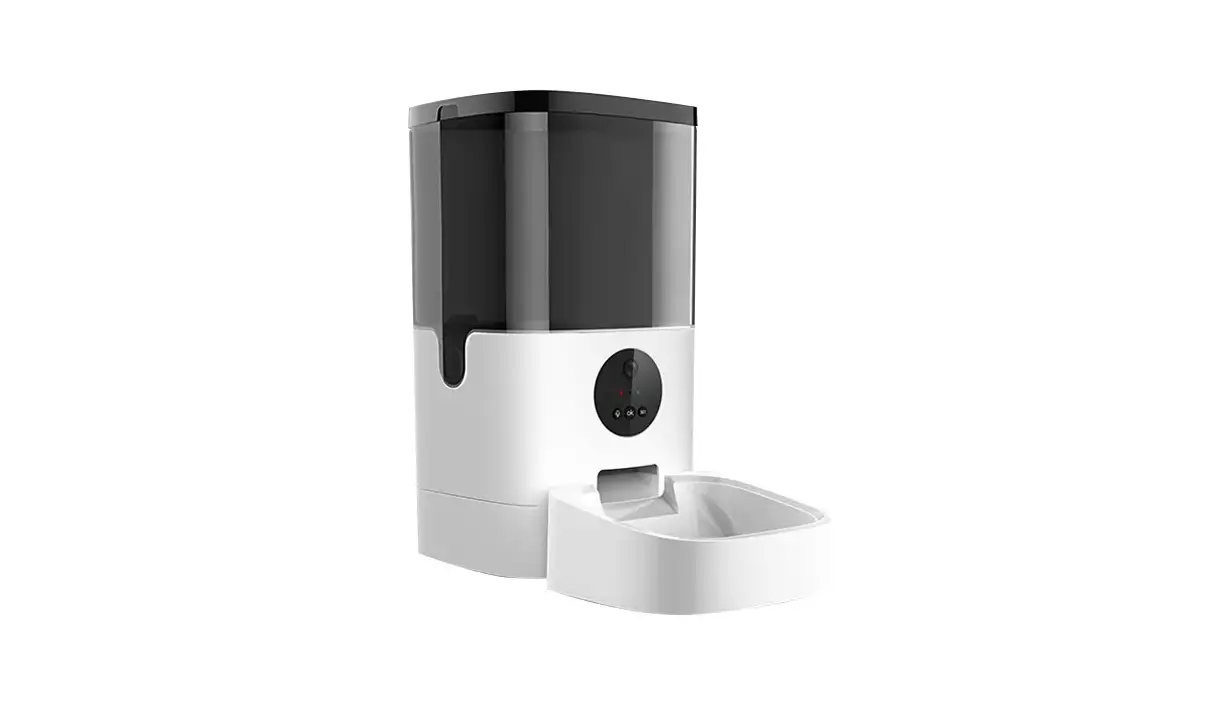
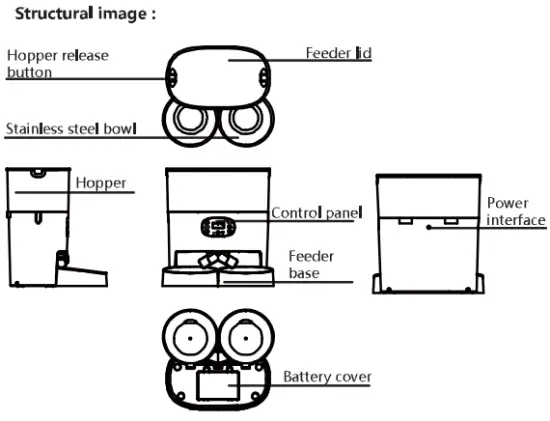
Structrual Image
Packing List
Single Bowl Version Accessories: host x1, power adapter x1(5v-1A), feeder base x1, Stainless steel bowl x1 user manual x1 Double Bowls Version Accessories: host x1, power adapter x1(5v-1A), feeder base x2, Stainless steel bowl x2
Two-way dispenser x1, User manual x1
Notice
- The feeder is for indoor household use only.
- The host of the equipment is not washable.
The hopper and the food tray and stainless steel bowl can be removed and washable. - Please keep pets from biting the power cable or it may cause leakage.
- Please place the feeder horizontally and close the lid to keep the food from spilling out if pets knocked over the equipment.
Setup Instructions
Control Panel
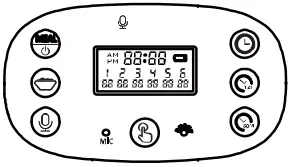
 Long pressing the button for 3 seconds to shut down/Boot up: Meals Switch Button (1-6 meals)
 Meals Portion Volume Button: Program the meals portion size ( 0- 24 portions)
 Manual Feeding Button: Dispensing meal one portion by pressing this button.
 Hours Setting Button: Program the hours time.
 Minutes Setting Button: Program the minutes time.
 Clock Setting Button: Press this button to enter the time setting and save time when you finish the time setting.
 Recording Button: Record the voice, play the voice or delete the voice recording function.
Time Setup
- Press “
 ” and hold for three seconds to unlock the screen and enter the time setting mode automatically, The to set hours and minutes time as your demand.Press “
 ” . “ ”and hold the button for 3 seconds to exit the “ to set hours and minutes time as your demand.Press “”and hold the button for 3 seconds to exit the time setting.
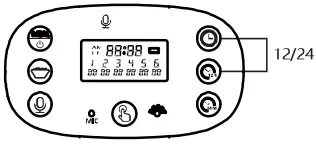
 - You can switch the 12-hour clock and 24-hour clock by pressing the “ ” and “” synchronously.
Feeding Setup
This automatic pet feeder supports 0.19”-0.47” (0.5cm-1.2cm) food kibble size, please do not exceed this standard, otherwise the device will be jammed.
This automatic pet feeder supports 6 meals each day and support MAX 24 portions volume for each meal. Each portion size is about 0.5 oz (16 ml) food kibble. As different food kibble size will cause an error when dispense food, you should program a suitable feeding plan according to your food kibble size and types.
Tips: 0.19’(0.5cm) food kibble size approximate to 0.49oz (6g) 0.47’ (1.2cm) food kibble size approximate to 0.35oz (5g)
Meal 1:
- Pressing “
 ” one time to enter the feeding plan mode, at this time the meal 1, feeding time and feeding portions volume will blink, press :”
 ” and “
  ” to adjust the feeding time, then press “
 ” to adjust the meal portions.
 ” one time to enter the feeding plan mode, at this time the meal 1, feeding time and feeding portions volume will blink, press :”
 ” and “
  ” to adjust the feeding time, then press “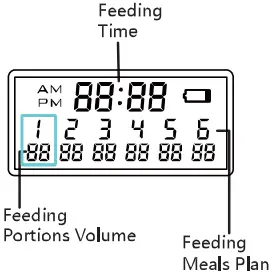
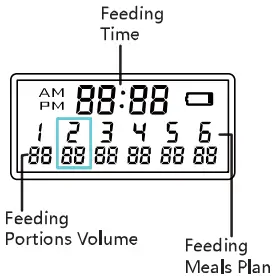
Meal 2:
- After you finished the meal 1 setting, you can also press the “” one time to choose meal 2. The meal feeding time and feeding portions volume will blink,press :”” and “ ” to adjust the feeding time, then press ” ” to adjust the meal portions.

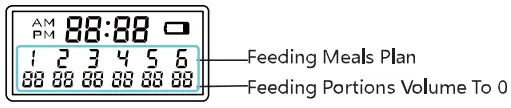
- You can use same method to program 3, 4, 5, 6 feeding plans. If you do not need to program the others feeding plan or delete the previous feeding plan, you can set the feeding portions volume to 0.

Recording Setup
- Press “
 ” and hold for three seconds then you can record for Max 10 seconds after the recording indicator lighting up. If you release your hand when recording, the system will recognize you finished the recording. After finishing the recording, you can press “” one time to play your recording. If you need to want to delete or close the recording function, you can press“” two times until the recording indicator light blinking 3 times, then the recording message is removed.
Manually Feeding
- Press “
 ” and hold for three seconds, the food will be released one portion volume each time.
Low Battery Reminder
- When the batteries are low, the “
 ” on the LCD screen will turn on. After new batteries are installed, the “ ” on the LCD screen will be turned off.
 ” on the LCD screen will turn on. After new batteries are installed, the “
 Reset Function
If you need to reset the automatic pet feeder, press the reset button.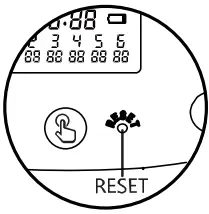
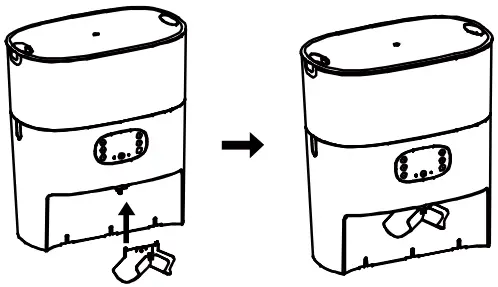
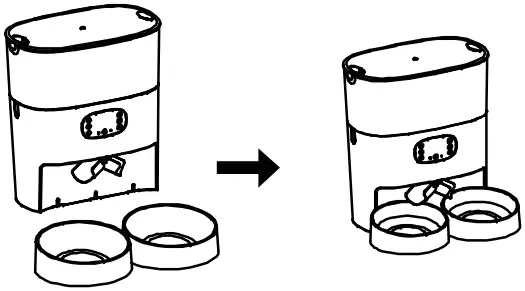
A 56 Two-way Distributor System
Installation
- Step1: Connect the two-way dispenser to the host

- Step 2: Connect the feeder base dispenser to the host.

FCC Statement
This device complies with Part 15 of the FCC Rules. Operation is subject to the following two conditions:
- this device may not cause harmful interference, and
- this device must accept any interference received, including interference that may cause undesired operation
NOTE: This equipment has been tested and found to comply with the limits for a Class B digital device, pursuant to Part 15 of the FCC Rules. These limits are designed to provide reasonable protection against harmful interference in a residential installation. This equipment generates, uses and can radiate radio frequency energy and, if not installed and used in accordance with the instructions, may cause harmful interference to radio communications. However, there is no guarantee that interference will not occur in a particular installation.
If this equipment does cause harmful interference to radio or television reception, which can be determined by turning the equipment off and on, the user is encouraged to try to correct the interference by one or more of the following measures:
- Reorient or relocate the receiving antenna.
- Increase the separation between the equipment and receiver.
- Connect the equipment into an outlet on a circuit different from that to which the receiver is connected.
- Consult the dealer or an experienced radio/TV technician for help.
Warning: changes or modifications not expressly approved by the party responsible for compliance could void the user’s authority to operate the equipment
The devices has been evaluated to meet general RF exposure requirement. the device can be used in portable exposure condition without estriction
Dear customers,
We appreciate your choice of automatic pet feeder. We insists on providing premium pet products, helping pet owners feed pets ina scientific and reasonable way and providing pets a healthy lifestyle. We are working for establishing a harmo- nious relationship between you and your
pets. For the sake of convenience of using, please read the user manual carefully and follow the instructions.