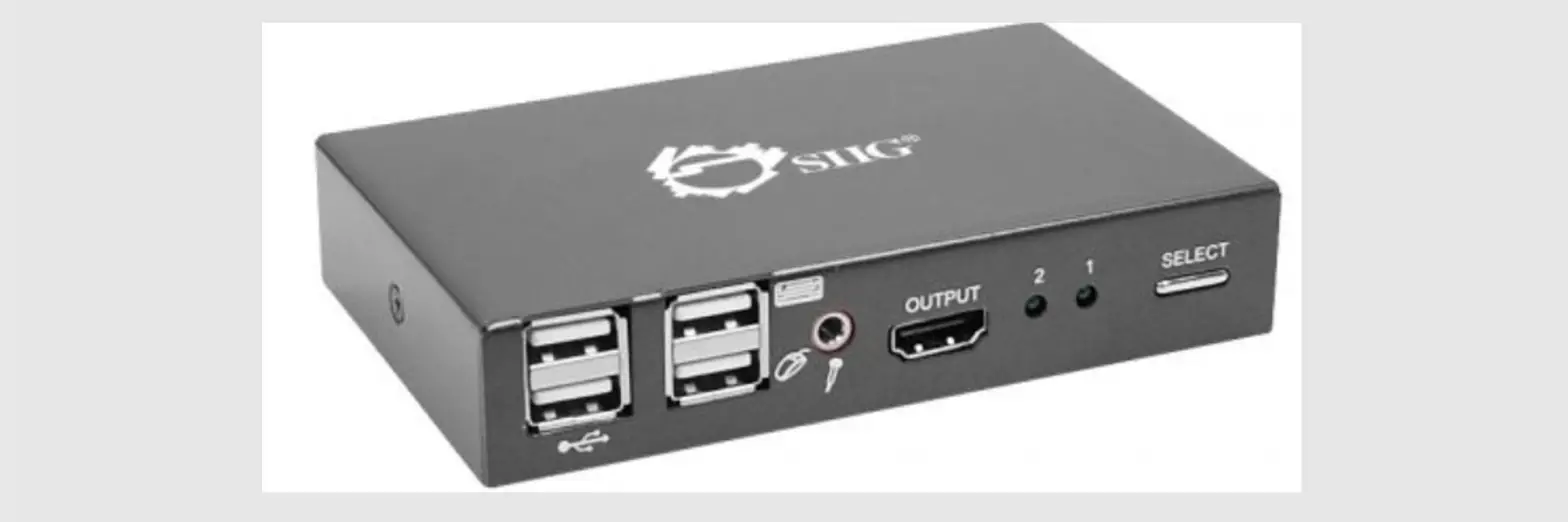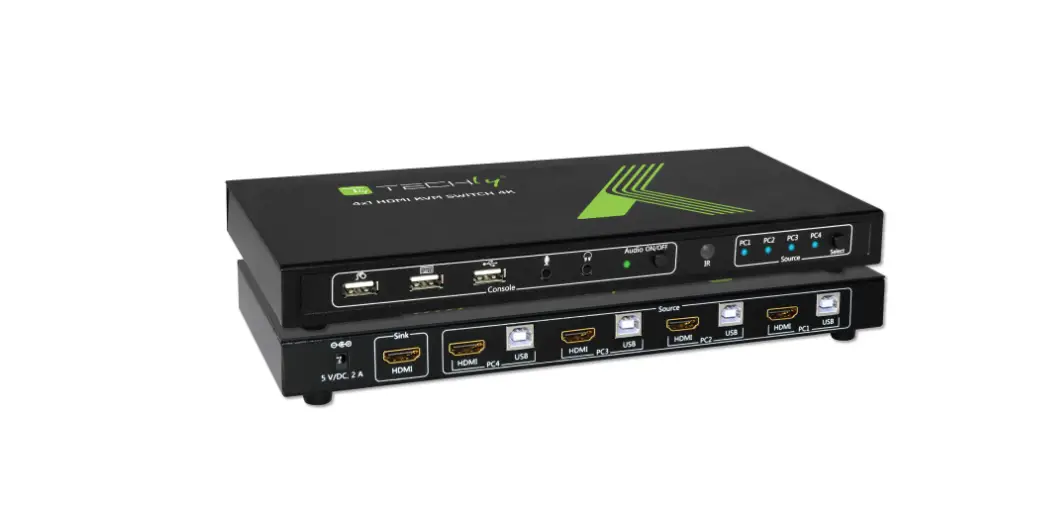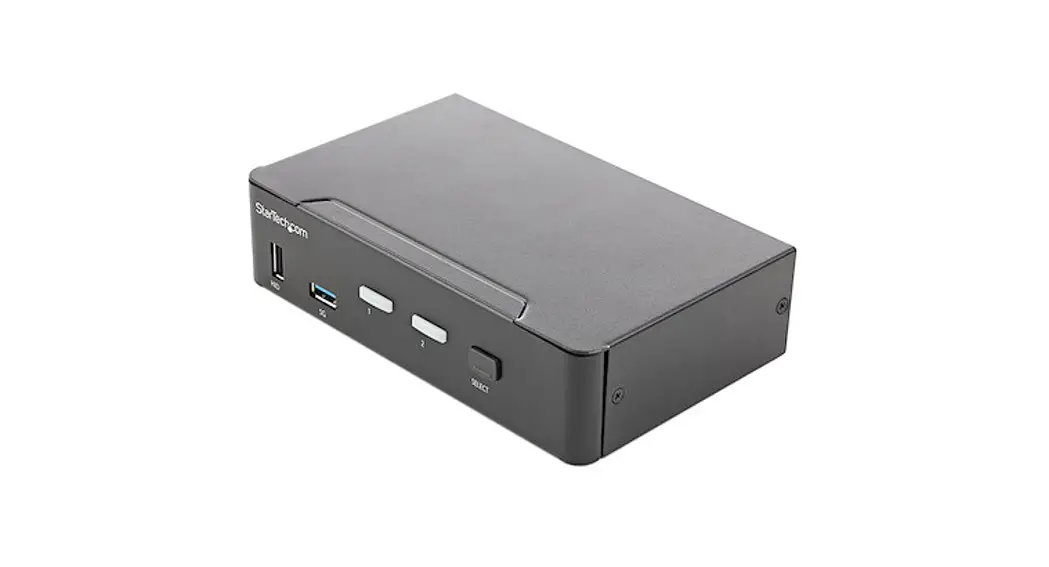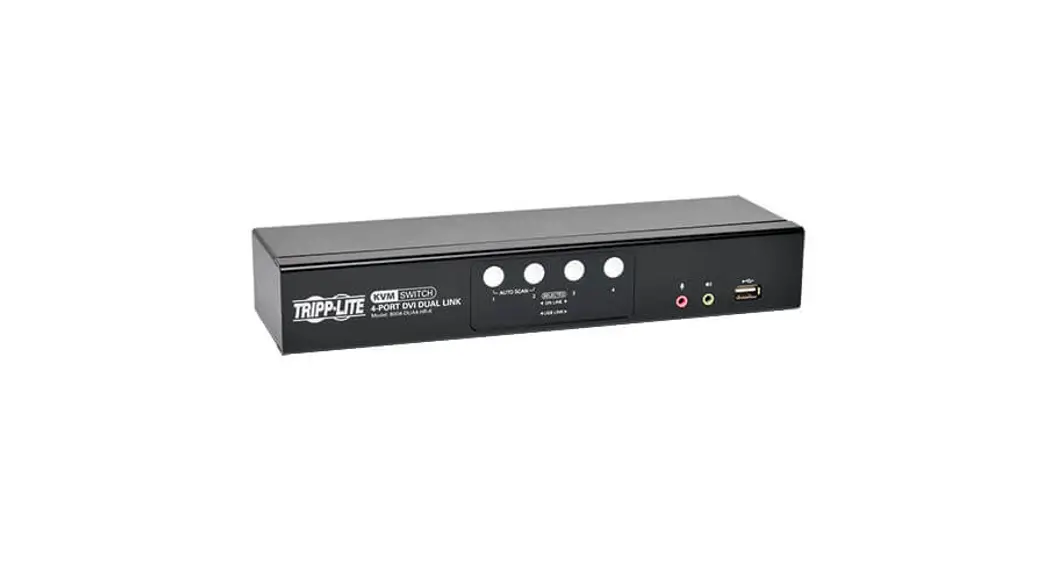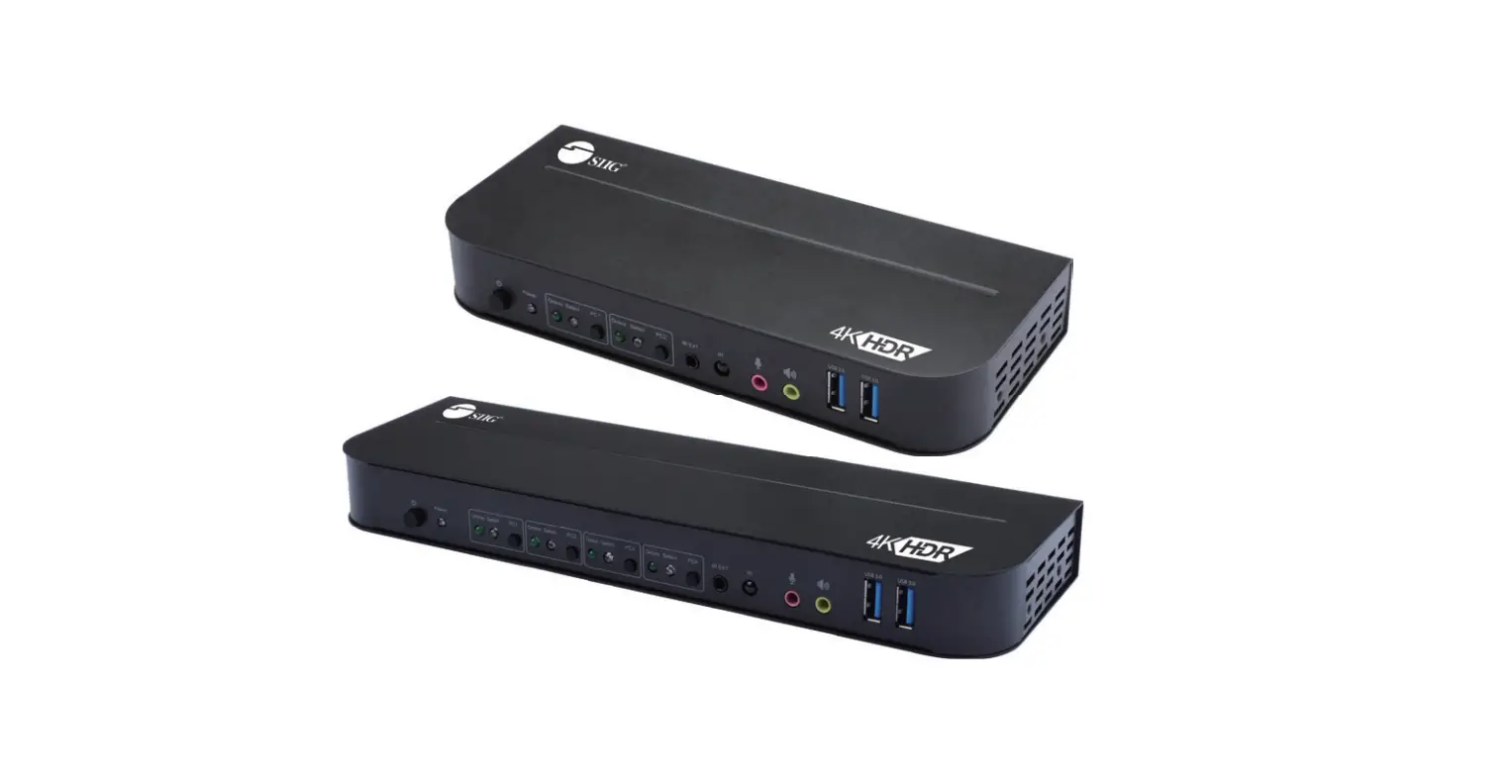

2×1 / 4×1
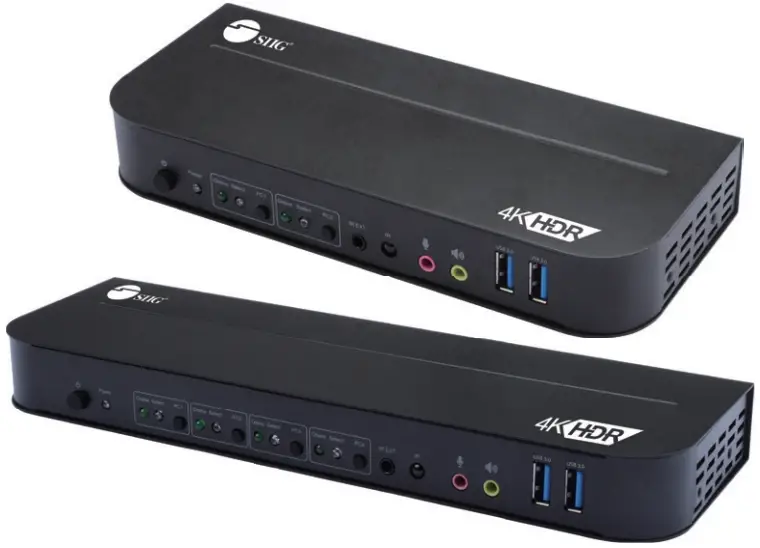
DP 4K KVM USB 3.0
Switch with RC
User Manual

04-1366A
P/N: CE-KVOC11-S1
P/N: CE-KVOD11-S1
Features
- Support DisplayPort 1.4 & 1.2
- Support DisplayPort or HDMI video output
- Support HDR
- Display EDID bypass
- Support two USB 2.0 ports for wired mous & keyboard use only
- Support two USB 3.0 5Gbps ports, 5V/900mA
- Support 3.5mm jack for Microphone and Speaker extend
- Switch control by front panel, IR remote or hotkeys
- Support auto-switch mode
- Support Windows and Mac systems
- Plug-n-play, no driver installation
Package Contents
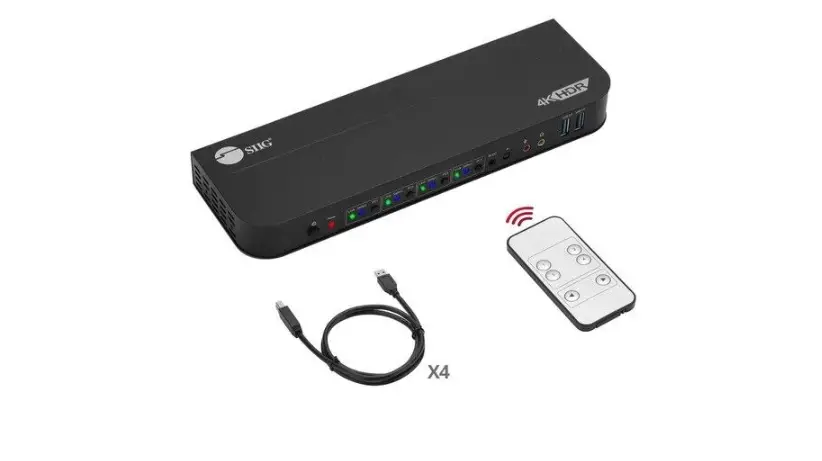
- DP 4K KVM USB 3.0 Switch with RC
- Power Adapter 5V/3A
- USB 3.0 Type-A to B cable x 2 (CE-KVOC11-S1)
USB 3.0 Type-A to B cable x 4 (CE-KVOD11-S1) - IR extender cable
- IR remote control
- User manual
Layout
Front Panel
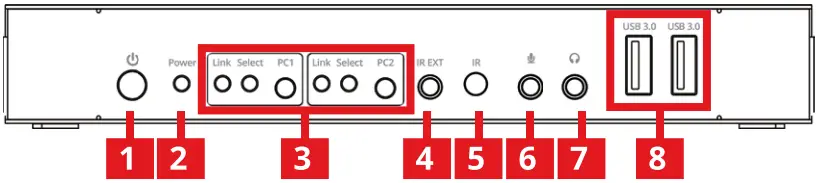
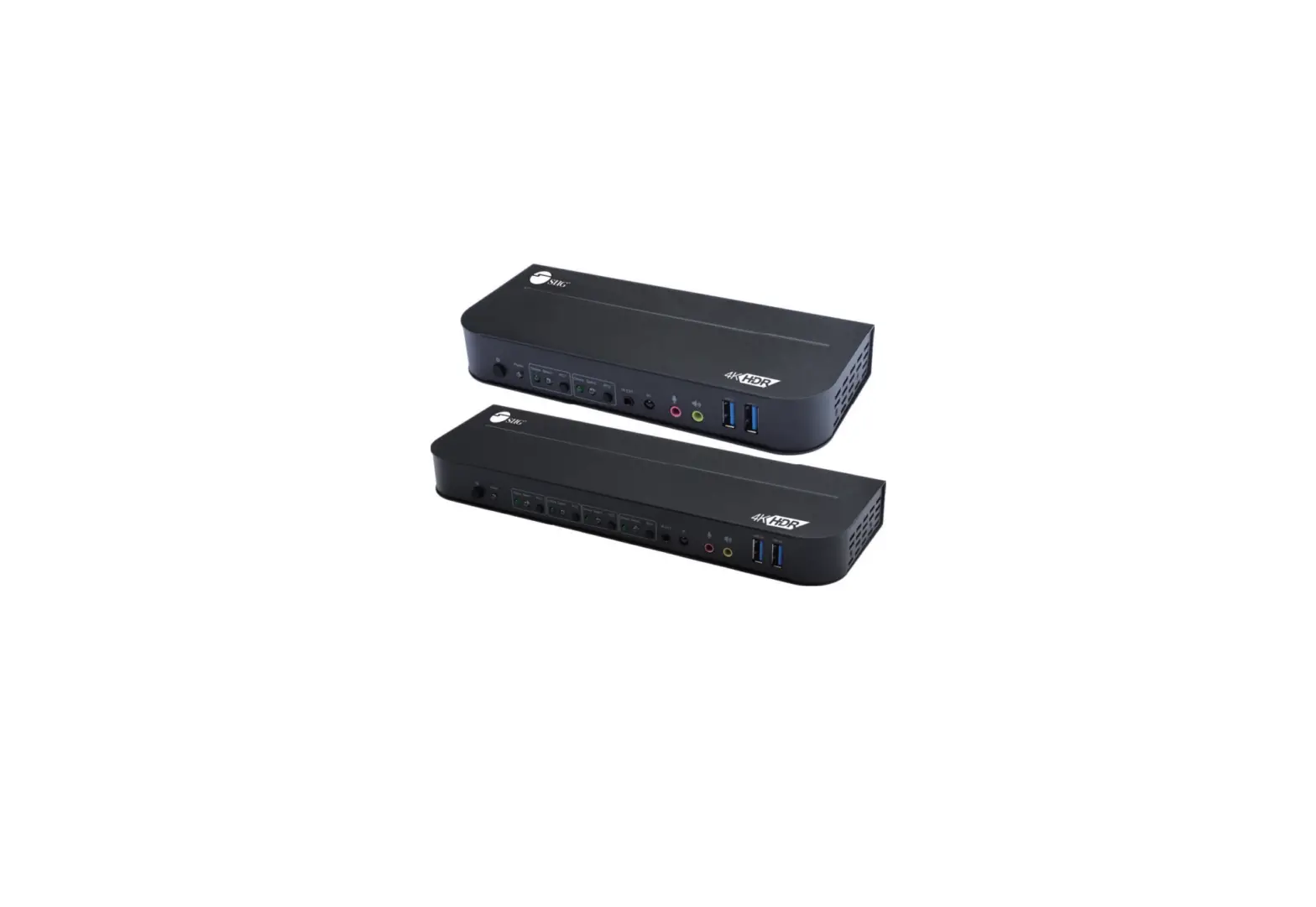
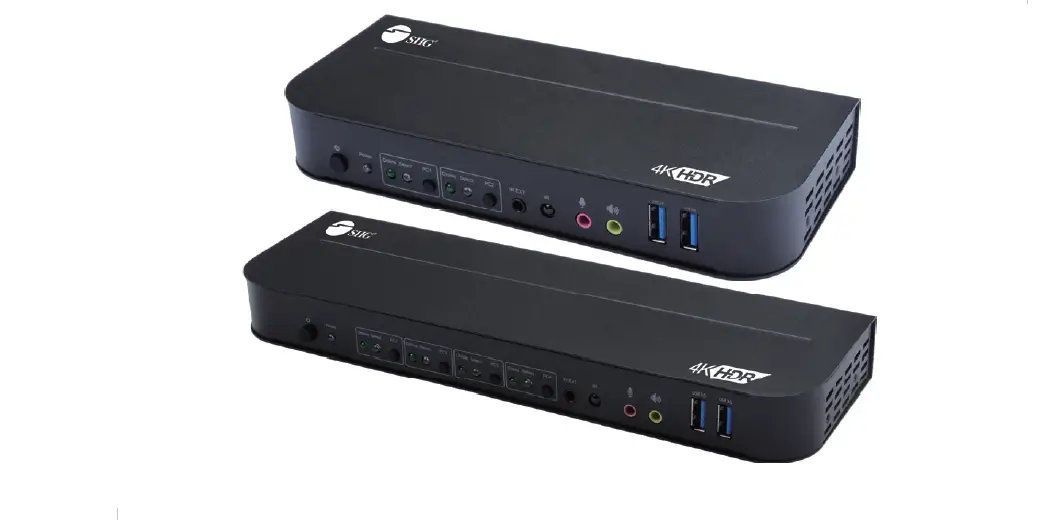
2×1 & 4×1 port define are the same design, the manual use 2×1 layout as example.
- Power Button: Turn on/off the unit
- Power Indicator:
- Input Selection Button:
“Select” lights up to indicate input selection
“Link” lights up when the USB-B port is connected. - IR EXT: Connect to IR Extender cable
- IR: For IR signal reception from the remote control
- Microphone port at console
- Speaker/Earphone port at console
- USB 3.0 hub ports at console for peripherals 5Gbps, 5V/900mA
Rear Panel
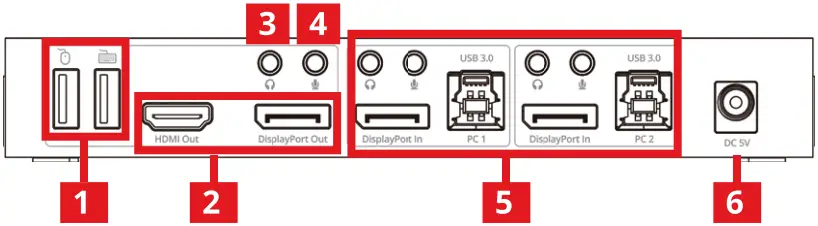
- USB keyboard & mouse ports at console
(for wired keyboard & mouse use only) - Video output: Support HDMI or DisplayPort
(two ports can’t output together)
HDMI 2.0 & DP 1.2 Resolution up to 4K@60Hz
DP 1.4 Resolution up to 8K@30Hz - Microphone port at console
- Speaker/Earphone port at console
- PC-x input ports:
Microphone port for PC-x
Speaker/Earphone port for PC-x
USB-B port for PC-x
DisplayPort input for PC-x - Power Jack: DC 5V/3A
Remote Control
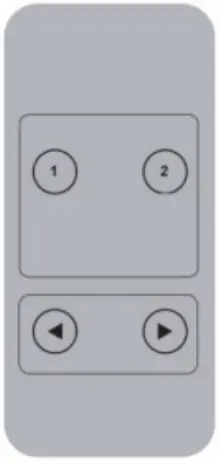
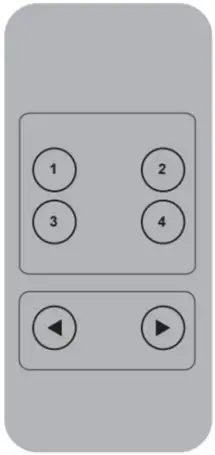
P/N: CE-KVOC1 1 -S1 P/N: CE-KVOD1 1 -S1
- 1.2.3.4 : Switch to PC 1 or 2 or 3 or 4
 : Switch to previous PC
 : Switch to next PC
 : Switch to previous PC
 : Switch to next PC
Hotkey Command
| Hotkey Command | Description |
| [Scroll Lock] + [Scroll Lock] [→ or ↓] | Switch to the next port |
| [Scroll Lock] + [Scroll Lock] [← or ↑] | Switch to the previous port |
| [Scroll Lock] + [Scroll Lock] [N] (N=1 or 2) | Switch to PC N |
| [Scroll Lock] + [Scroll Lock] [S] | Automatic switching function(Default: 15 sec) Press any key of the key-board will stop. |
| [Scroll Lock] + [Scroll Lock] [I] + [Number] [Enter] | Set the automatic switchinginterval (10~999 seconds) |
| [Scroll Lock] + [Scroll Lock] [B] + [1/0] | Buzzer on/off (Default: on) |
| [Scroll Lock] + [Scroll Lock] [F] + [L] + [A] + [S] + [H] [Enter] | All resume hotkey default mode |
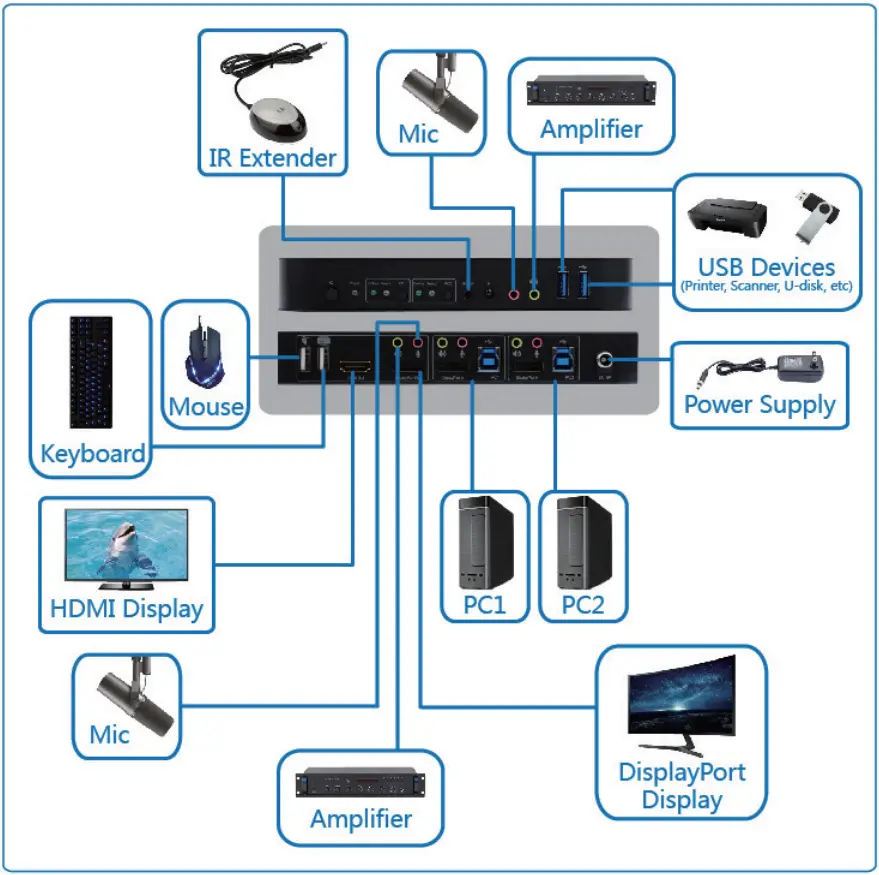
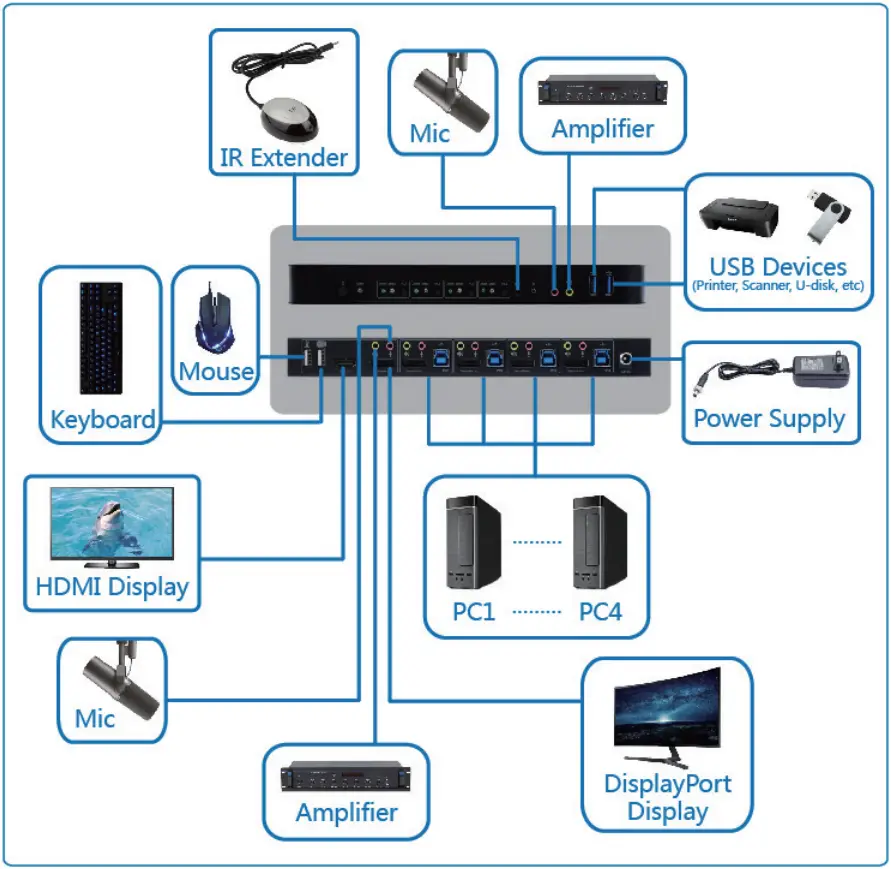
Application
Dear Valued Customer
WE REALLY
APPRECIATE
YOUR PURCHASE
~thank you~
Support
For more info or tech support
http://www.siig.com/support
Dec, 2021 Copyright © 2021 by SI IG, Inc. All rights reserved.