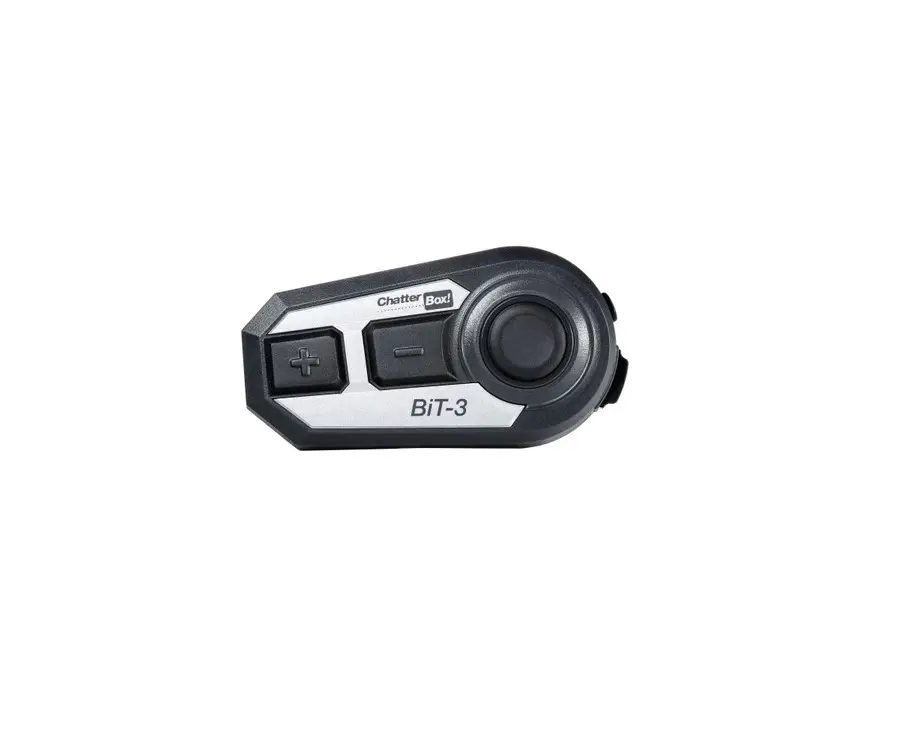
BiT-2 Bluetooth Communication System with
Product Information
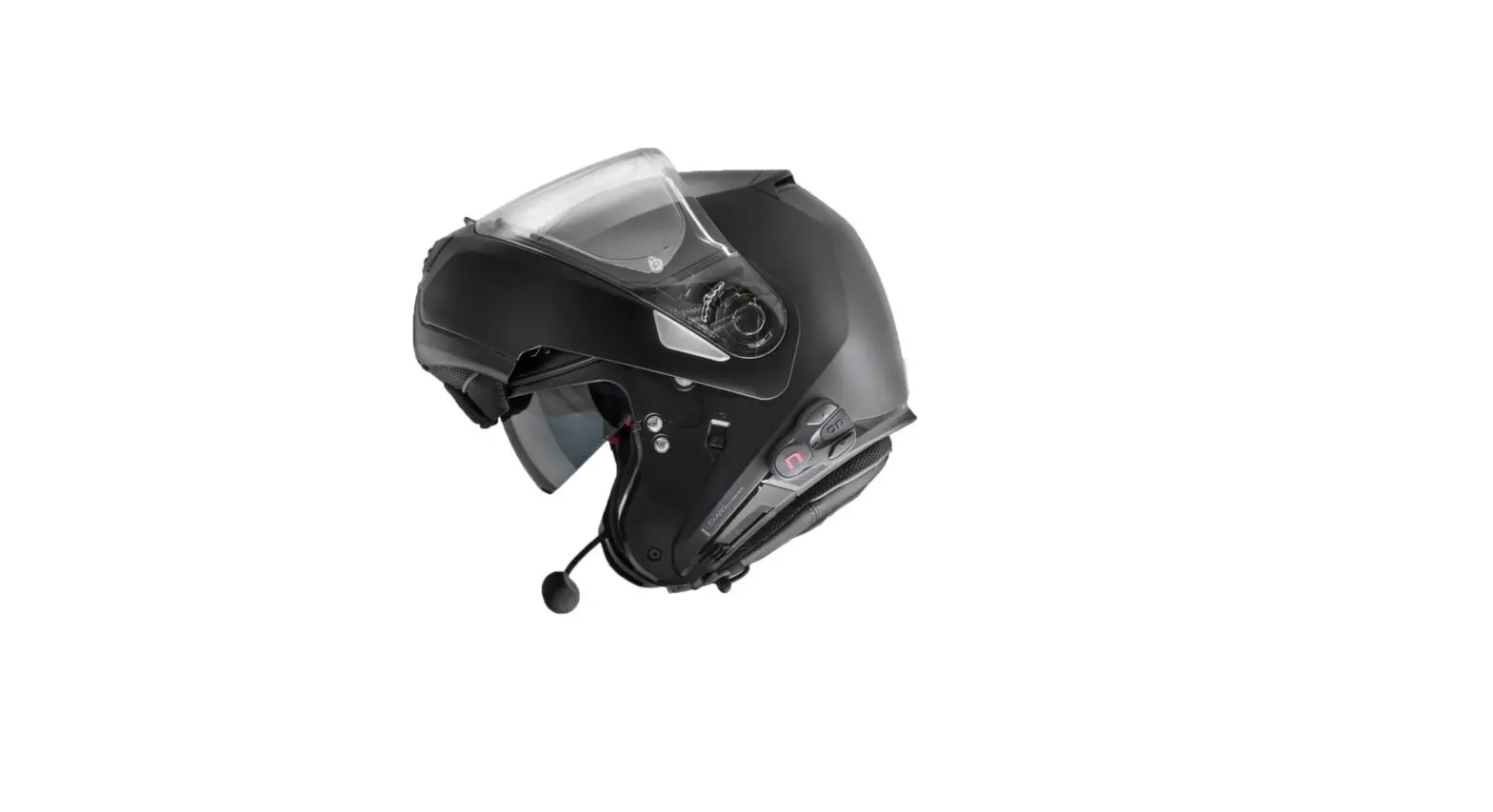
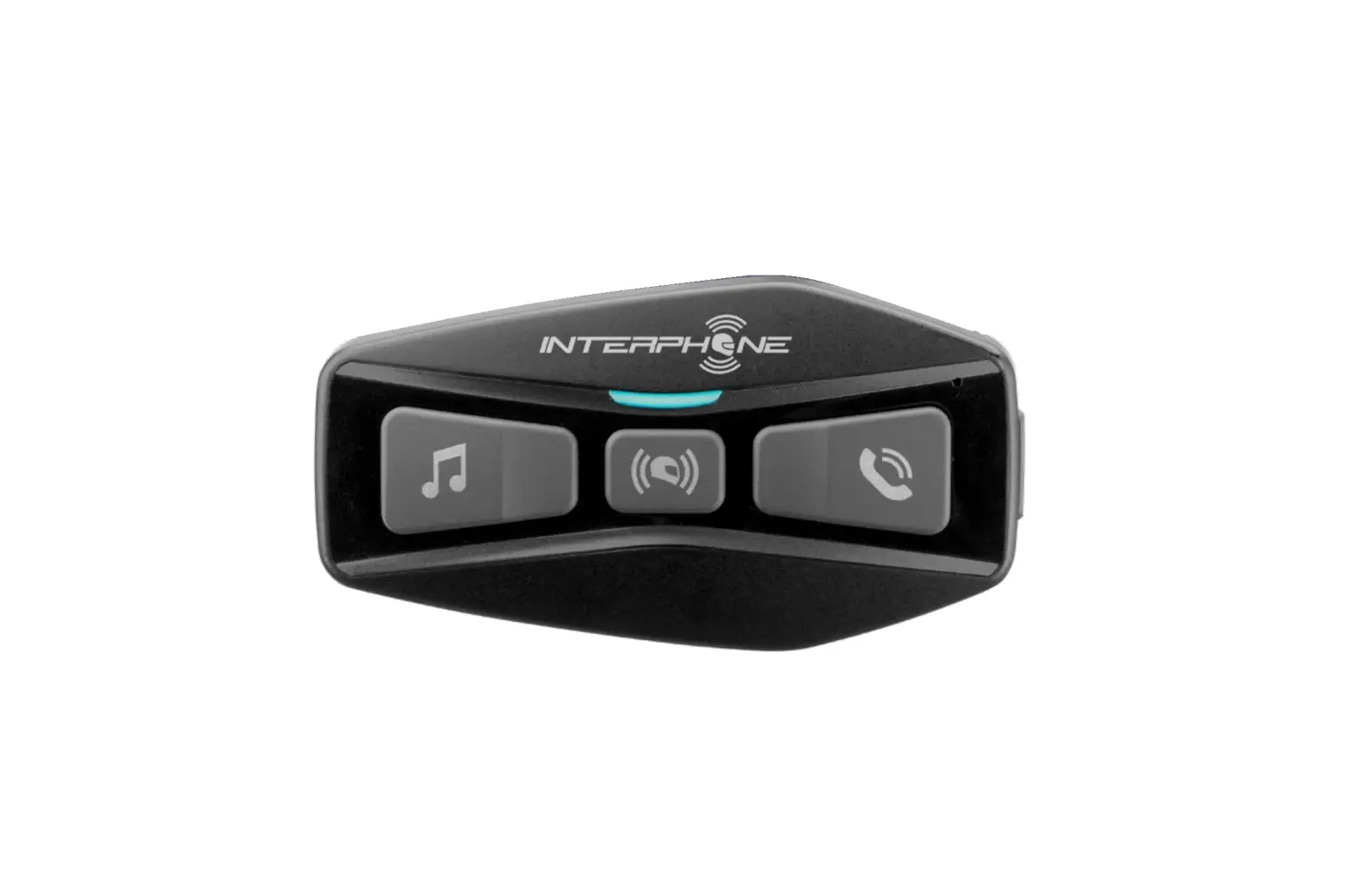
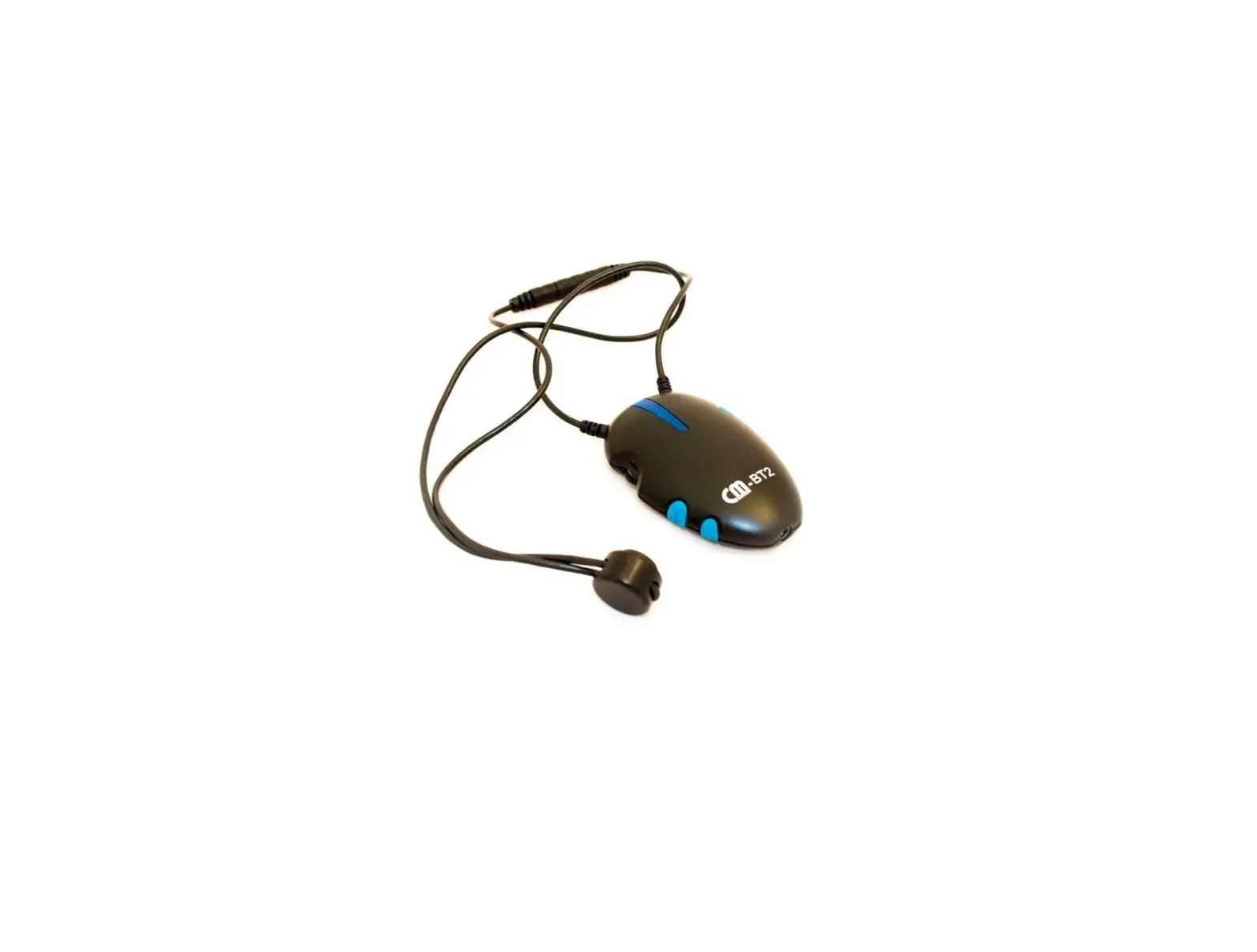
The ChatterBox BiT-2 is a Bluetooth Communication System
designed for bike helmets. It is water-resistant and comes with
microphones for both open-face and full-face helmets. The package
includes speakers, Velcro for speakers, Velcro for microphones,
foam microphone covers, helmet mounting cradle, bracket, screws,
and an L-wrench.
Main Features:
- Water Resistant
- Microphones for both open-face and full-face helmets
Package Contents:
- Speakers
- Velcro for speakers
- Velcro for microphones
- Foam microphone covers
- Helmet mounting cradle
- Bracket
- Screws
- L-wrench
Battery Charging:
Make sure to charge the product using the provided charging
cable. It is recommended to charge with a normal charger or a
supplementary battery with high-speed charging (9V, higher than
1.2A). The charging time is approximately 2.5~3 hours, depending on
the charger used.
You can also charge the BiT-2 with a power bank while using it.
In this case, a red indicator will be displayed.
Product Usage Instructions
Installation:
To install the ChatterBox BiT-2, follow the steps below:
- Install the speakers and microphones according to the provided
instructions. - Mount the helmet mounting cradle using the bracket, screws, and
L-wrench.
Refer to the user manual for detailed information on the buttons
and inputs of the BiT-2.
Basic Functions:
- Volume Up / Down: Adjust the volume level of the BiT-2.
- Voice Command: Activate voice commands on the BiT-2.
Mobile-Phone Connection:
Refer to the user manual for detailed instructions on
mobile-phone pairing, second mobile-phone pairing, and new
mobile-phone replacement.
Music Mode:
- Music Play / Stop: Control music playback on the BiT-2.
- Moving to Next Song / Previous Song: Navigate through songs
while in music mode. - Switching Music Play Between Two Paired Mobile-Phones: Change
the source of music playback between two connected mobile
phones.
VOX (Voice-Activated Transmission):
- Activating VOX: Enable or disable voice-activated transmission
on the BiT-2. - VOX Sensitivity Setting: Adjust the sensitivity level of the
voice-activated transmission.
Reset:
- Rebooting: Restart the BiT-2.
- Factory Default Reset: Restore the BiT-2 to its factory
settings.
For more detailed information and instructions, refer to the
BiT-2 Quick Manual and Simple Manual provided.
Contents
1. GETTING STARTED ………………………………………………………………… 4 Main features ……………………………………………………………………………………….. 4 Package contents ………………………………………………………………………………….. 4 Battery charging …………………………………………………………………………………… 4 Battery …………………………………………………………………………………………………. 4
2. INSTALLATION ……………………………………………………………………… 5 Speakers and microphone installation ……………………………………………………… 6 Installation of BiT-2 …………………………………………………………….. … … …………. 7
3. BUTTONS AND INPUTS …………………………………………………………… 8
4. BASIC FUNCTIONS …………………………………………………………………. 8
Volume up / down ………………………………………………………………………………… 8 ………………………………………………. 8
Voice Command ……………………………………………………………………………………. 9
5. MOBILE-PHONE CONNECTION ………………………………………………….. 9 Mobile-phone pairing ……………………………………………………………………………. 9 Second mobile-phone pairing …………………………………………………………………. 9 New mobile-phone (the third mobile-phone) replacement ………………………… 9
6. PHONE FUNCTIONS ………………………………………………………………. 9 Answering an incoming call ……………………………………………………………………. 9 Rejecting an incoming call ……………………………………………………………………… 10 Hanging up the call ……………………………………………………………………………….. 10 Holding the current call, answering another incoming call …………………………. 10 While in calling, rejecting another incoming call ……………………………………….. 10 Last number redialing ……………………………………………………………………………. 10 Switching device for incoming call between BiT-2 and mobile-phone …………. 10
2
Contents
7. MUSIC MODE ………………………………………………………………………. 10 Music play / stop …………………………………………………………………………………… 10 Moving to next song / previous song ………………………………………………………. 10 Switching music play between two paired mobile-phones ………………………… 10
8. VOX …………………………………………………………………………………. 10 Activating VOX ……………………………………………………………………………………… 11 VOX sensitivity setting ………………………………………………………………………….. 11
9. RESET ………………………………………………………………………………. 11 Rebooting ……………………………………………………………………………………………. 11 Factory default reset …………………………………………………………………………….. 11
10. SUPPORT ………………………………………………………………………….. 11 Precaution …………………………………………………………………………………………….. 11 Limited warranty ……………………………………………………………………………………. 12 Reasons for limited liabilities ……………………………………………………………………. 13 Limitation of liability ………………………………………………………………………………. 13 Liabilities disclaimer ……………………………………………………………………………….. 13 Technical Information …………………………………………………………………………….. 14 Customer service center ………………………………………………………………………….. 14
11. BiT-2 Quick Manual ……………………………………………………………. 15
12. Simple manual ………………………………………………………………….. 16
3
1. GETTING STARTED
Thank you for choosing our ChatterBox BiT-2, Bluetooth Communication System for bike helmet. Main features Water Resistant BiT-2 Package contents
Microphones for both open-face and full-face helmets. Speaker, Velcro for speakers, Velcro for microphones, foam microphone-covers Helmet mounting cradle, bracket, screws and L-wrench Battery Charging Be sure to charge the product using the charging cable provided. Charge with a noror a supplementary battery with high-speed charging (9V, higher than 1.2A) may With normal charger, it takes 2.5~3 hours to fully charge. Charging time depends on
4
You can charge BiT-2 with a power bank while you are using it. In this case, red
Battery Always keep your battery charged enough. Every battery discharge by itself naturally. If the battery was discharged and not charged for a long time, the voltage drops under 2.0V, the battery cannot be charged again. In this case, you need to replace the battery if battery replacement is applicable. However, this replacement cannot be covered by the warranty. Lithium Polymer battery has a protection circuit (PCM) inside. A battery with the voltage dropped under 2.0V needs high voltage with high current to recharge it. Protection circuit blocks this high current, so the battery cannot be charged.
Battery capacity may be reduced depending on environmental factors and usage. Life cycle of Lithium Ion, Lithium Polymer battery, manufacturer guarantees only 300 times of full charges and discharges.
cause reduced battery capacity, battery life, or temporary inactivity. Long exposure of the product to direct sunlight may cause circuit failure or battery failure.
2. INSTALLATION
5
BiT-2 Installation
Speaker and microphone installation Two microphones for both open-face helmet and full-face helmet are provided. Please choose the one that you intend to use for the type of your helmet.
Remove the inner pad of the helmet where you want to locate the speakers and microphone. Make sure to clean inside of your helmet with alcohol and fully dry the spot where you want to put the Velcro for the speakers and microphone. For open-face helmet, attach soft Velcro disk inside of the helmet at chic level and place the boom-microphone on it. Additionally, fix the boom-stick by using the butterfly shaped holder to support it. For full-face helmet, attach soft Velcro disk on the chin bar of the helmet and attach hard Velcro disk to the microphones. Mount the soft Velcro disks on the liner of your helmet, in the indentation of the helmet padding, where your ears would line up. For the best sound quality, be sure to locate the speakers to the right location. Attach the right speaker (with the longer wire) to the corresponding Velcro disk that you applied on the helmet liner. Attach the left speaker (with the shorter wire) to the other Velcro disk. Re-install removed inner pad back on the helmet.
microphones more than one time may result in poor adhesion. (You can purchase Velcro separately from our website.)
Installation of BiT-2 using cradle Prepare the provided cradle, bracket, screws and L-wrench. Attach the metal bracket to the cradle using screws but do not fully tighten at this stage.
6
Slide the bracket iron plate into the gap between the helmet shell and the inner pad. Now tighten the screws on the bracket to the cradle to the helmet ly using the L wrench. Connect the microphone and speakers to the cradle. Be careful to match the arrow on the connecting plug and jack.
push it down until you hear the`click’sound.
di cult to the product.
BiT-2 Cradle Mounting Method (O) Correct Mounting Helmet
(X) Incorrect Mounting Helmet
90°
Cradle
~80°
Cradle
* If you tighten the bolts with proper force, the cradle does not fall off the helmet, since rubber is attached to the cradle and fixing bracket. * When fitting the cradle to the helmet, if the cradle is bent due to excessive tightening of the bolt (hexagon), it may cause product defects. (The fork pin of the cradle may have poor contact with the main body, so the microphone or speaker may not work.)
7
3. BUTTONS AND INPUTS
A B C
POWER button E
4. BASIC FUNCTIONS
Power On : Long press POWER button for 3 seconds. Long press POWER button for 6 seconds.
power is turned on or o . Please try again after 8 seconds. Volume Up : Volume Down :
previous song selection in Music mode or channel search on FM radio mode. Voice Command : button at the same time for more than 1 second to use the voice recognition feature (Siri, S-voice, etc.) within your mobile-phone. The voice recognition feature on your mobile-phone must be enabled.
8
5. MOBILE-PHONE CONNECTION
Mobile-phone Pairing Make sure your BiT-2 unit is powered o . Press and hold POWER button for 8 seconds f and blue alternately. Turn on the Bluetooth function in your mobile-phone and search and select the name of the unit (ChatterBox BiT-2 Vxx)
to prevent a sudden volume increase.
minimum volume level to prevent sudden volume increase. Second mobile-phone pairing Pairing sequence is exactly the same as the mobile-phone pairing.
paired-mobile phone before starting the second mobile-phone pairing. New mobile-phone (the third phone) replacement
Turn one of the previously paired mobile-phone’s Bluetooth function or delete one the paired unit’s name (ChatterBox BiT-2 Vxx) from the connected Bluetooth device list on the mobile-phone settings. Pairing sequence is exactly the same as the mobile-phone pairing.
6. PHONE FUNCTIONS
Answering an incoming call : Rejecting an incoming call : Hanging up the call :
9
Holding the current call, answering another incoming call : Short press MAIN
While in calling, rejecting another incoming call : button for 1 second. Last number redialing : stopped or FM radio is muted. While being on the phone, switching device between BiT-2 and mobile phone : the helmet and want to talk on your mobile phone directly.
switch your mobile-phone paired to your BiT-2 again.
7. MUSIC MODE
Music Play / Stop : Moving to next song : Moving to previous song : Switching music play between two paired mobile-phones: Long press MAIN
sic from your second mobile-phone.) If two mobile-phones are connected, a delay in music playing might occur. For certain types of mobile-phone, music volume can be controlled simultaneously or separately.
8. VOX (Voice to switch to intercom mode)
VOX is a function to answer a phone call by using own voice without using the POWER button Activating VOX : In the music mode, loudly shout out to answer an incoming call.
10
9. RESET
Rebooting
button. The pairing information, language, and saved FM radio channels will not be deleted. Factory default reset To initialize all settings and set the unit back to the factory default setting, long press All saved information of pairing, saved FM radio channels, and language setting will be deleted.
10. SUPPORT
Precaution Although BiT-2 is Water Resistant, please keep the product away from heavy rain and water. Exposing the product to heavy rain or water for a long time may result in damage to the product. temperatures may damage, shorten capacity and life of the battery, or may cause functional disorder and disassembled unit can not have the warranty service. damage the electrical circuit and battery. It is particularly dangerous to expose the product to direct sunlight in a closed vehicle in summer.
11
lem.
sembled unit will not be able to have the warranty service.
cause a functional failure and result in a serious damage to the product.
strong chemicals to clean the product.
wave etc., It may explode.
to a very dangerous accident.
contact the service center.
problem. Failure to comply with the precautions above will lead to product damage and/or malfunction. Please read the instructions before using the product.
Limited warranty Our limited warranty can cover only 24 months for the main unit and 12 months for the battery and accessories.
In case of returning via courier, the end-user must be able to return the defective product with its original package along with a copy of the original purchase receipt from the store where the purchase was made.
12
contact information in this manual.
Reasons for limited liabilities If you do not return the product after claiming, you relinquish all rights to liabilities, loss, claims, and claims for reimbursement of expense (including attorney’s fees). Therefore, Chatterbox will not be liable for physical injury, death, or any loss or damage of transportation means, possessions, or assets which belong to you or third parties that may have occurred while you use the product. Further, ChatterBox will not be liable for any substantial damage not related to the condition, environment, or malfunction of the product. All risks related with the operation of the product depend entirely on the user regardless of its use by the initial purchaser of a third party.
again that correct and safe use of the product is entirely your responsibility.
Limitation of liability To the full extent allowed by law Chatterbox excludes itself and its suppliers from any liability, whether based on contract or tort (Including negligence) for incidental, consequential, indirect, special, or punitive damages of any kind, or for loss of revenue or
of, in connection with the sale, installation, maintenance, use, performance, failure, or interruption of its products, even if ChatterBox or its authorized reseller has been advised of the possibility of such damages, and limits its liability to repair replacement, or refund of the purchase price paid at Chatterbox’s option. This disclaimer of
essential purpose. In any case the total compensation liabilities of ChatterBox or its sales agents shall not exceed the price paid for the product by the purchaser.
Liabilities disclaimer In addition to damages which may occur due to the use of the product, Chatterbox will not be liable for damages of the product which occur due to the following events.
purpose.
13
of the product manual. undergone any other accident.
ware which are not provided by the manufacturer.
quake, storm, hurricane or other natural disaster.)
Customer service center in USA Customer service center in EUROPE
14
11. BiT-2 Quick Manual BiT-2 Quick Manual
15
12. SIMPLE MANUAL
MODE
FUNCTION
Power on
Volume control Factory reset Reboot
Software download
OPERATION Long press POWER button for 3 seconds Long press POWER button for 6 seconds
(-) button for 8 seconds
cable While simultaneously pressing POWER and
Answer call Hang up / Reject call
PHONE
Music
Voice Command (Smart-
phone’s Siri function) Music
While phone,
being on the switching device
While
being
on
the
phone,
simultaneously
between BiT-2 and mobile-phone
1.5 seconds
After pressing POWER button for 8 seconds, Smartphone pairing search for BiT-2 in the Bluetooth function of
the Smartphone
Stop / Play
Next song / Previous
song
button
Switching music play between two paired mobile-phones
16
17
ChatterBox U.S.A 11627 Telewgwrawph.cRhda. tStueitreb#o1x0u3sSaa.nctoamFe Springs,
California, USA www.chatterboxusa.com
ChatterBox Global www.chatterboxglobal.com
 American Communication Systems | Two-Way Radio Dealer