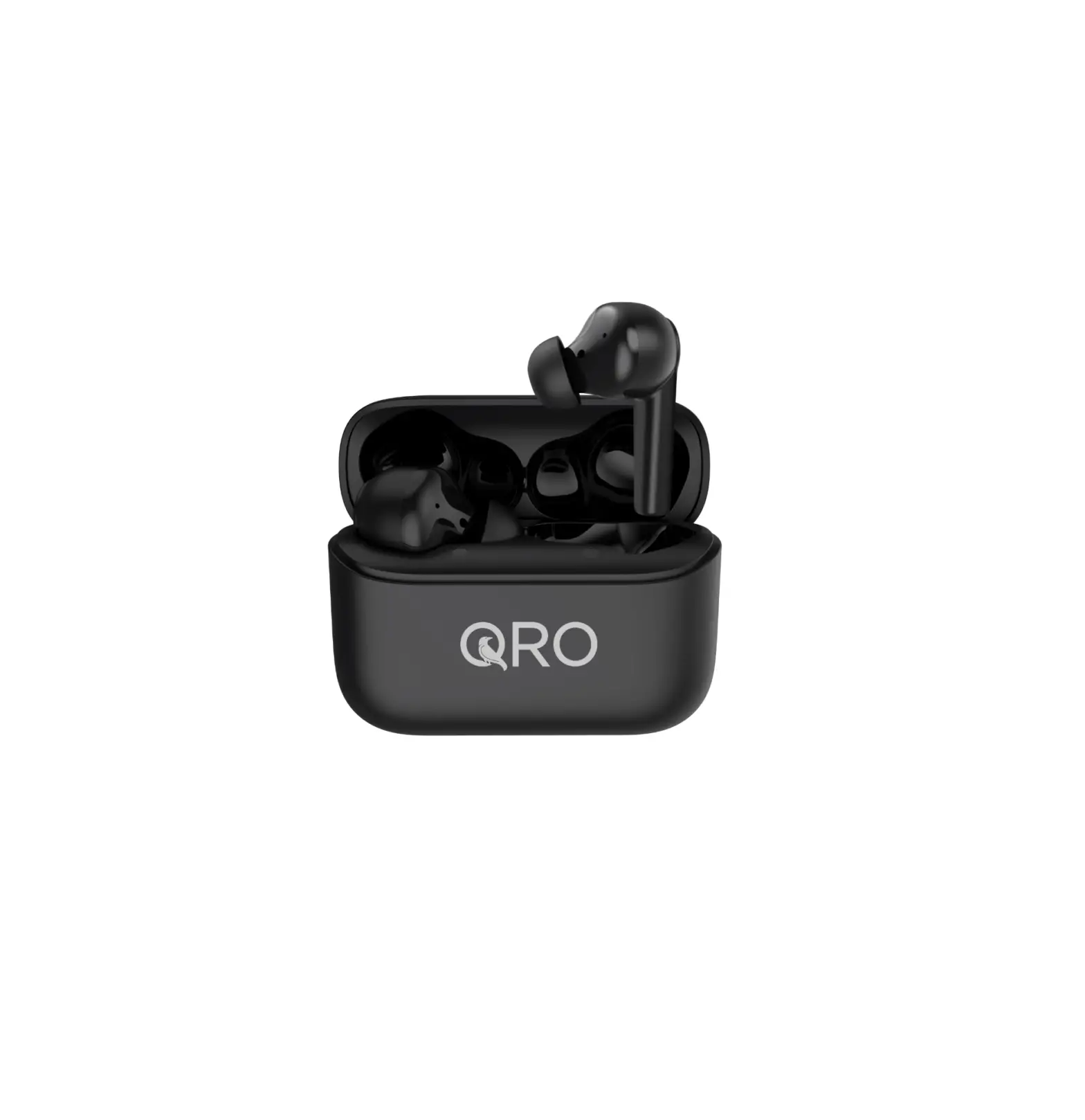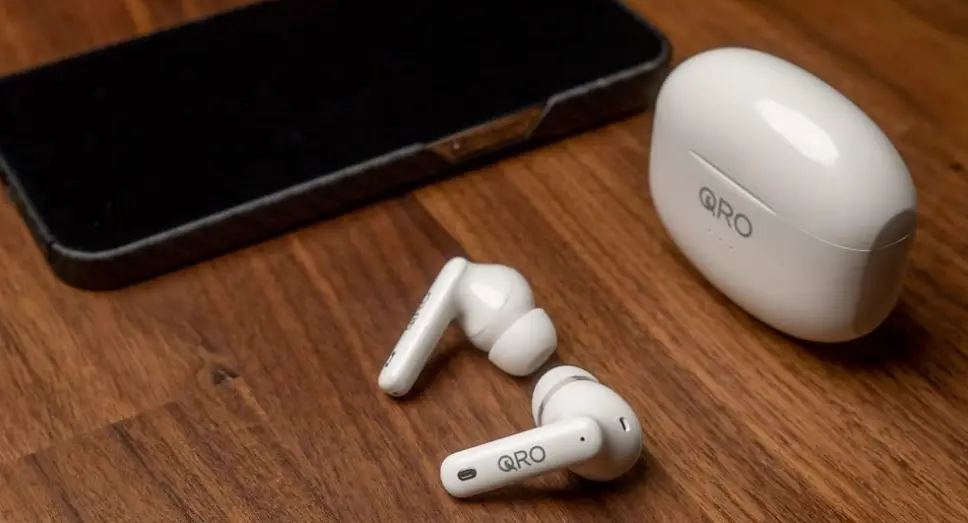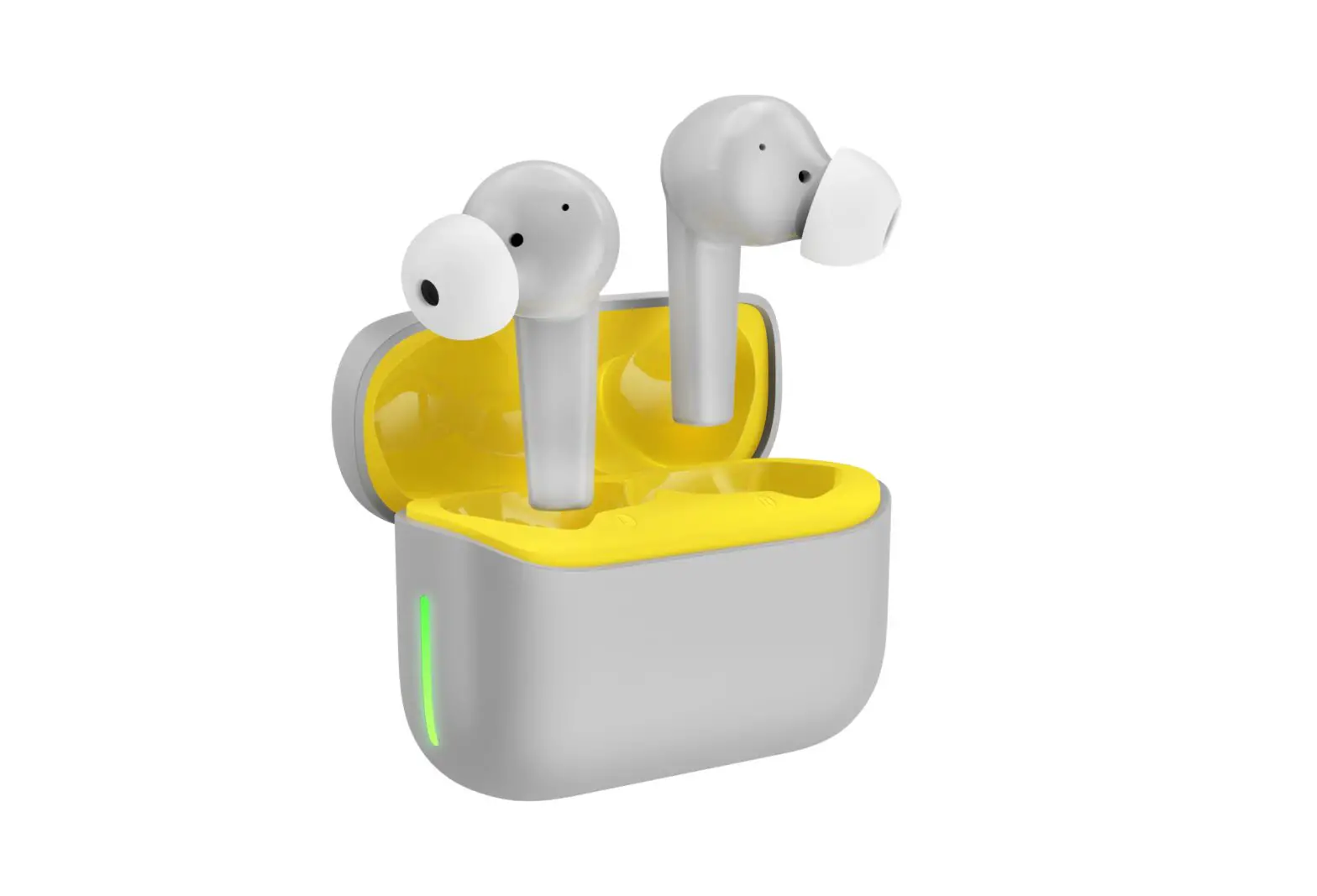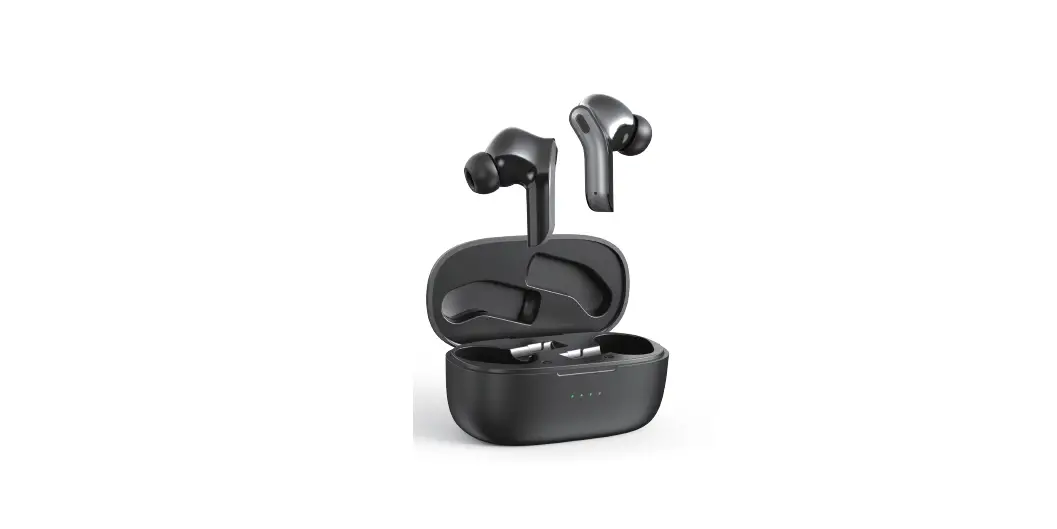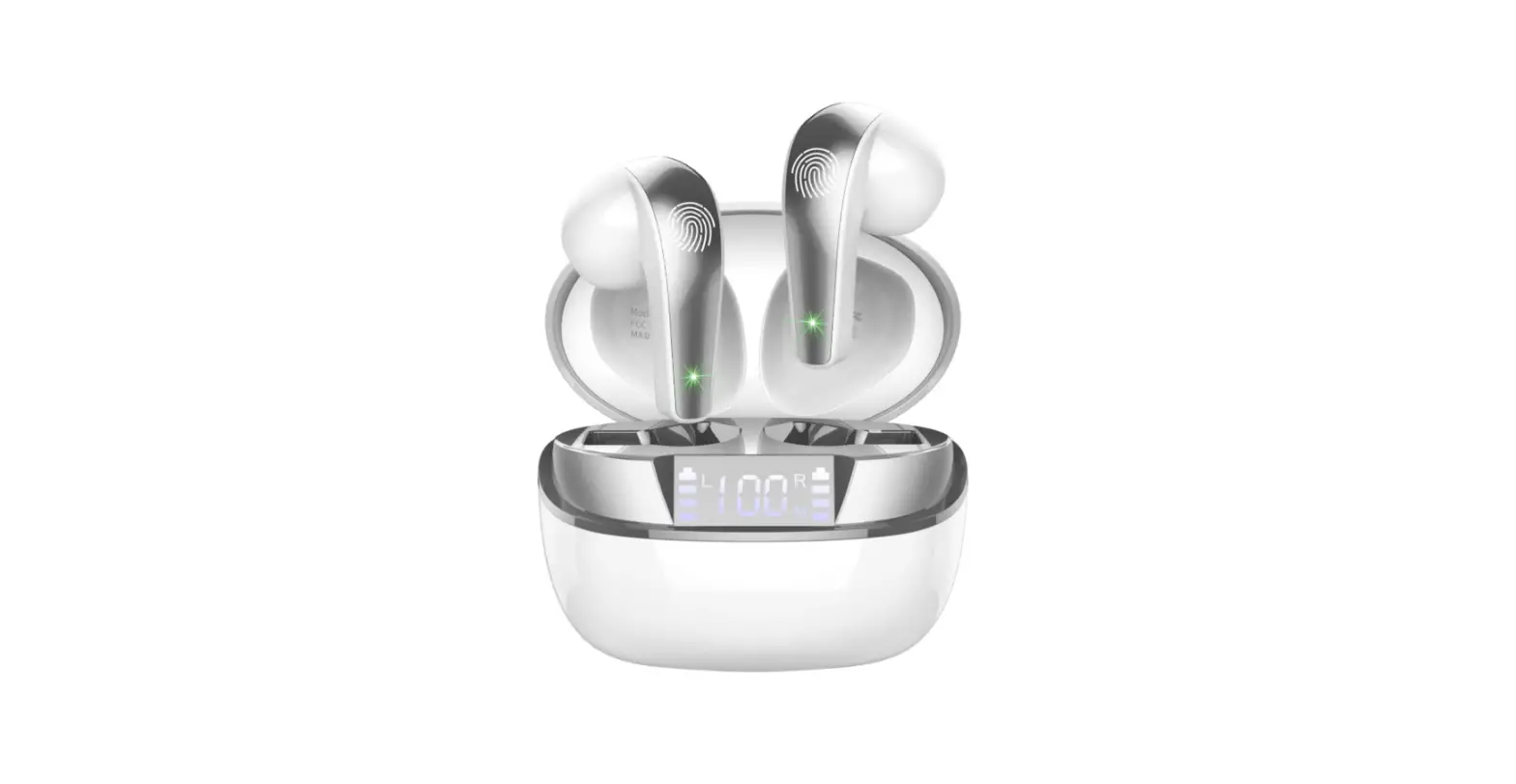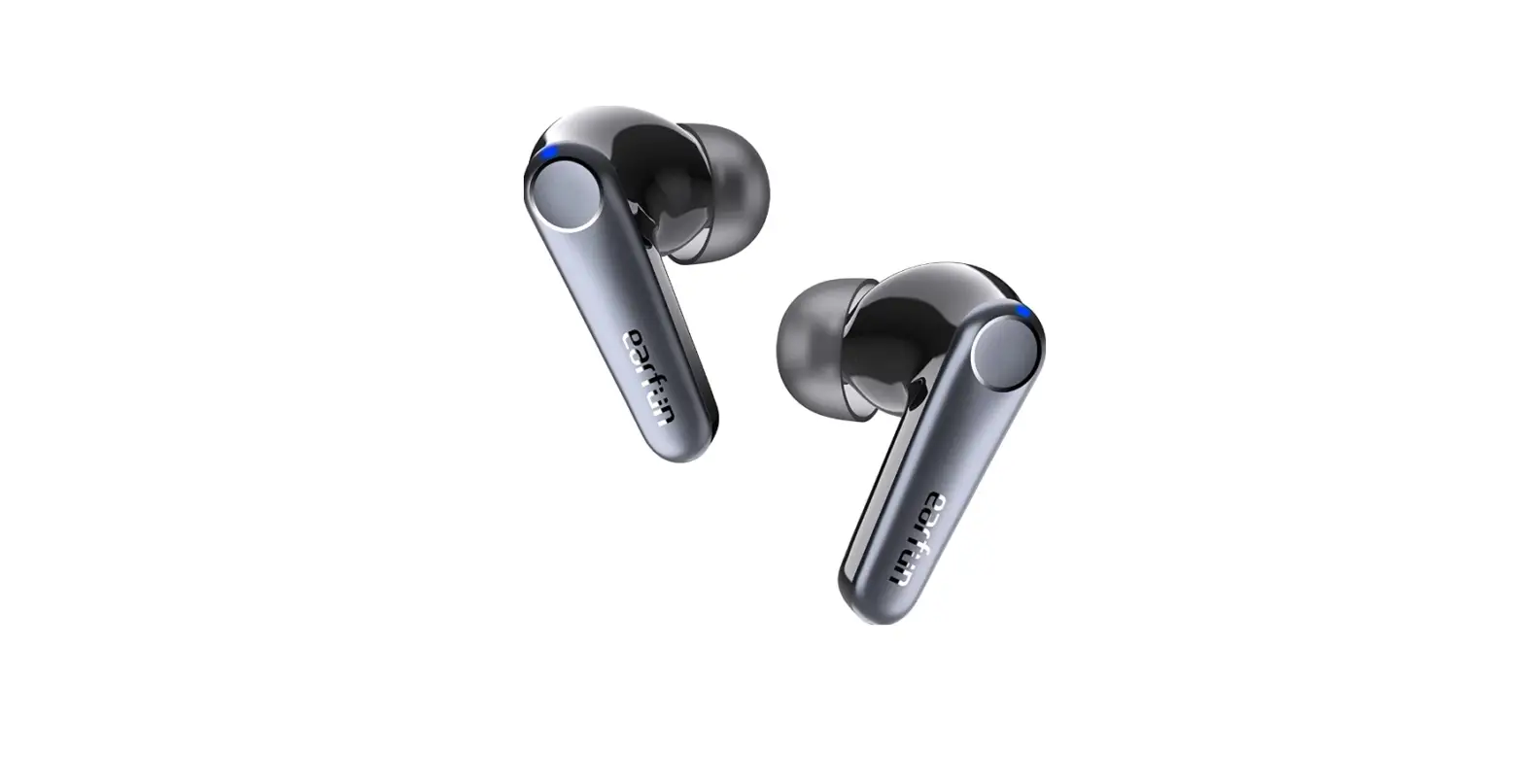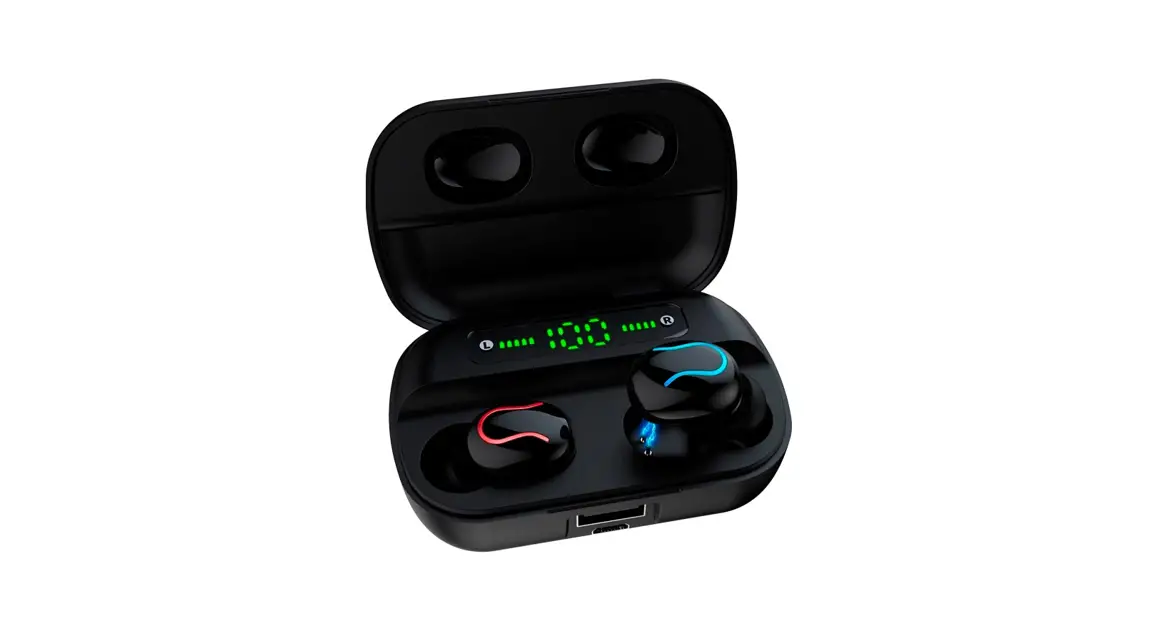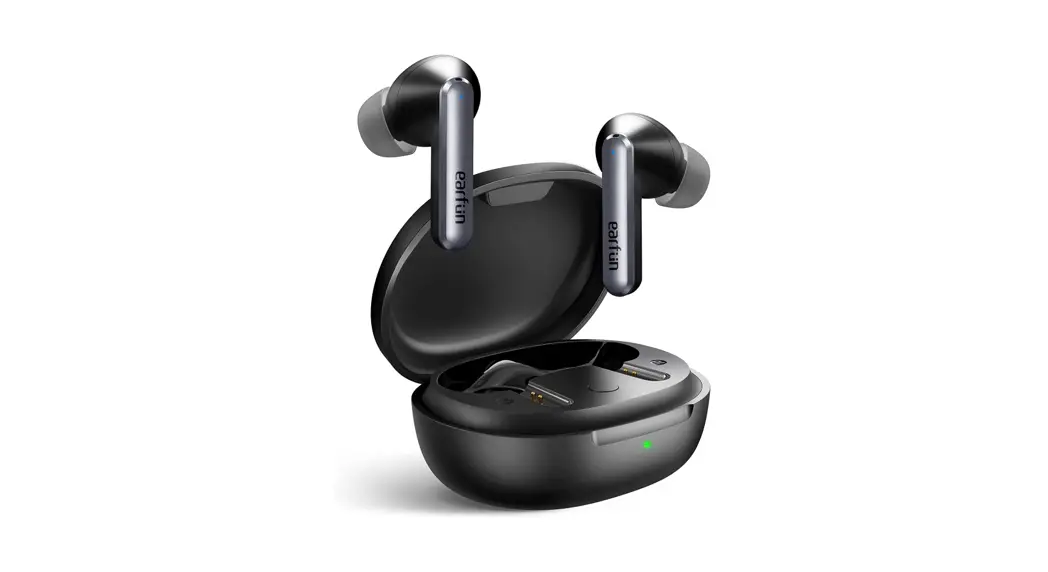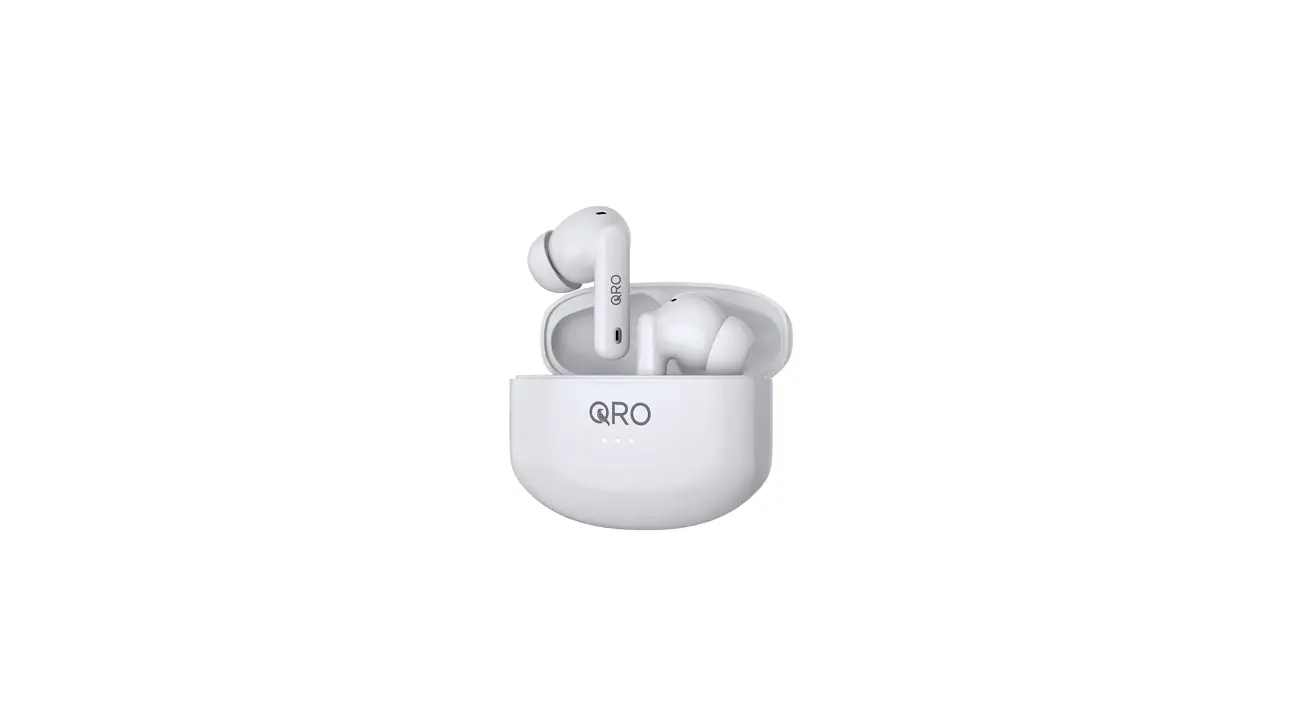

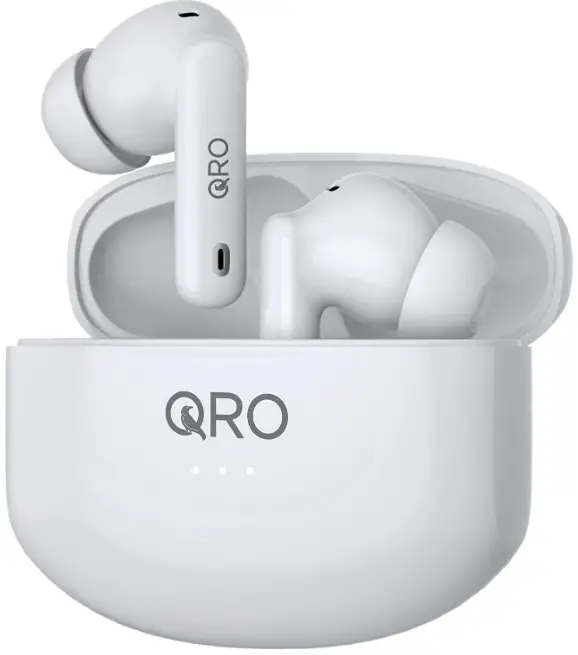
Qro Classics Wireless Noise Cancelling Earbuds
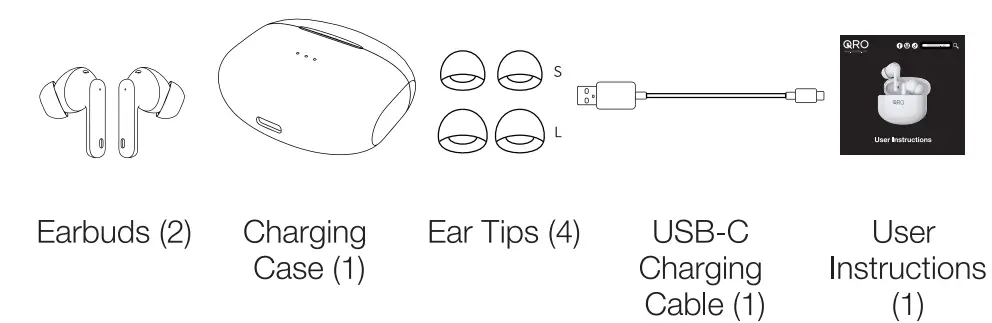
WHAT’S IN THE BOX
FEATURES
- Active Noise Cancellation (ANC)
- Transparency Mode
- Game (Entertainment) Mode
- Call Noise Cancellation (ENC)
- Music Play Time (ANC Off) 6H
- Music Play Time (ANC On) 5H
- Charging Port USB-C
- Charging Time (Earbuds) 1H
- Charging Time (Charging Case)5H
- Standby Time 150H
- Bluetooth version1
- Water Resistance IPX4
WARNING
Dispose of earbuds in accordance with Country and local regulations. Keep earbuds away from young children and animals.
POWERING ON AND OFF
POWERING ON OPTIONS
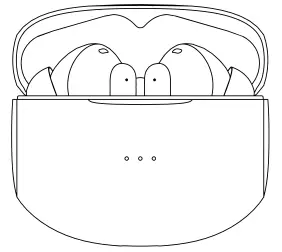
- The earbuds will turn on automatically when the earbuds are in the case and the case is opened.
- Press and hold one earbud for 8 sec. You will hear “Power On” when it turns on. Follow the same procedure to turn on the other earbud.
POWERING OFF OPTIONS
- Place the earbuds back into the charging case and close the lid.
- The earbuds will automatically shut down if they are not connected to a device for more than 3 minutes.
- Press and hold one earbud for 8 sec. You will hear “Power Off” before both earbuds turn off.
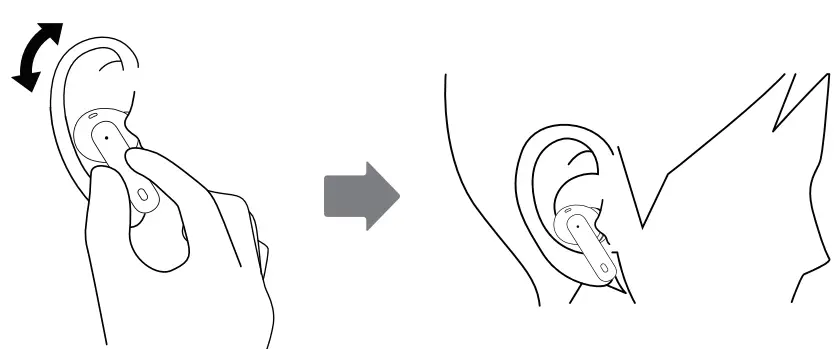
WEARING YOUR EARBUDS
- identify the left and right unit.
- Try different wearing position until they fit your ears.
HOW TO CONNECT
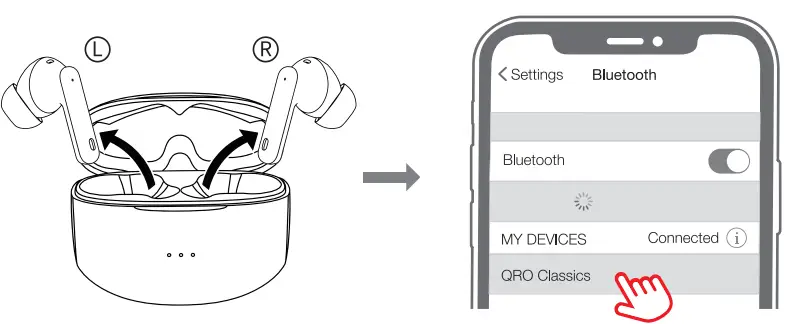
PAIRING, CONNECTING TO AND DISCONNECTING FROM DEVICES
- The earbuds will automatically pair with each other once turned on.
- Connecting to your device: Choose “QRO Classics” from the device list in your device’s Bluetooth settings.

- Disconnecting from your device:
- when they are placed into the charging case and the lid is closed; or
- When the earbuds stray from their Bluetooth coverage range (10 meters) You will hear “Disconnected”.
- Reconnecting to your device:
- The earbuds will reconnect to your device when they return to the Coverage area within 3 minutes.
- When they are powered off, reconnect one earbud to a device by pressing and holding the touch panel for 8 sec. You will hear “Power On” and “Connected”. Follow the same procedure to power on and reconnect the other earbud.
The earbuds will automatically reconnect to the last device they were connected to within that device’s Bluetooth range.
MUSIC & CALL TOUCH CONTROLS
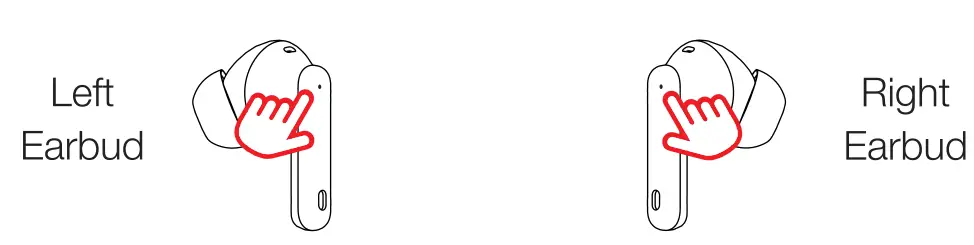
A sound effect can be heard when touching the earbud touch-control panels
- Tap…… Play/Pause
- Taps… Previous Song/Take and Hang Up Calls
- Taps……Voice Assistant (Siri, Bixby, etc.)
Press & Hold 1.5 Sec…….Decrease Volume/Reject Calls - …Play/Pause
- Taps…..Next Song/Take and Hang Up Calls
- ..MANC/Transparency/Music/Game (Entertainment)
Press & Hold 1.5 Sec ….Increase Volume/ Reject Calls
LISTENING MODES
- Music mode: Increases battery life by turning off other listening modes.
- ANC mode: Blocks external noise.
- Transparency mode: Amplifies external noise to hear what is going on in your surrounding environment.
- Game (Entertainment) mode: Eliminates delay between visual content and corresponding audio (ANC automatically turns off).
RE-PAIRING TWO EARBUDS
If the earbuds are powered on normally but only one earbud can be heard, follow the procedures below to re-pair the two earbuds:
- Delete or “Forget” the earbuds from your device’s Bluetooth menu.
- Place the earbuds back in the charging case and close the lid.
- Take the earbuds out of the case for 15 seconds.
- Reconnect to the device following the instructions above.
Charging
Charging Earbuds
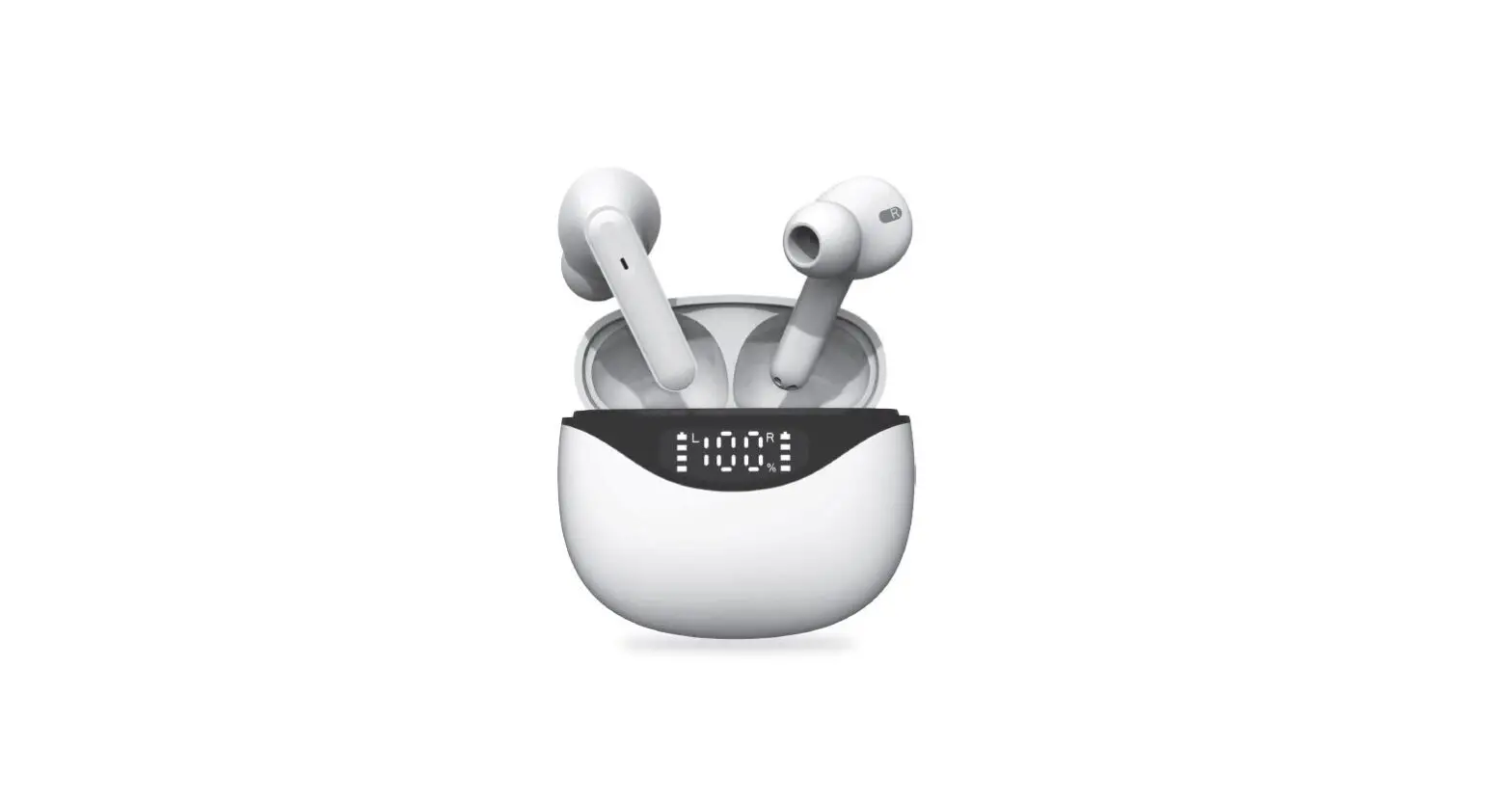
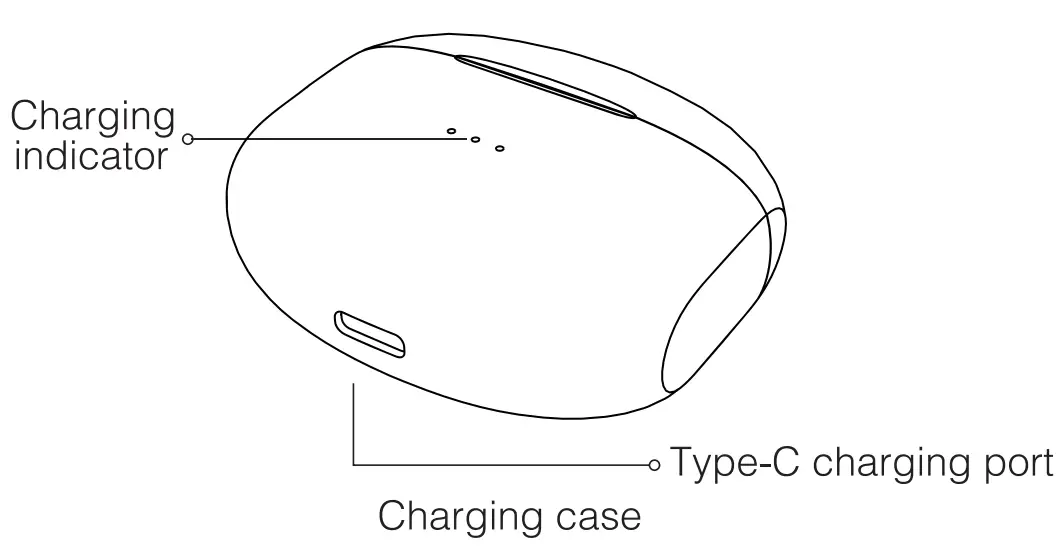
- Place the earbuds in the charging case and close the case. The LED on the charging case will turn on. When the earbud battery charge reaches 100%, the LEDs will turn off.
- Earbud Low Power Warning: “Battery Low” recording will be heard every 30 seconds when the voltage is lower than 3.3V.
CHARGING THE CHARGING CASE
- Use the included USB-C cable to charge your charging case.
- Charging case battery level indicator:
- 3 LED lights on: 70%-100%;
- 2 LED lights on: 30%-60%;
- 1 LED light on: Less than 30%
Earbuds and Charging Case Maintenance: Charge the earbuds and charging case once every three months to maximize the life of both devices. Failing to do so may result in damaging of the device.
FAQs
True wireless earphones make it more comfortable, though. These are tightly fitting in the ear and have no cords that could tangle you up. Some models also offer active noise-canceling to drown out sounds that keep you from nodding off.
Due to its superior audio quality, extensive feature list, long battery life (28 hours), support for the aptX Adaptive Bluetooth codec, and additional in-app customisation capabilities, the noise-cancelling earbuds are still among the best in their class.
To activate active noise cancellation on the earbuds themselves, simply touch and hold one of them while wearing both of them. When you hear a buzzer, active noise cancellation will start working.
If the noise-canceling headphones are Bluetooth earphones, you can wear them while sleeping without worrying about tangled cords because they don’t have cords. Additionally, some are made with silicone that is flexible and moulds to your skull in comfortable ways.
Before their battery runs out, true wireless headphones typically have a battery life of 3 hours or less. Charger cases are useful in this circumstance. Your headphones’ listening time can be increased by at least 5 to 6 hours with the use of a suitable charging case.
Always store the earbuds in the charging case to keep them secure and safe. Be careful and keep moisture away from the charging case.
Noise cancellation does not carry across phone calls. The call recipient is not shielded from background noise even though the wearer of headphones is protected from it because they may still hear it.
Phone calls are not affected by noise cancellation. Even if the wearer of headphones is protected from background noise since they may still hear it, the call recipient is not.
That is, if you even want to listen to music. Actually, whether or not you are listening to music, noise-canceling headphones shut out surrounding noise. Therefore, if you’re attempting to sleep on a flight, a bus, or while working in a noisy workplace, noise-canceling headphones can also help you simply enjoy some peace and quiet.
If the second earbud still has power while being used, you can charge one of them independently in the charging case.
To begin charging your earbuds, connect them using the micro USB cord to your computer or another USB power source. If your product is not charging or is not showing the charging indication, please wait two hours for the earphones to finish charging after plugging them in.
They could be expensive. It can be expensive to purchase a set of noise-canceling headphones, especially if you choose for a high-end model. They could be difficult to use. They might irritate you. If they are not used properly, they may be harmful. They might be noticed in social settings.
The battery will deplete if the earbuds are left inactive or on the charging base. It may occur on the first use if the product hasn’t been used or charged for a while. For the optimum performance and longevity, charge your earphones whenever they are not in use.
Because they can be as loud as 100 dB or more, headphones and earbuds should only be used at a noise level that is 50 to 60 percent of their maximum. This preserves our hearing while allowing us to enjoy our favourite music for longer.