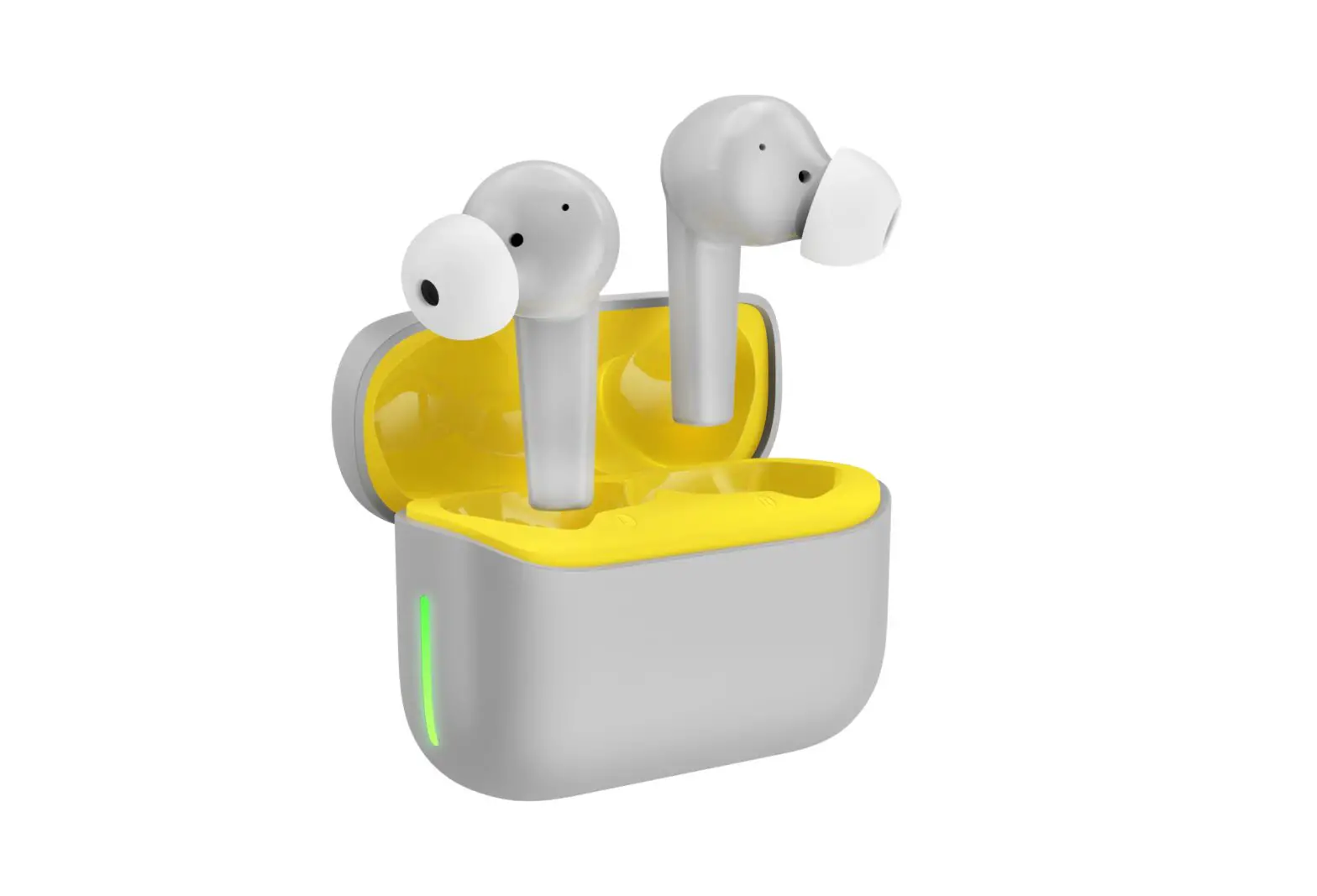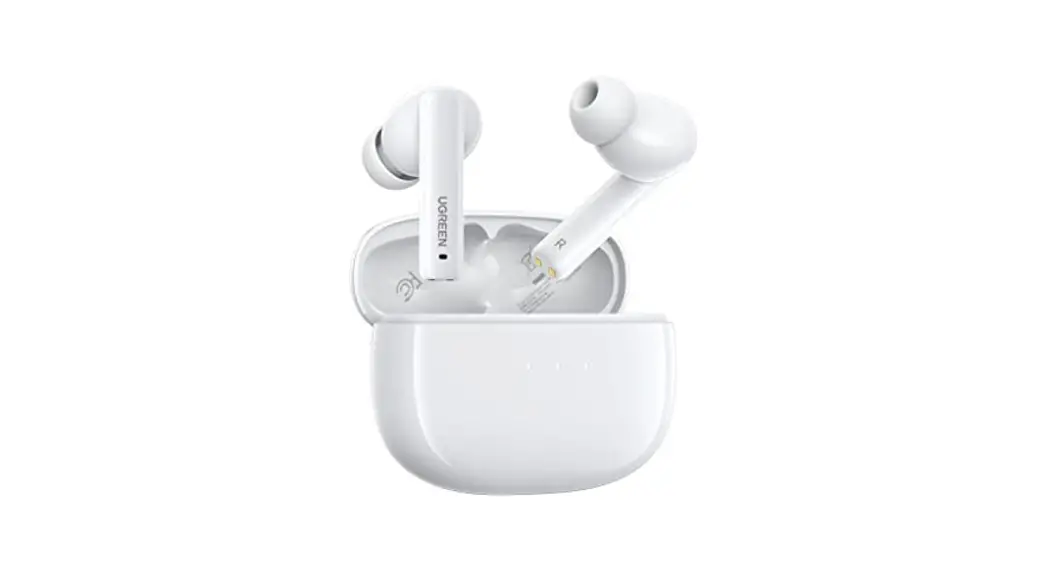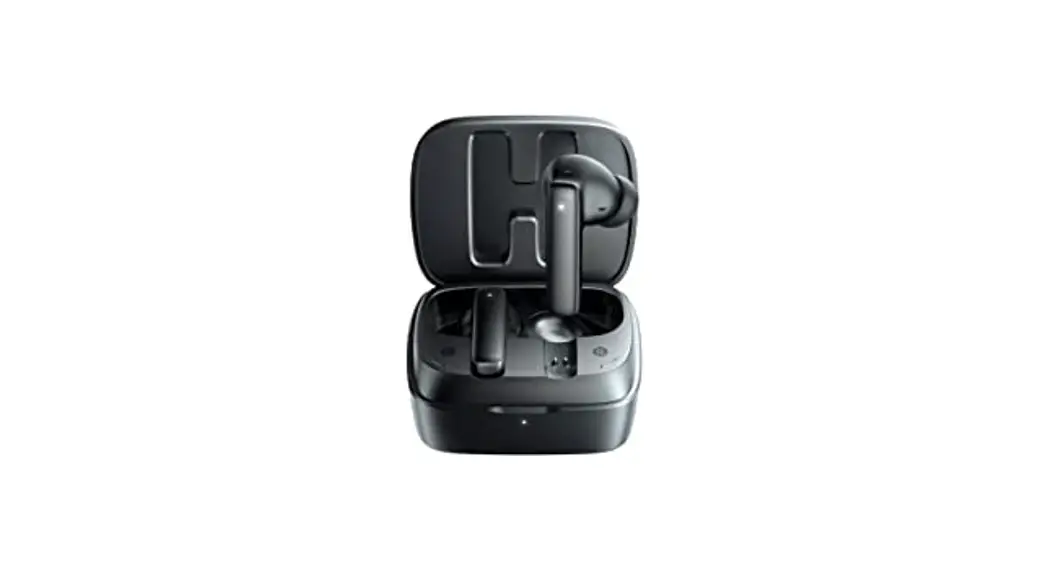
 MANKIW-A10
Noise Cancelling Wireless
Earbuds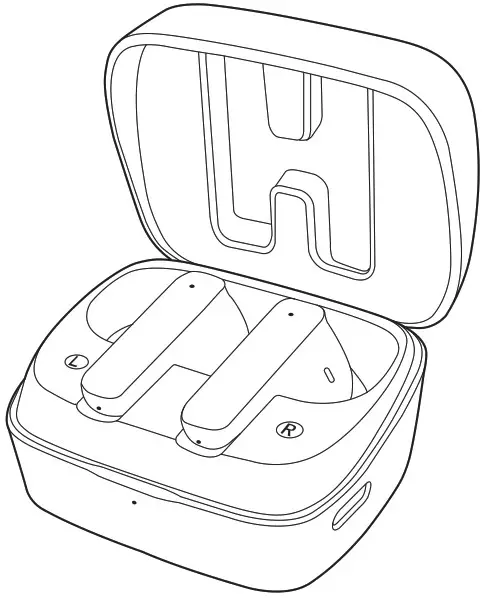
User Manuel
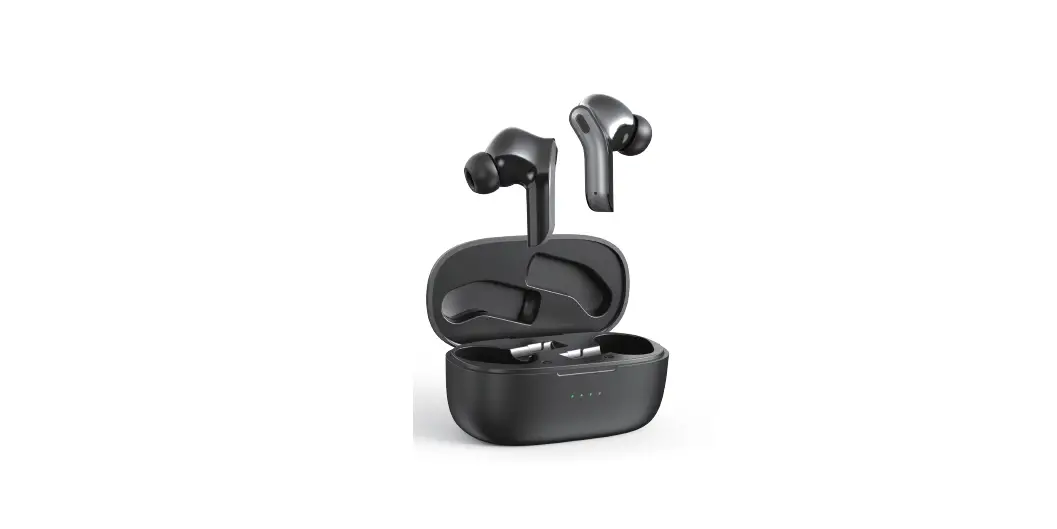
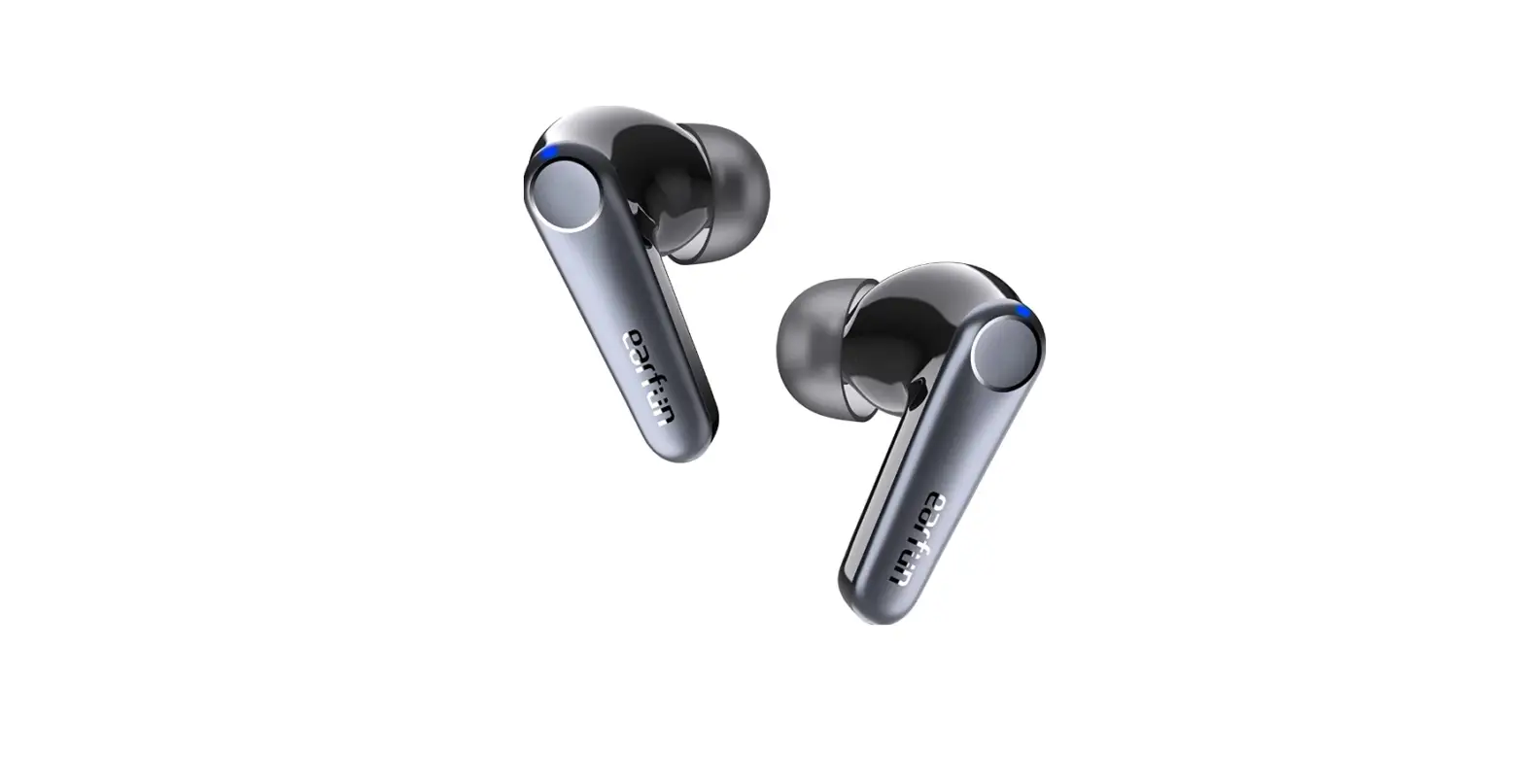
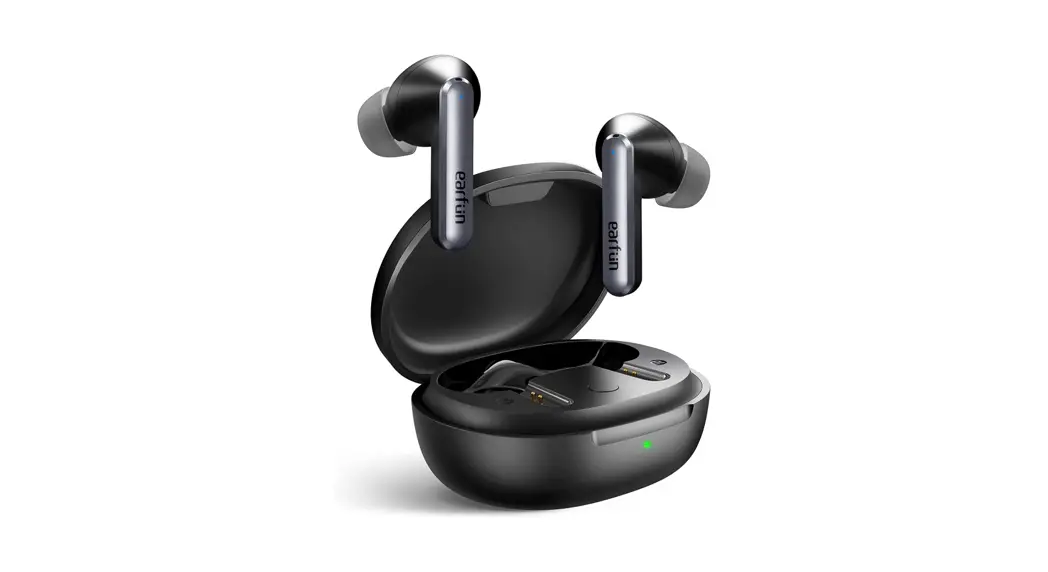
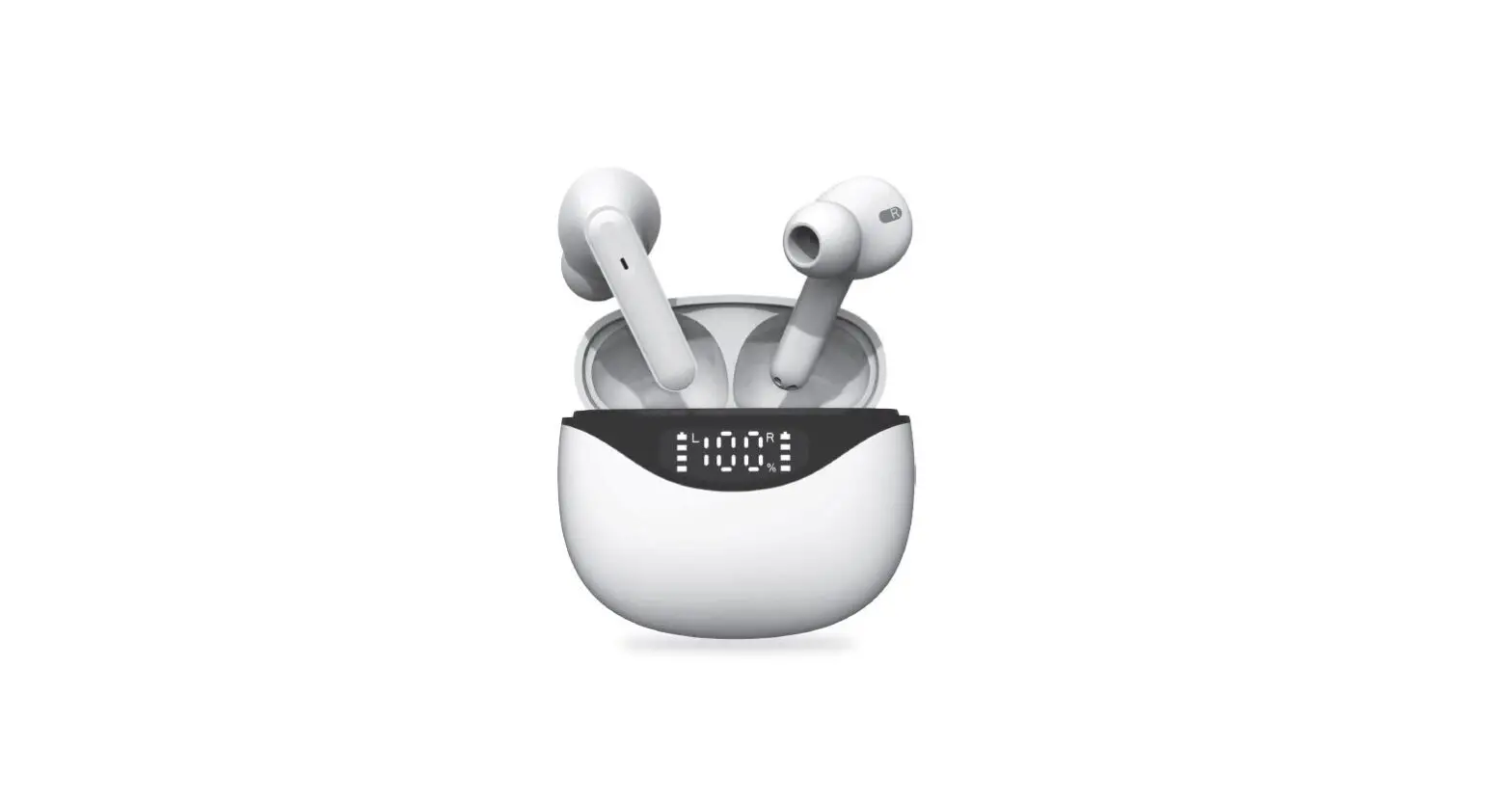
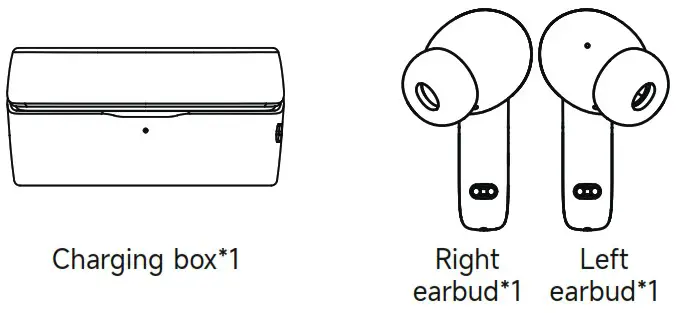
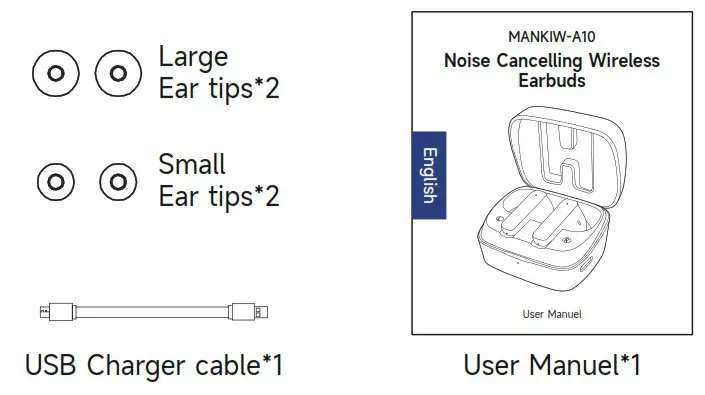
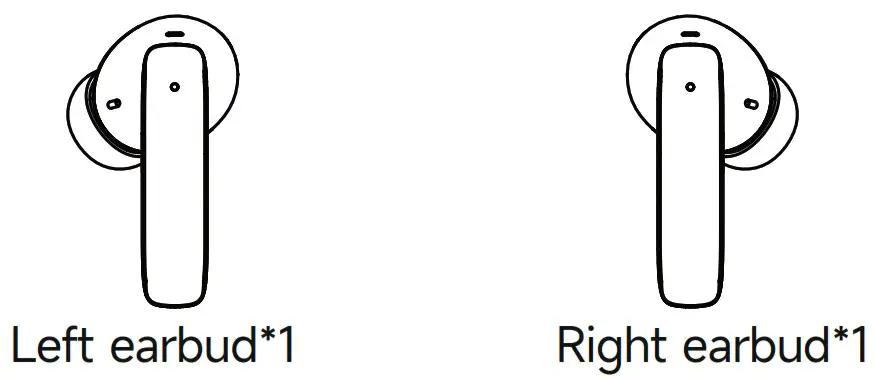
Product List
How to wear?
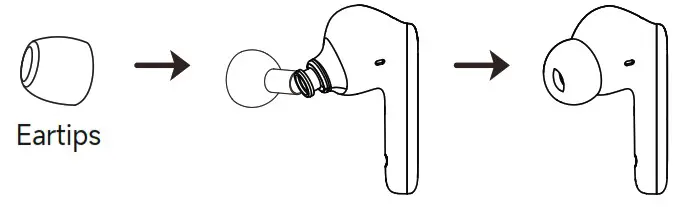
① Choose eartips
② Try to wear earbuds
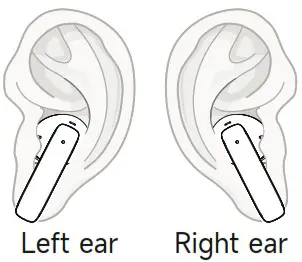
Insert the earbuds into the ear and adjust the earbuds to the suitable angle to ensure the best sound quality and comfort, after the eartip are assembled to the earbuds.
Function & Operation
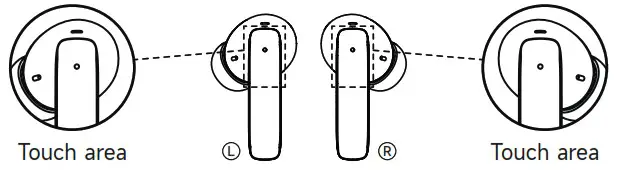
| Function | Icon | Operation | Prompt Tone | Prompt light |
| Power on |  | The earbuds will turn on automatically when the charging box is opened (Or Touch and hold on the touch area about 1 second) | Power on | White Lamb flashes once time |
| Power off |  | Put the earbuds into the charging box and close the lid (Or Touch and hold on the touch area about 5 seconds) | Power off | White Lamb light one second |
| Play/Pause |  | Double-tap the touch area which on the left or right earbuds | / | No indicator light |
| Previous Song |  | Triple tap the touch area which on the left earbuds | / | No indicator light |
| Next Song |  | Triple tap the touch area which on the Right earbuds | / | No indicator light |
| Answer the call |  | Double-tap the touch area which on the left or right earbuds while call coming | / | No indicator light |
| Reject the call |  | Touch and hold on the touch area which on the left or right earbuds about 2 second | / | No indicator light |
| Hang up the call |  | Double-tap the touch area which on the left or right earbuds during the call | / | No indicator light |
| Siri/Voice assistant |  | Touch and hold on the touch area which on the left earbuds about 3 seconds | “Beep” | No indicator light |
| Noise reduction mode |  | Touch and hold on the touch area which on the Right earbuds about 3 seconds (Enter ANC ON mode while turn on, then “Pass through”-“ANC OFF” -“ANC ON”, cycle through | “Pass through” -“ANC OFF” -“ANC ON” | No indicator light |
How to use the charging box?
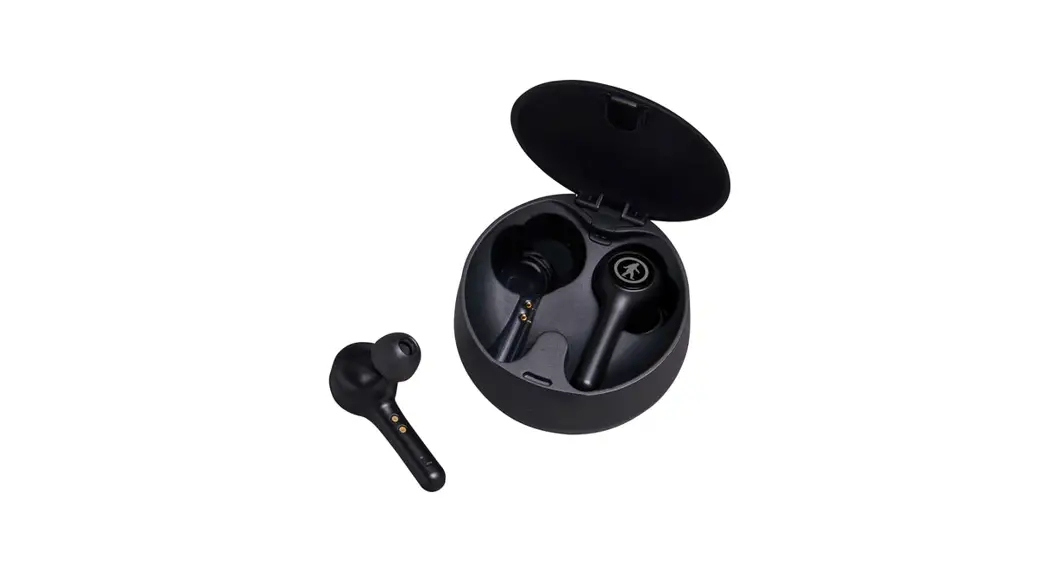
① How to remove the earbuds from the charging box?
Open up the charging box first, pick up the earbuds, Then the earbuds turns on automatically and enters pairing mode.
② Charging box
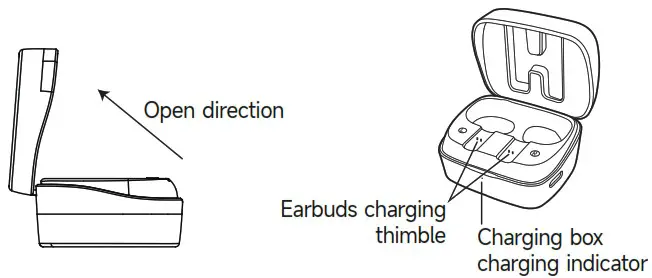
Working status of indicator light
| Earbuds Working status | Earbuds Indicator Status | Charing box Working status | Charing box Indicator Status |
| Power on | White Lamb flashes | Charing box in Charing | White Lamb of Charing box flashes |
| Charing | White Lamb light | Charing box Charing fully | White Lamb of Charing box light |
| Charing fully | White Lamb off | Low Battery of Charing box | White Lamb of Charing box flashes every seconds |
| TWS Paring | Main earbud’s White Lamb flashes, secondar earbud no light |
Restore factory settings: After the earbuds is turned on, 6-tap the touch area which on the left or right earbuds to restore the factory settings, disconnect the left earnids and right earbuds and reboot.
How to Connect?
① How to enters the pairing mode?
Open up the charging box,
Then the earbuds turns on automatically and enters pairing mode. (At this time, the right earbuds enters the pairing state automatically after the left and right earbuds are connected successfully)
② How to make the earbuds connect with mobile phone?
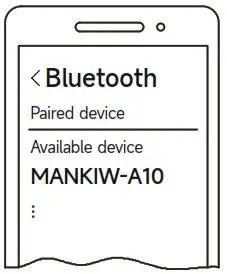
Turn on the phone’s bluetooth setting and search for the pairing name “MANKIW-A10”, click and wait for the connection, the earbuds will prompt “Bluetooth Connected” after success.
Specifications
| Model number | MANKIW-A10 |
| Version | V5.3 |
| Supporting agreement | HFP/HSP/A2DP/AVRCP |
| System compatible | iOS/Android/Windows |
| Distance | 32.80feet |
| Waterproof | IPX4 |
| Speaker unit | (4)10MM, 160 moving coil unit |
| Battery Capacity | Earbuds 3.N/40mAh Charging box 3.N/350mAh |
| Working time of earbuds | 8 Hours |
| The charging box provides additional working time | 70 Flours |
| Charging time | Earbuds 1.5H, charging box 1.5H |
| Product Size | Earbuds 3518’18.51’22.95mm Charging box 56.5’45.8’28.23mm |
Precautions for Use
- The earbuds should be stored in a dry and ventilated environment to keep away from oil, water vapor and steam, avoid to affect the performance of the product.
- Avoid cleaning with harsh, organic solvents.
- Earbuds should be used correctly and in accordance with the User Manuel, in order to ensure a connection, it is recommended that the distance between the phone and the earbuds within 32.80feet.