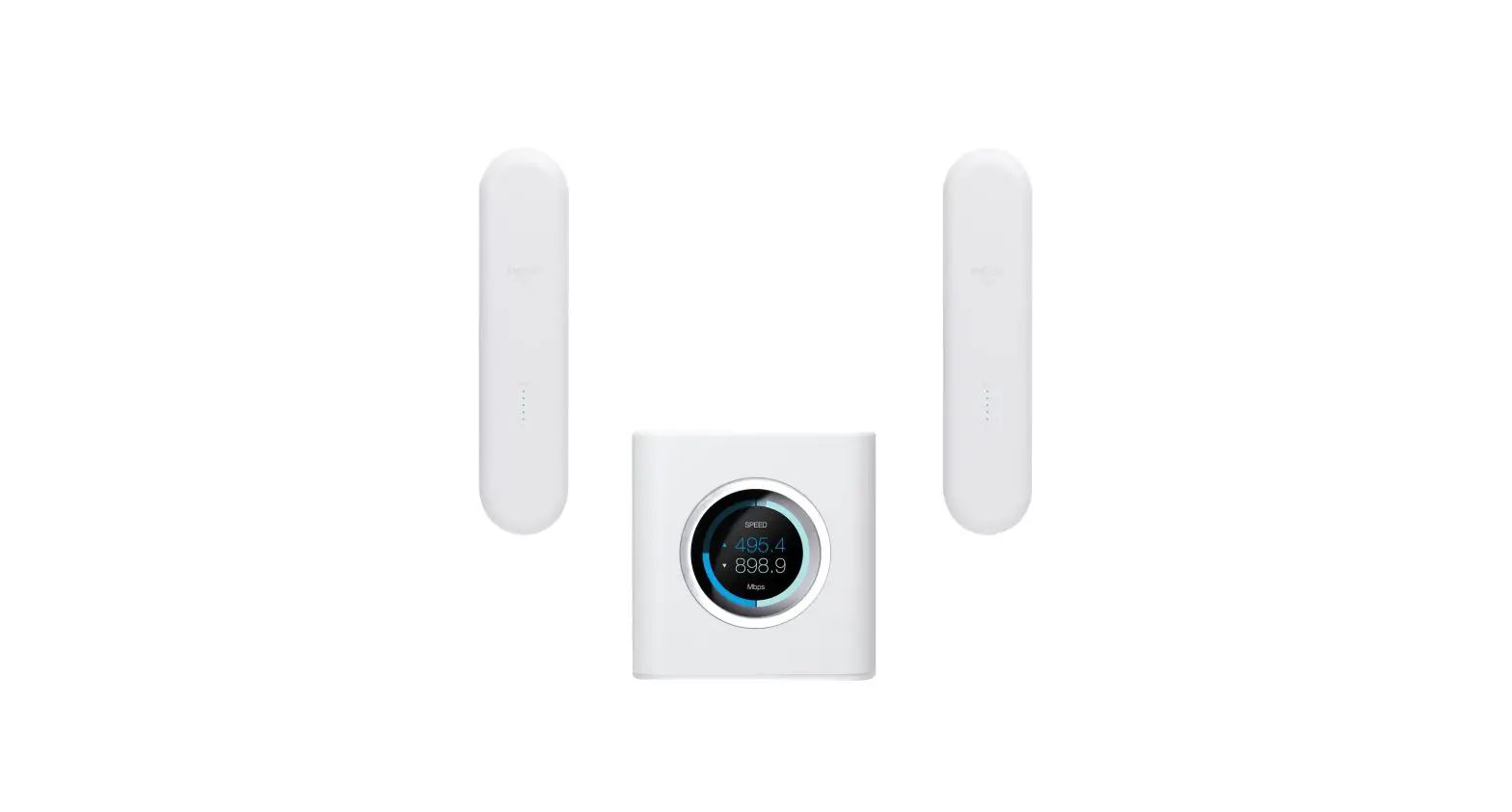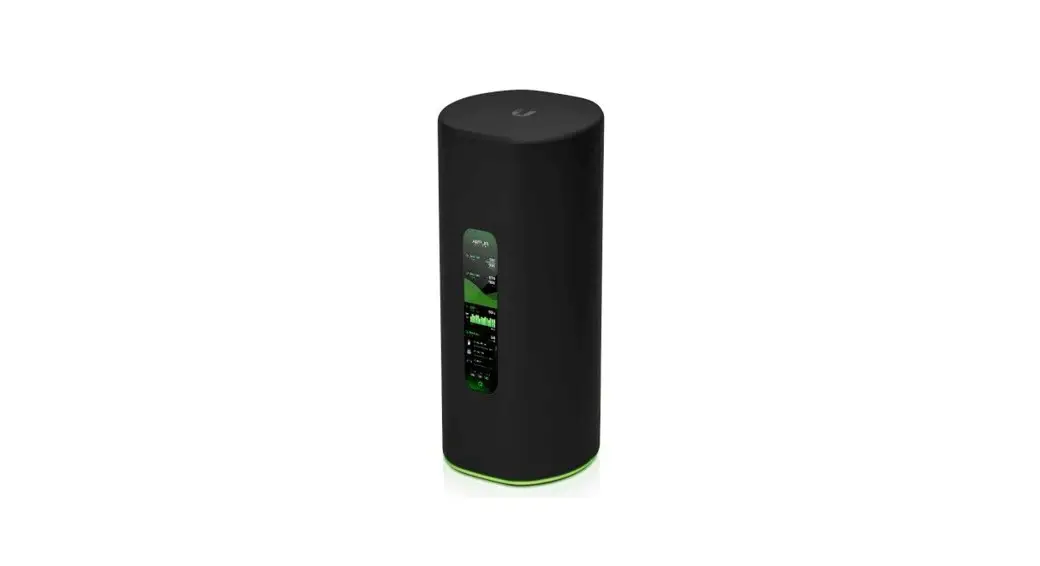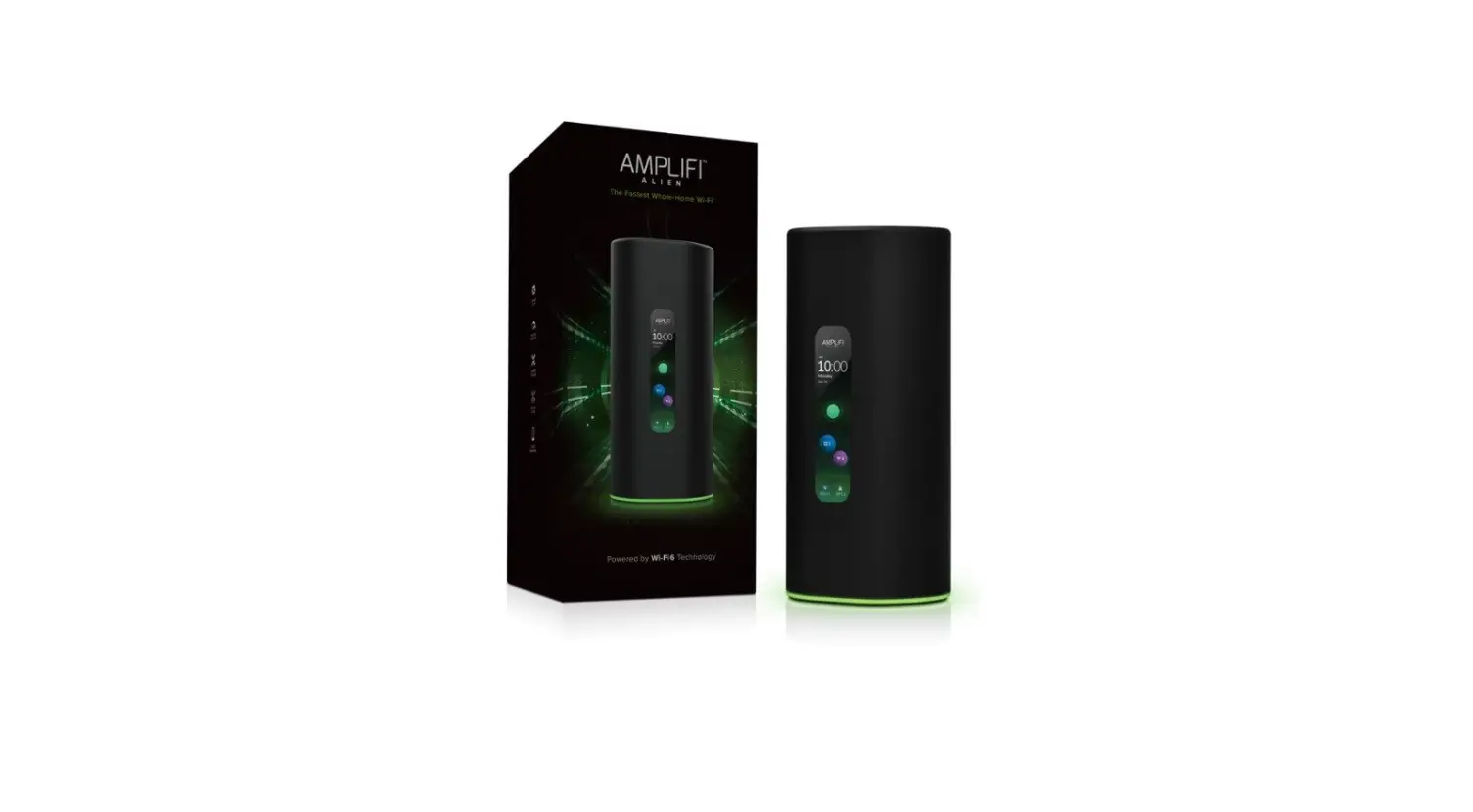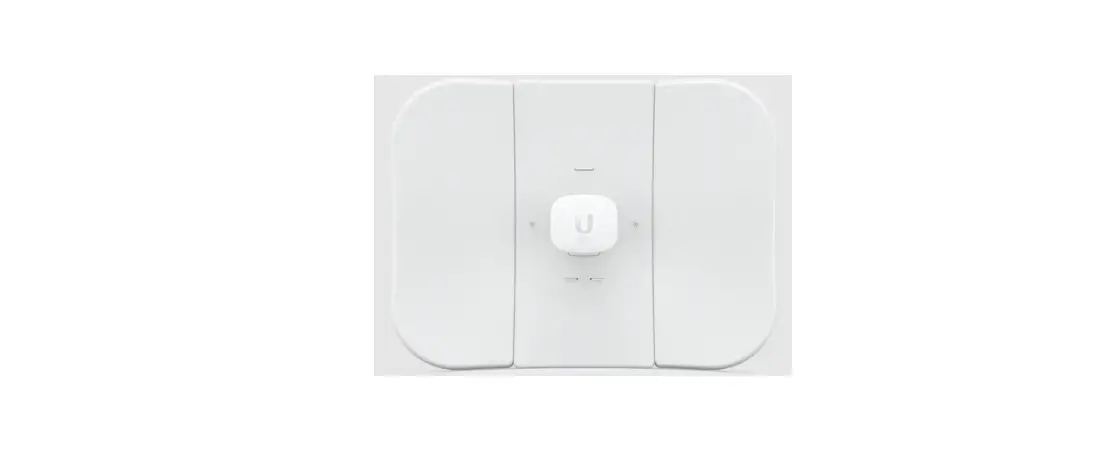

UBIQUITI AFi-HD Amplifi 4-Ports Home Wi-Fi System AFI HD Wireless Router
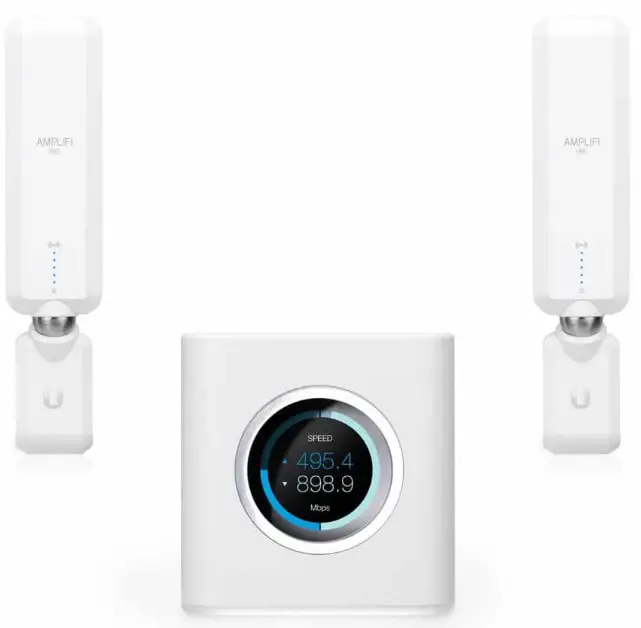
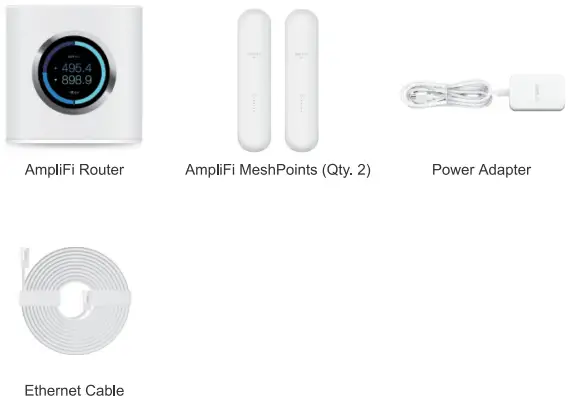
Package Contents
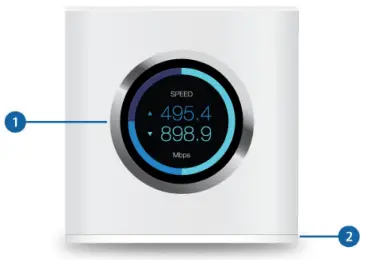
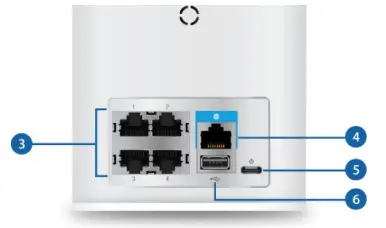
Hardware Overview
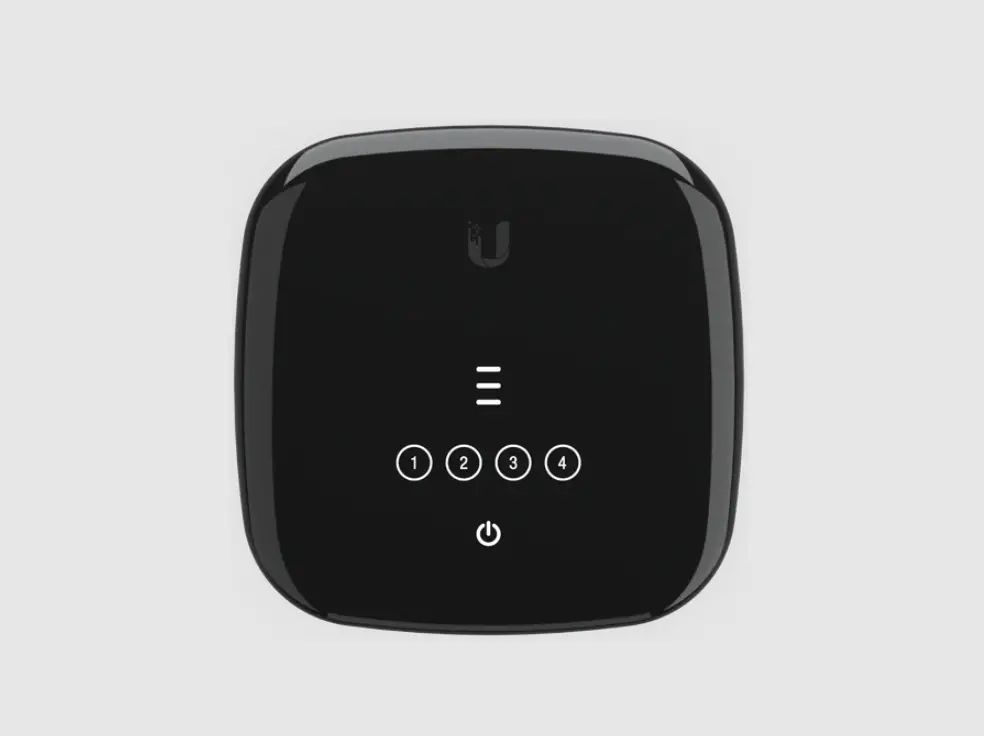
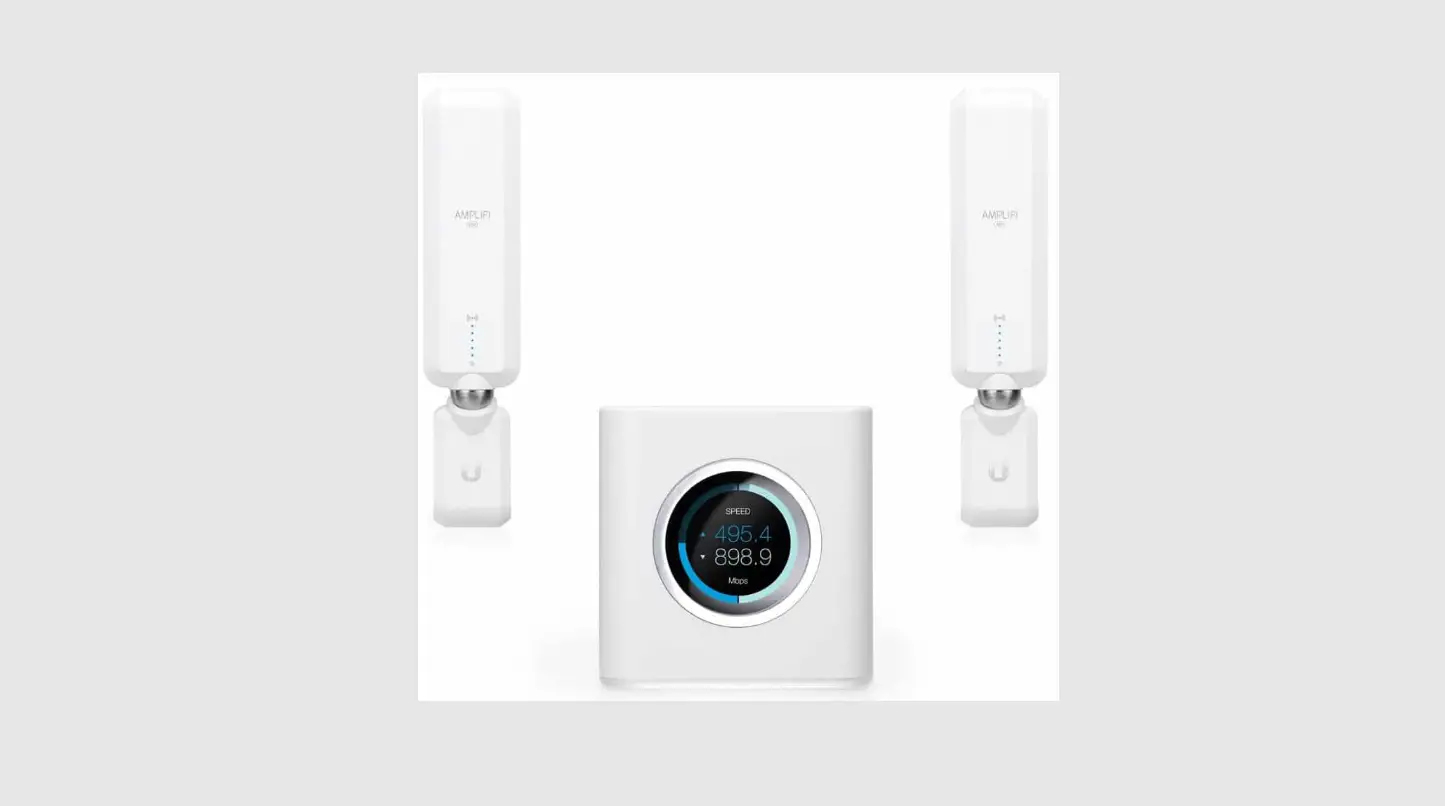
Router
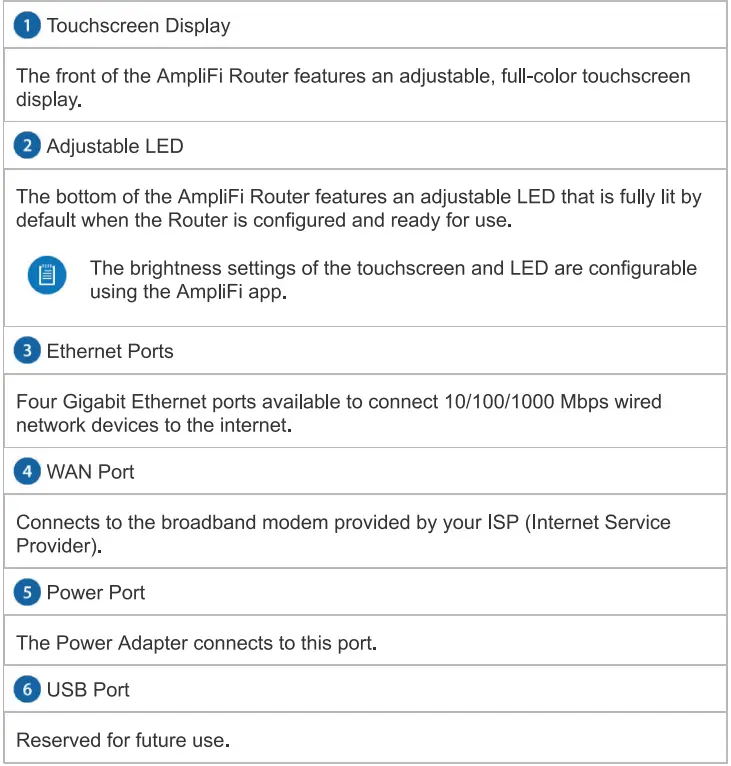
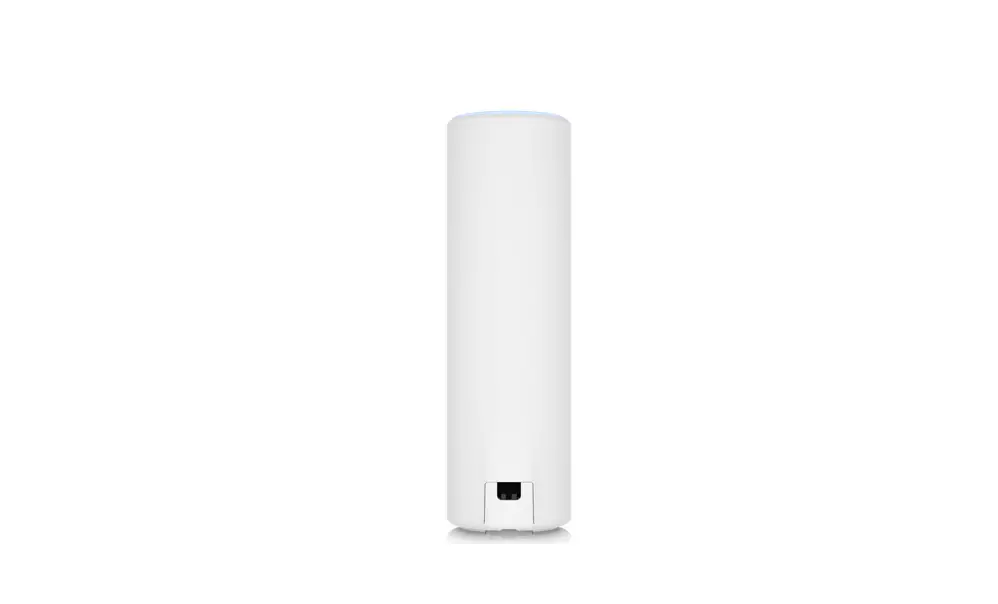
Mesh Point 
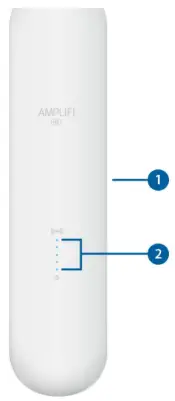
| Adjustable Antenna |
| The MeshPoint antenna can be adjusted to provide optimal signal coverage for your location. |
| Signal LEDs |
| The Signal LEDs will reflect signal strength once the MeshPoint is connected to the Router. |
Installation
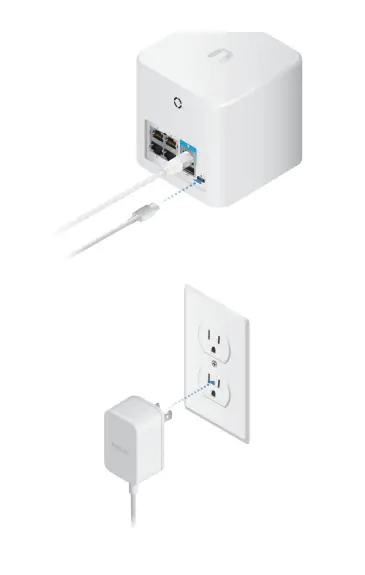
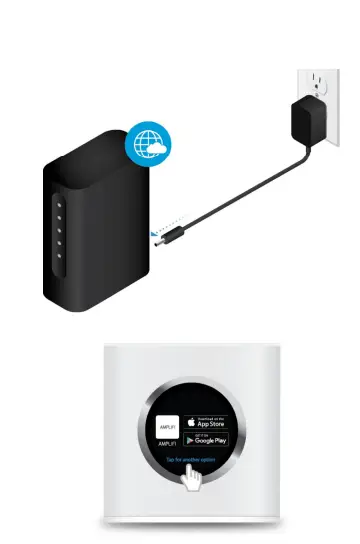
The AmpliFi Router can be installed using one of the following methods:
- App Users AmpliFi app for iPhone or Android™
- Non-App Users Connect to the default AmpliFi wireless network (SSID) from a computer or tablet.
App Users


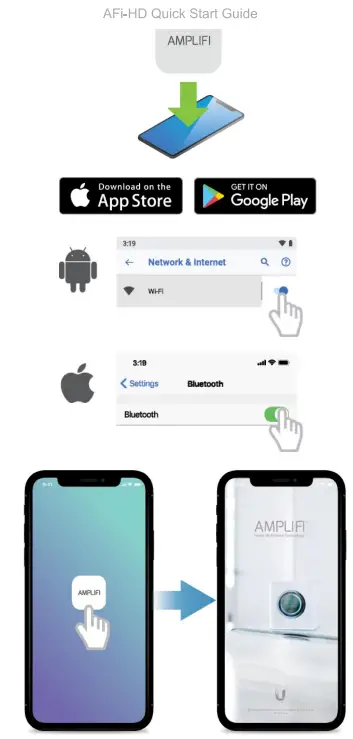
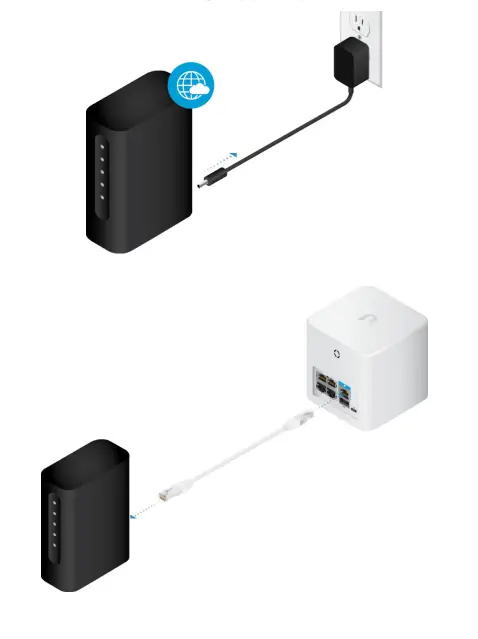
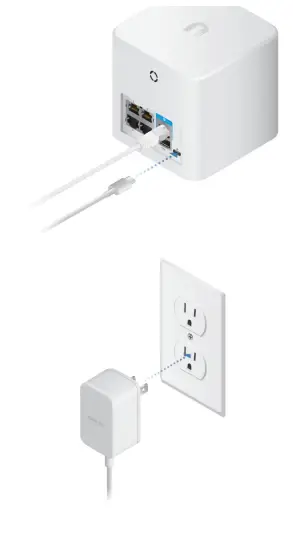
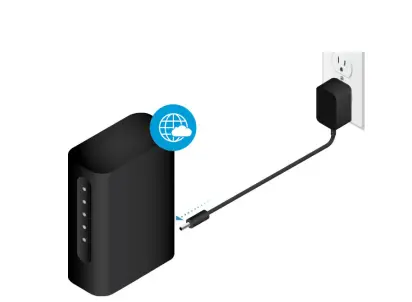
Follow the on-screen instructions to configure your AmpliFi Router.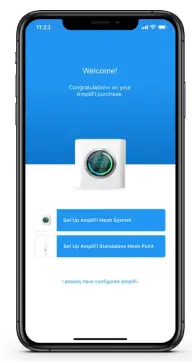
Non-App Users


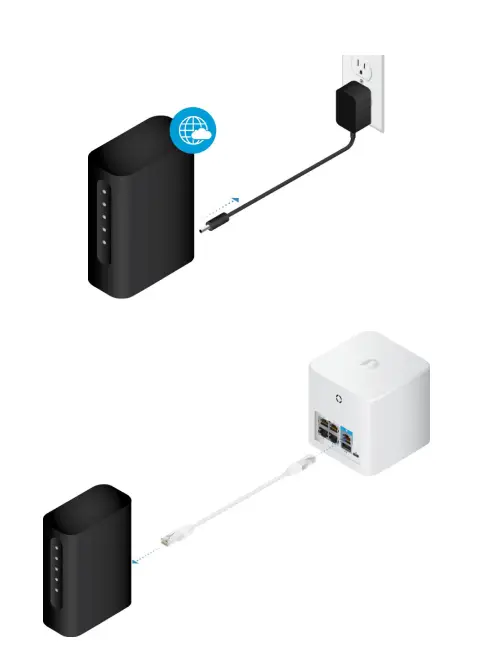
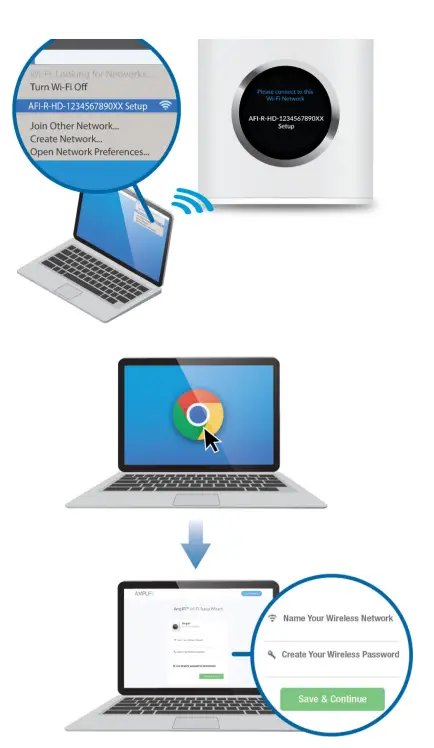
Connect to the new wireless network that you’ve created.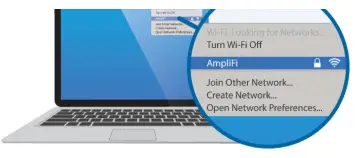
Installing the MeshPoints 

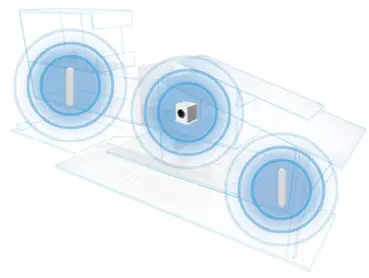
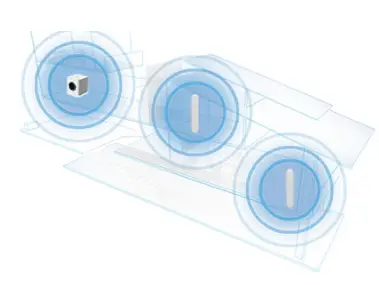
Mesh Multi-Hop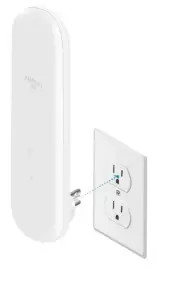
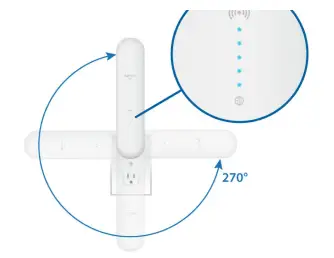
App Features
The system dashboard provides an overview of the AmpliFi Wi-Fi system including network status, number of connected clients, and active download/upload speeds. Tap devises to display/edit settings. Tap Start Test on the Performance screen to run a speed test that will provide your download speed, upload speed, and connection ping time. Swipe left on the throughput section to view additional data. A history of recent tests is displayed at the bottom. To provide guest access, determine the number of guests, select a time limit for their access, and tap Start. Guests simply connect to your wireless network name with the -guest label. No password is required. As guests connect, the number of users connected will be displayed in the app. Tap Stop at any time to turn off the guest network. The Family Profiles feature allows you to create profiles for family members, groups, or areas of your home. Assign devices to the profile, schedule quiet time (when the internet is not accessible) and pause the internet at any time. The Diagnose option will check your WAN link, IP settings, internet connection, and MeshPoint status.
Side Menu – 24/7 Live Chat Support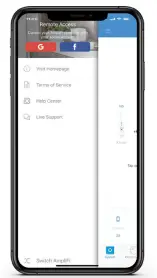
Resetting to Factory Defaults
If the AmpliFi Router administration password is lost, factory default settings can be restored.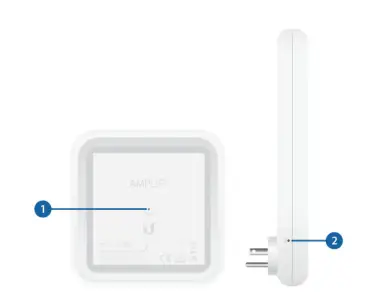
Router Reset
Use an object such as a straightened paper clip to press Reset located on the bottom of the AmpliFi Router for approximately 10 seconds until the LED turns off. If the AmpliFi Router is reset, all Mesh Points should also be reset using the same method.
System Specifications
| Max. TX Power | 26dBm |
| Radios | 6 |
| MIMO Chains | 18 |
| Speed | 5.25 Gbps |
| Range | 20,000 sq. ft |
| ESD/EMP Protection | ± 24kV Air/Contact |
| Buttons | Reset |
| Antennas | (3) Dual-Band Antennas |
| Display | 1.6″ (40.6 mm) Diagonal, 240 x 240, 212 PPI, G+F Touch, Full Color |
| Wi-Fi Standard | 802.11ac |
| Power Save | Supported |
| Wireless Security | WPA2-PSK AES/TKIP |
| Operating Temperature | 14 to 131° F (-10 to 55° C) |
| Operating Humidity | 5 to 95% Noncondensing |
| Certifications | FCC/ CE/ IC |
Supported Data Rates
| 802.11ac | 13 Mbps to 1300 Mbps (MCS0 – MCS9, VHT 20/40/80) |
| 802.11n | 6.5 Mbps to 450 Mbps (MCS0 – MCS23, HT 20/40) |
| 802.11a | 6,9, 12, 18,24,36,48, 54Mbps |
| 802.11b | 1, 2, 5.5, 11 Mbps |
| 802.11g | 6, 9, 12, 18, 24, 36,48, 54 Mbps |
Operating Frequency
| US/CA | 2412 – | 2462 | |
| U-All-1 | 5150 – | 5250 | |
| U-All-3 | 5725 – | 5850 |
Safety Notices
- Read, follow, and keep these instructions.
- 2. Heed all warnings.
- 3. Only use attachments/accessories specified by the manufacturer.
WARNING: Do not use this product in a location that can be submerged in water.
WARNING: Avoid using this product during an electrical storm. There may be a remote risk of electric shock from lightning.
Limited Warranty
The limited warranty requires the use of arbitration to resolve disputes on an individual basis, and, where applicable, specifies arbitration instead of jury trials or class actions. Compliance
FCC
Changes or modifications not expressly approved by the party responsible for compliance could void the user’s authority to operate the equipment
This device complies with Part 15 of the FCC Rules. Operation is subject to the following two conditions.
- This device may not cause harmful interference, and
- This device must accept any interference received, including interference that may cause undesired operation.
This equipment has been tested and found to comply with the limits for a Class B digital device, pursuant to Part 15 of the FCC Rules. These limits are designed to provide reasonable protection against harmful interference in a residential installation. This equipment generates, uses, and can radiate radio frequency energy and, if not installed and used in accordance with the instructions, may cause harmful interference to radio communications. However, there is no guarantee that interference will not occur in a particular installation. If this equipment does cause harmful interference to radio or television reception, which can be determined by turning the equipment off and on, the user is encouraged to try to correct the interference by one or more of the following measures:
- Reorient or relocate the receiving antenna.
- Increase the separation between the equipment and receiver.
- Connect the equipment into an outlet on a circuit different from that to which the receiver is connected.
- Consult the dealer or an experienced radio/TV technician for help. This device is restricted to indoor use.
CAN ICES-3(8)/NMB-3(8)
This device complies with ISED Canada licence-exempt RSS standard(s). Operation is subject to the following two conditions:
- This device may not cause interference, and
- This device must accept any interference, including interference that may cause undesired operation of the device.
The device for operation in the band 5150-5250 MHz is only for indoor use to reduce the potential for harmful interference to co-channel mobile satellite systems.
IMPORTANT NOTE:
Radiation Exposure Statement:
- This equipment complies with radiation exposure limits set forth for an uncontrolled environment.
- This equipment should be installed and operated with a minimum distance of 20 cm between the radiator and your body.
- This transmitter must not be co-located or operating in conjunction with any other antenna or transmitter.
AVIS IMPORTANT :
CE Marking
CE marking on this product represents the product is in compliance with all directives that are applicable to it.
| AT | BE | BG | CY | CZ | DE | DK | EE | EL | ES | Fl | FR | HR | HU |
| IE | IT | LV | LT | LU | MT | NL | PL | PT | RO | SE | SI | SK | UK |
BFWA (Broadband Fixed Wireless Access) members noted in blue
Note: This device meets Max. TX power limit per ETSI regulations.
The following apply to products that operate in the 5 GHz frequency range:
- Note: This device is restricted to indoor use only when operating in the 5150 – 5350 MHz frequency range within all member states.
- Note: All countries listed may operate at 30 dBm. BFWA member states may operate at 36 dBm.
- Note: Operation in the 5.8 GHz frequency band is prohibited in BFWA member states. Other countries listed may use the 5.8 GHz frequency band.