DUO Wireless Charger Power Bank
Product Information
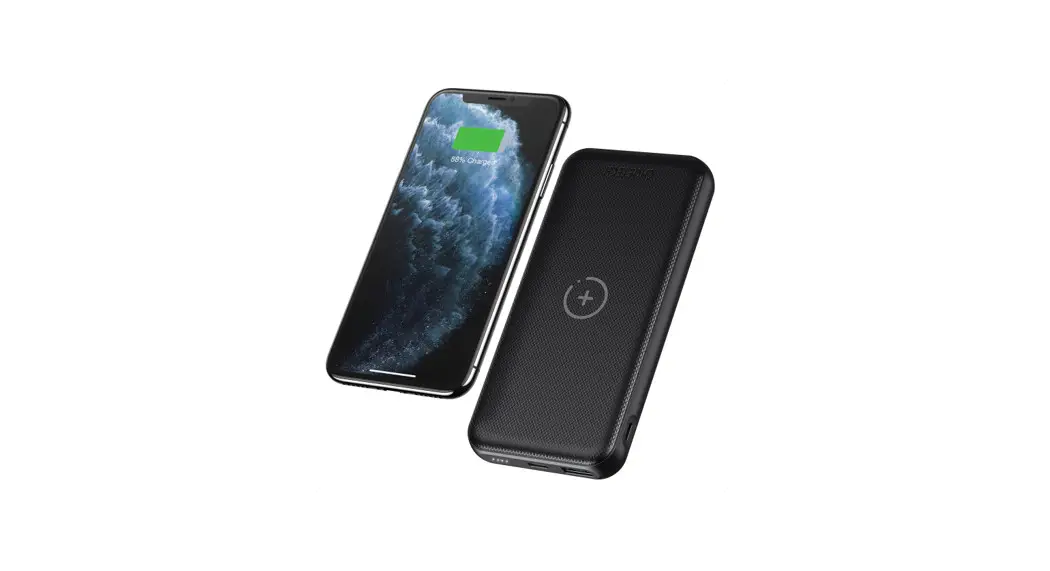
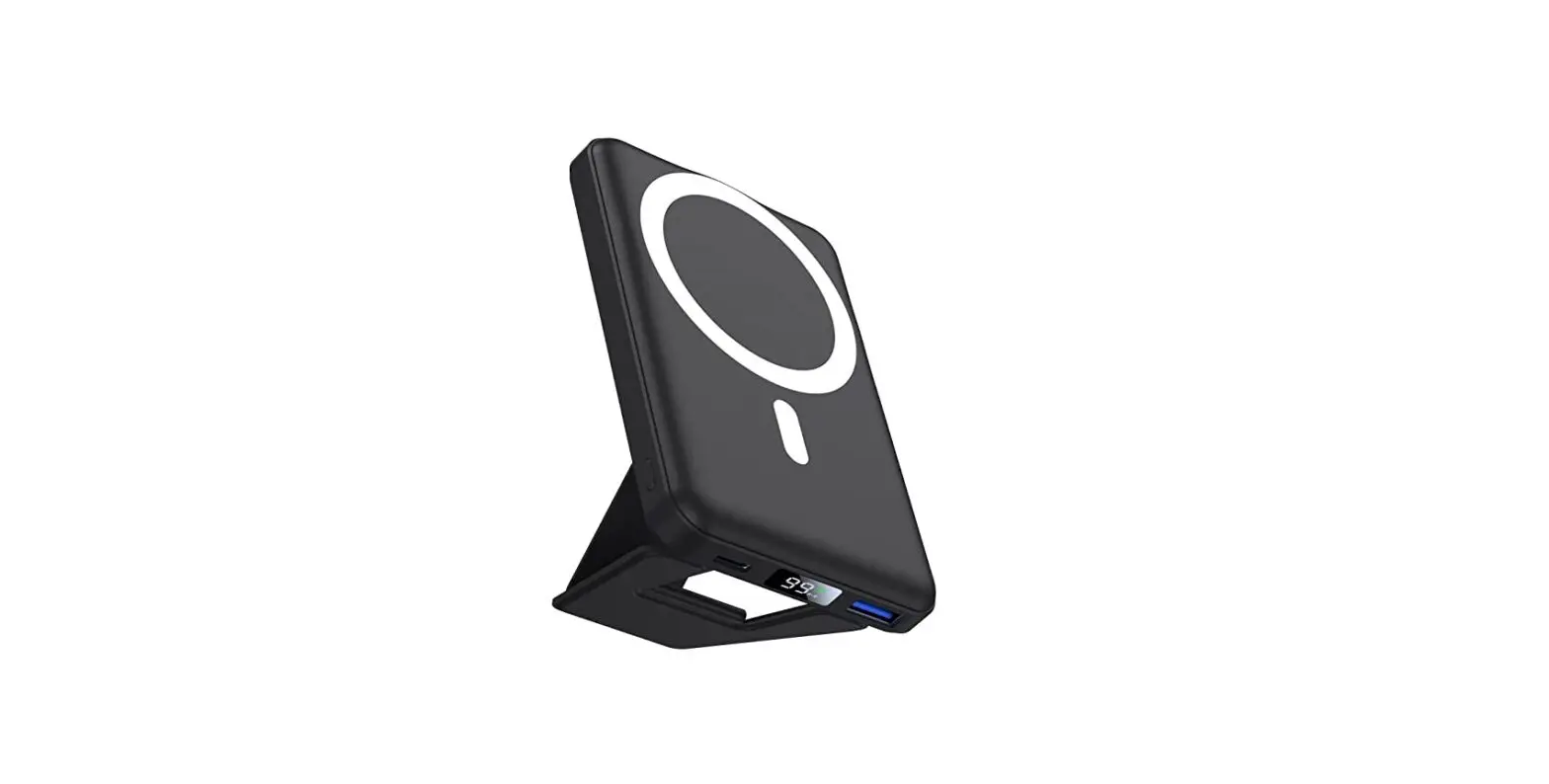
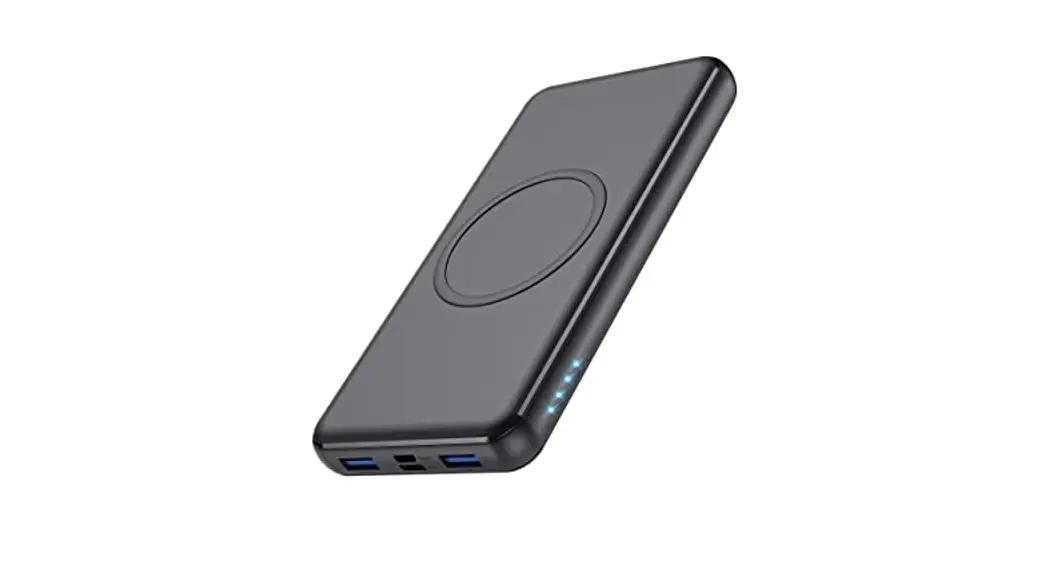
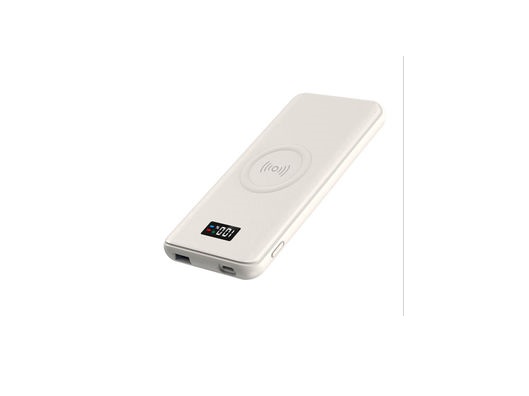
The Duo Wireless Charger Power Bank is a portable power bank
that allows you to wirelessly charge your devices. It features a
USB-C port for recharging the power bank and powering Type-C
tablets/smartphones. The power bank has a maximum input/output of
18W. It also has LED lights to indicate the battery percentage and
charging status.
Product Usage Instructions
- Before use, fully charge the Duo Wireless Power Bank using the
included USB-C cable. White LED lights will flash when the power
bank is charging. Four LED lights will illuminate when it is fully
charged. - To turn on the power bank, click the side button once. The LED
lights will turn on for 14 seconds and then turn off. - The power bank allows you to simultaneously charge up to 3
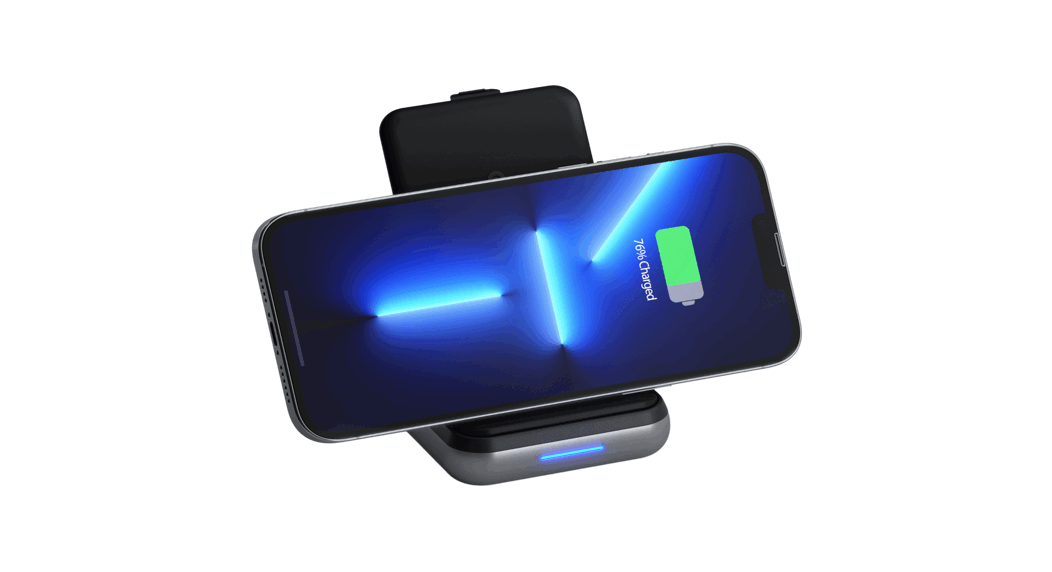
devices at a time. - To wirelessly charge your phone, place it in portrait mode or
lying flat on the wireless charger. Up to 10W of power (7.5W on
iPhone) is supported. - To wirelessly charge your AirPods, lift the phone wireless
charger and place the AirPods on it. It will charge at a maximum of
5W, even when the phone charger is being used. Note that a wireless
AirPod case is required. - To recharge the power bank or power Type-C tablets/smartphones,
use the USB-C port. The maximum input/output is 18W. - After use, power off the power bank by holding the power button
for 5 seconds. The battery LEDs will flash 3 times and power off.
The power bank also has an auto-shutoff feature that turns it off
after 5 minutes of inactivity or if no connected device is
detected. - When both wireless chargers and the USB-C port are being used
to charge devices, the power bank supports the following output
power schematic: Phone Charger (5W) + AirPods Charger (5W) + USB-C
Output (10W). - When one wireless device is charging at a time, the Blue LED
light will show a breathing effect to confirm that the device has
been detected and is charging. - When both wireless chargers are being used simultaneously, the
Blue LED light will move from left to right to indicate that both
devices have been detected and are charging. An orange LED light
(FOD) will flash if the device being placed on the wireless charger
does not support wireless charging or is placed incorrectly. - The power bank has LED lights to the left of the USB-C port
that show the available battery. These lights will turn on to
display the battery percentage upon power on and will turn off
after 15 seconds. You can click the power button once to show the
battery LEDs again.
QUICK GUIDE
DUO WIRELESS CHARGER POWER BANK
1
2
ON
4x
Before use, please fully charge the Duo Wireless Power Bank via USB-C port using its included cable. White LED lights will flash when the power bank is charging. Four LED lights will illuminate when fully charged.
3
Turn on the power bank by clicking the side button once, the LED lights will turn on for 14 seconds and then turn off. The power bank will allow you to simultaneously charge up to 3 devices at a time.
4
UP TO
10W
UP TO
7.5W
Place your phone, in portrait mode or lying flat on the wireless charger. Up to 10W of power (7.5W on iPhone).
5
MAX
5W
Place your AirPods on the wireless charger. Can be found by lifting the phone wireless charger. Will charge at 5W max, even when the phone charger is being used. Wireless AirPod case required.
6
OFF
5 sec
MAX
18W
Use the USB-C port to recharge the power bank or power Type-C tablets/smartphones. Max input/output 18W.
After use power off the power bank, holding the power button for 5 seconds. The battery LEDs will flash 3 times and power off. The power bank has an auto-shutoff feature that will turn the power bank off after 5 minutes of inactivity or if it cannot detect a connected device.
CASE FRIENDLY, UP TO 5 MM THICKNESS
CHARGING
7
8
5W
5W
10W
When both wireless chargers and USB-C port are being used to charge devices, the power bank will support the following output power schematic: Phone Charger (5W) + AirPods Charger (5W) + USB-C Output (10W)
9
When one wireless device is charging at a time, the Blue LED light will show a breathing effect, confirming the device has been detected and is charging.
10
25% 50% 75% 100%
When both wireless chargers are being used simultaneously, the Blue LED light will not breathe but instead will move from left to right showing both devices have been detected and are charging. An orange LED light (FOD) will flash if the device being placed on the wireless charger does not support wireless charging or is placed incorrectly.
The power bank also has LED lights found to the left of the USB-C port showing the available battery. These lights will power on showing the battery percentage upon power on and will turn off after 15 seconds. Users can click the power button once to show the battery LEDs again.