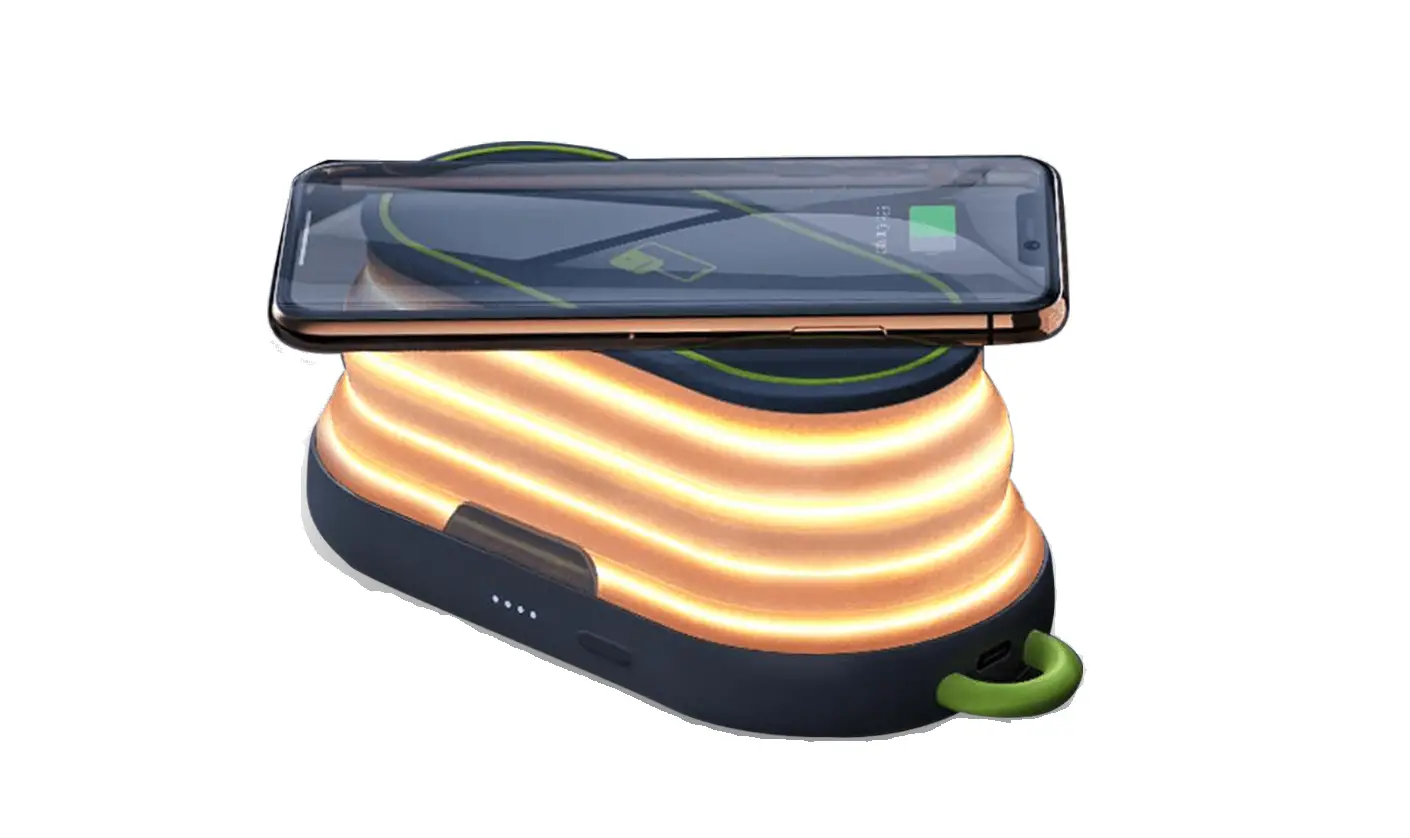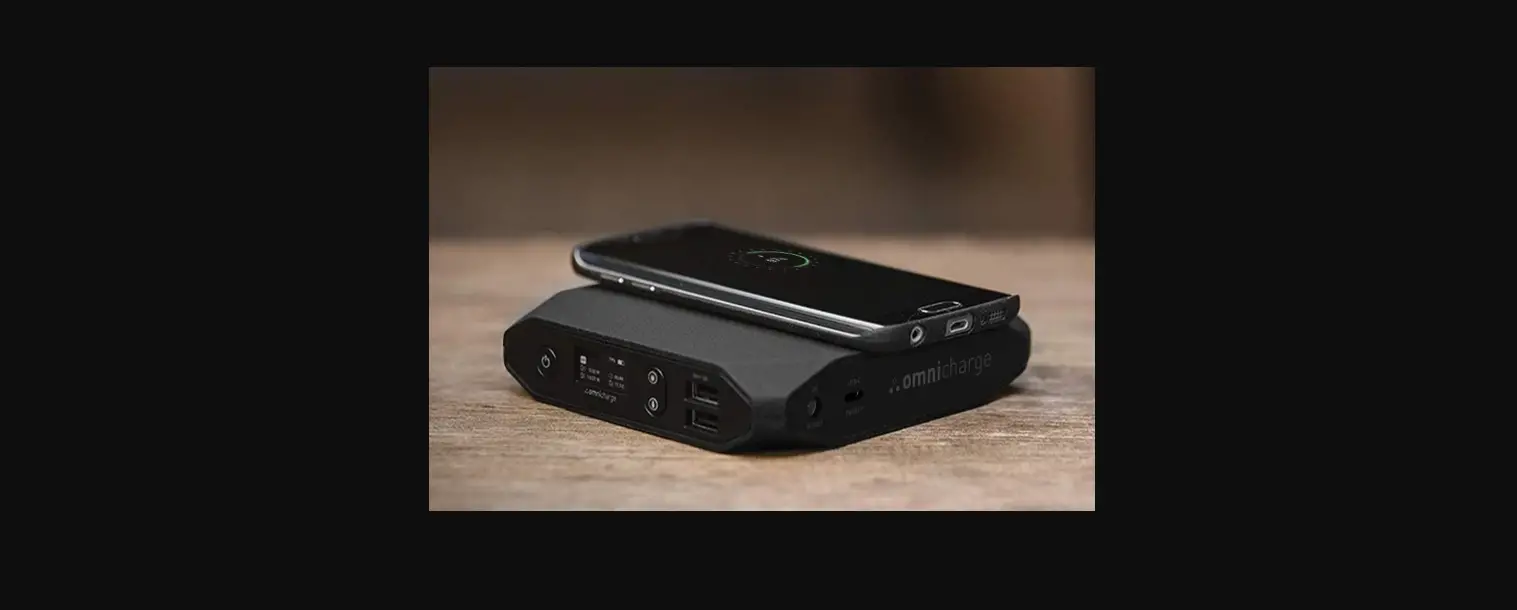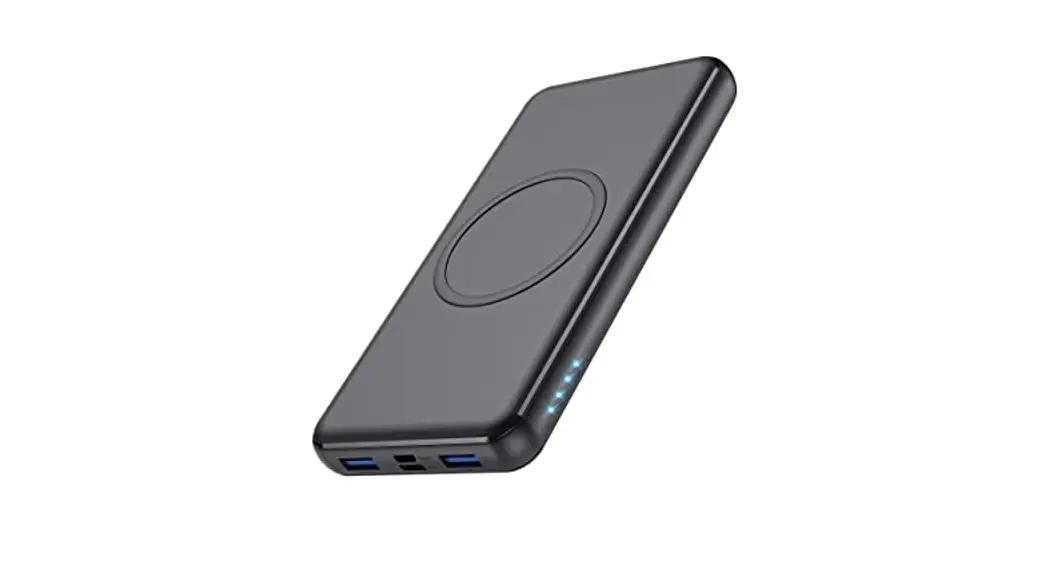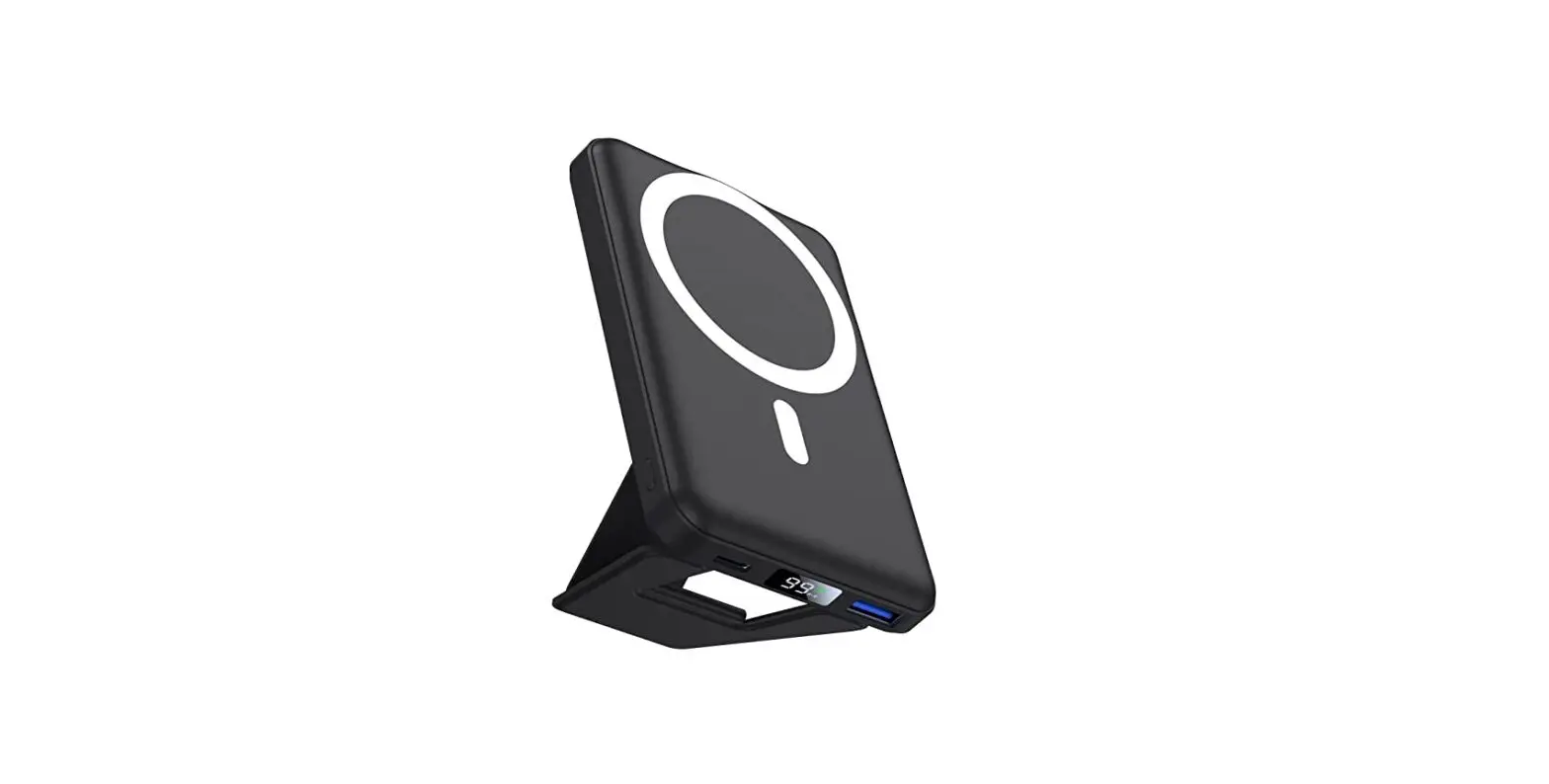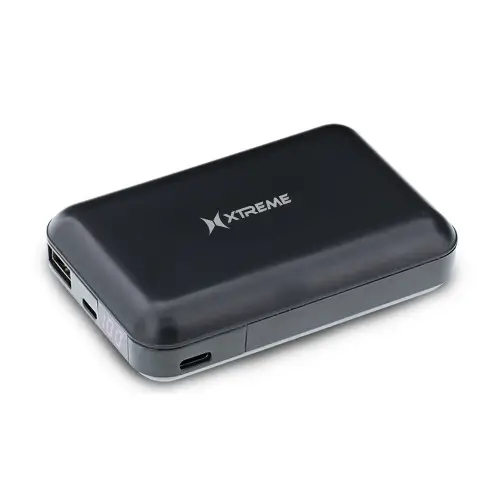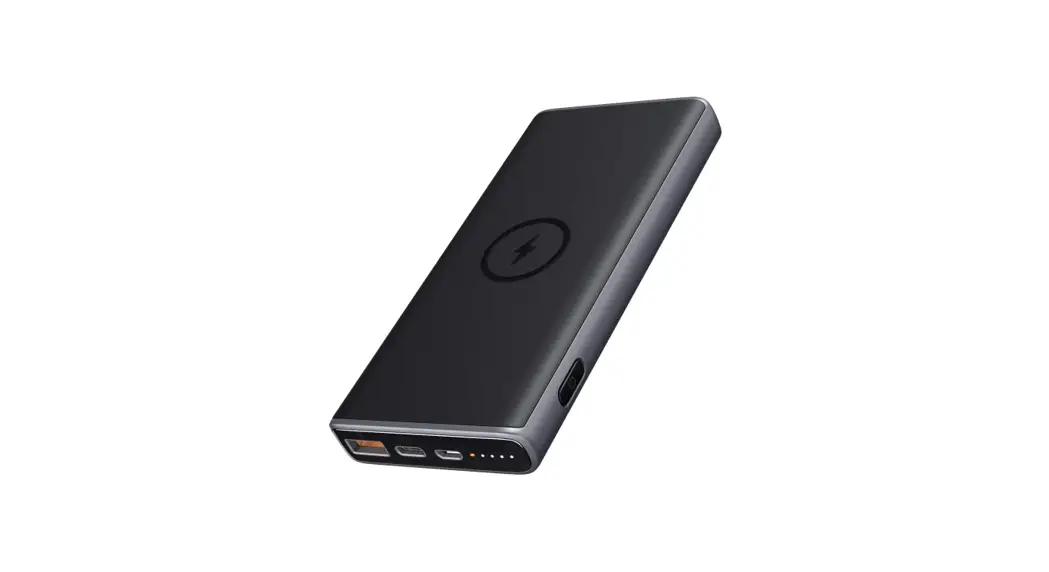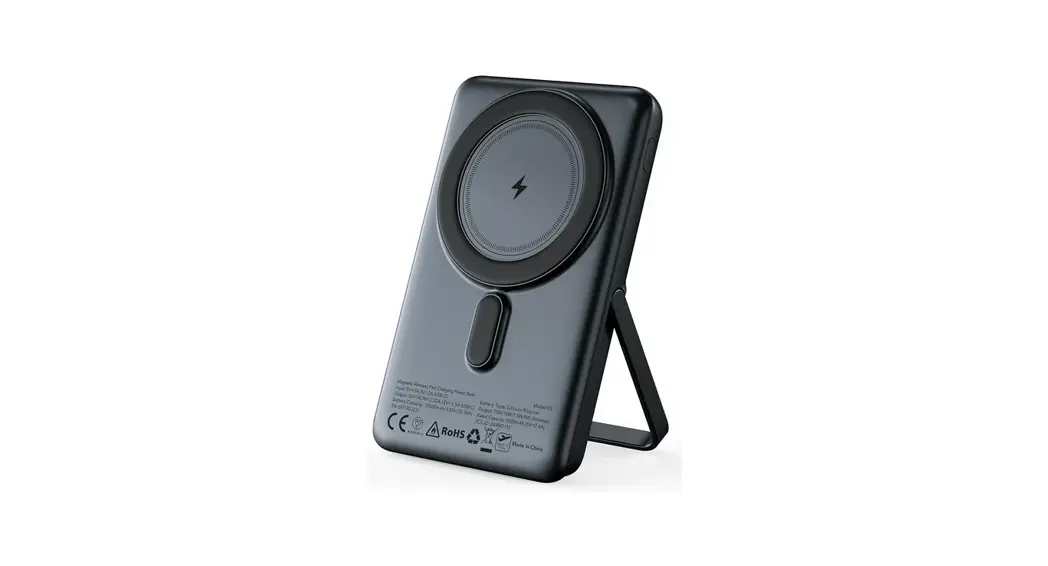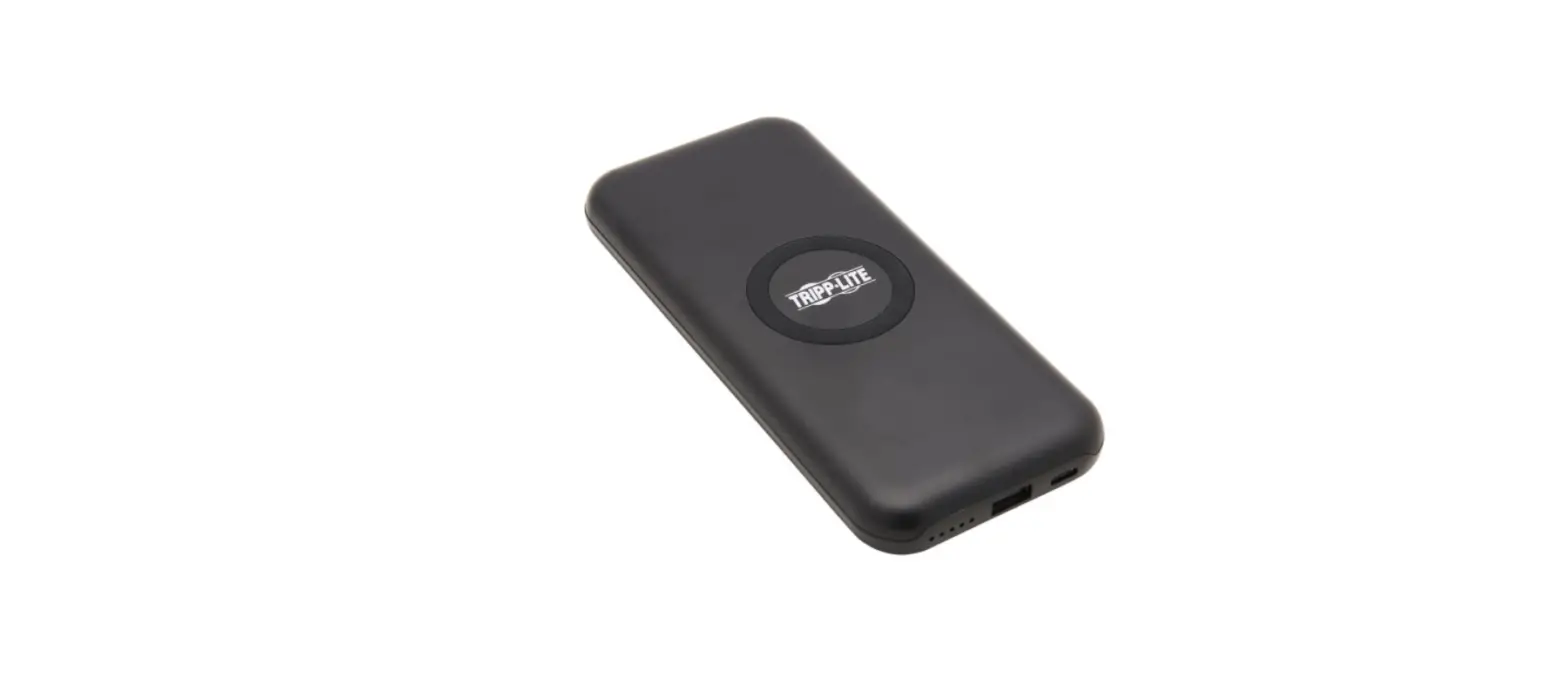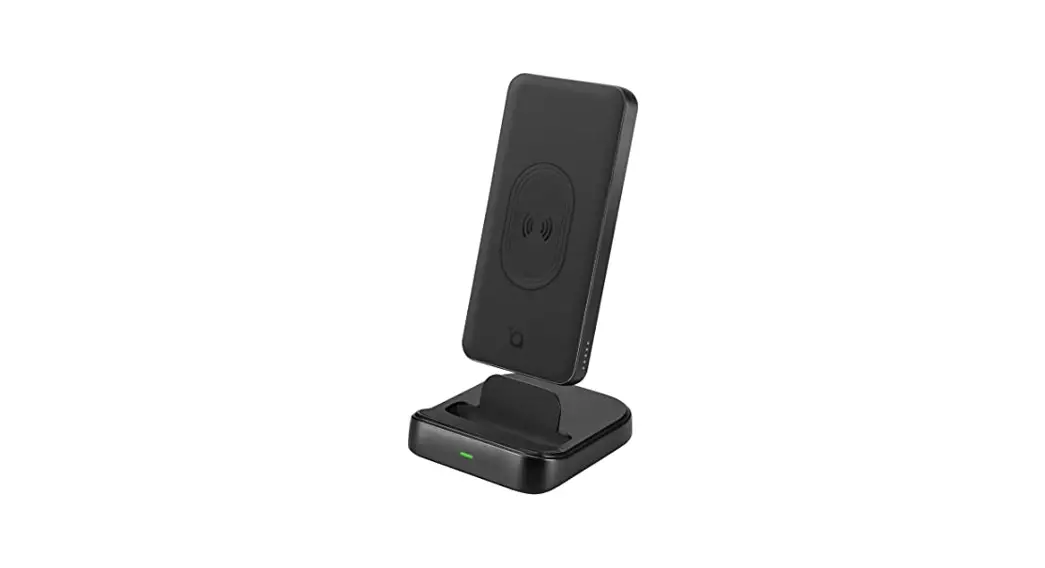
 iG-1118 Elite Wireless Charger with Power Bank
User Manual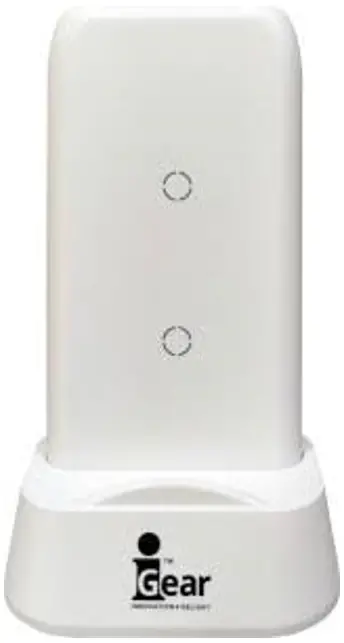
Using your Charger
Charging the Power Bank
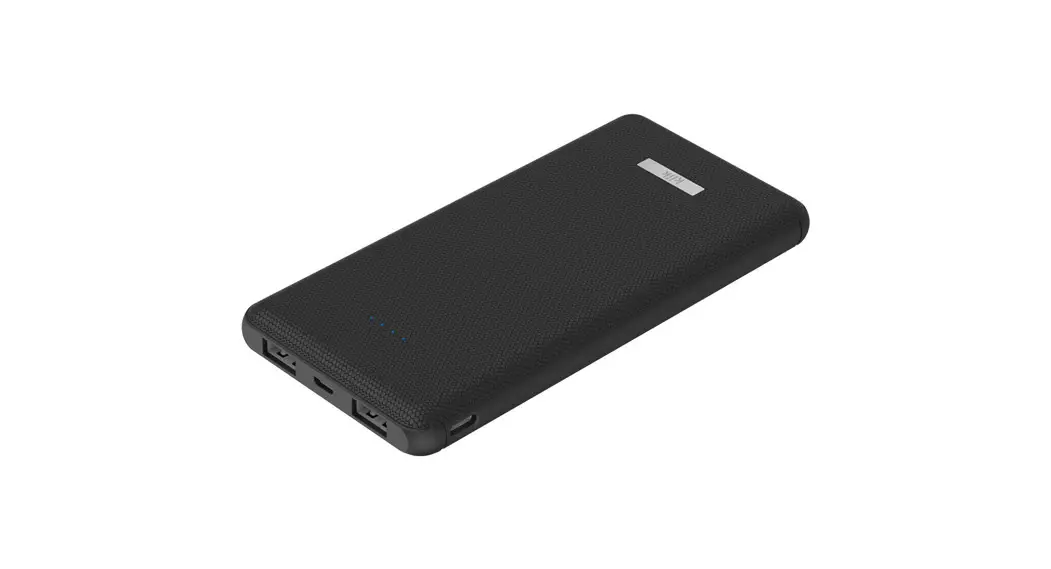
- Connect the USB cable to a power source and plug it into the Micro USB port on the side of the device or Type-C USB.
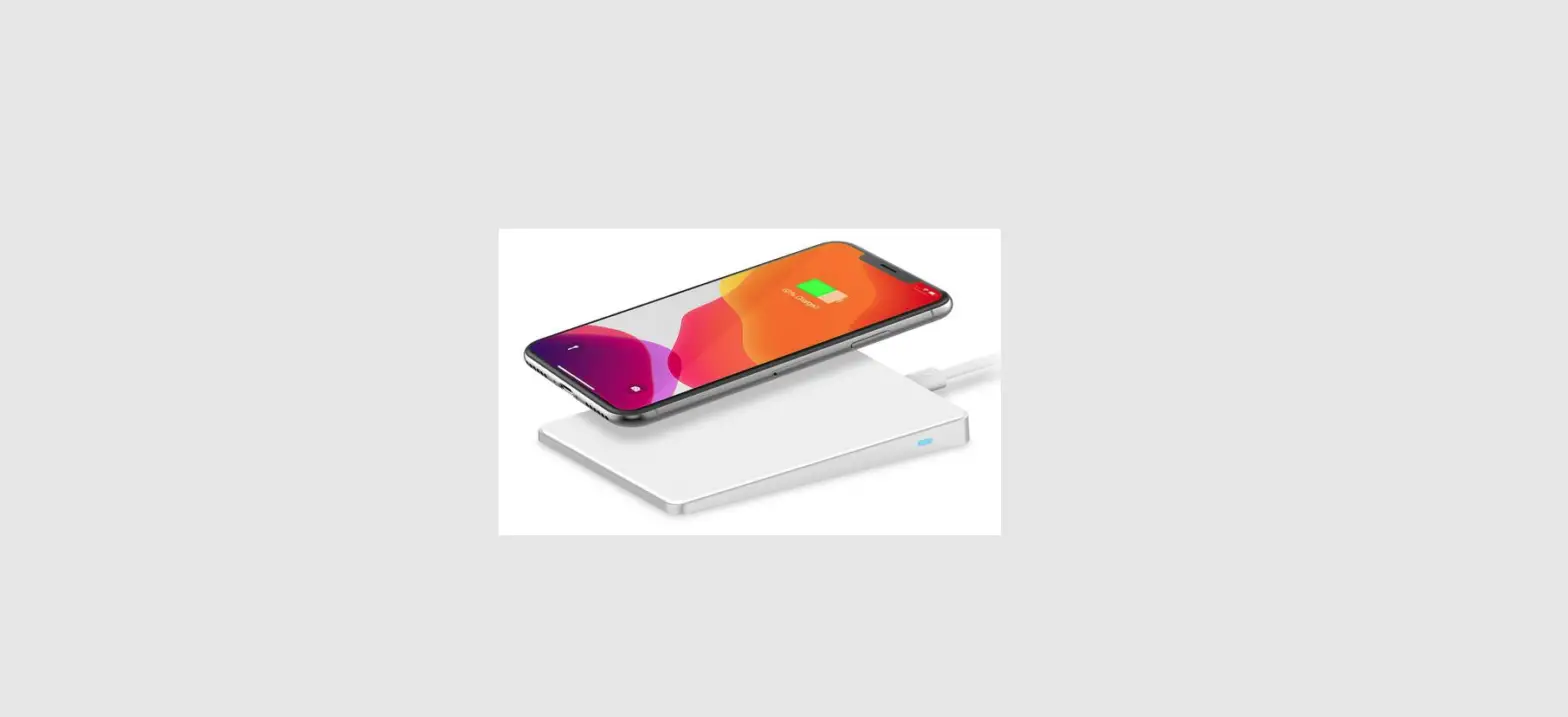
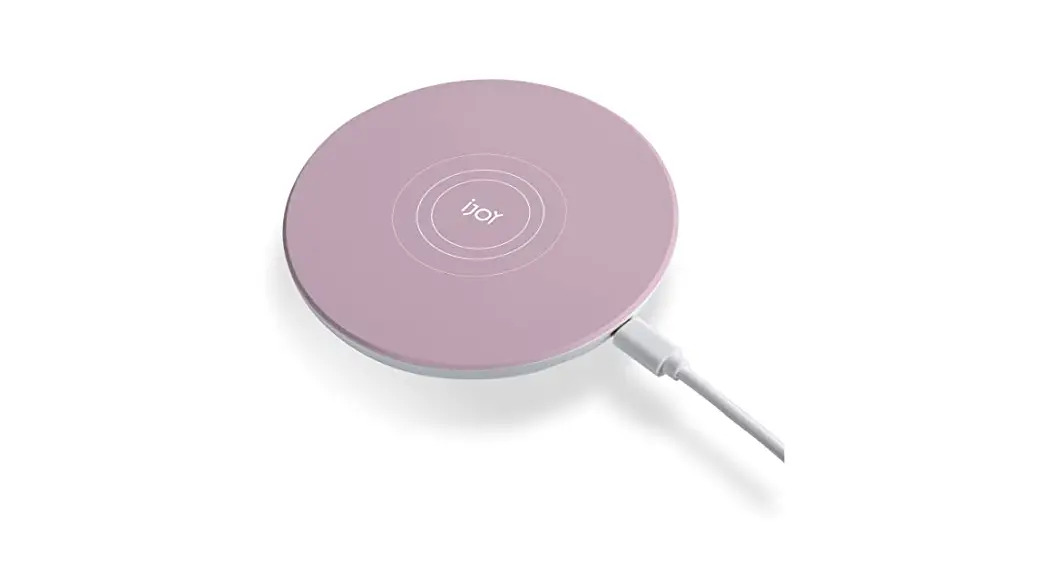
- Plug the charging base into a power source via a USB to Micro USB cable and sit the power bank in the base so that the inductive indicators (shown below) are facing forward.

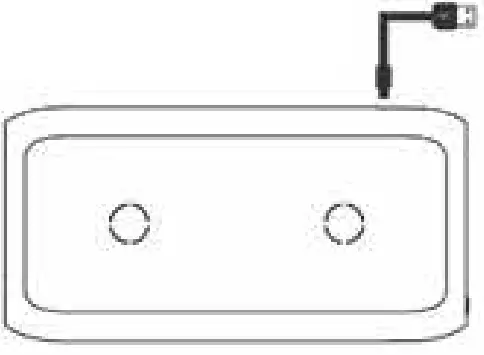
Battery indicator
| 1 | 2 | 3 | 4 |
| 0%-25% | 25%-50% | 50%-75% | 75%-100% |
   | | | |
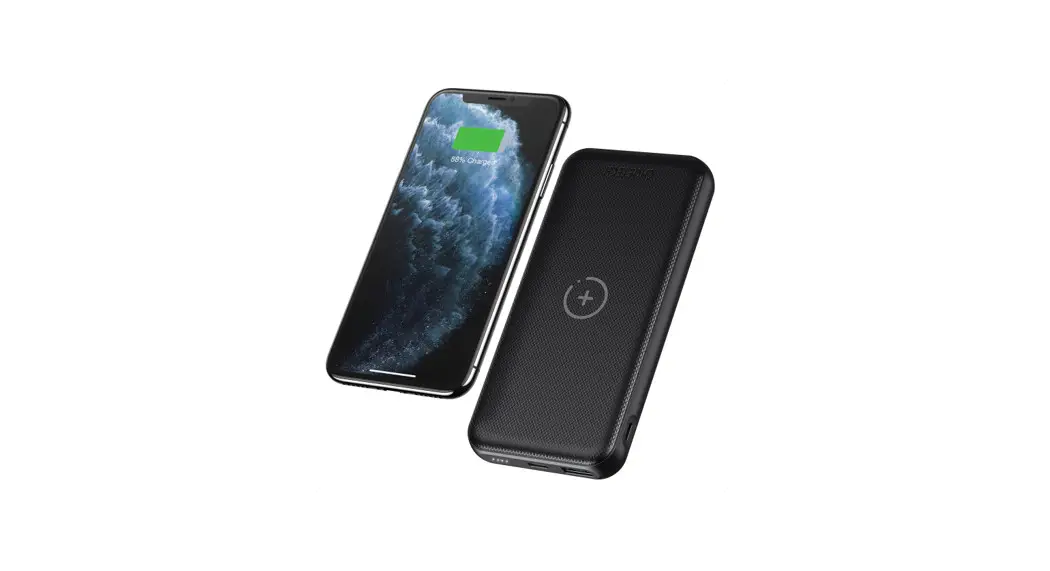
While charging the unblinking lights indicate the current charge with the blinking light indicating the progress level. This circle is the Inductive Charging indicator and will glow red when Inductive charging is active.
Charging your Device via Cable
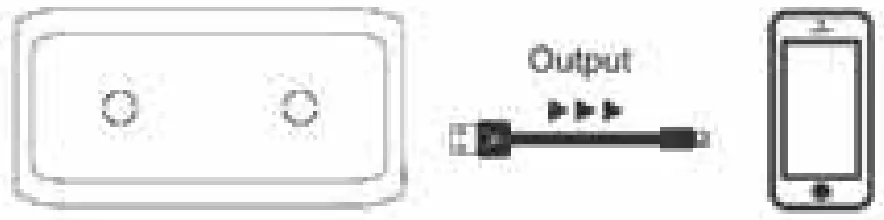
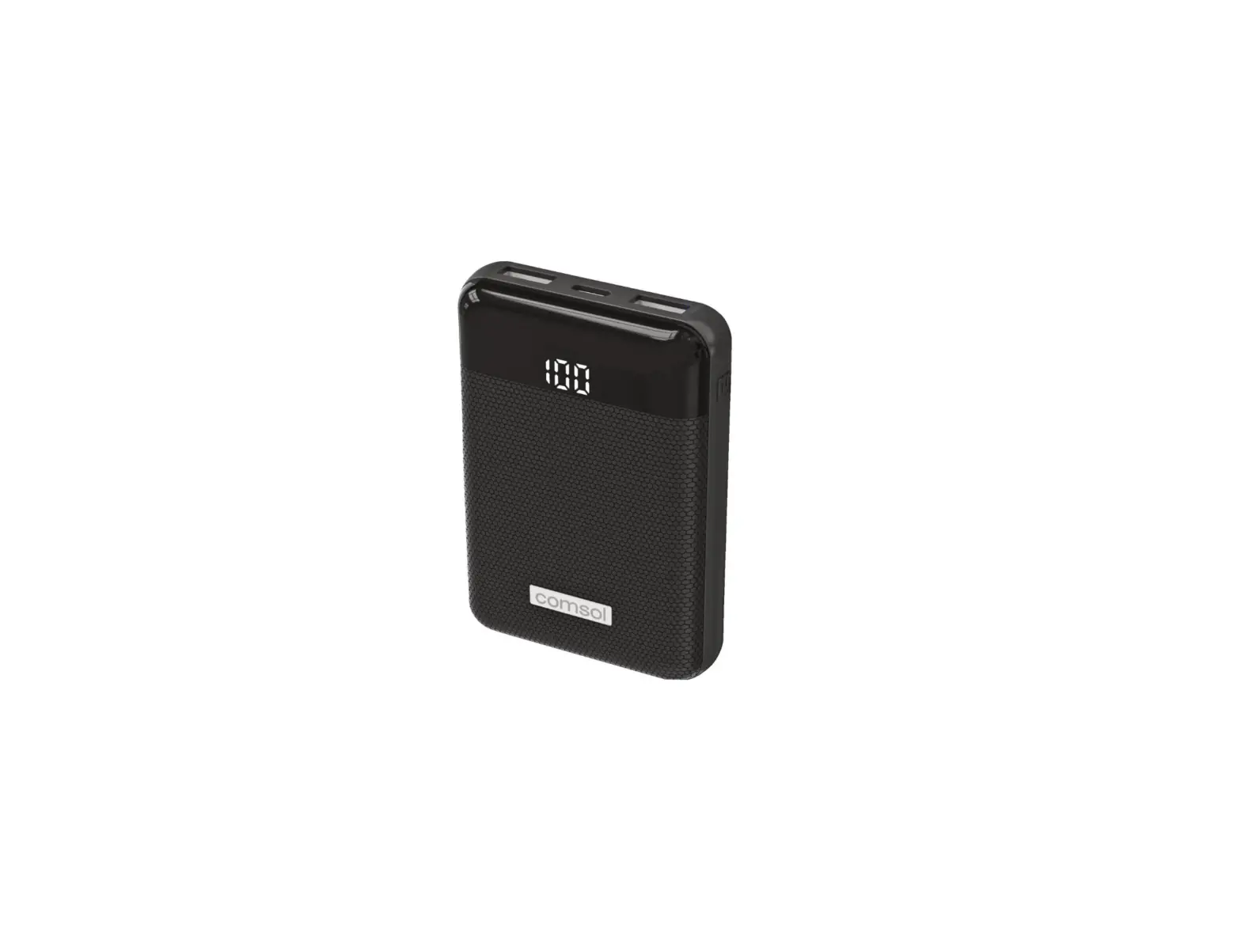
- Plugin either a standard USB cable into the charging ports.
- Plug the other end into your mobile phone or another device.
- Press the power button located next to the charging ports, the indicator lights will come on and it will begin charging your device.
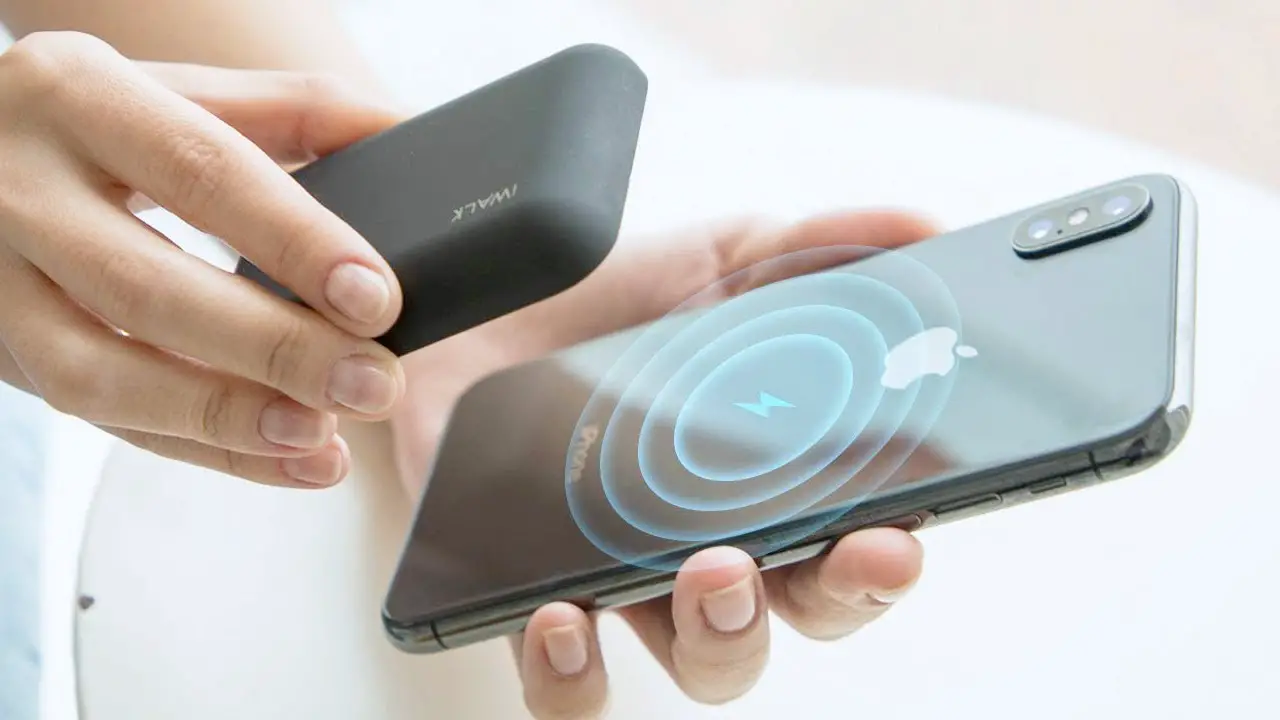
Wireless Charging and discharging
- Make sure there are no metal objects sitting on the top of the inductive charging area.
- Press the power button which will turn on the inductive charging.
- Place your charging compatible device so that the center of the device matches the center of the charger.
If you struggle to achieve an inductive charge then try repositioning the phone as not all devices will have their charging coil centered.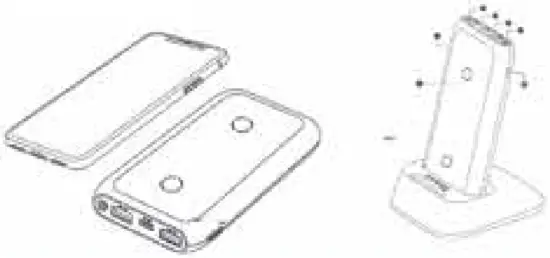
What’s Included
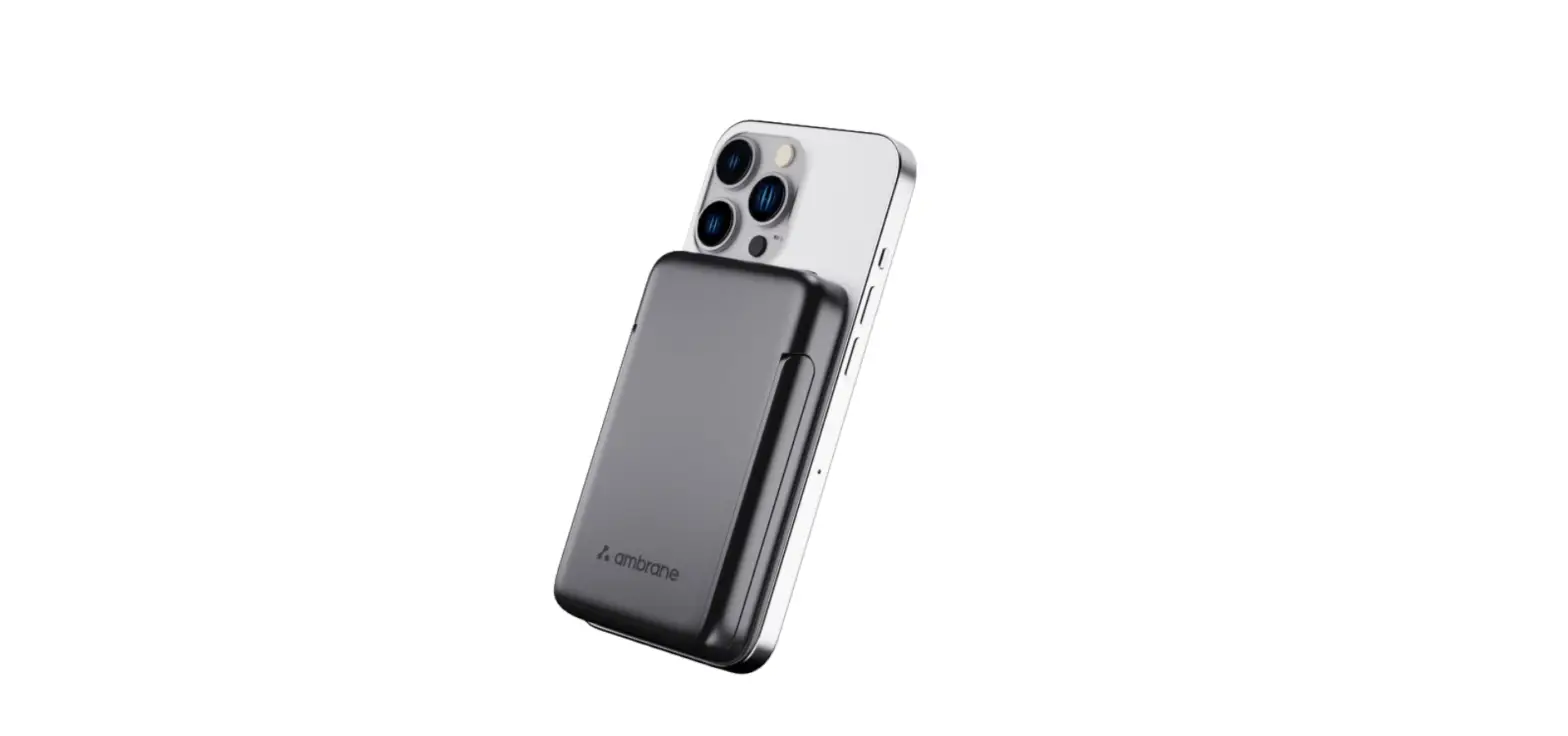
Inductive Power Bank
Charging Base / Stand
Micro USB Charging Cable
User Manual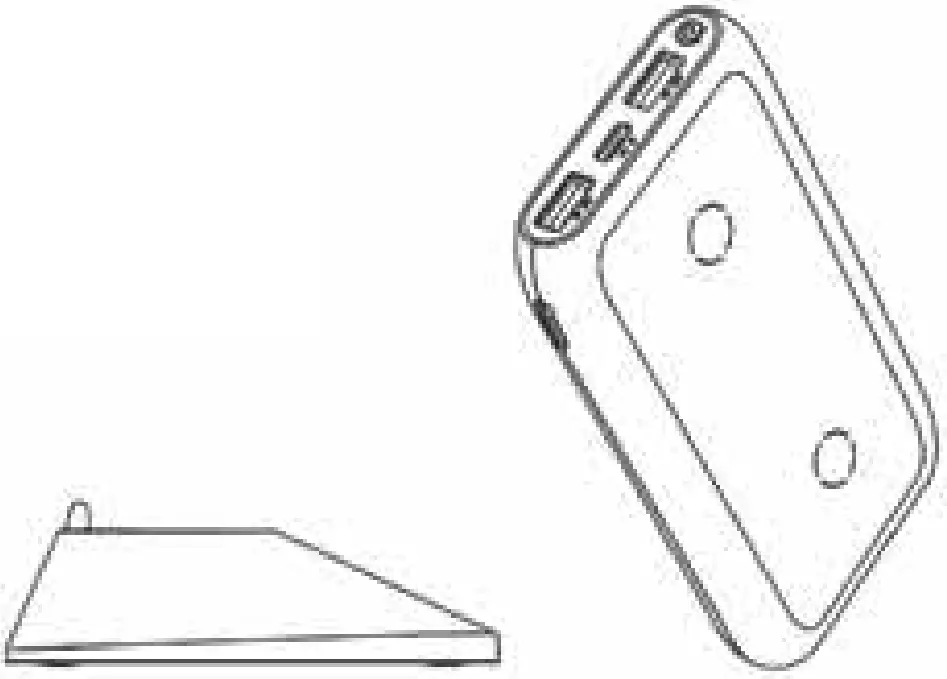
 WARNING
Note There must be no metal on the inductive charger while the charging is active, doing so may generate excessive heat and cause damage to the device.
If you are having issues with Inductive Charging
- Ensure there is no clutter or objects obstructing the charging area.
- Confirm that your phone supports inductive charging.
Made in China