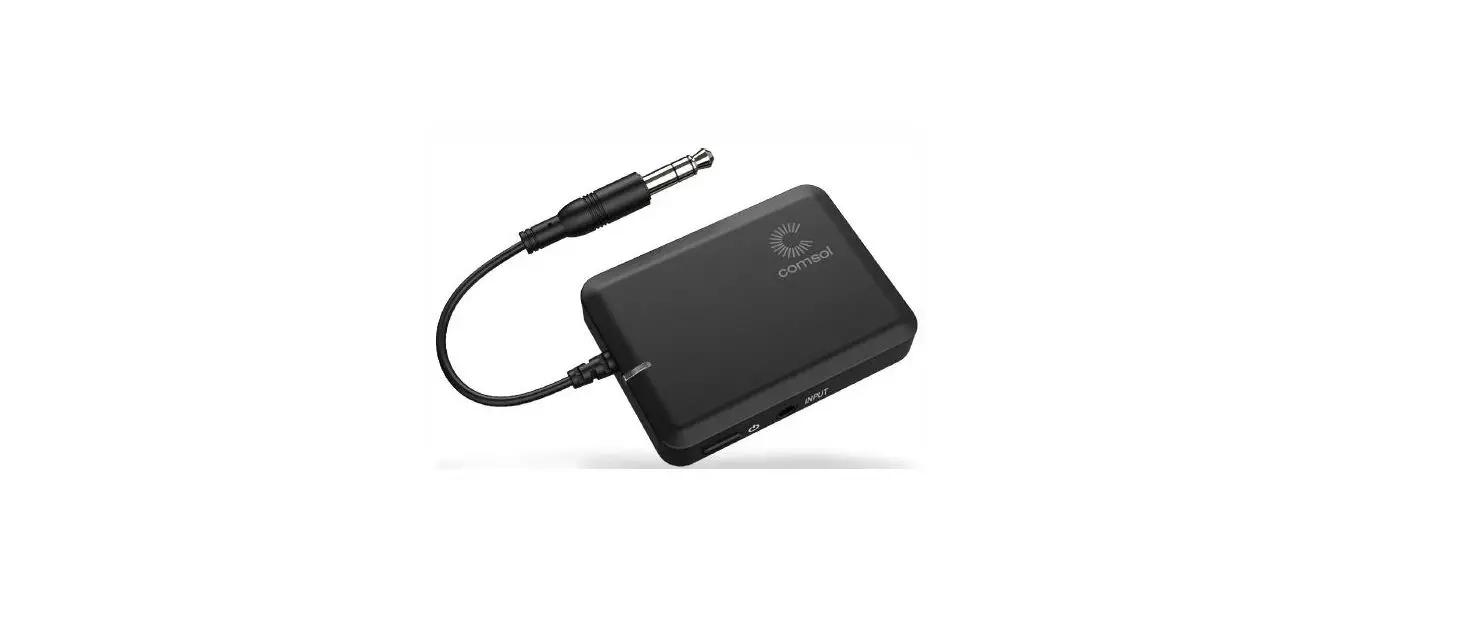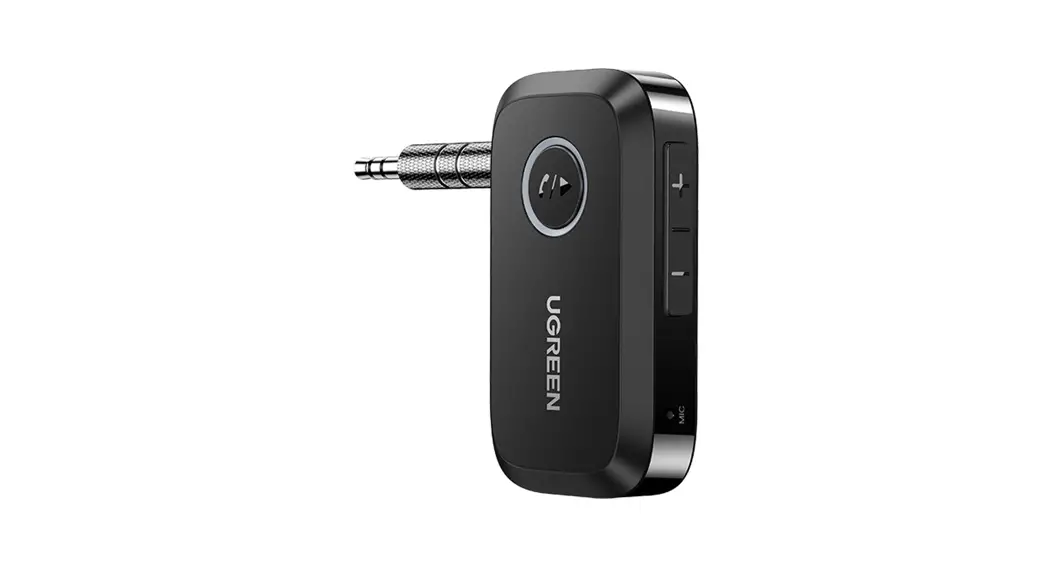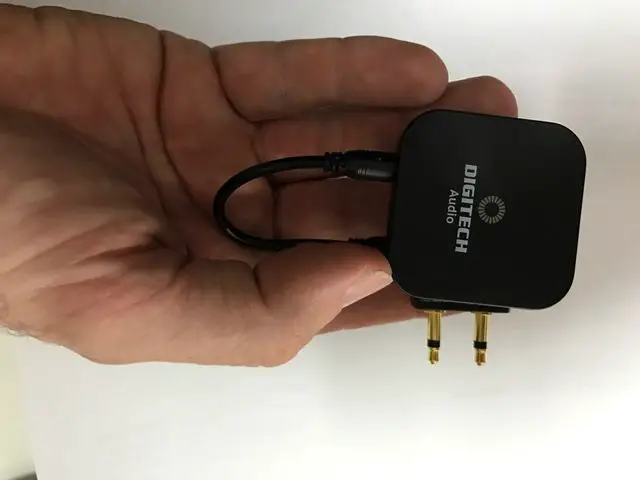
DIGITECH Bluetooth Headphone Audio Receiver
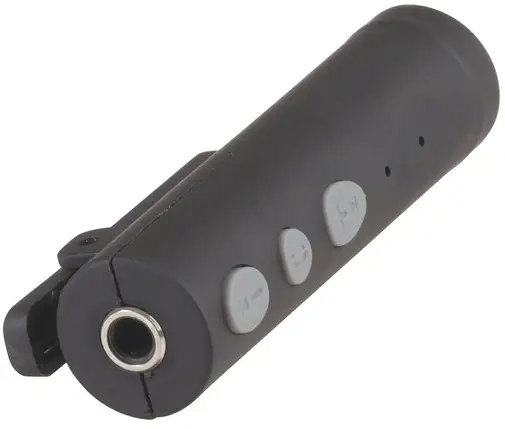
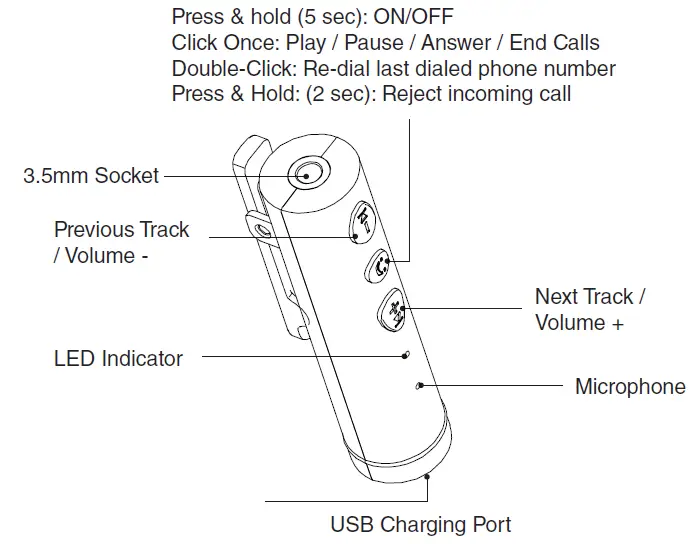
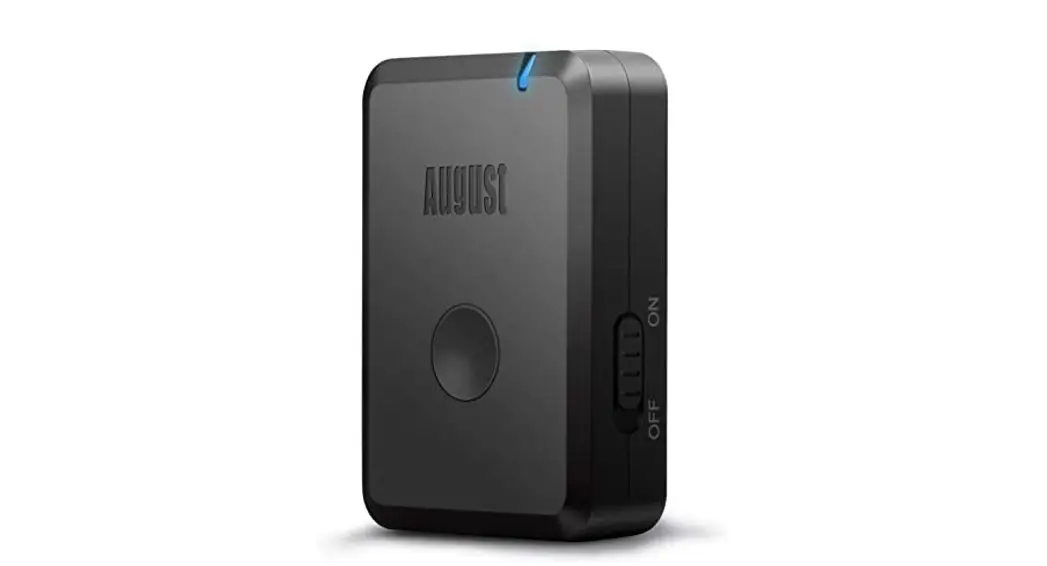
- Power on the AA-2106.
- To pair the AA-2106 with device, the LED light blinks to indicate it is ready to be paired with your device.
- On your Bluetooth device (smartphone, tablet, media player) navigate to the Bluetooth settings menu, turn on Bluetooth feature and search for new devices.
- After a few seconds you will see the AA-2106 appear.
- Tap this model to select it – solid LED light indicates your device has successfully paired.
- With your previously paired devices are turned on and in range, the AA-2106 will automatically reconnect to the last Bluetooth device it was connected to.
Note: If the adaptor is not used within 5 minutes, the device will automatically turn off to save battery.
Distributed by:
TechBrands by Electus Distribution Pty. Ltd. 320 Victoria Rd, Rydalmere
NSW 2116 Australia
Ph: 1300 738 555
Int’l: +61 2 8832 3200
Fax: 1300 738 500
www.techbrands.com
Made in China
 Electus Distribution - Home