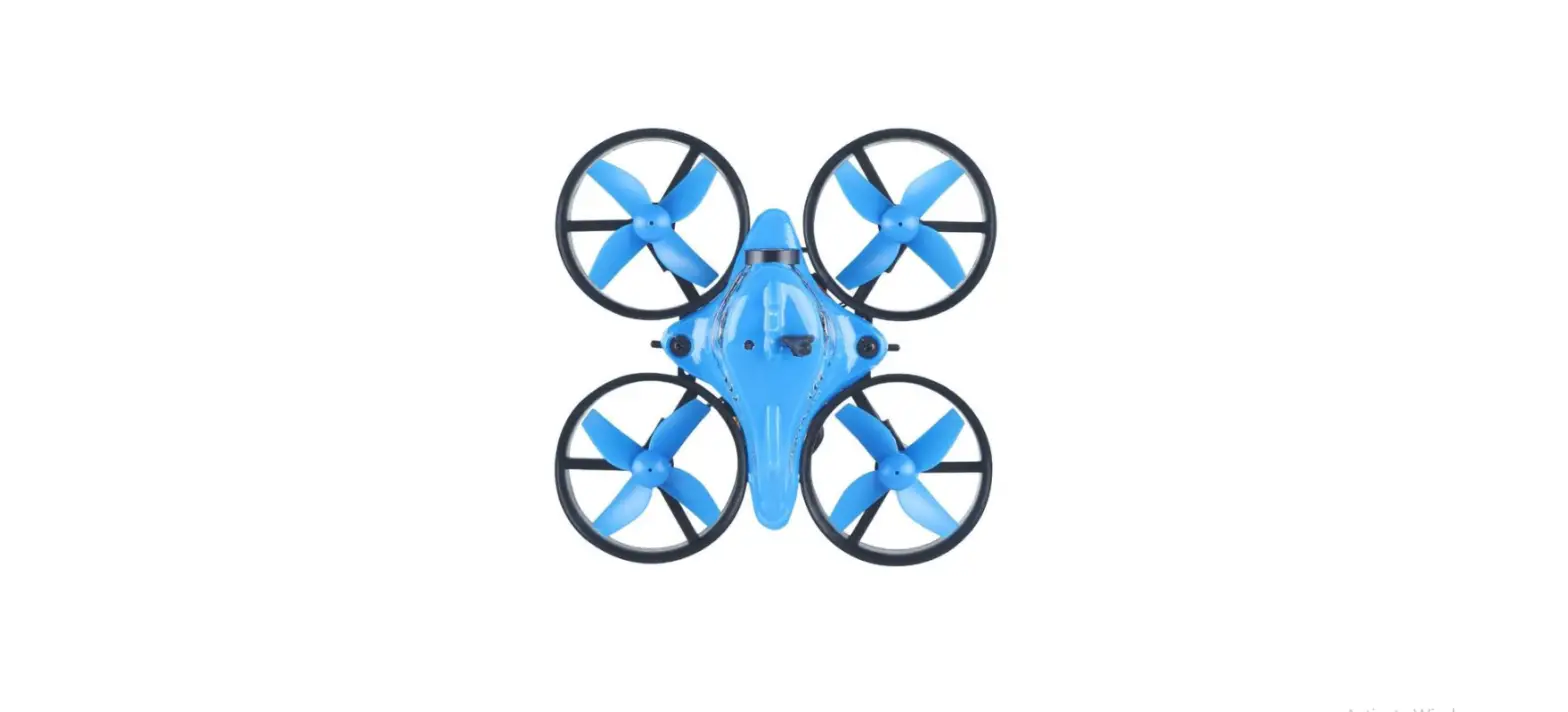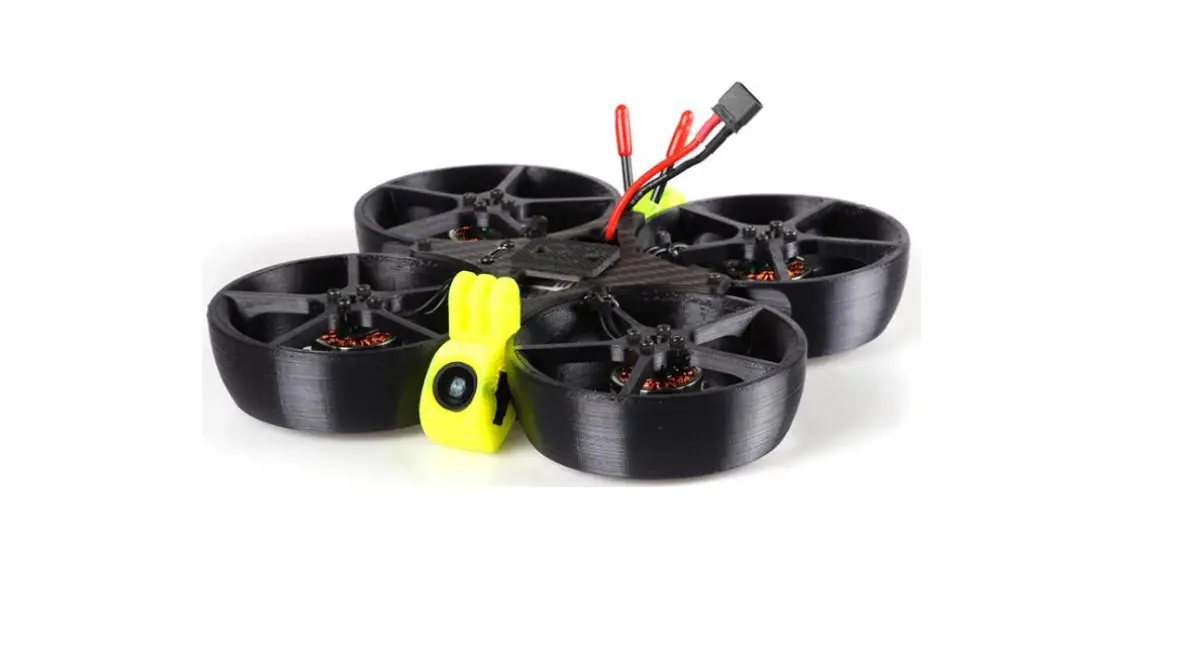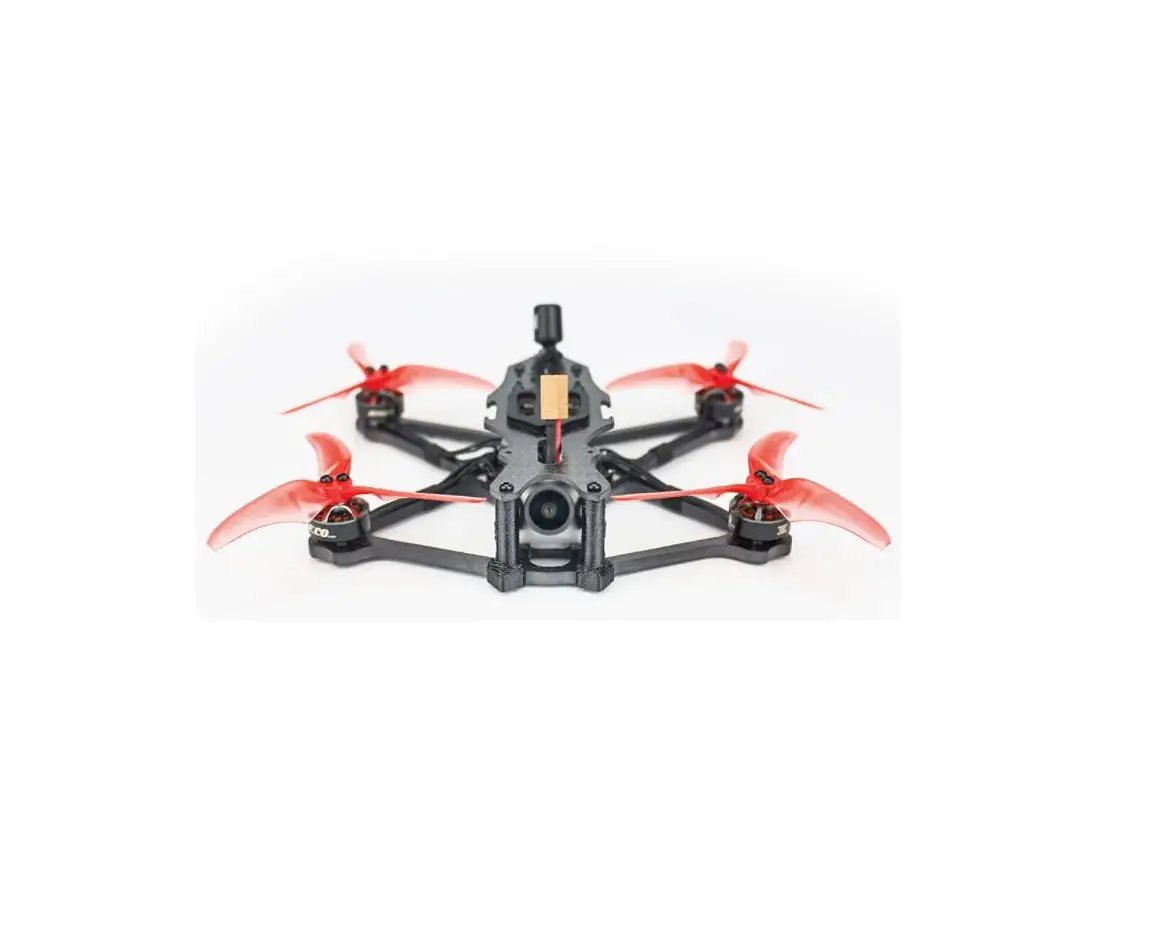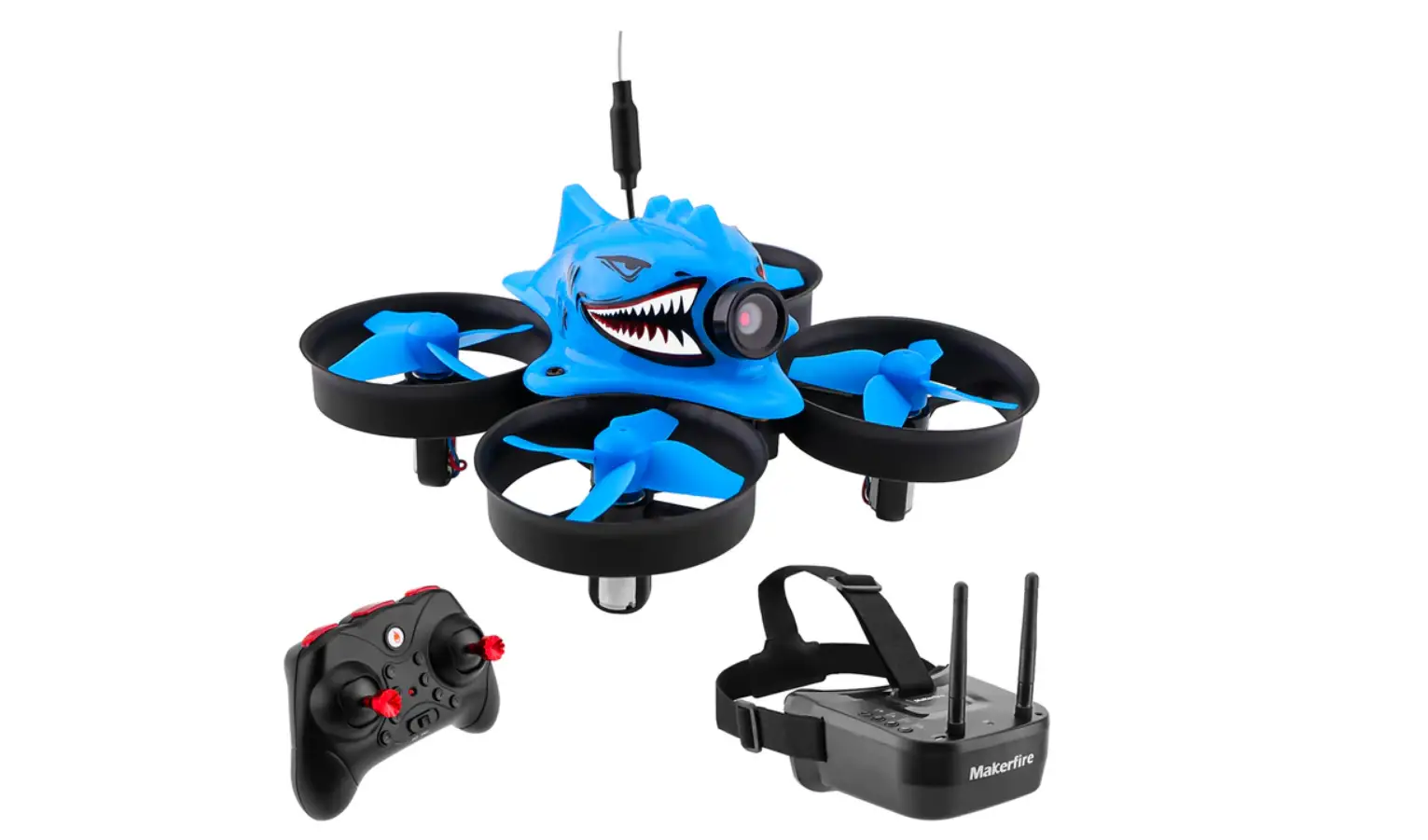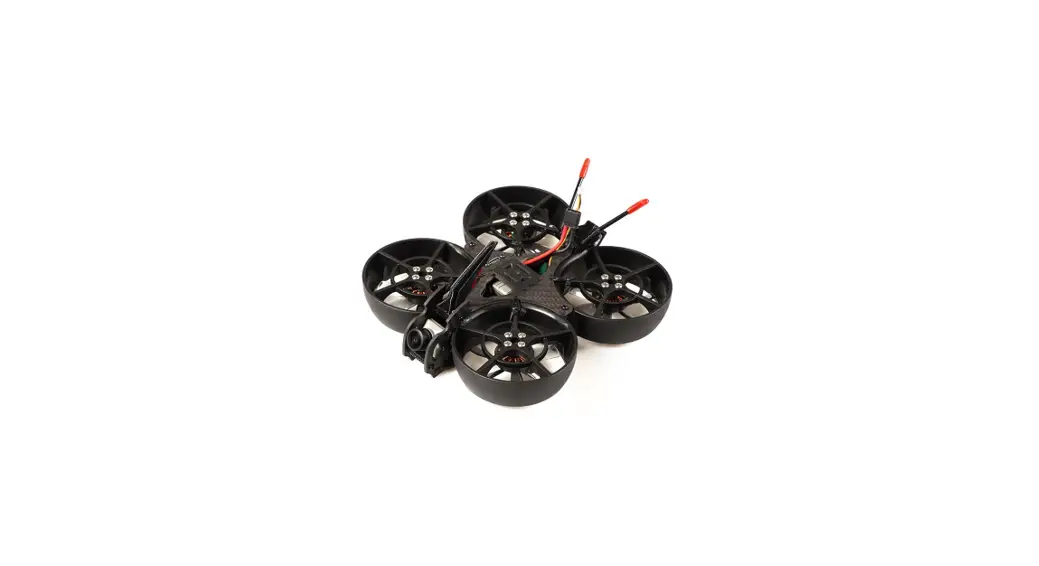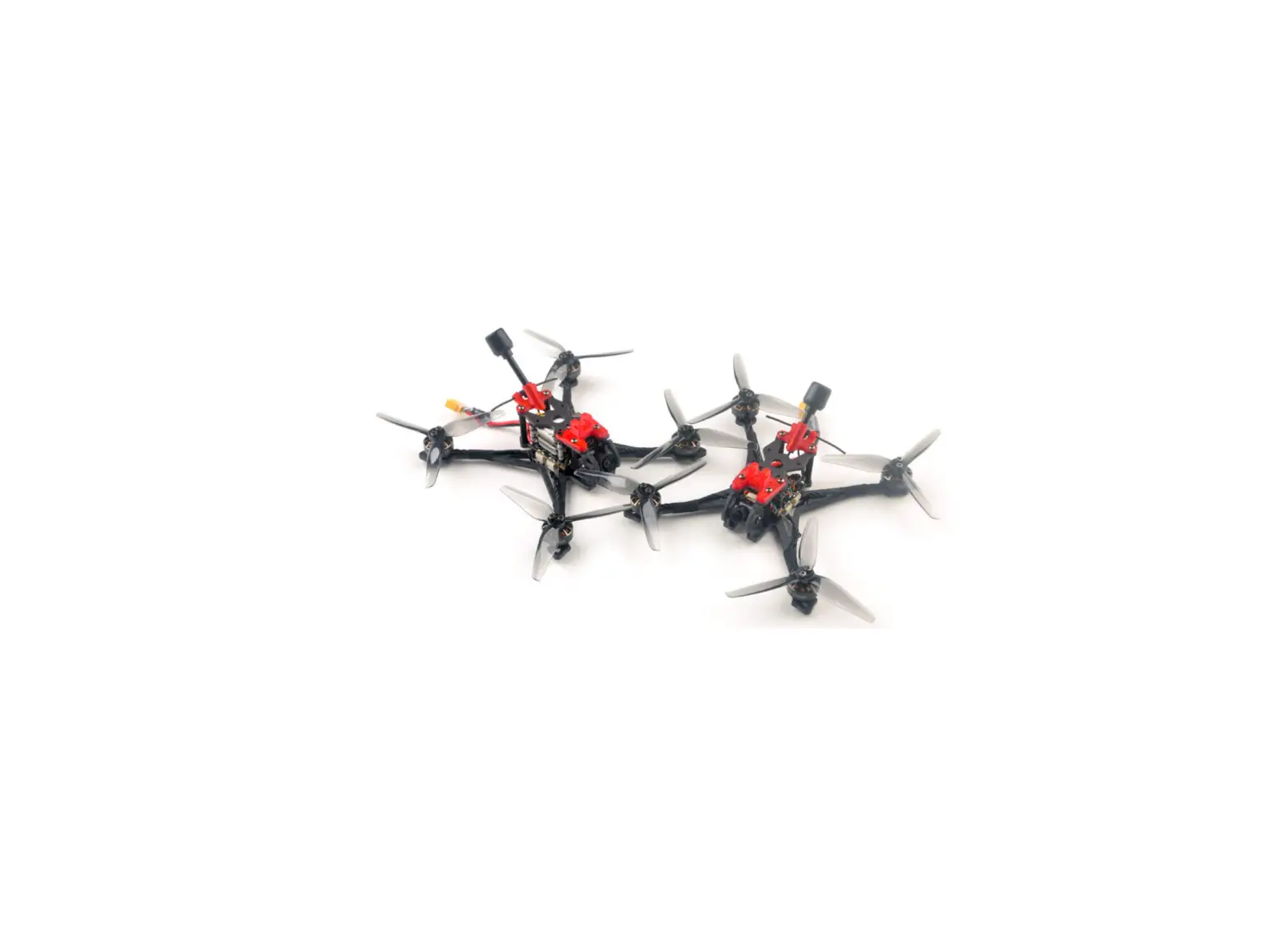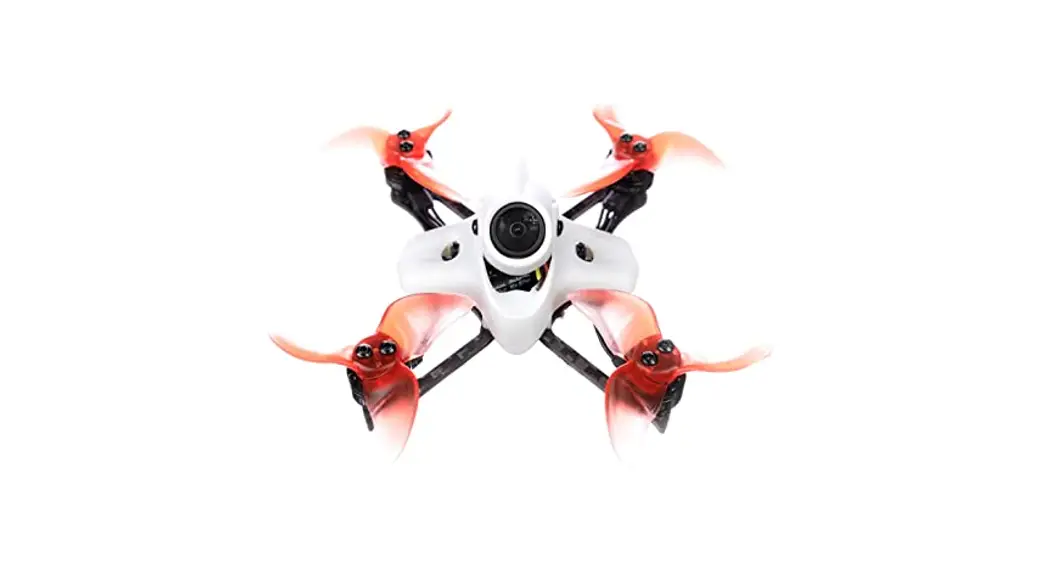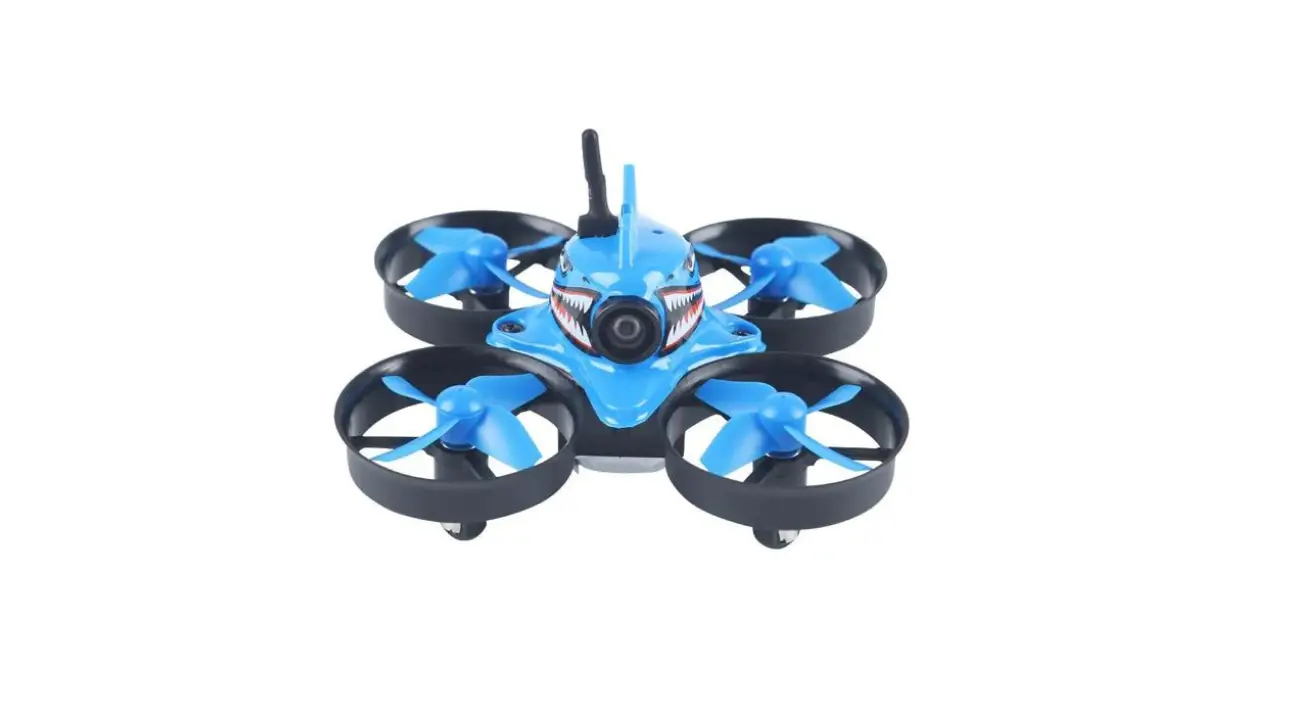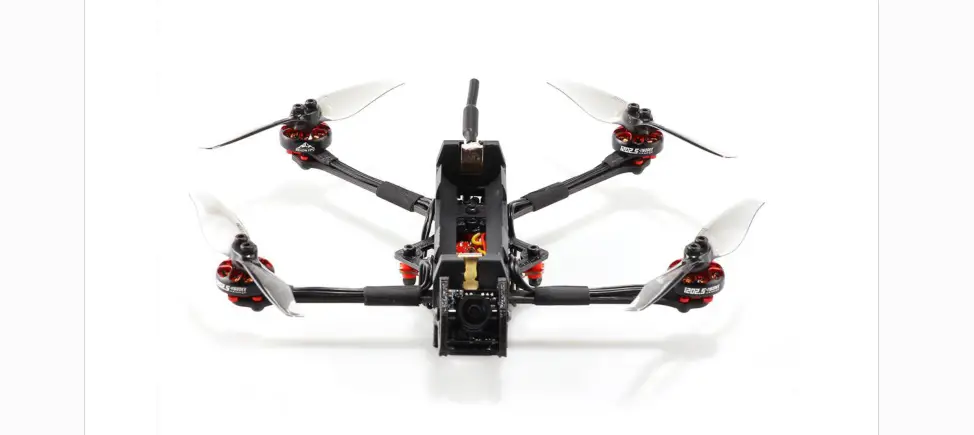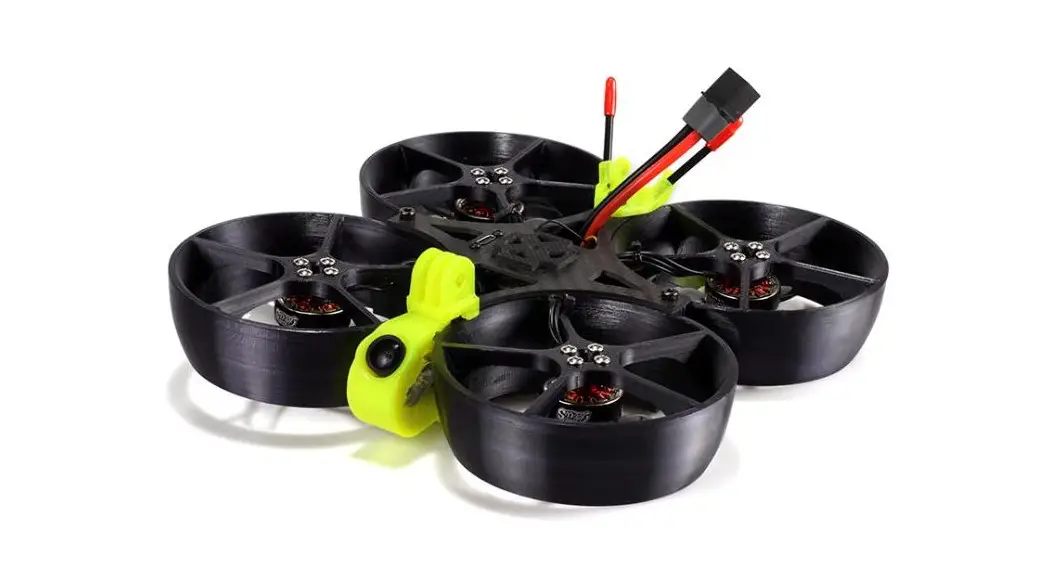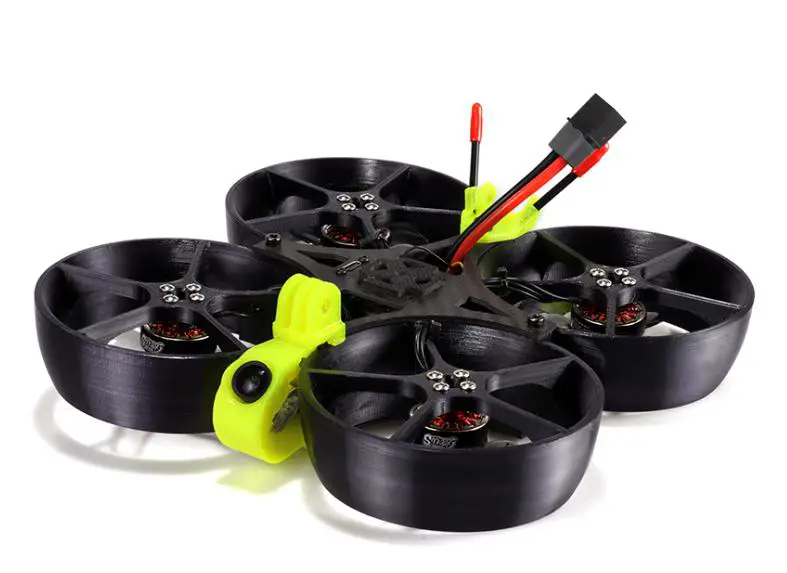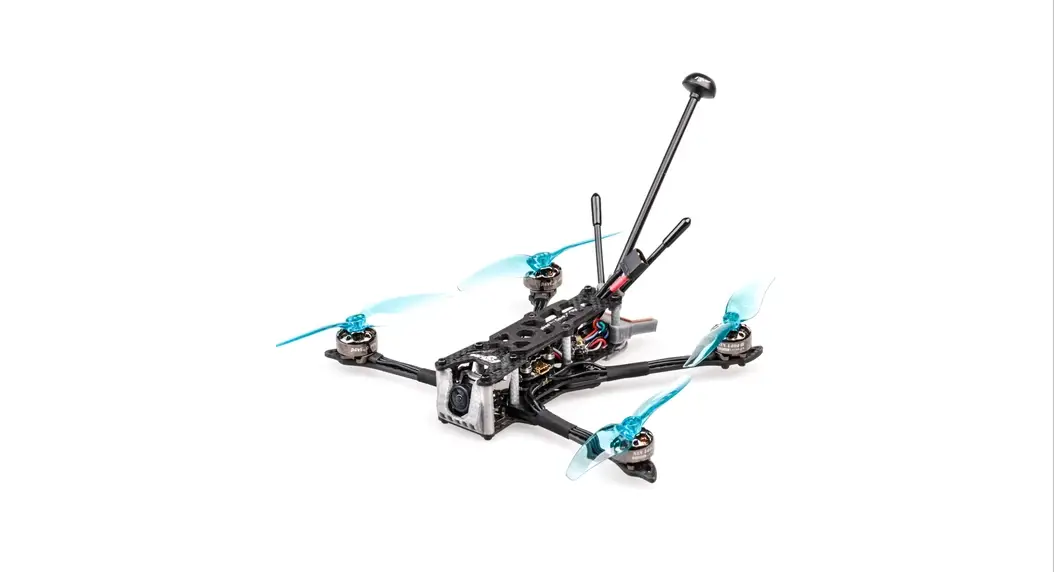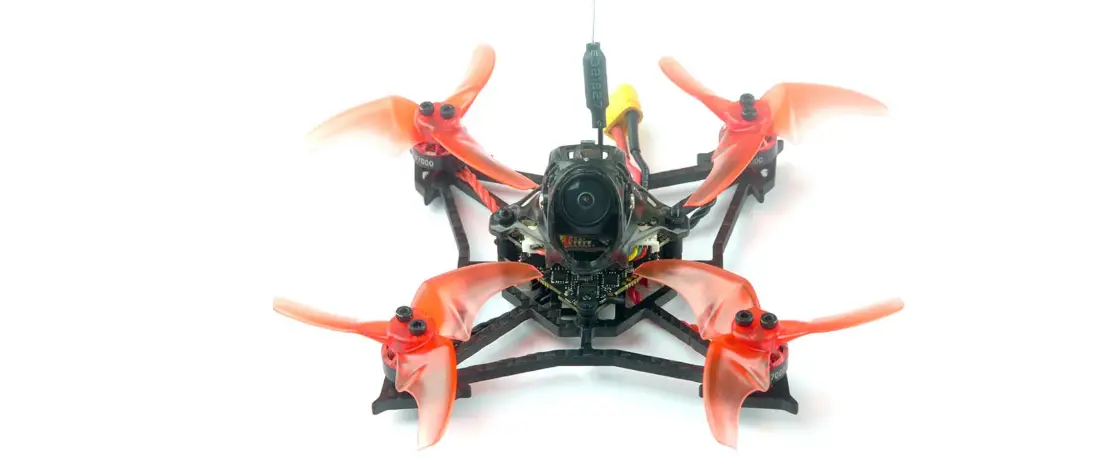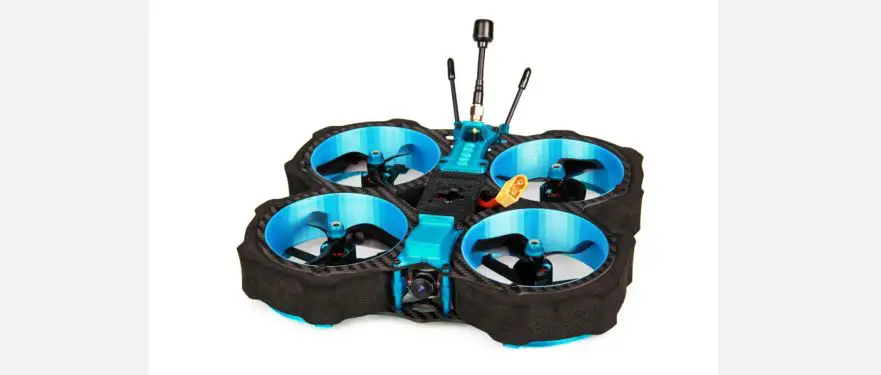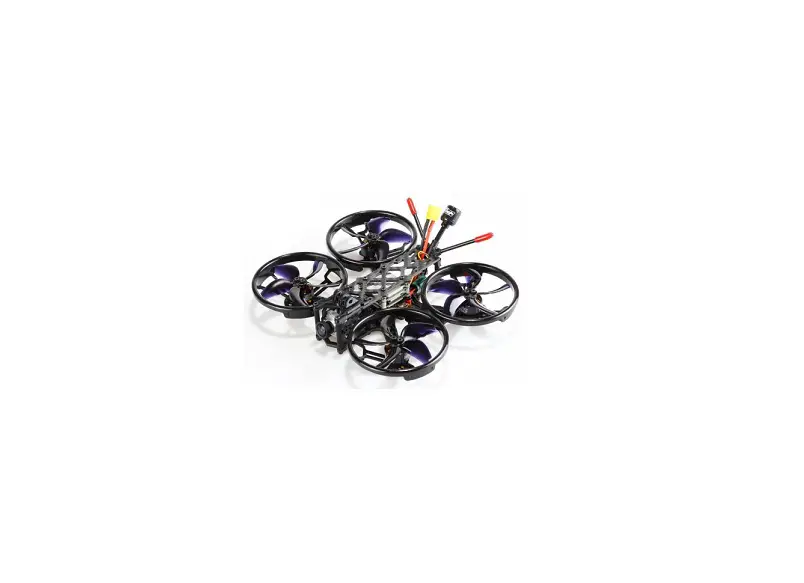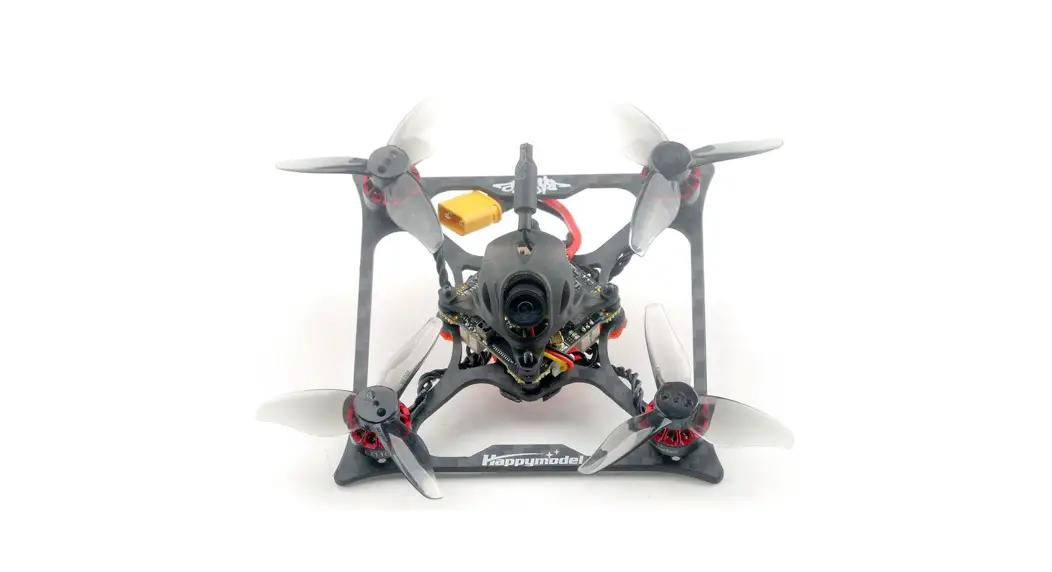
 Bassline 2S Micro FPV Racer Drone
Instructions
Features
X12 5-IN-1 AIO flight controller built-in 2.4G ELRS V2.0 and OPENVTX
VTX Power up to 400mw
Support ELRS V3.0 (Need to upgrade firmware)
Powerful EX1103 KV11000 motors
CaddxFPV Ant FPV camera
Recommend 2S 350mah/450mah/550mah/650mah battery (Not include)
Battery tray size: Maximum support for batteries with a width of
approximately 17mm and a height of approximately 13mm
Specifications
Brand Name: Happymodel
Item Name: Bassline 2S 2inch Micro FPV toothpick drone
Wheelbase: 90mm
Size: 115mm*115mm*40mm
Analog version Weight: 40gram
Package includes
| Item Name | OW |
| Bassline 2inch frame and canopy | 1 |
| Option1: X12 ELRS V2.1 flight controller built- in SPI ELRS 2.4G receiver | 1 |
| Option2: X12 Frsky V2.1 flight controller built- in SPI Frsky 2.4G receiver | |
| Option3: X12 Flysky V1.0 flight controller built- in SPI Flysky 2.4G receiver | |
| Option4: X12 PNP V1.1 flight controller without onboard receiver | |
| EX1103 KV11000 brushless motor | 4 |
| Gemfan toothpick 2023 tri- blade propellers(4cw+4ccw) | 1 |
| Caddx ANT 1200TVL Camera | 1 |
| Onboard 5.8G Openvtx Omw-400mw VTX | 1 |
| Canopy for 14mmx14mm camera | 1 |
FLIGHT CONTROLLER CONNECTION DIAGRAM 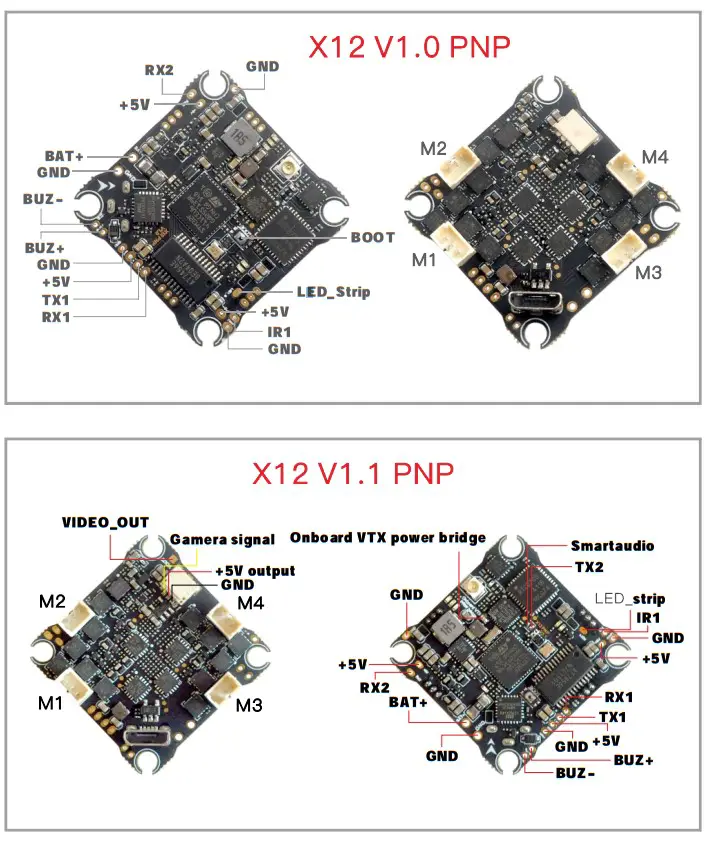 Bassline 2S PNP version
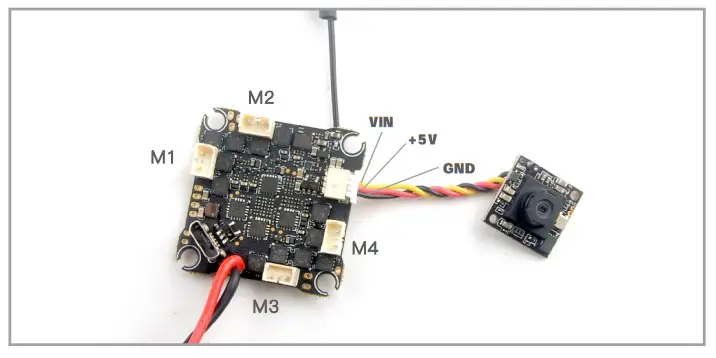 RECEIVER WIRING DIAGRAM AND SETTINGS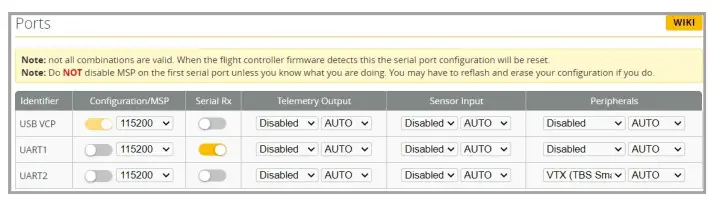
*RX1/TX1/+5V/GND pads could be used for External Serial Based RX like ELRS
Receiver ,TBS Tracer or CRSF Nano
*IR1/+5V/GND pads could be used for External SBUS receiver like XM/XM+/AC900/RXSR
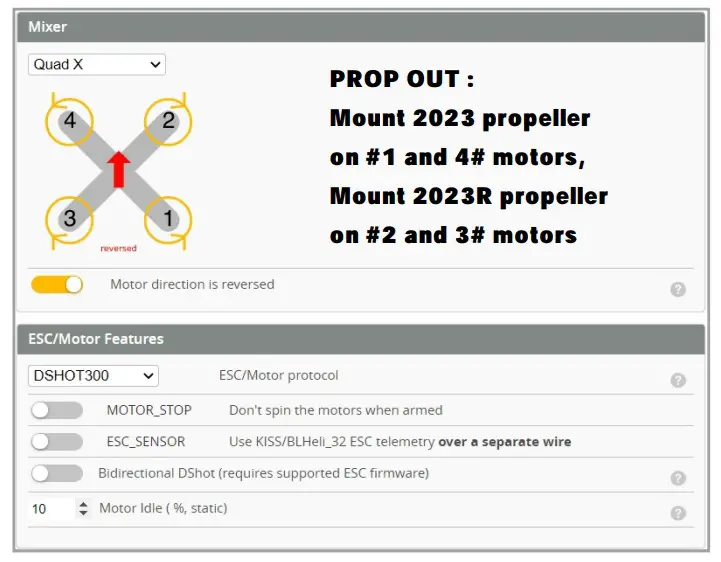
*Need to enable Serial RX for UART1 and select correct receiver protocol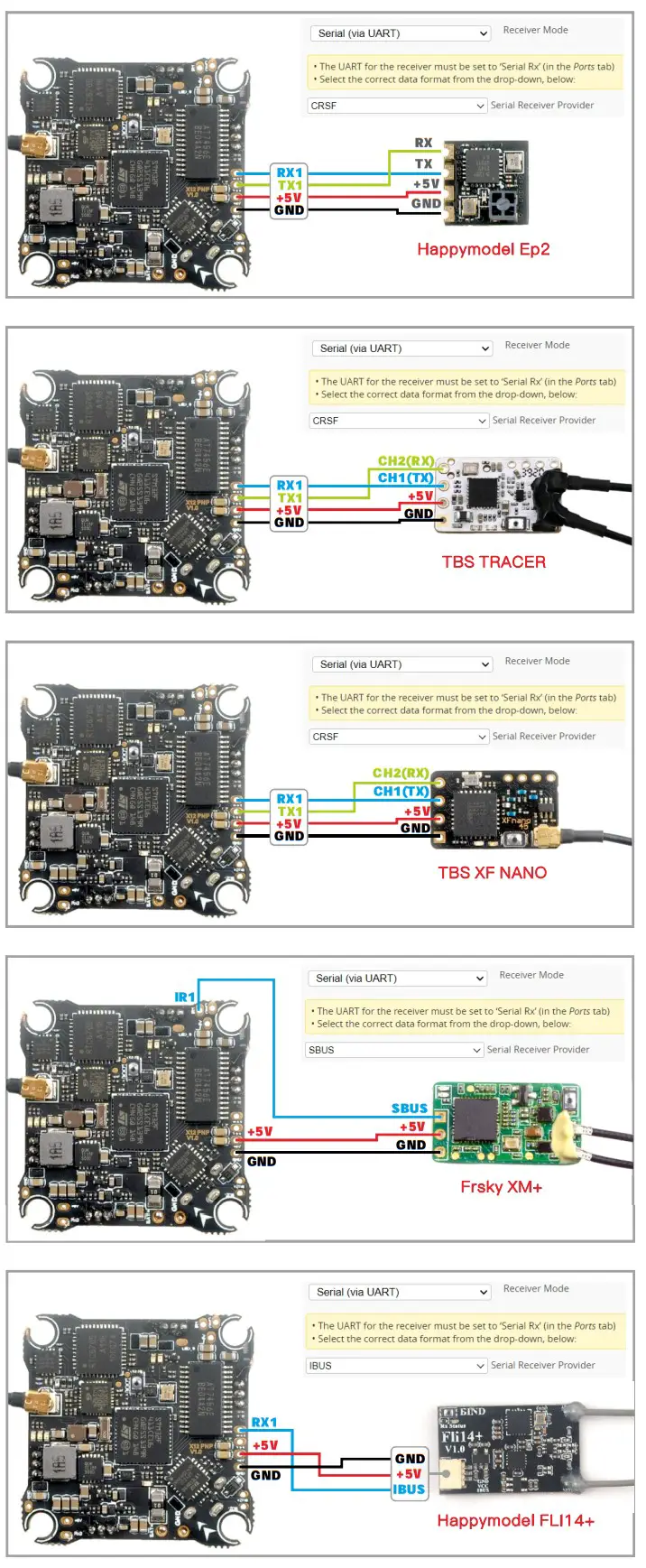 MOTORS AND ESC SETTINGS
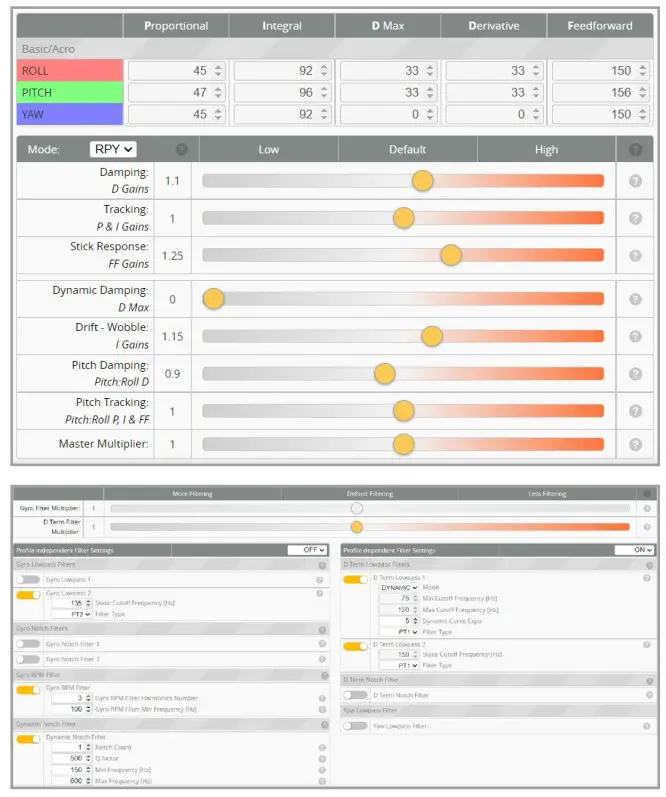
  DEFAULT PID AND FILTER SETTINGS
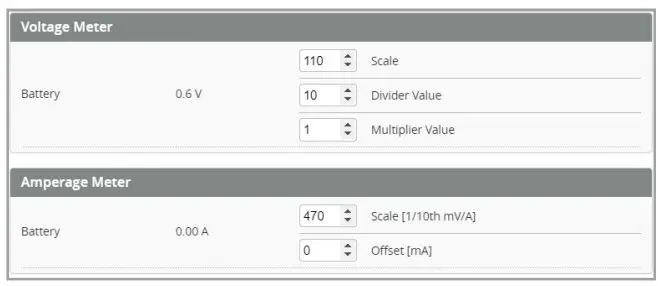
  VOLTAGE AND CURRENTS METER SETTINGS
  “FLIP OVER AFTER CRASH” PROCEDURE
Set one channel of your radio transmitter to activate the Flip over function in the Mode tab of Betaflight configurator. The default Switch for Activate “Flip” is AUX3(Channel7) 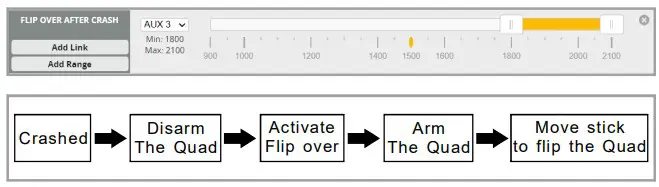 VTX BANDS AND CHANNELS SETUP
Frequency and channel frequency table:
| FR/CH | CH1 | CH2 | CH3 | CH4 | CH5 | CH6 | CH7 | CH8 |
| BOSCAM_A | 5865M | 5845M | 5825M | 5805M | 5785M | 5765M | 5745M | 5725M |
| BOSCAM_B | 5733M | 5752M | 5771M | 5790M | 5809M | 5828M | 5847M | 5866M |
| BOSCAM_E | 5705M | 5685M | 5665M | 5645M | 5885M | 5905M | 5925M | 5945M |
| FATSHARK | 5740M | 5760M | 5780M | 5800M | 5820M | 5840M | 5860M | 5880M |
| RACEBAND | 5658M | 5695M | 5732M | 5769M | 5806M | 5843M | 5880M | 5917M |
| LOWRACE | 5333M | 5373M | 5413M | 5453M | 5493M | 5533M | 5573M | 5613M |
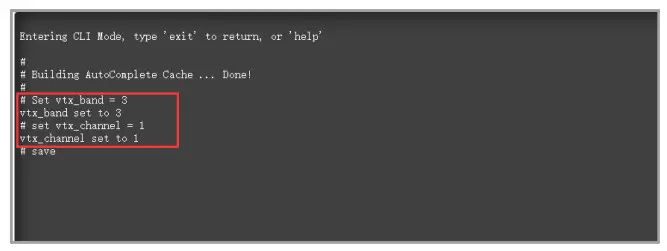
- Plug USB to Bassline 2S Frsky then we should Go to Betaflight CLI type the command
Set vtx_band=3
Set vtx_channel=1
save
This command will change the vtx channel to 5705
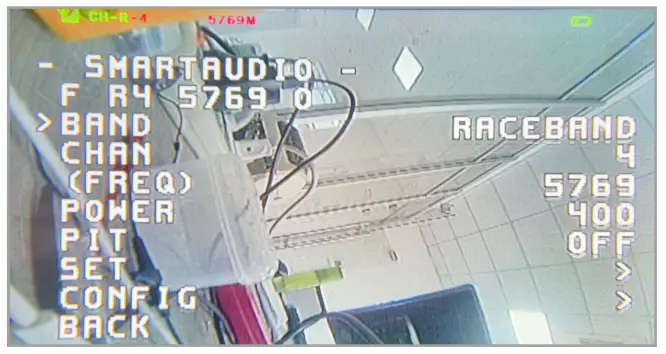
- Disarm the Bassline 2S Frsky and then move the stick of the transmitter
THR MID YAW LEFT PITCH UP to enter OSD Menu Enter to Features then enter
to VTX
SA to set VTX Band and channel
ESC SETTINGS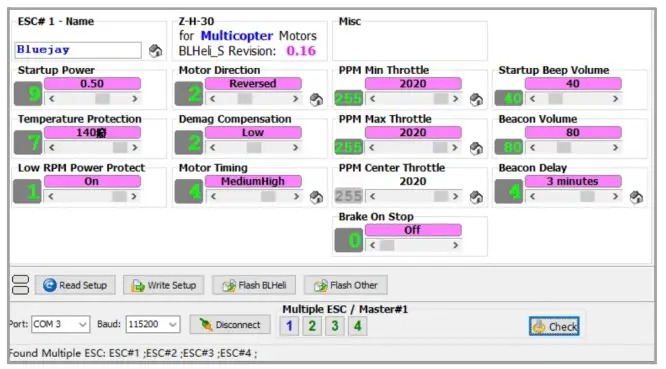 FLIGHT CONTROLLER FIRMWARE UPDATE
- Install latest STM32 Virtual COM Port Driver http://www.st.com/web/en/catalog/tools/PF257938
- Install STM BOOTLOAD Driver (STM Device in DFU MODE)
- Open Betaflight configurator and choose firmware target “CRAZYBEEF4DX”, then select the firmware version.
- There are 2 ways to get in DFU Mode: 1). solder the boot pad and then plug USB to computer 2).loading betaflight firmware and hit “flash”, then it will getting into DFU Mode automatically.
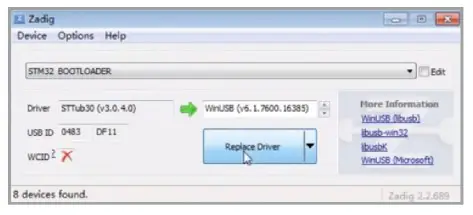
- Open Zadig tools to replace the drivers from STM32 Bootloader to WINUSB Driver. 6.Reconnect the flight controller to the computer after replace driver done , and open Betaflight Configurator, loading firmware and flash.
 Firmware and diff download
https://www.happymodel.cn/index.php/2022/12/31/dump-file-and-firmware-hex-file-for-bassline-2s-fpv-racer-drone/
 STSW-STM32102 - STM32 Virtual COM Port Driver - STMicroelectronics