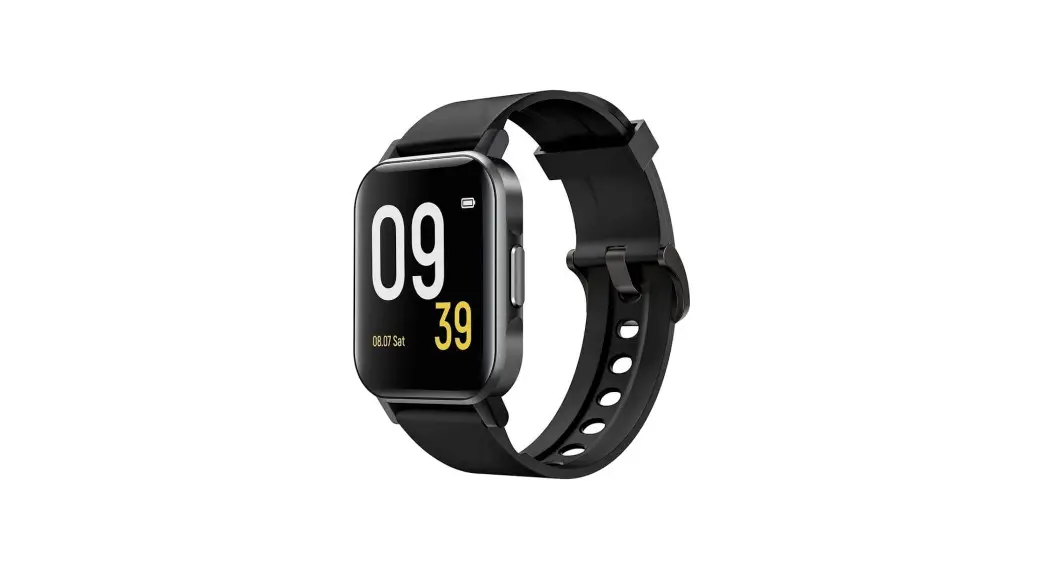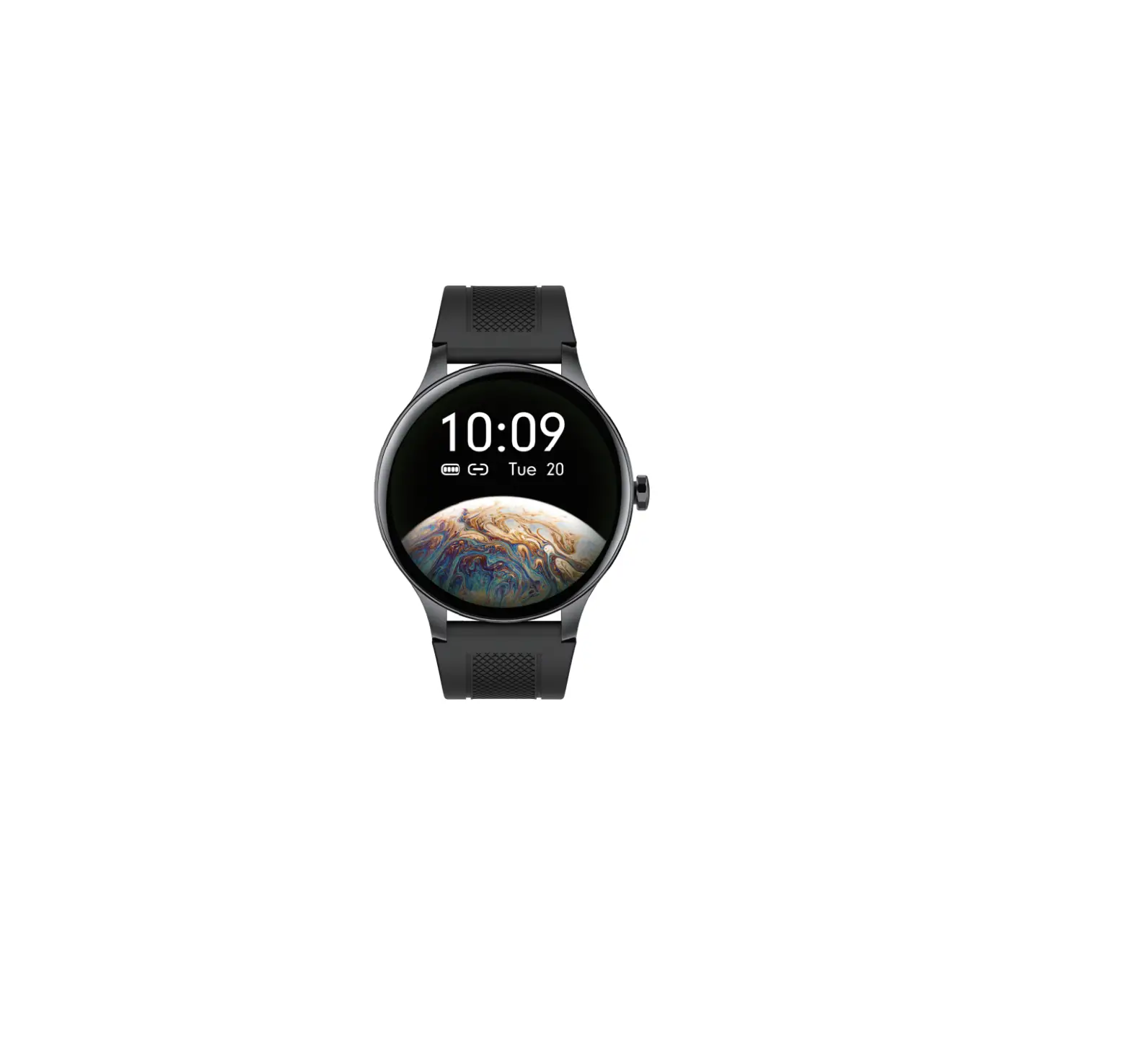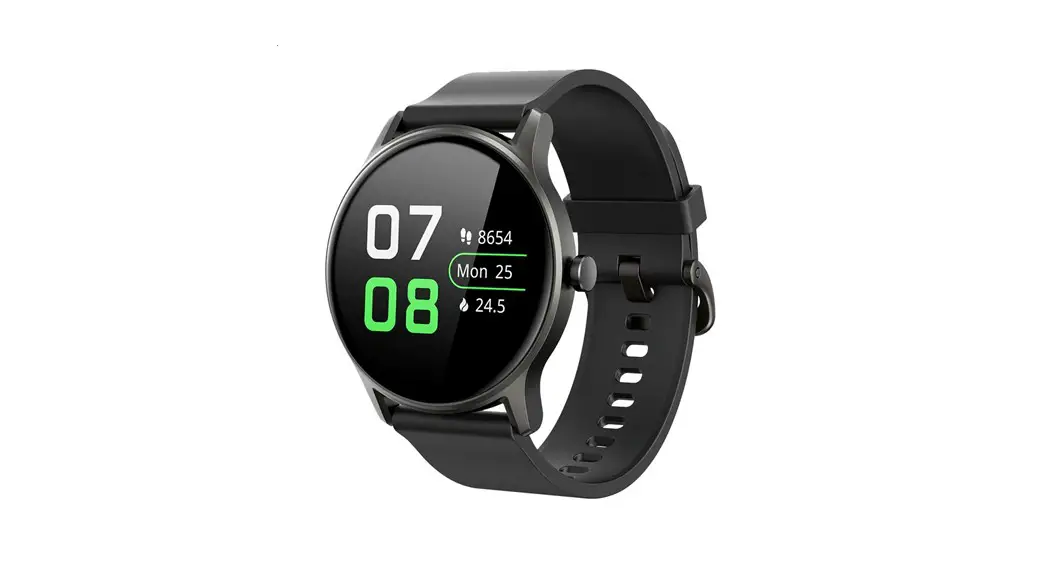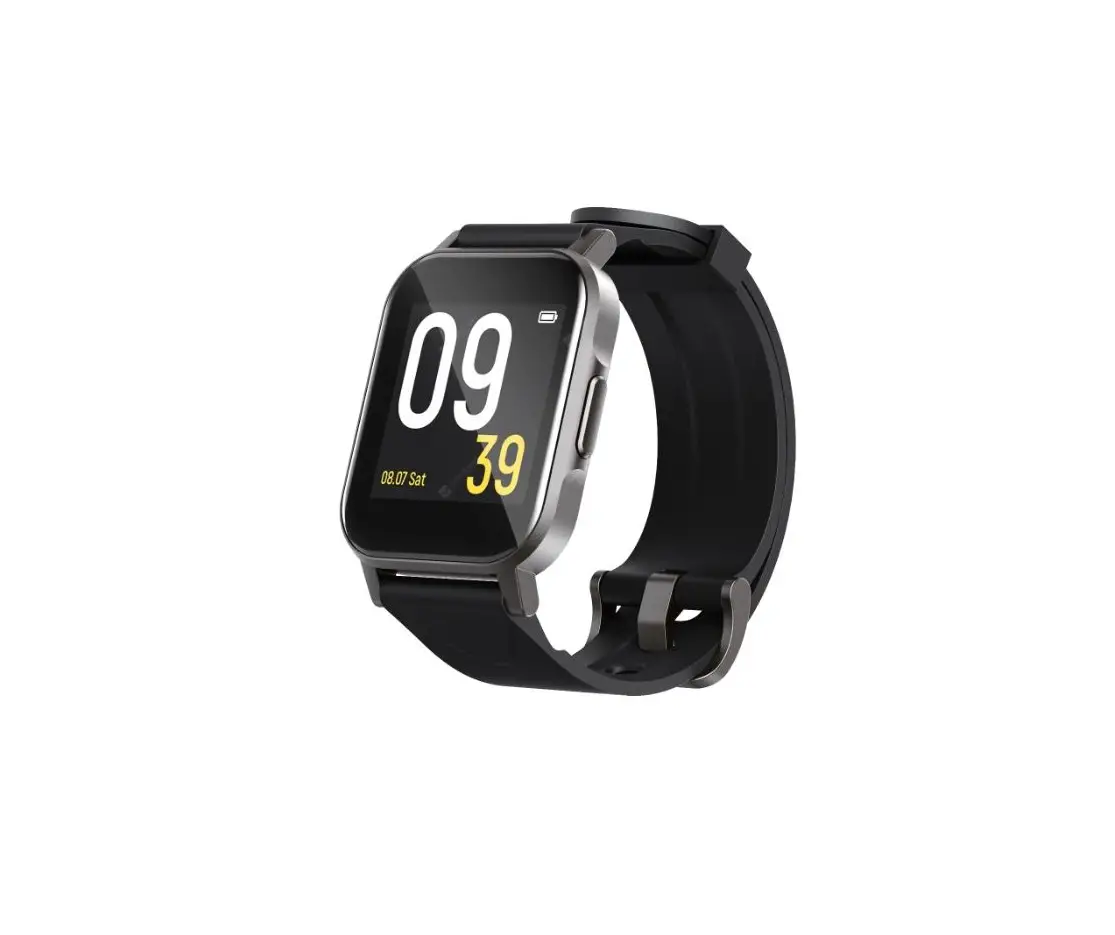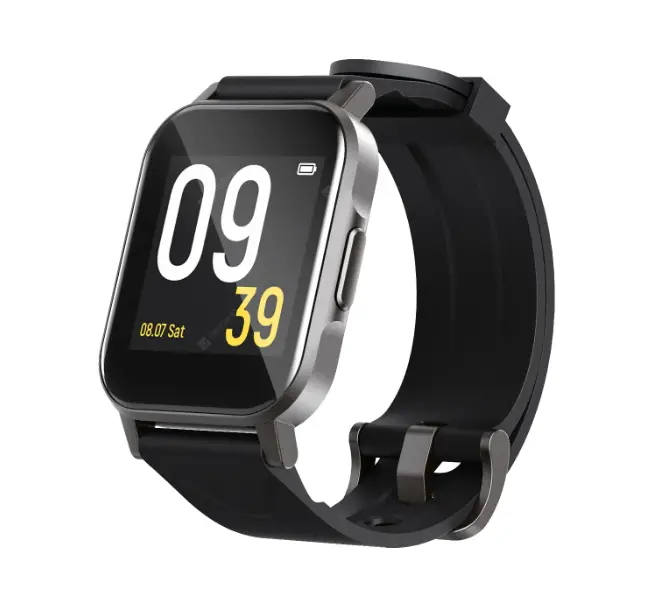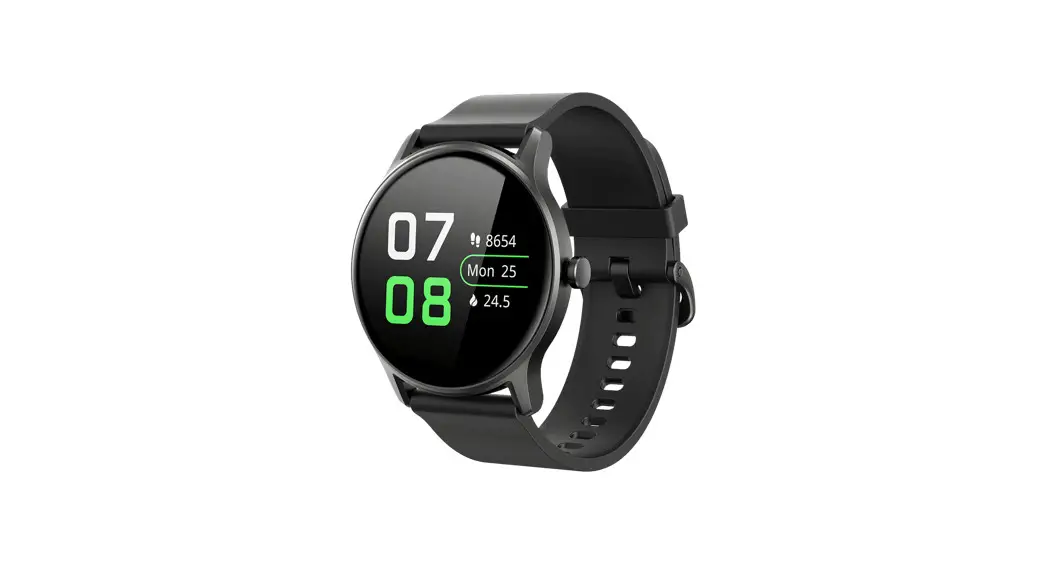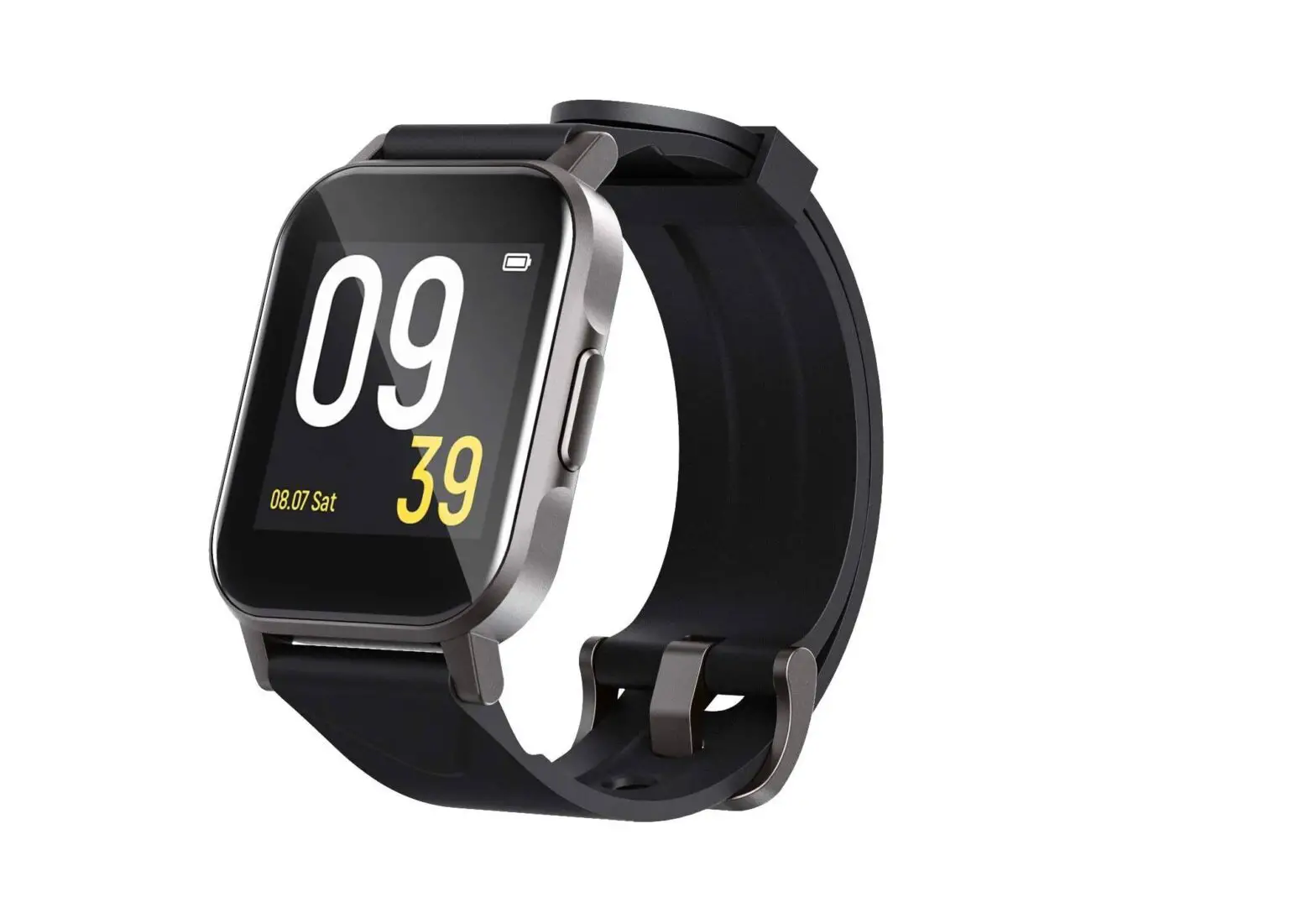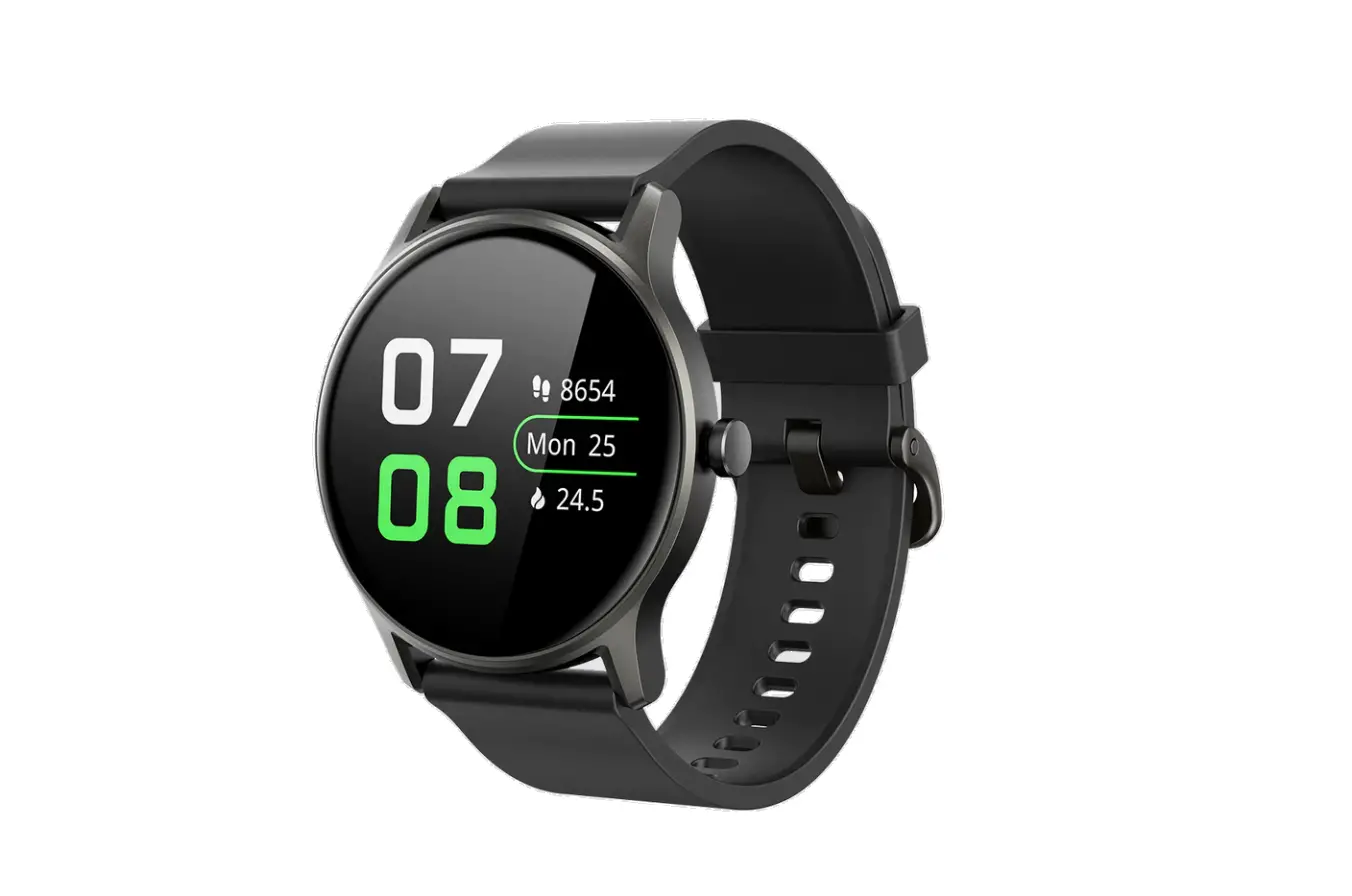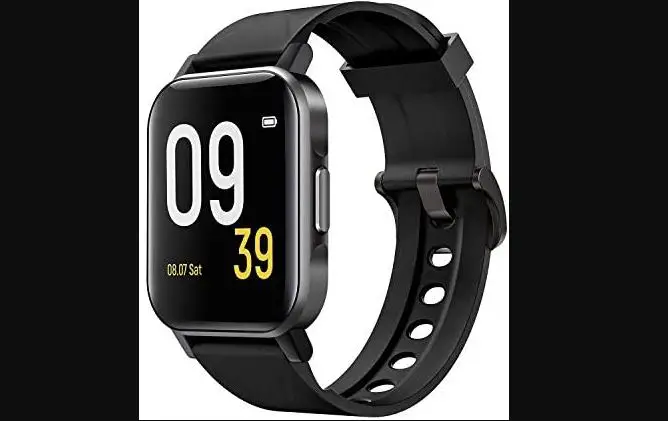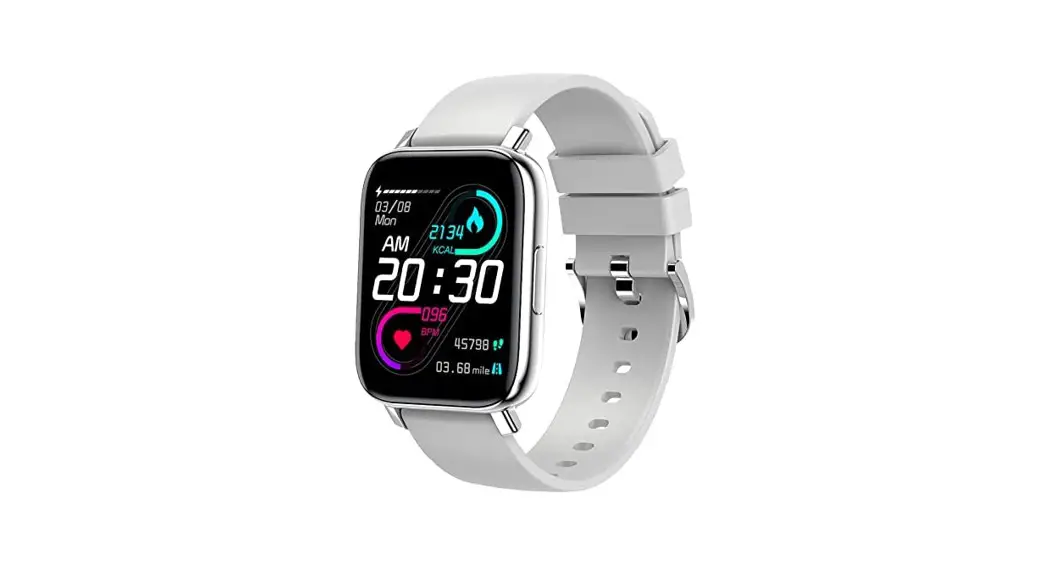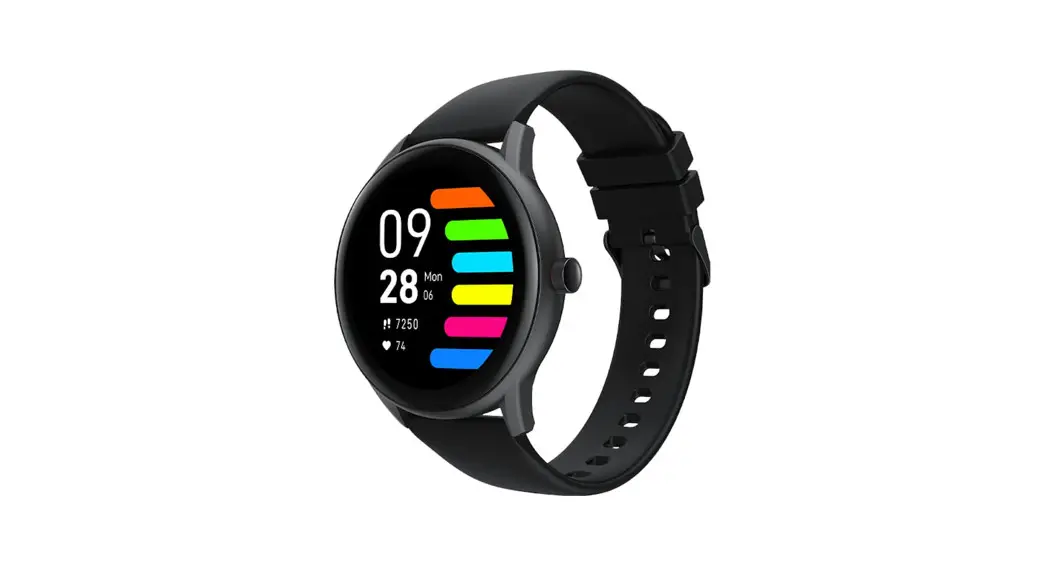
Watch Pro 1 Smart Watch Fitness Tracker
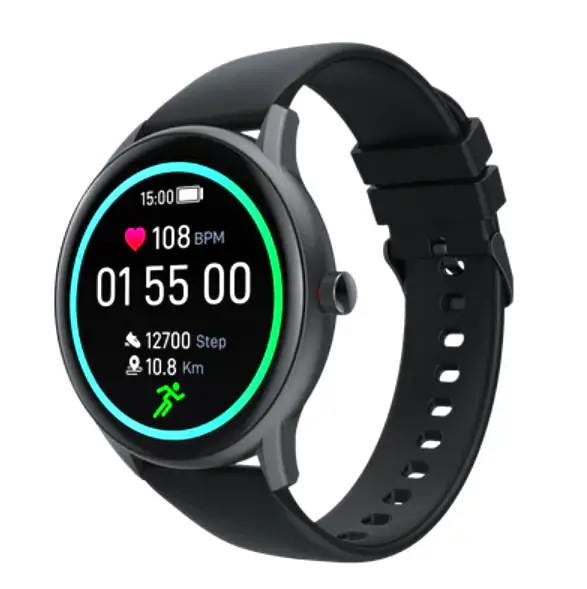
User Manual
Product introduction
Wearing
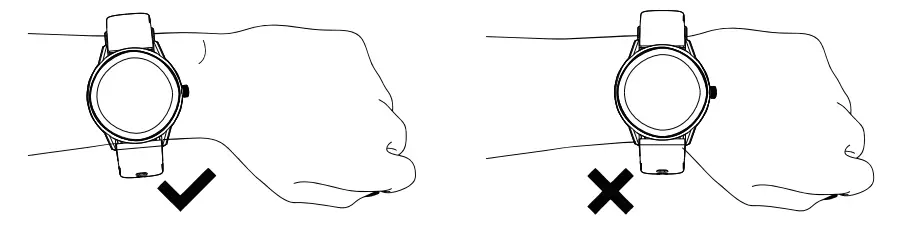
Wear the wristband about one finger away from the wrist bone and adjust the tightness of the wristband to a comfortable position.
Tip: If you wear the strap too loose, the data acquisition of the heart rate sensor may be affected.
Connection and binding
- Scan the QR code on the watch display (Settings-APP Download) by your mobile phone, and then install the APP SOUNDPEATS SPORTS. You can also scan the QR code below to download and install SOUNDPEATS SPORTS from the mobile APP store.
 https://app.help-document.com/soundpeats/download/index.html
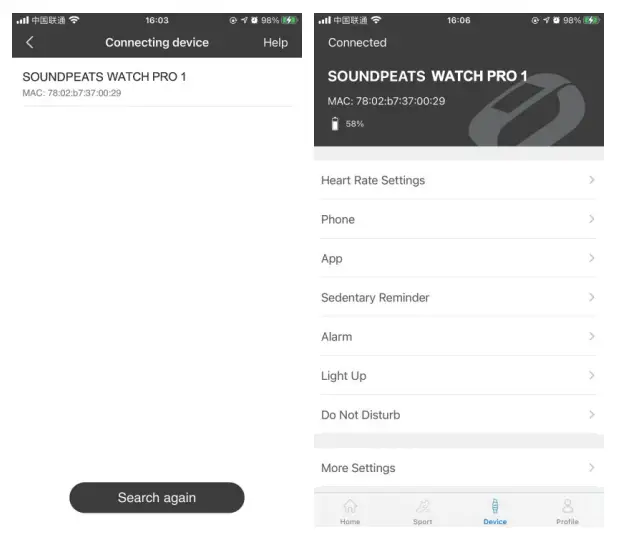
 - After installing the APP, open and log in to SOUNDPEATS SPORTS, then select (device WATCH Prol to be added) on the device page so as to connect it.


Operation
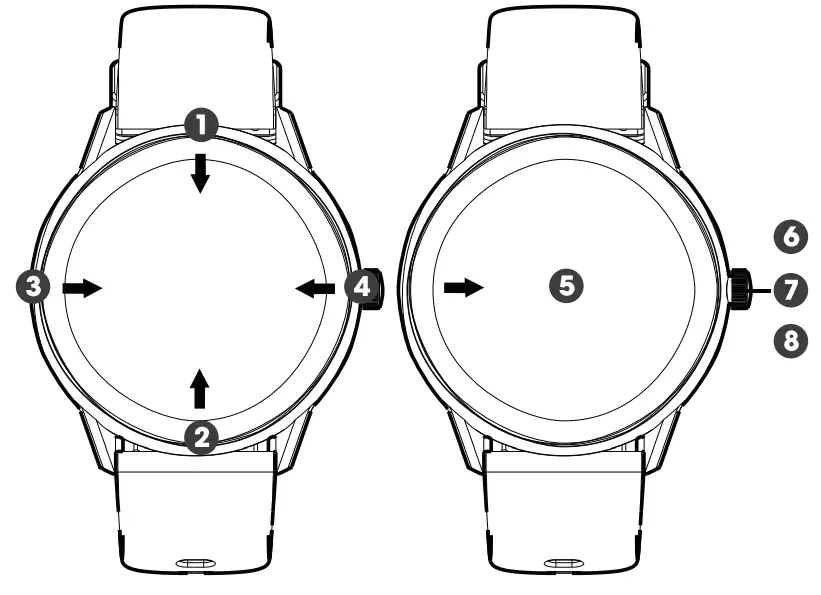
- Open the control panel: Swipe the screen on the main interface downwards from the top
- Open the messages/notifications: Swipe the screen on the main interface upwards from the bottom
- Open the main menu: Swipe the screen on the main interface from left to right (Note: On other interfaces, slide your finger from left to right to return to the previous interface)
- Open the status interface: Swipe the screen on the main interface from right to left
- Quick dial change: Press and hold the dial interface for 3 seconds, and the watch vibrates once; then you can slide your finger to the left or right to select the dial.
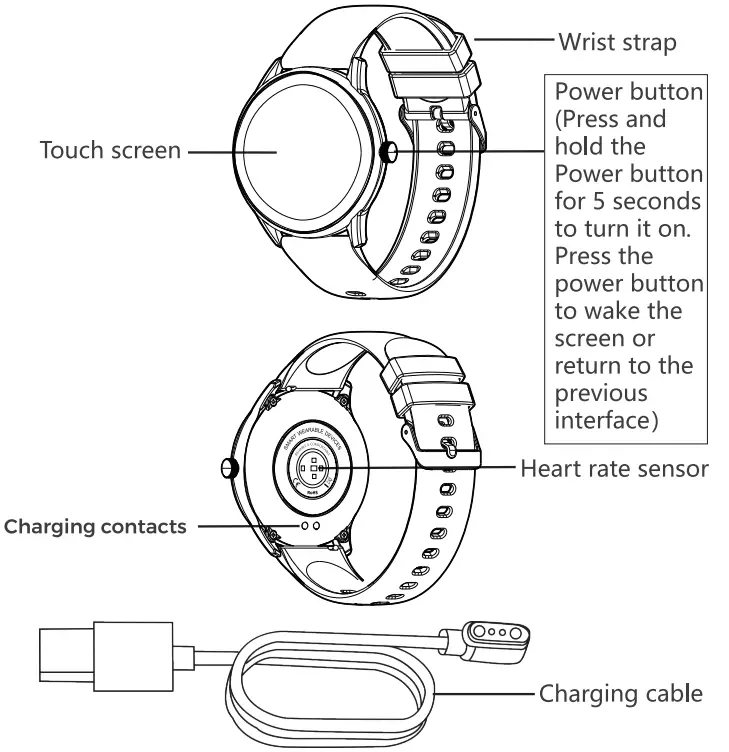
6. Power on Press and hold the Power button for 5 seconds to switch it on (Power off You need to press and hold the button for 3 seconds when the display is on to select whether to power off) - Quick sports pause/continue: Press the power button.
- Press the power button to return to the homepage (Note: If you are on the level 2 interface, you will return to the level 1 interface).
Features
 | 13 sport modes (Running, Walking, Cycling, Alpinism, Yoga, Skipping, Tennis, Baseball, Basketball, Badminton, Football, Rugby, Table Tennis) |
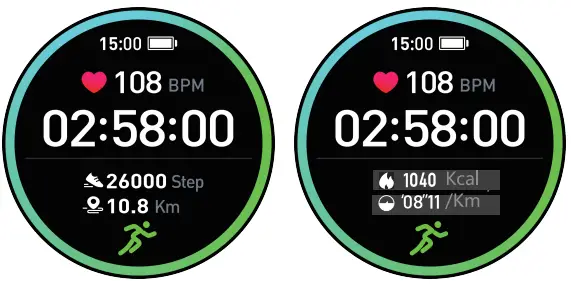 | In running, walking, Alpinism, and other sports modes, you can click the screen to view the sports data (steps, pace, calories, distance, and duration). |
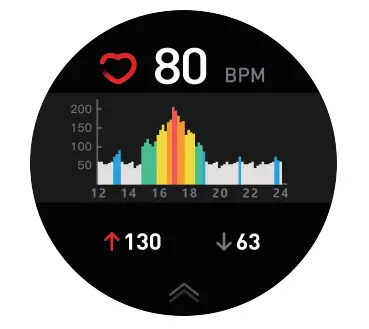 | Heart Rate Monitor: The watch will continuously track your heart rate for 24 hours(Need to turn on the “Heart rate monitoring” in the APP at first), you can also view the historical heart rate data in the APP. Note: When this feature is enabled, the power consumption will be increased, and the battery endurance will be reduced. |
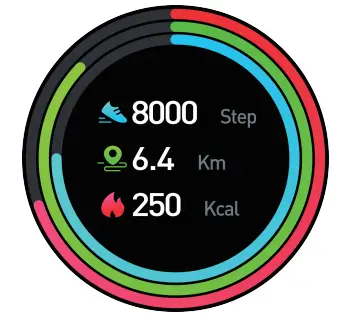 | Status Interface: The steps, distance, and calories will be recorded in detail and displayed on the watch every day. |
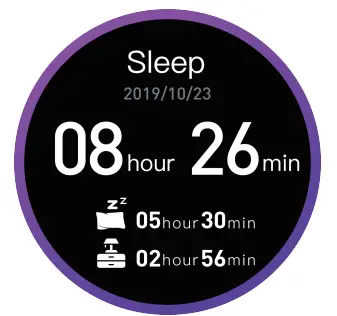 | Sleep: The watch will monitor your sleep status from 6:00 pm to 11:59 am of the next day. Note: The sleep data on watch will be cleared at 6:00 pm every day. But you still can check the historical sleep data in the SOUNDPEATS SPORTS APP. |
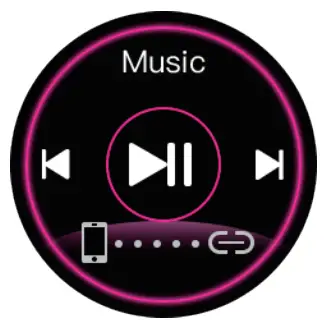 | Music: The watch can be used to control the music player of the mobile phone, you can use it to play/pause or skip songs (it is only compatible with the in-built music player of the mobile phone, may not be compatible with third party’s player, and the volume cannot be adjusted on the watch) |
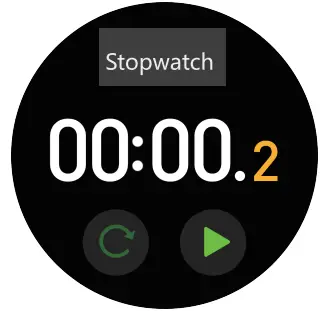 | Stopwatch: The watch can be used to count time (slide your finger to the right after pressing the pause button to exit and return to the previous menu) |
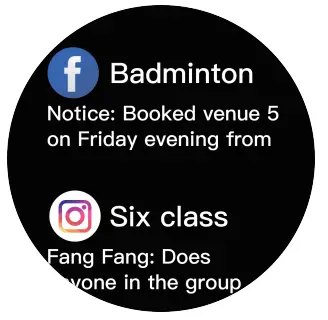 | Message: The watch will receive and display texts/ messages/ social media notifications from your phone . |
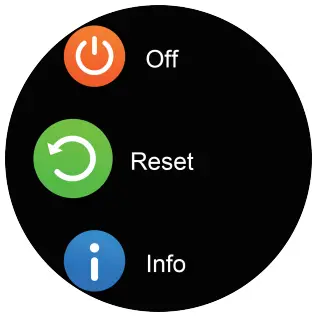 | Setting: You can shut down or reset the watch from the setting, and you can also check the info about the watch and App download QR code. |
Charging
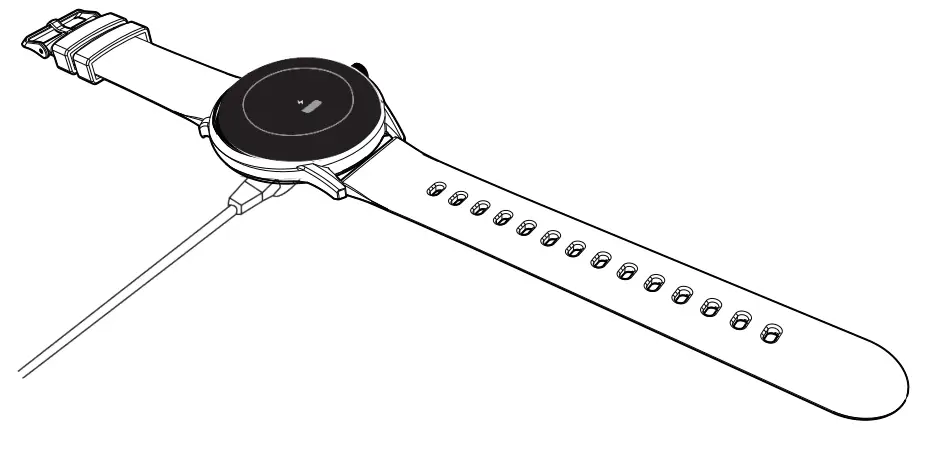
- Place the watch on the magnetic charging cable and make sure the charging contacts on the back of the watch are fully attached to the metal contacts of the charging cable. It can be fully charged within about 3.5 hours.
- Plug the charging cable into a standard USB charger purchased via official channels. The output voltage is SV and the output current is 1A.
If the watch can’t be turned on after being left for a long time, please wipe the charging contacts of the charging cable when using it again to remove the sweat or moisture residue.
Note: (If you do not use the watch often, please charge it once every month.)
Basic parameters
Hardware parameters | |
| Display | 1.28inch |
| Touch screen | Capacitive full touch screen |
| Bluetooth | BT5.0 |
| Material of shell | Zinc alloy with vacuum plating |
| Material of strap | Silicone rubber |
| Battery and battery life | Standby time>30 days |
| Service time: 7 days (with all features on) | |
| Button | The power button on the side |
| Charging mode | Magnetic charging |
| Water-proofing | IP68 waterproof level |
Warranty regulations
When purchasing products from the original buyer, we begin to guarantee watches for a period of 12 months, and the warranty scope is limited to manufacturing defects. [email protected]
 www.soundpeatsaudio.com