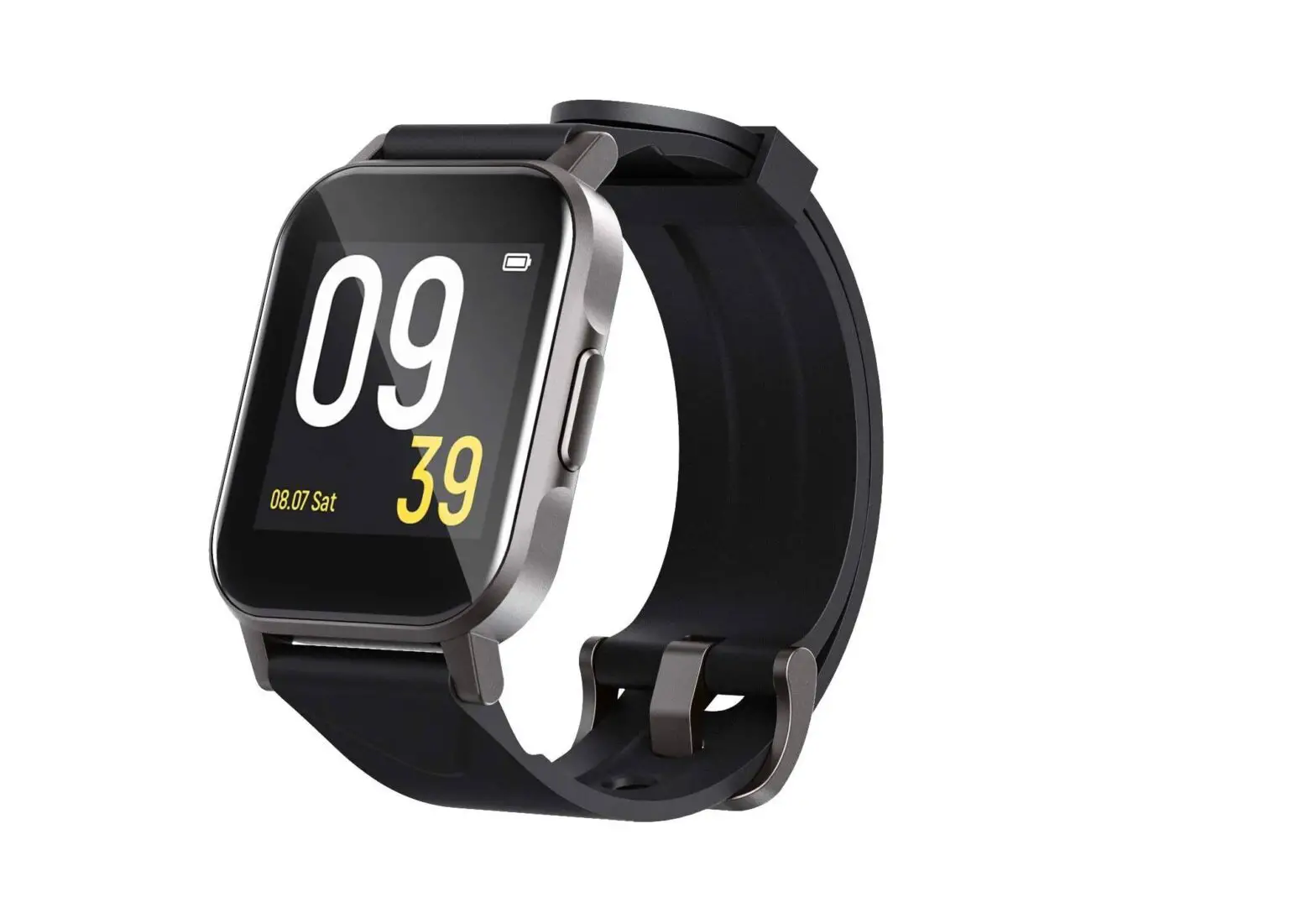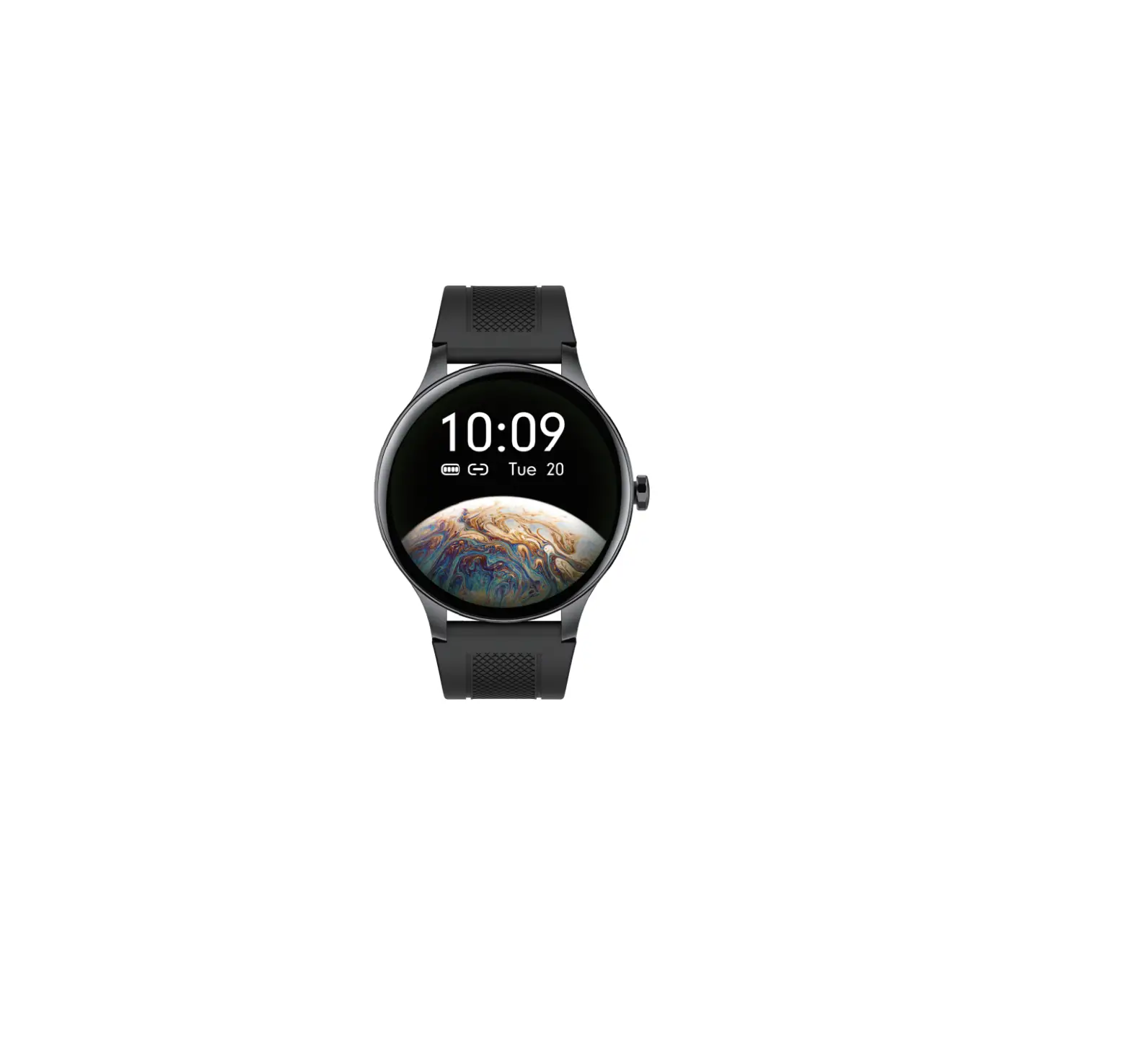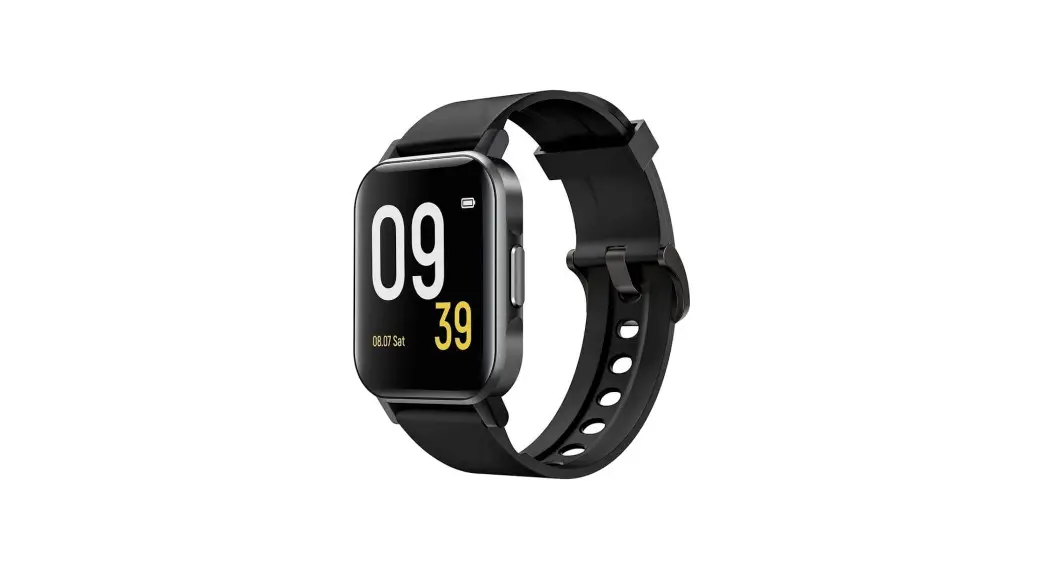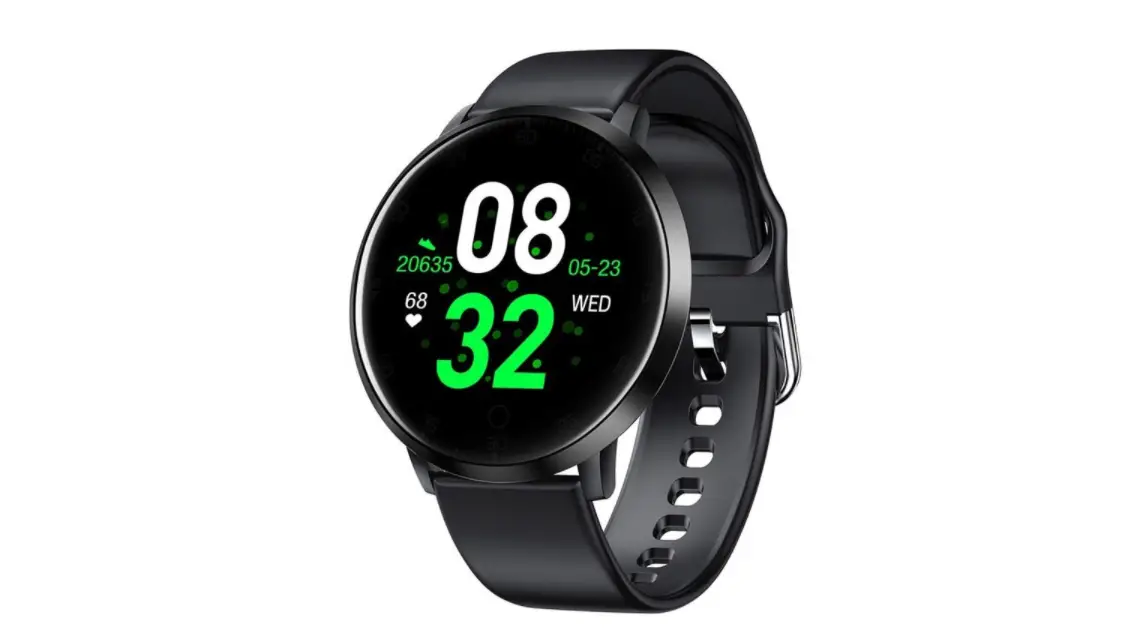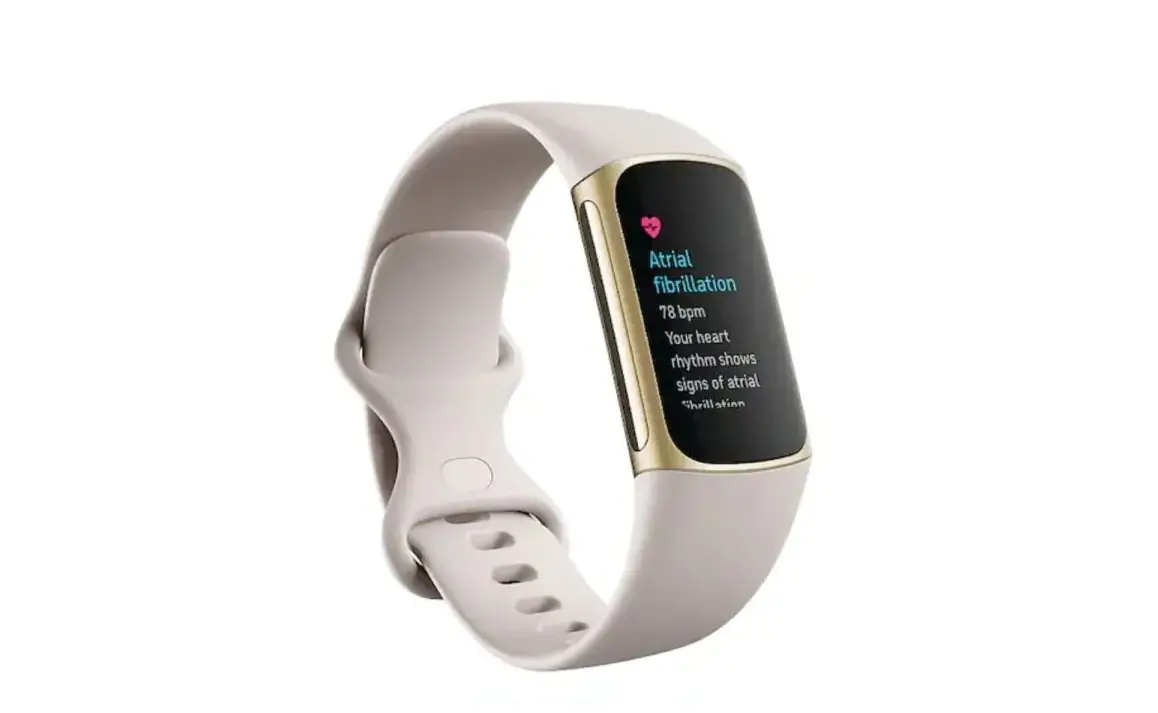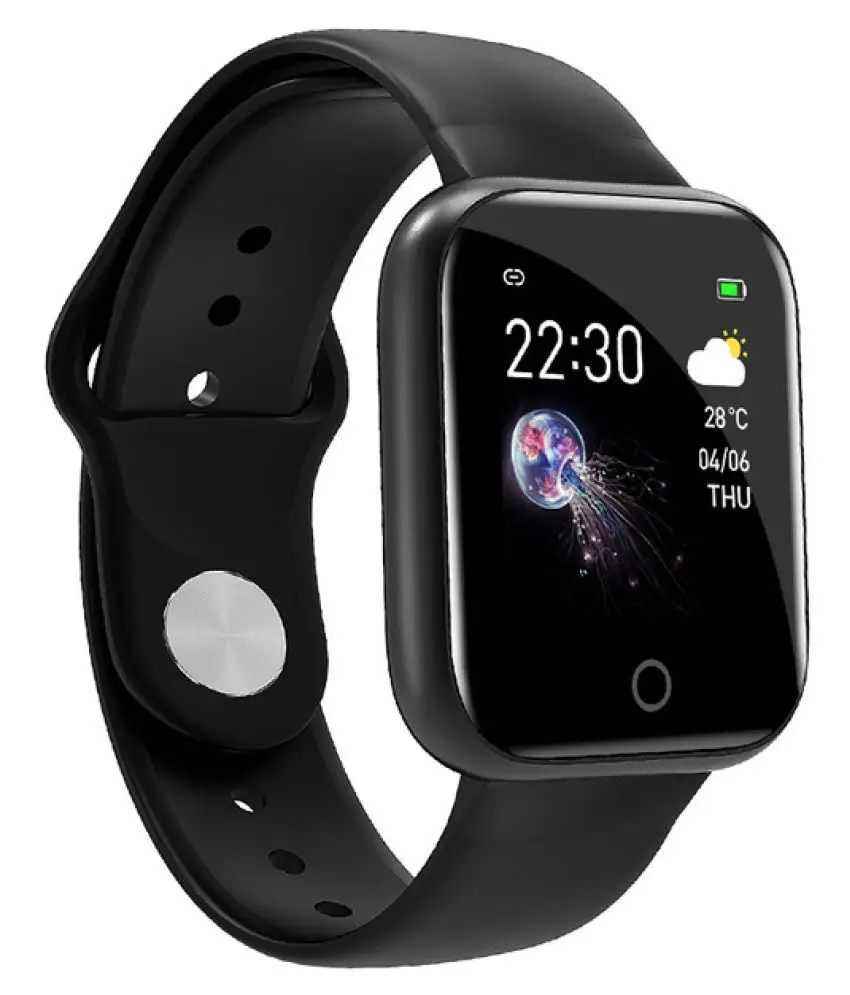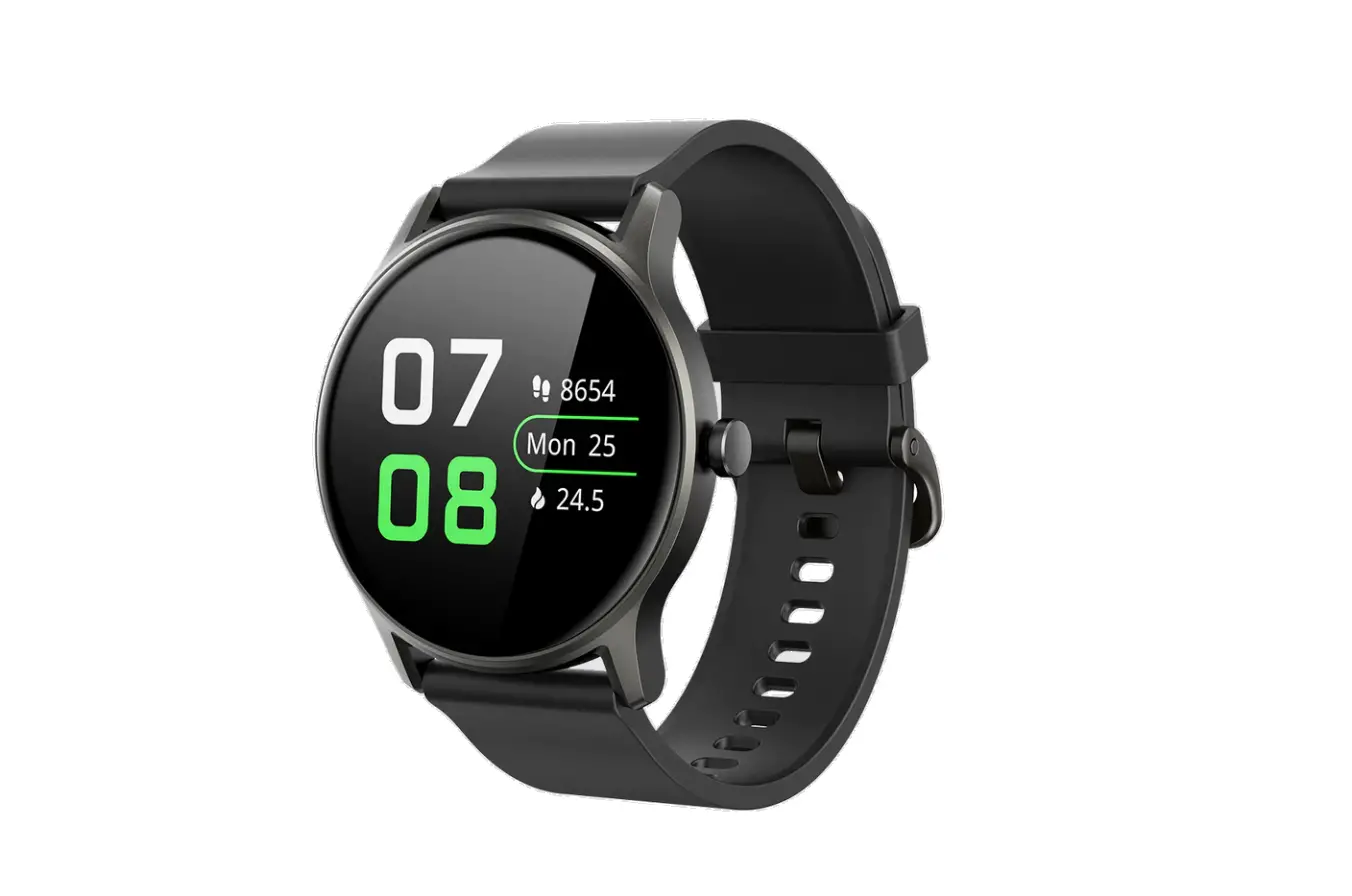
SOUNDPEATS Watch 2 Smartwatch with Heart Rate and Sleep Tracker User Manual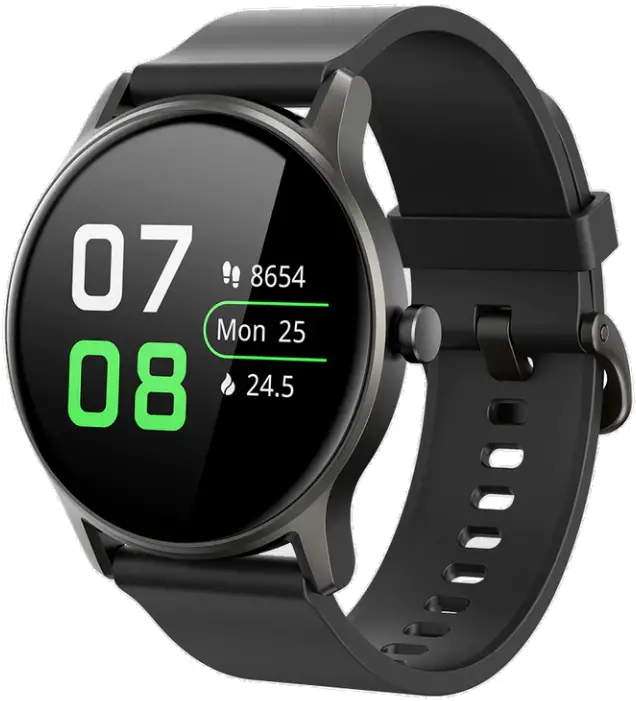
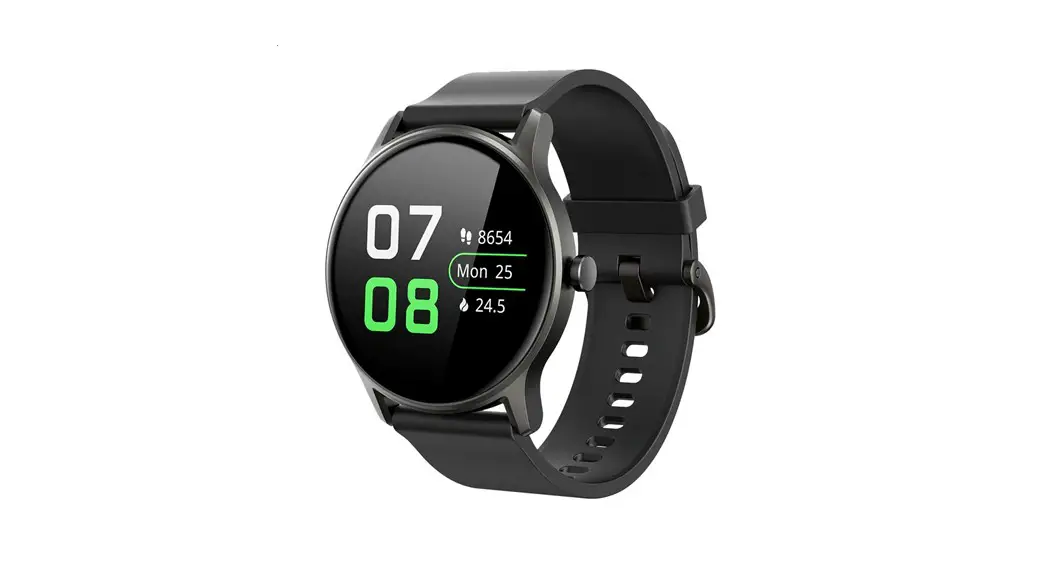
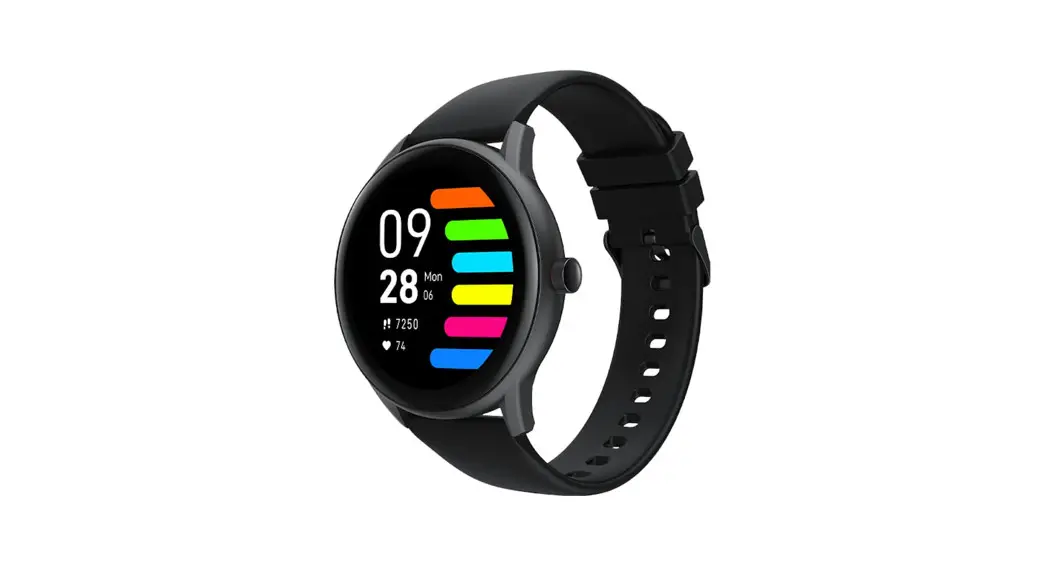
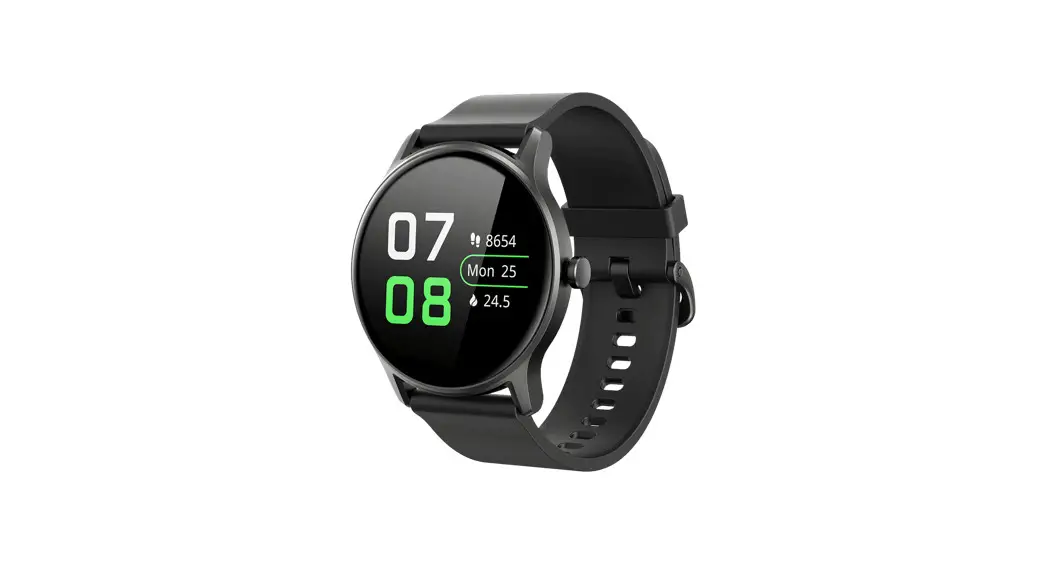
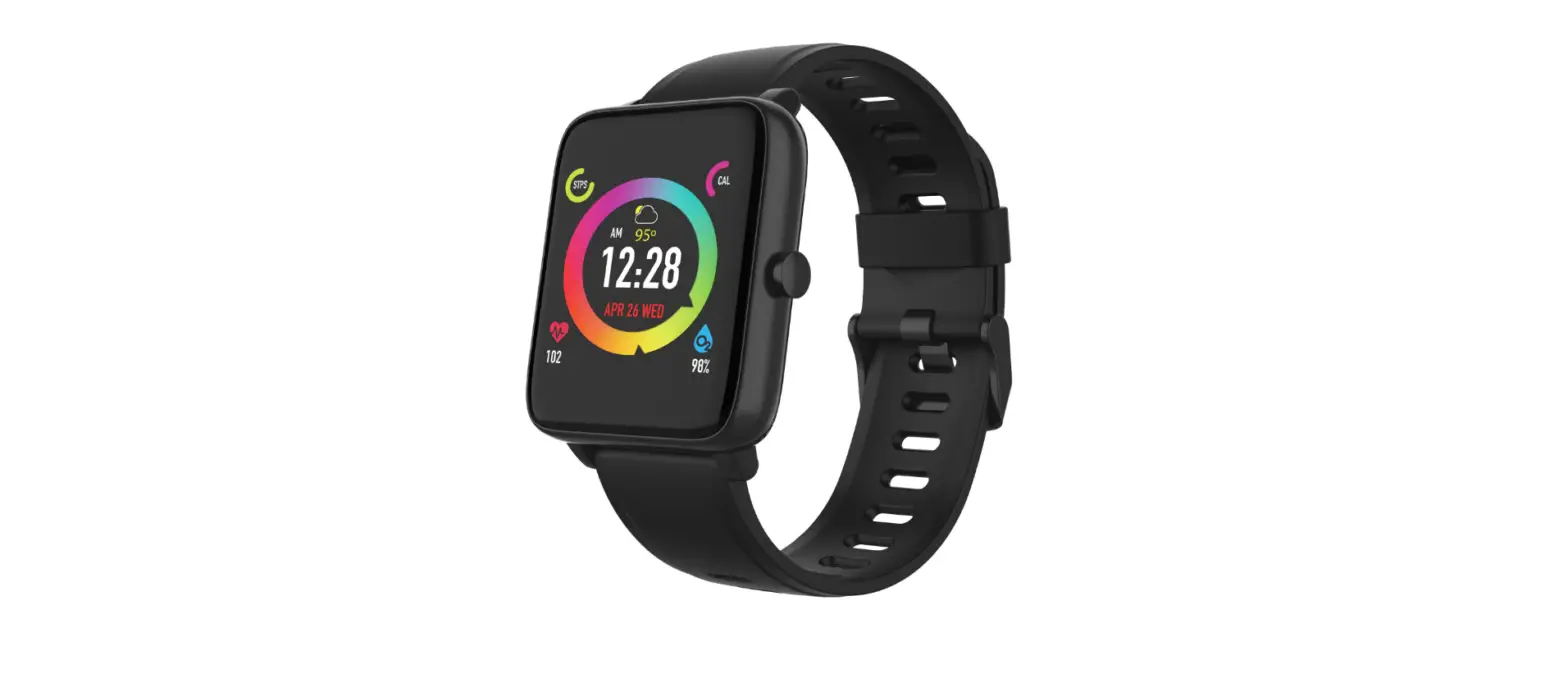
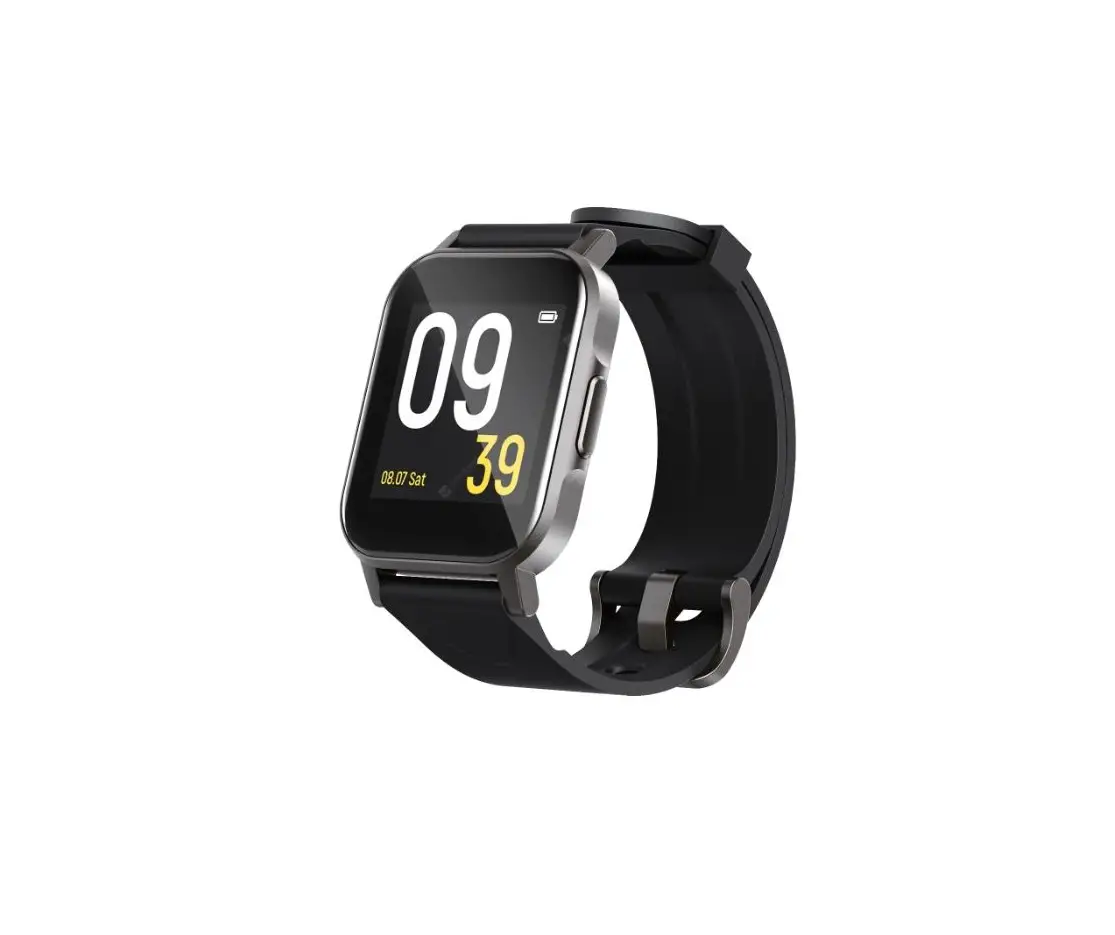
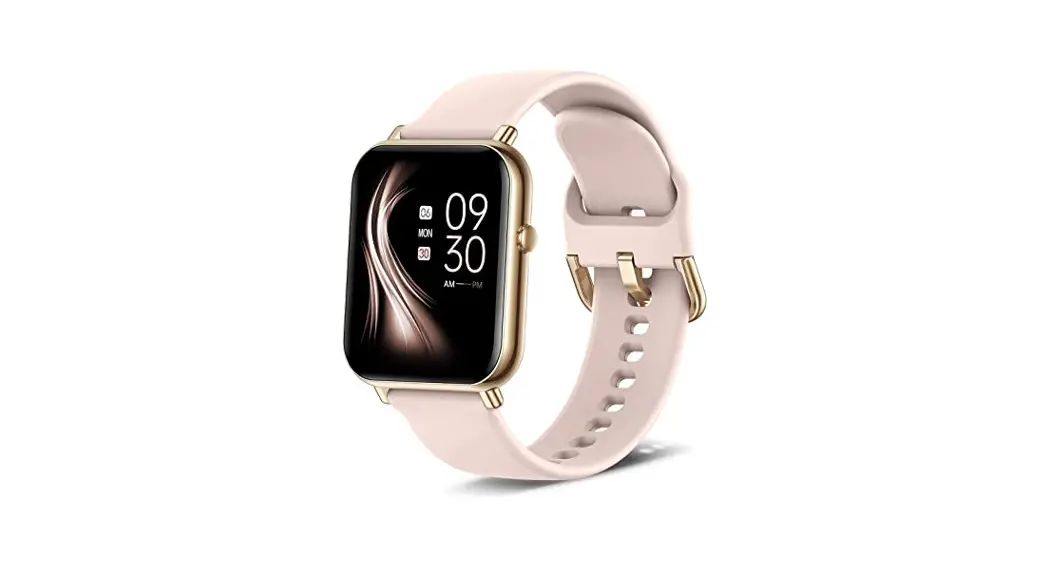
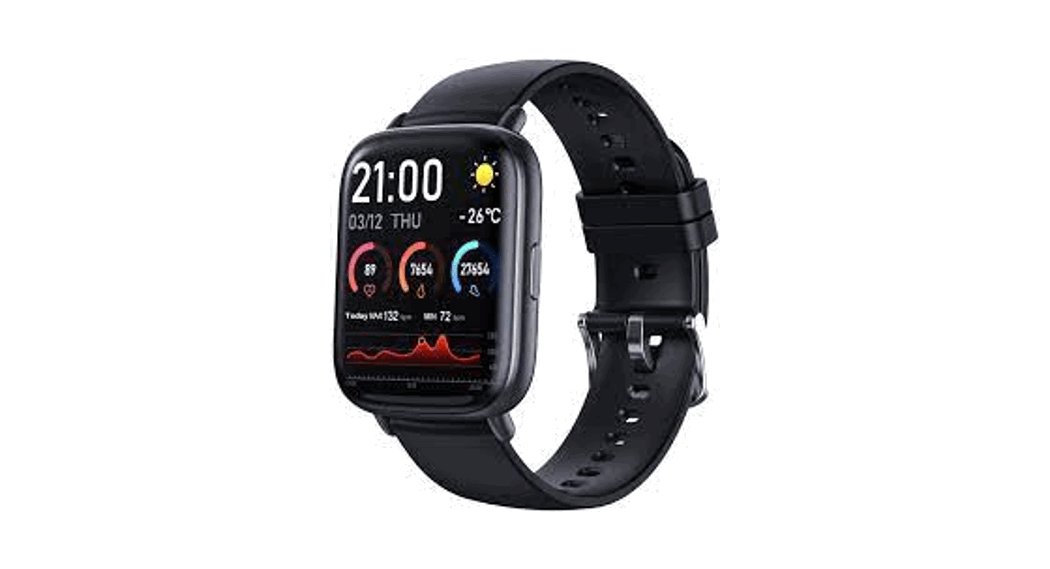
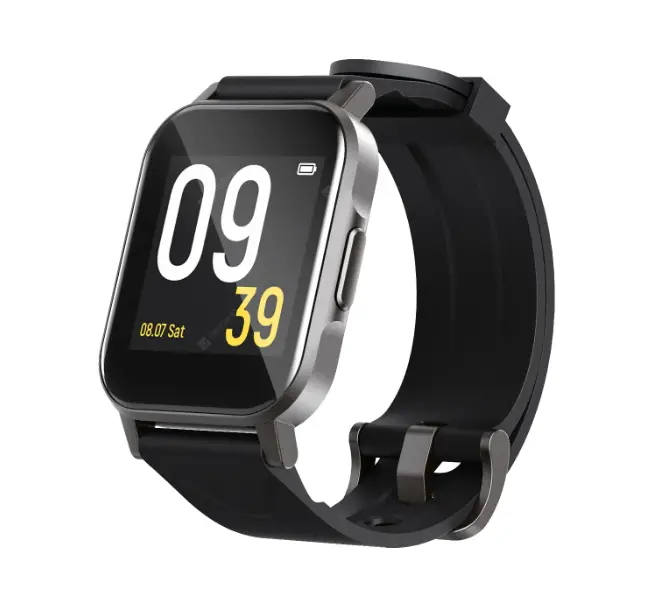
Appearance and package list
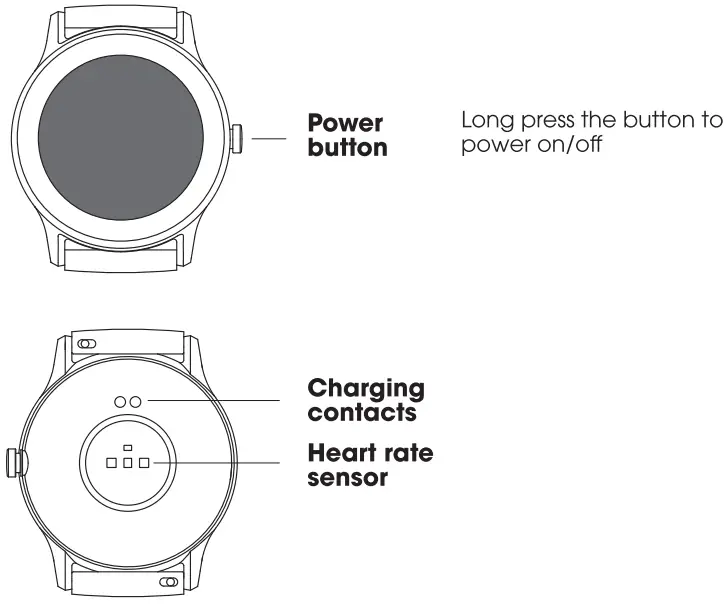
 The watch is made of healthy materials that have undergone strict 0 allergy testing, so you can wear it with confidence. Due to individual differences, if there’s any skin discomfort, please stop wearing it and consult a physician.
Package list: watch*l, charging cable*1, user manual
Charging
Place the back of watch on the magnetic charger, with contacts of both correspondingly attached to until the charging power indication appears on the screen.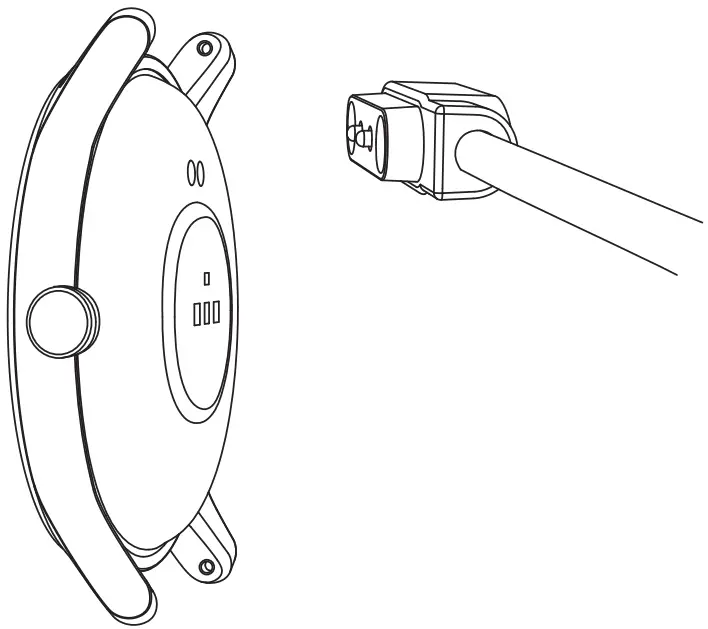
Notice:
- Please use the supplied charging cable and dry the charging contacts before charging.
- Connect the charging cable to a standard USB charger purchased from a regular channel that has received local certification.
- If the watch cannot be turned on after being unused for a long time, it needs to be pre-charged for about 1 minute, before displaying the charging icon.
APP Download and Connection
The SOUNDPEATS Life App is an essential App for controlling the watch better with all functions. 1. Lonc press to power up the watch. 2. Scan the QR code on the watch screen to download the App. 3. The App is also available from QR Code below and App Store of Apple, Android, etc. 4. After installing the App, open it and log in according to the instructions. When pairing, please make sure that the Bluetooth name displayed on the phone corresponds to the watch. 5. After the pairing succeed, you can use the watch.
SOUNDPEATS Life

Wearing

- Wear the watch about one finger away from the wrist and adjust the strap to your comfortable position.
- It is recommended to tighten the strap before exercise, and loosen it afterwards.

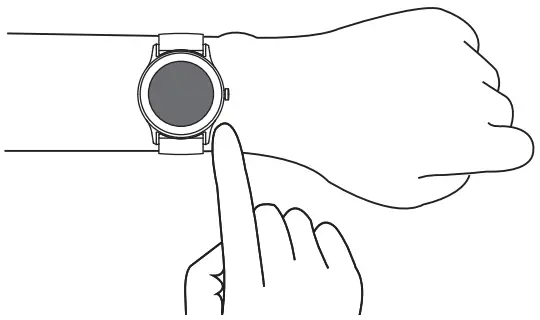
Notice: Pull the watch strap afterwards to ensure successful installation.
Remove/Install the strap
If you need to remove or install watch straps, please refer to the illustration.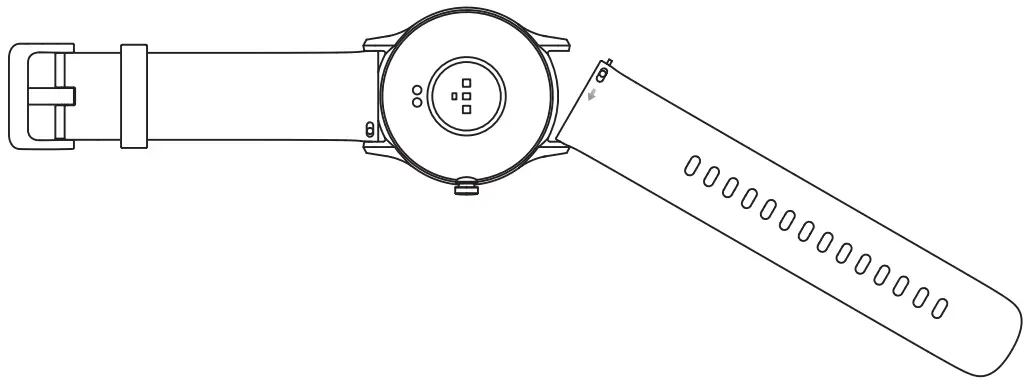
Notice: Pull the watch strap afterwards to ensure successful installation.
Basic Parameters
| product model | SOUNDPEATS Watch2 |
| product dimensions | 45.7*42.6*11.6mm |
| weight(strap included) | 38g |
| resolution | 240 x 240 |
| Bluetooth | V5.0 |
| battery capacity | 220mAh |
| input parameters | 5V-500mA |
| battery life | 7 days (with heart rate measuring on) |
| waterproof grade | 1P68 |
| operating temperature | 0 C -45 C |
| data synchronization platform | SOUNDPEATS Life |
| system requirements | Android 6.0 or above, 10S11 or above |
Tips
- This product supports waterproof IP68, but it’s not suitable for hot water, tea and other corrosive liquids and diving over 3 meters. The above behaviors may cause water to enter the product This is a destructive use and is not within the scope of product warranty and free maintenance services.
- Please do not wear the smartwatch too tight in daily use. Keep your skin which is in close contact with the watch dry. Clean the strap regularly. In the event of skin discomfort, please stop using it and consult a doctor immediately.
- The button and touch screen do not support underwater operations. If the watch gets wet, please dry the surface with a soft cloth.