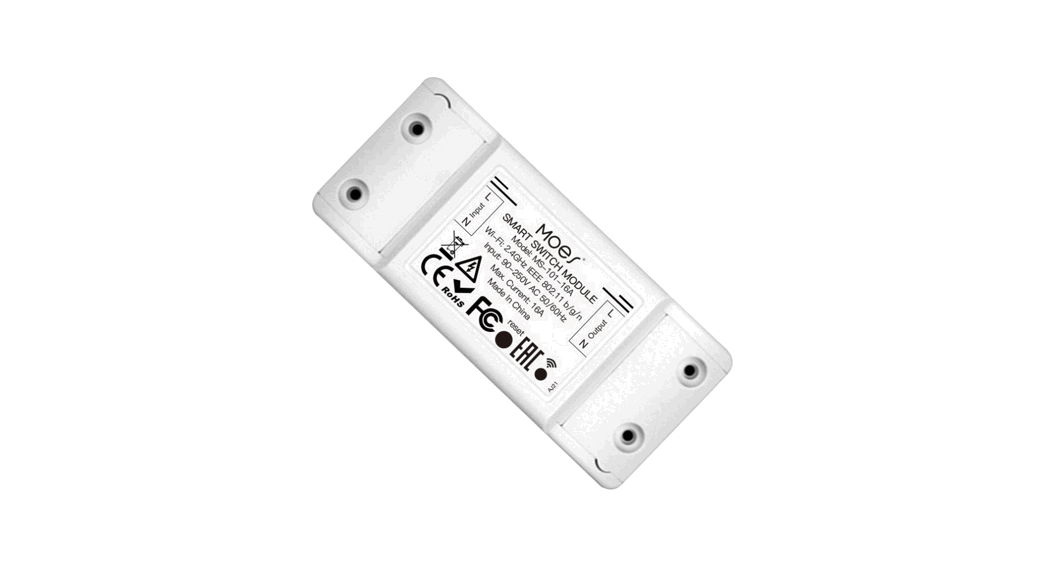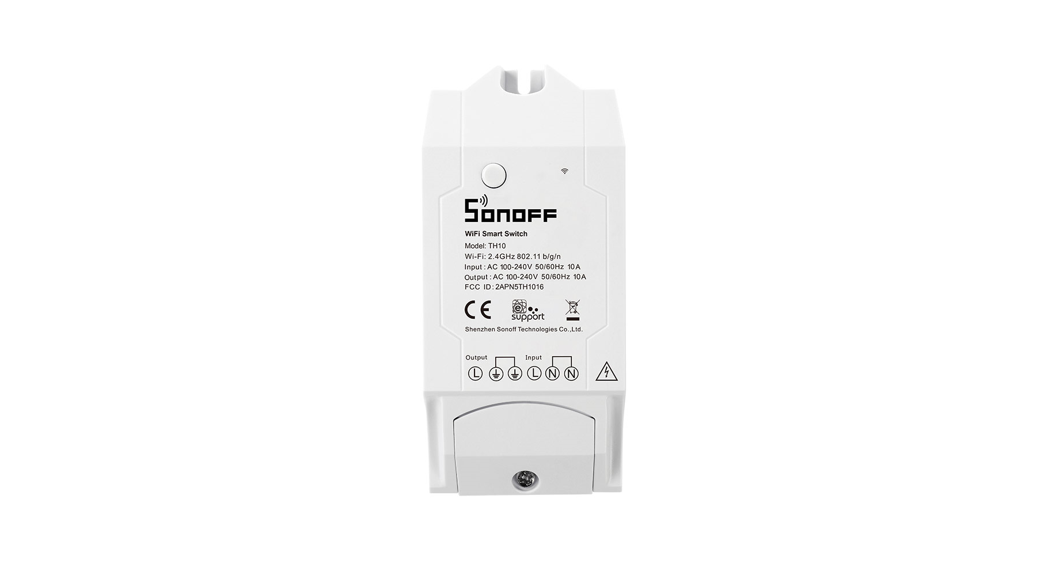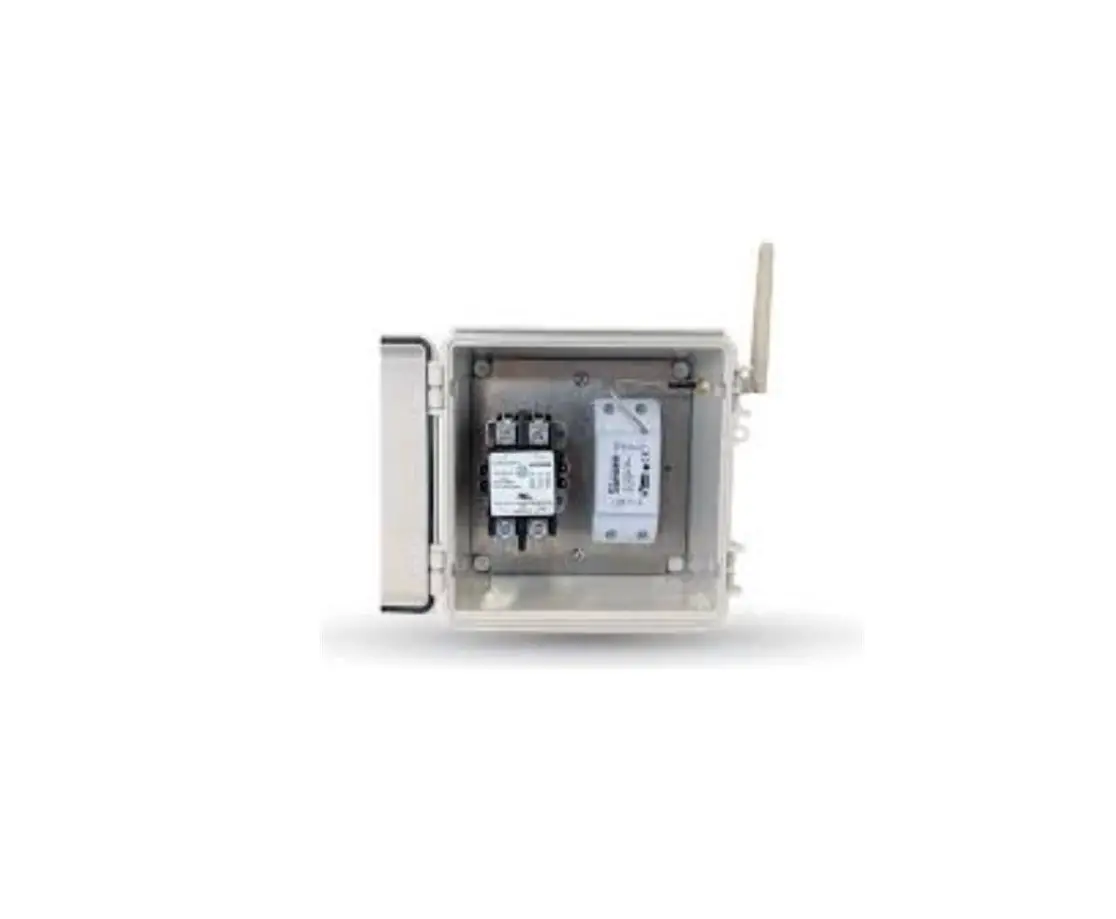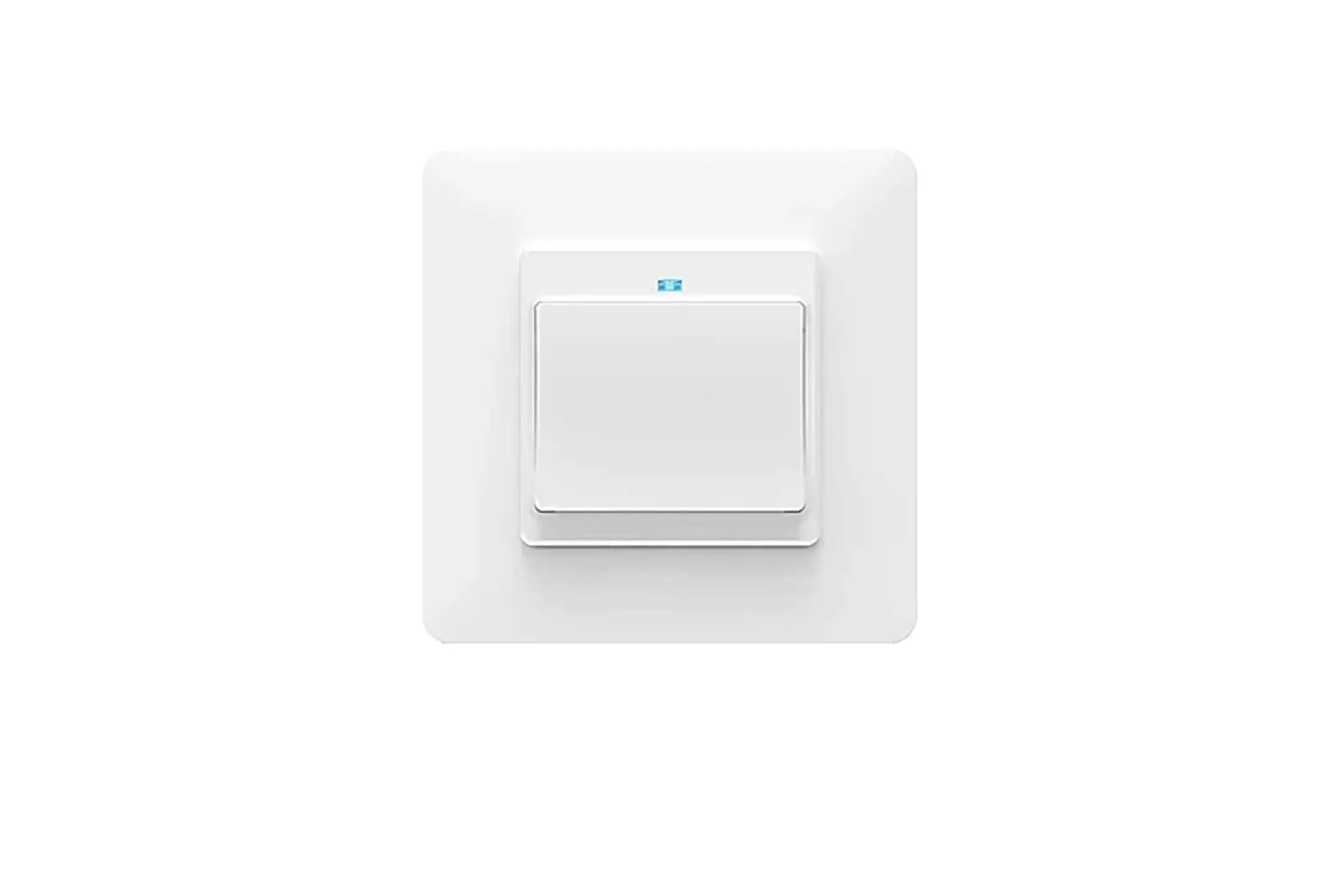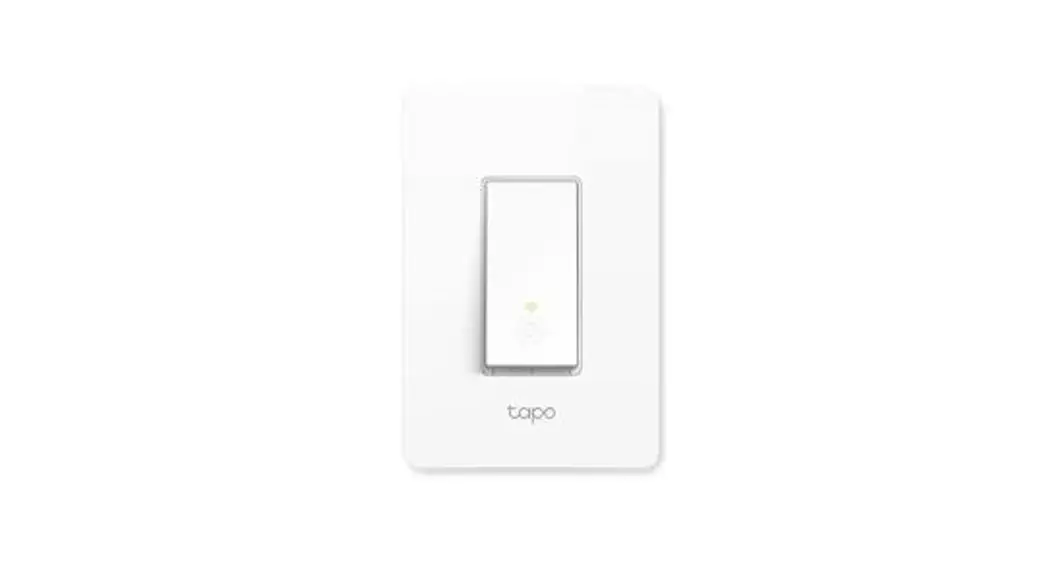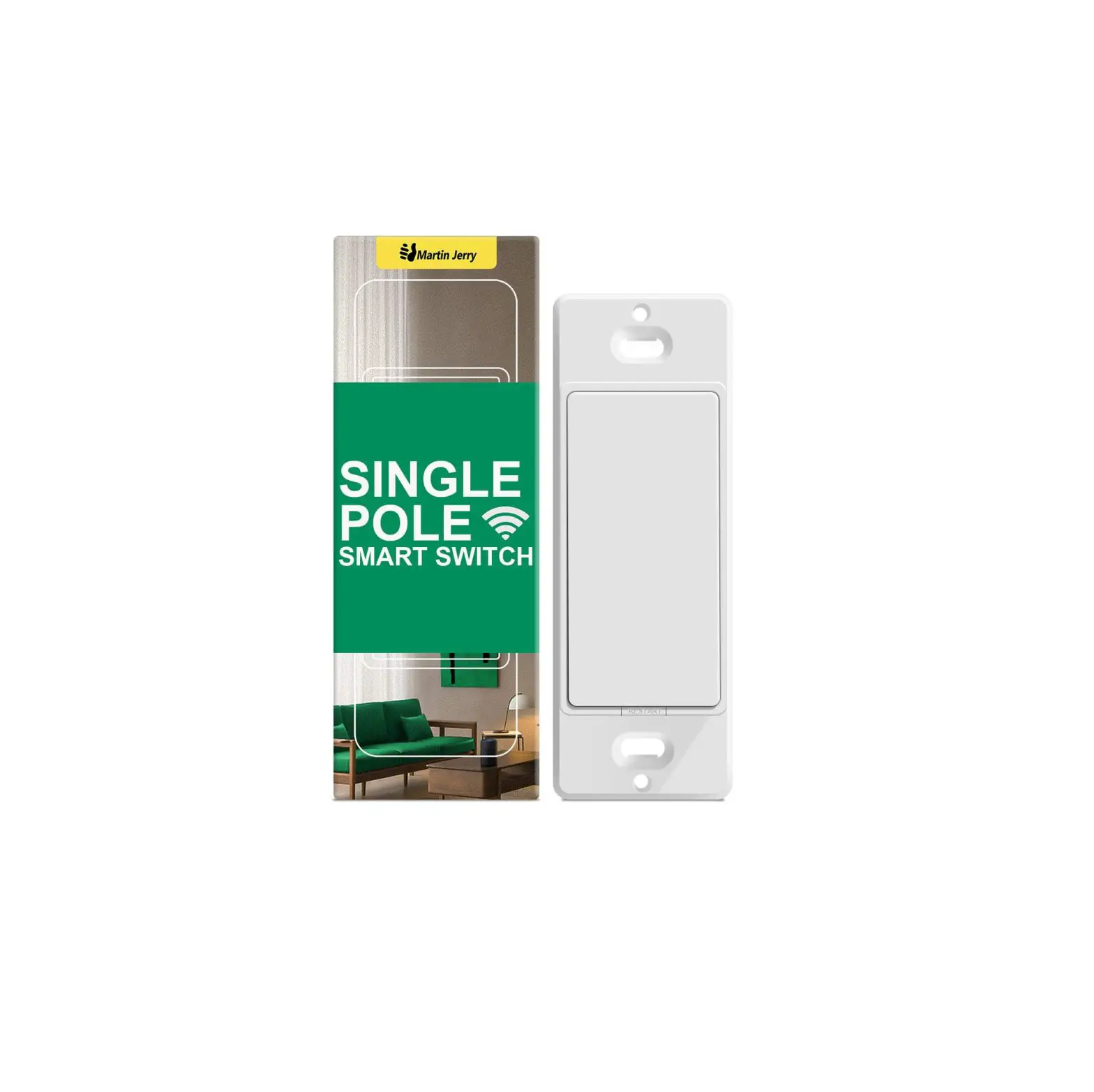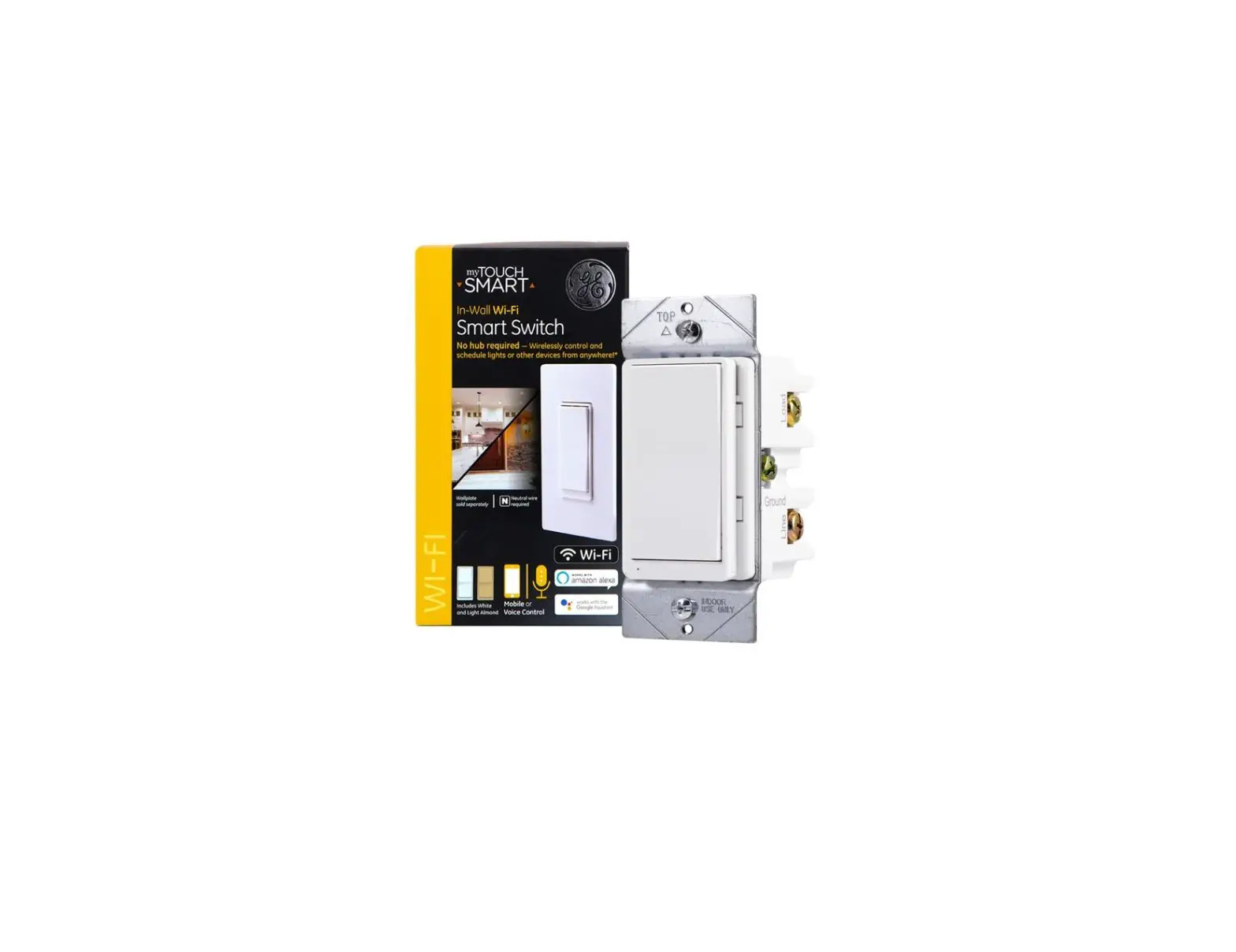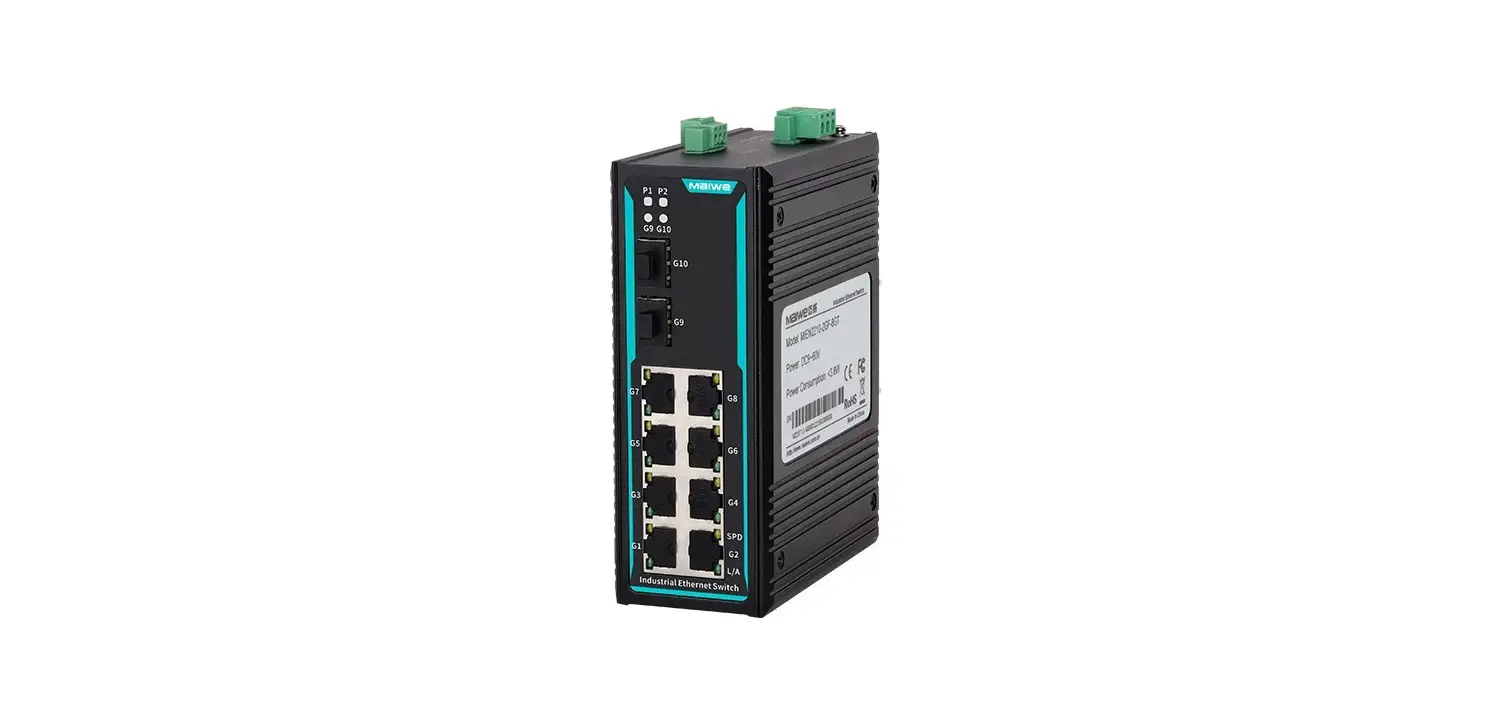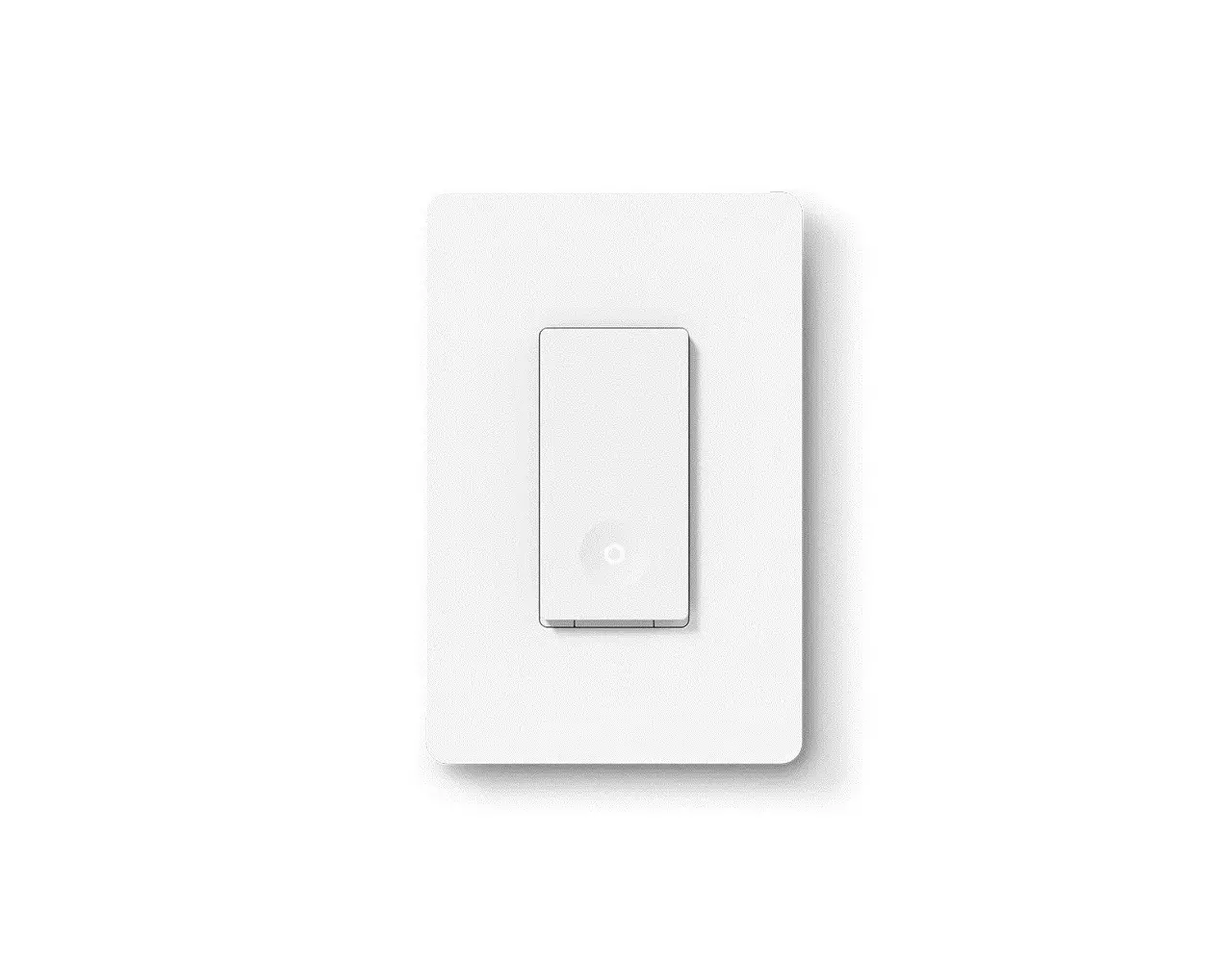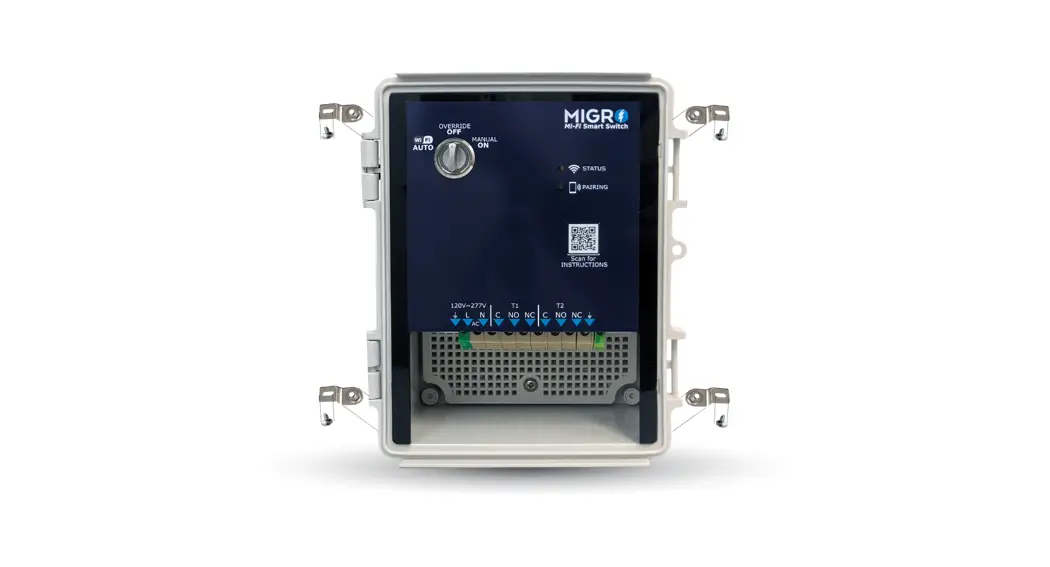

Mi-Fi Smart Switch
CONGRATULATIONS ON YOUR PURCHASE of the MIGRO® Mi-Fi Smart Switch
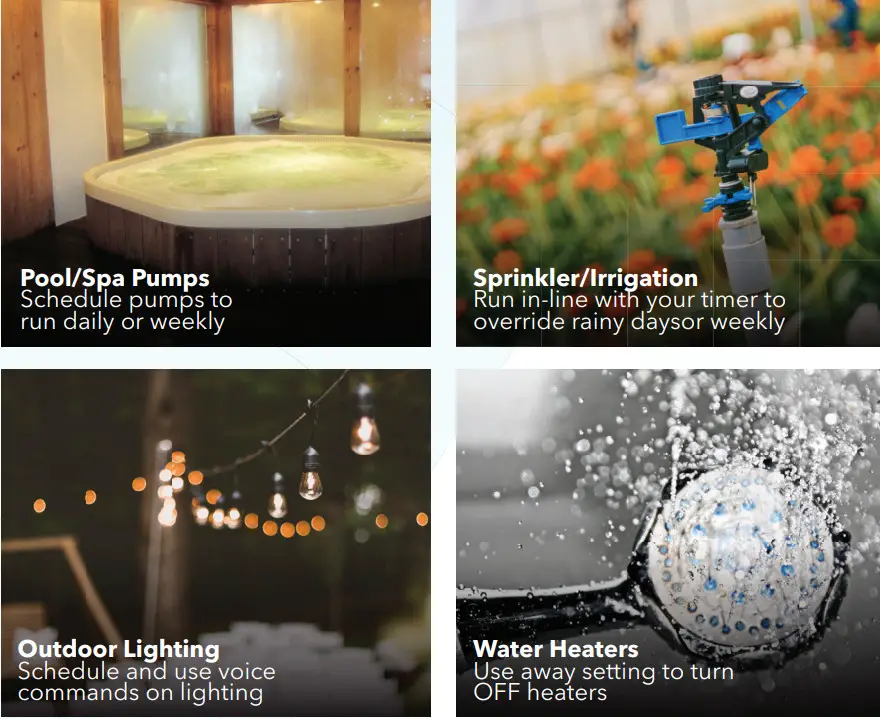
The MIGRO® Mi-Fi Smart Controller is designed for use in various applications. The Controller is rated for 120VAC or 240VAC systems with up to 30 AMP Loads. Through the Mobile application, the controller can be managed by the user, schedules and it is also compatible with most iOT systems including, Google Home, Alexa, and IFTTT. Applications can vary from home automation to commercial/industrial controls.
 ELECTRICAL SAFETY: System shall be installed and used in accordance with local electrical codes and regulations
Installation
Instructions
Your Wi-Fi control system must be installed and maintained as described in this guide to ensure reliable and safe operation. Confirm the voltage and current draw of your connected load to the control output is consistent with the design specifications of this product and that your application will not exceed the maximum load capacity listed.
System Details
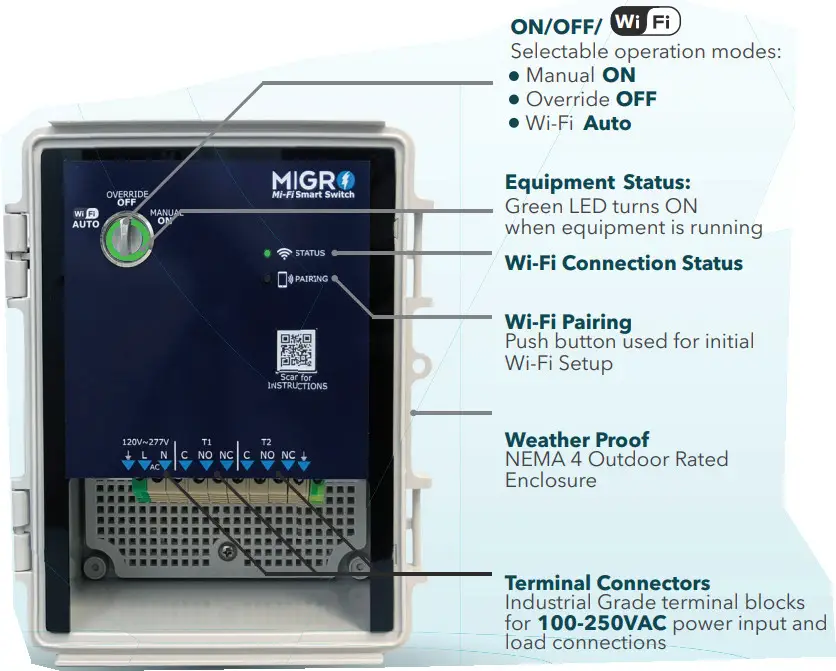
System Features
Wi-Fi ENABLED CONTROLS
Use mobile apps as well as Google and Alexa to your system on/off or scheduling
MANUAL ON MODE
“Manual ON” mode will give you the ability to run your system regardless of the Wi-Fi control status.
BEYOND SCHEDULING
Use the Google, Alexa, and IFTTT capabilities to control your systems by weather, workflow Geo-fencing, and others.
OVERRIDE OFF MODE
This model provides users with great safety protection. The OFF mode will remain OFF regardless of Wi-Fi controls.
Additional Data:
Power Supply: 100~250VAC
Relay: DPST
Security: WEP/WPA-PSK/WPA2-PSK
FCC Part 15 IEEE 802.11 b/g/n
Wi-Fi Frequency: 2.412-2.48GHz
Contact Load Ratings
| Contact resistance | 100mΩ |
| Contact Material | Silver alloy: AgCdO, AgSnO2, AgNi |
| Contact Rating (Inductive) | 1HP/16A/120VAC 20A/250VAC |
| Contact Rating (Resistive) | 30A/250VAC |
| Max switching voltage | 250VAC |
| Max switching current | 30A |
| Max switching power | 7200VA |
ATTENTION !!!
Connect to Wi-Fi Network Indoors Prior to Installation
Ensuring your The MIGRO® Mi-FI Smart Switch is functioning prior to field installation is required by the manufacturer. Environmental and application-specific conditions may cause communication errors and manufacturers. Environmental and application-specific conditions may cause communication errors and a bench test will ensure that the equipment is functioning properly. Connect a 120 or 240VAC Power Supply to the System and perform the pairing steps to ensure connection. (see pairing instructions)
WARNING: Shut off power at the fuse box or circuit breaker before performing any wiring or installation
Installation Instructions
- CONDUIT FITTING
Install the Conduit Fitting provided (or one provided by others) in the desired location ensuring wire clearance within the enclosure. - ANTENNA
Install the Antenna provided onto the threaded connector located on the outside of the enclosure. - MOUNT TO DESIRED LOCATION
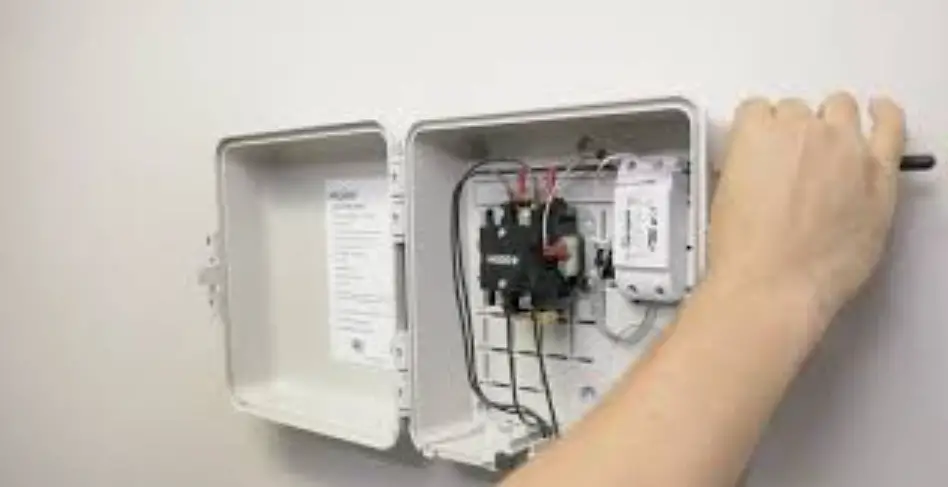
Place and mount the enclosure to your desired location using the supplied hardware. The brackets are to be mounted to the back exterior of the enclosure with the wall flanges facing out. (See Image 1) - WIRE THE SYSTEM
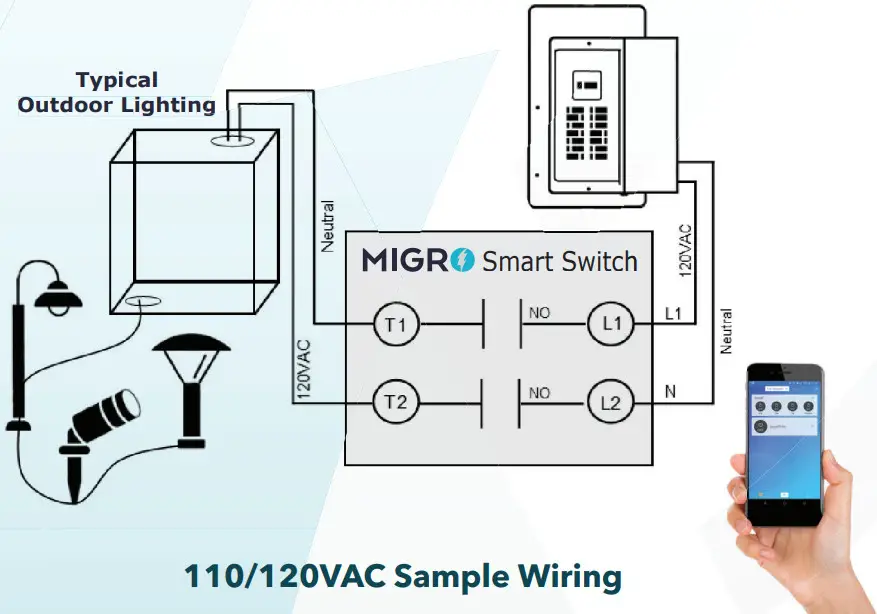
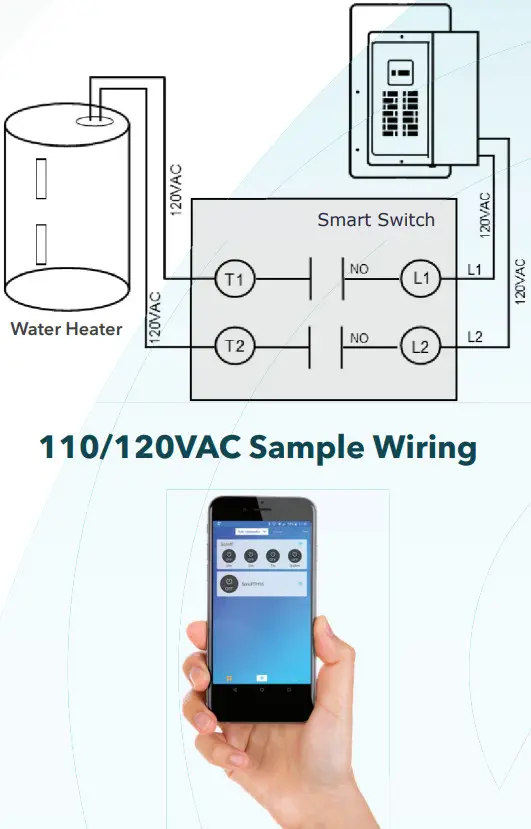
Wire in accordance with the national and local electrical codes (see wiring diagram). After wiring is complete, turn the circuit power on and test your MIGRO® Mi-Fi Switch.
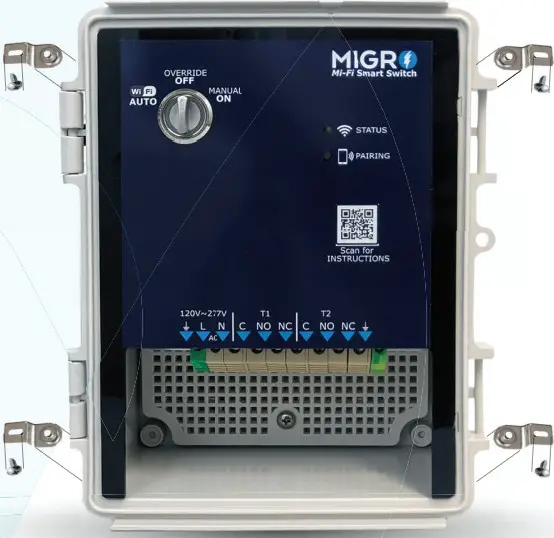
IMAGE 1. Mounting Hardware
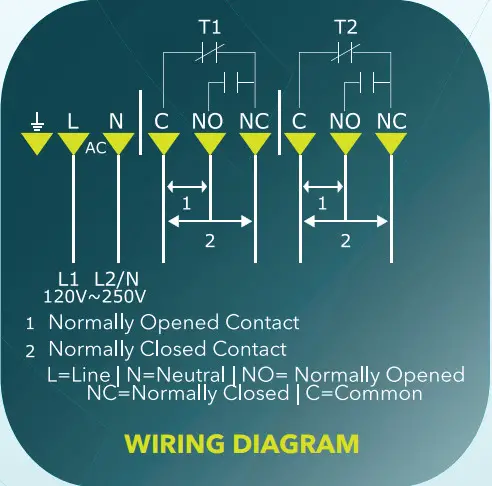
 PAIRING TO WI-FI NETWORK
To Connect your MIGRO® Mi-Fi SMart Sitch to your app and Wi-Fi Network, please refer to the eWelink instructions or Scan the QR Code below.
Scan for INSTRUCTIONS

TIPS
- Install the antenna as high as possible, clear from obstructions or metal structures.
- Ensure that your WiFi Router is placed as high as possible to maximize range and coverage.
Find other Wireless Control Solutions at www.MIGRO.com as well as compatible accessories
©MIGRO WIRELESS SOLUTIONS 01/2020
Mi-Fi Smart Switch
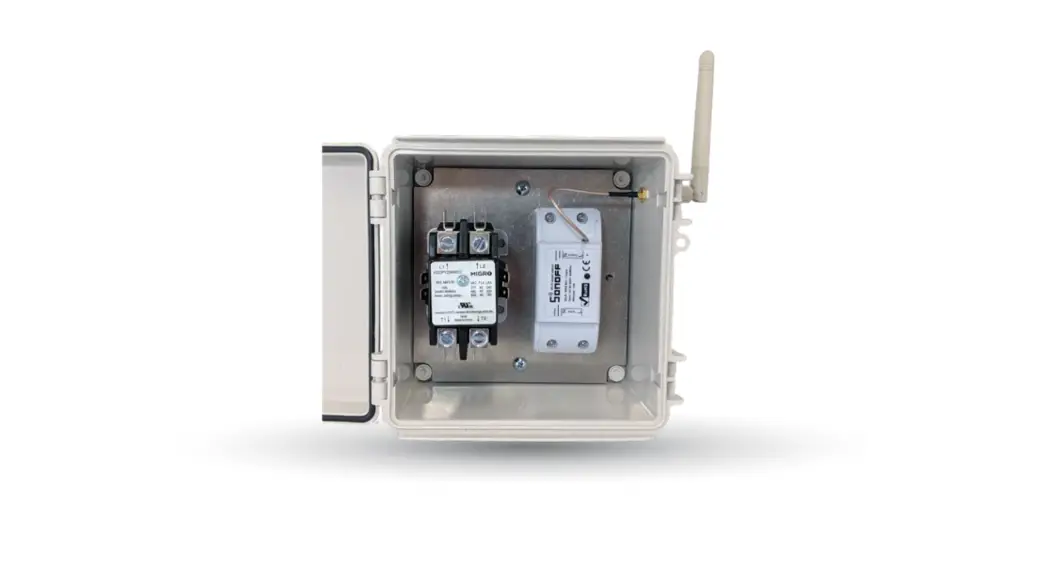
MIGRO® Mi-Fi Outdoor Smart Controller
Sample Applications
MIGRO® MiFi Smart Switch
Compatible System via eWelink
Try connecting your Smart Controller to this Compatible sys
 | Amazon Alexa |
 | Google Home |
 | Google Nest |
 | IFTTT Connections |
 | Weather Underground |
 | Microsoft Cortana |