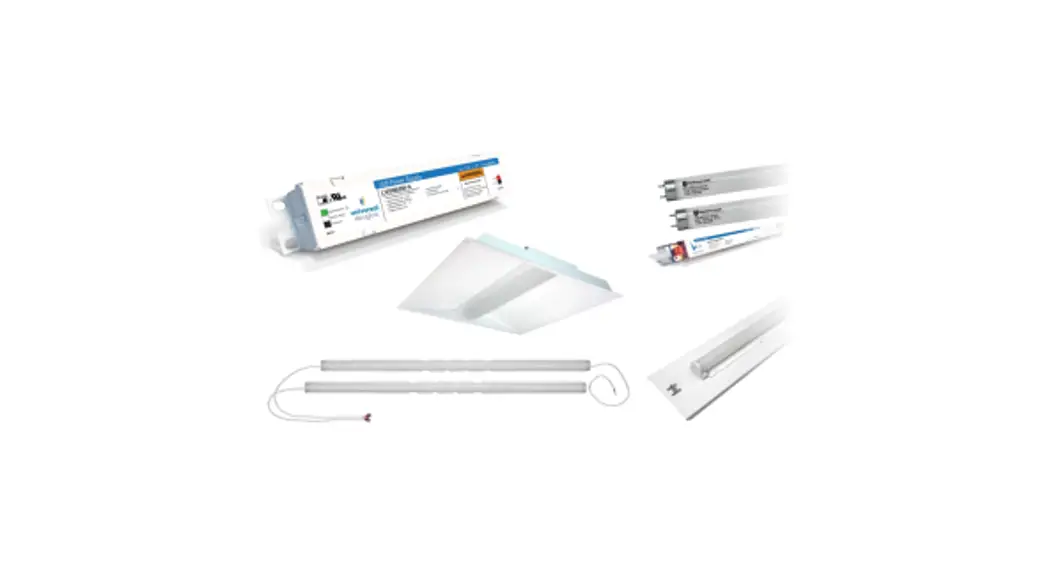
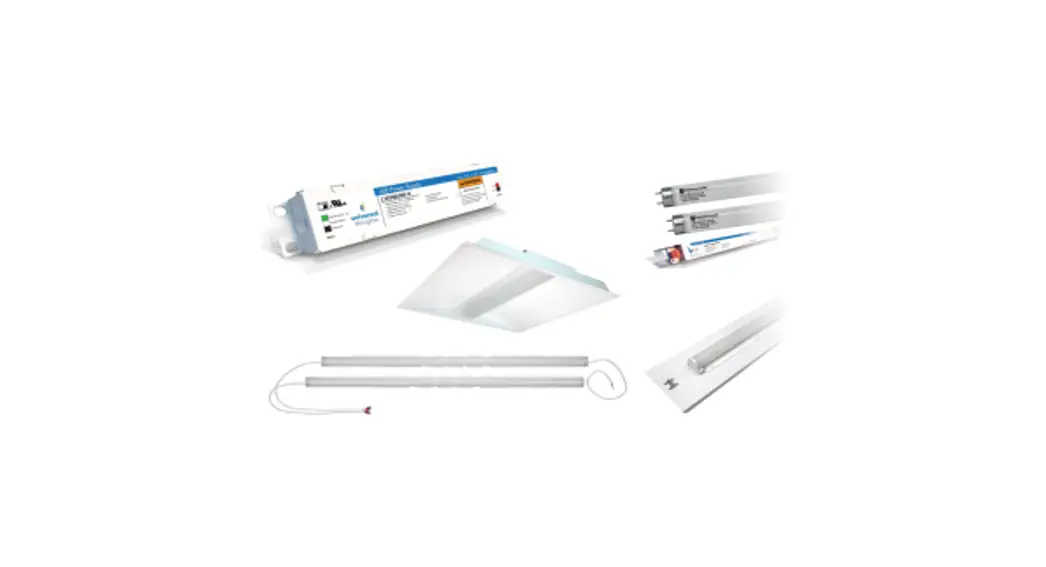
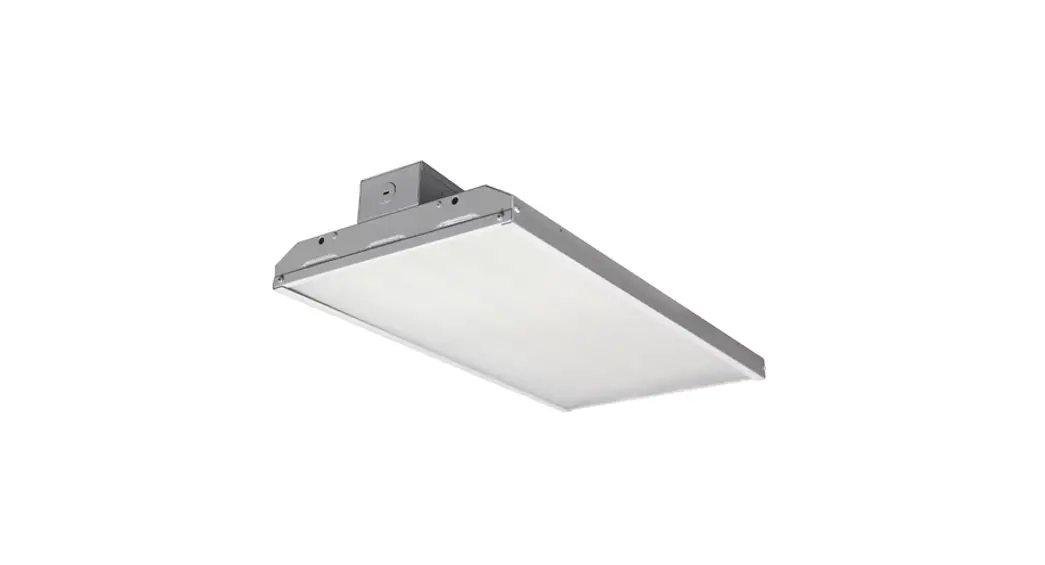
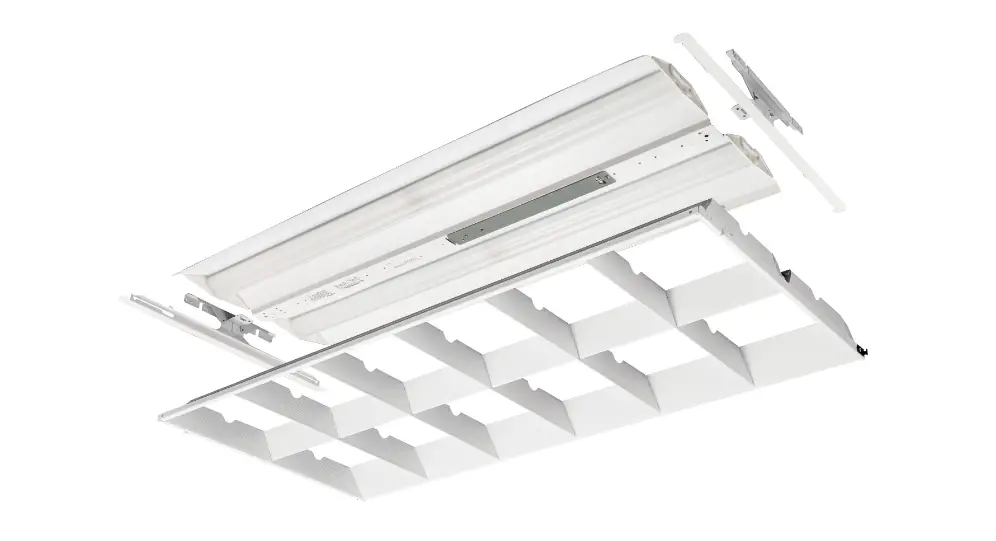
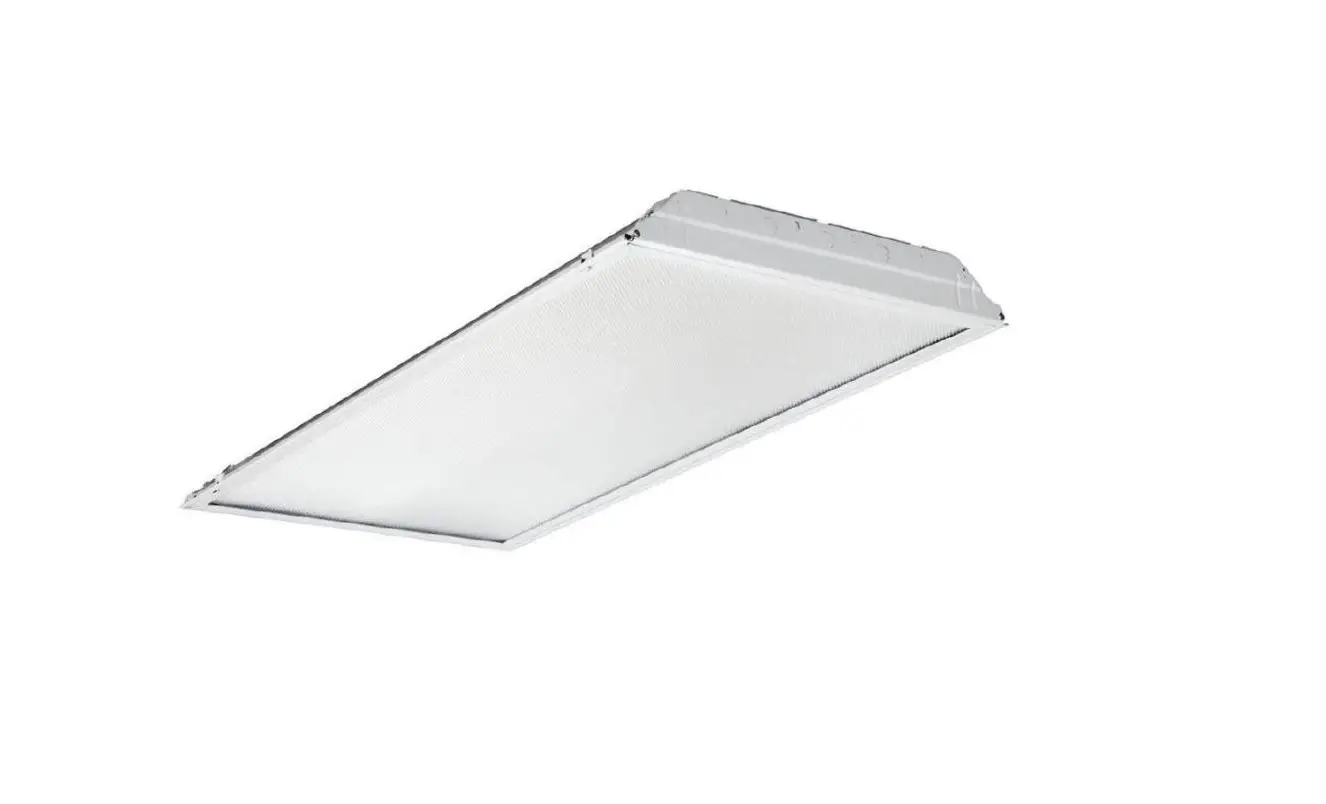
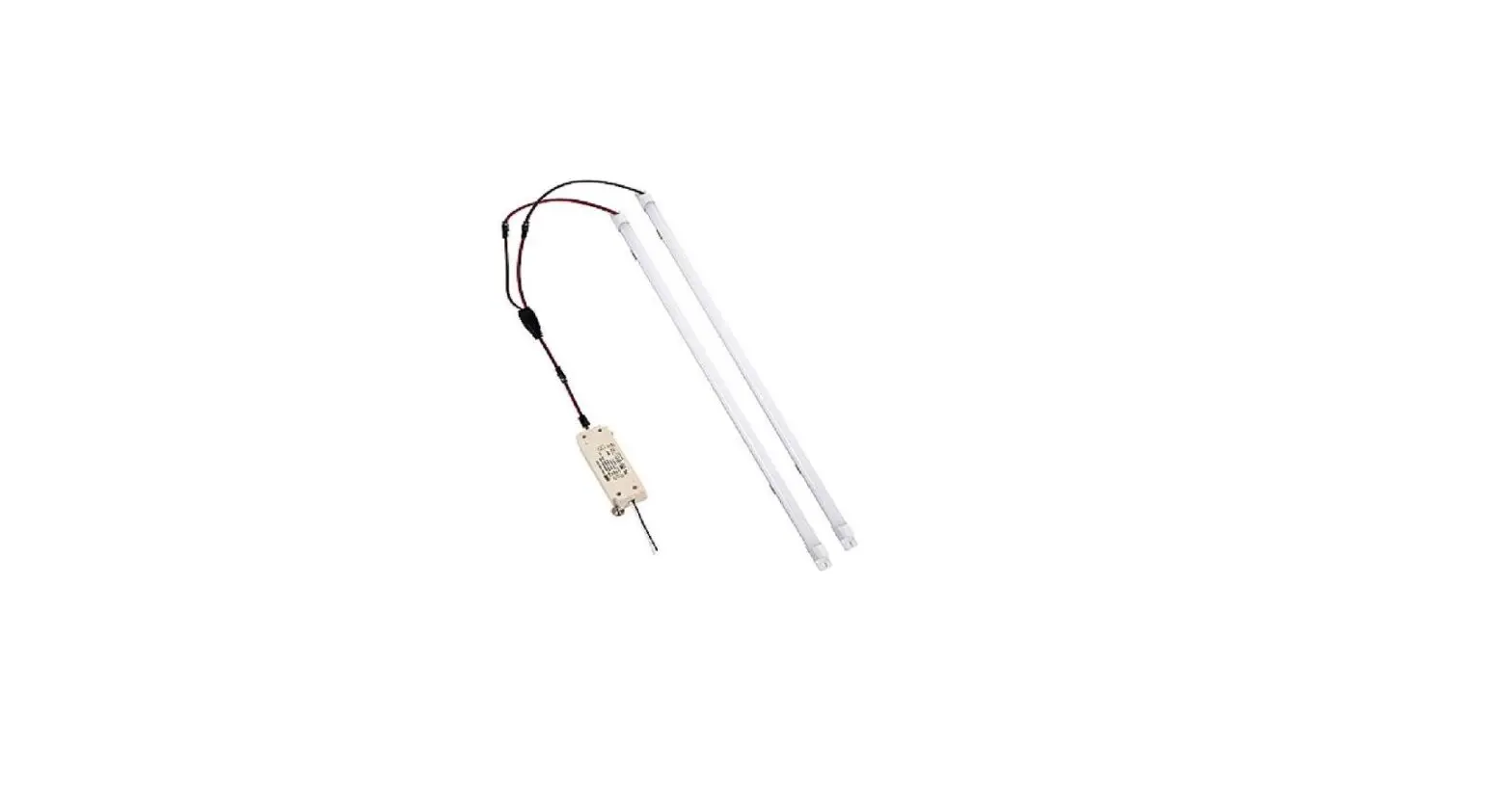
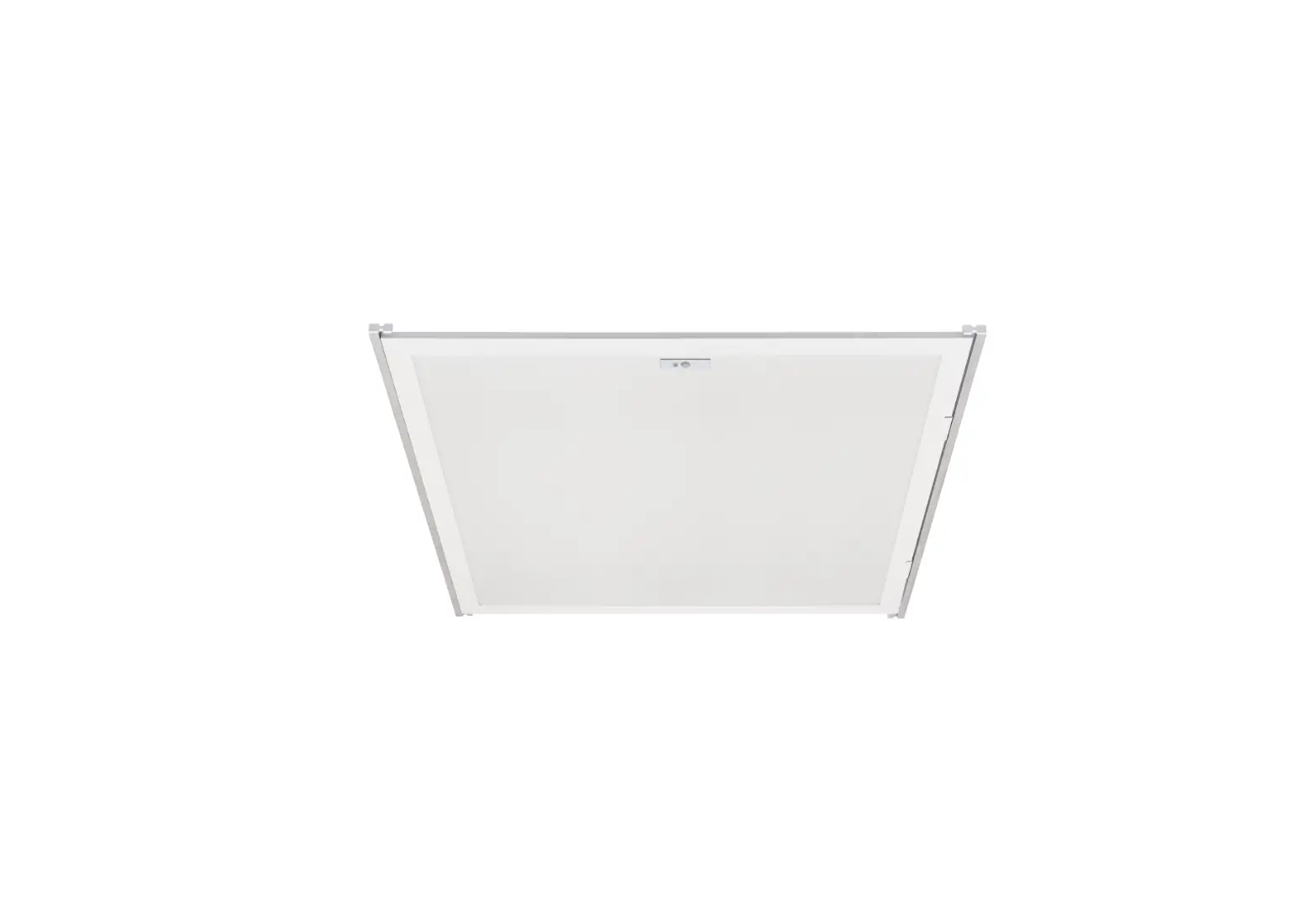
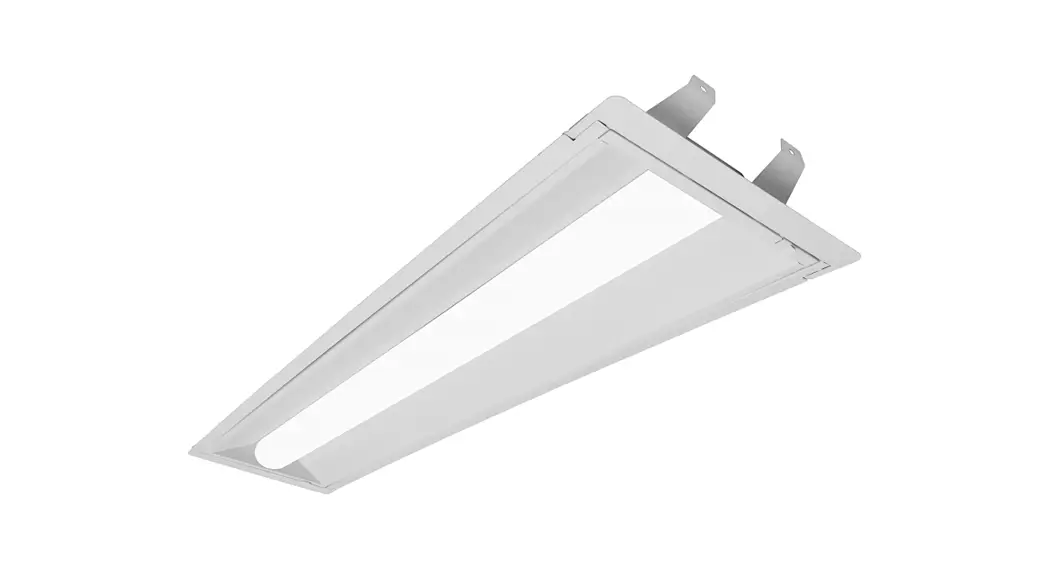
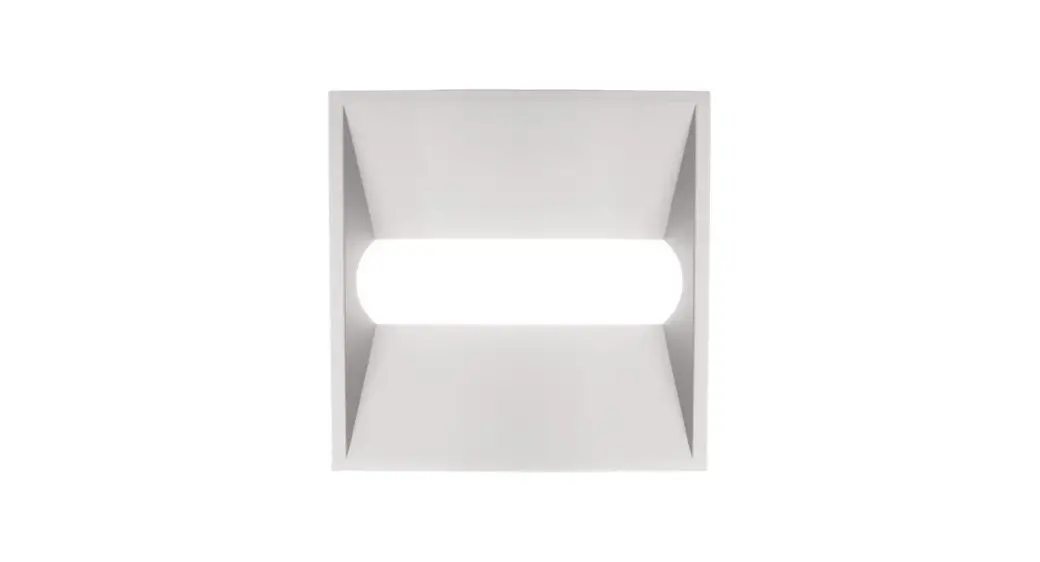
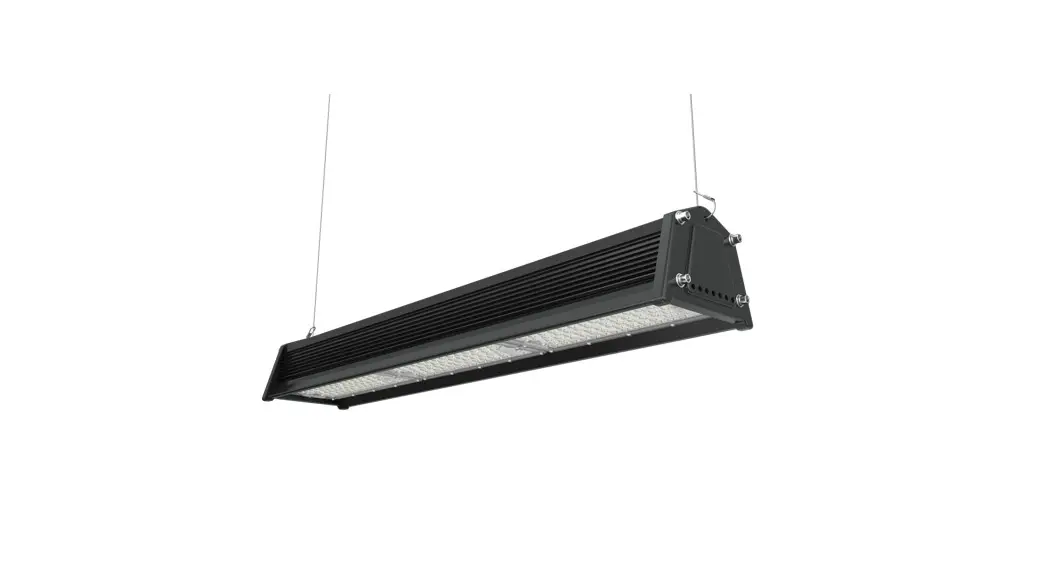
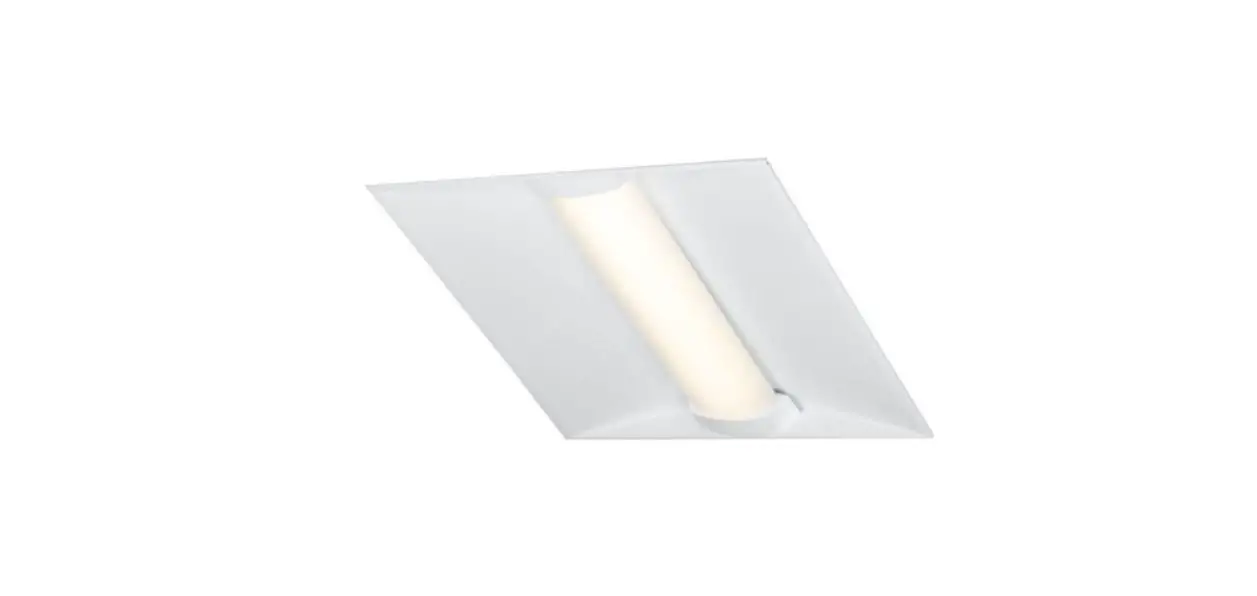
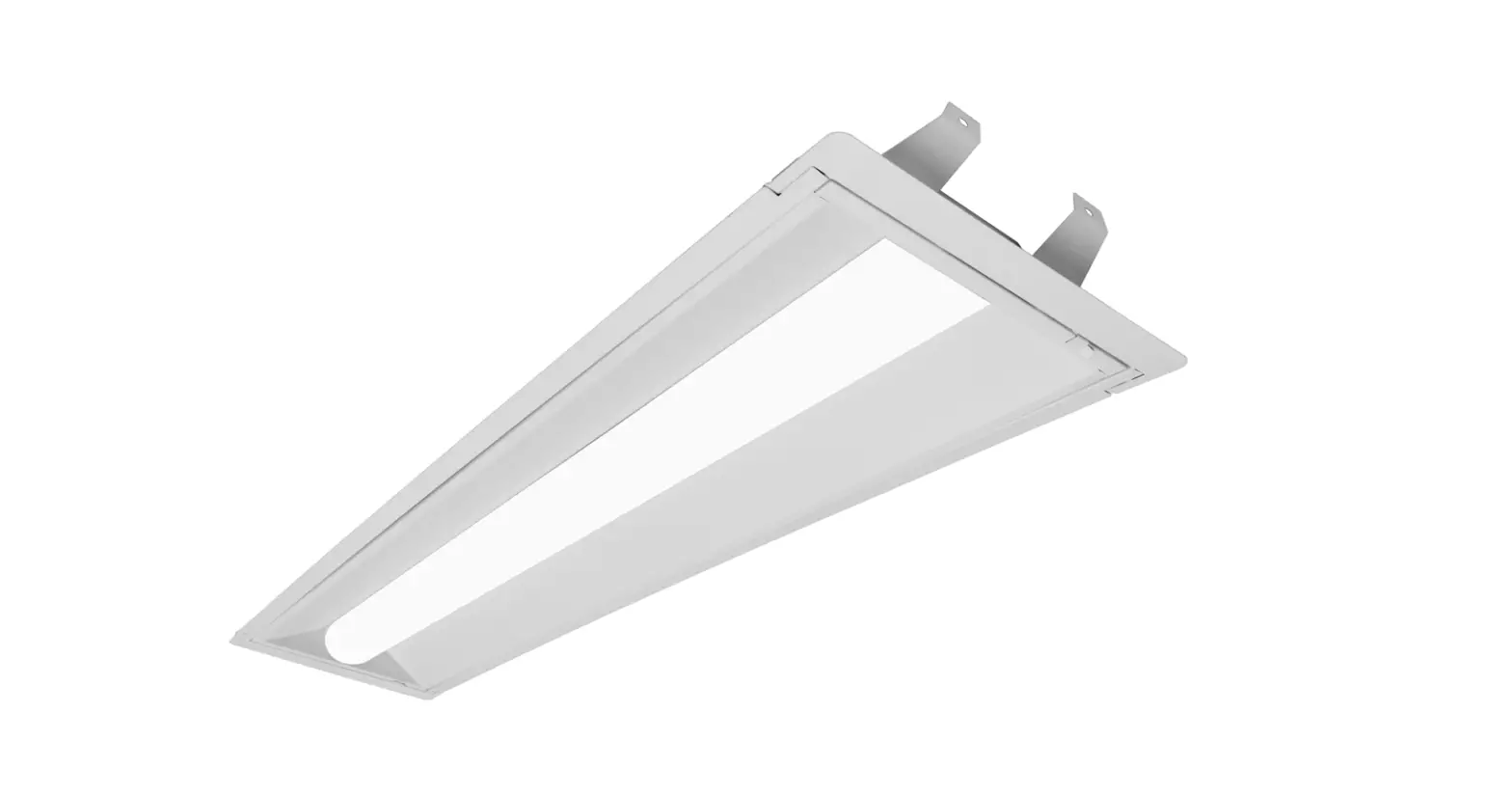
LRA4P LED Retrofit Kit
Product Information
The product is a LED Retrofit Assembly designed for installation
in 4ft or 8ft strip-style luminaires suitable for dry or damp
locations, with a minimum width of 4 inches and depth of 1-11/16
inches. The product must be installed in accordance with the NEC or
local electrical code. The installation requires knowledge of the
luminaires electrical systems. If not qualified, do not attempt
installation. The product comes with safety warnings and important
information that must be followed during installation.
Product Usage Instructions
Before installing the product, disconnect power. Verify that the
fluorescent fixture is a 4ft or 8ft strip fixture of appropriate
dimensions as shown in the photographs and/or drawings. For
fixtures that are connected together in series on the same branch
circuit, identify the section to be retrofitted. Remove existing
linear fluorescent lamps as shown and dispose of lamps per local
regulations. Remove the cover panels on both strip light sections
and discard. Remove the socket mounting plate by gently prying
outward on the housing using a large flathead screwdriver. Remove
the sockets from the mounting plate, replace the mounting plate
making sure that the holes are in the same orientation as when
removed. Insert the tab on the mounting plate into the slot in the
housing. Repeat these steps for all socket mount plates.
To remove the lampholder socket, place your finger behind the
socket and push it towards the center of the light fixture until it
pops out of the socket mounting plate. Push the lampholder socket
up and over the lampholder socket mounting plate. Repeat these
steps for all lampholders. Cut the branch circuit wires at the
connection to the fluorescent ballast leads in both strip light
housings (if applicable). Check for enclosed wiring and components
before drilling for installation of the LED upgrade assembly.
Install this assembly only in luminaires that have the construction
features and dimensions shown in the photographs and/or
drawings.
Note: Consult your local authority regarding disposal or
recycling procedures of removed ballast and lamps.
SAFETY WARNINGS IMPORTANT SAFETY INFORMATION
Disconnect power before installation.
DANGER- RISQUE DE CHOC- COUPER L’ALIMENTATION AVANT L’INSTALLATION
LED Retrofit Assembly installation requires knowledge of luminaires electrical systems. If not qualified, do not attempt installation. Product must be installed in accordance with NEC or your local electrical code. If you are not familiar with these codes and requirements, contact a qualified electrician.
ATTENTION- Risque d’incendie ou de choc électrique. L’installation du kit upgrade LED exige Ia connaissance des systèmes électriques pour luminaires. Si non qualifié, ne tentez pas d’installation. Ce produit doit être installé conformément à NEC ou votre code électrique local. Si vous n’êtes pas familier avec ces codes et ces exigences, veuillez contacter un électricien qualifié.
To prevent wiring damage or abrasion, do not expose wires to the edge of sheet metal or any other sharp objects.
ATTENTION- Pour éviter les dégâts de câblage par l’abrasion, ne pas mettre en contact les fils électriques avec des bords de tôle ou d’autres objets pointus.
Check the existing wiring for damage before Installing upgrade assembly. Do not install if existing wires are damaged.
ATTENTION- Risque d’incendie ou de choc électrique. Vérifier si le câblage existant n’est pas endommagé avant l’installation du kit upgrade LED. Ne pas installer si des fils sont endommagés.
Luminaire wiring and electrical parts may be damaged when drilling for installation of the LED upgrade assembly. Check for enclosed wiring and components.
ATTENTION- Risque d’incendie ou de choc électrique. Câblage électriques peuvent être endommagés Iors du perçage pour l’installation du kit upgrade LED. Vérifier les fils et composants.
UNPACKING THE KIT
For installation in 4ft or 8ft strip-style luminaires, suitable for dry or damp locations, with min. 4 inch width and 1- /11 16 inch depth.
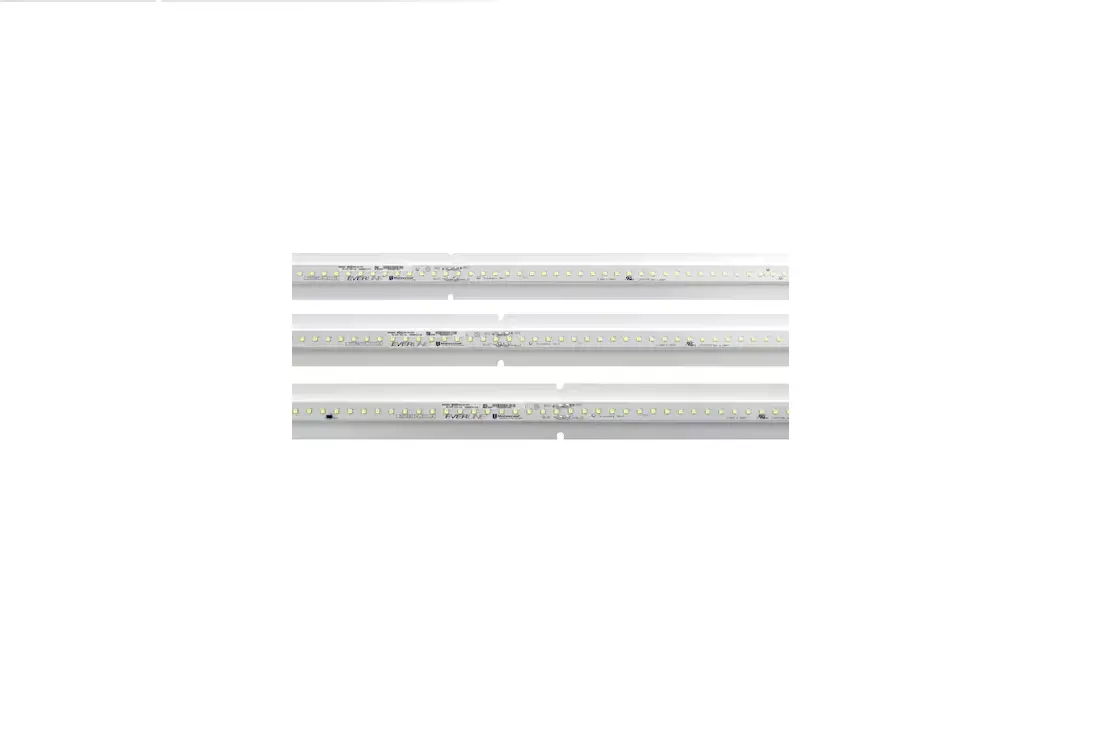
· (1) Preassembled Universal Douglas LED 4′ Primary Assembly Panel with: · (1) Universal Douglas LED Lensed Module · (1) Universal Douglas Driver · Associated connectors and wires
· (1) Preassembled Universal Douglas LED 4′ Secondary Assembly Panel with: · (1) Universal Douglas LED Lensed Module · (2) End Mounting Brackets · (1) Universal Douglas Mounting Bracket
NOTE: Consult your local authority regarding disposal or recycling procedures of removed ballast and lamps.
www.universaldouglas.com Rev. 3/14/22
Page 1
14045300 REV E
Install this assembly only in luminaires that have the construction features and dimensions shown in the photographs and/or drawings.
ATTENTION- Risque d’incendie ou de choc électrique. lnstallez ce kit seulement dans les luminaires qui ont les caractéristiques de construction et les dimensions dans les photographies ou les dessins de Ia page suivante. IL EST INTERDIT DE FAIRE OU DE MODIFIER UNE OUVERTURE DANS UN BOÎTIER DE CÂBLAGE OU DE COMPOSANTS ÉLECTRIQUES AU COURS DE L’INSTALLATION DU NÉCESSAIRE.
Universal Lighting Technologies
INSTALLATION
USING EXISTING SOCKET BAR PLATES
: Verify the fluorescent fixture is a 4ft or 8ft strip fixture
of appropriate dimensions as shown in
. For
fixtures that are connected together in series on the
same branch circuit, identify the section to be retrofitted.
: Disconnect power to the fixture.
: Remove existing linear fluorescent lamps as shown in . Dispose of lamps per local regulations.
: Locate the ¼-turn fasteners as shown in
and
remove the cover panels on both strip light sections and
discard.
: Remove the socket mounting plate by gently prying
outward on the housing using a large flathead
screwdriver.
and .
For some strip light models the lampholder sockets can be removed without removing the socket mounting plate. See steps – .
www.universaldouglas.com Rev. 3/14/22
Page 2
14045300 REV E
: Remove the sockets from the mounting plate as shown
in
.
: Replace mounting plate making sure that the holes are in the
same orientation as when removed. Insert the tab on the
mounting plate into the slot in the housing as shown in
.
Gently pry the housing outward with a large flat head screw
driver as shown in
and insert the tab of the mounting
plate into the slot in the housing.
Note the correct orientation of the holes in the mounting plates
in
.
: Repeat steps 5, 6, and 7 for the remaining 3 socket mount plates.
: Place your finger behind the lampholder socket as shown in Figure 8a and push the lampholder socket towards the center of the light fixture until the lampholder pops out of the socket mounting plate.
: Push the lampholder socket up and over the lampholder socket mounting plate. See Figures 8b and 8c.
Universal Lighting Technologies
INSTALLATION
: Repeat steps and for all lampholders.
www.universaldouglas.com Rev. 3/14/22
: Cut the branch circuit wires at the connection to the
fluorescent ballast leads in both strip light housings (if
ballasts exist in both housings) as shown in
.
: Remove the ballast(s) by removing the mounting screw and dispose of properly per local regulations. See
.
: Remove the Linear Retrofit Assembly from the packaging. There are one of two panel assemblies: one with a driver and module and one (LRA28 only) with a module only.
For 4′ retrofits, skip to
.
For 8′ retrofits locate the panel with the module only.
Mount and position this assembly to the fixture section
furthest from the branch circuit splice connections with
the blue and red leads facing the center of the fixture –
See
.
For LRA14 kits go straight to
.
: Insert the ends of the lanyards at each end of the panel assembly into the indicated holes as shown in
and .
Allow the assembly to hang by the lanyards as shown in .
For LRA14 kits skip to
.
Page 3
14045300 REV E
: Route blue and red leads through the center of the
fuxture as shown in
.
: Lift the panel such that the lanyards at each end feed
through the holes in which they were inserted, as shown
in
.
: To use the 1/4 – turn fasteners, first remove the knockout.
Secure the panel assembly in place onto the strip light
housing, and fasten to the lampholder mounting plates
with the ¼-turn fasteners located at each end of the
assembly as shown in
and .
For alternate mounting using the drill-point screws provided, see Step 21A.
Universal Lighting Technologies
INSTALLATION
www.universaldouglas.com Rev. 3/14/22
: Locate the remaining panel assembly with the driver. Position the panel assembly for ease of connection to the branch circuit wiring in the fixture as shown in .
: Insert the ends of the lanyards at each end of the panel assembly into the indicated holes as shown in as done with the previous panel assembly. Allow the assembly to hang by the lanyards.
: Locate the red and blue lead wires with the orange 3position push-in connectors attached and locate the red and blue lead wires from the other tandem LRA panel assembly previously installed.
Push the blue wire into the connector with the other blue
wires and the red wire into the connector with the other
red wires as shown in
and .
Optional 0-10V Analog Dimming Interface
·
Use Violet (+) and Gray (-) for connection to 0-10VDC.
·
Capping Violet and Gray separately provides 100% light output.
·
Wiring Violet and Gray together provides minimum light output.
·
The dimming control connections on the LED driver are for
Class 2 wiring methods only. Separate the dimming control
field wiring from the branch circuit field wiring in the wiring
compartment in accordance with the National Electrical Code.
LED MODULE
SERRATED HEAD SCREW G RO U N D S D R I V E R TO HO U S I N G
WHITE BLACK
RED
LED DRIVER BLUE
VIOLET 0-10V GREY DIMMING CONTROL
LED MODULE
Page 4
14045300 REV E
: Locate the Luminaire Disconnect with the ground wire
connected. Secure the ground wire to the equipment
grounding conductor in the luminaire or to the luminaire
housing in accordance with the National Electrical Code
(NFPA 70). See
. A ground screw is provided
with the kit if needed.
: From the branch circuit wires strip about 0.40 inches of
insulation. Insert the white branch circuit wire into the
white hole of the Luminaire Disconnect and the black
wire into the black hole. See
.
: Lift the panel such that the lanyards at each end feed
through the holes in which they were inserted as
performed with the previous panel assembly as shown
in
.
Secure the panel in place using the ¼-turn fasteners at each end of the panel.
Universal Lighting Technologies
INSTALLATION
USING ADJUSTABLE MOUNTING BRACKETS
: Verify the fluorescent fixture is 8 ft strip fixture of
appropriate dimensions as shown in
.
: Disconnect power to the fixture.
: Remove fluorescent components including:
a. Lamps b. Ballast cover
Lamp holders & brackets Ballast
Examine all parts that are not intended to be replaced by the retrofit assembly for damage and replace any damaged parts prior to installation of retrofit assembly.
: Attach center bracket Locate large bracket at center of 8 foot fixture .
Note: Be sure all existing wiring is above bracket.
Center bracket and use fixture as guide to bend to
correct width
.
Once bracket us bent to size secure with #8 drill point screw (supplied separately) on either side of
fixture.
www.universaldouglas.com Rev. 3/14/22
Page 5
14045300 REV E
: Attach end brackets.
Locate bracket align with end of fixture Ensure tether hook features point inboard .
Center bracket width and use fixture as guide to
bend to correct width
.
Once bracket us bent to size secure with #8 drill
point screw (supplied separately) on either side of
fixture
.
Repeat at outer end of fixture.
: Suspended panels from tethers by inserting “T” end of captive tether into hook features in brackets
at both ends of panel .
: Repeat steps 4-6 for secondary panel.
: While panels are suspended make the following connections:
Connect primary module ground lead to existing
fixture ground screw
.
Ground lead position may be moved to alternate
location
.
Universal Lighting Technologies
INSTALLATION
USING ADJUSTABLE MOUNTING BRACKETS
: Before making connection route all wire over
brackets to ensure panel seats properly (
).
Connect red and blue leads from secondary panel to orange push in connectors from driver) and .
: Connect incoming power with luminaire disconnect plug on driver input (black and white) ( ).
DRIVER PROGRAMMING
14045300 REV E
Driver output currents can be programmed at different levels to change the system’s light output and input power. The driver currents must be programmed within the ranges shown
in the table below:
LRA4P14-HL8xx-U LRA4P14-ML8xx-U LRA4P28-HL8xx-U LRA4P28-ML8xx-U
D15CC55UNVPW-C D10CC30UNVPW-C D21CC80UNVPW-C D15CC55UNVPW-C
900mA to 625mA 1050mA to 750mA 1500mA to 500mA 1500mA to 1250mA
LRA5P14-HL8xx-U LRA5P28-HL8xx-U
D15CC55UNVPW-C D21CC80UNVPW-C
900mA to 625mA 1500mA to 500mA
Contact your local ULT sales representative for driver programming tools and support.
: Lift panel into place and secure with captive ¼ turn panel fasteners.
Repeat for second panel
www.universaldouglas.com Rev. 3/14/22
Page 6
Universal Lighting Technologies
 Universal Douglas