Yealink
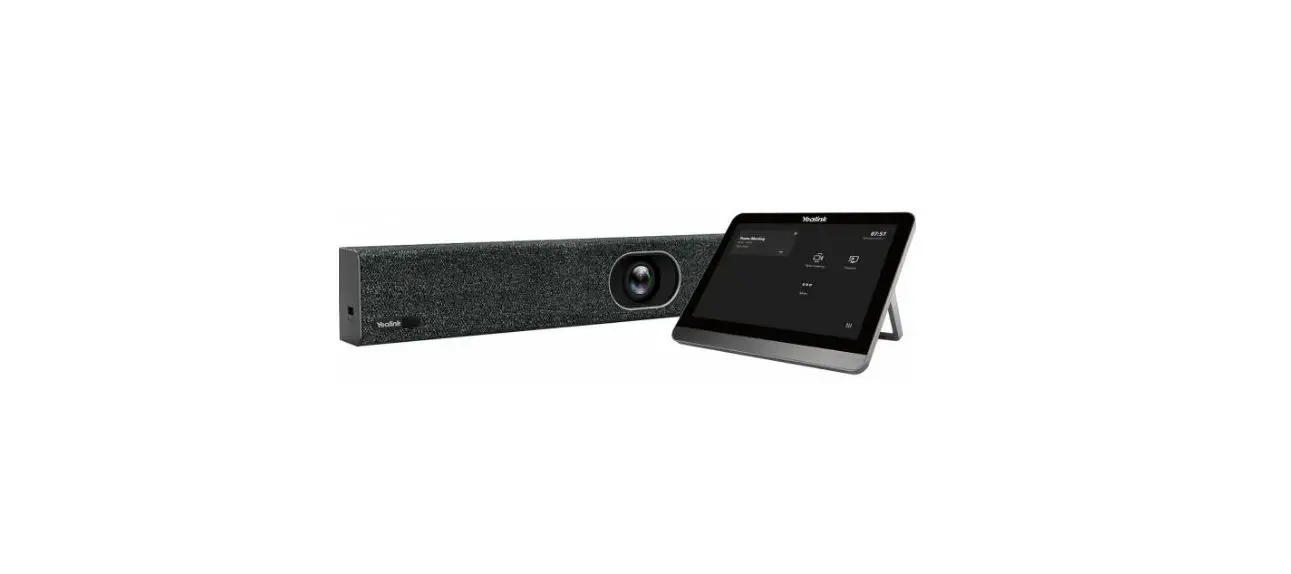
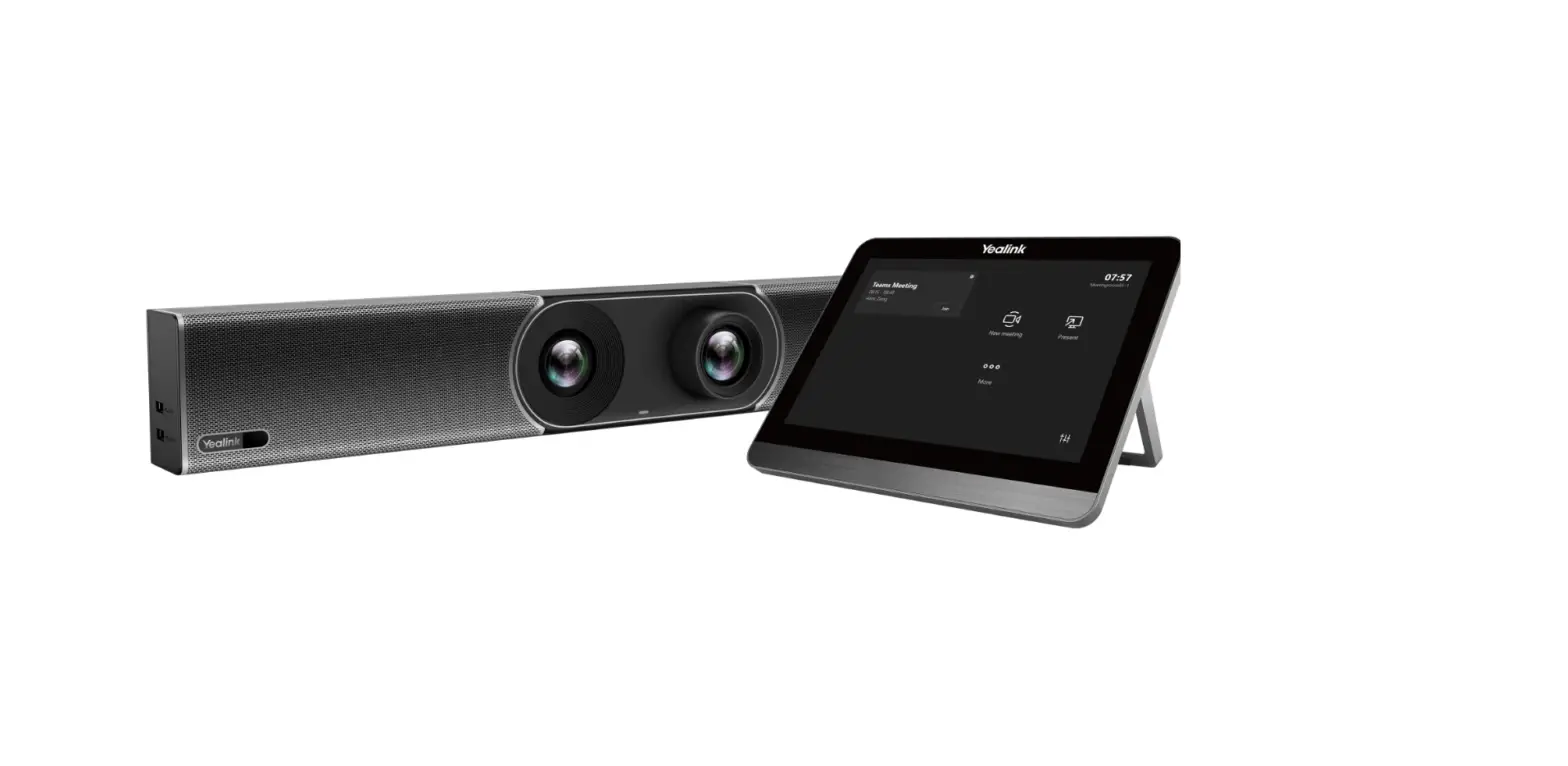
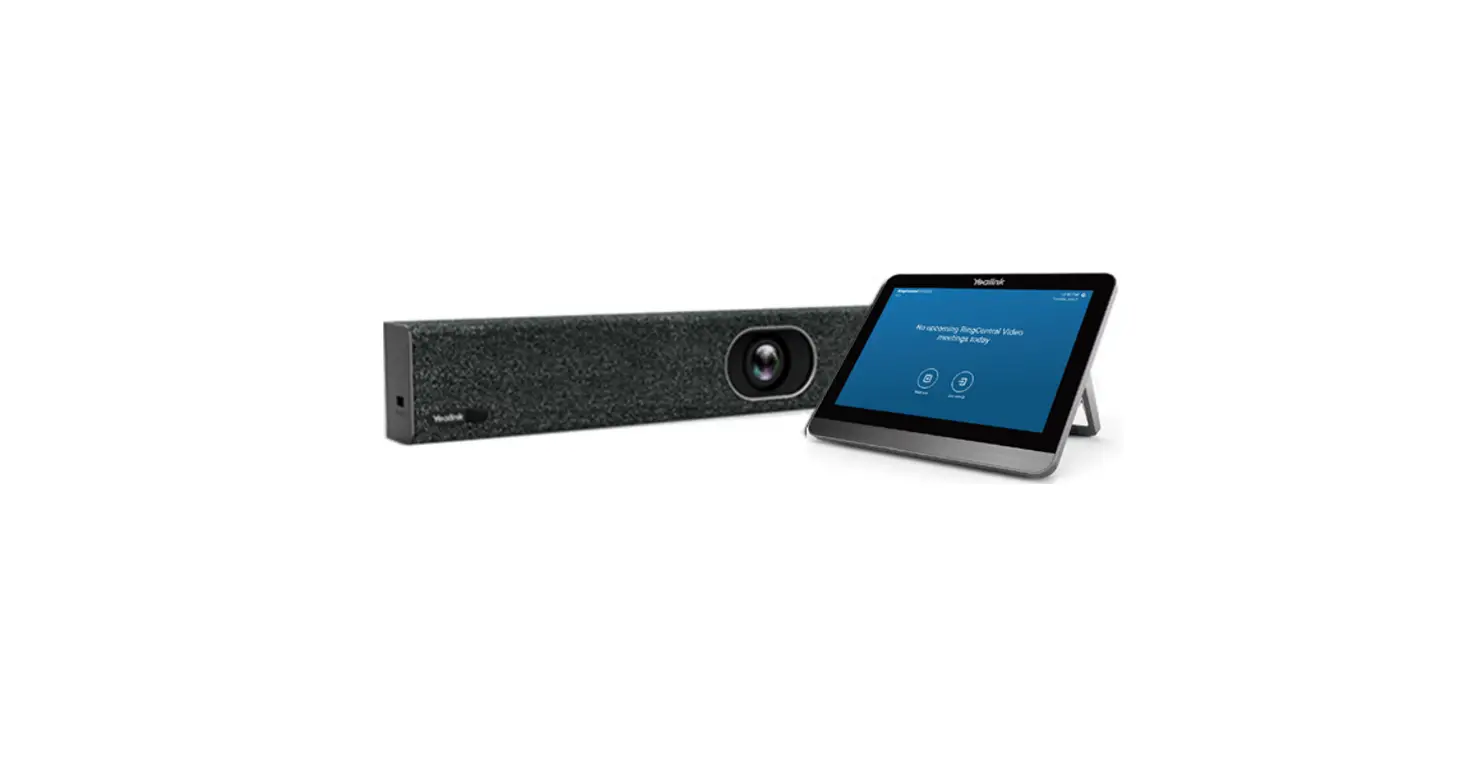
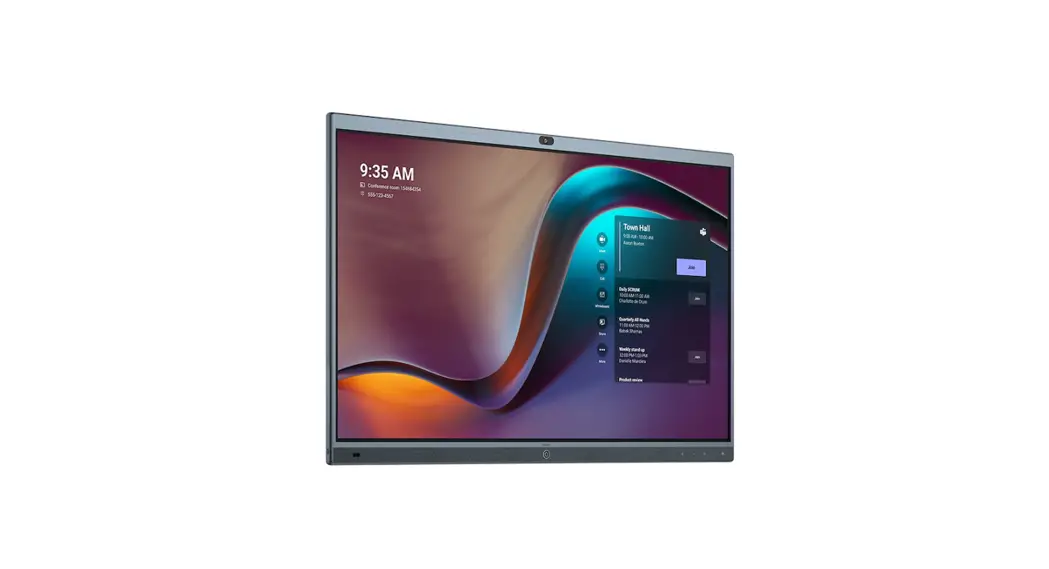
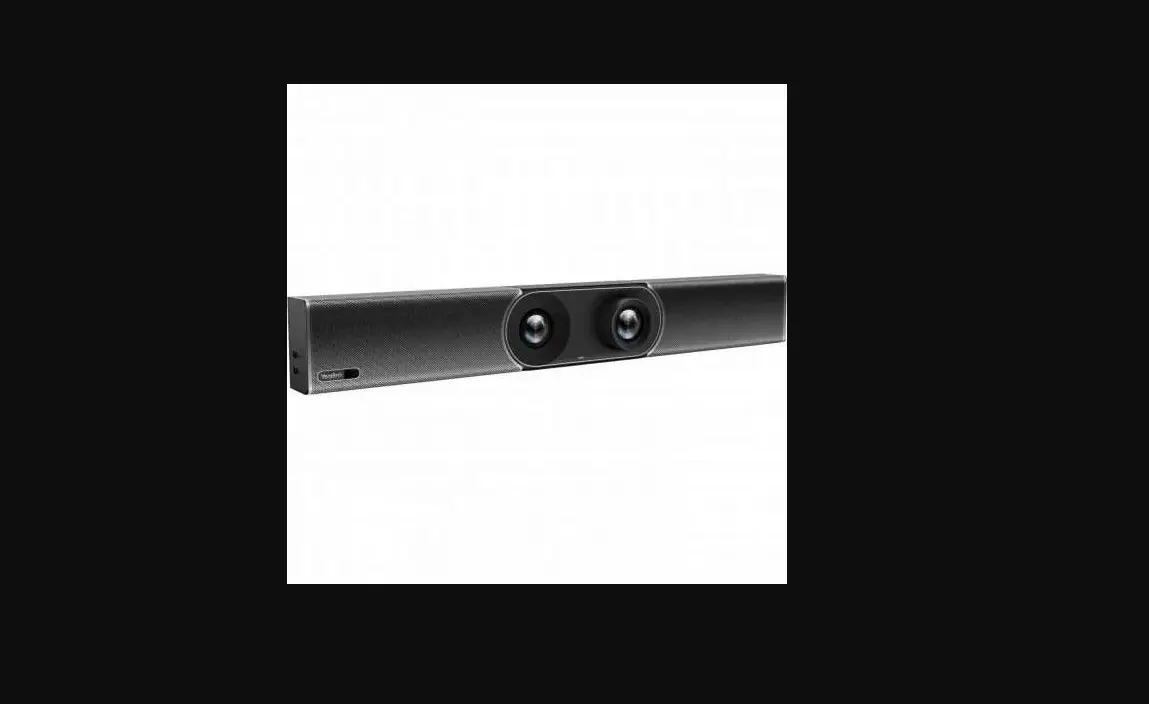
Yealink MeetingBar A20
All-in-one Video Collaboration Bar
for Small and Huddle Rooms

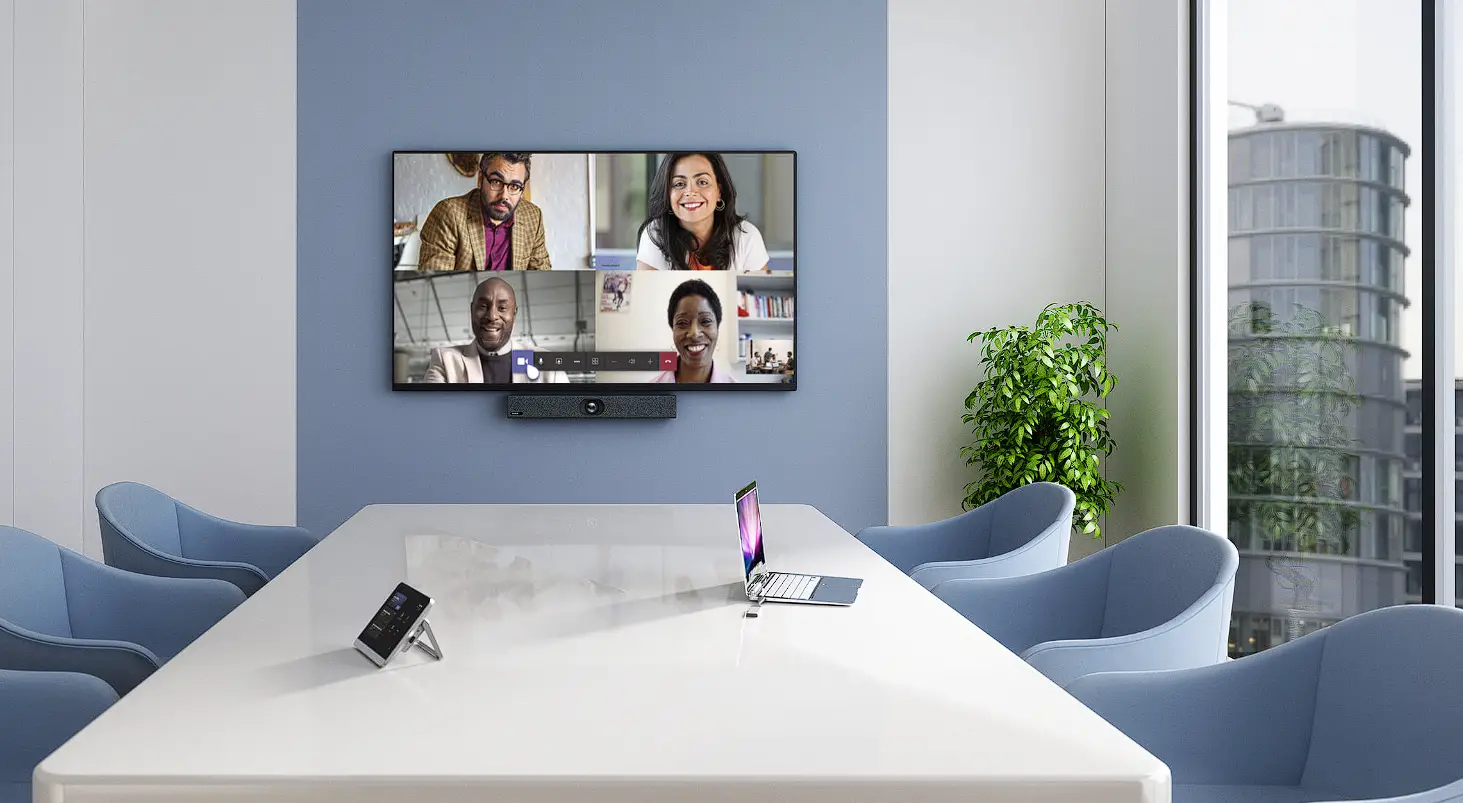
Yealink MeetingBar A20, an all-in-one video device that integrates the whole things you need for seamless video collaboration in small and huddle rooms. With the 20MP, 133° FoV lens AI camera, 8 MEMS microphone arrays and speaker, the A20 MeetingBar starts up the powerful video and voice experience perfectly even in small spaces. Just with simple plug-and-play for a quick kick-off, the A20 fulfils a cost-effective solution with the best experience for your video meeting.
Smart Video Collaboration
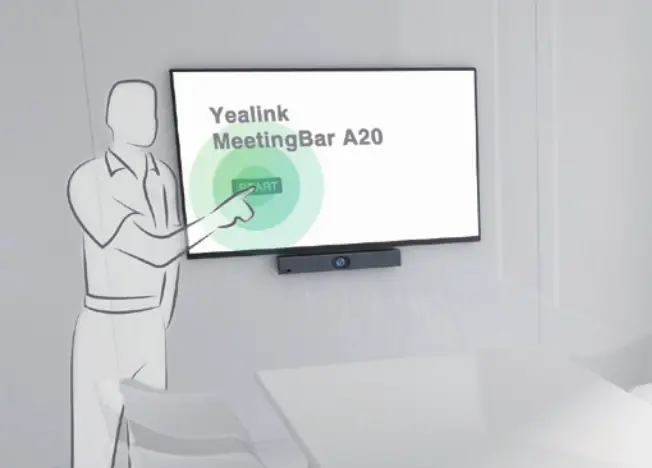
- Android 9.0 OS, support different video platforms
- Touch operation with touch screen
- Optional with remote controller or CTP18 touch panel
High-Quality AI Camera
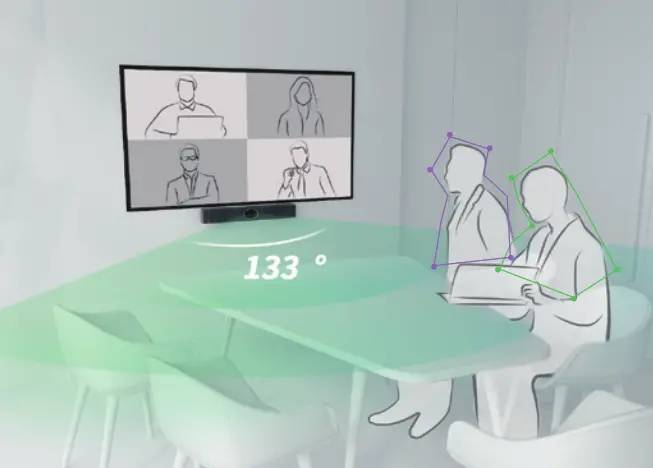
- AI tech with Auto Framing and Speaker Tracking
- 133° wide-angle lens, 20MP
- Large view in small spaces
Ultra HD Full-duplex Voice
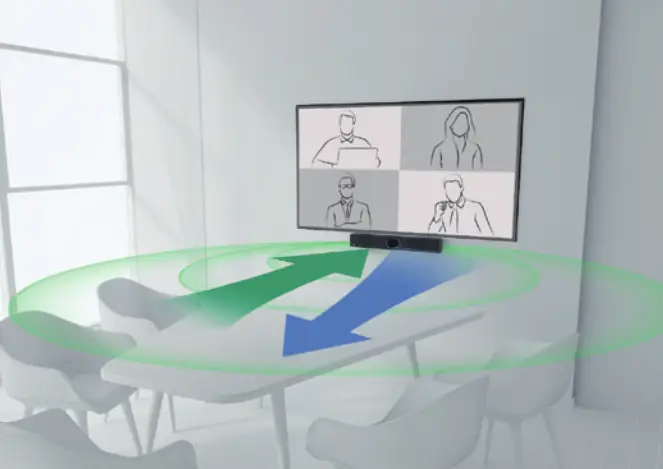
- Built-in 8 MEMS microphone arrays and speaker
- Accurate 6m voice pickup range
- Yealink Noise Proof Technology and dereverberation
Quick Setup
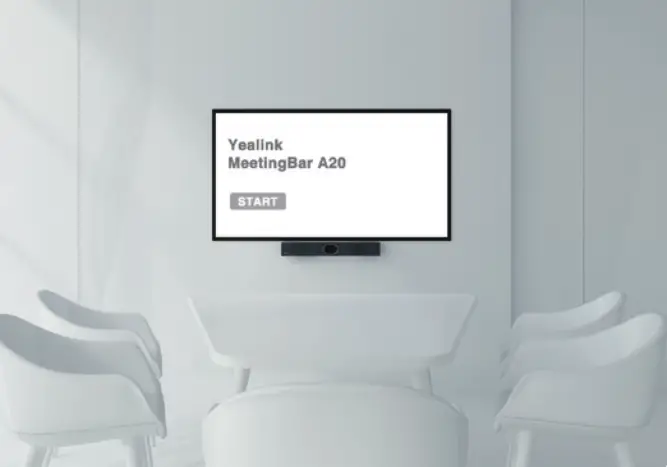
- All-in-one MeetingBar design
- Take up less space
- Minimize the cable clutter
- Plug-and-Play
Tech Specs :
MeetingBar A20 Package | Camera | Audio | Meeting Features | ||
| · MeetingBar A20 endpoint | · Content sharing(optional): VCH51 Sharing Kit (HDMI/USB-C) WPP20 Wireless Presentation Pod | · 20MP Camera | · Built-in 8 MEMS microphone array | · Calendar | · Teams Edition – Microsoft DM- Proximity join |
| · 3m Ethernet cable | · 133° field of view | · Built-in 5W high fidelity speaker | · One-click join | ||
| · 2 x 1.8m HDMI cable | · 8x e-PTZ camera | · Yealink Noise Proof Technology | · Meeting collaboration – Content sharing – Whiteboard | · Zoom Edition – Zoom DM – Direct sharing | |
| · Mounting Bracket and Accessories | · Electric privacy shutter | · Full-deplex | · Meeting control: – Add participates – Hold/Resume – Camera On/Off – Mute/Unmute – Volume Up/Down – Hang up | ||
| · Power adapter · Quick Start Guide | · AI Features – Auto Framing- Speaker Tracking | · Echo cancellation | |||
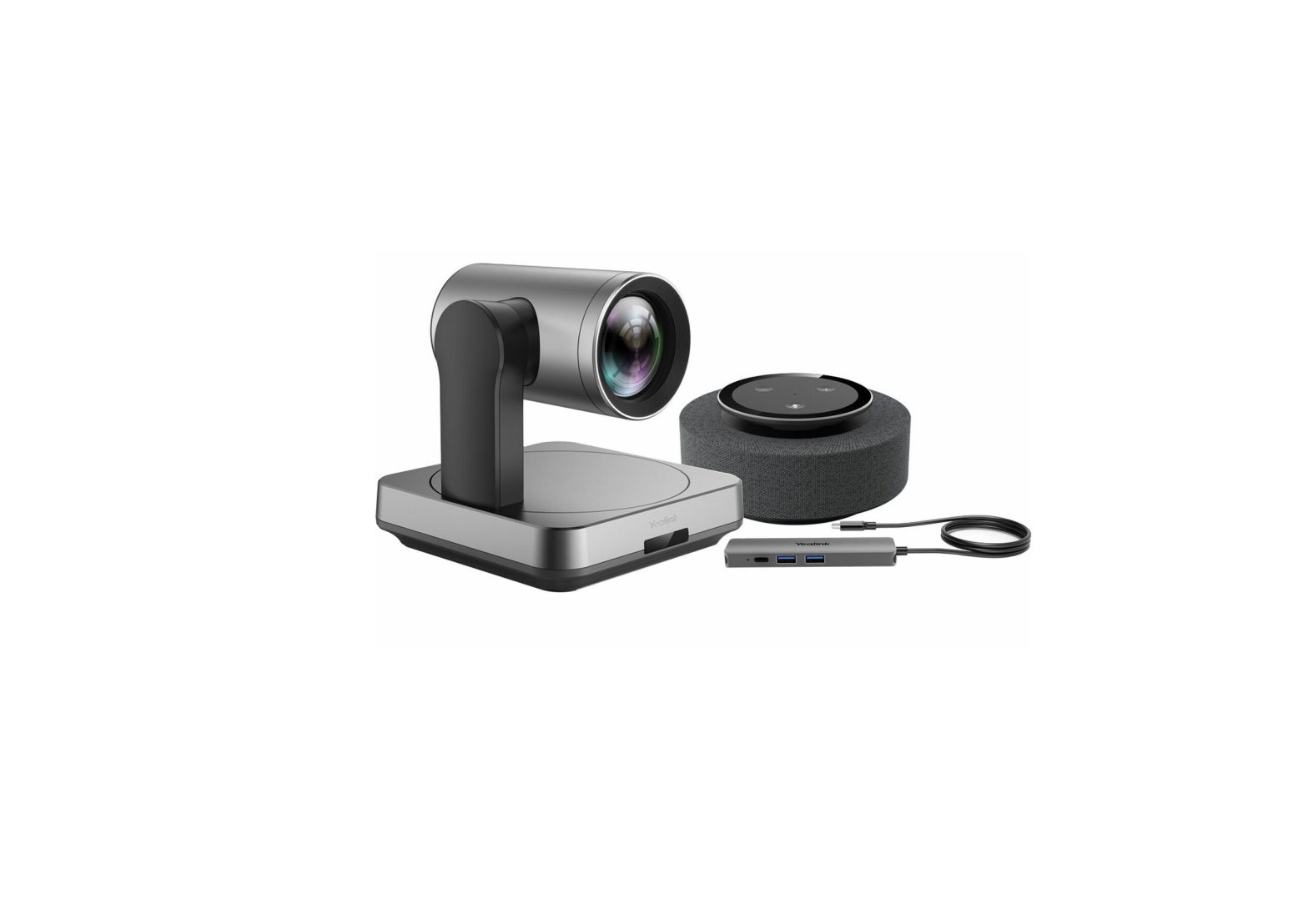
| · Controller (optional): TP18 Touch Panel VCR20 Remote Control | |||||
If you need assistance or have questions, please contact us via [email protected]