 QUICK START GUIDE
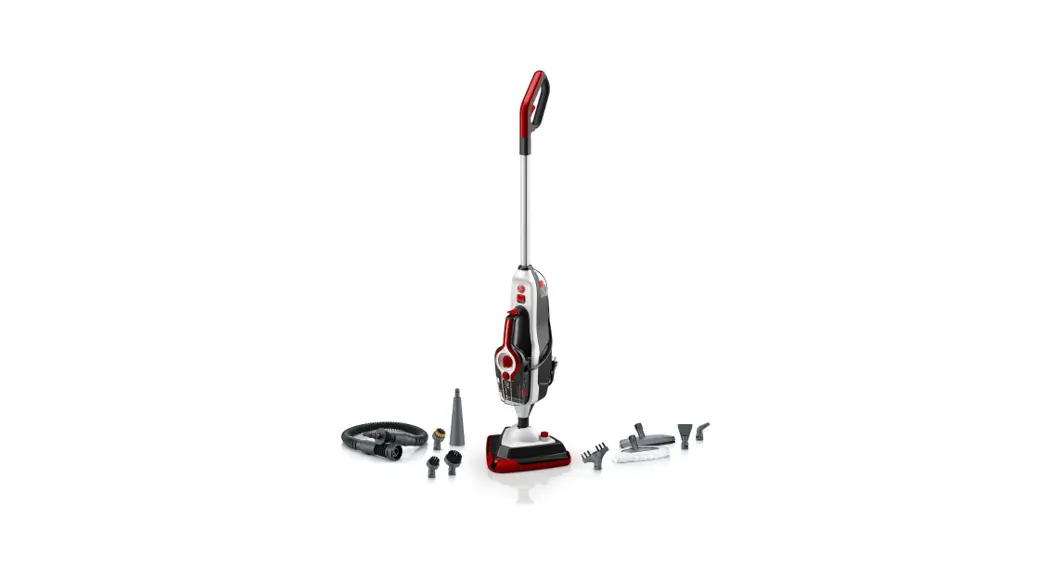
WH21000 Steam Complete Pet Steam Cleaner
Steam Complete Pet
Steam Cleaner
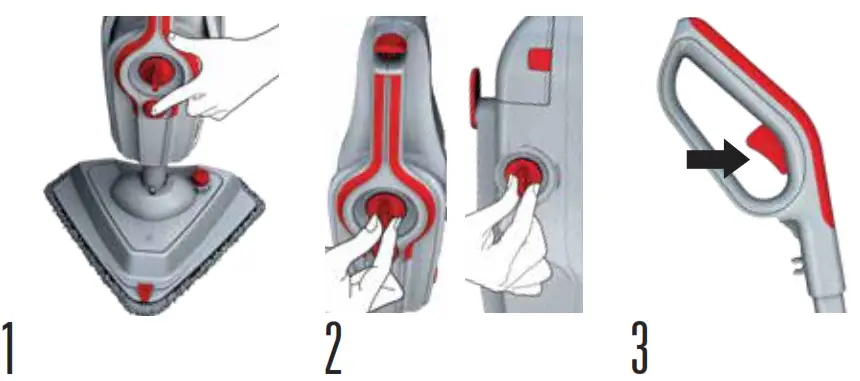 | ||
| Plug in your Steam Complete Pet and turn it on. Allow 60 seconds for your unit to heat up, and adjust both dials to your desired setting. | Adjust the steam dial to desired setting. Utilize the Supplemental water tank by turning the dial to large area when cleaning large spaces and turn the dial to small area for quick cleaning. | Pull the trigger in short bursts to produce steam and clean. To prevent over saturating floors, avoid holding down the trigger continuously. |
PRO TIPS
| TO ENGAGE STEAM STREAM Press the button on floor head to activate, and squeeze the trigger to release the steam. Press button again to deactivate. | TO RELEASE THE TILE AND GROUT SCRUB BRUSH Place foot on outer floor head and gently pull away the steam cleaner. | FOR BEST PERFORMANCE Use distilled water. |
TOOLS FOR EVERY MESS
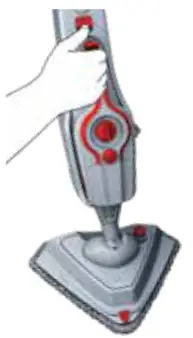
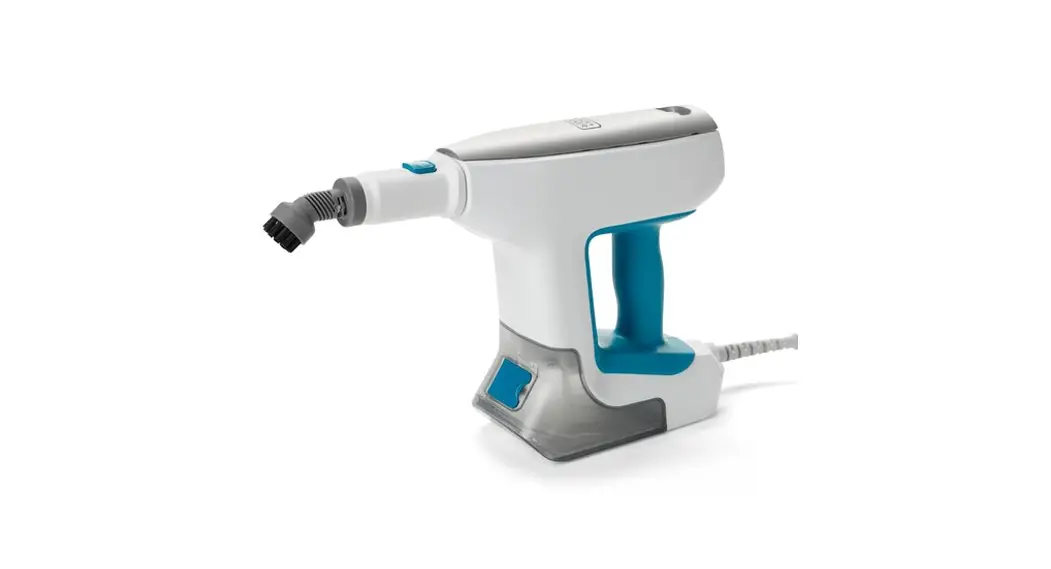
To remove the handheld
Lift the release button and gently pull away from the steam cleaner. TIP: Remove main water tank and fill before use.
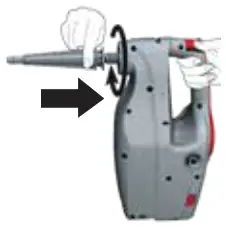
Using small accessories
Small tools can be attached to the concentration nozzle. Twist clockwise until locked into position.
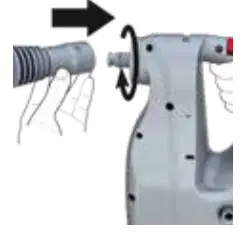
Using large accessories
Larger tools can be attached to the concentration nozzle or hose. To attach the hose, twist clockwise until locked into position.
 https://hoover.com/collections/hard-floor-cleaners/products/steam-complete-pet#support
For more information about the tools included with your Steam Complete Pet, scan the QR code or see the
included user guide.
961003518 R0