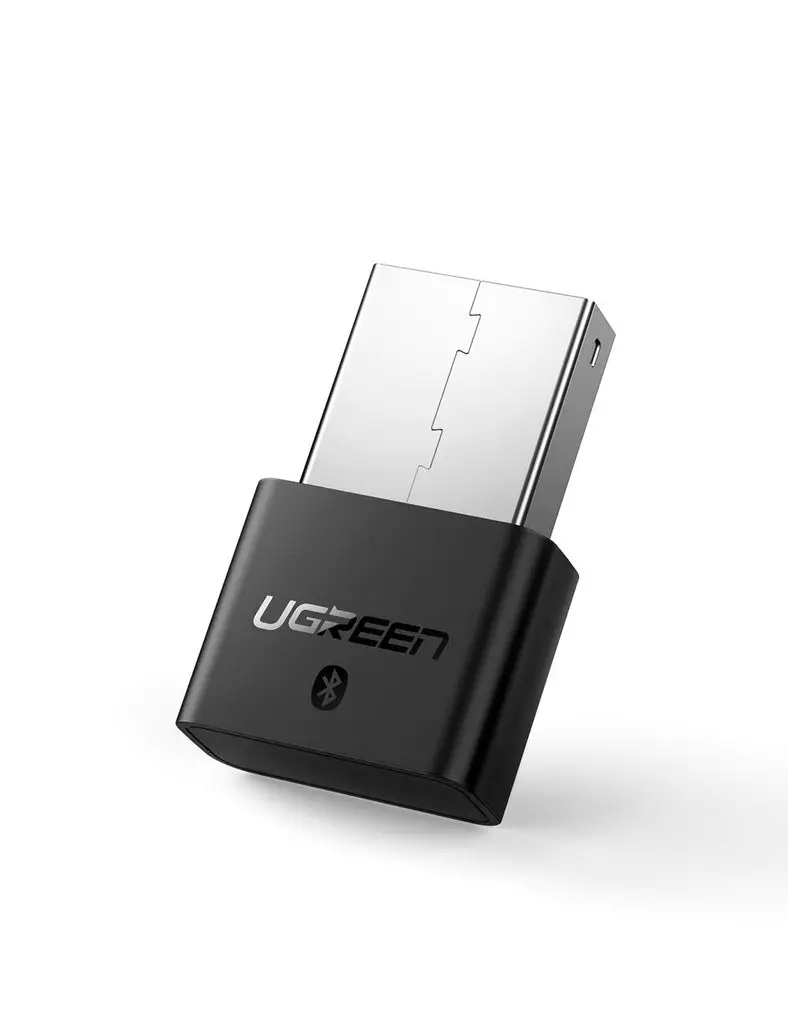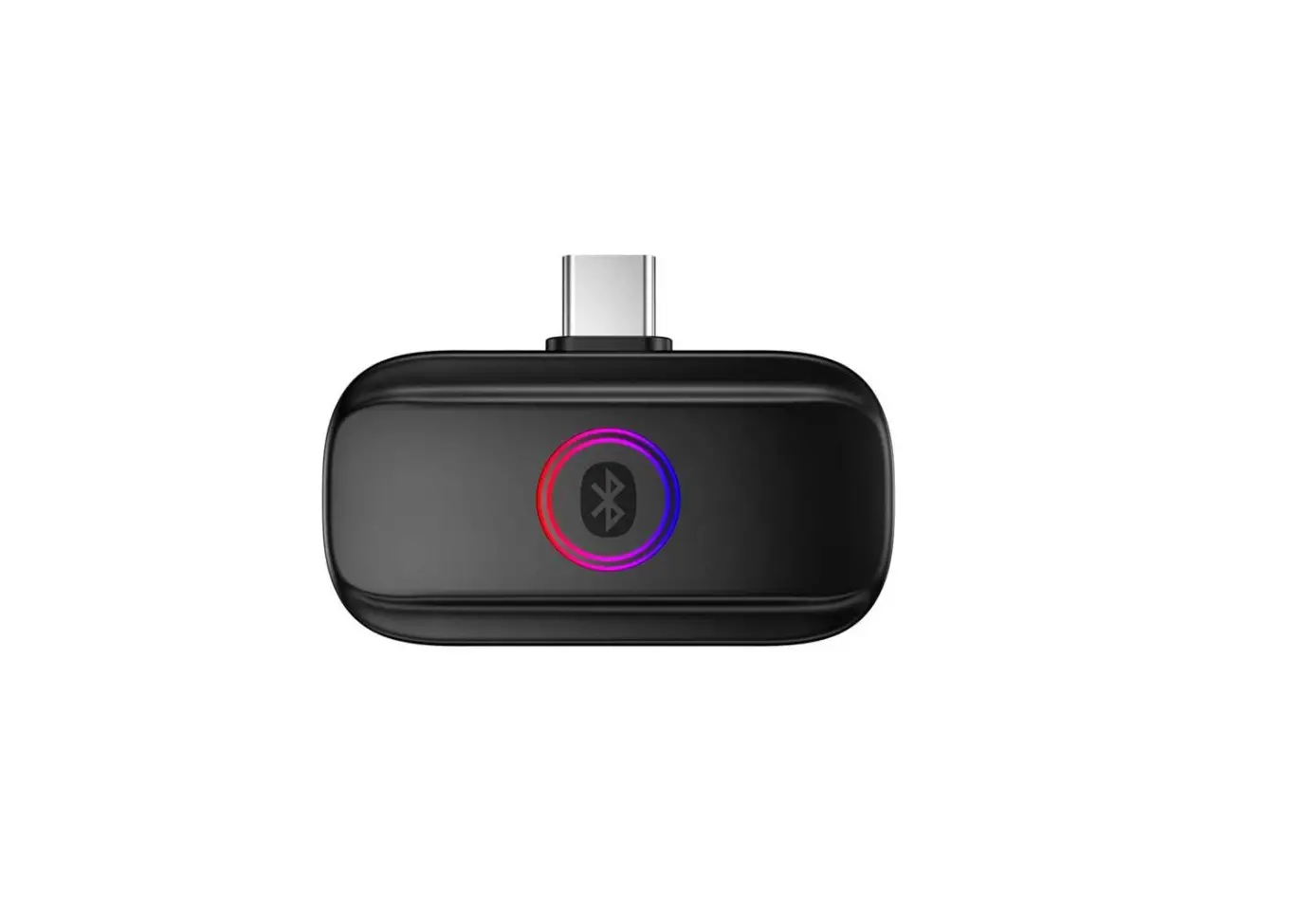
PS4/PS5
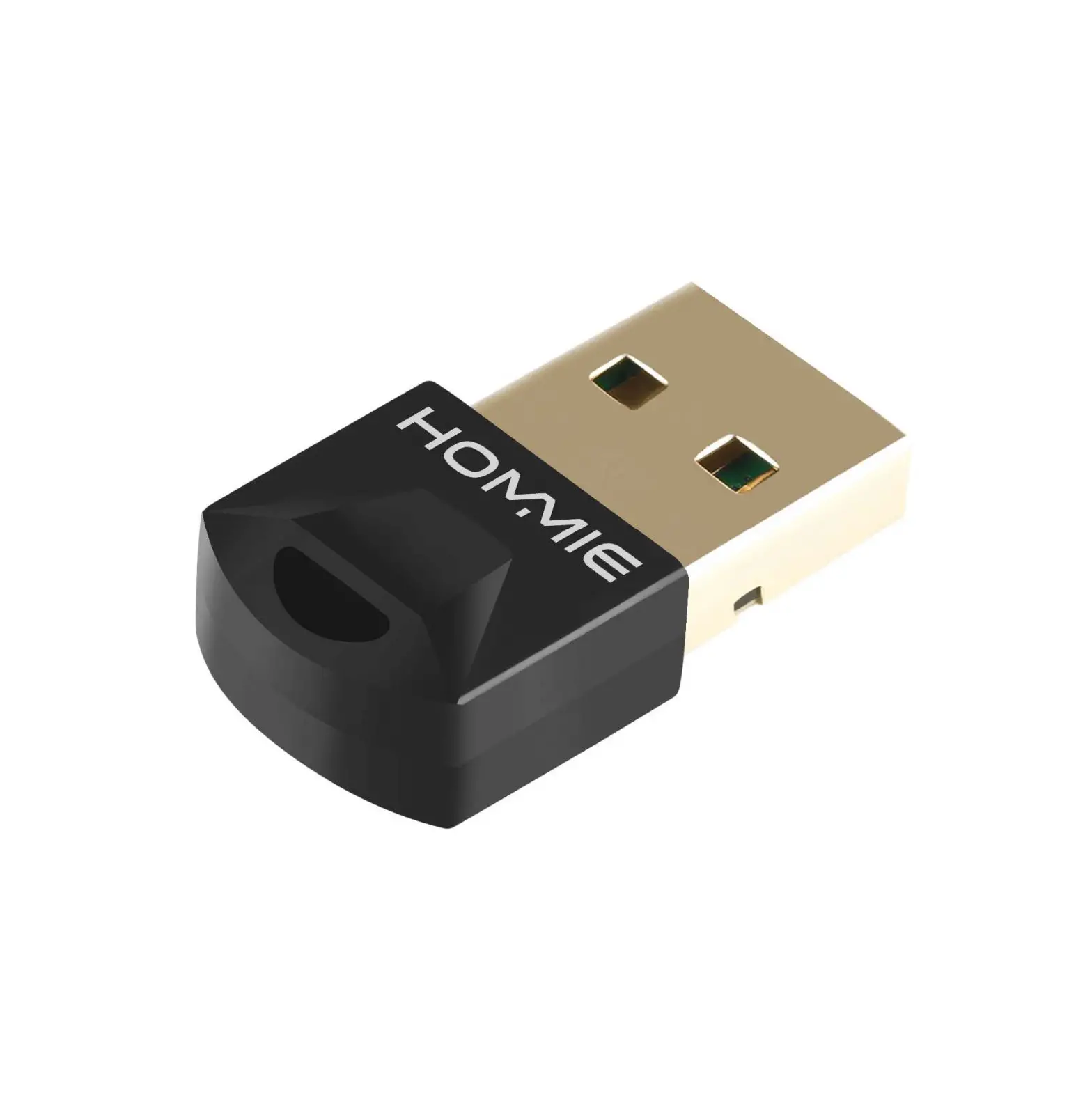
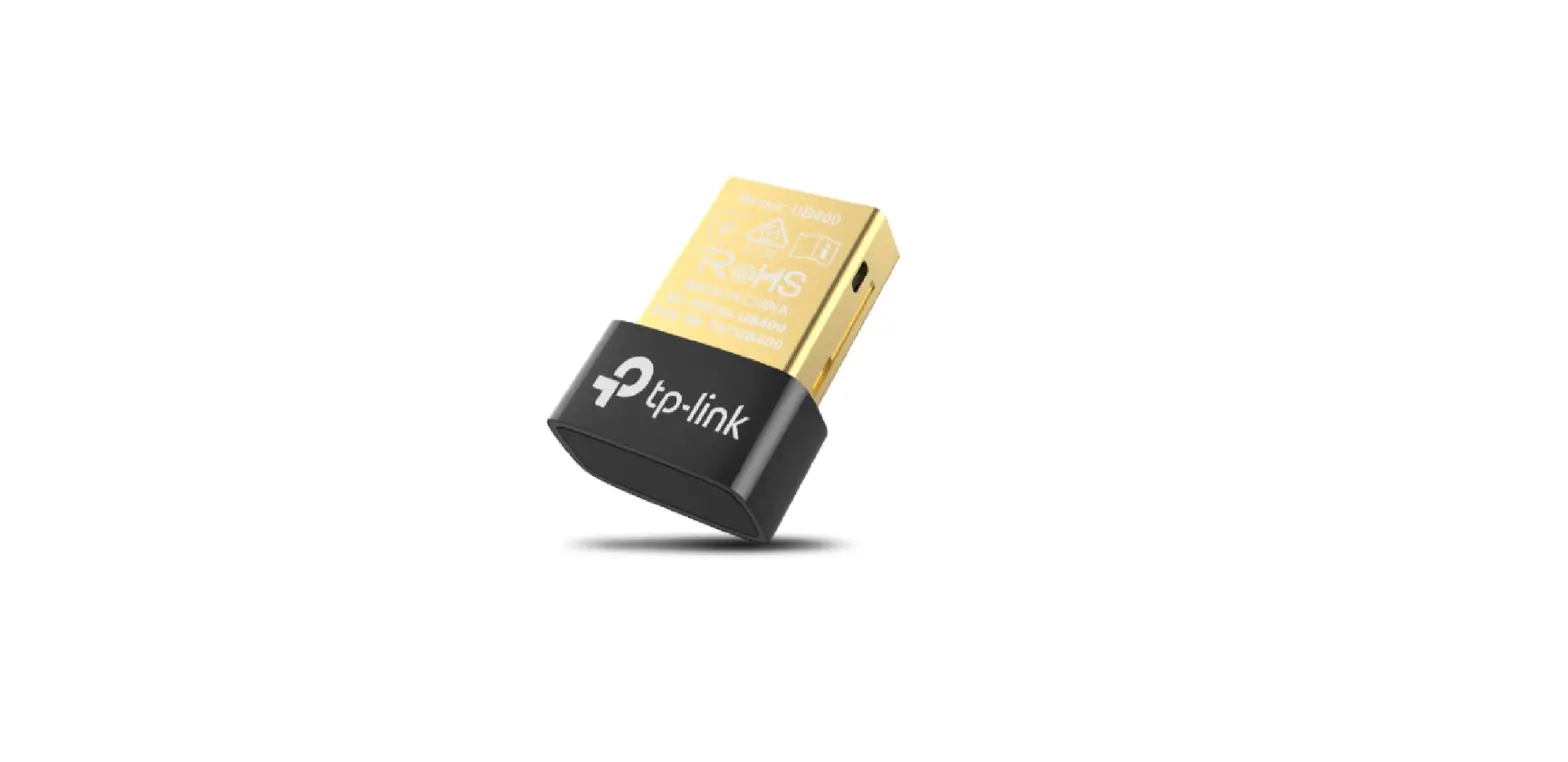
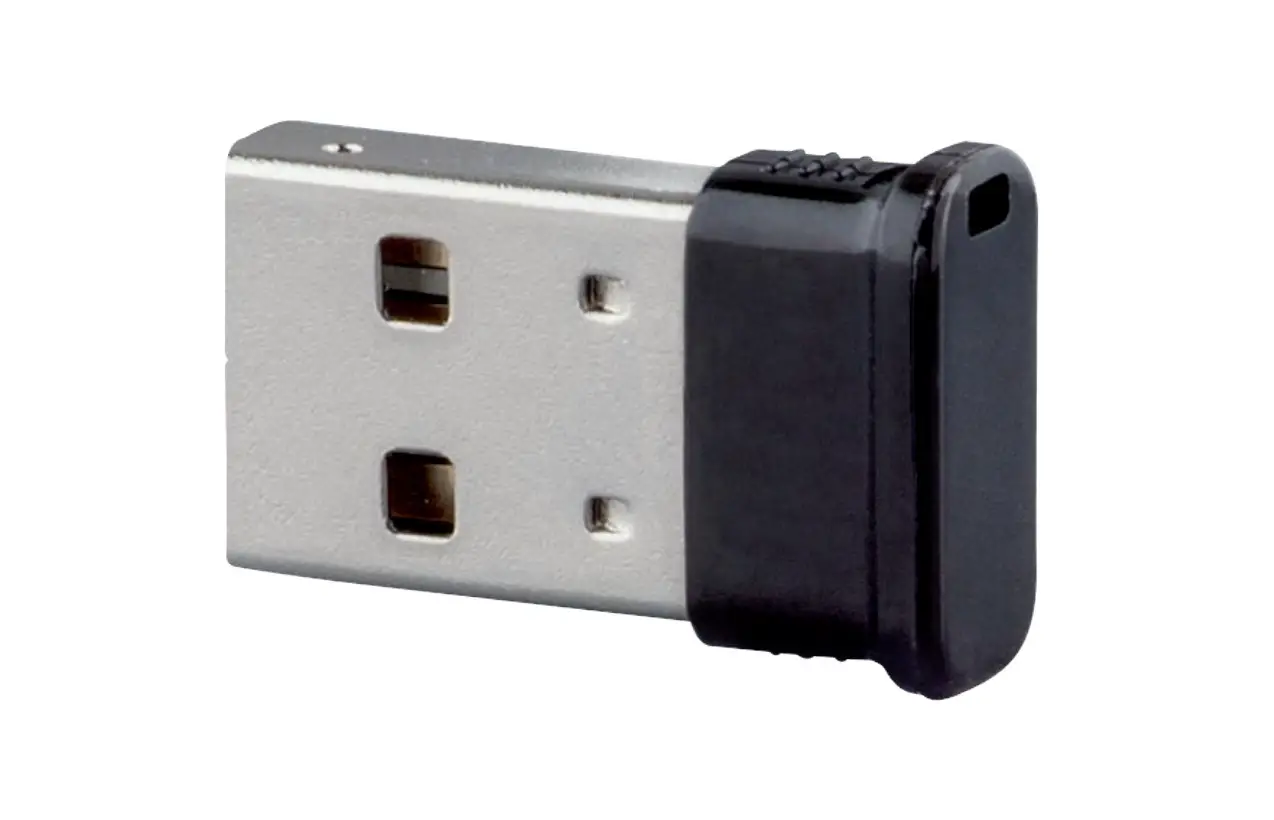
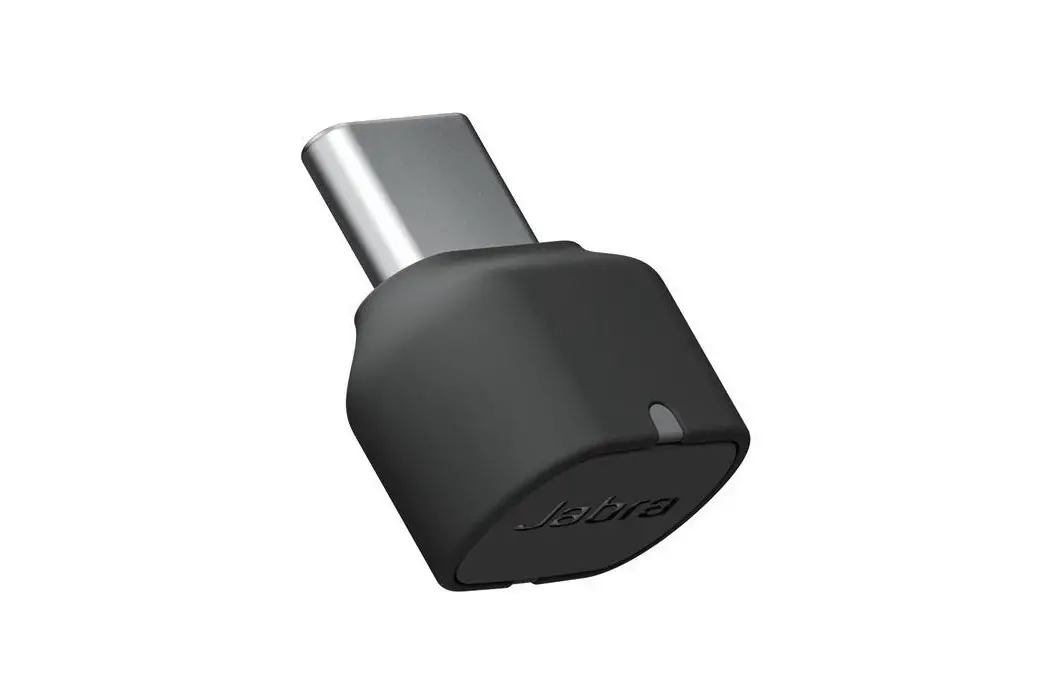
USB Bluetooth Dongle
USER MANUAL
Wireless headphone/Microphone
adapter For PS4
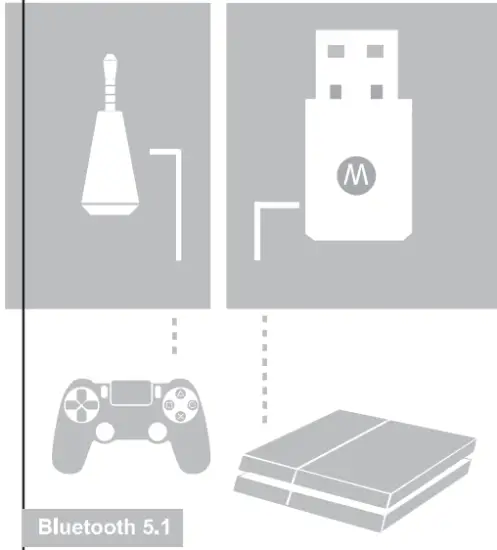
Wireless Headphone & Microphone adapter delivers a wireless high-quality stereo experience using your existing Bluetooth headphones via 44.1K high-def sound quality. This wireless solution allows you to rouse your favorite Bluetooth headphones with your P54. Fine-tuned and calibrated to enhance and transmit all PS4 in-game audio. Control your game and voice volume via your existing Bluetooth headphones, if available. Expand your PS4 wireless headphone options to any Bluetooth headphones in your arsenal.
* For the best sound quality, we recommend headphones with Bluetooth 5.1 +EDR. Sound quality varies depending on your existing Bluetooth headphone capabilities.
* An existing Bluetooth headset or headphones is required for sound transmission.
* The induced mic adapter will replace the existing mic on your Bluetooth headset.
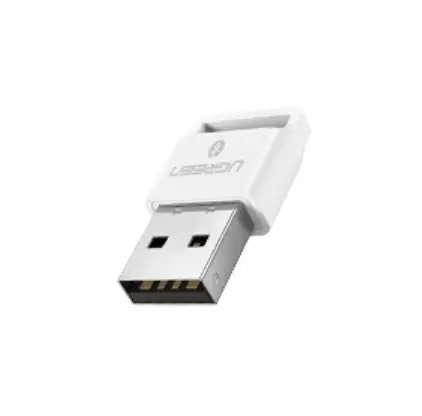
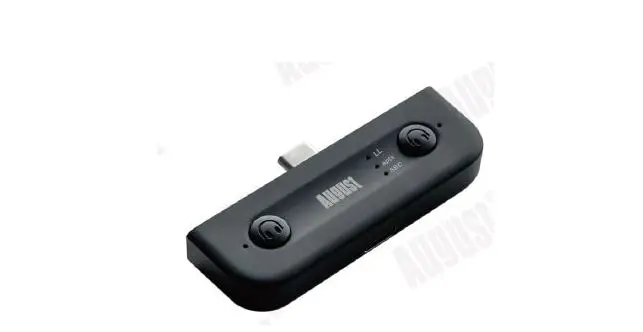
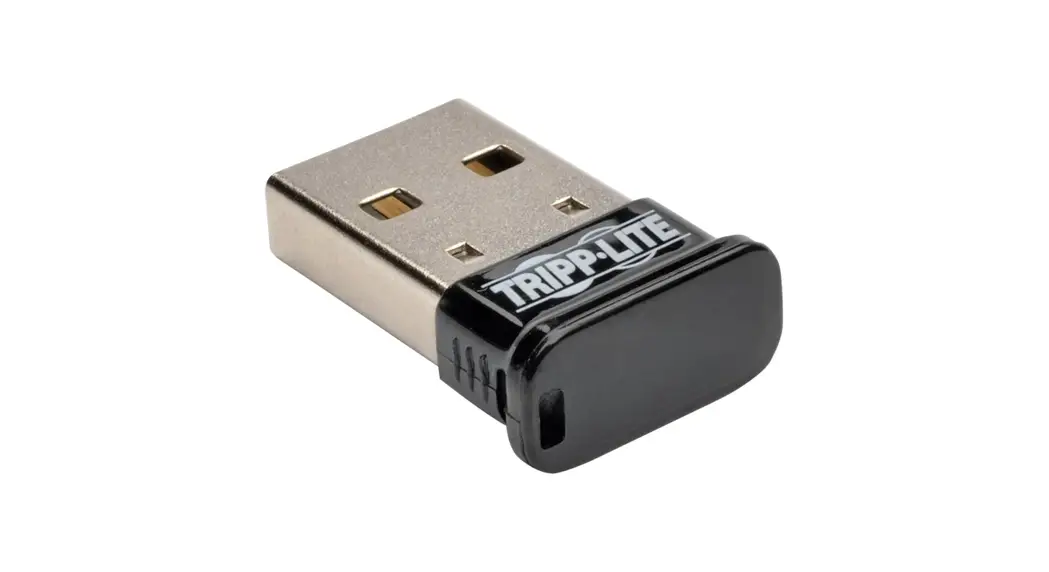
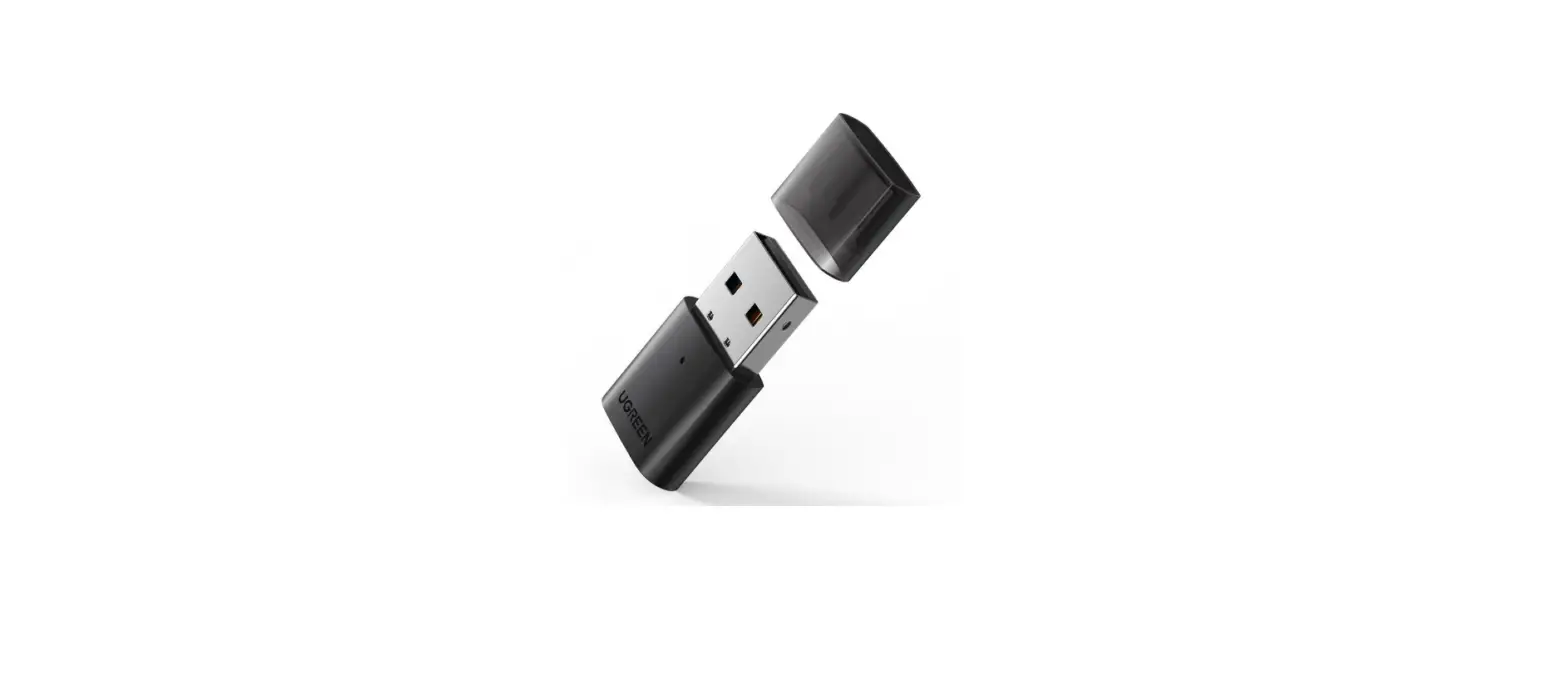
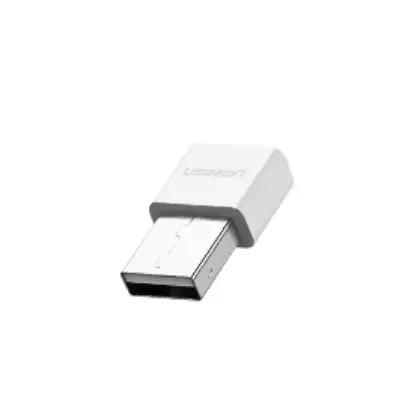
Turn on your PS4. Insert the Bluetooth dongle into one of the USB ports.
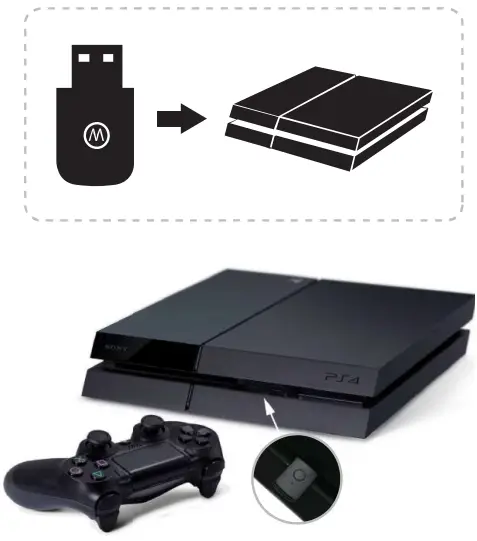
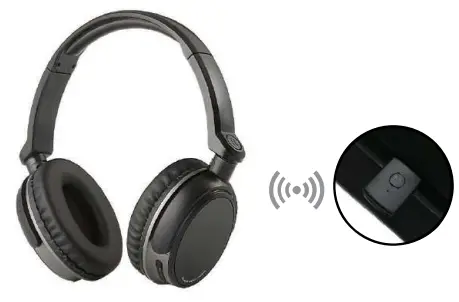
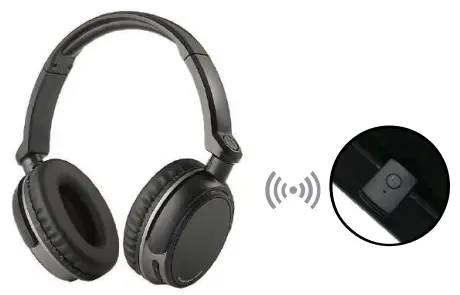
The LED indicator on the dongle flashes slowly at first, then press the dongle button for seconds, the LED indicator flashes quickly, this signals to pair mode. Turn on your Bluetooth headphone and turn it to pairing mode.
The Bluetooth dongle and your Bluetooth headphones will automatically pair. The LED indicator of the dongle will turn blue, connecting successfully. And the Bluetooth dongle will automatically connect to the Bluetooth headphone next time.
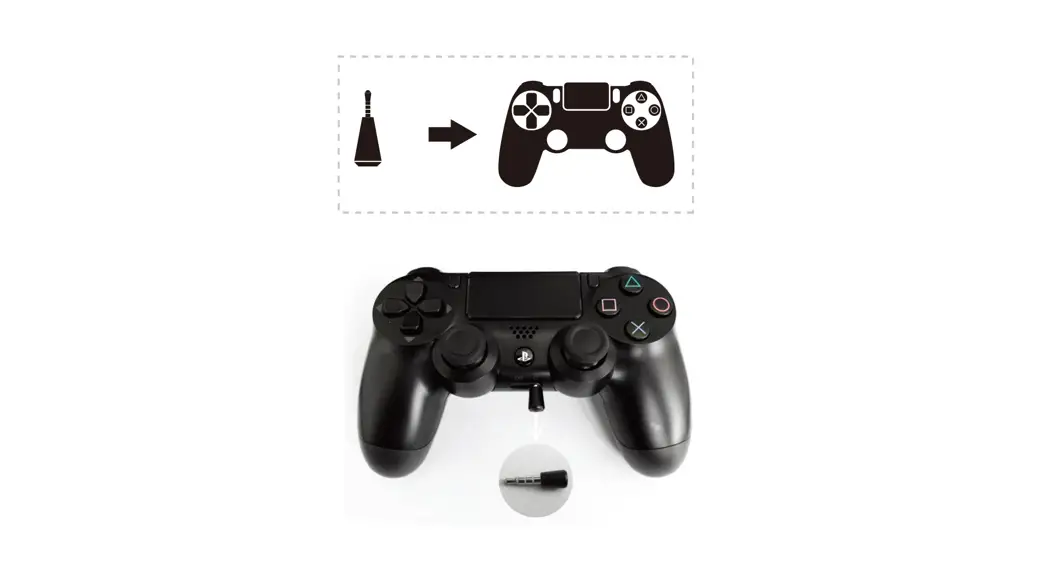
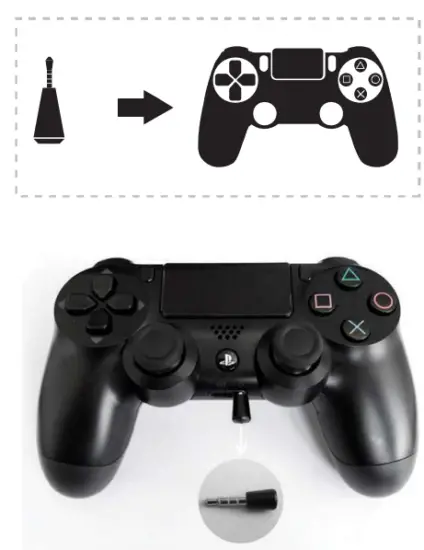
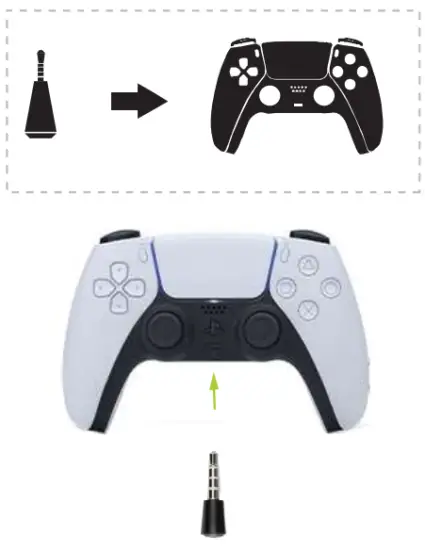
Insert the microphone into the earphone jack of the P54 controller.
Move to the PS4 user interface/home screen.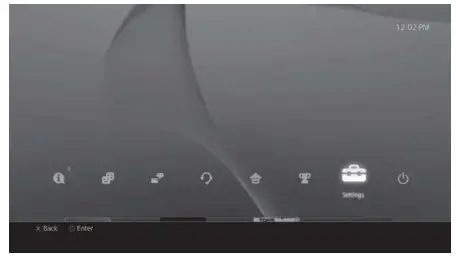
Select menu “Devices”.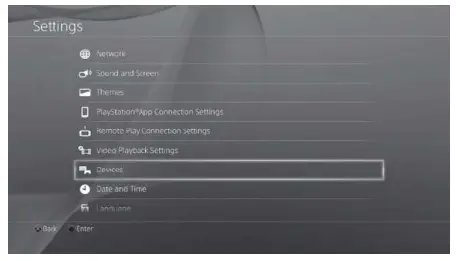
Select “Audio Devices”.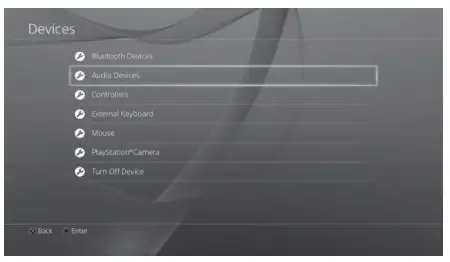
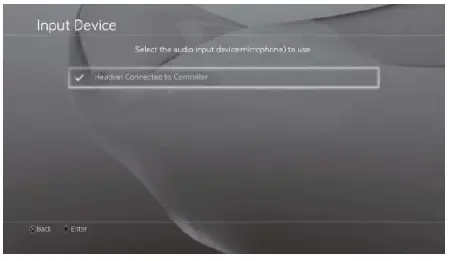
SetInput Device” to “Headset Connected to Controller”.
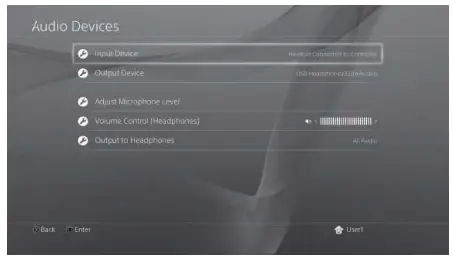
Set “Output Device” to “USB Headphones”.
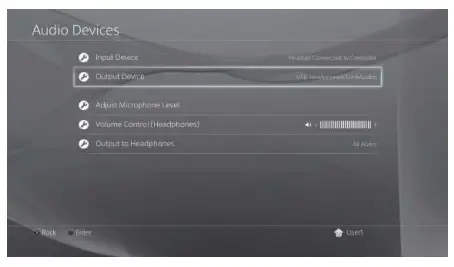
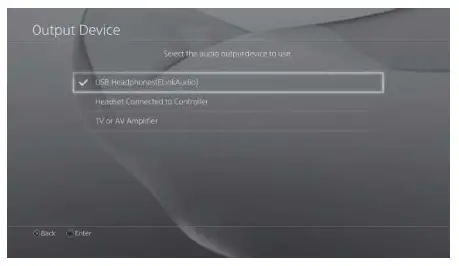 Adjust and test the volume of the Microphone.
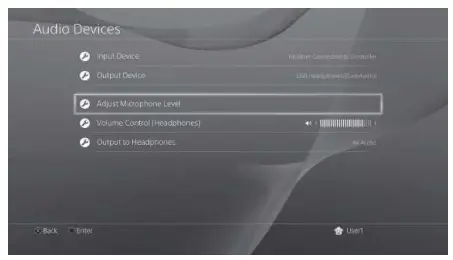
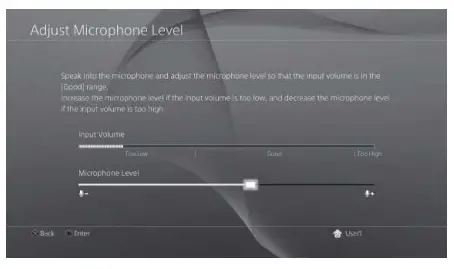
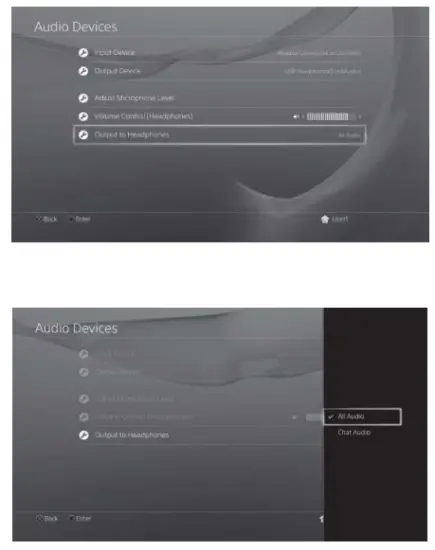
Adjust Bluetooth headphone volume. 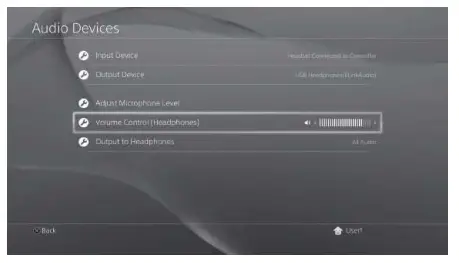
Set ‘output to headphones.’ to All Audio’.
PS5/PS4
USB Bluetooth Dongle
USER MANUAL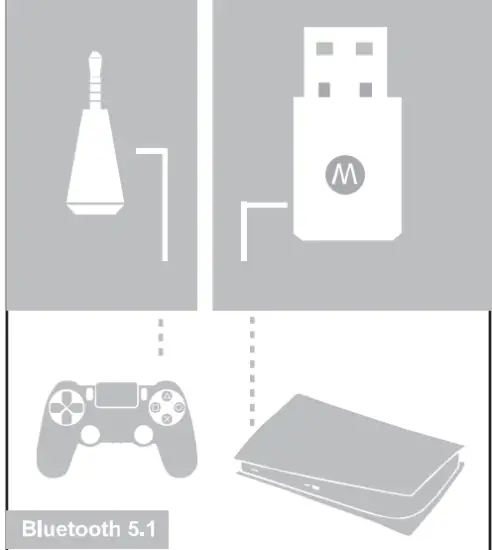
Wireless Headphone/Microphone
Adapter For PS5
Wireless Headphone & Microphone adapter delivers a wireless high-quality stereo experience using your existing Bluetooth headphones via 44.1K high-def sound quality. This wireless solution allows you to use your favorite Bluetooth headphones with your PS5. Fine-tuned and calibrated to enhance and transmit all PS5 in-game audio. Control your game and voice volume via your existing Bluetooth headphones, if available. Expand your PS5 wireless headphone options to any Bluetooth headphones in your arsenal.
⁕ For the best sound quality, we recommend headphones with Bluetooth 5.1+EDR. Sound quality varies depending on your existing Bluetooth headphone capabilities.
⁕ An existing Bluetooth headset or headphones is required for sound transmission. The included mic adapter will replace the existing mic on your Bluetooth headset.
⁕ Turn on your PS5. Insert the Bluetooth dongle into one of the USB ports.
Turn on your PS5.
Insert the Bluetooth dongle into one of the USB ports.
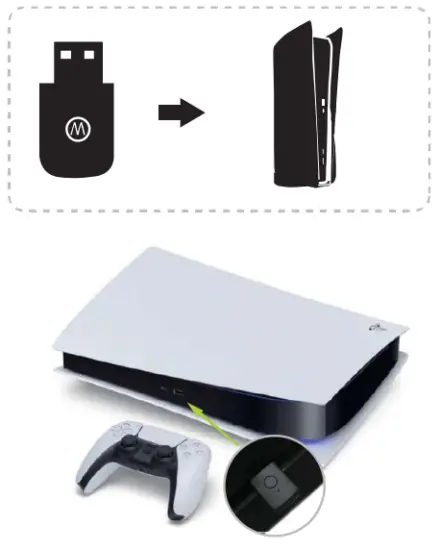
The LED indicator on the dongle flashes slowly at first, then press the dongle button for seconds, the LED indicator flashes quickly, this signals to pair mode. Turn on your Bluetooth headphone and turn it to pairing mode.
The Bluetooth dongle and your Bluetooth headphones will automatically pair. The LED indicator of the dongle will turn blue, connecting successfully. And the Bluetooth dongle will automatically connect to the Bluetooth headphone next time.
 Insert the microphone into the earphone jack of the PS5 controller.
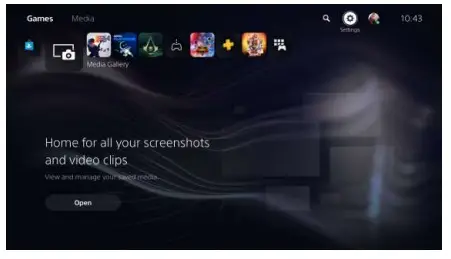
Open the PS5 interface and enter the settings
Choose [Sound’ options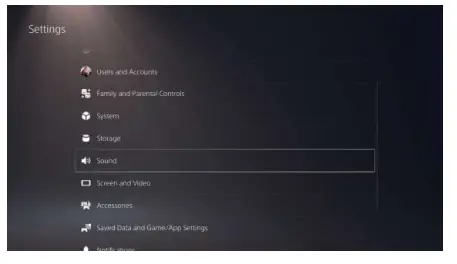
Choose [Audio output]
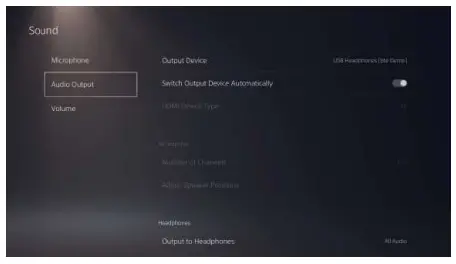 Choose [select devices switch automatically ]
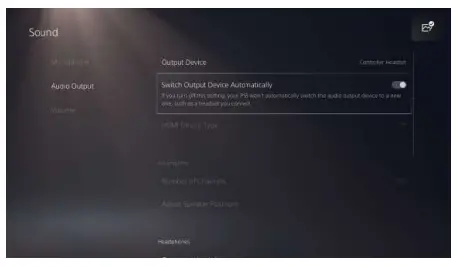 insert USB Bluetooth Dongle, pop up selection page, just select the username which you want to use
  Now enjoy your PS5/PS4 entertainment!