 Onroad ELD App
User Guide
GETTING STARTED INSTALLING THE ONROAD ELD APP
 In order to install the app simply search Onroad ELD on ails Google Play or App Store
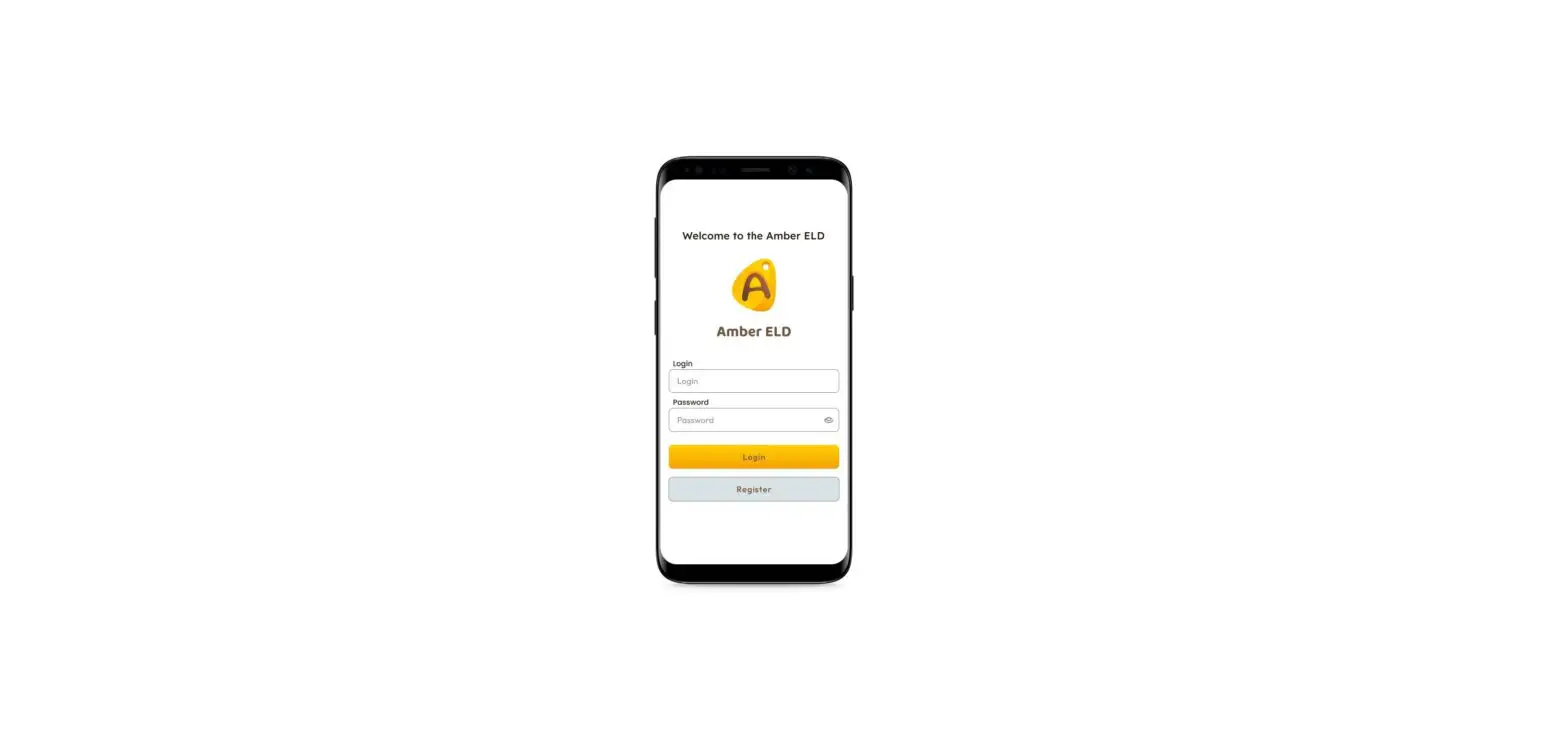
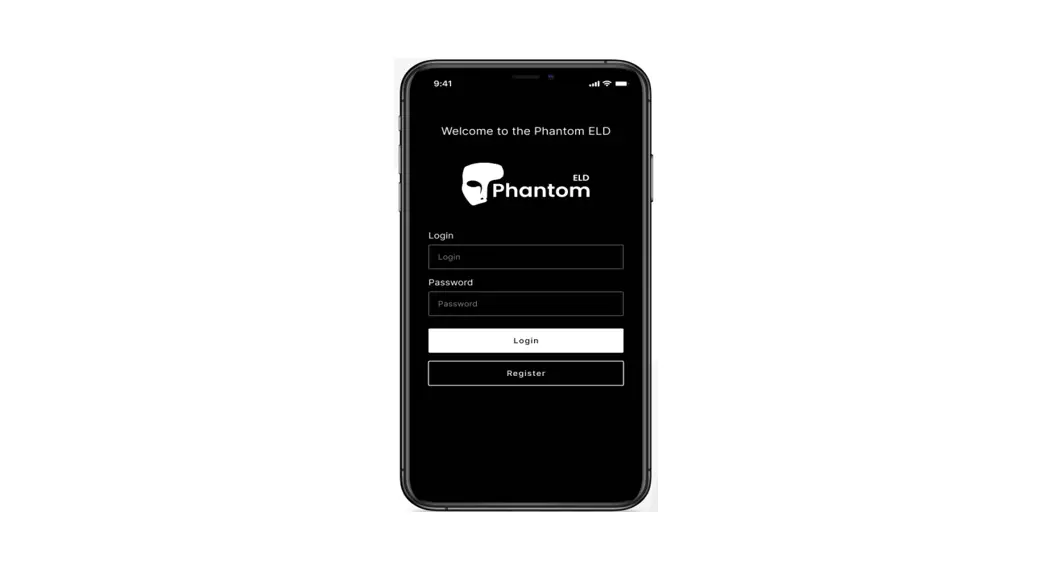
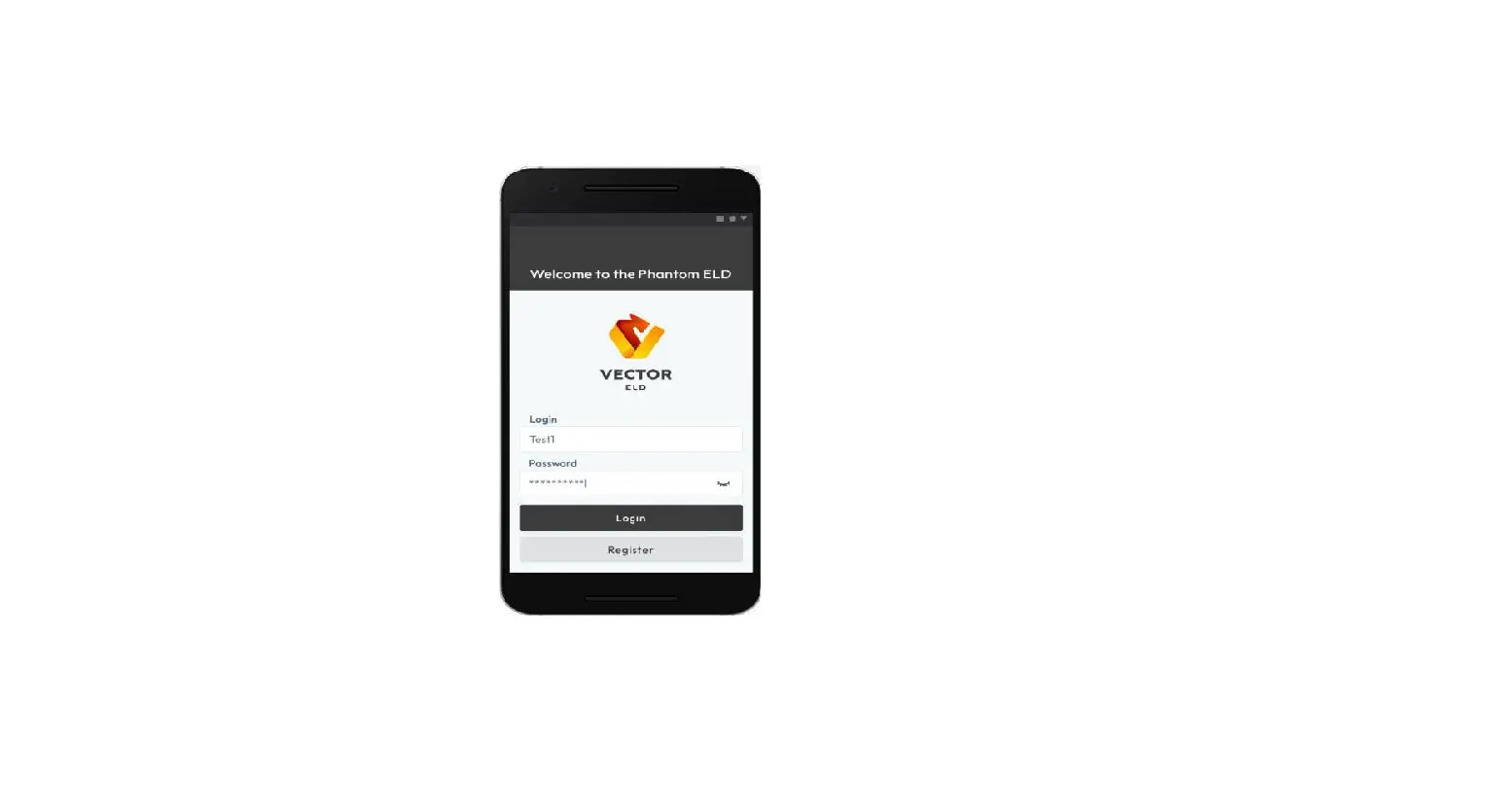
Application Guide 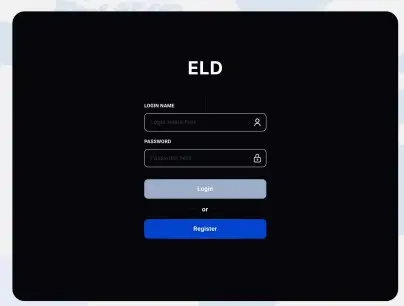 Log into the application with your credentials (User Name and Password). If you do not have, please contact your fleet manager
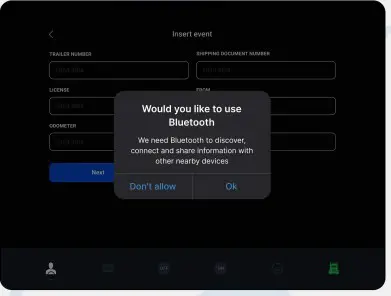 Turn on bluetooth on your device and connect Nearby Trucks in distance 15 meters
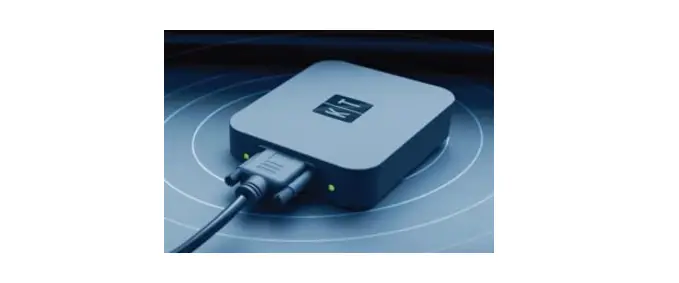
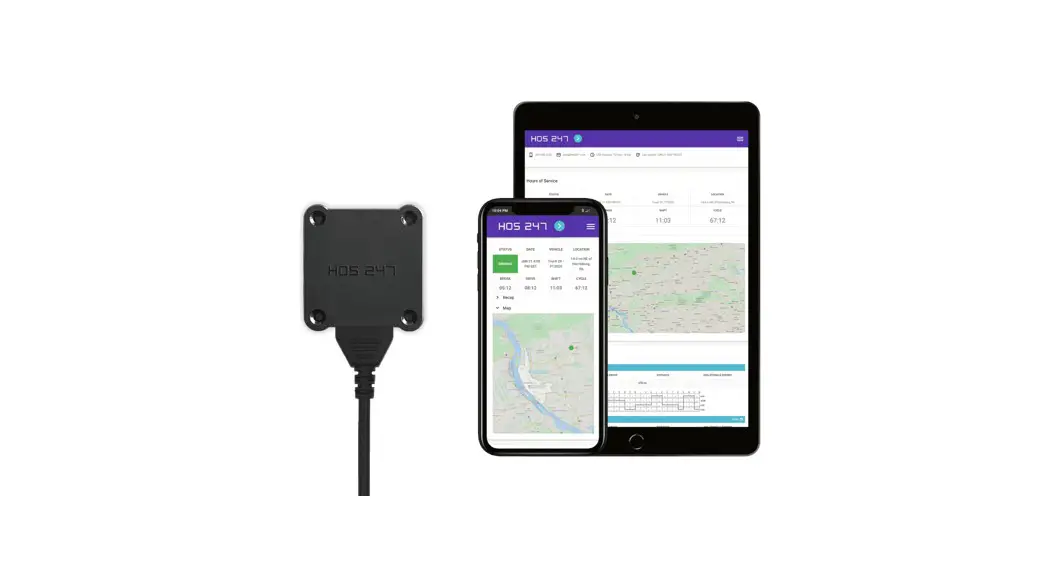
 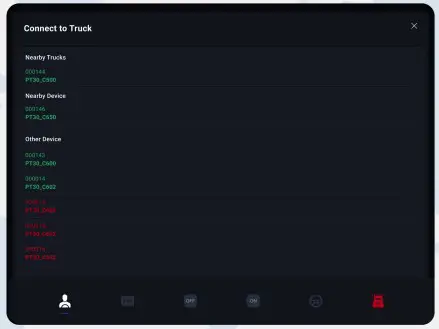 In order to use Onroad ELD (device and the application), you would need to connect the PT30 to your truck via the wire, turn on the ignition.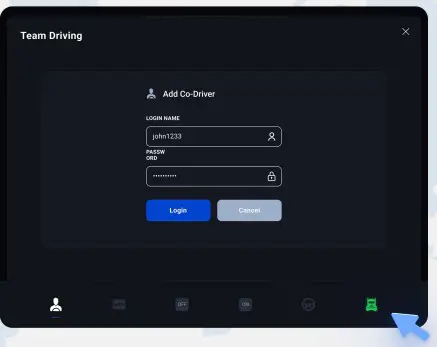
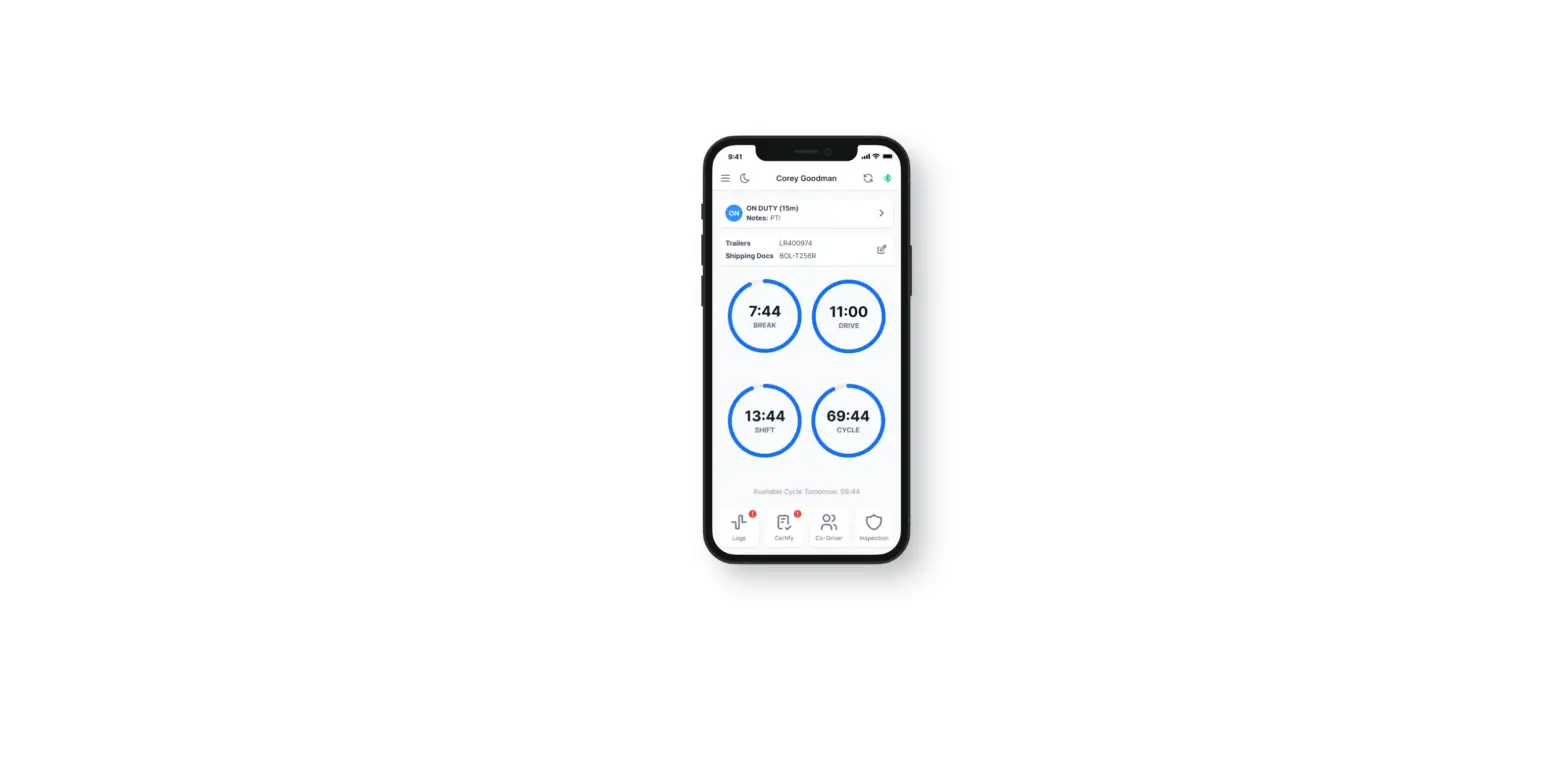
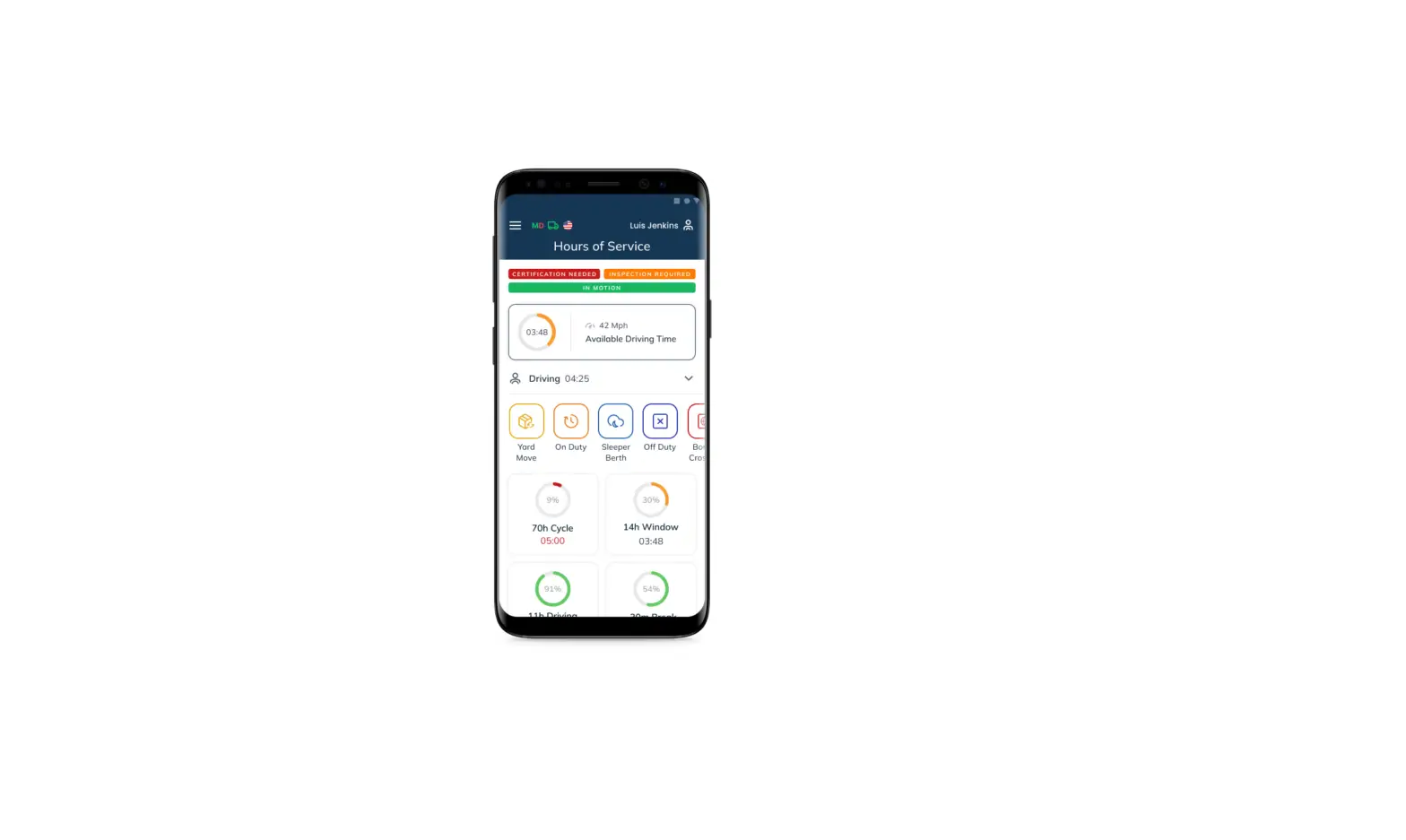
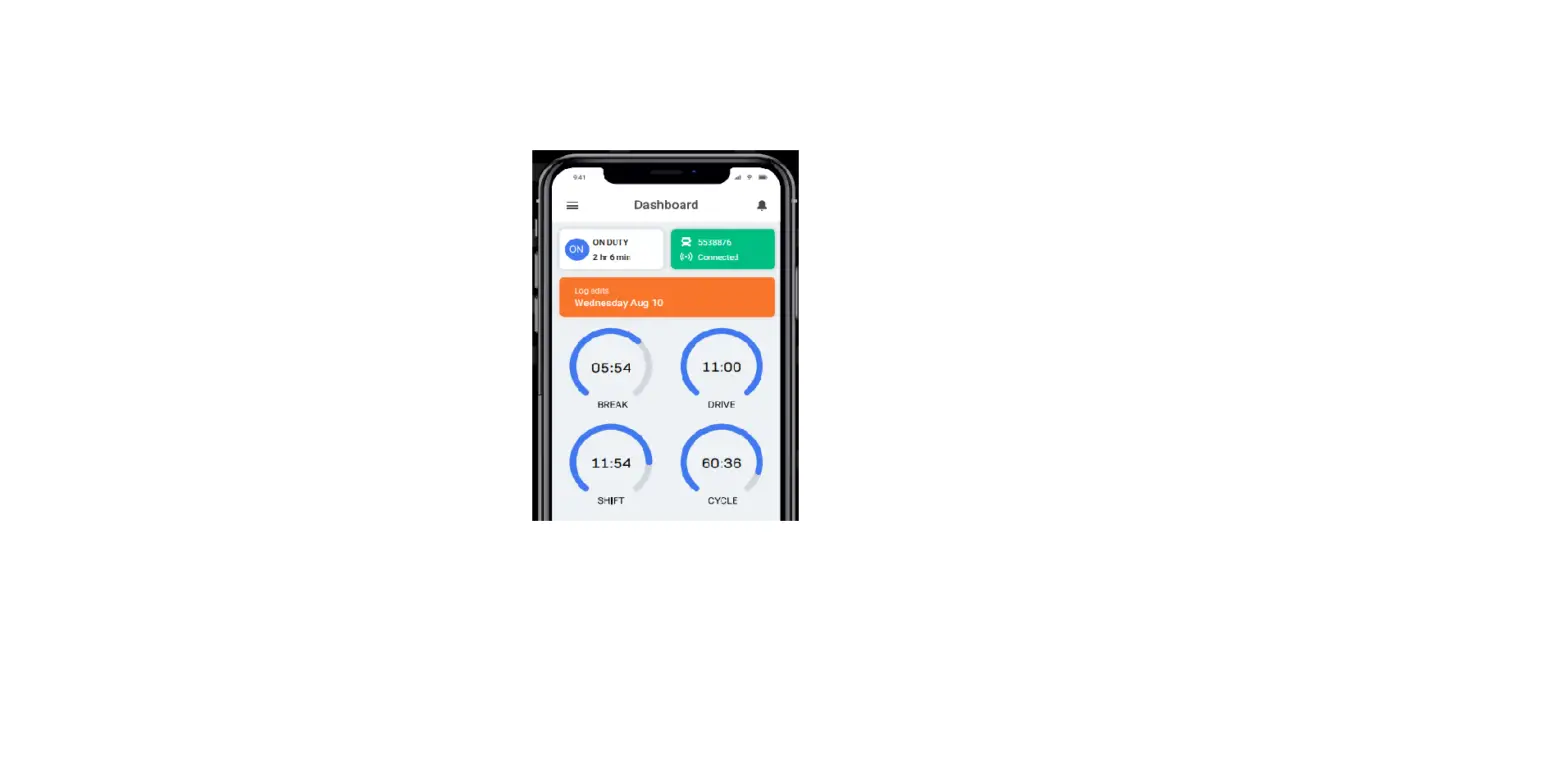
lf the ELD is connected to vehicle driver can see green icon on the right side of dashboard. Optional Team driving by adding Co-Driver using credentials.
Using led on the road
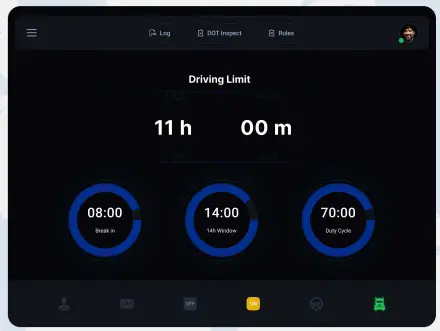
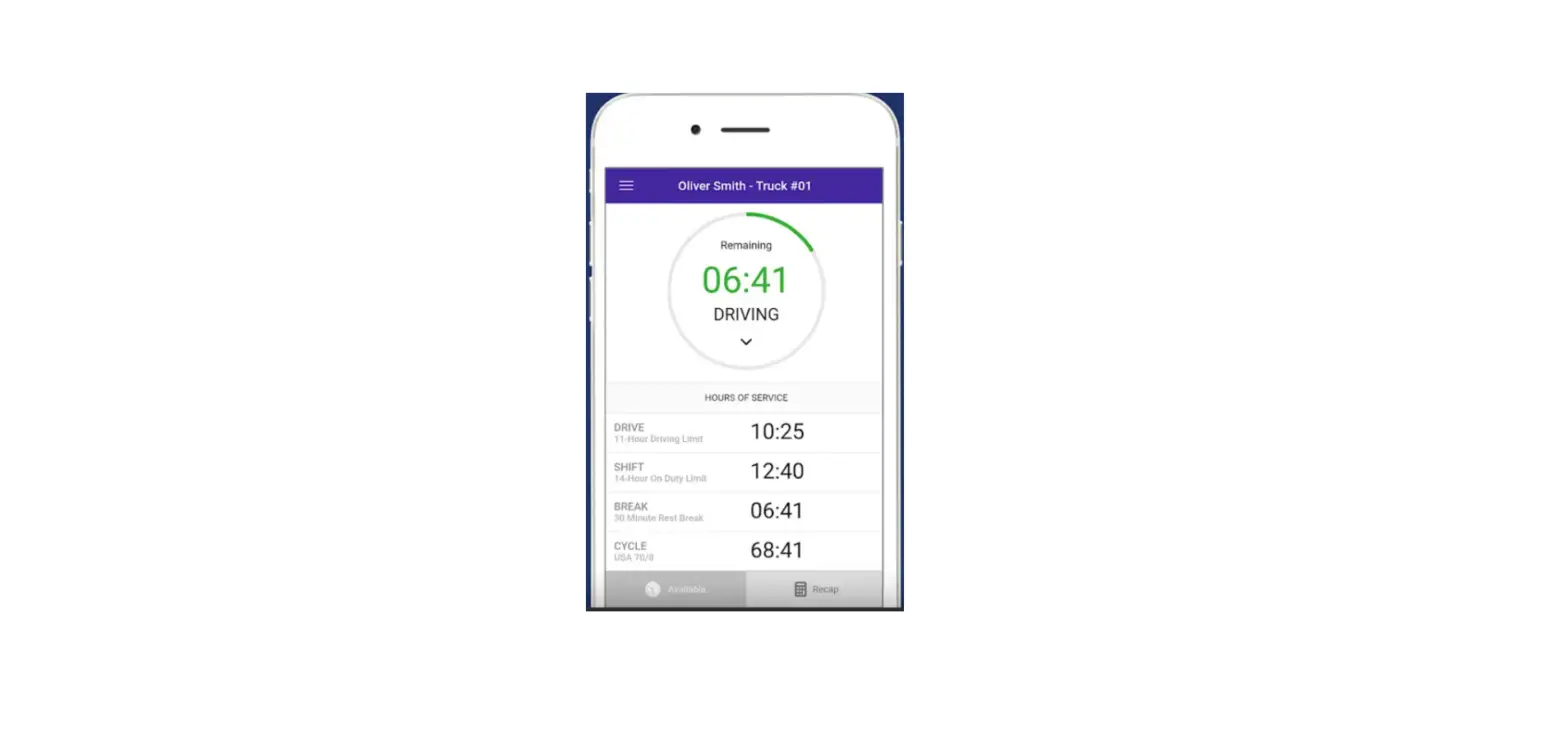
Your driving time automatically recorded. When vehicle begins moving, duty Status will automatically be set to “Driving ”. At 5 mph (or more) the vehicle is considered to “Driving” and “On Duty”.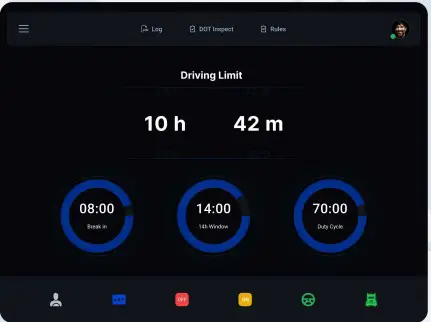
From the statuses in the main window, select “SB”, “Off”, “On”, or “Driving” depending on your situation.
Officer inspection
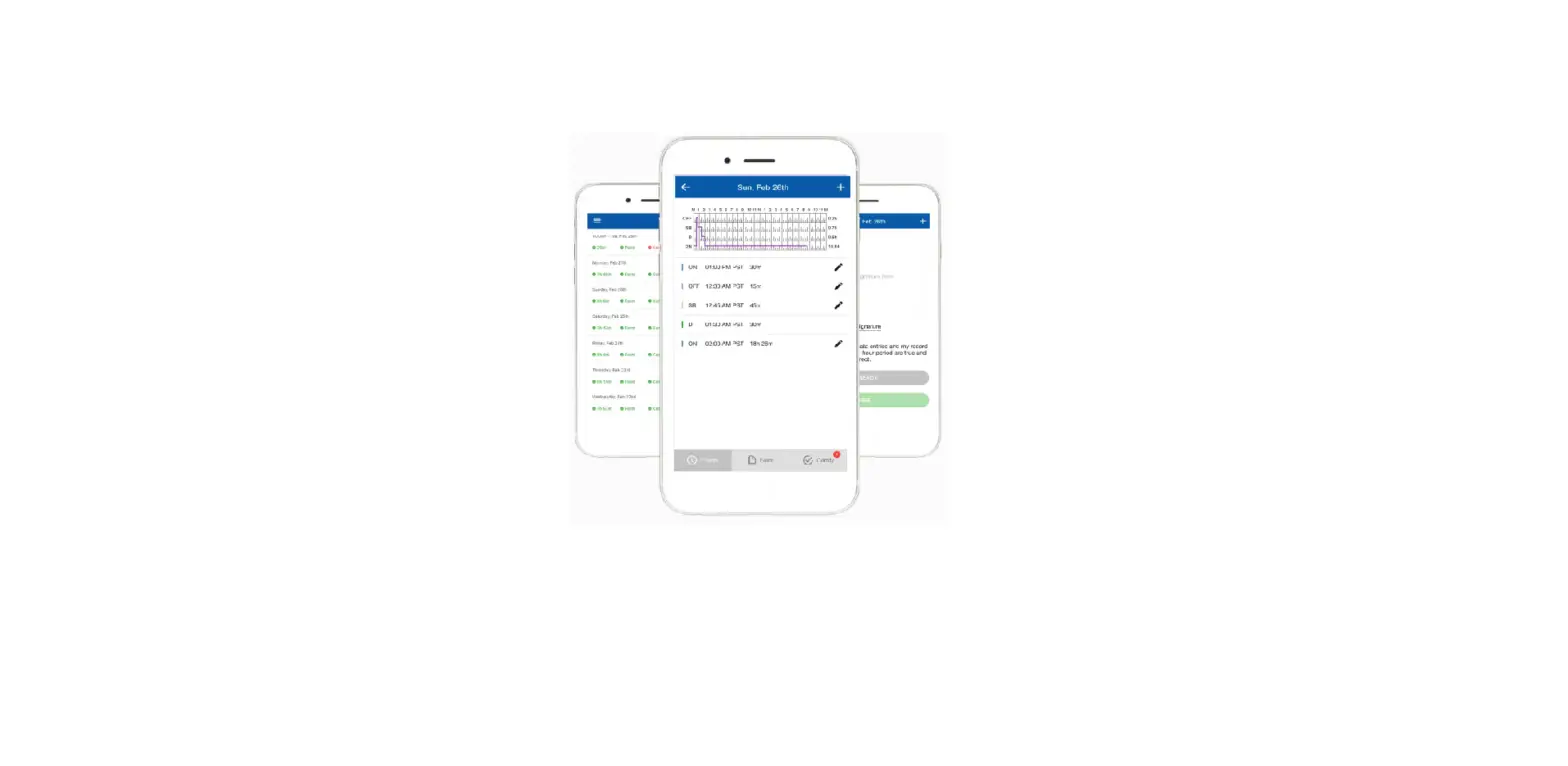
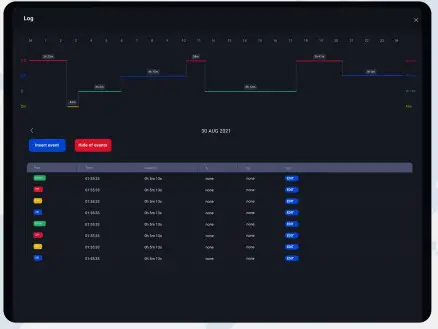 It’s easy to provide on officer with your driving information. Here you can check list of events in 8 days.
Records Certification 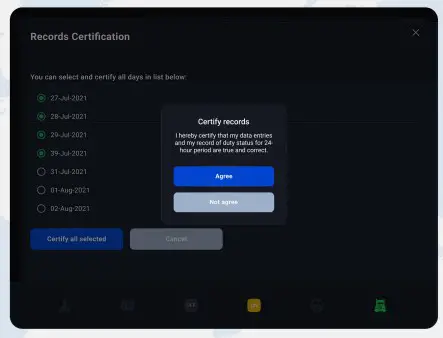
You can select and certify all days in list below before sending DOT Inspection.
Dot Inspection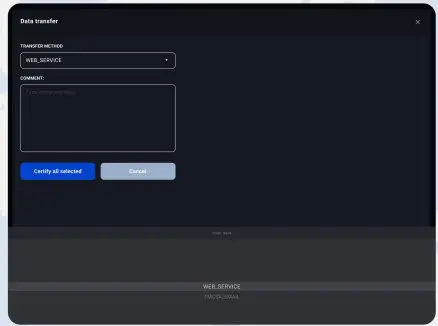
Clicking on DOT Inspect on the middle of dashboard you transfer the data by choosing WEB_SERVICE or FMCSA-EMAIL transfer method. Send your electronic logbook 8- day summary to the officer.
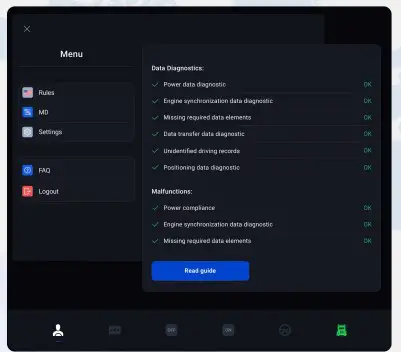
- Rules – ELD Rules
- MD – Malfunctions and Data Diagnostics
- FAQ – Frequently Asked Questions
- Logout
ELD MALFUNCTIONS
395.22 Motor carrier Responsibilities
A motor carrier must ensure that its drivers possess onboard a commercial motor vehicle and ELD information packet containing the following items: An instruction sheet for the driver describing
ELD malfunction reporting requirements and recordkeeping procedures during ELD malfunctions. The following instructions are in accordance with the guidelines set forth in 395-34
ELD will monitor and report malfunction data base on section 4.6 ELD’s Self Monitoring of Required Functions table 4:
P —- “Power compliance” malfunction,
E – “Engine synchronization compliance” malfunction,
T – “Timing compliance” malfunction,
L-“Positioning compliance” malfunction,
R – “Data recording compliance” malfunction,
S – “Data transfer compliance” malfunction,
O – “Other” ELD detected malfunction.
Emai: [email protected]
phone : +1 412-894-5873