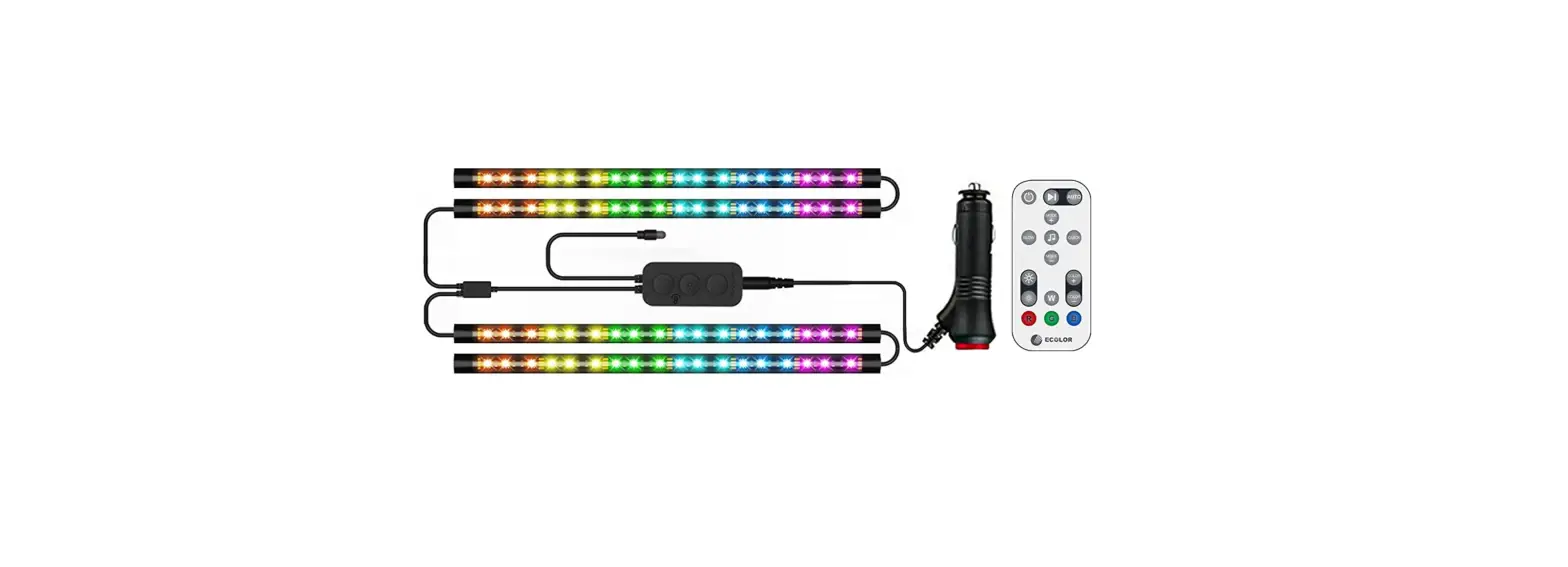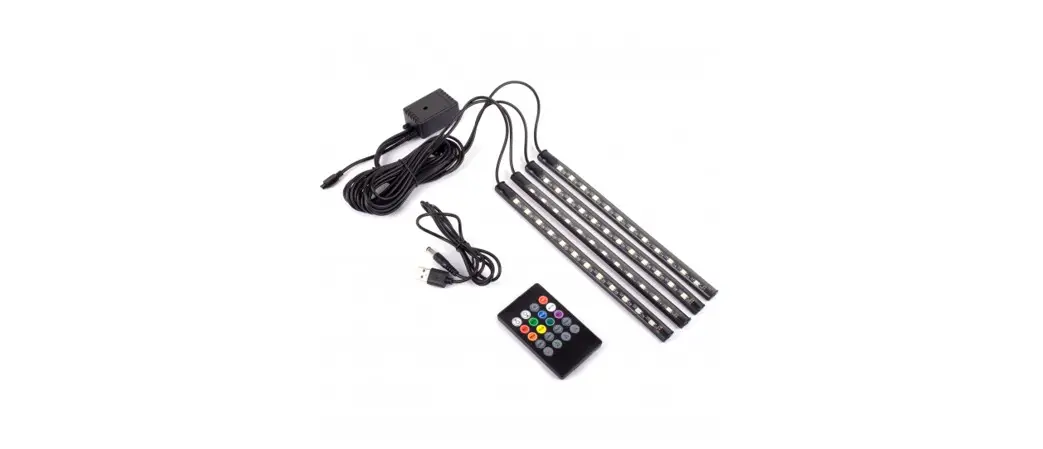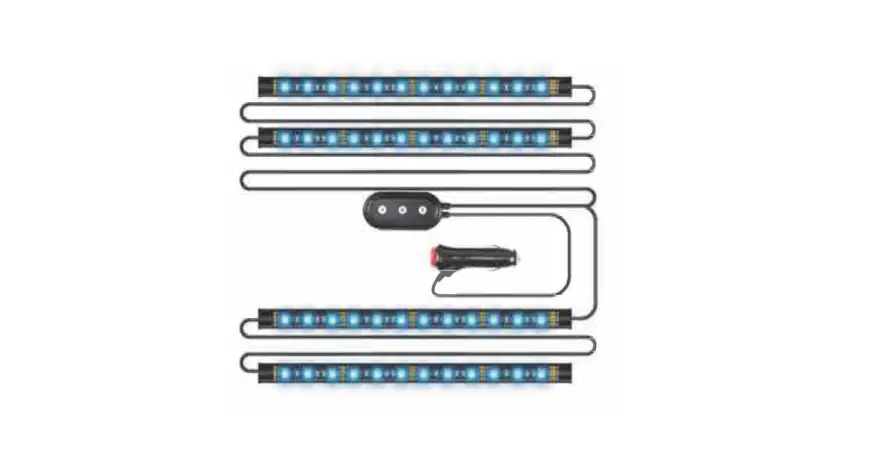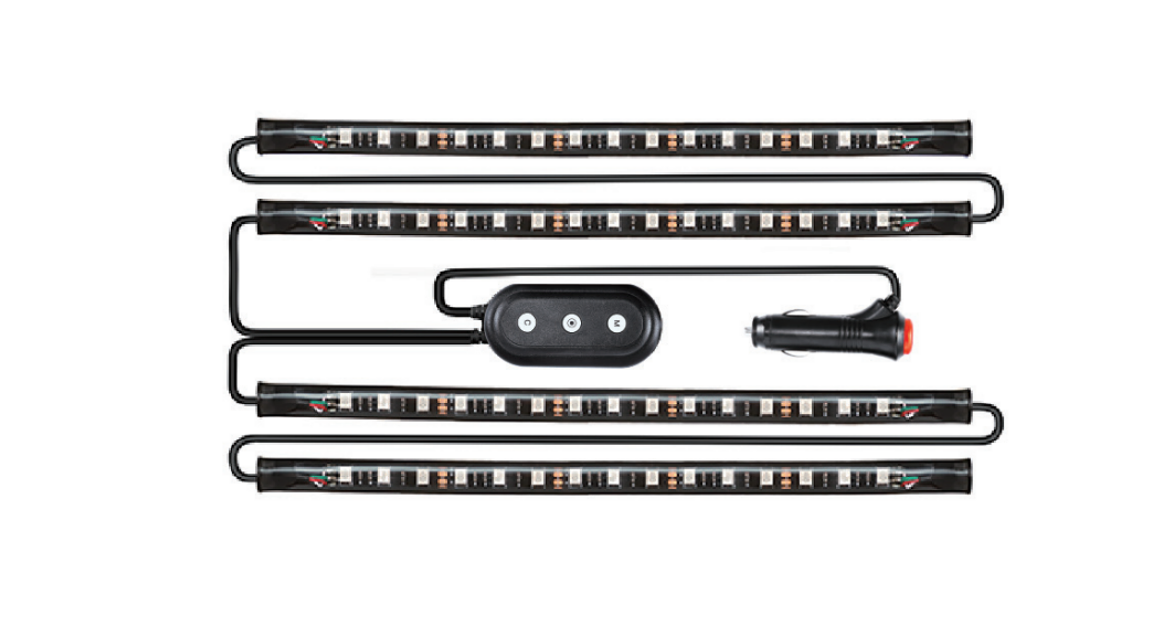

Nr Nirider N30icl4 Interior Car Lights Car Led Strip Light Bar Atmosphere Light Car Inside Accessories With Remote And App Control User Guide

Nr Nirider N30icl4 Interior Car Lights Car Led Strip Light Bar Atmosphere Light Car Inside Accessories With Remote And App Control User Guide

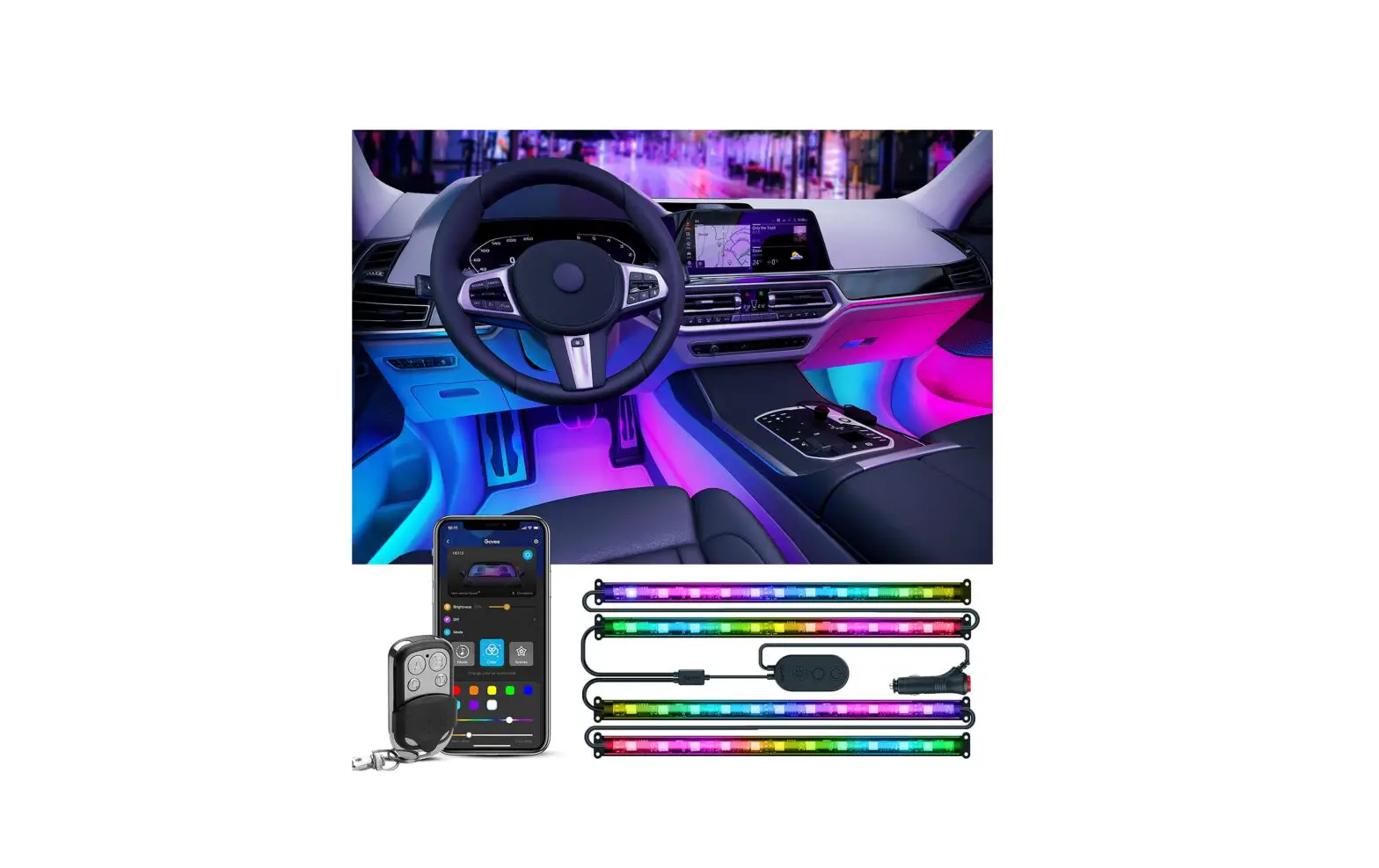
NR NIRIDER - logoN30ICL4 Interior Car Lights Car LED Strip Light Bar Atmosphere Light Car Inside Accessories with Remote and APP Control
User Guide

Step 1
N30ICL4 Interior Car Lights Car LED Strip Light Bar Atmosphere Light Car Inside Accessories with Remote and APP Control

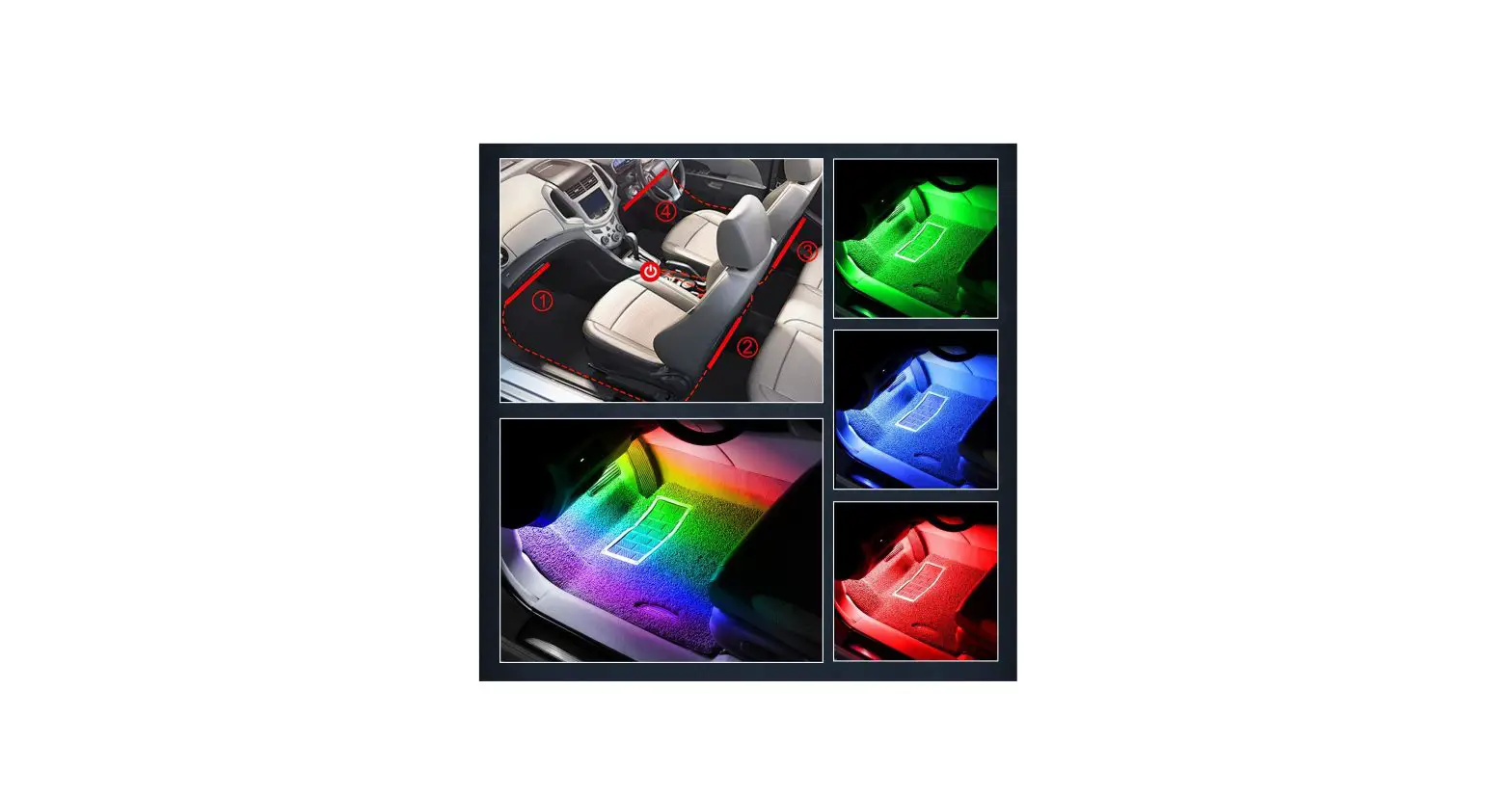
Prepare a clean surface, tear off the 3M slicker, and slick it to the location you planned.

Step 2
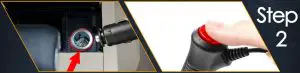
N30ICL4 Interior Car Lights Car LED Strip Light Bar Atmosphere Light Car Inside Accessories with Remote and APP Control - step 2

Plug the cigarette lighter adaptor, press the switch button to tum on the fight.

Step 3
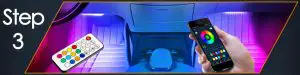
N30ICL4 Interior Car Lights Car LED Strip Light Bar Atmosphere Light Car Inside Accessories with Remote and APP Control - step 3

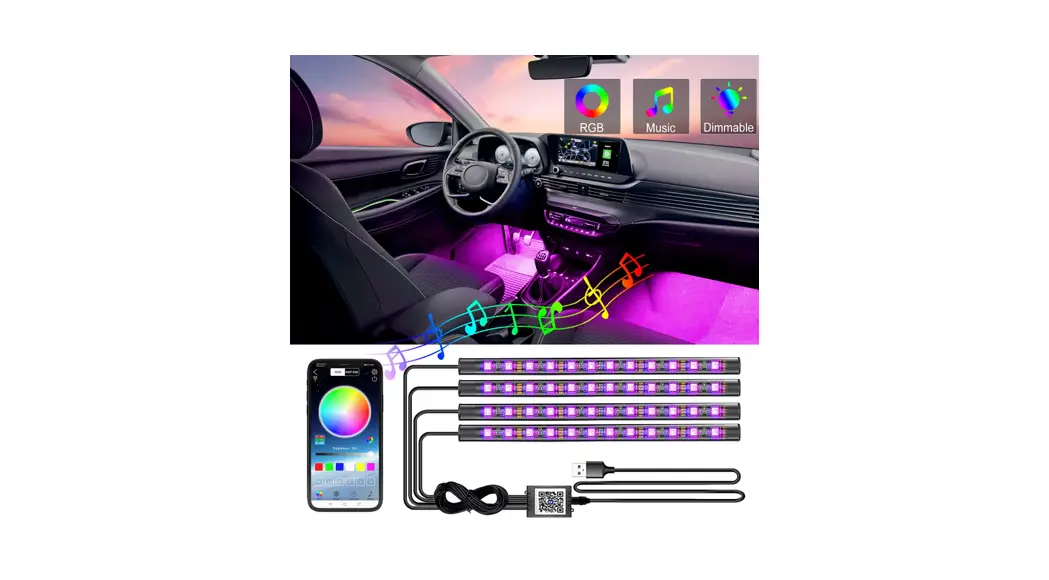
Controlled by remote or APP.

EASY AND CLEAN

APP

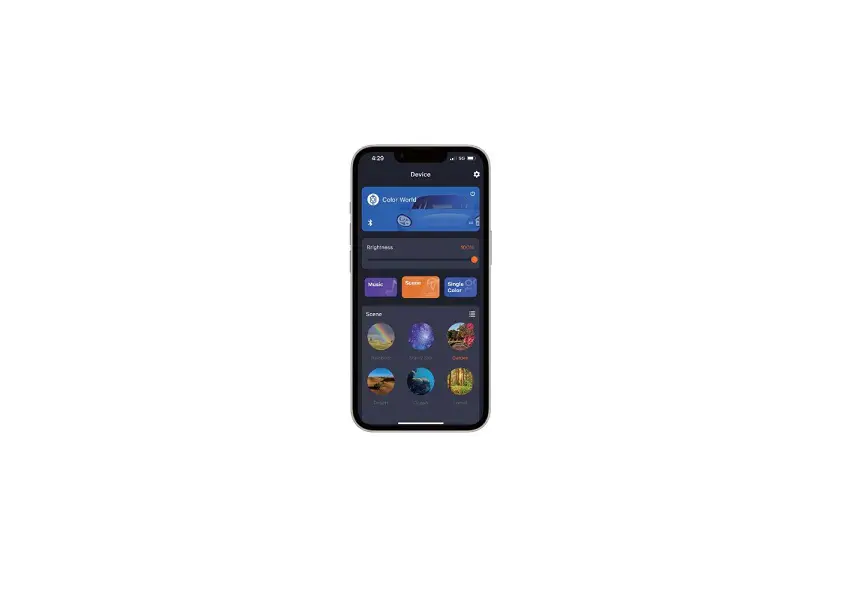
Download the “Magic Lantern” APP in Apple Store or Google Play, or scan the QR code. Once installed turn ON your phone’s Bluetooth.
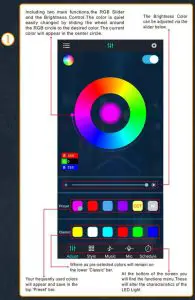
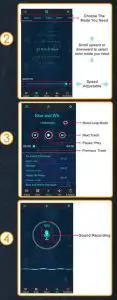
N30ICL4 Interior Car Lights Car LED Strip Light Bar Atmosphere Light Car Inside Accessories with Remote and APP Control - step 4

N30ICL4 Interior Car Lights Car LED Strip Light Bar Atmosphere Light Car Inside Accessories with Remote and APP Control - step 5

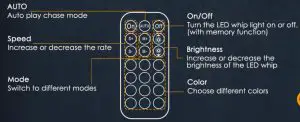
REMOTE CONTROL

HOWTO CONTROL
Documents / Resouces

Download manual
Here you can download full pdf version of manual, it may contain additional safety instructions, warranty information, FCC rules, etc.


Related Manuals