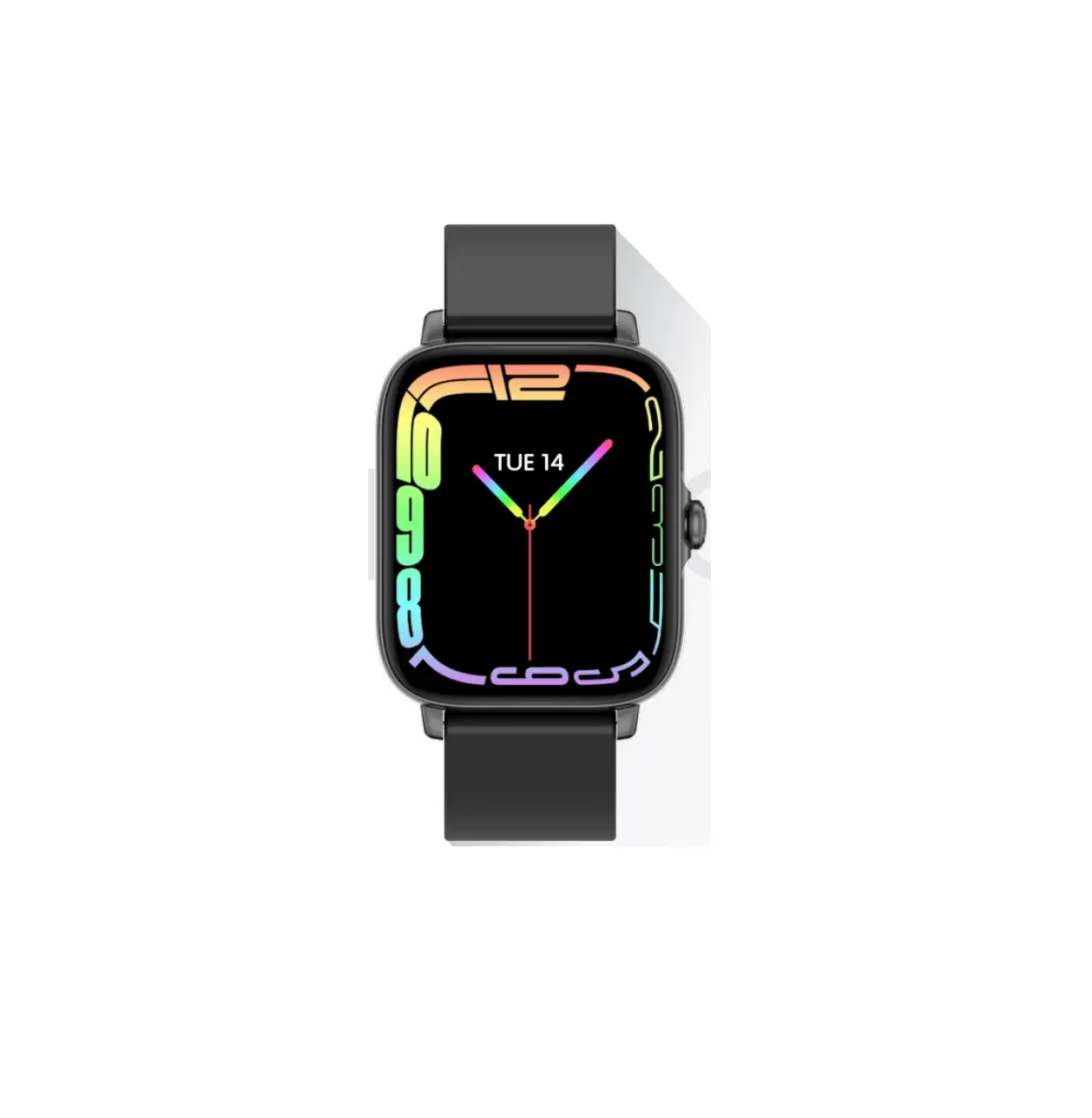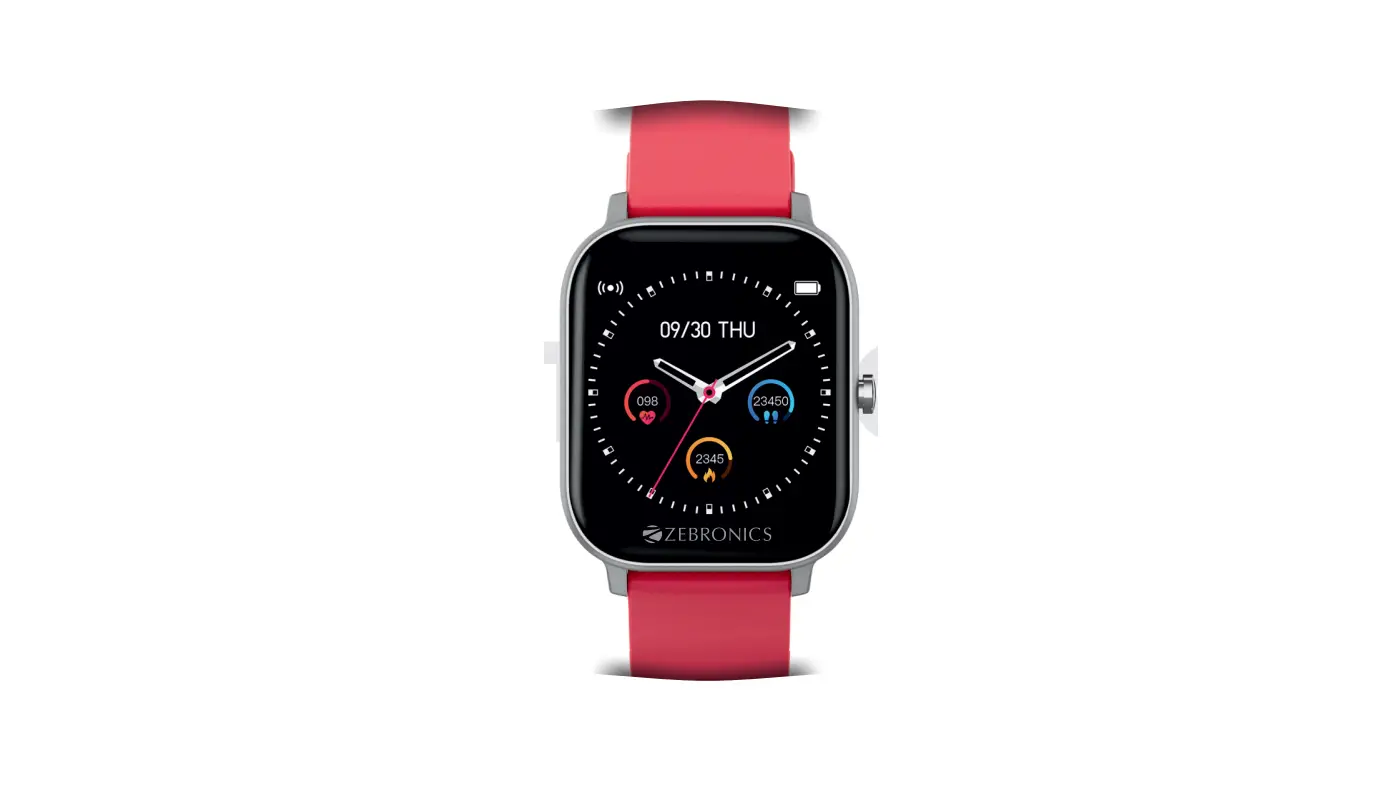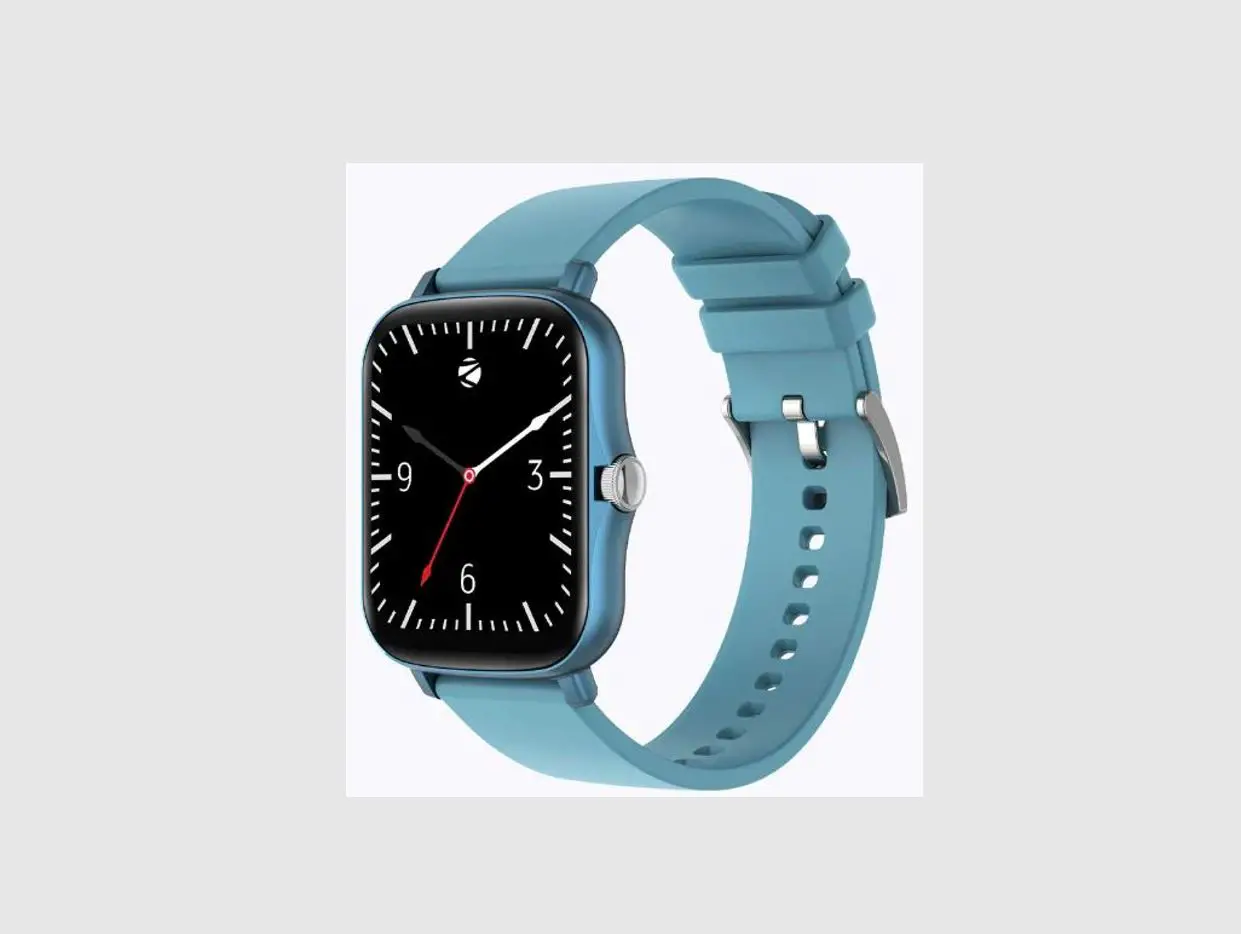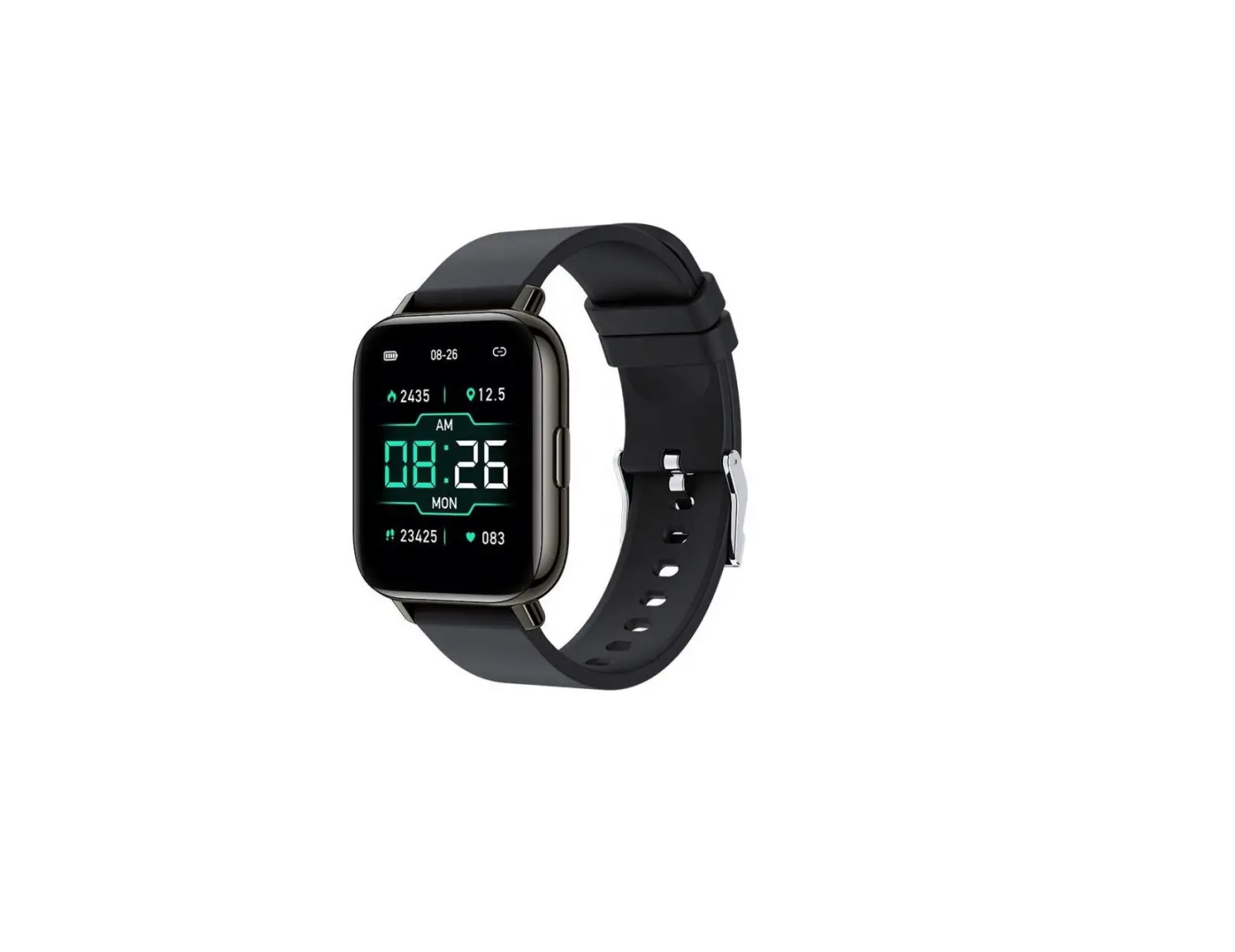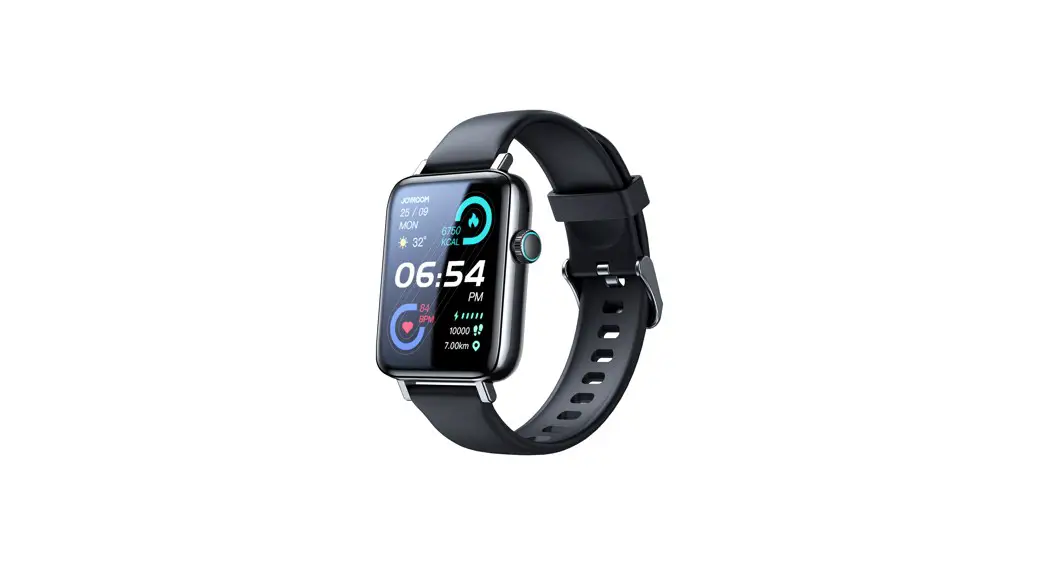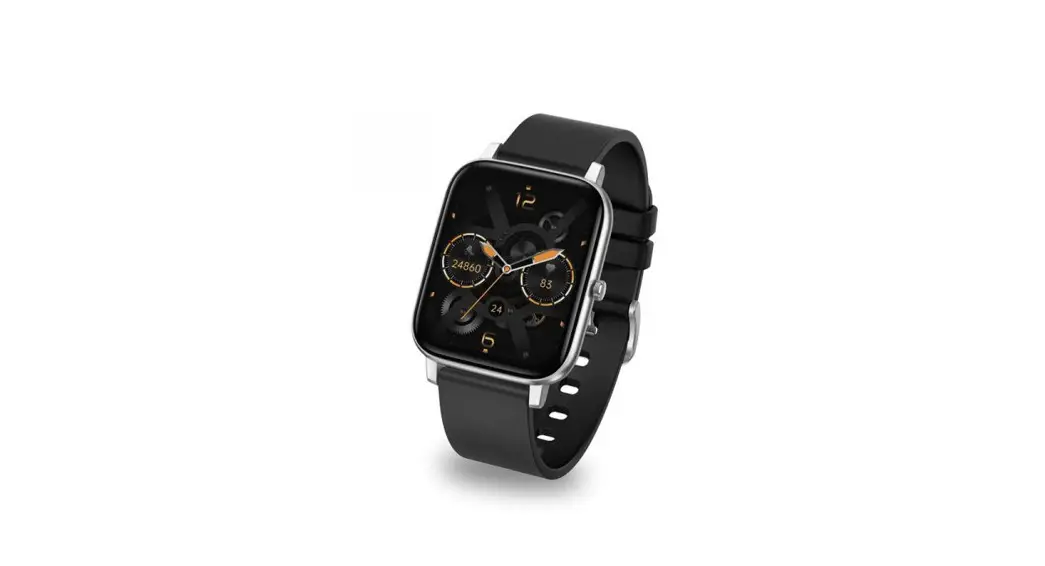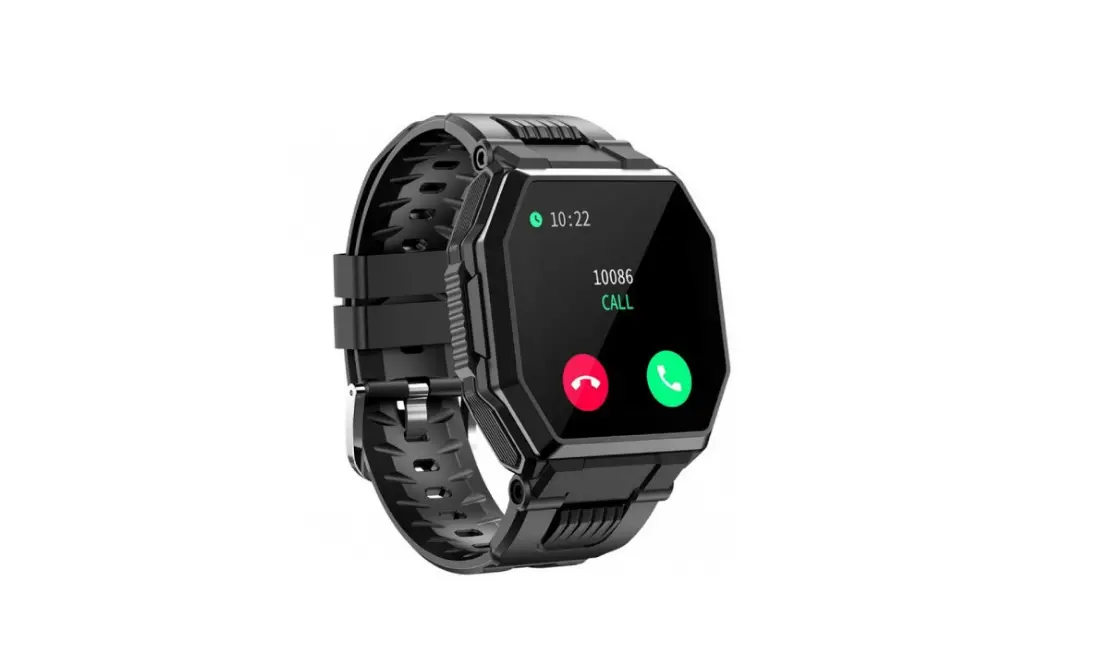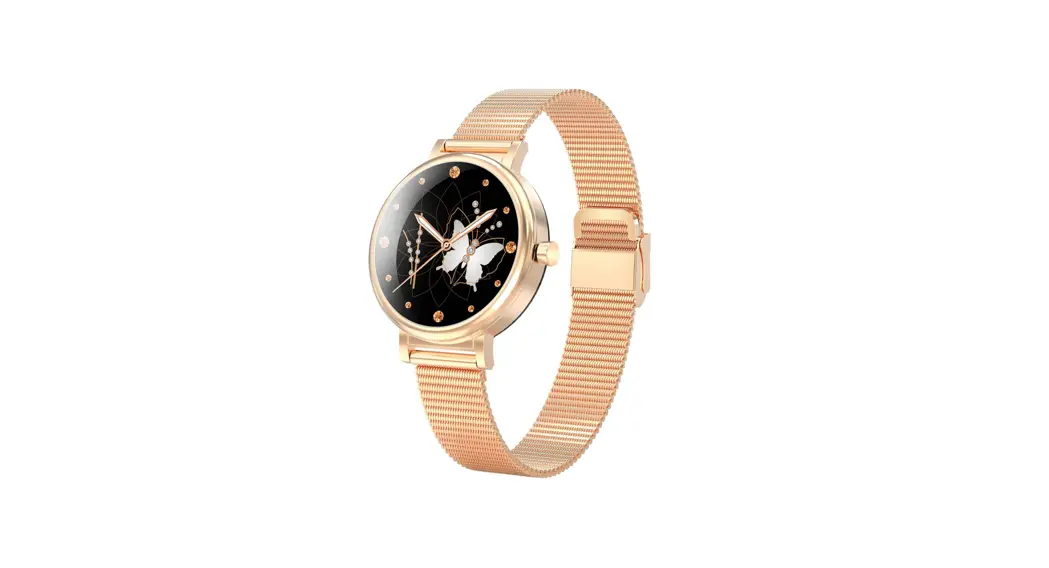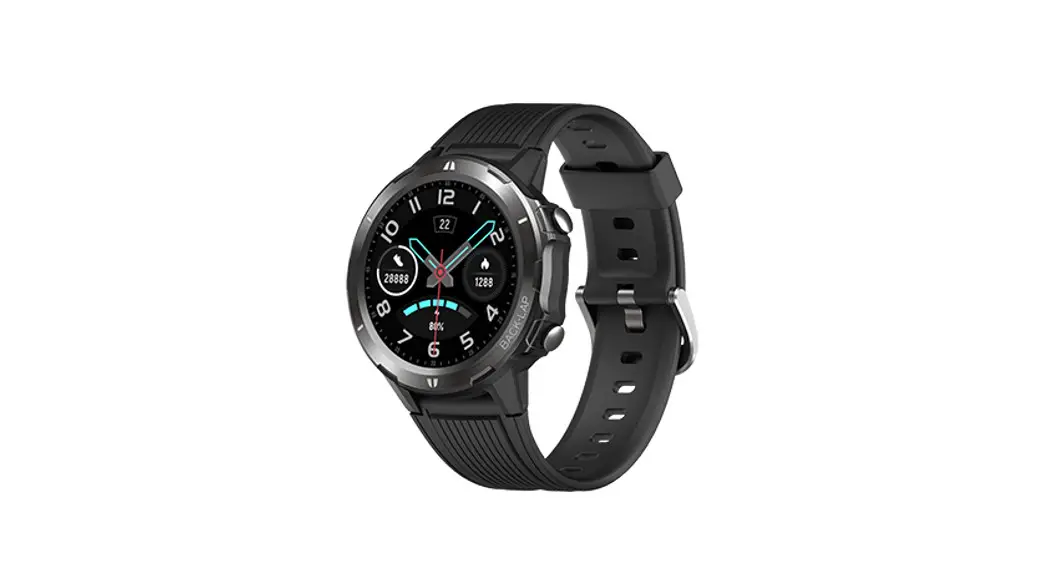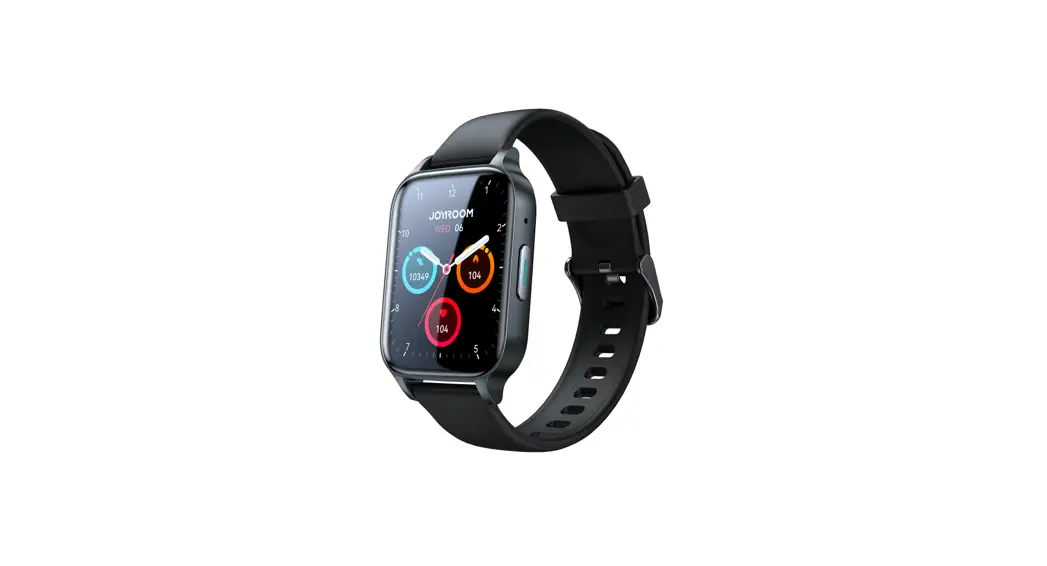
 JR-FT3 Pro Fit Life Series Smart Watch
Instructions
Operation instructions
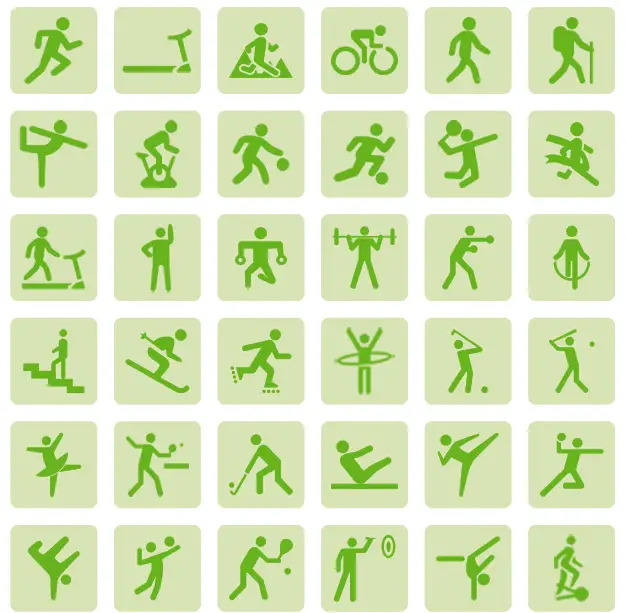
- Short press power button→select “Sports” in the APP list→select desired sports mode→click it to enter (Please wear the watch properly when doing sports, and you can heck such data as sports time, heart rate, calorie consumption, steps, etc. on the watch)
- To quit sports mode, just short press the power button and select “Quit”.
- You can add, delete or sort the sports modes in the “Sports”→”Customize” interface
Check sports record
- Short press power button, select “Sports Record” in the APP list, you can check recent sports data.
- After binding the watch to phone APP, the sports data will be synchronized to the APP. You can check the daily, weekly and monthly sports data statistics on the APP’ Home Page. Click a sports record to check the detailed sports data.
Set a sports goal
You can set a goal for your sports on the phone APP. Open the APP, click “Me”→“Goal”→after selecting desired sportsgoal (such as steps, distance and calorie consumption), click “Confirm” to finish setup.