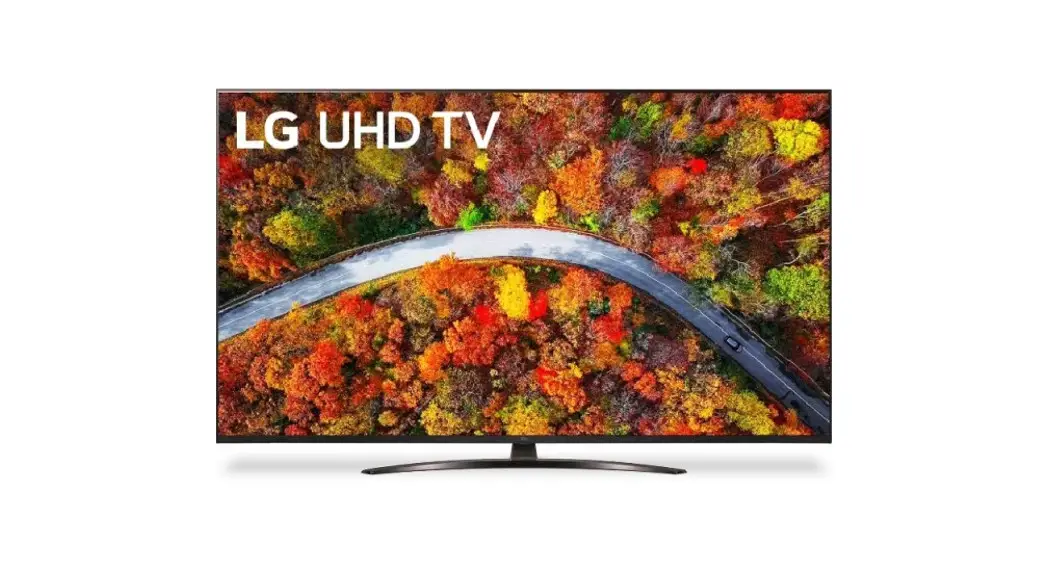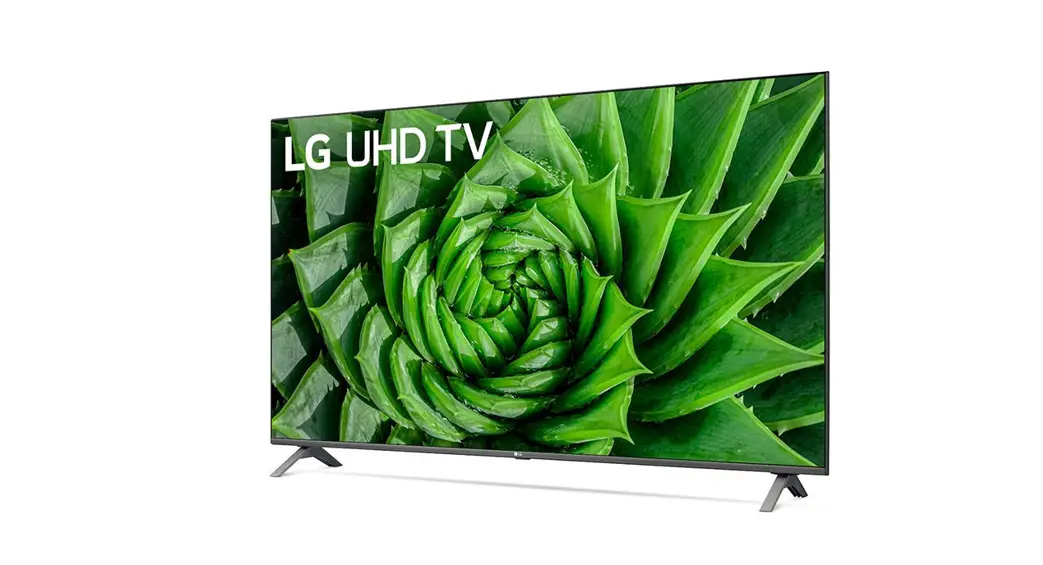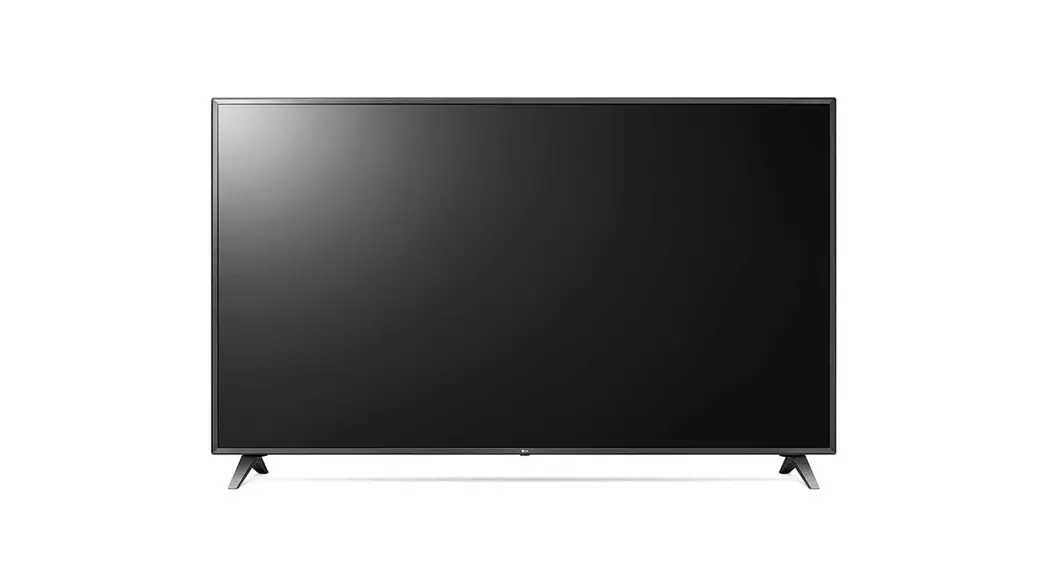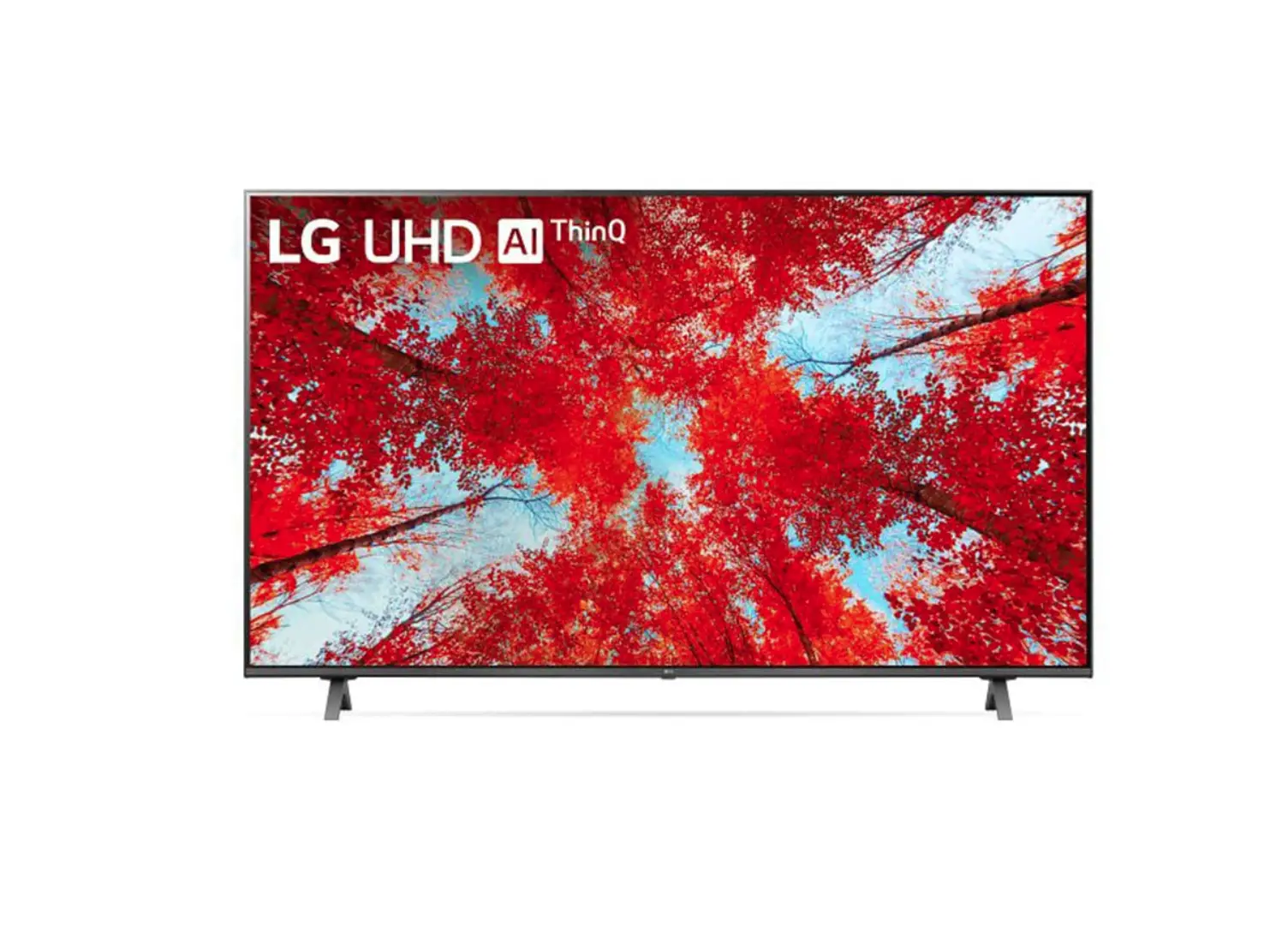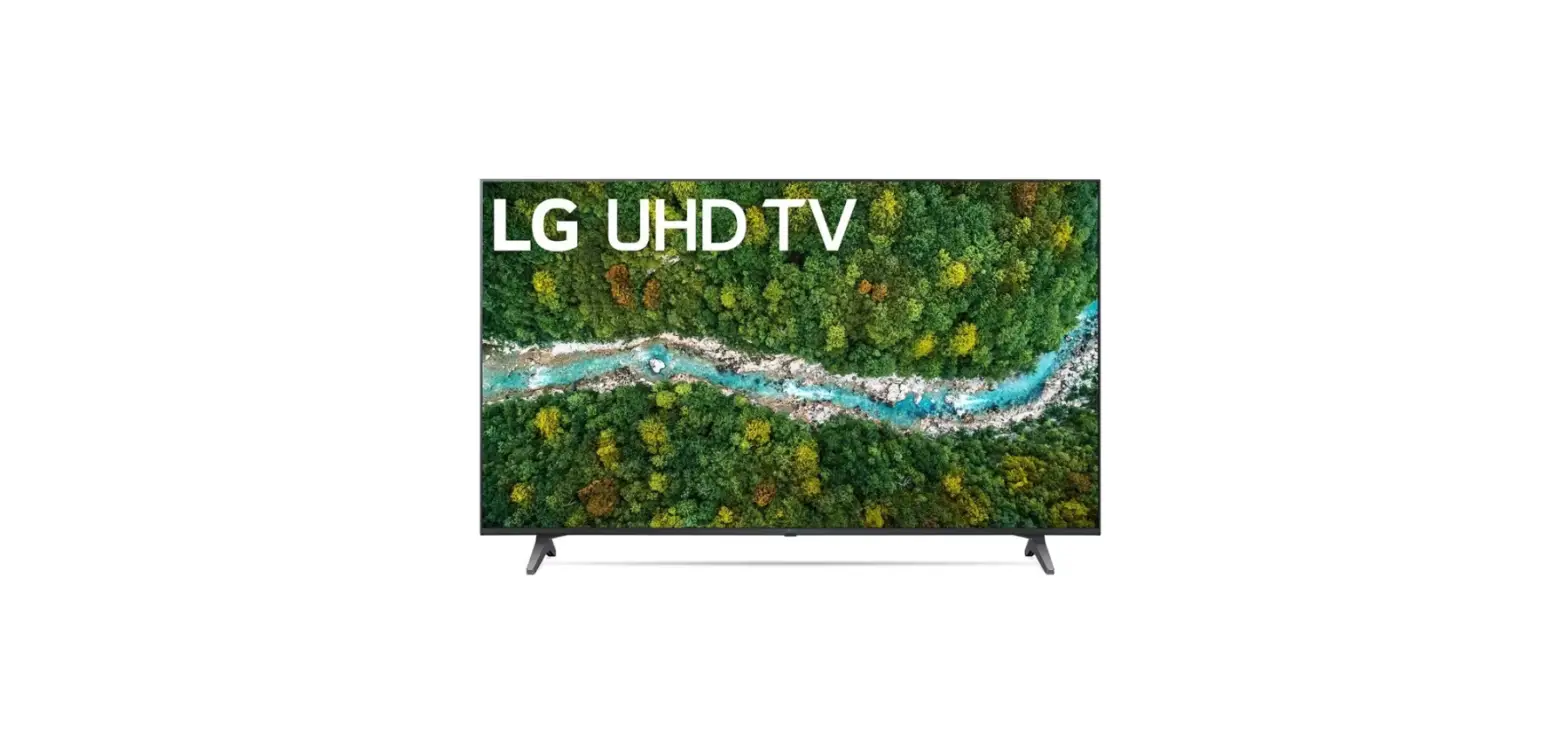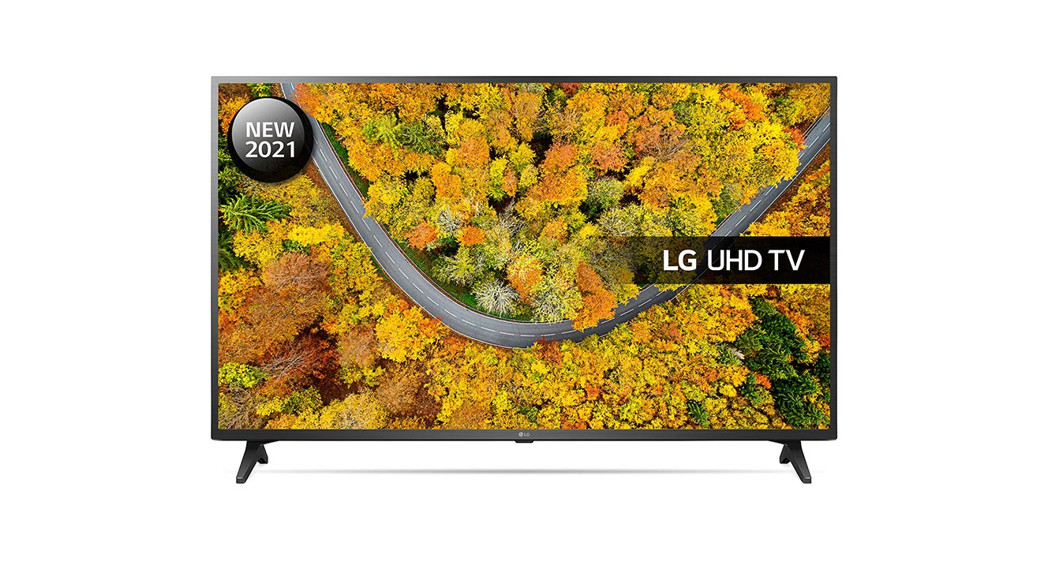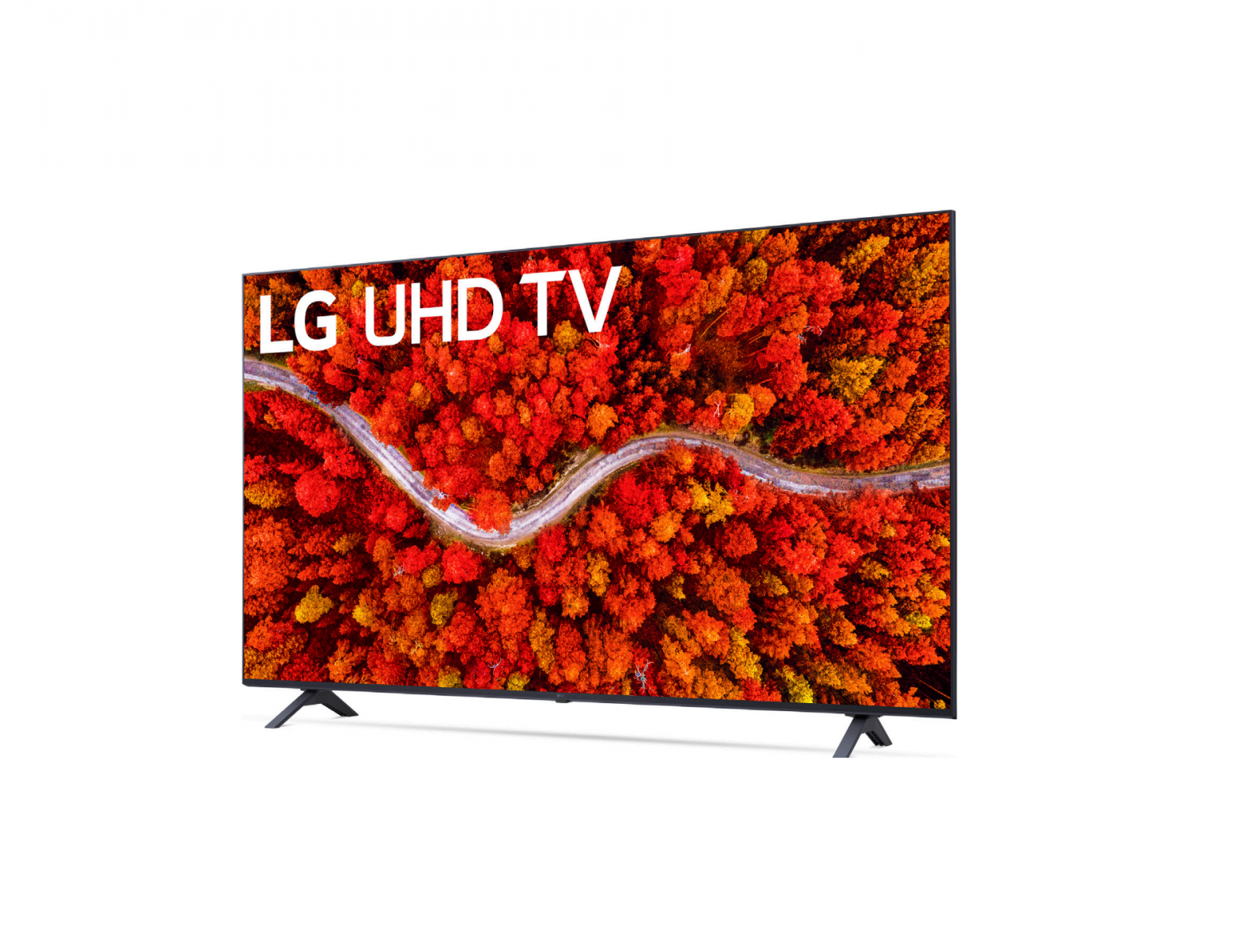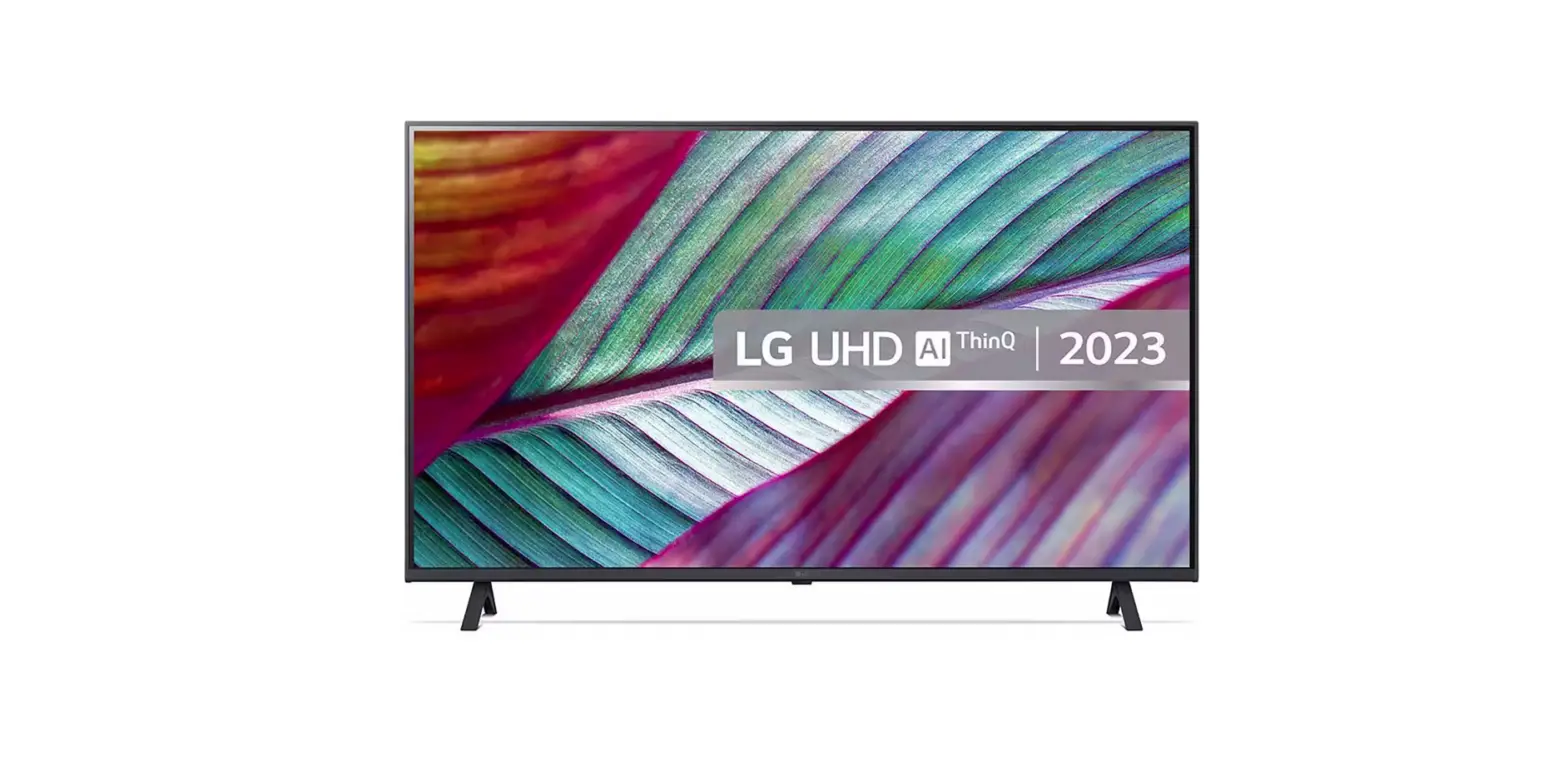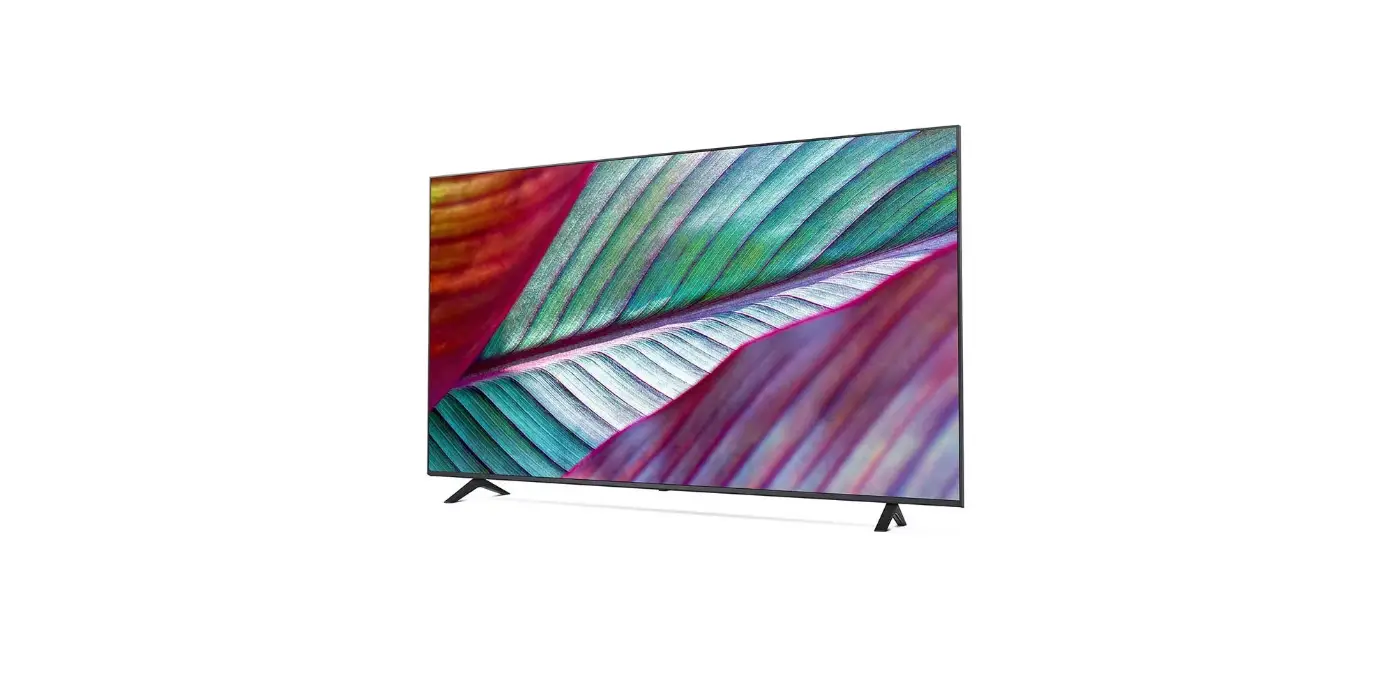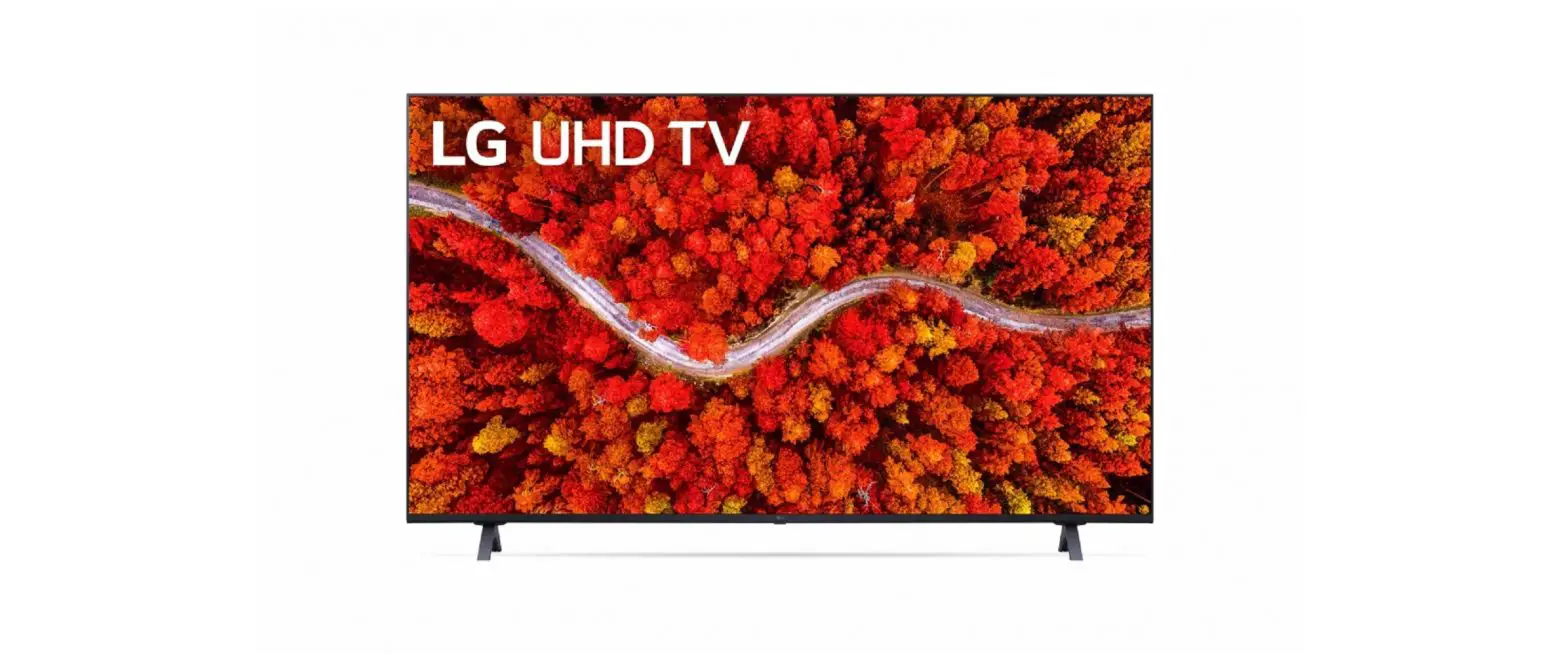
LG UP8000PUA Series UHD TV User Guide
SAFETY INSTRUCTION
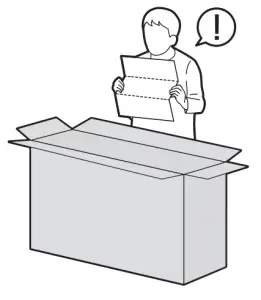



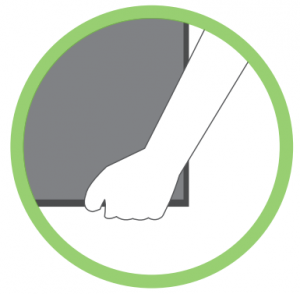

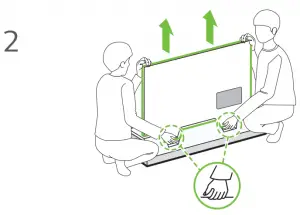
Images shown in manual may vary depending on model
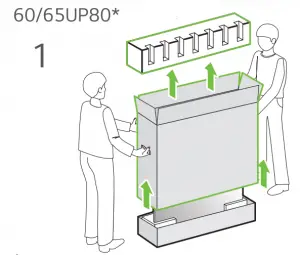
Unpacking
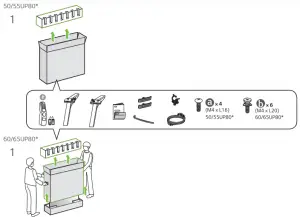
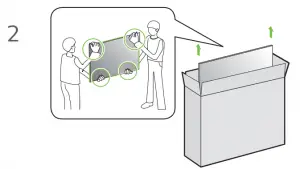
Check your product box for the following items. If there are any missing accessories, contact the local dealer where you purchased your product. The illustrations in this manual may differ from the actual product and item.
- 50/55UP80*


- 60/65UP80


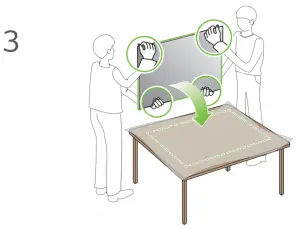
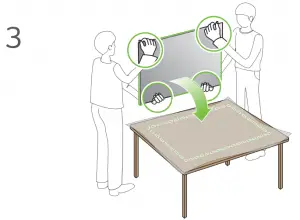
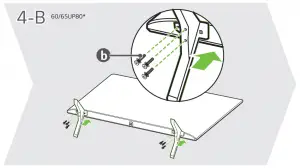
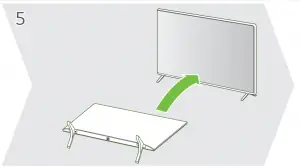
CAUTION Image shown may differ from your TV When attaching the stand to the TV set, place the screen facing down on a cushioned table or flat surface to protect the screen from scratches.


 NOTE
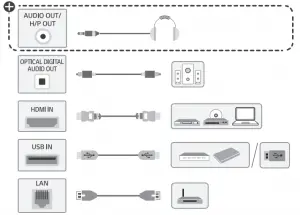
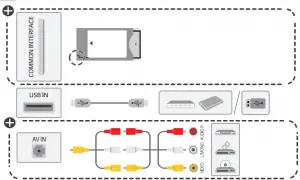
NOTE- Some USB Hubs may not work, if a USB device connected using a USB Hub is not detected, connect it to the USB port on the TV directly
- Connect the external power source if your USB is needed.
NOTE - Do not look into the optical output ports, looking at the laser beam may damage your vision
- Audio with ACP (Audio Copy Protection) function may block digital audio output.


NOTE- Some USB Hubs may not work, if a USB device con-nected using a USB Hub is not detected, connect it to the USB porton the TV directly
- Connect the external power source if your USB is needed.ARC (Audio Return Channel)
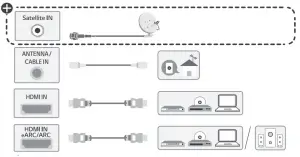
An external audio device that supports SIMPLINK and ARC must be connected using HDMI IN/ARC port When connected with a high-speed HDMI cable, the external audio device that supports ARC outputs SPDIF audio without additional audio cable and supports the SIMPLINK function.



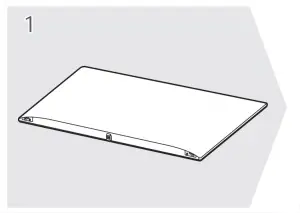
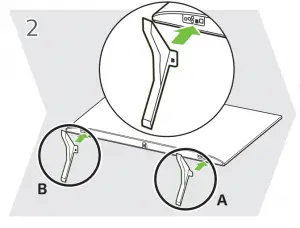
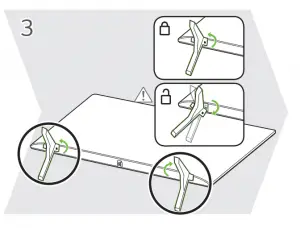
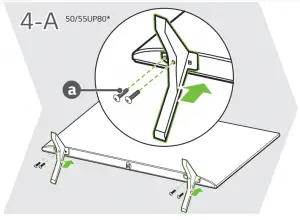
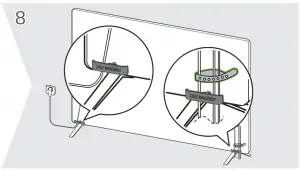
 NOTE
NOTE
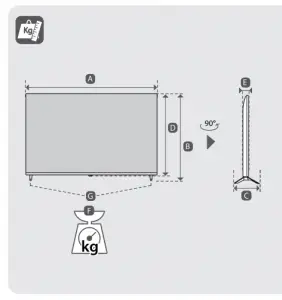
| A | B | C | D | E | F | F-G | |
(mm) | (kg) | ||||||
50UP8000PTB | 1121 | 708 | 232 | 651 | 57.1 | 11.9 | 11.7 |
55UP8000PTB | 1235 | 772 | 232 | 715 | 57.5 | 14.2 | 14.0 |
60UP8000PTA | 1356 | 845 | 271 | 783 | 57.5 | 17.4 | 17.1 |
65UP8000PTB | 1454 | 899 | 271 | 838 | 57.7 | 21.8 | 21.5 |
Power requirement | AC 100-240 V – 50 / 60 Hz | ||||||
- Read Safety and Reference.
- The Analog Gender adapter can be purchased separately at Customer Service.