UK V1.0 All In One GIV Gateway
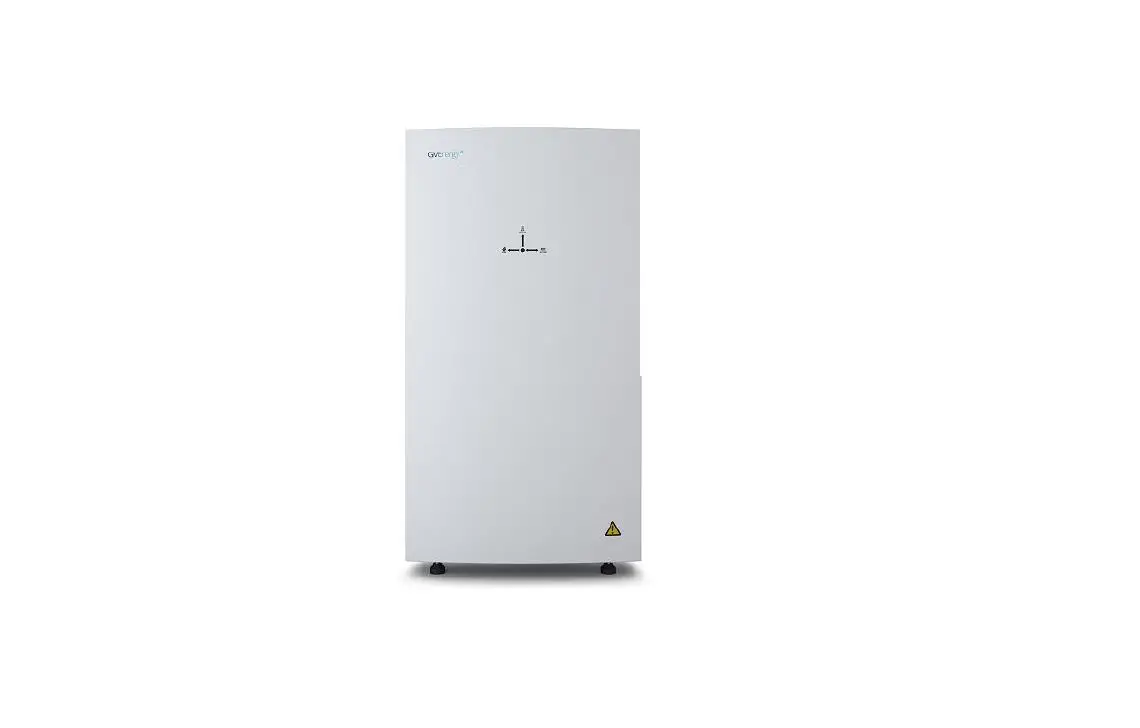
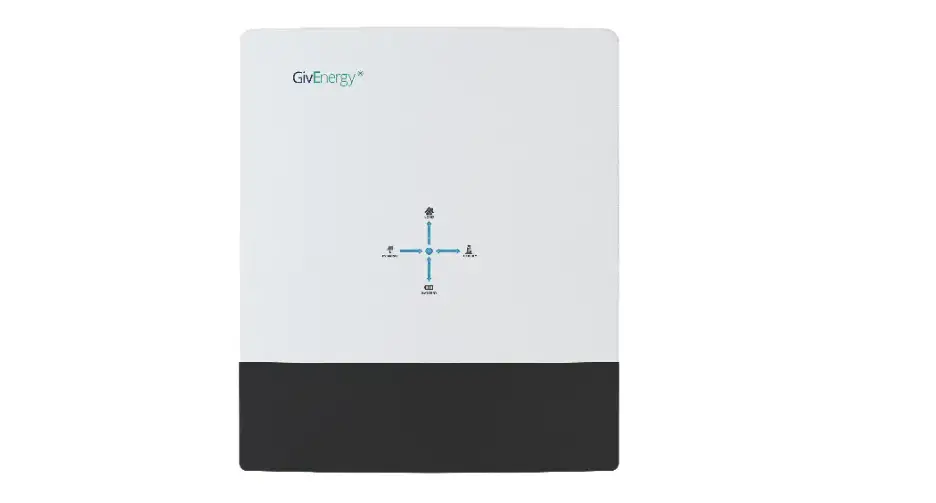
Product Information: The All in One + Giv-Gateway
is a system manufactured by GivEnergy. It consists of a
bidirectional inverter and a 13.5kWh lithium iron phosphate
battery. When used with the Giv-Gateway, the system can provide
whole home backup during power outages. It also allows for charging
from the grid when electricity prices are cheaper and exporting
stored generation when prices are at their peak. The Giv-Gateway
interface features a display for a PV inverter, EV charger, grid,
and home storage battery. The All in One is designed to be a robust
and flexible addition to any smart home. It can deliver 7.2kW of
peak power into the home in addition to any solar generation. The
system comes with a substantial 13.5kWh usable battery pack that
stores excess generation. It is also possible to connect up to 6
systems in parallel, providing a total of 80kWh of usable storage
(coming soon). The All in One has a modular design with 4 removable
battery packs, making it easy to handle and install.
Product Specifications: – Dimensions: 1100H x 280D
x 600W (mm) – Operating temperature: -10oC to 50oC – Weight: 173.7
Kg – Depth of Discharge: 100% – AC Input Rating: 6000W –
Connectivity: WiFi, LAN, and 4G – AC Output Rating: 7.2kW / 32 A
Peak, 6.0kW / 26A Continuous – Warranty: 5-year standard warranty,
extendable to 10 years – Battery: 10 years unlimited cycle
performance guarantee – Noise Emission (typical): N/A (not
specified in the manual) Product Usage
Instructions: 1. Installation: – The installation of the
All in One + Giv-Gateway system must be carried out by a GivEnergy
Approved Installer and in accordance with the IEE Wiring
Regulations. 2. Unpacking: – When unpacking, please ensure the
following: – Check that there are no missing accessories from the
packaging list. – Verify that the model and specification of the
All in One and Giv-Gateway match the order. – Inspect the packaging
and product for any damage. – If any damaged or missing parts are
found, immediately contact GivEnergy at 01377 252 874 or email
[email protected]. Returns must be provided in the original
or equivalent packaging. The Giv-Gateway’s cardboard packaging is
recyclable. 3. System Diagram: – The system diagram shows the
connections between the All in One, Giv-Gateway, grid, load, EV
charger, and PV inverter. Refer to the diagram for a visual
representation of the system setup. 4. Operation: – The All in One
+ Giv-Gateway system primarily works as an on-grid system. – It can
deliver 7.2kW of peak power into the home in addition to any solar
generation. – The system features a substantial 13.5kWh usable
battery pack that stores excess generation. – It allows for
charging from the grid when electricity prices are cheaper. – It
can export stored generation when prices are at their peak. – The
Giv-Gateway interface provides a display for monitoring the PV
inverter, EV charger, grid, and home storage battery. Note: For
detailed instructions on system setup, configuration, and
maintenance, refer to the complete user manual provided by
GivEnergy.
INSTALLATION GUIDE
ALL IN ONE + GIV-GATEWAY
13.5kWh | UK V1.0
GENERAL INFORMATION
Introduction All information contained in this booklet refers to the installation and maintenance of GivEnergy’s All in One and Giv-Gateway. Please retain this manual for future reference. Legal Disclaimer: This document is the property of GivEnergy, reproduction is prohibited.
Installation Requirements Installation of the GivEnergy All in One and Giv-Gateway must be carried out by a GivEnergy Approved Installer and in accordance with the IEE Wiring Regulations.
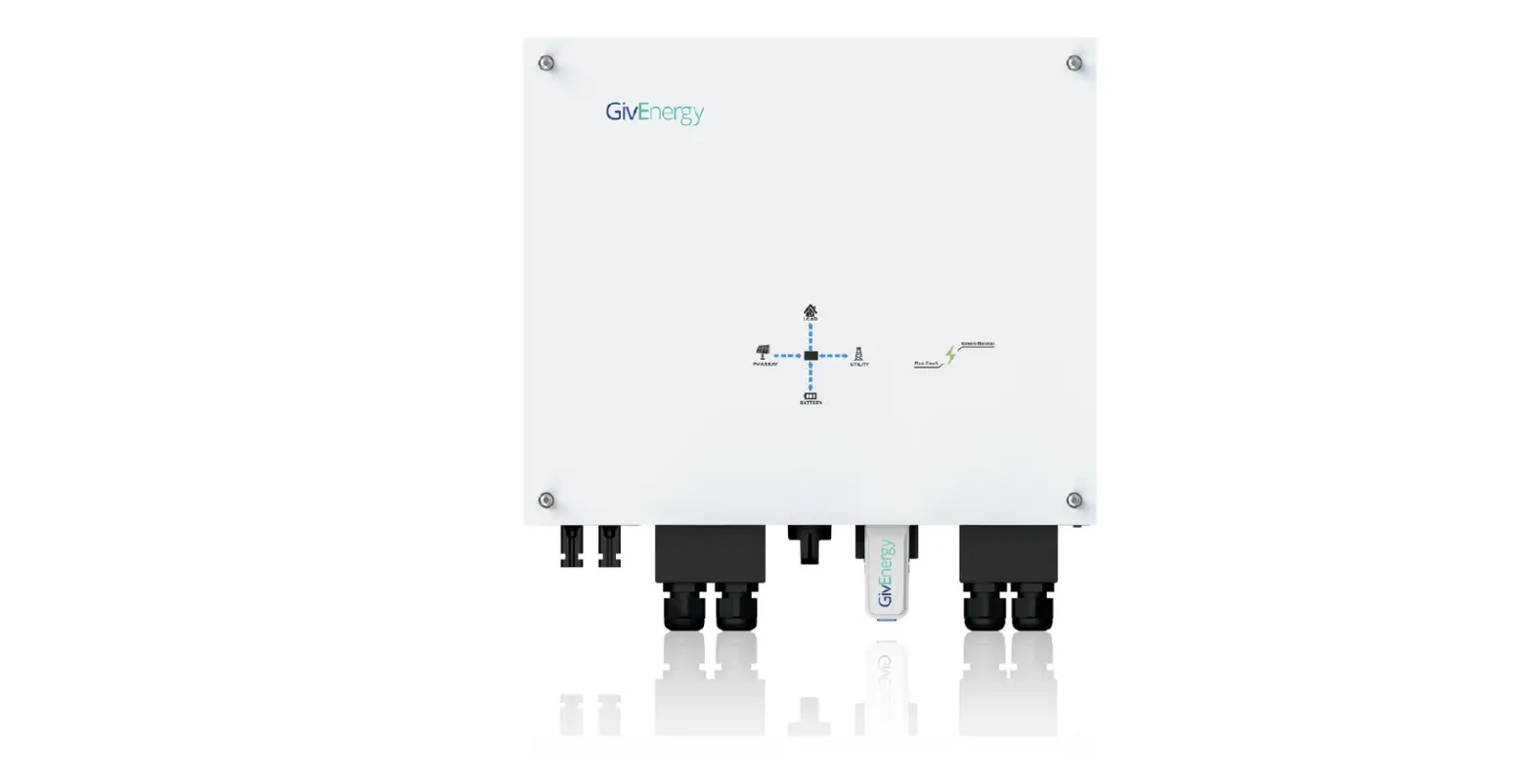
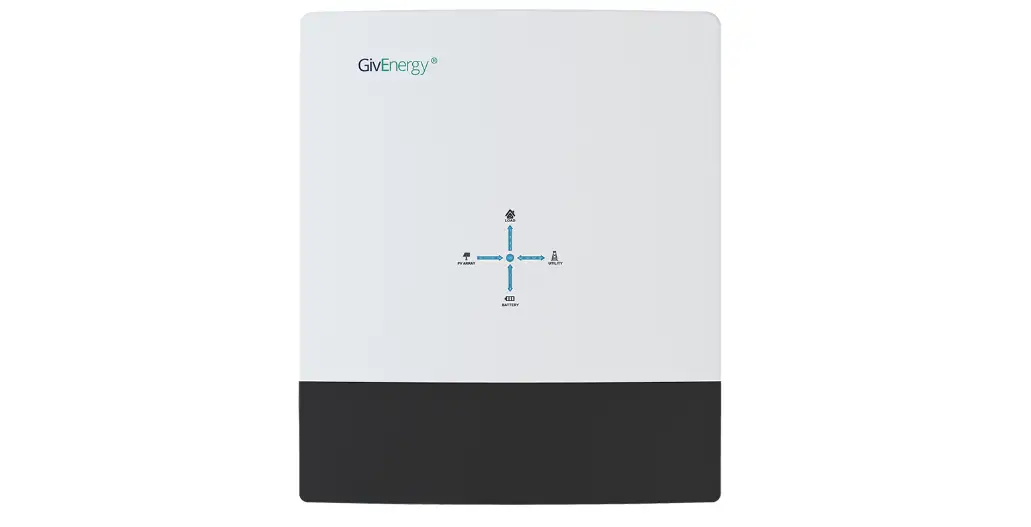
Unit Information The All in One contains a bidirectional inverter and a 13.5kWh lithium iron phosphate battery. Used with our Giv-Gateway, the system can provide whole home backup when a power outage occurs. The system can charge from the grid when prices are cheaper, and export stored generation when prices are at their peak. The Giv-Gateway interface features a display for a PV inverter, EV charger, grid and home storage battery.
Storing the All in One and Giv-Gateway The unit must be stored in its original packaging at temperatures between -40ºC – 70ºC. Do not stack more than 4 units on top of each other.
Packaging Contents When unpacking, please check the following:
There are no missing accessories from the packaging list
The model and specification of the All in One and Giv-Gateway’s nameplate match the order
Ensure the packaging and product are free from any damage
If any damaged or missing parts are found, please contact GivEnergy on 01377 252 874 or email [email protected] immediately. Returns must be provided in the original or equivalent packaging. The Giv-Gateway’s cardboard packaging is recyclable.
SYSTEM DIAGRAM
All in One
Giv-Gateway
Grid
Load
EV charger
PV inverter
ALL IN ONE
SPECIFICATIONS
ROBUST AND FLEXIBLE
A great addition to any smart home
Primarily working as an on grid system, the All in One can deliver 7.2kW of peak power into the home on top of any solar generation.
Complete with a substantial 13.5kWh useable battery pack that stores excess generation. Connect up to 6 systems in parallel, giving 80kWh of useable storage (coming soon). Featuring a modular design comprising 4 removable battery packs, allowing for ease of handling and installation.
Item A B C D E F G
A
ALL IN ONE BOX CONTENTS
Item Name
Qty
All in One Unit
1
Bracket
1
Expansion Bolt
4
Screws
2
WiFi Antenna
1
M4 x 6 Screw
10
M6 x 12 Bracket Screw
4
B
Specifications
Dimensions 1100H x 280D x 600W (mm)
Operating temperature -10oC to 50oC
Weight 173.7 Kg
Depth of Discharge 100%
AC Input Rating 6000W
Connectivity WiFi, LAN and 4G
C
D
E
AC Output Rating
Warranty
7.2kW / 32 A Peak
5 year standard warranty, extendable
6.0kW / 26A Continuous
to 10 years
Battery: 10 years unlimited cycle
performance guarantee
F
G
Noise Emission (typical)
<30dB
Item A B C D E F
ALL IN ONE COMPONENTS
Item Name Power Flow Indicator AC Supply Terminals Wifi Antenna DC Circuit breaker On / Off Switch Cable entry point
B C
A
F
D E
ALL IN ONE UNBOXING
1. Remove top cover from the wooden crate
2. Remove the All in One brackets and place
to one side
3. Remove front cover of the All in One
4. Remove bottom waterproof cover of the
All in One
5. Remove the battery packs, leave to one side
6. Remove All in One case from wooden crate
(2 person lift)
INSTALLATION INSTRUCTIONS
The system must be installed in an easily accessible location, the status display must be visible and not obstructed Please ensure that the wall to be mounted on is sufficient enough to hold the weight of the All in One and Giv-Gateway The system must be installed in a well ventilated area, the ambient temperature should be below 40ºC to ensure optimal operation The system must be installed vertically with connections always positioned at the bottom, never install horizontally, and avoid tilting the unit
The system must be installed under a canopy if installing externally
The feet of the All in One are designed to be above the frost-line at a minimum of 50mm
Do not install in direct sunlight or near water sources
Do not use the equipment if there are any deformities, such as bulging or leakages
Do not puncture the equipment
Do not throw the equipment or use forceful impact
Do not attempt to repair the equipment yourself (please call your Approved Installer)
SAFETY INSTRUCTIONS
Extra care and attention must be taken when installing and maintaining any GivEnergy equipment. The system is capable of retaining a high voltage, even when disconnected.
If you suspect something is wrong with the system, contact GivEnergy on 01377 252 874 or email [email protected] If any damaged or missing parts are found, please contact GivEnergy on 01377 252 874 or email [email protected] immediately. Returns must be provided in original or equivalent packaging All electrical installations must be carried out by a qualified and registered Electrician and in accordance with the IEE Wiring Regulations During operation, the heat sink may become hot. Do not touch the heat sink at the sides, or the top of the inverter when in operation The system is designed to be connected to the grid; connecting your inverter to a generator or other power source can result in damage to the inverter or external devices All GivEnergy equipment must be installed by a GivEnergy Approved Installer
Ensure all components are attached securely
Ensure the All in One and Giv-Gateway are always fixed to the wall using the mounting bracket
ALL IN ONE STEP-BY-STEP INSTALLATION
1. Place the wall mounting bracket horizontally onto the wall and mark the position of the bracket holes.
Drill 3 holes at the marked positions, at least 75mm deep.
3. Mount the All in One onto the mounting bracket. Adjust the height of the supporting feet to
ensure the unit is level and attach the securing screws to the brackets.
2. Fix the mounting bracket to the wall using the expansion bolts. Please note: the brackets
are sided.
4. Re-insert the battery modules into the shelves of the All in One battery compartment. Secure the
battery modules using the fixings provided. Re-attach waterproof cover.
5. Replace the front cover and secure with the screws.
CLEARANCE AND MAINTENANCE
Space Clearance
There must be adequate clearance around the All in One to allow for heat dissipation. The diagram below illustrates the space required around the system.
250mm
300mm
250mm
250mm
250mm
Maintenance
When maintaining and cleaning the All in One, the whole system must be powered down. Please refrain from using cleaning products on the surface of the All in One.
To ensure your All in One operates optimally at all times, annual maintenance checks need to be carried out. Check for visible damage or discolouration of the switch, and that the cables are intact. Please ensure that the top of the All in One is not obstructed in any way.
ALL IN ONE CONNECTIONS OVERVIEW
Item A B
A B
Item Name Communication / network ports AC Supply
LC Meter LM
WiFi reset
Dip switch
USB
LAN
Parallel out Parallel in
Giv-Gateway out Giv-Gateway in
All in One communication / network ports
WiFi
LAN
USB (Dongle) Mode
ALL IN ONE AC UTILITY GRID CONNECTION
Cable size requirements for the All in One are 6mm² minimum.
Both side and rear cable entry points are provided. If using rear entry point please ensure the cable is installed prior to fitting the All in One. The AC supply cable should enter through one of the waterproof glands and pass through the cable entry chamber (labelled below) and connected into the AC supply terminal block. The supply cable should be at least 6mm². Strip the outer insulation to 8mm in length of bare copper and connect them to the terminal block. The recommended maximum cable length should not exceed 50m as the resistance of the cable will consume inverter output power and reduce the inverter efficiency.
Power and comms Cable entry chamber
ALL IN ONE COMMUNICATION WIRES CONNECTION
Single All in One installation To install a single All in One, connect communication wire to the socket D in the wiring compartment of the All in One.
Please note: The communication cable must be terminated with a RJ45 plug at either end to connect the All in One to the Giv-Gateway. Ensure the wiring configuration into the RJ45 is the same both ends, a cross-over cable will not work.
GIV-GATEWAY
SPECIFICATIONS
WHOLE HOME BACKUP
A great companion to the AIO
By purchasing the additional Giv-Gateway, the All in One can provide whole house backup in the event of a grid failure.
The Giv-Gateway provides seamless switching between grid and battery ensuring that your property is always powered. The Giv-Gateway also facilitates a connection point for your solar PV system by allowing it to continue to generate energy even without a grid supply.
Item
A B C D E F G
GIV-GATEWAY BOX CONTENTS
Item Name
Qty
Giv-Gateway
1
Bracket
1
Mounting screw
2
Wall plug
2
Antenna
1
Key
1
M6 x 12 Bracket Screw
4
A
B
Specifications
Dimensions 410H x 190D x 370W (mm)
Weight 12.75 Kg
Nominal AC Power 18.4 kW
Rated Grid Frequency 50/60±5Hz
Protection Class IP65
Max. AC Current 100A
Warranty 5 years, extendable to 10 years
C
D
E
F
G
ISOLATING THE MAIN SUPPLY TO THE PROPERTY
Before installing the Giv-Gateway, make sure that the whole house is isolated from the main supply. Either pull the main fuse or switch off the main breaker to the property.
Once isolated, please test to ensure that no voltage is present to the property before disconnecting the main supply cable from the consumer unit. The Giv-Gateway should be installed between the customer’s supply meter and the consumer unit.
GIV-GATEWAY COMPONENTS
Item A B C
Item Name MCB, RCD Grid / PV Meter and LoRa (spare) CT, RS485, LAN, CAN, DRM
B A
C
GIV-GATEWAY STEP-BY-STEP INSTALLATION
1. Place the wall mounting bracket horizontally onto the wall and mark the position of the bracket holes.
Drill 2 holes at the marked positions, at least 75mm deep.
3.
Fix the Giv-Gateway to the mounting bracket and secure with the fixings provided. Ensure there
is adequate clearance space.
2. Fix the mounting bracket to the wall using the fixings provided, or other suitable fixings.
CLEARANCE AND MAINTENANCE
Space Clearance There must be adequate clearance around the Giv-Gateway. The diagram below illustrates the space required around the system.
200mm
200mm
200mm
200mm
200mm
200mm
Maintenance When maintaining and cleaning the Giv-Gateway, please refrain from using cleaning products on its surface.
To ensure your Giv-Gateway operates optimally at all times, annual maintenance checks need to be carried out. Check for visible damage or discolouration of the switches, and that the cables are intact. Please ensure that the top of the Giv-Gateway is not obstructed in any way.
Item
A B C D E F G H I J
CONNECTIONS OVERVIEW
Item Name
LoRa connection Module (spare) PV meter (ID2) Grid meter (ID1) Load (house supply) AC supply (in) All in One supply PV inverter supply EV charger (spare) All in One parallel connection (coming soon) Grid bypass switch
B AC
D
E
F
G H
J
I
GIV-GATEWAY AC UTILITY GRID CONNECTION
Breaker A – Single All in One connection The power wires for All in One connection should be at least 6mm². Strip the wire insulation for 8mm wiring connection. Breaker B – PV inverter connection
Breaker C – EV charger connection The maximum load current is 32A, so the load wires should be at least 6mm². Strip the wire insulation for 8mm for wire connection.
Breaker D – Loads connection The maximum load current is 80A, so the load wires should be at least 16mm². Strip the wire insulation for 8mm to connect to this load breaker.
Breaker E – Bypass MCB The bypass switch redirects grid power directly to the house, bypassing the Giv-Gateway.
Breaker F – Grid connection The maximum load current is 80A, so the load wires should be at least 16mm². Strip the wire insulation for 8mm to connect to this load breaker.
Breaker B
Breaker A
Breaker E Breaker C (optional)
To All in One (6mm2 minimum)
Breaker F – AC supply in (16-25mm2 tails)
Breaker D – AC supply out to home (16-25mm2 tails)
GIV-GATEWAY COMMUNICATION CONNECTIONS
WiFi
LAN
USB (Dongle) Mode
Gateway communication/network ports
RS485
Dip switch
PV RS485
Meter RS485
USB
Comms to All in One DRM
LAN
LOAD CT AC CT PV CT SPD
CONNECTING ALL IN ONE TO GIV-GATEWAY
Please note: Remove bottom connections cover prior to wiring, and then replace once complete. AC supply wiring
Communication wiring
START-UP AND SHUT-DOWN OF THE ALL IN ONE
Start-Up Procedure
1. Ensure connection covers are in place 2. Connect the AC circuit breaker, ensure that the system is powered and commissioned using
the portal/App. Ensure that the grid power is reading identical to that of the mid approved meter (this can be found on the screen of the grid meter)
3. Turn on the battery breaker (DC MCB) 4. Turn on the battery (On/Off switch) 5. The inverter will start automatically when the battery voltage is higher than 270V DC or the
Giv-Gateway provides AC voltage to the All in One
Shutdown Procedure
1. Turn off the battery (On/Off switch) 2. Turn off the battery breaker to prevent it from being reactivated (DC MCB) 3. Turn off the AC circuit breaker to prevent it from being reactivated (AIO MCB) 4. Check the inverter operating status 5. Wait until all LEDs have gone out. The All in One is now shut down
COMMISSIONING A SYSTEM
All systems must be commissioned to ensure correct battery and meter communications, as well as connection to the online portal. Note: Without commissioning, the system may not operate correctly. Check that all the wires are securely connected before the battery breaker and the AC isolator is switched on. You MUST set the parameters of the battery according to your battery system.
Accessing the Commissioning Portal Sign into the online portal at https://portal.givenergy.cloud with your GivEnergy Engineer login. If you are a first time user, and you do not have an account or Engineer login, please consult your supplier to get this set up.
To download a fully illustrated guide, please visit our Knowledge Base at www.givenergy.co.uk
WORK MODES
Off Peak Charging This is prioritised to charge the battery during off peak times when energy is cheaper, greener, and cleaner. The battery will start to discharge outside of the off peak time when energy is more expensive.
Solar Charging This is prioritised to charge the battery utilising excess solar generation, when energy is cheaper, greener, and cleaner. The battery will start to discharge outside of the peak generating hours when energy is more expensive.
Back Up / Island Mode The system has the ability to be used in the event of a power cut. To utilise this the All in One must be connected to a Giv-Gateway. In the event of a power cut the Giv-Gateway will seamlessly switch over to battery to power the whole home.
Off Grid Operation Remotely disconnect your home from the grid at the push of a button using the GivEnergy App or Online Monitoring Portal.
MANUFACTURER WARRANTIES
This All in One and Giv-Gateway are covered by 5-year warranties. An extended warranty can be purchased within 60 days of the commissioning date that is registered on the portal. Products Covered
All in One 13.5
5 year standard warranty, extendable to 10 years Battery: 10 years unlimited cycle performance guarantee
Giv-Gateway
5 years, extendable to 10 years
Legal Disclaimer: This document is the property of GivEnergy, reproduction is prohibited.
www.givenergy.co.uk
 givenergy.cloud