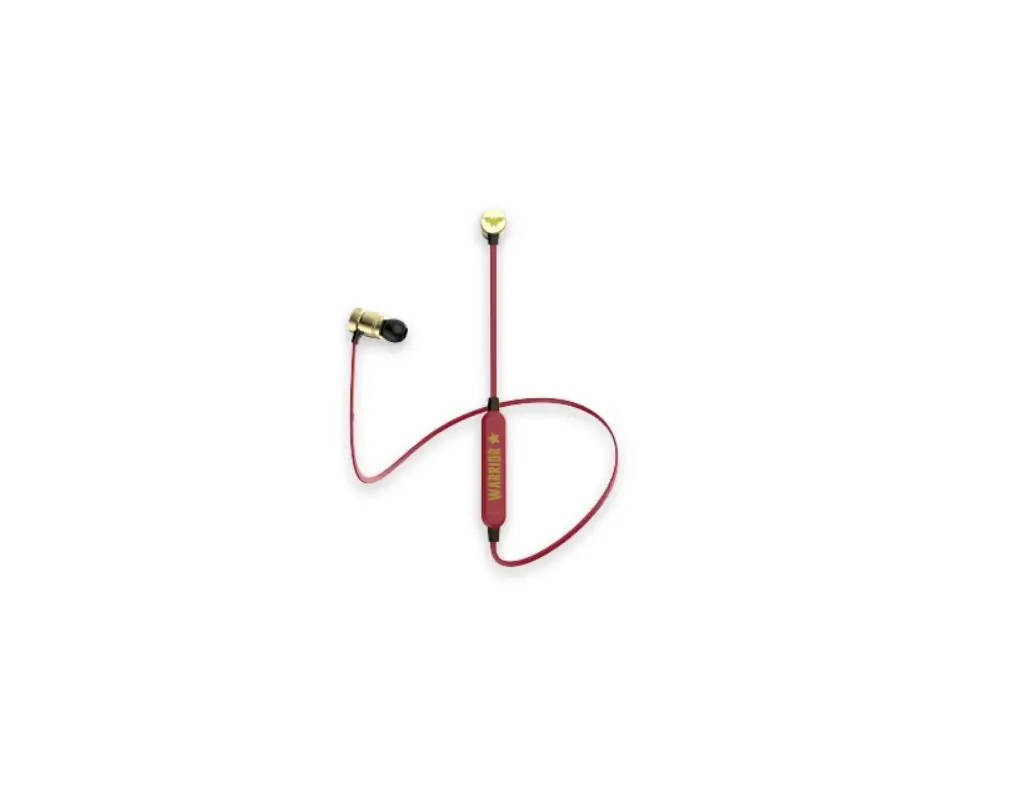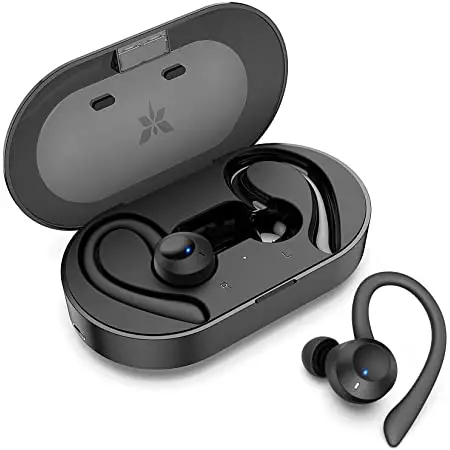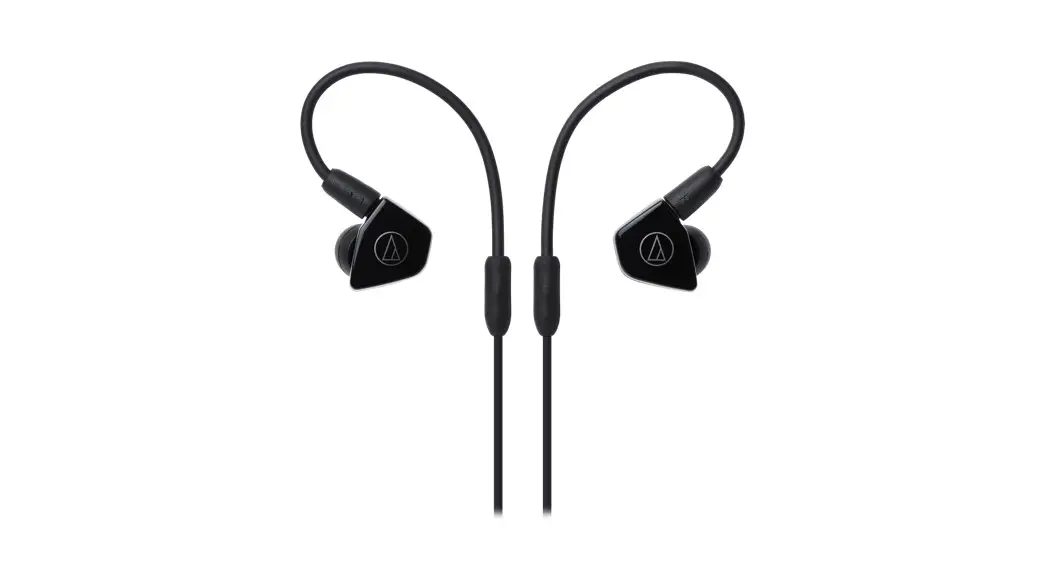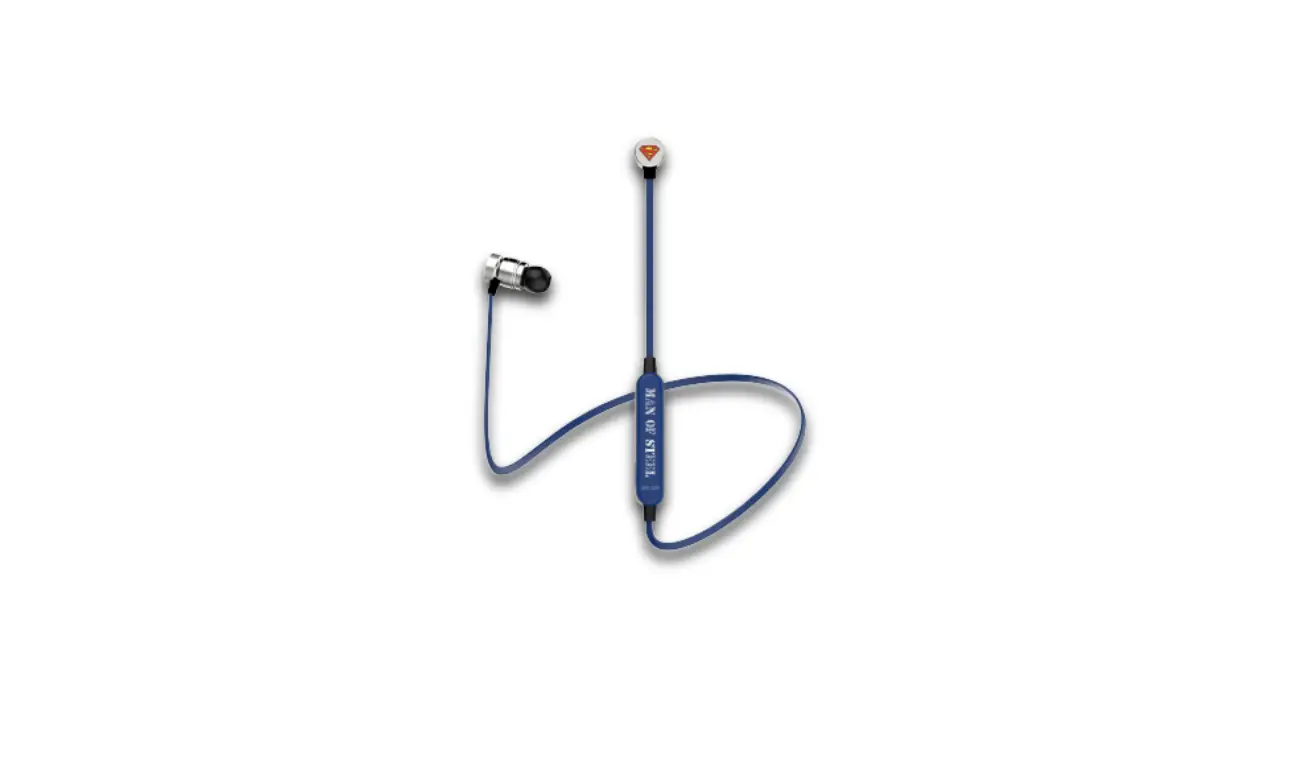
A&S ASIEBSE200 Superman In-Ear Headphones User Manual

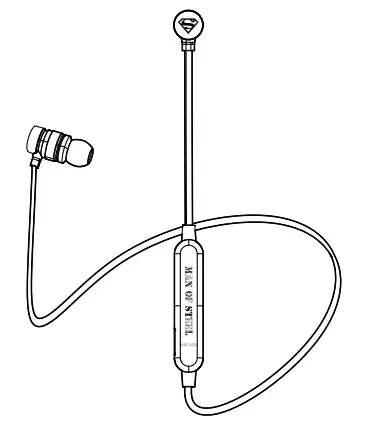
Specifications
Bluetooth Version: 5.0
Distance: 10M
Charger Battery Capacity: 55mAh
Play / Talk Time: 3H
Charging Time: 1 – 2H
Driver Unit: 10 MM
Impedance: 16Ω±15%Ω
Sensitivity: 96±3dB
Frequency Response: 20Hz – 20KHz
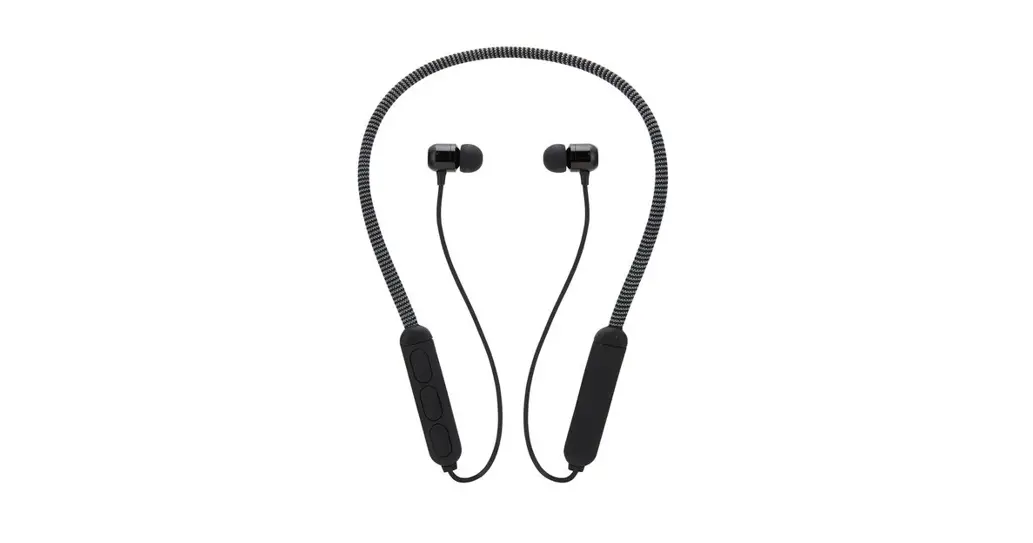
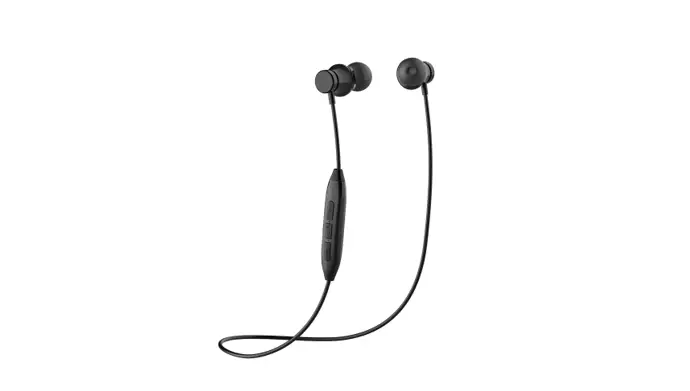
Location of Controls
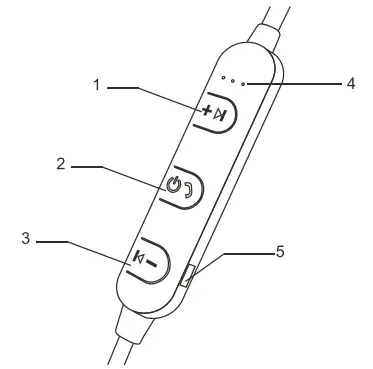
- [
 ] Button: Quick Press = Next Track Press and HOLD = Volume Up
 - [
 ] Button: Power, Play / Pause Music, Answer Call
 - [
 ] Button: Quick Press = Previous Track Press and HOLD = Volume Down
 - LED Indicator Light
- Micro USB charging port
 ] Button: Quick Press = Next Track Press and HOLD = Volume Up
 ] Button: Power, Play / Pause Music, Answer Call
 ] Button: Quick Press = Previous Track Press and HOLD = Volume Down
Bluetooth Pairing
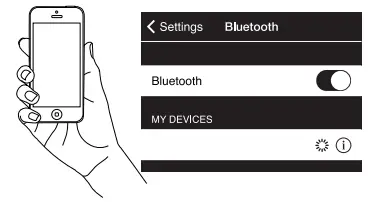
- Press and HOLD the [ ] button for 5 seconds to turn ON the wireless in-ears and enter pairing.
- An indicator tone will be heard. The indicator light will alternately flash BLUE and RED.
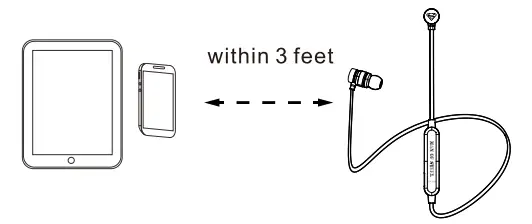
- Keep your wireless in-ears and BT enabled device within 3 feet of each other during the pairing process.
- Set you smartphone or other BT enabled device to search for wireless in-ears.
 If a paired device is in range when the headphones are turned on, the headphones will connect to it automatically.