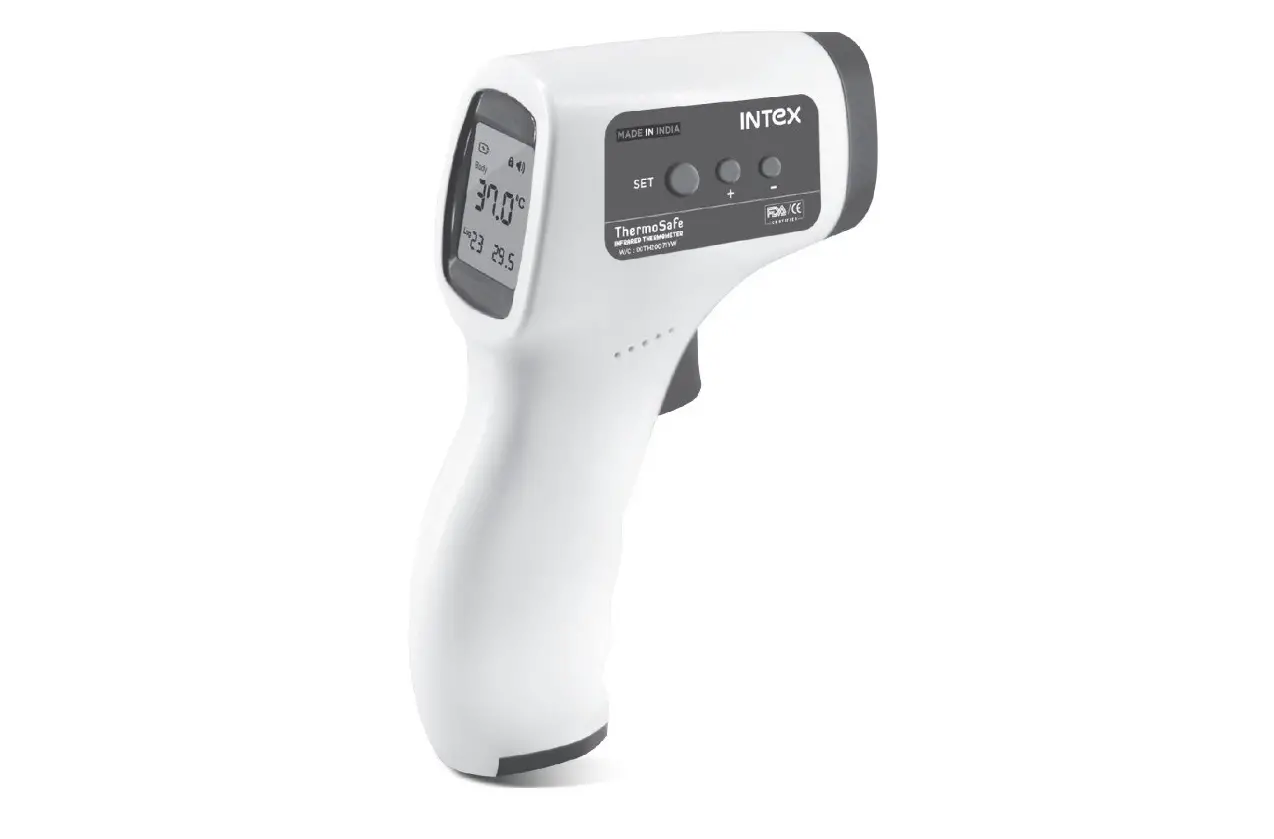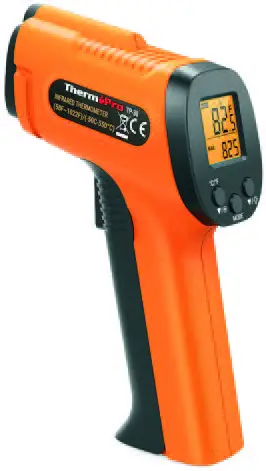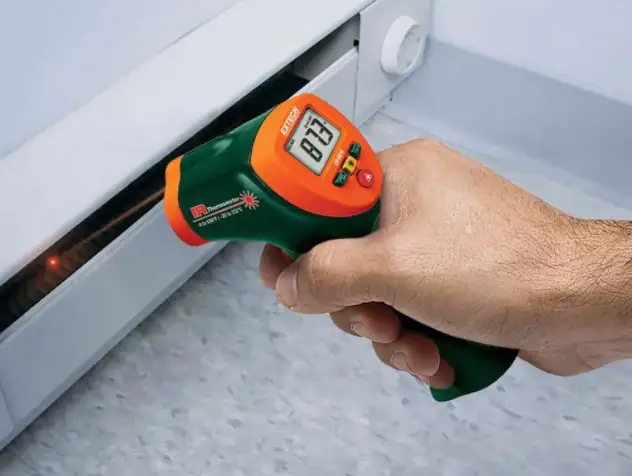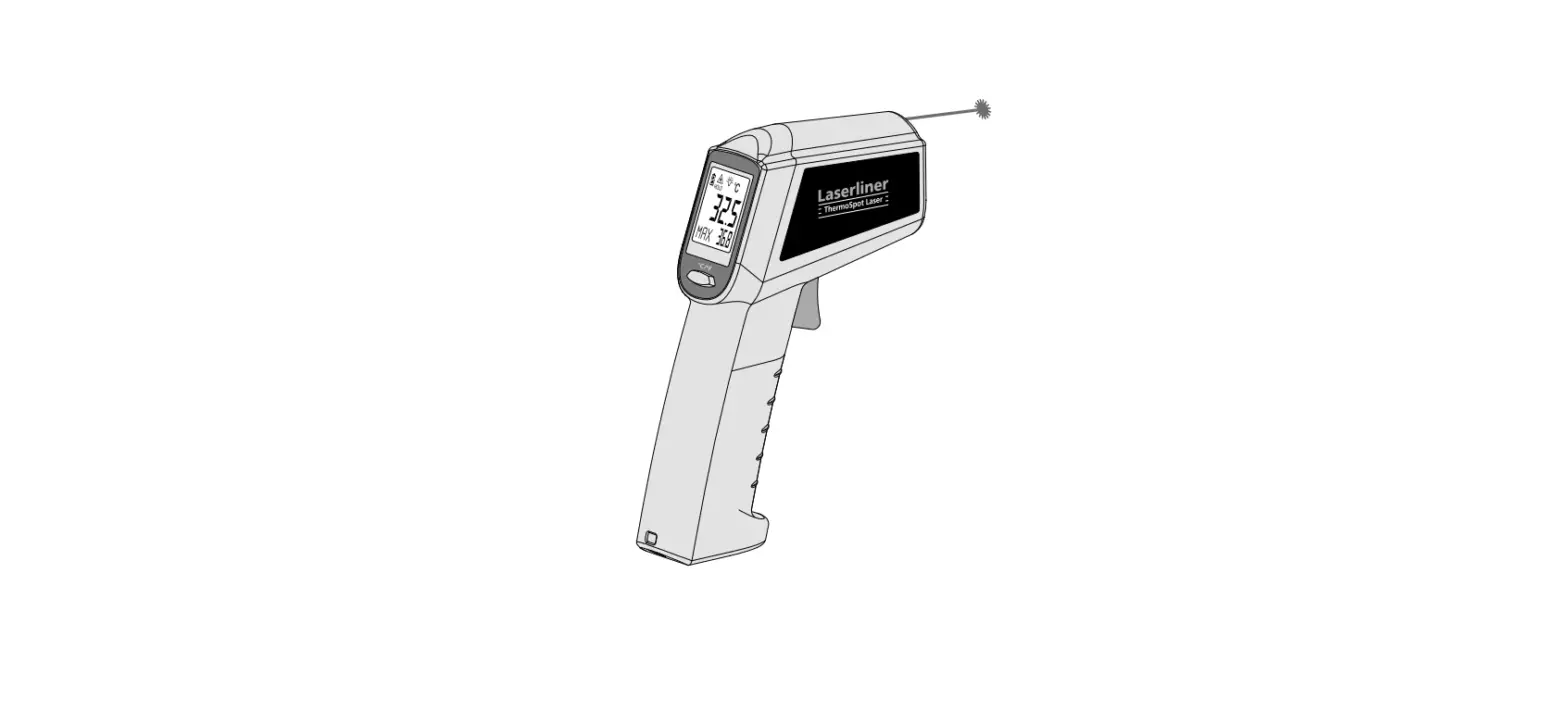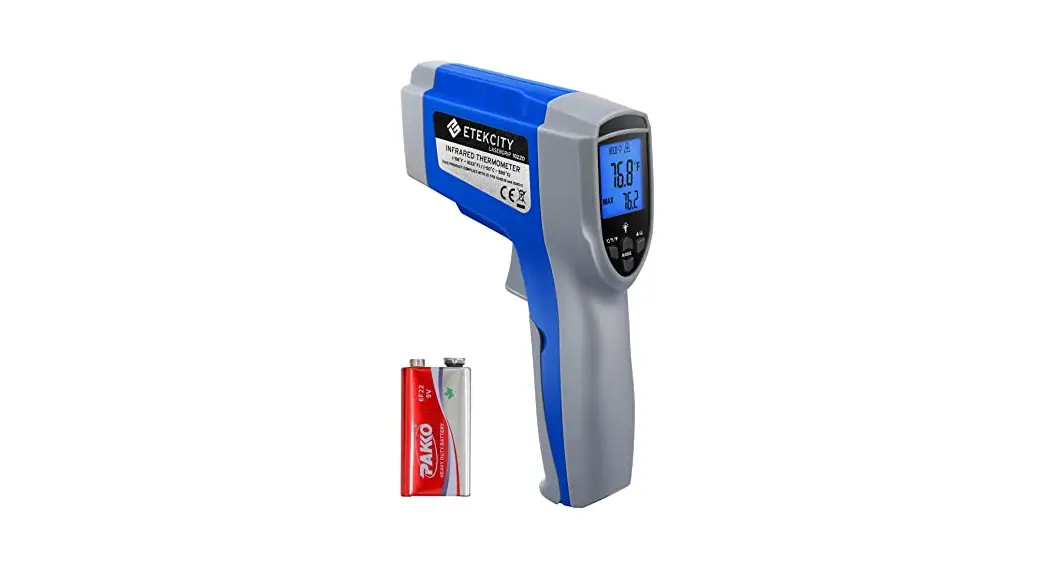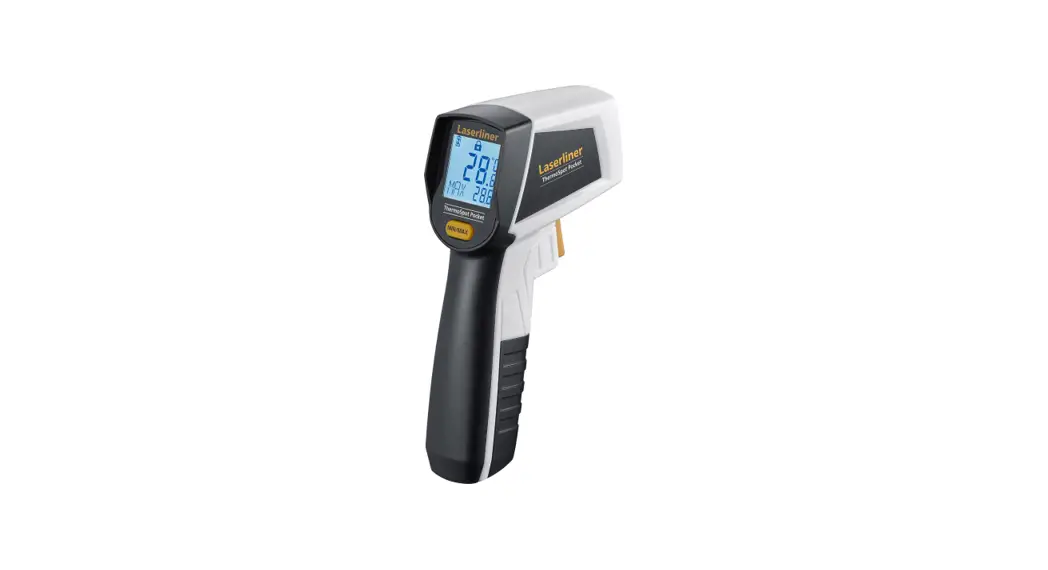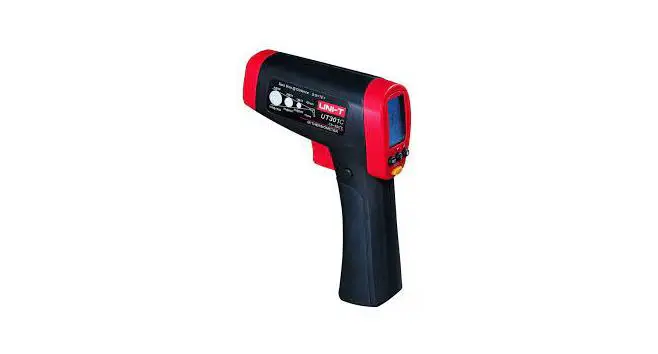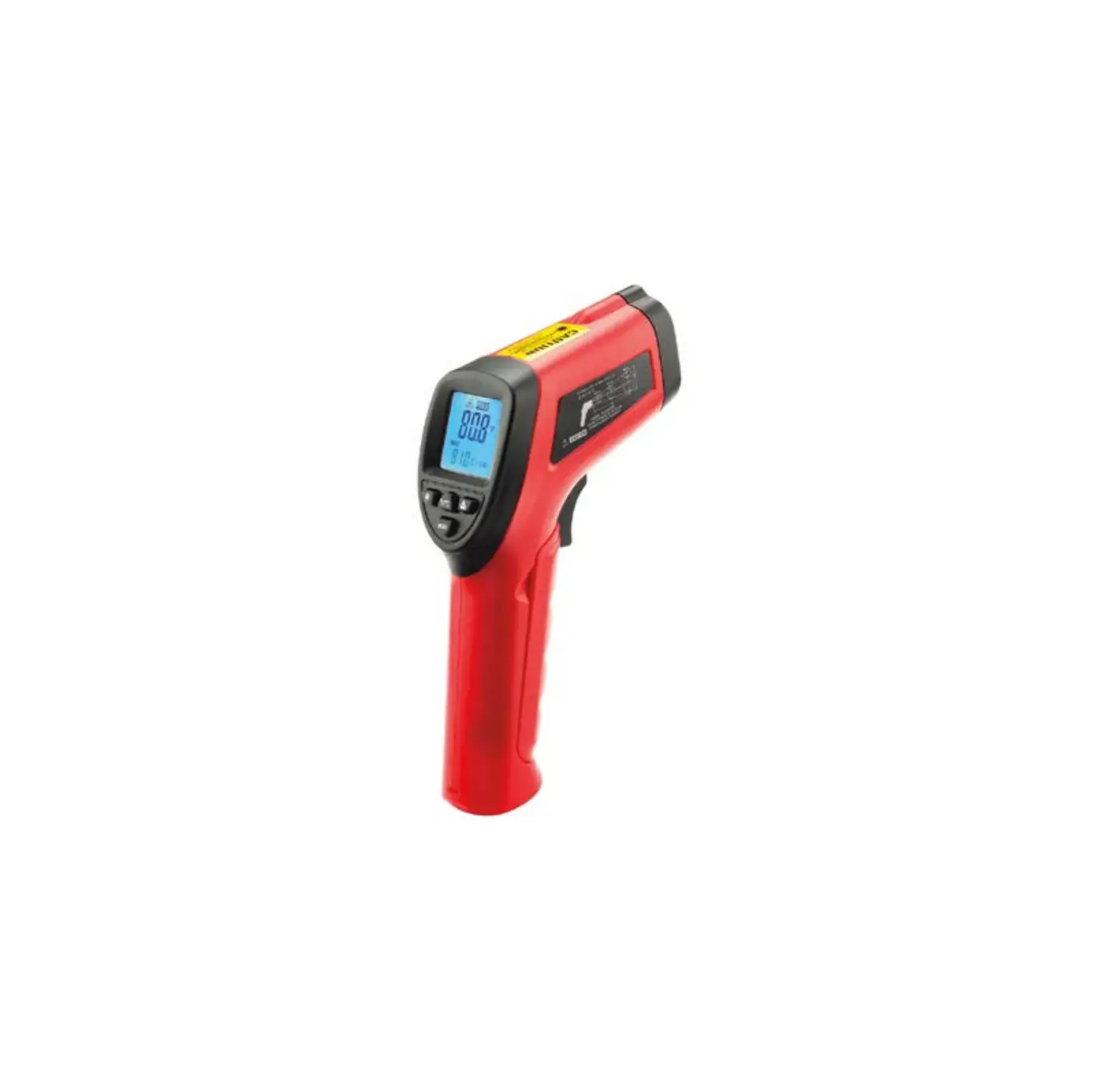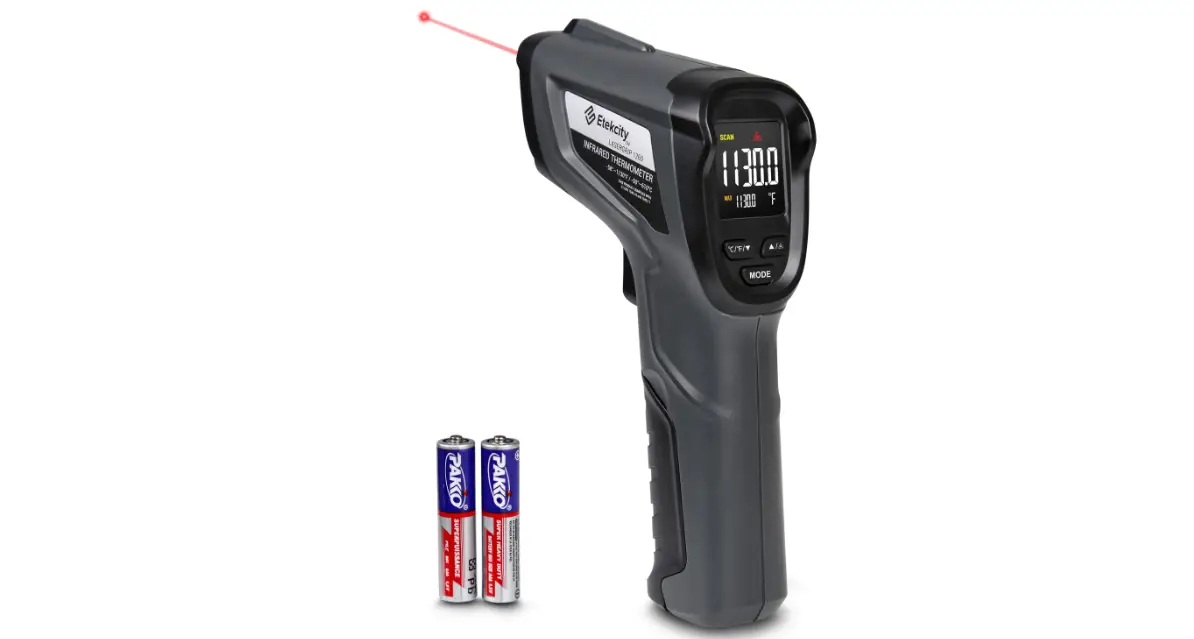

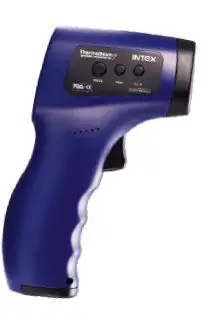
INTeX YT-EWQ-04 Thermo Beam Laser Point Non Contact Infrared Thermometer
Technical Specification
| Symptom | Possible Cause |
| Product name | Infrared Thermometer |
| Product model | ThermoBeam |
| Power supply | DC 3.0V (2 ×AAA batteries) Battery not incl. |
| Battery life | More than 2,000 measurements |
| Low battery | Below 2.6V±0.1V |
| Measurement modes | Body & Surface temperature mode |
| Measurement time | Less than 1 second |
| Temperature units | ℃ and ℉ (convertible) |
| Measurement range | 32.0-42.90℃ |
| Accuracy | ±0.2℃ |
| Display resolution | 0.1℃/℉ |
| Display Type | LCD Display |
| Measuring Distance | 3~5cm |
| Automatic shutdown | About 15 seconds |
| Memory | 32 saved reading slots |
| Operation environment | Temperature: 10.0-40.0℃ (50.0-104.0℉) Humidity : 15-85% RH, non-condensing Atmospheric pressure: 70-106kPa |
| Storage and shipping environment | Temperature: -20.0-50.0℃ Humidity: ≤90% RH, non-condensing Atmospheric pressure: 70-106 kPa |
| Net Weight | 140g (not including batteries) |
| Dimension | 150 x 95 x 28 mm |
Structure and components
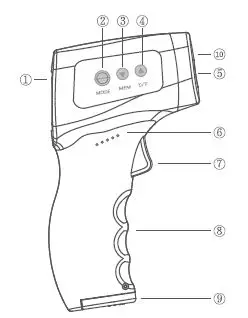
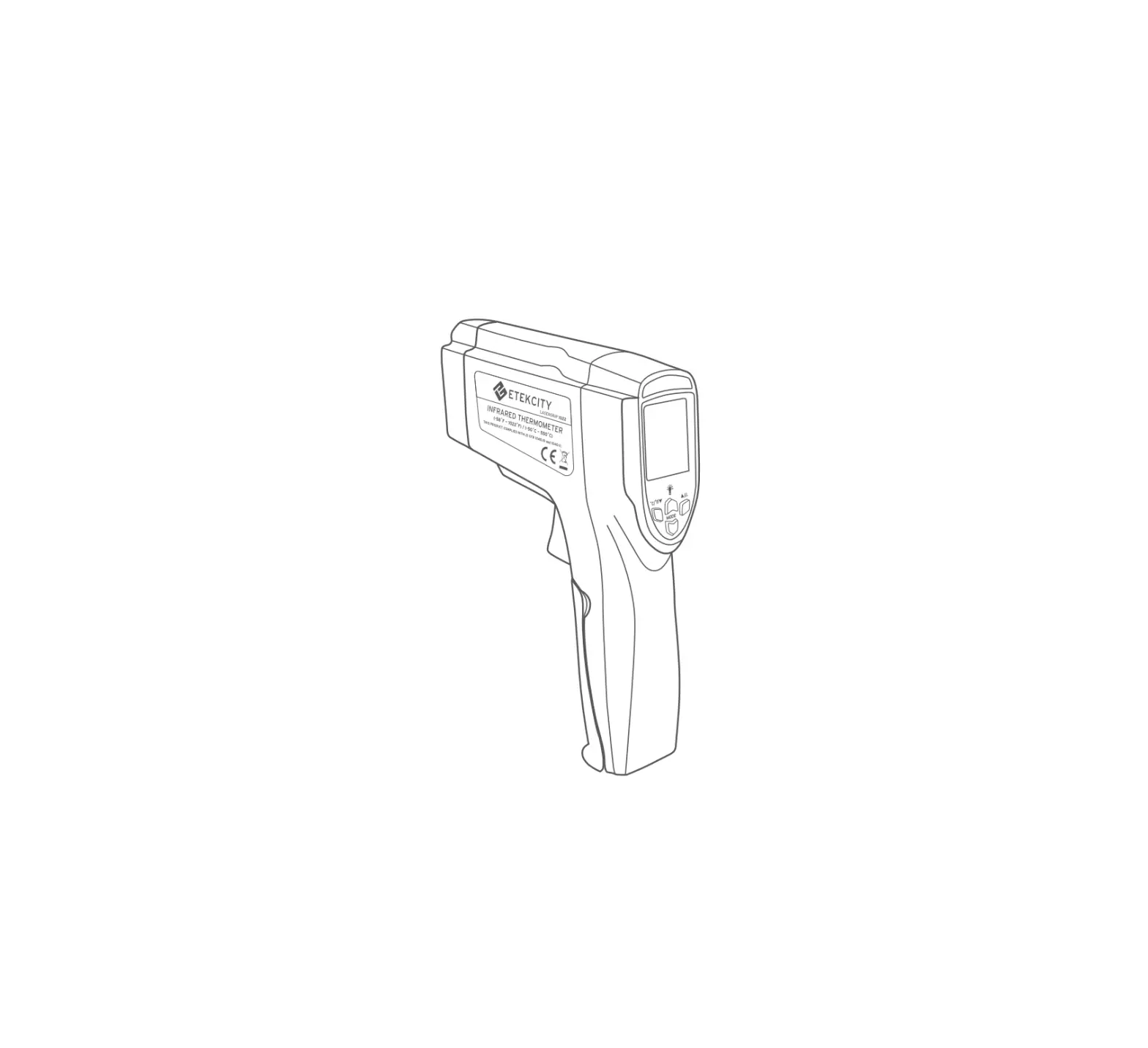
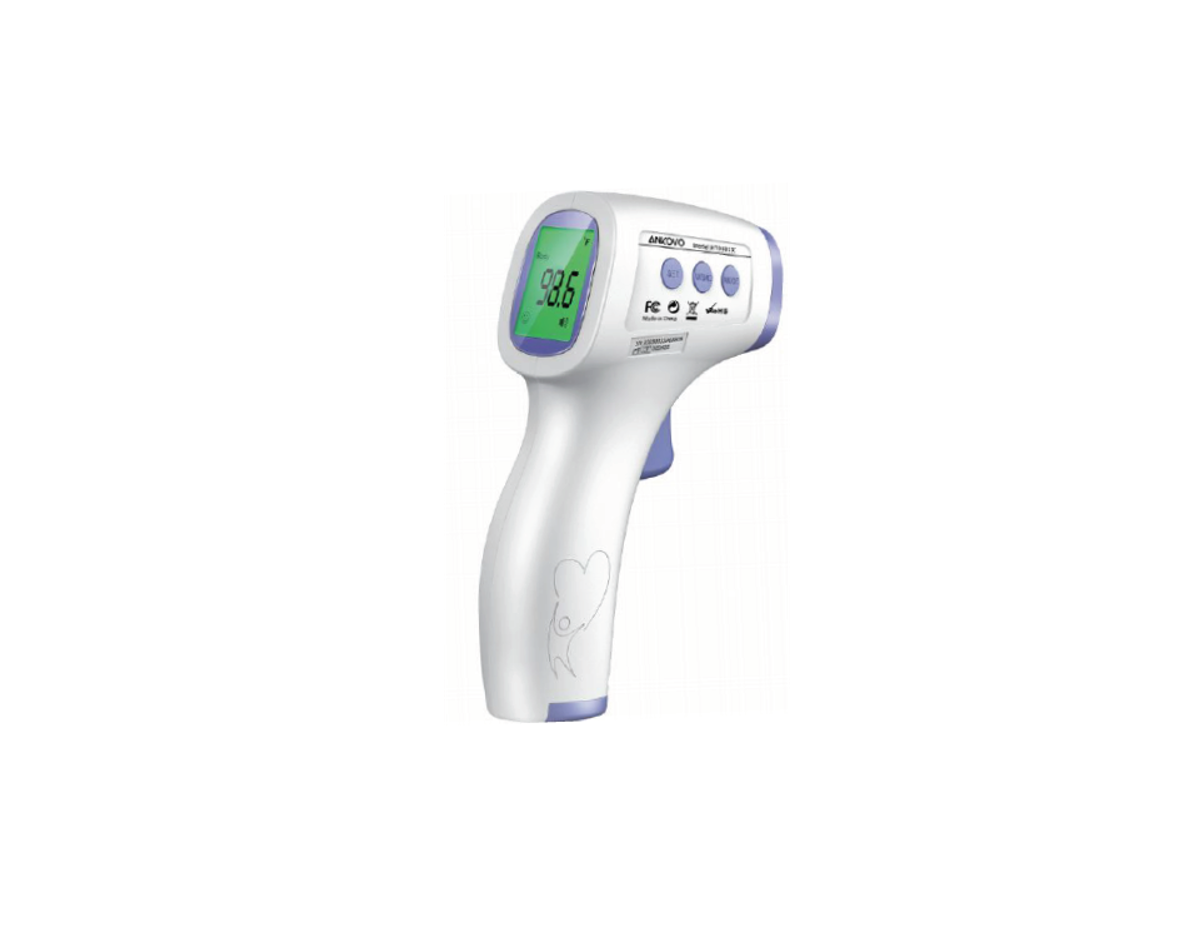
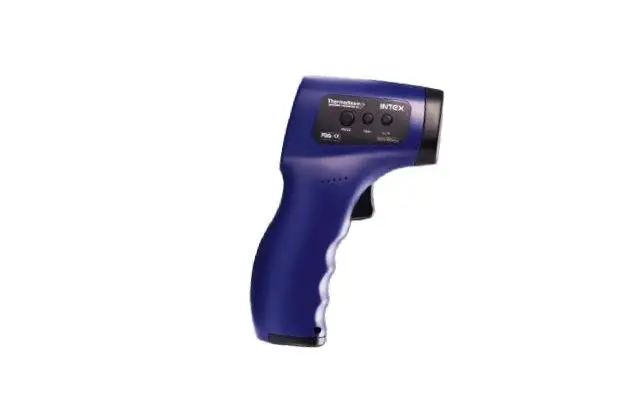
- Screen : Display measure data.
- MODE/SET:
- Short press button to switch to surface temperature or body temperature mode.
- Long press button to menu mode.
- MEM : Press button to memory mode, 32 groups.
- C/F: Press button to switch to C or F.
- Measure Sensor : High Precision Sensor.
- Speaker : Voice prompt, ≥ 38 C warning.
- Measure : Measuring temperature and menu return.
- Body : Handle.
- Battery cover
- Laser : Use red light to mark the measured position.
Button of Setting
Press the Measure button to turn on the device when it is off. The device will perform a self-test when it is turned on. After the self-test is completed, the device displays and beeps. If the self-test fails, the machine displays a self-test failure.
Long press SET button to menu mode:
- F1 – Temperature unit setting: ▼- C, ▲- F , default- C.
- F2 – Temperature Alarm setting: ▼ -0.1 C, ▲+0.1 C, default: 38 C.
- F3 – Temperature correction : ▼ -0.1 C, ▲+0.1 C, default: 0.1 C.
- F4 – Sound Setting : ▼ – Sound ON, ▲ – Sound OFF, Default : Sound ON
- F5 – Default Temperature mode setting : ▼ body, ▲ Surface temp, Default Surface Temperature
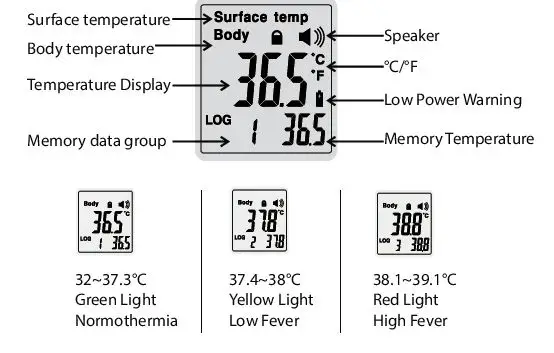
Screen content description
Warnings and precautions
- Keep out of reach of children under 12 years of age.
- Never immerse the thermometer in water or other liquid (it is not waterproof ). For cleaning and disinfection, please follow the instructions in the Cleaning and disinfection section.
- Never use the thermometer for purposes other than its intended use. Please follow the general safety precautions when using it on children.
- Keep the thermometer out of direct sunlight in a dry, dust-free, well-ventilated area at a temperature between 10.0-40.0℃
(50.0-104.0℉). Do not use the thermometer in a high humidity environment (>90% RH) - Do not use the thermometer if there are signs of damage on the optical filter or else where on the instrument. If damaged, never attempt to repair the instrument Please contact the Customer care..
- This thermometer consists of high precision parts. Do not drop or twist the instrument. Protect it from severe impact and shock.
- Those who exhibit a normal temperature may still need to receive medical attention. When determining the severity of illness of people on antibiotics, analgesics or antipyretics, temperature readings should no t be solely relied upon.
- This thermometer is not intended for premature babies or small infants or for gestational age babies. It is not intended to measure hypothermic temperatures. Do not allow children to take their temperatures unattended
- Temperature elevation may signal a serious illness, especially in adults who are elderly, frail or have a weakened immune system, or neonates and infants. Please seek professional advice immediately when there is a temperature elevation in a person who meets any of the following criteria:
- – Over 60 years of age (fever may be dulled or even absent in elderly patients)
– Diagnosed with diabetes mellitus or a weakened immune system (e.g. HIV positive, cancer, chemotherapy, chronic steroid treatment, splenectomy)
– Bedridden (e.g. nursing home patient, stroke, chronic illness)
– A transplant patient (e.g. liver, heart, lung, kidney)
Emissivity Values
| Substance | Thermal emissivity | Substance | Thermal emissivity |
| Asphalt | 0.90 to 0.98 | Cloth (black) | 0.98 |
| Concrete | 0.94 | Human skin | 0.98 |
| Cement | 0.96 | Lather | 0.75 to 0.80 |
| Sand | 0.90 | Charcoal (powder) | 0.96 |
| Earth | 0.92 to 0.96 | Lacquer | 0.80 to 0.95 |
| Water | 0.92 to 0.96 | Lacquer (matte) | 0.97 |
| Ice | 0.96 to 0.98 | Rubber (black) | 0.94 |
| Snow | 0.83 | Plastic | 0.85 to 0.95 |
| Glass | 0.90 to 0.95 | Timber | 0.90 |
| Ceramic | 0.90 to 0.94 | Paper | 0.70 to 0.94 |
| Marble | 0.94 | Chromium oxides | 0.81 |
| Plaster | 0.80 to 0.90 | Copper oxides | 0.78 |
| Mortar | 0.89 to 0.91 | Iron oxides | 0.78 to 0.82 |
| Brick | 0.93 to 0.96 | Textiles | 0.90 |
Recall saved readings
The thermometer can store 32 sets of measurement data. When the data is full, the last reading will always replace the first.
If you wish to review previous measurement data, press the MEM button for check the logs.
When you press the MEM button, you will see the number1appear on the screen this means the first saved reading. By pressing the button, you can go through all the saved temperature readings one by one.
C and F conversion
If you wish to convert ℃ to ℉ or ℉ to ℃, when the thermometer is
ON, Press the ℃/℉” button once to interchange between ℃ to
℉ and vice- versa.
Turn on or off the buzzer speaker
If you want to turn on/off the buzzer/speaker, when the thermometer is ON, press the MODE button for 2 seconds until you see the F1 on the screen, Now short press the MODE button until F4 Then press MEM button to mute or unmute the thermometer.
Pressing MODE button 2 more times will take you to the Home screen of the thermometer.
Shut down
When the thermometer is turned on, it will shut down automatically when it is not used for about 15 seconds.
Replace batteries
When the low battery indicator appears on the screen, slide the battery cover off the shell, take out the old batteries and insert two new AAA batteries into the battery compartment
correctly according to the marked polarity symbols. Then close the battery cover and the thermometer will be restored to normal use.
Take out the batteries if the thermometer will not be used for more than one month.
Storage & Transportation Method :
Storage Methods: Products must be kept in a clean and dry place. Do not place the infrared thermometer where there is an electric shock. Do not store the thermometer in extreme temperatures above 50ºC or below -20ºC or humidity above 90%
. Transportation Method: Transportation under heavy rain fall should be avoided.
Accessories List: ThermoBeam Infrared Thermometer and User Manual.
Copyright
2020 Intex Technologies (I) Ltd. All rights reserved. Intex is a registered trademark legally held by Intex Technologies (I) Ltd. Other brand and product names mentioned herein are trademarks or registered trademarks of their respective holders. Specifications are subject to change without notice.
Imported, Marketed & Supported by : iVOOMi Innovation Pvt. Ltd.
Registered Office : 276A, Block-QU, Chitrakoot Apartment, Pitampura, Delhi – 110034 (India)
Customer Care No.: +91-9335828282 | Email: [email protected]