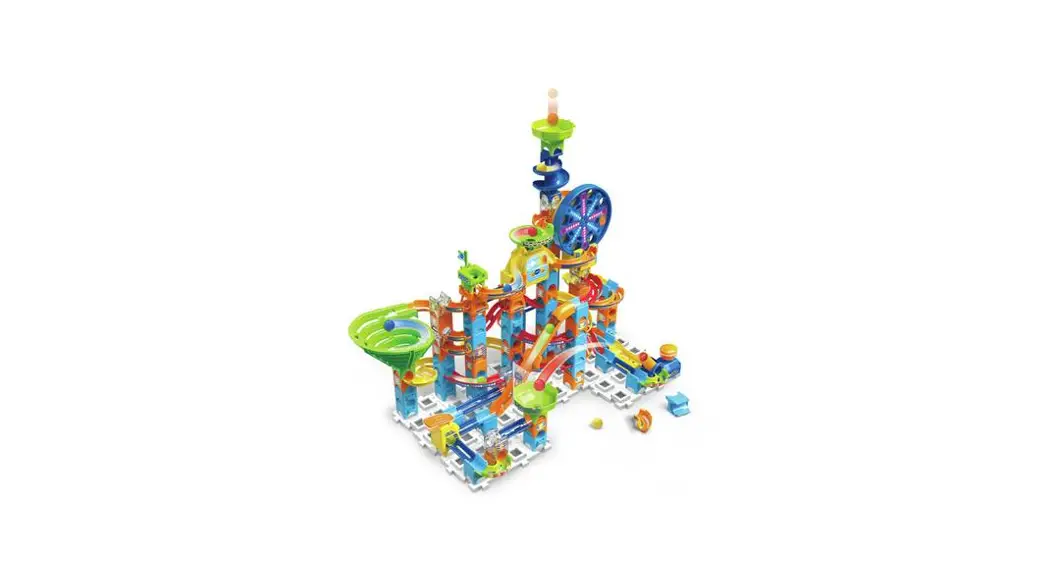
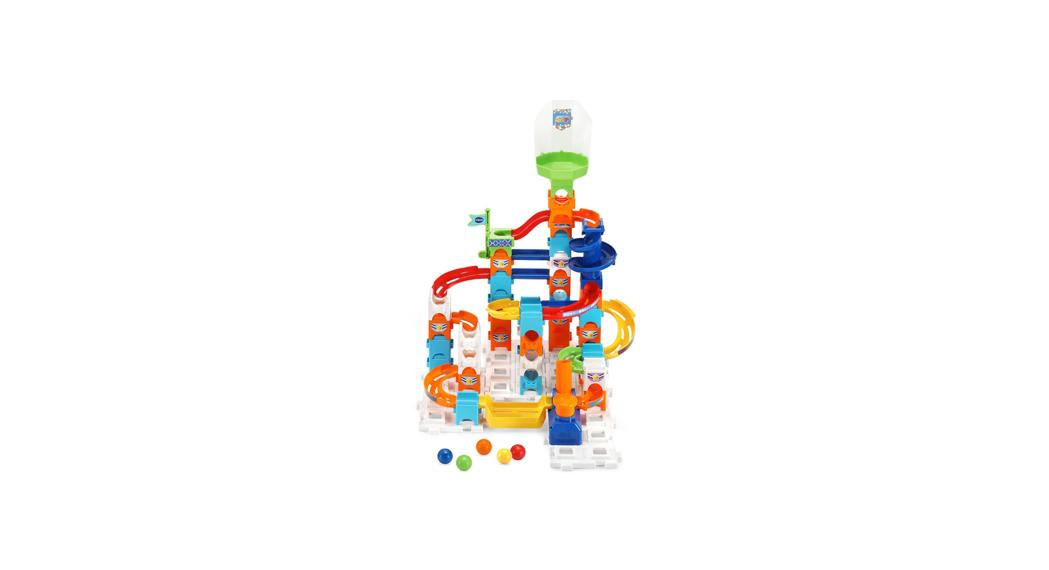
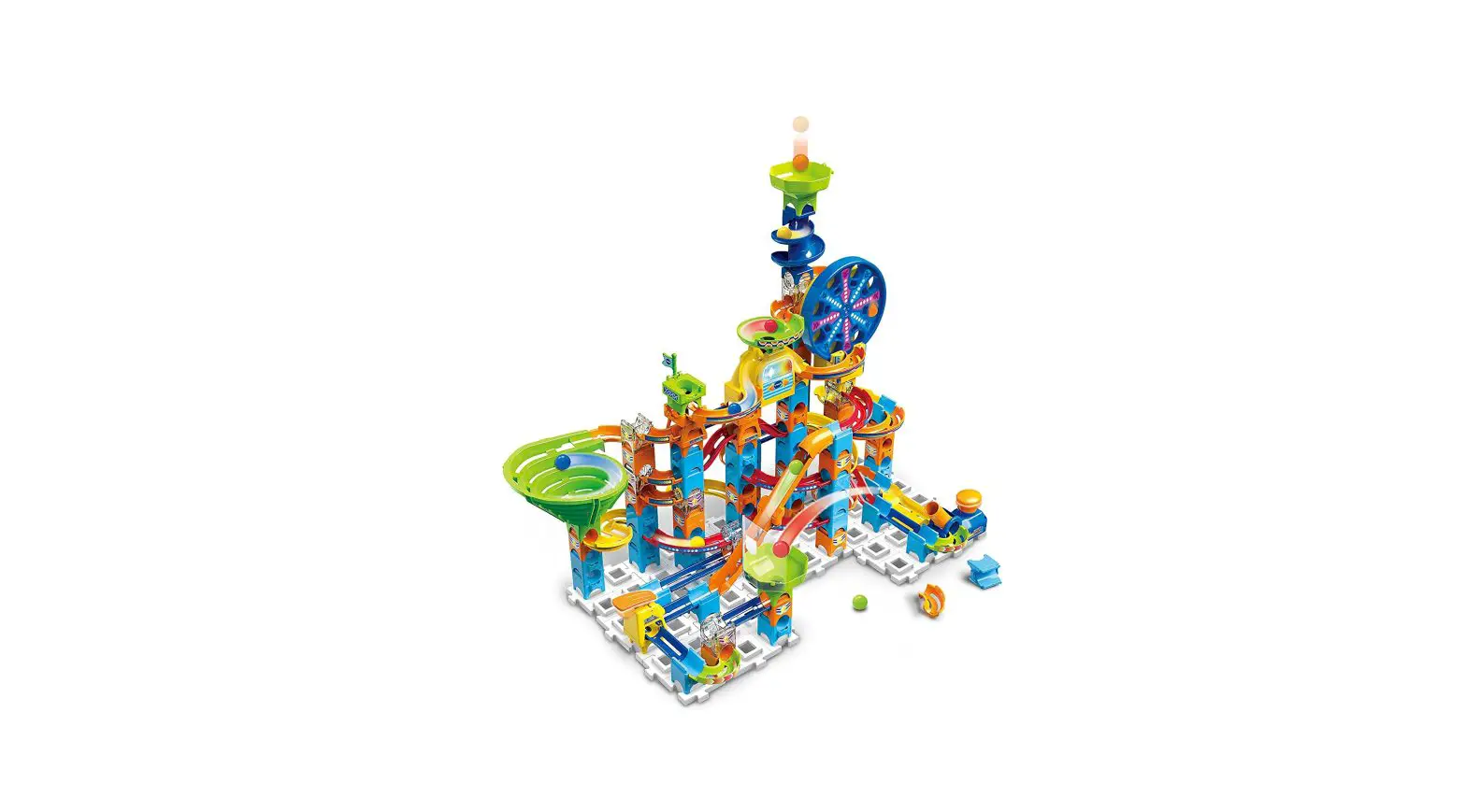
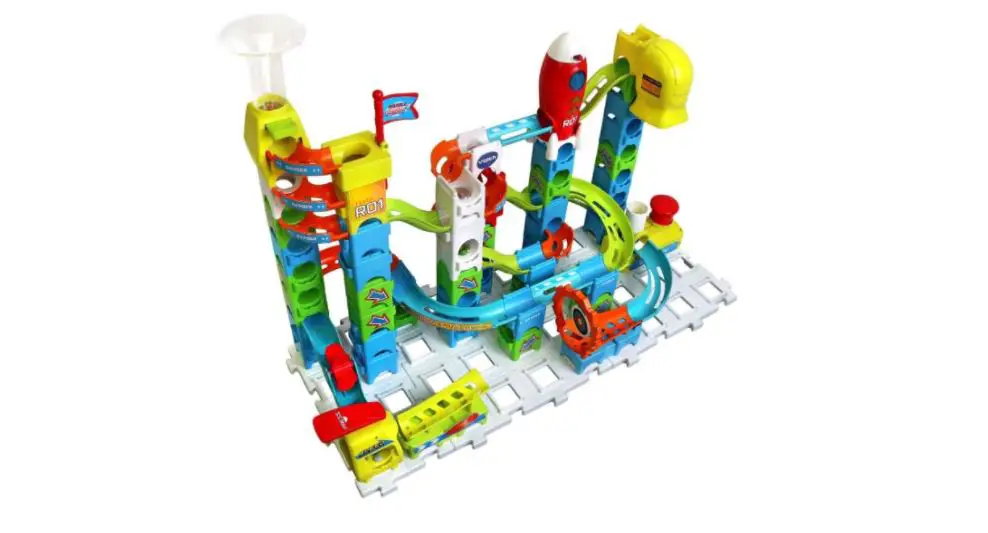
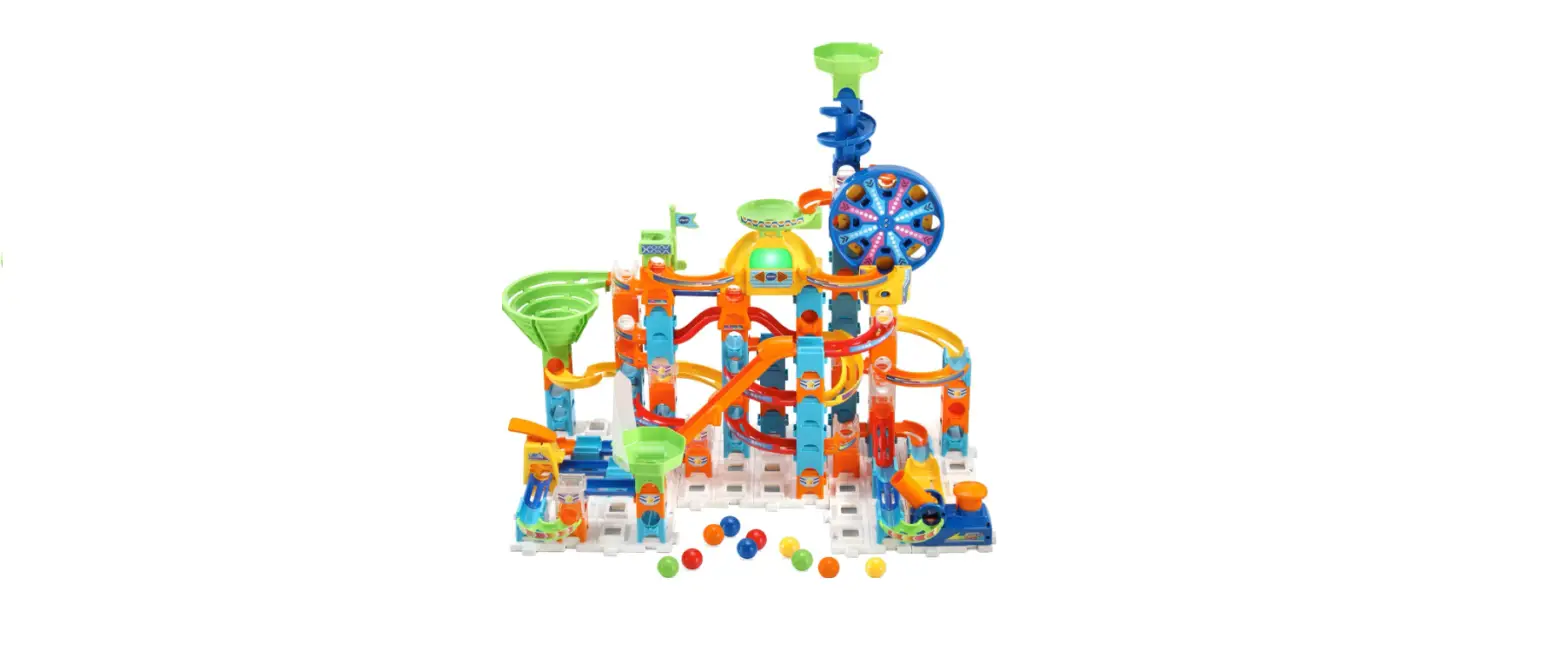
Marble Rush Go-Spidey-Go Set
Product Information
Trade Name:
Spidey and His Amazing FriendsTM
Model:
5617
Included in the Package:
- Ferris Wheel toy
- Music Selection Button
- Music/SFX Selector
Product Features:
- Music/SFX Selector: Slide the selector all the
way to the right to turn on both music and sound effects (SFX). The
middle position plays SFX with no background music. Slide the
selector all the way to the left to turn off the Ferris Wheel. - Ferris Wheel: When the Music/SFX Selector on
the Ferris Wheel is turned on, the Ferris Wheel will continuously
spin until it is turned off. When a marble is detected, the Ferris
Wheel will play cool sound effects with flashing lights. - Music Selection Button: Press the Music
Selection Button to cycle through the background music
options. - Automatic Shut-Off: To preserve battery life,
the Spidey and His Amazing Friends Marble RushTM Go-Spidey-Go! will
automatically shut off after several minutes without input. The
unit can be turned on again by sliding the Music/SFX Selector to
the middle or right-hand position.
Important Battery Information:
Please follow the below steps for battery removal and
installation:
- Make sure the unit is turned Off.
- Find the battery cover located on the back of the unit, use a
screwdriver to loosen the screw and then open the battery
cover. - Remove old batteries by pulling up on one end of each
battery. - Install 3 new AAA (LR03/AM-4) batteries following the diagram
inside the battery box. For best performance, alkaline batteries or
fully charged Ni-MH rechargeable batteries are recommended. - Replace the battery cover and tighten the screw to secure.
Warning: Adult assembly required for battery
installation. Keep batteries out of reach of children.
Care & Maintenance:
- Keep the unit clean by wiping it with a slightly damp
cloth. - Keep the unit out of direct sunlight and away from any direct
heat sources. - Remove the batteries if the unit will not be in use for an
extended period of time. - Do not drop the unit on hard surfaces and do not expose the
unit to moisture or water.
Troubleshooting:
If for some reason the unit stops working or malfunctions,
please follow these steps:
- Turn the unit Off.
- Interrupt the power supply by removing the batteries.
- Let the unit stand for a few minutes, then replace the
batteries. - Turn the unit On. The unit should now be ready to use
again. - If the unit still does not work, install a new set of
batteries.
Contact Information:
Responsible Party: VTech Electronics North America, L.L.C.
Instruction Manual
Marble Rush® Go-Spidey-Go! Set
© MARVEL
INTRODUCTION
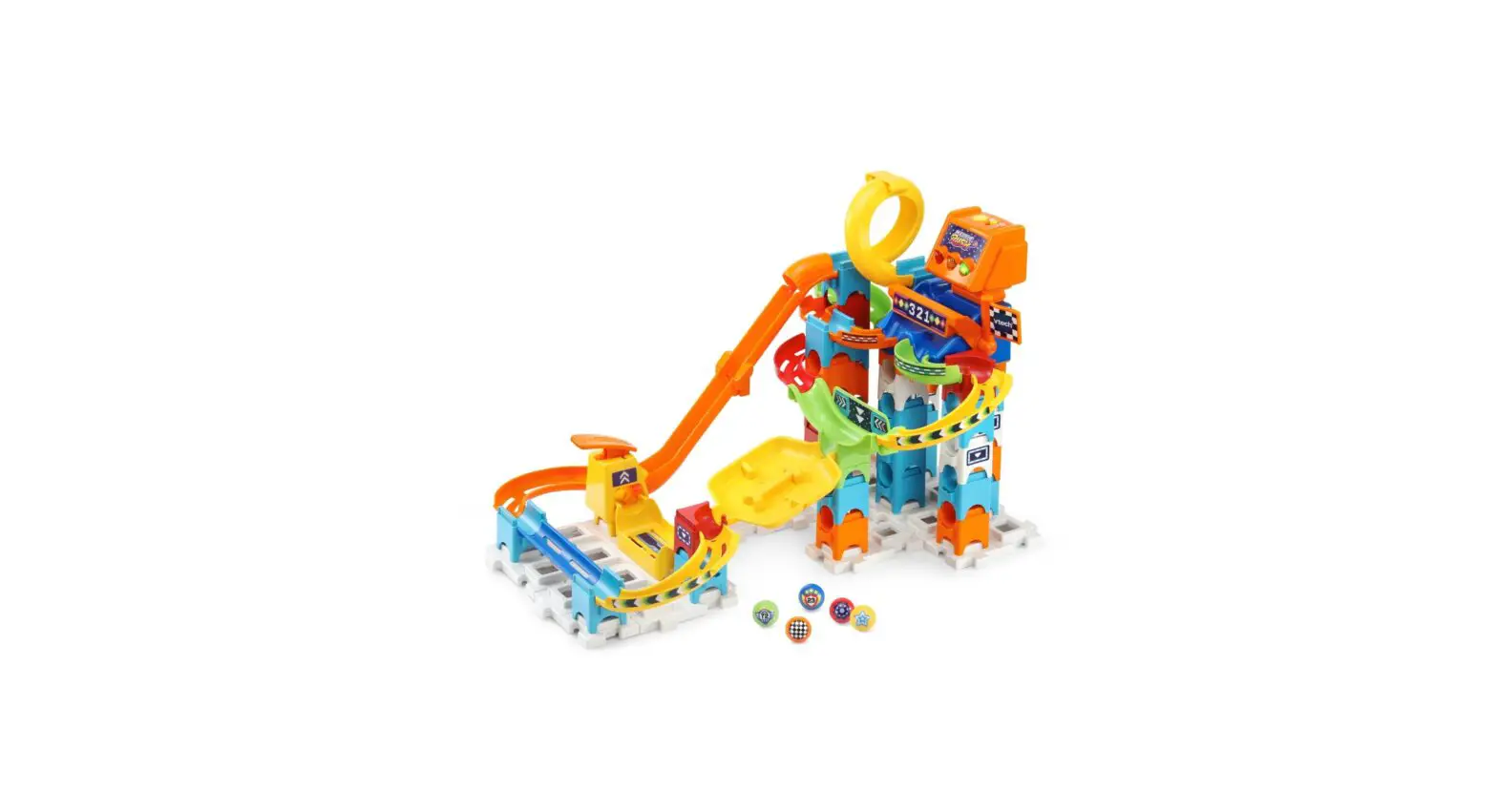
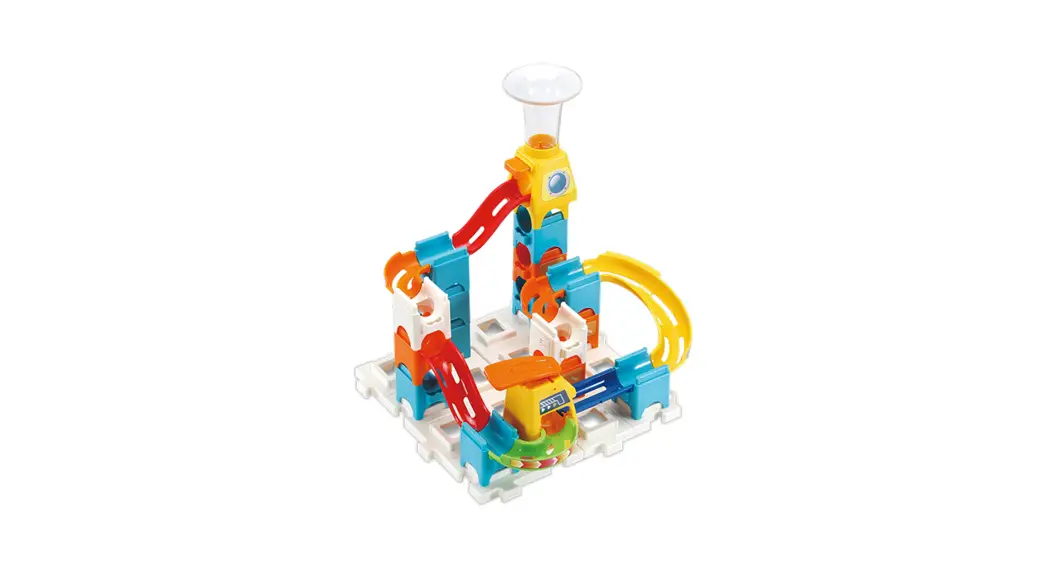
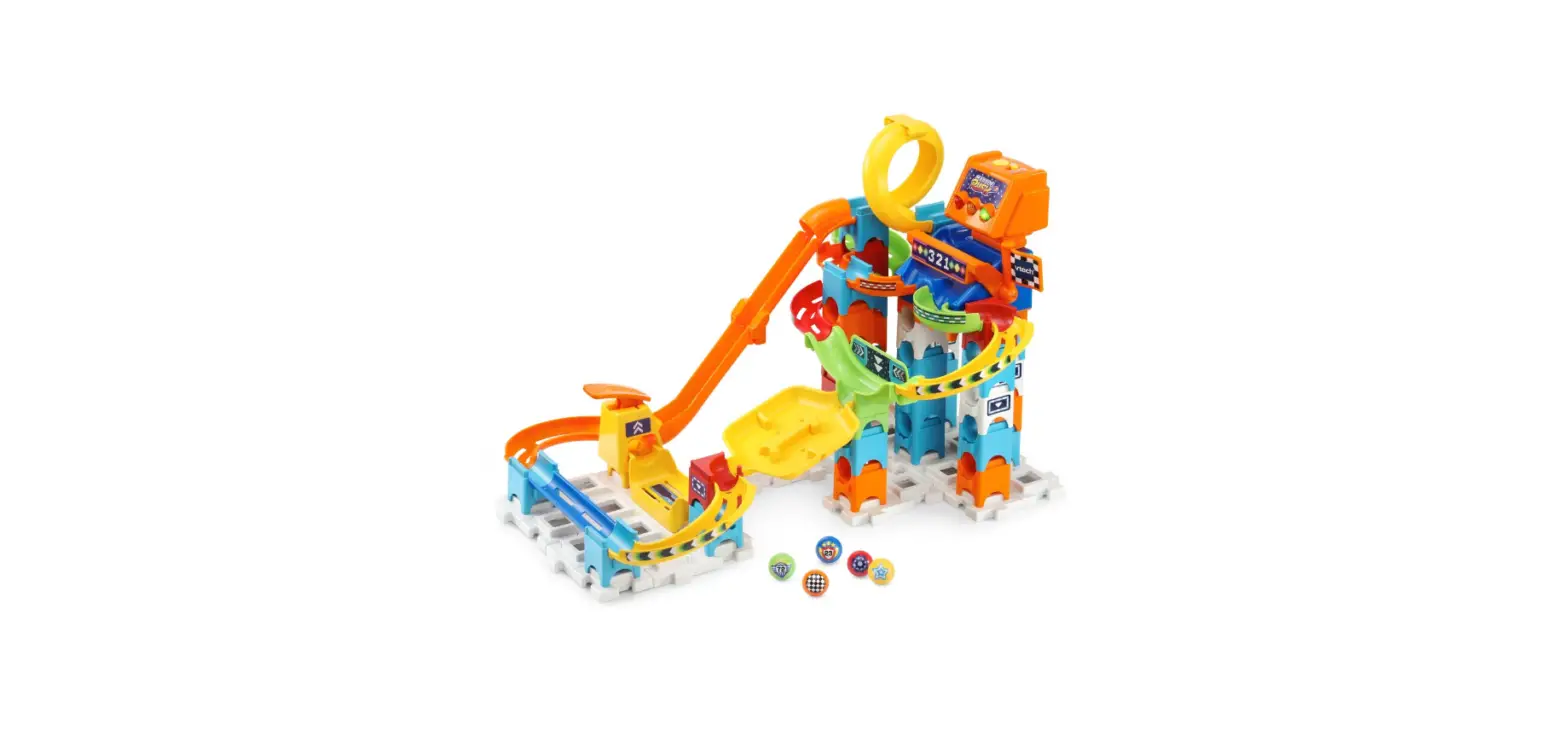
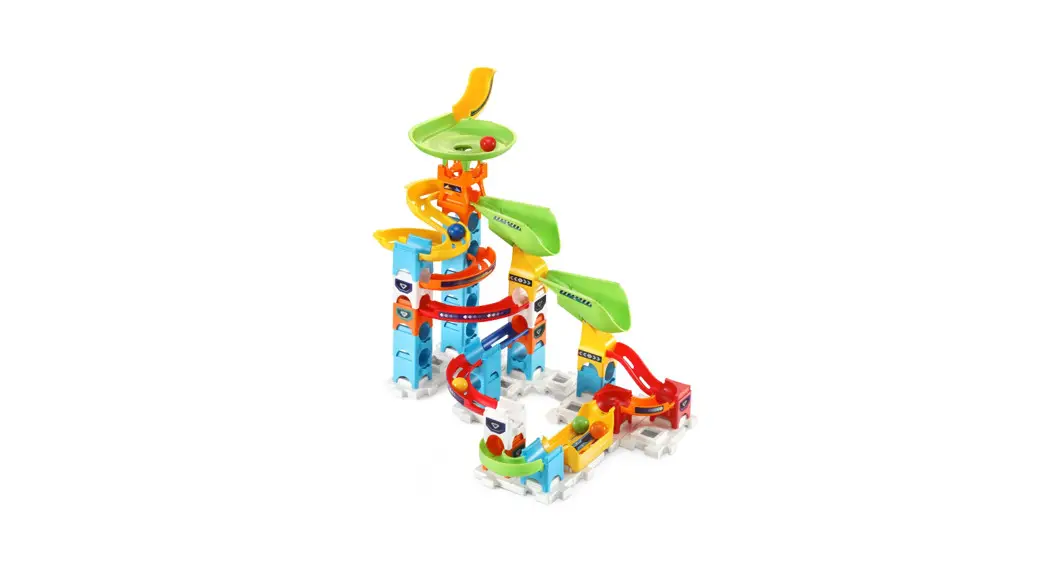
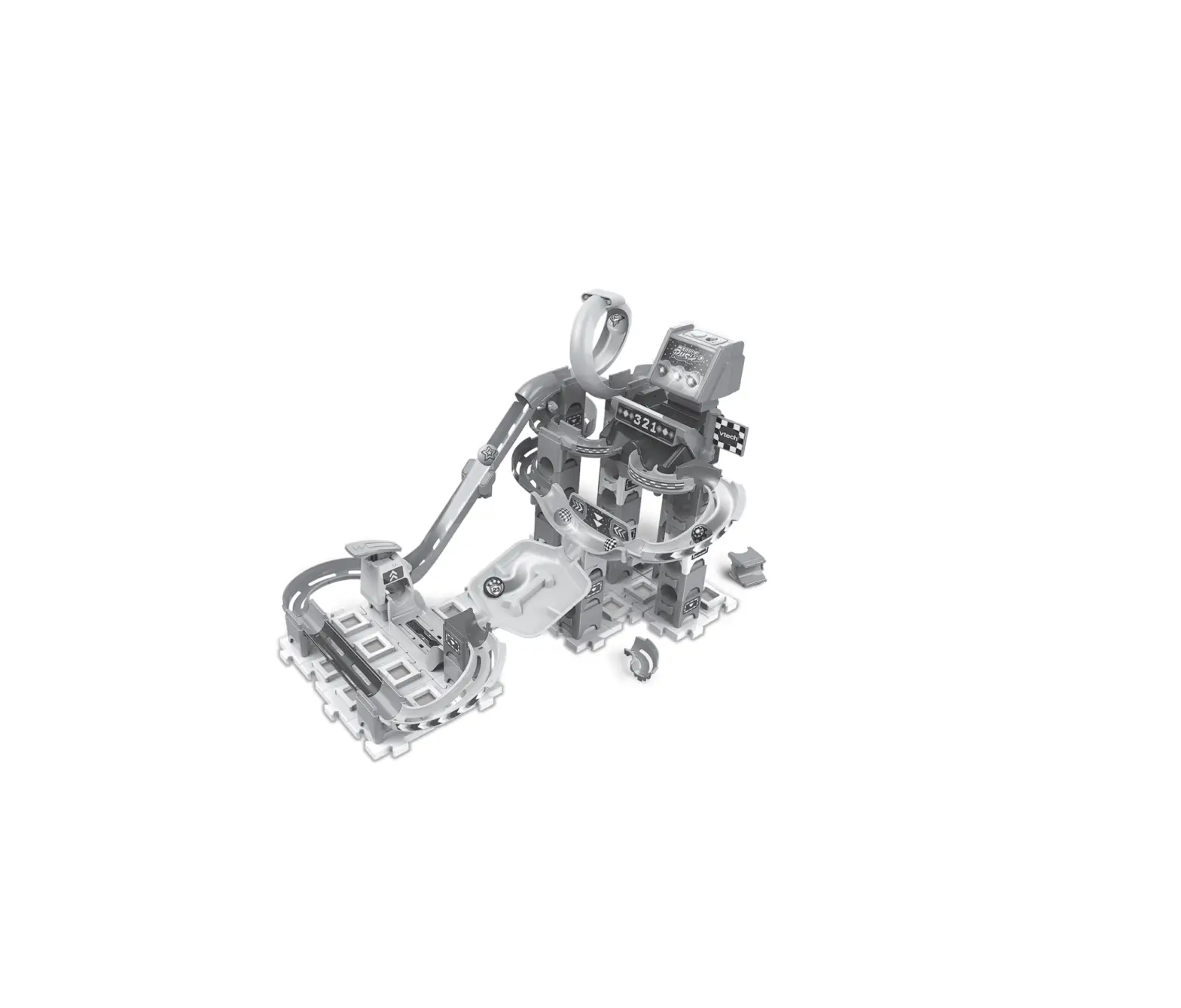
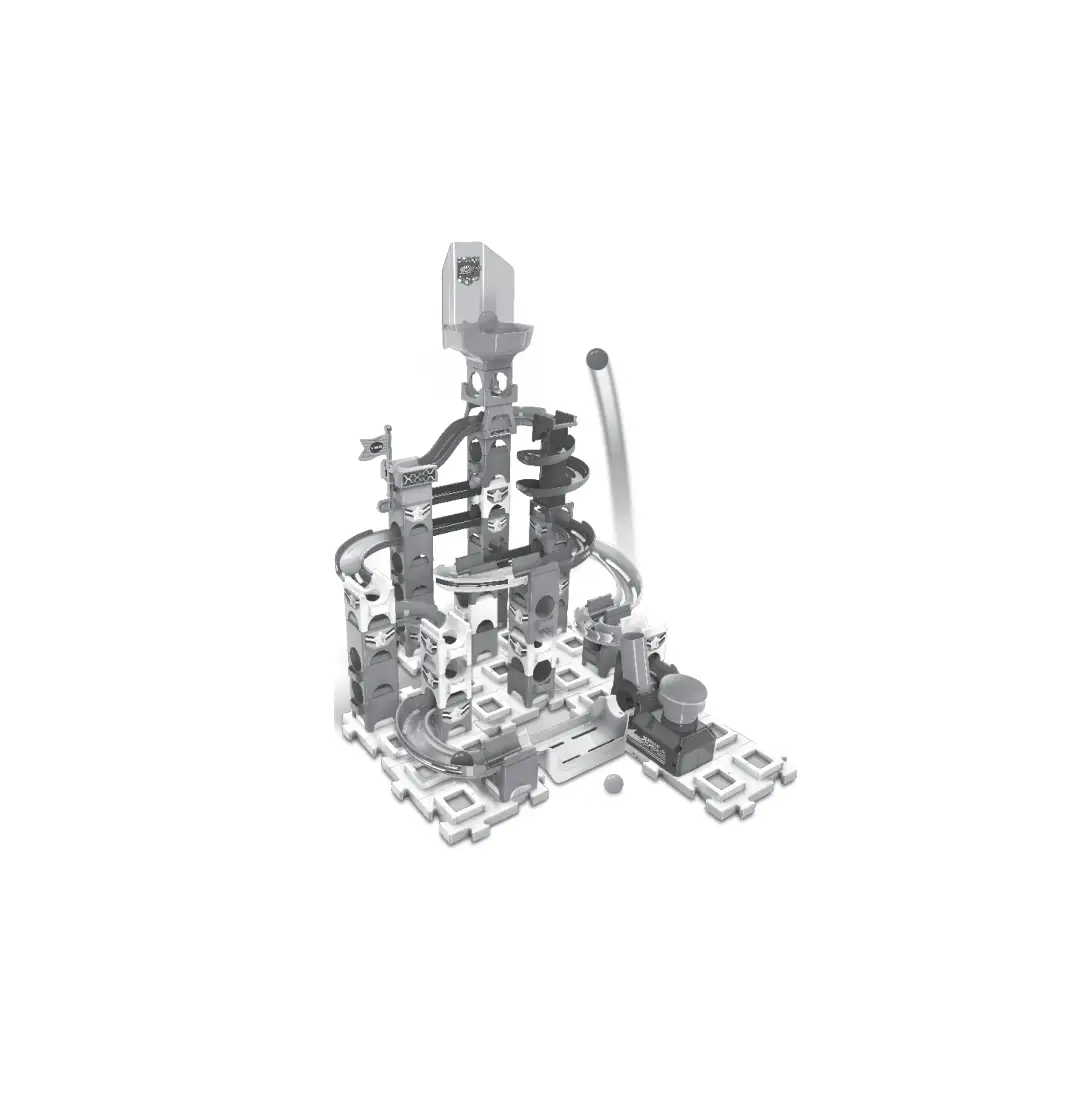
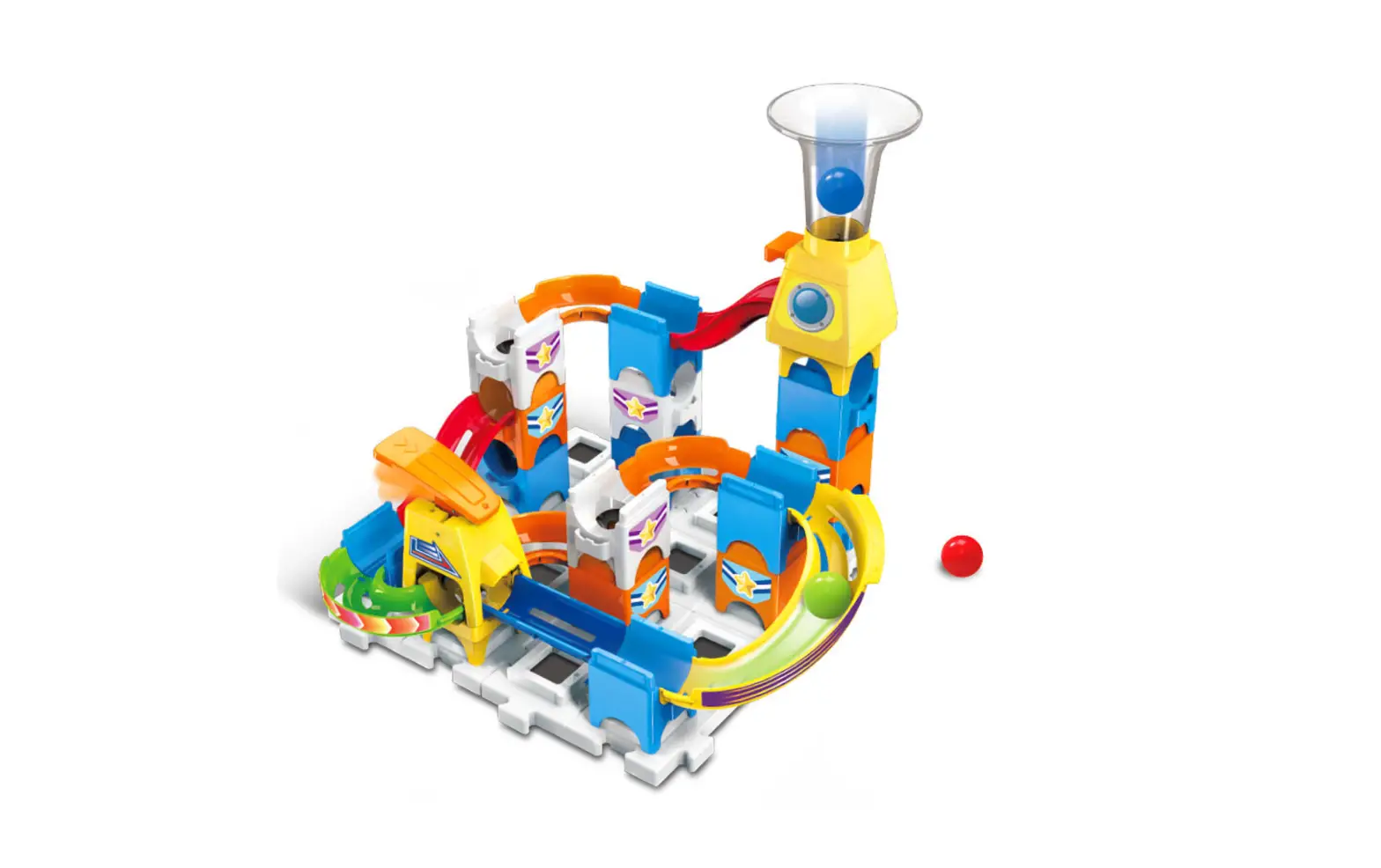
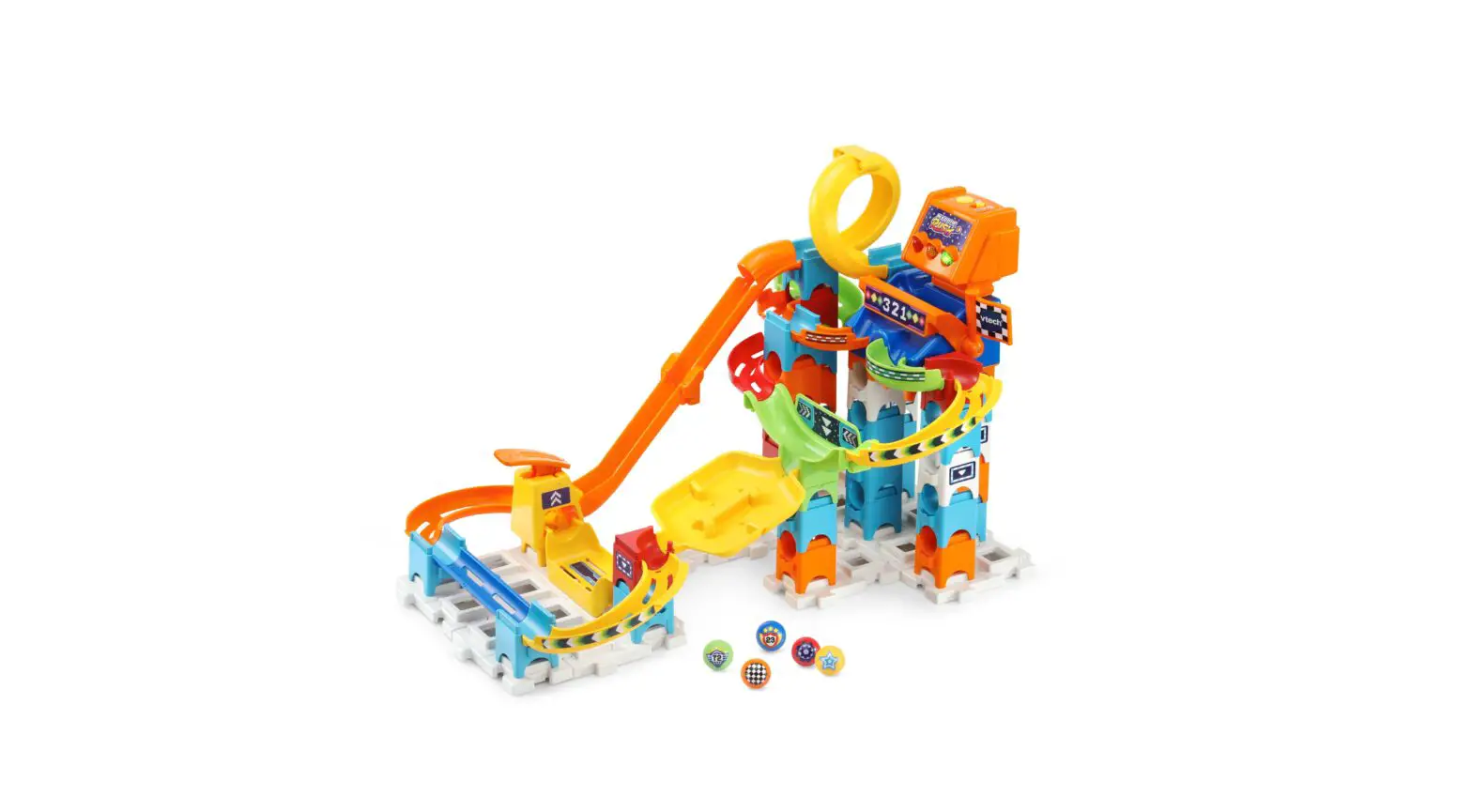
Thank you for purchasing the Spidey and His Amazing Friends Marble Rush® Go-Spidey-Go! Set! Get ready for non-stop action! Build thrilling courses, send the marbles into motion and compete with family and friends through exciting challenges complete with lights and Spidey’s exclusive sounds and music. Please refer to the Color Manual for detailed building steps.
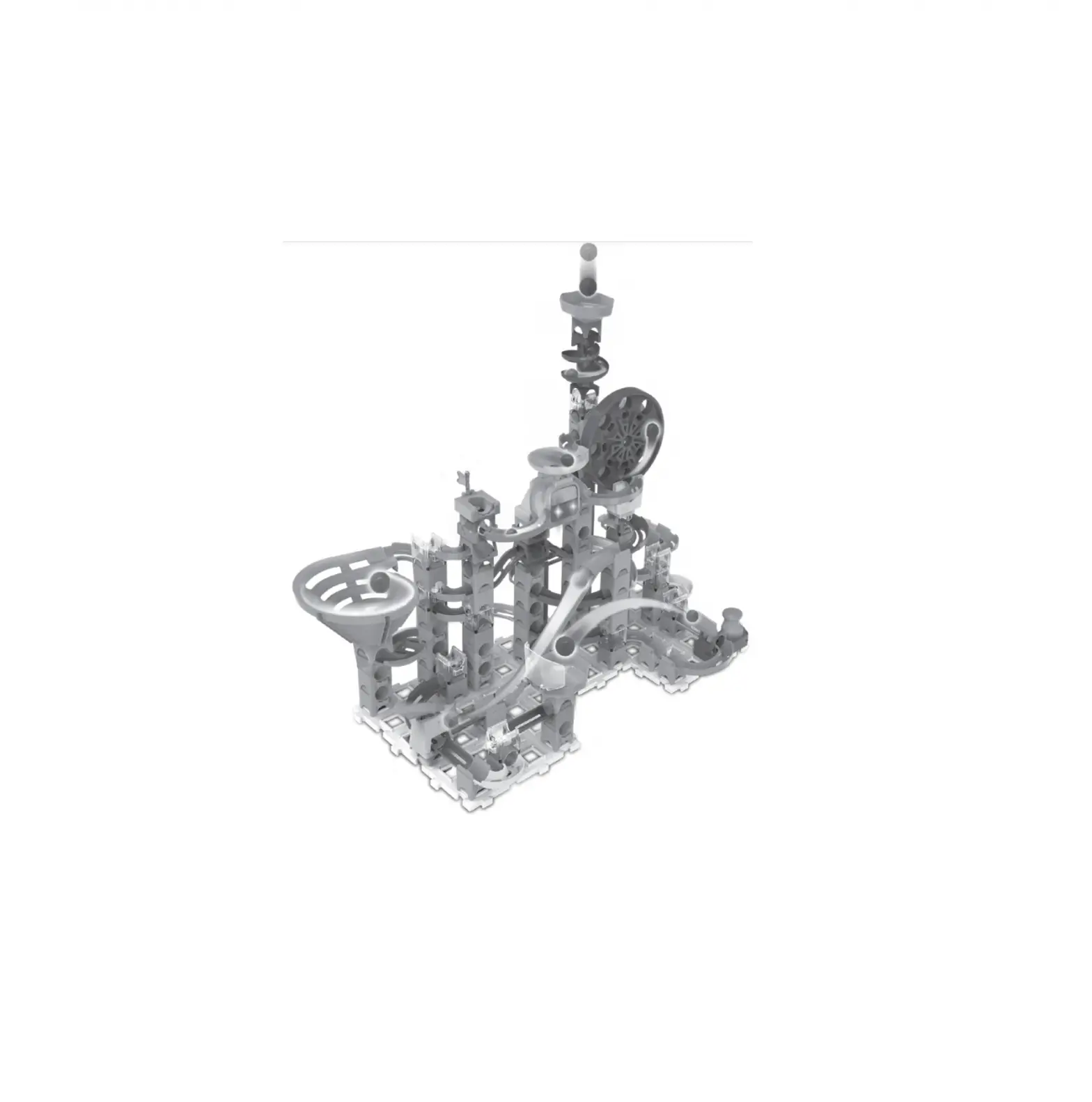
Ferris Wheel
Music Selection Button
Music/SFX Selector
2
INCLUDED IN THE PACKAGE
· Marble Rush® Go-Spidey-Go! Set · 65 Components & 6 Marbles · Quick Start Guide · 1 Color Manual · 1 Sticker Sheet
WARNING: All packing materials such as tape, plastic sheets, packaging locks, removable tags, cable ties, cords and packaging screws are not part of this toy, and should be discarded for your child’s safety.
NOTE: Please save this Instruction Manual as it contains important information. ATTENTION : Pour la sécurité de votre enfant, débarrassez-vous de tous les produits d’emballage tels que rubans adhésifs, feuilles de plastique, attaches, étiquettes, cordons et vis d’emballage. Ils ne font pas partie du jouet.
NOTE : Il est conseillé de sauvegarder ce manuel d’utilisation car il comporte des informations importantes.
WWARNING:
CHOKING HAZARD-Toy contains small parts and
small balls. Not for children under 3yrs.
3
INSTRUCTIONS
Battery Removal and Installation
1. Make sure the unit is turned Off. 2. Find the battery cover located on the
back of the unit, use a screwdriver to loosen the screw and then open the battery cover. 3. Remove old batteries by pulling up on one end of each battery. 4. Install 3 new AAA (LR03/AM-4) batteries following the diagram inside the battery box. (For best performance, alkaline batteries or fully charged Ni-MH rechargeable batteries are recommended.) 5. Replace the battery cover and tighten the screw to secure.
WARNING:
Adult assembly required for battery installation. Keep batteries out of reach of children.
ATTENTION :
Les piles ou accumulateurs doivent être installés par un adulte. Tenir les piles ou accumulateurs hors de portée des enfants.
4
IMPORTANT: BATTERY INFORMATION
· Insert batteries with the correct polarity (+ and -). · Do not mix old and new batteries. · Do not mix alkaline, standard (carbon-zinc) or rechargeable
batteries. · Only batteries of the same or equivalent type as recommended
are to be used. · Do not short-circuit the supply terminals. · Remove batteries during long periods of non-use. · Remove exhausted batteries from the toy. · Dispose of batteries safely. Do not dispose of batteries in fire. RECHARGEABLE BATTERIES · Remove rechargeable batteries (if removable) from toy before
charging. · Rechargeable batteries are only to be charged under adult
supervision. · Do not charge non-rechargeable batteries.
5
LABEL APPLICATION Label labellabellabel
Please securely stick the labelalbseltotheplayset as indicated below:
1
22
2
2
2
2
2
1
1
1
1
1
1
33
99
1
1
3
77
44
4
55 66
88 99
7 1100
7
10
1111
6
1 4
2 3
5
6 9
7 10
8
11
7
PRODUCT FEATURES
1. Music/SFX Selector Slide the selector all the way to the right to turn on both music and sound effects (SFX). The middle position plays SFX with no background music. Slide the selector all the way to the left to turn off the Ferris Wheel.
2. Ferris Wheel When the Music/SFX Selector on the Ferris Wheel is turned on, the Ferris Wheel will continuously spin until it is turned off. When a marble is detected, the Ferris Wheel will play cool sound effects with flashing lights.
3. Music Selection Button Press the Music Selection Button to cycle through the background music options.
4. Automatic Shut-Off
4
To preserve battery life, the Spidey and His Amazing Friends Marble RushTM Go-Spidey-Go! will automatically shut off after several minutes without input. The unit can be turned on again by sliding the Music/SFX Selector to the middle or right-hand position.
NOTE
If the unit powers down or if the light fades out during play,
please install a new set of batteries.
8
CARE & MAINTENANCE
1. Keep the unit clean by wiping it with a slightly damp cloth. 2. Keep the unit out of direct sunlight and away from any direct heat
sources. 3. Remove the batteries if the unit will not be in use for an extended
period of time. 4. Do not drop the unit on hard surfaces and do not expose the unit
to moisture or water.
TROUBLESHOOTING
If for some reason the unit stops working or malfunctions, please follow these steps: 1. Turn the unit Off. 2. Interrupt the power supply by removing the batteries. 3. Let the unit stand for a few minutes, then replace the batteries. 4. Turn the unit On. The unit should now be ready to use again. 5. If the unit still does not work, install a new set of batteries.
IMPORTANT NOTE: If the problem persists, please call our Consumer Services Department at 1-800-521-2010 in the U.S., 1-877-352-8697 in Canada, or by going to our website vtechkids.com and filling out our Contact Us form located under the Customer Support link. Creating and developing VTech products is accompanied by a responsibility that we take very seriously. We make every effort to ensure the accuracy of the information, which forms the value of our products. However, errors sometimes can occur. It is important for you to know that we stand behind our products and encourage you to contact us with any problems and/or suggestions you might have. A service representative will be happy to help you.
9
NOTE
This equipment has been tested and found to comply with the limits for a Class B digital device, pursuant to Part 15 of the FCC Rules. These limits are designed to provide reasonable protection against harmful interference in a residential installation. This equipment generates, uses and can radiate radio frequency energy and, if not installed and used in accordance with the instructions, may cause harmful interference to radio communications. However, there is no guarantee that interference will not occur in a particular installation. If this equipment does cause harmful interference to radio or television reception, which can be determined by turning the equipment off and on, the user is encouraged to try to correct the interference by one or more of the following measures: · Reorient or relocate the receiving antenna. · Increase the separation between the equipment and receiver. · Connect the equipment into an outlet on a circuit different from that
to which the receiver is connected. · Consult the dealer or an experienced radio/TV technician for help. CAUTION Changes or modifications not expressly approved by the party responsible for compliance could void the user’s authority to operate the equipment.
10
Supplier’s Declaration of Conformity 47 CFR § 2.1077 Compliance Information
Trade Name:
VTech®
Model:
5617
Product Name: Spidey and His Amazing FriendsTM
Marble Rush® Go-Spidey-Go! Set
Responsible Party: VTech Electronics North America, L.L.C.
Address:
1156 W. Shure Drive, Suite 200,
Arlington Heights, IL 60004
Website:
vtechkids.com
THIS DEVICE COMPLIES WITH PART 15 OF THE FCC
RULES. OPERATION IS SUBJECT TO THE FOLLOWING TWO
CONDITIONS: (1) THIS DEVICE MAY NOT CAUSE HARMFUL
INTERFERENCE, AND (2) THIS DEVICE MUST ACCEPT ANY
INTERFERENCE RECEIVED, INCLUDING INTERFERENCE THAT
MAY CAUSE UNDESIRED OPERATION.
11
Visit our website for more information about our products, downloads, resources and more.
vtechkids.com vtechkids.ca
Read our complete warranty policy online at vtechkids.com/warranty vtechkids.ca/warranty
TM & © 2023 VTech Holdings Limited. All rights reserved. IM-561700-000 Version:0
 VTech Canada | Official Electronic Learning Toys & Games for Kids
 Best Kids Tech Toys | Electronic Learning Toys | VTech America