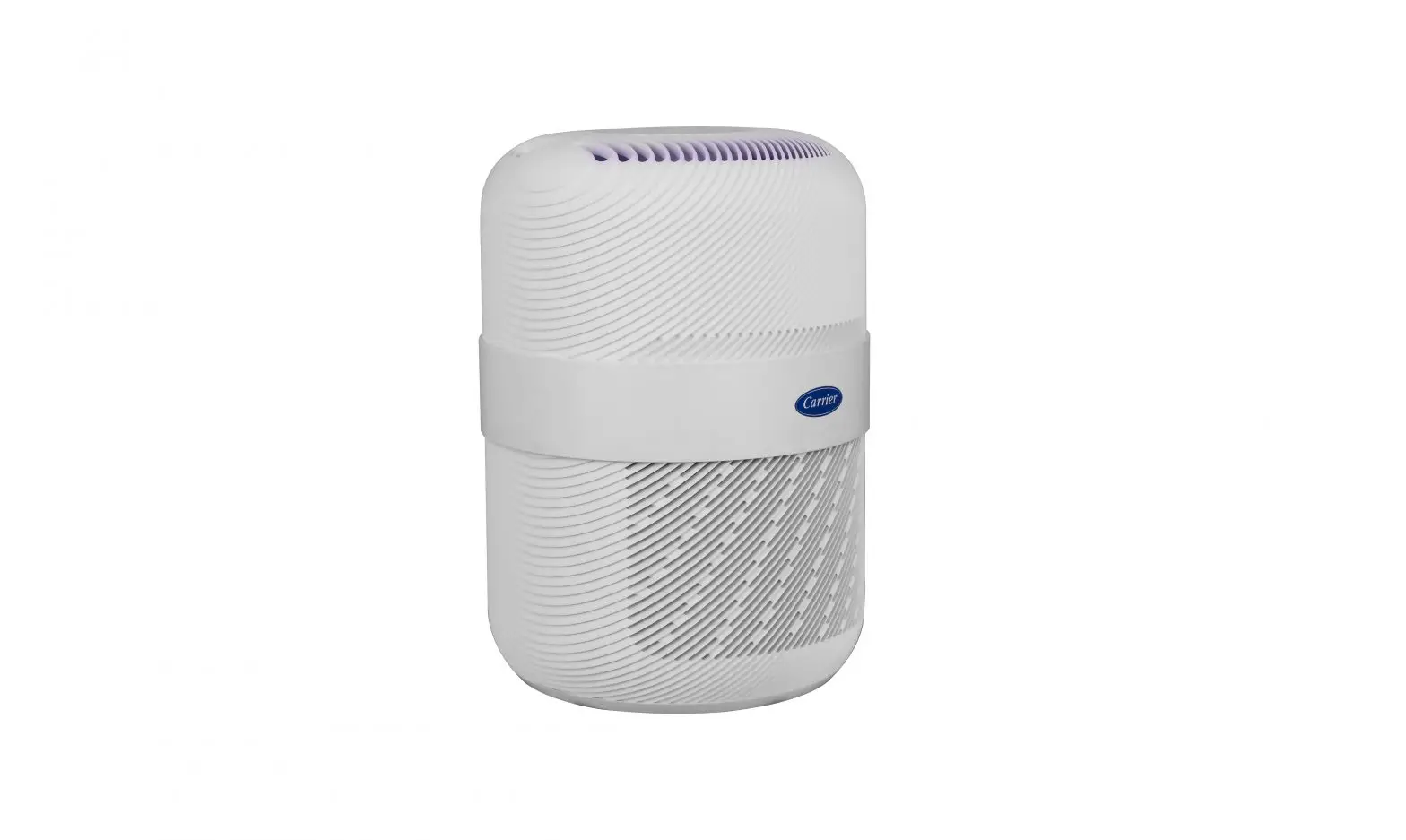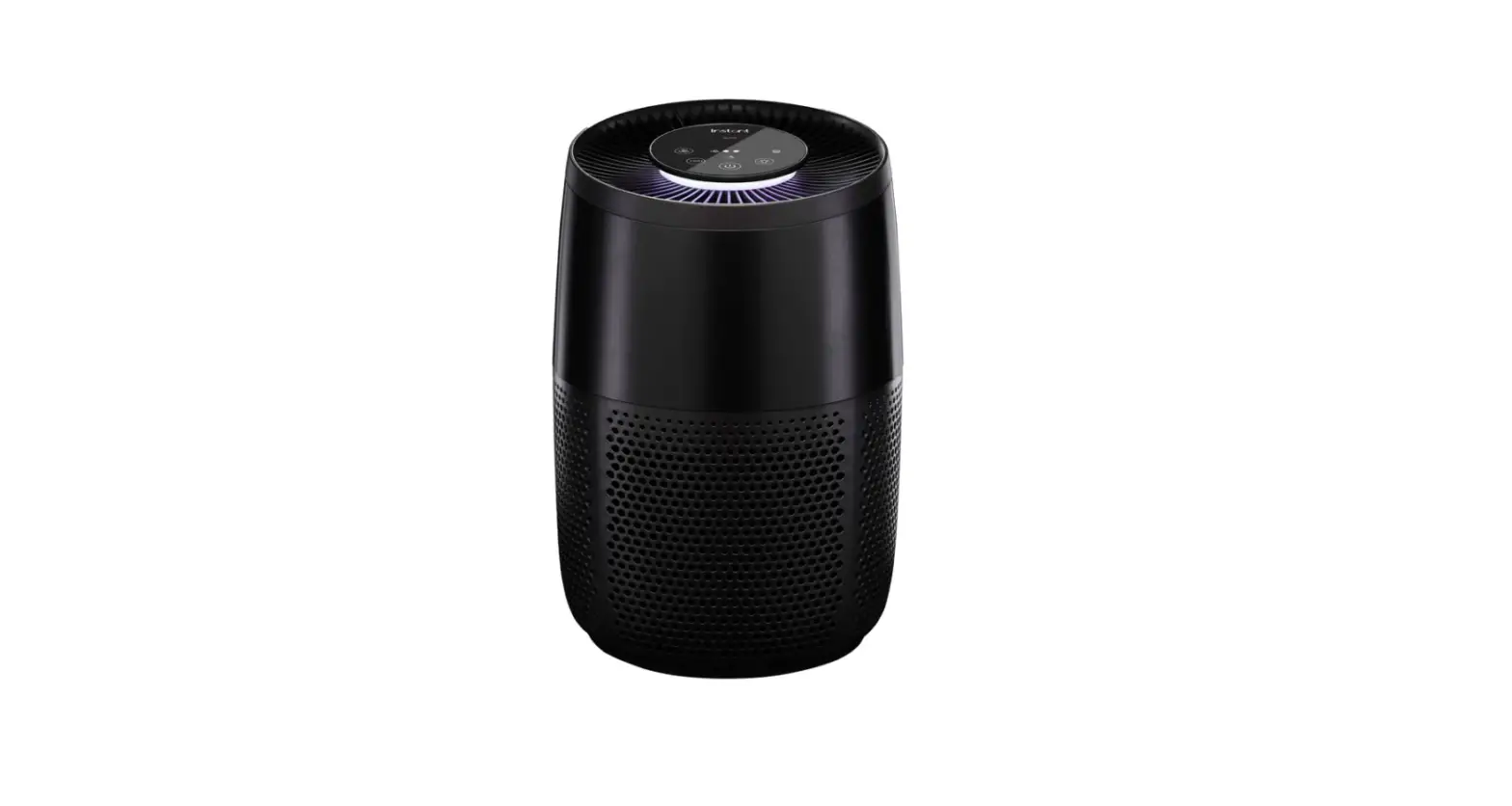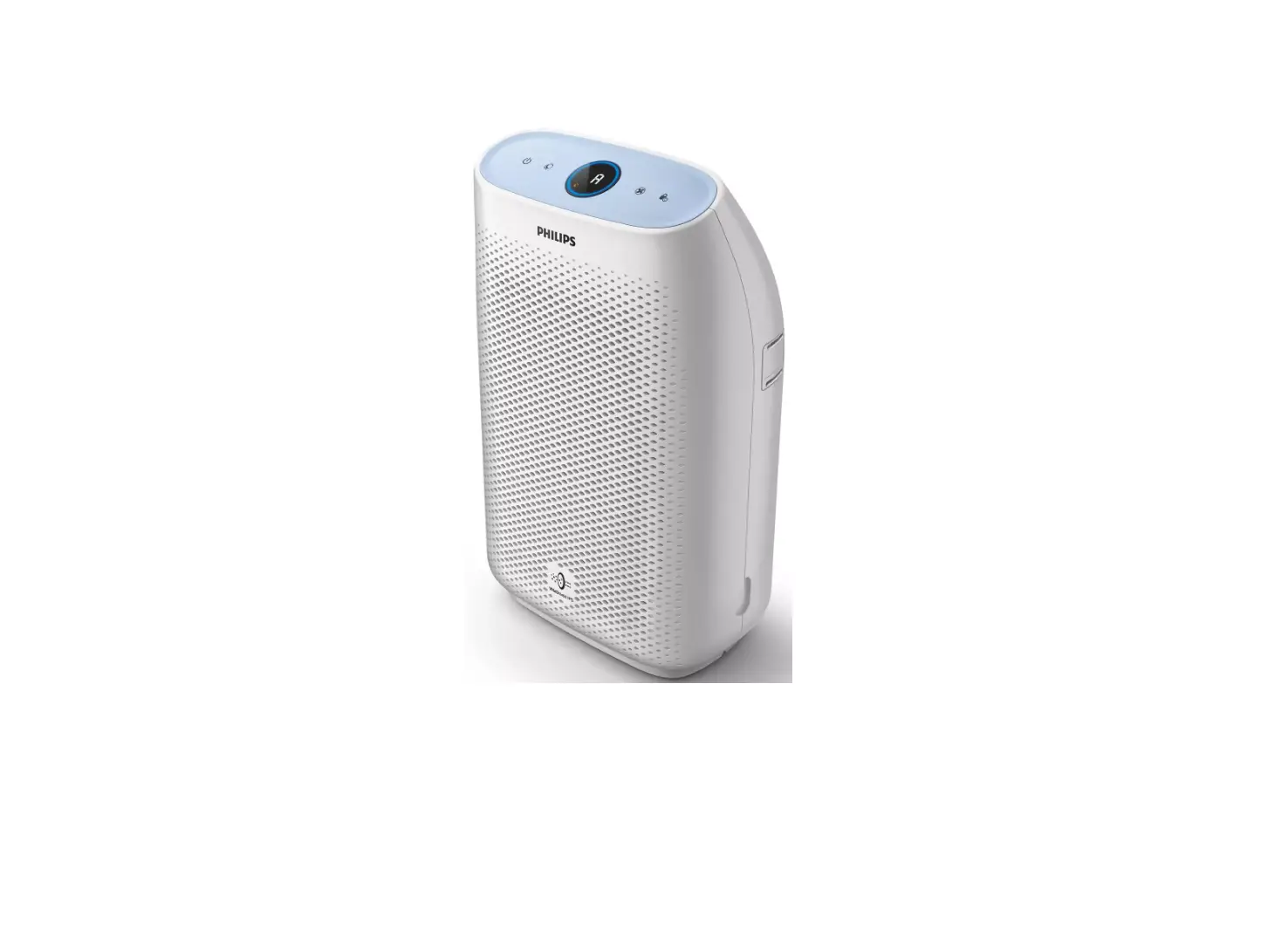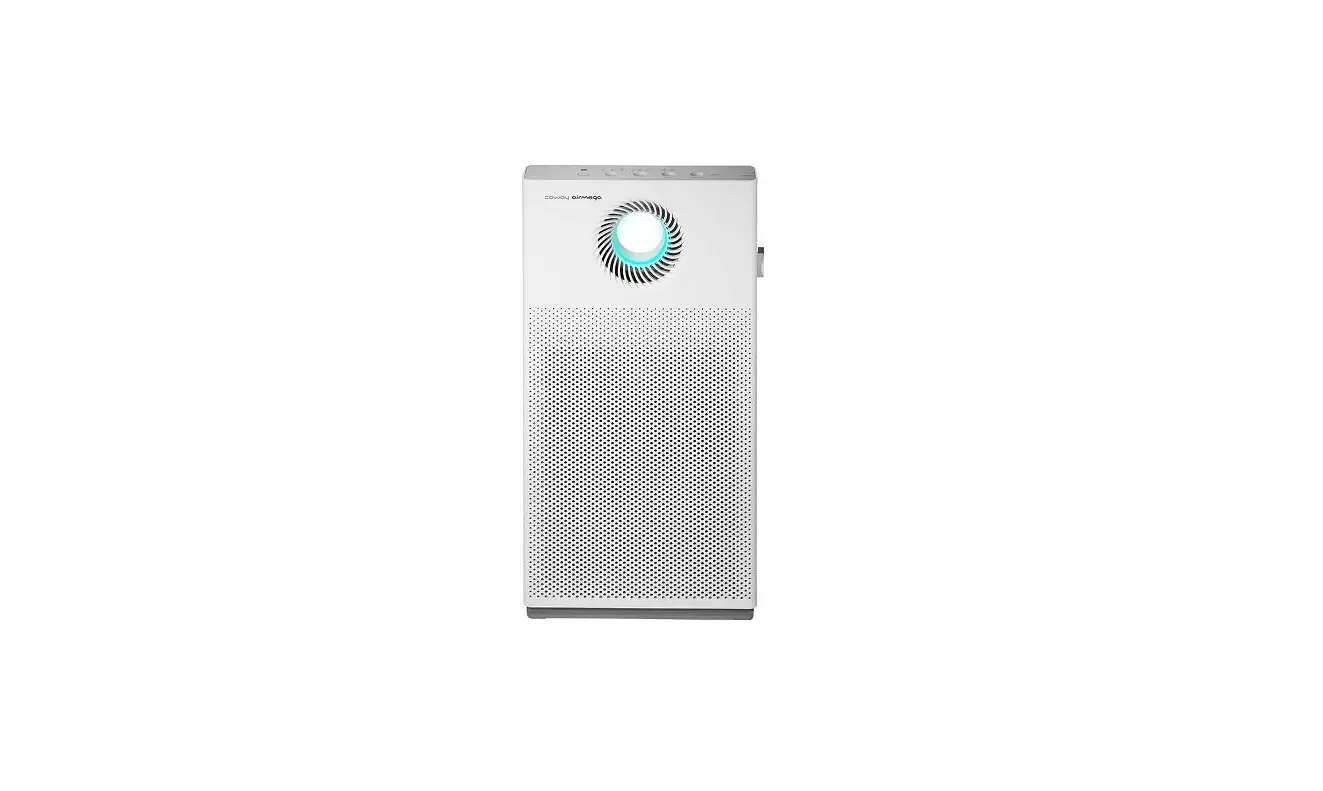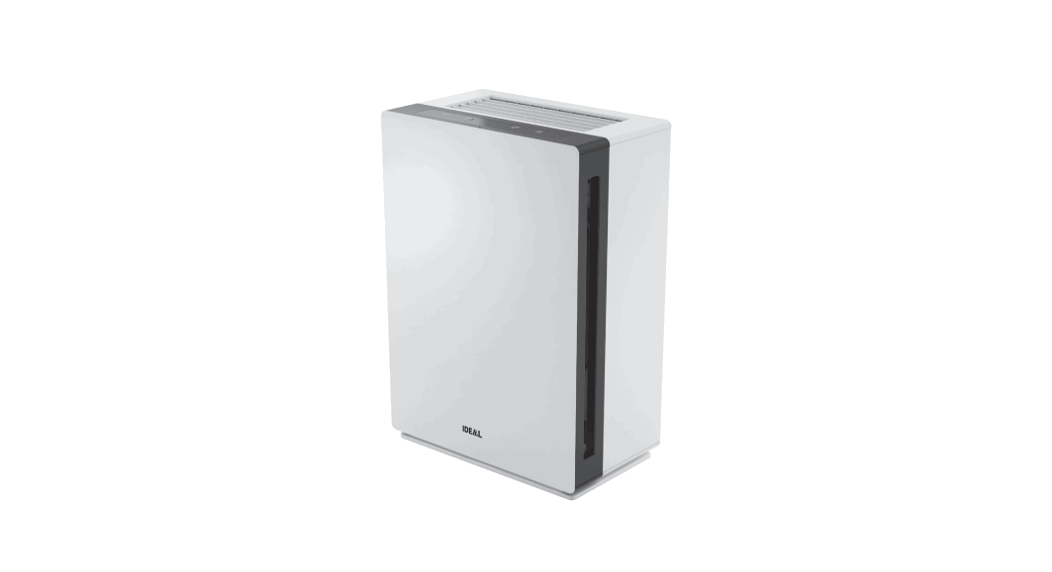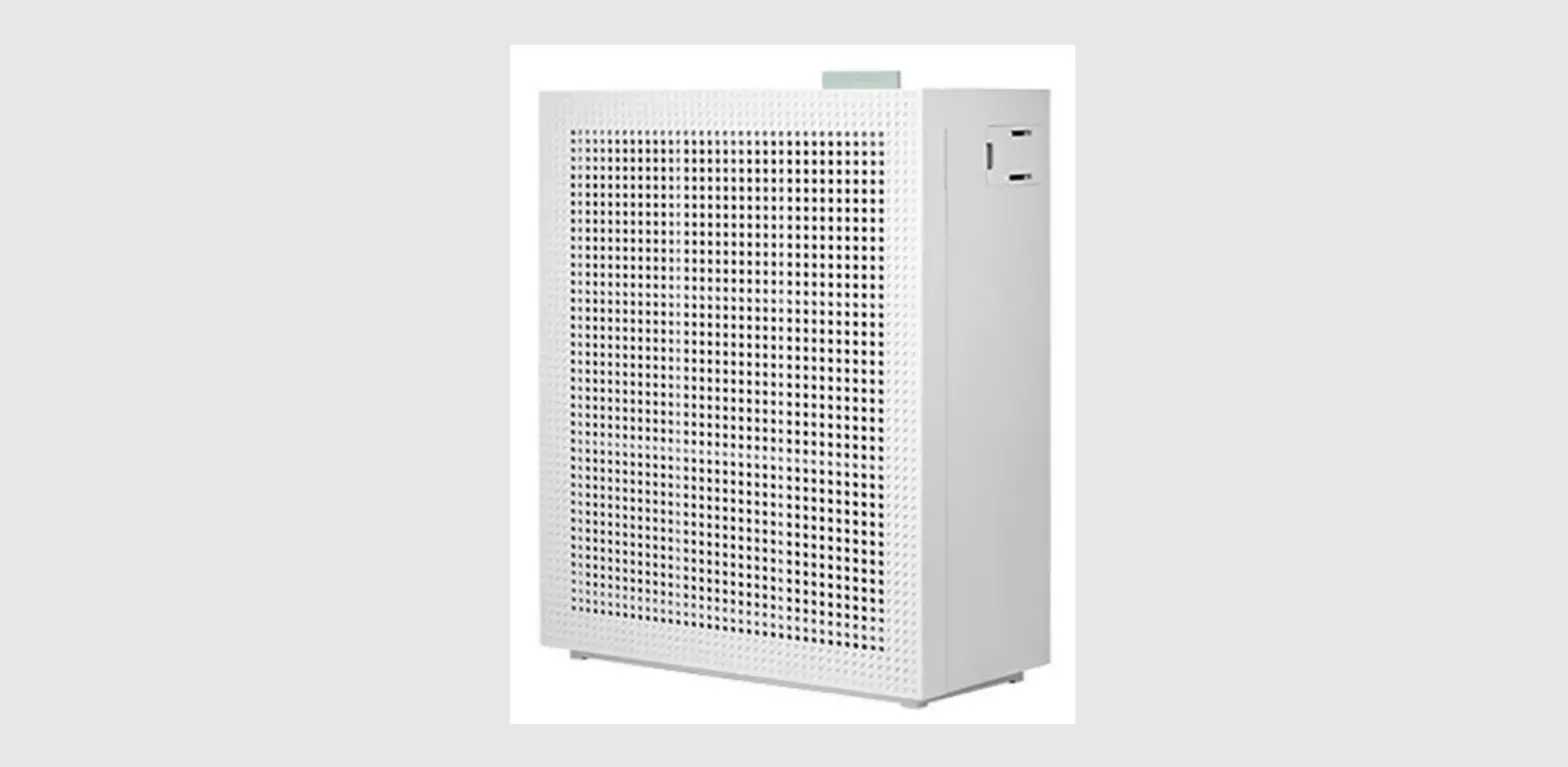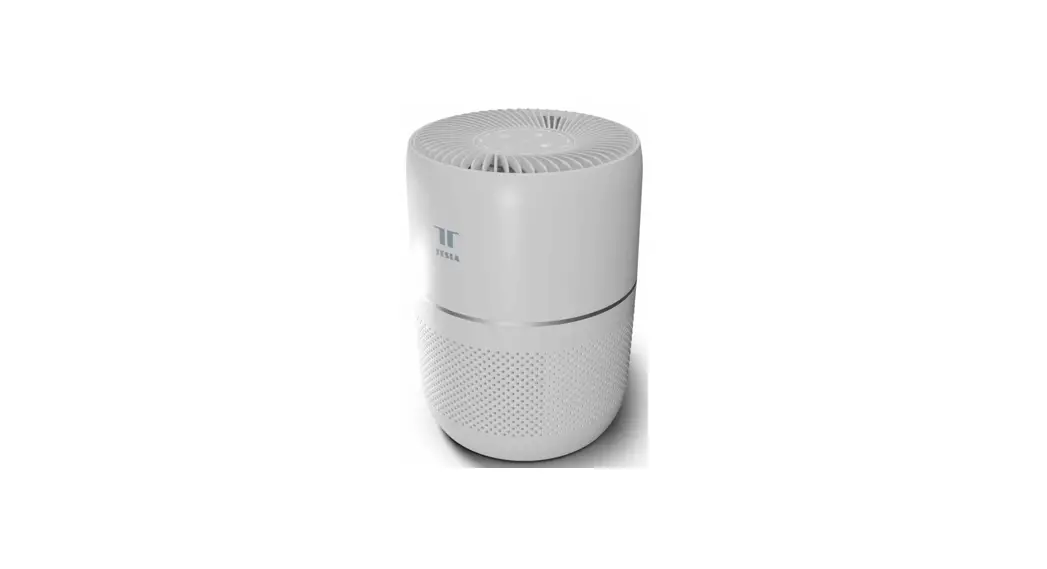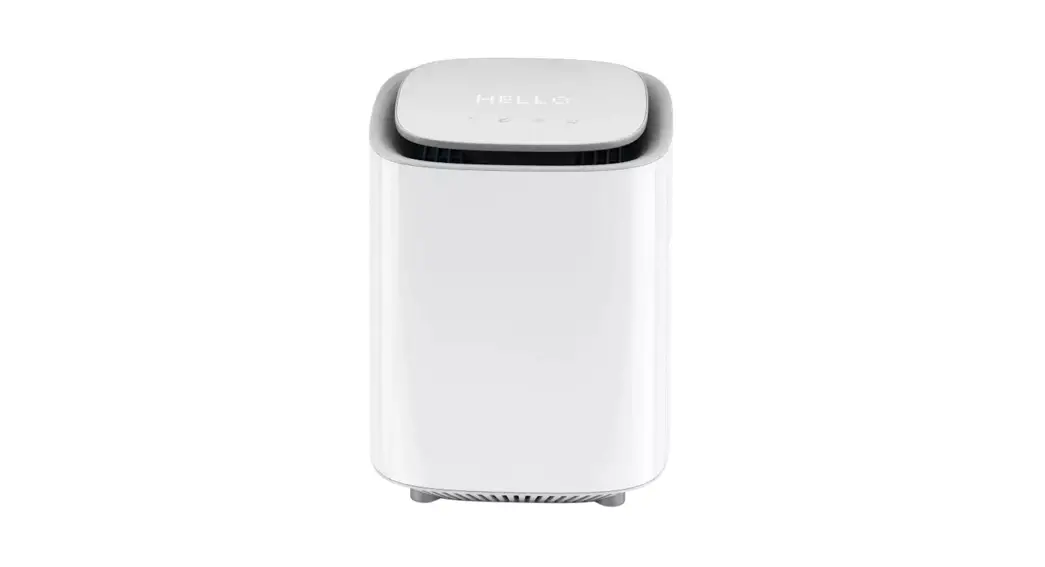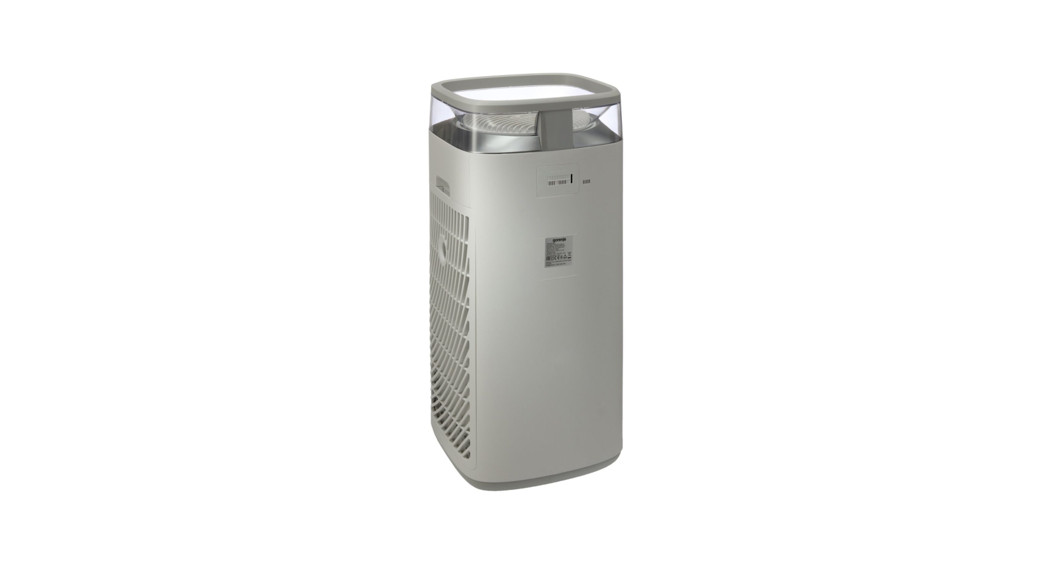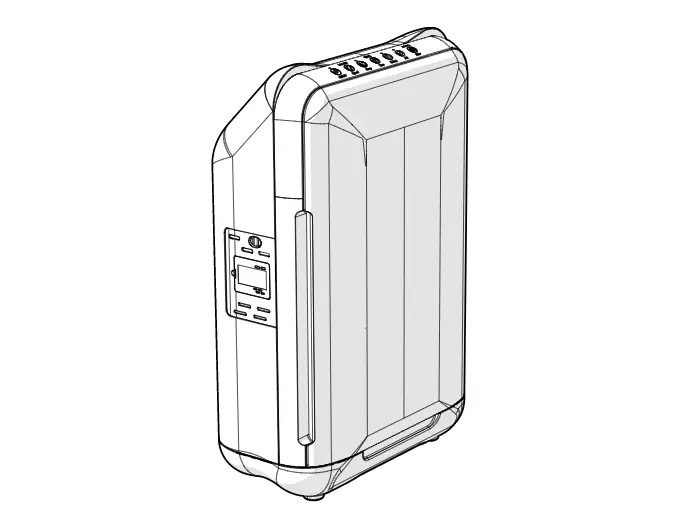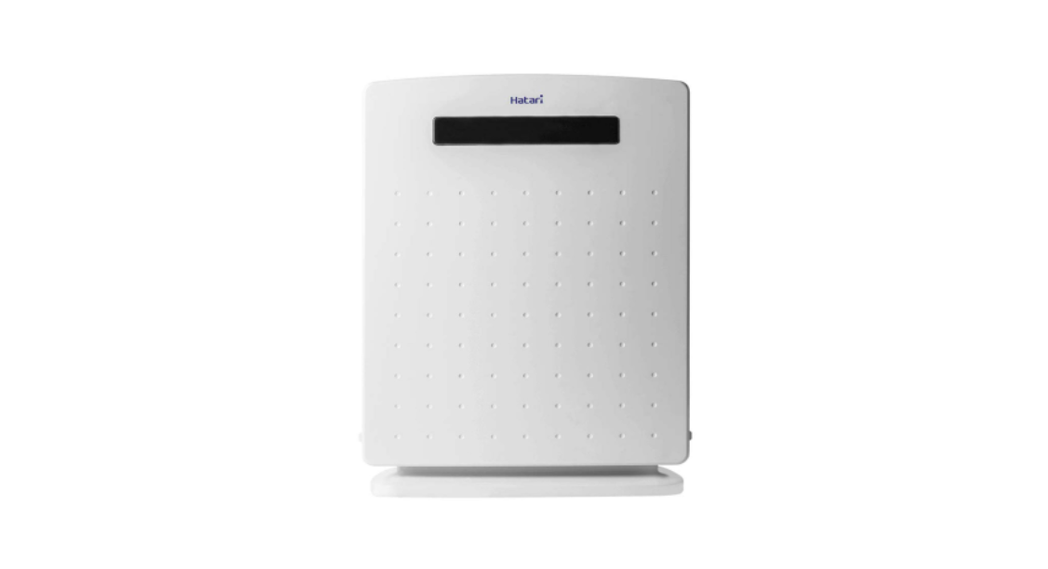

AP12R1 Air Purifier with Remote Control
User Manual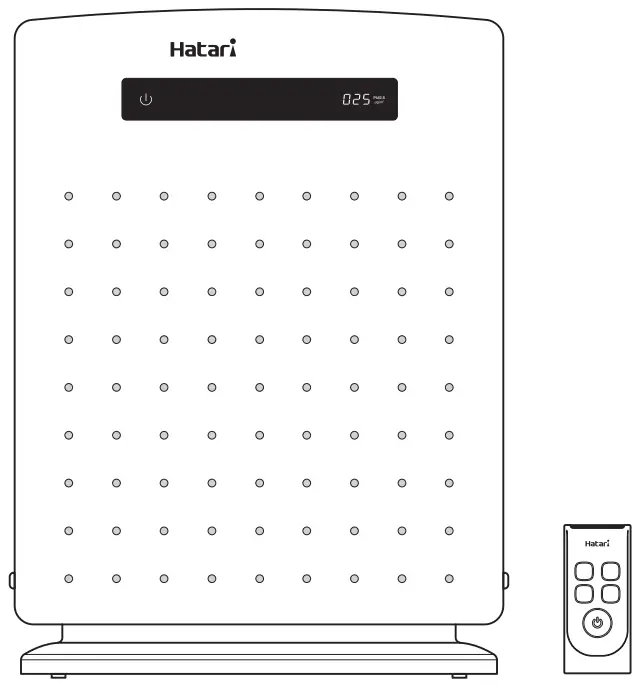
Product Specification
| Model | AP12R1 |
| Size | 220V 50Hz |
| Voltage | 49W |
| Electric Power | 0.23A |
| Electric Current | F |
| Clean Air Delivery Rate | 91 CFM |
| Retail Price (Baht) The price includes VAT | 3,435.- |
Air Purifier model: AP12R1 Patent (Product Design) application number 46556, 46557, 46558
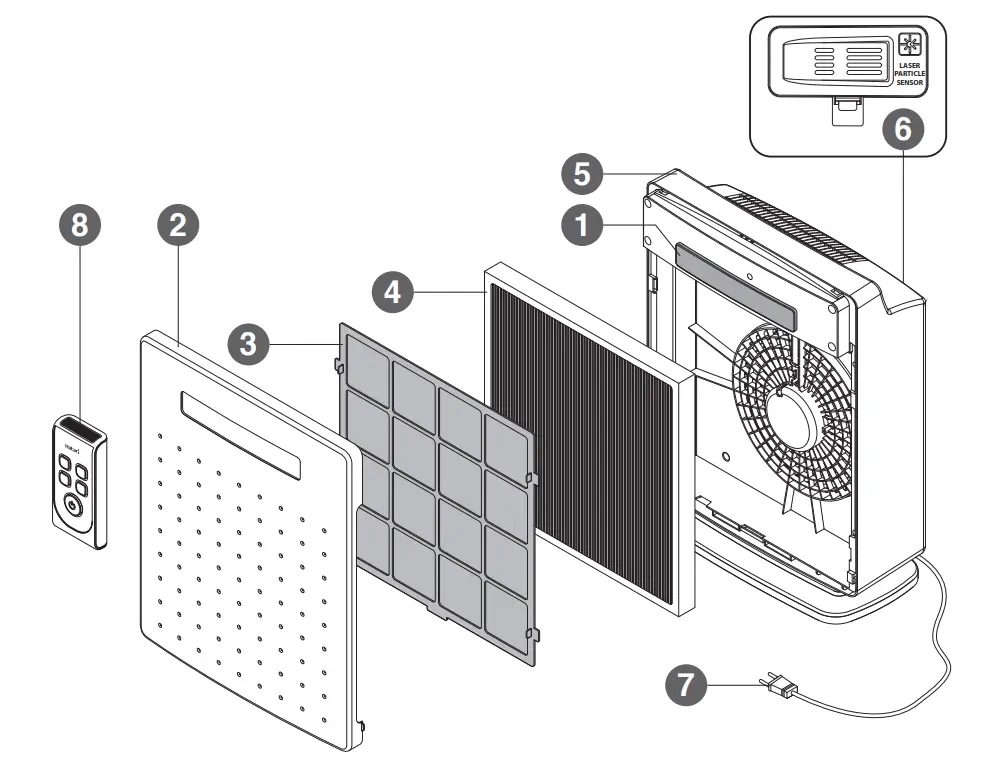
AIR PURIFIER COMPONENTS
- CONTROL PANEL
- FRONT COVER
- PRE-FILTER
- FILTER
- BACK COVER
- PARTICLE SENSOR
- POWER SUPPLY CORD & PLUG
- REMOTE CONTROL

AIR QUALITY INDEX PM2.5 AND AUTO MODE SYSTEM
| PM2.5 (µg/m 3) | COLOR OF DISPLAY | FAN SPEED LEVEL |
| 0-35 | GREEN | SPEED 1 |
| 36-55 | ORANGE | SPEED 2 |
| 56-75 | RED | SPEED 3 |
| 76 up | SPEED 4 |
DIRECTION OF USE
This air purifier is operated by a touch screen system and remote control. The touch screen system can be activated using fingers to touch the control panel. Remote control, point the remote signal transmitter to the signal receiver on the control panel. Avoid having obstructions between the remote signal transmitter and the receiver. Plug the power supply cord into a 220V, 50Hz power socket.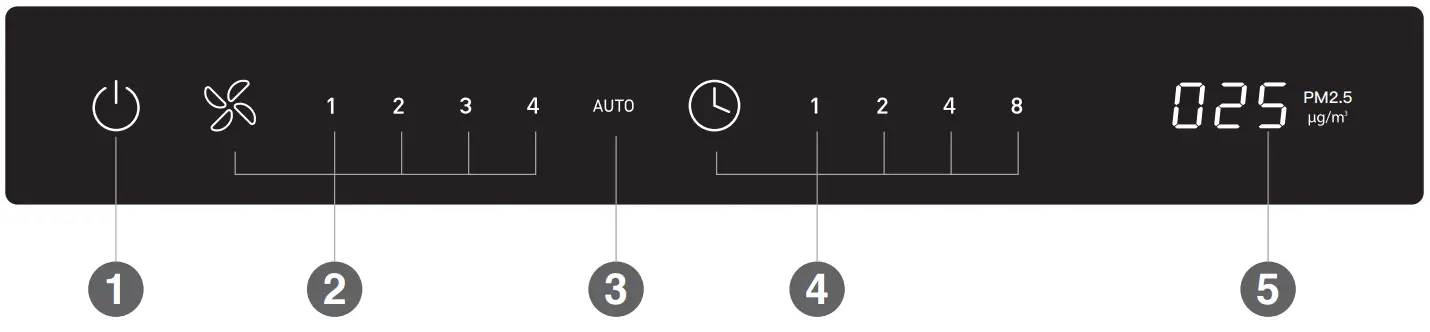
| 1. ON/OFF | Touch the switch on the control panel to turn on the air purifier. It will start with the AUTO function. To turn the air purifier off, touch the switch again. Press and hold the switch for about 2 seconds to dim the brightness level of the control panel. Touch and hold the same switch again or touch other switches to cancel the brightness level reduction. |
| 2. SPEED | Switch for adjusting 4 levels of air suction power: 1: low, 2: moderate, 3: strong, 4: very strong and AUTO respectively. |
| 3. AUTO | Automatic control system. The dust sensor will automatically adjust the power according to the air quality (Ref. air quality index PM2.5 and auto mode system). Touch the switch again to deactivate the function. The air suction will operate in power suction power 1: low. |
| 4. TIMER | Switch for timing the air purifier’s operation: 1, 2, 4, 8 hours or to cancel timing altogether, respective to the number of time the sensor is touched. One set, the timer will indicate the remaining time left of the duration. |
| 4.1 TIMER OFF | Set the timer while the air purifier is switched on to set the time when the air purifier is to automatically turn off. |
| 4.2 TIMER ON | Set the timer while the air purifier is turned off (but it must be plugged in) to set the time when the air purifier is to automatically turn on. The air purifier will turn on when the time elapsed. |
| 5. DISPLAY PM2.5 | Display and monitor the PM2.5 dust density in the area surrounding the machine in unit microgram per cubic meter (g/m3). The color of the display value changes according to dust density (Ref. air quality index PM2.5 and auto mode system). The display value is stable after turning on the machine for 30 seconds. |
 CAUTION
- Unplug the air purifier before cleaning or changing the components, and when not in use for a long period of time.
- This appliance is not intended for use by persons (including children) with reduced physical, sensory or mental capabilities,
or lack of experiences and knowledge unless they have been given supervision or instruction concerning use of the appliance. - Please remove the plastic bag from the filter before use.
- Used filters should not be cleaned and then reused
- Children should be supervised to ensure they do not play with the appliance.
- This air purifier does not produce ozone.
HOW TO CHANGE THE FILTER
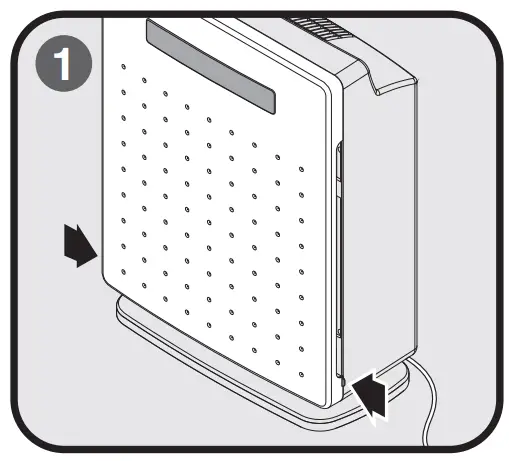 Turn off and unplug the air purifier before changing the filter. To change the filter, pull the buttons on either side of the front cover towards yourself to unlock it, and then remove the front cover
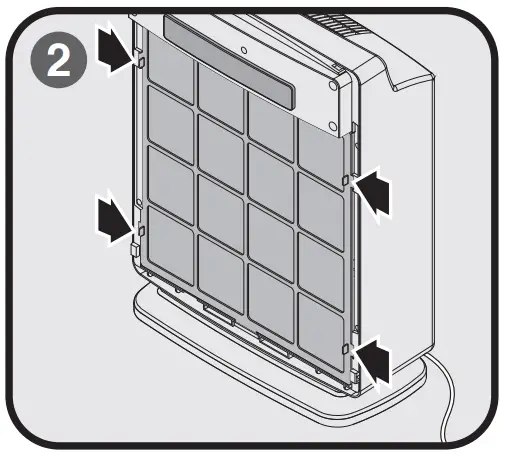 Push the buttons on either side of the pre-filter towards each other as indicated by the arrows to unlock it. Then remove the pre-filter.
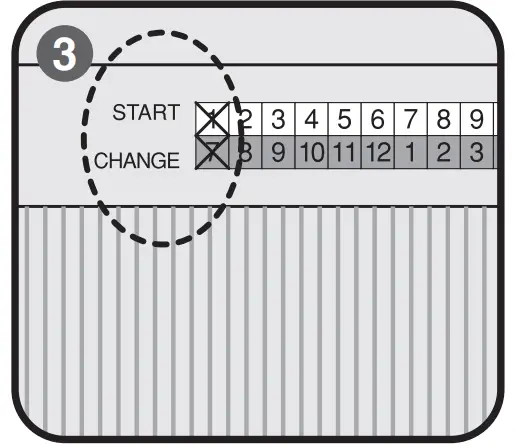 It is advisable to mark the month when the filter is changed (START) on the new filter in order to determine the month when the filter should be changed, shown in the (CHANGE) row under the corresponding starting month, which is around 6 months.
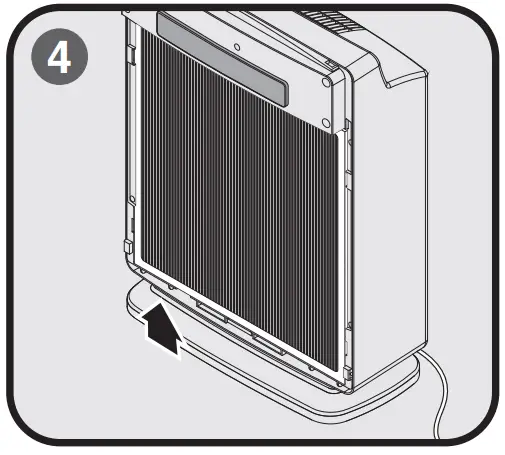 Remove the used filter, starting by pulling at the bottom part. Next, insert a new filter, making sure that it is fitted tightly in all directions, and then assemble the pre-filter and the front cover (start by fitting the top part) back again.
CARE AND CLEANING INSTRUCTIONS
- Use a damp cloth to wipe stains, and then dry the area by wiping.
- When cleaning, be careful not to let the wire, switch, motor, and other electrical components get wet.
- Do not use chemical products, thinner solvents, alcohol, kerosene, or petrol to clean the air purifier.
- The pre-filter can be washed using water or soap water and should be cleaned every 1-2 months.
- The particle sensor cover should be removed for cleaning every month using a soft brush to clean the net at the air intake slot to help with dust sensor accuracy operation. Do not use water or any kind of liquid.
*Do not clean the particle sensor. Do not touch and pull the particle sensor out of position!
 USAGE RECOMMENDATIONS
- The air purifier should not be placed or installed in areas that are of extreme temperatures or near stoves, or in areas that are
wet with high humidity, or has hydrocarbon vapors such as petroleum. - Do not use the air purifier to suck in inflammable or spark-producing mediums such as cigarettes or incense smoke.
- Do not insert fingers, pencils or other objects into the grille while the blades are spinning as it may result in possible injury or physical damage.
- If an electrical component such as a supply cord, motor, or switch is damaged, it must be replaced by the manufacturer, its service agent, or similarly qualified persons in order to avoid a hazard. It is not advisable to fix the fan at home.
- Do not use the air purifier near curtains or mosquito nets as these materials may obstruct the operation of the particle sensor located behind the air purifier.
- Do not use the air purifier in a place with a high magnetic field, in order to prevent the sensor from error operating.
HOW TO REPLACE THE REMOTE CONTROL BATTERY
Open the battery cover by using your fingernail to push the catch downwards as shown by the arrow and remove the battery cover. Replace the used batteries with new “AAA” batteries, ensuring that the positive (+) and negative (-) poles are correctly inserted and correspond with the symbols on the remote control. Place the battery cover back in its original position.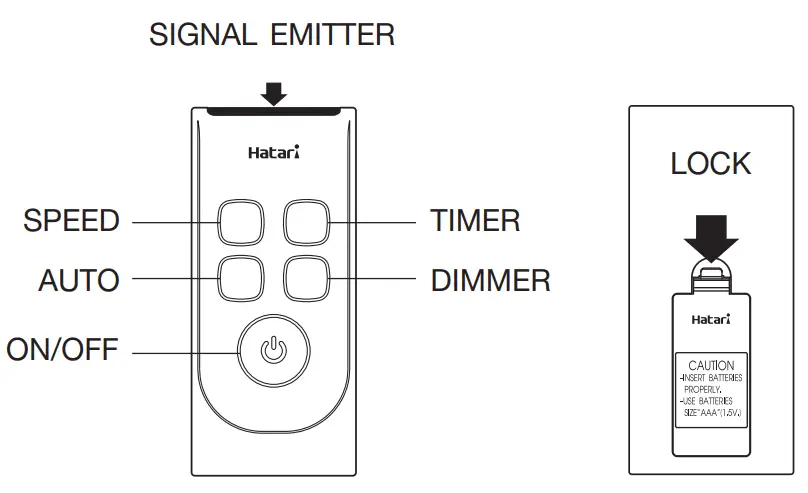 *Batteries should be removed from the remote control when not in use for a long period of time.