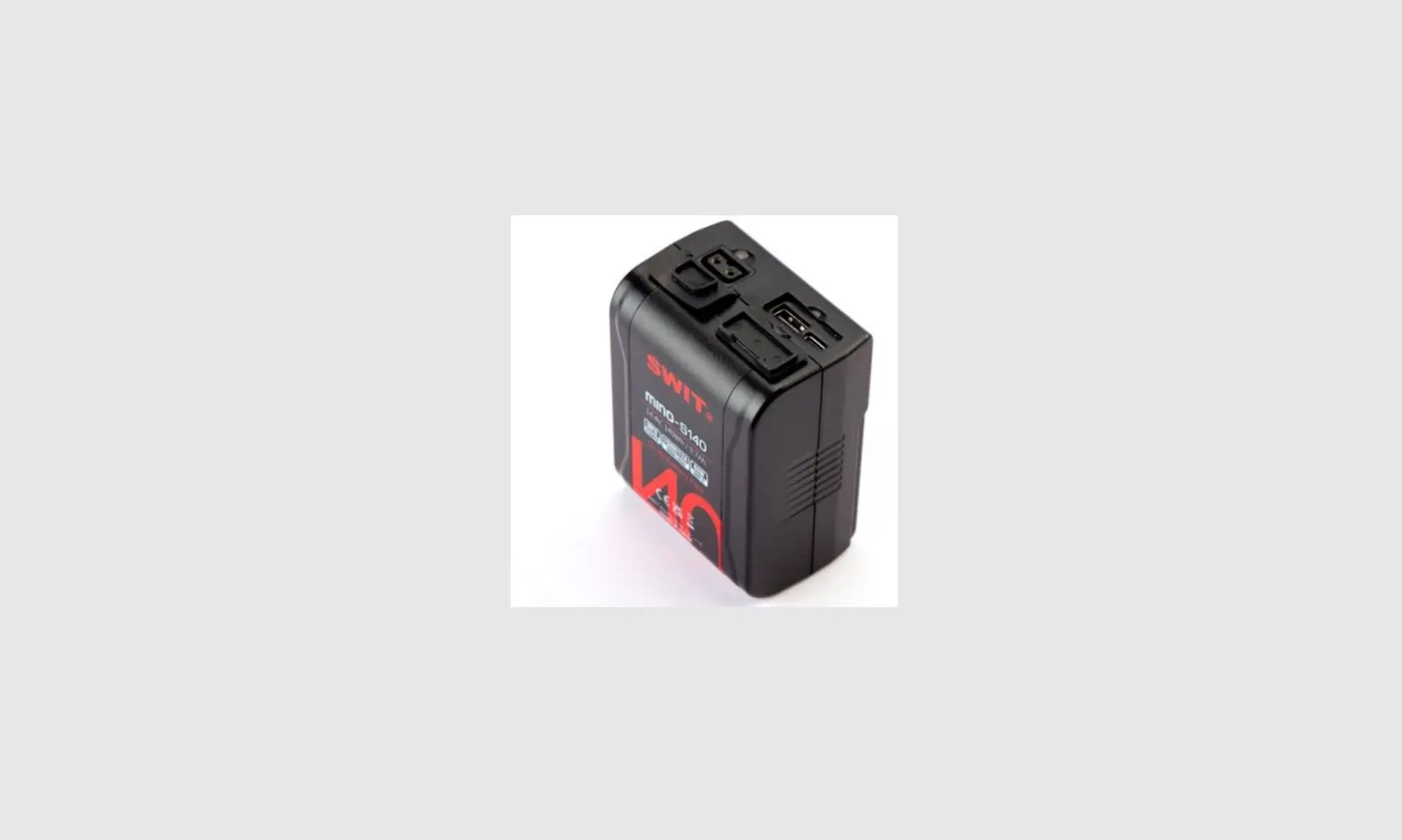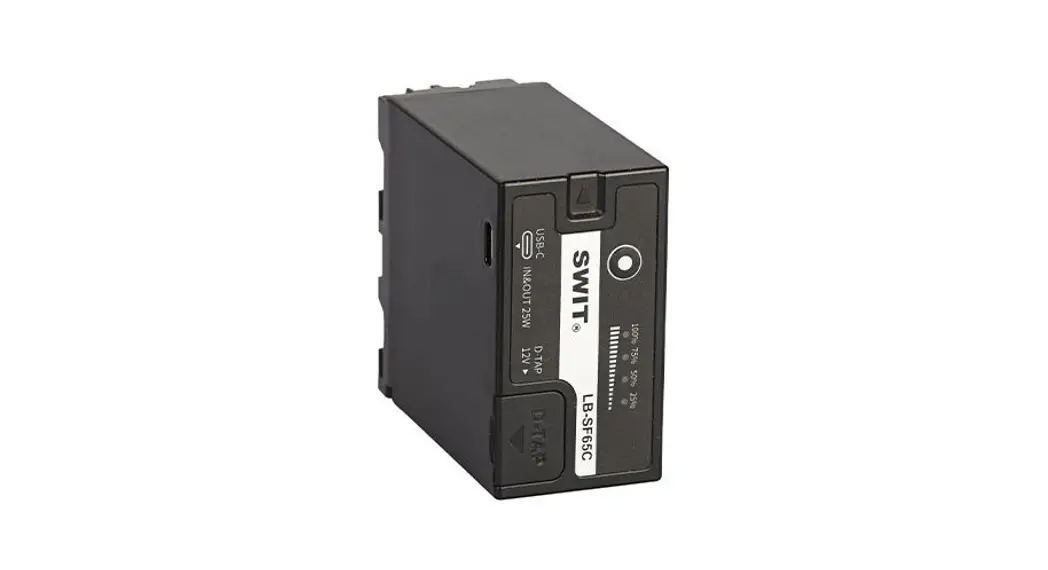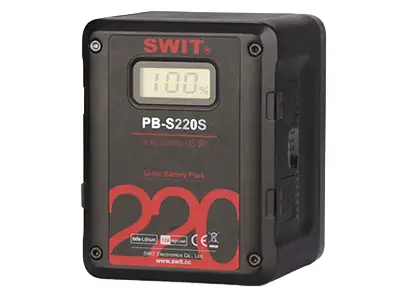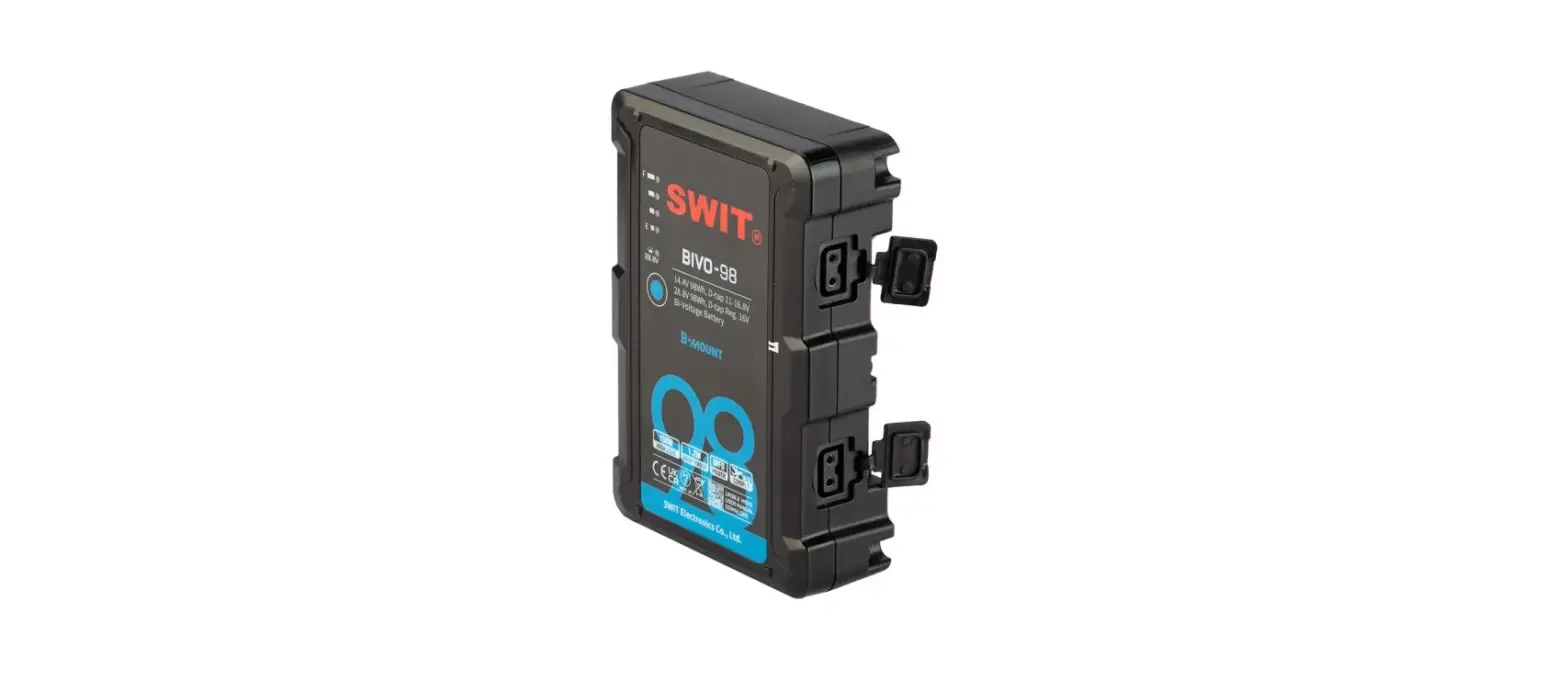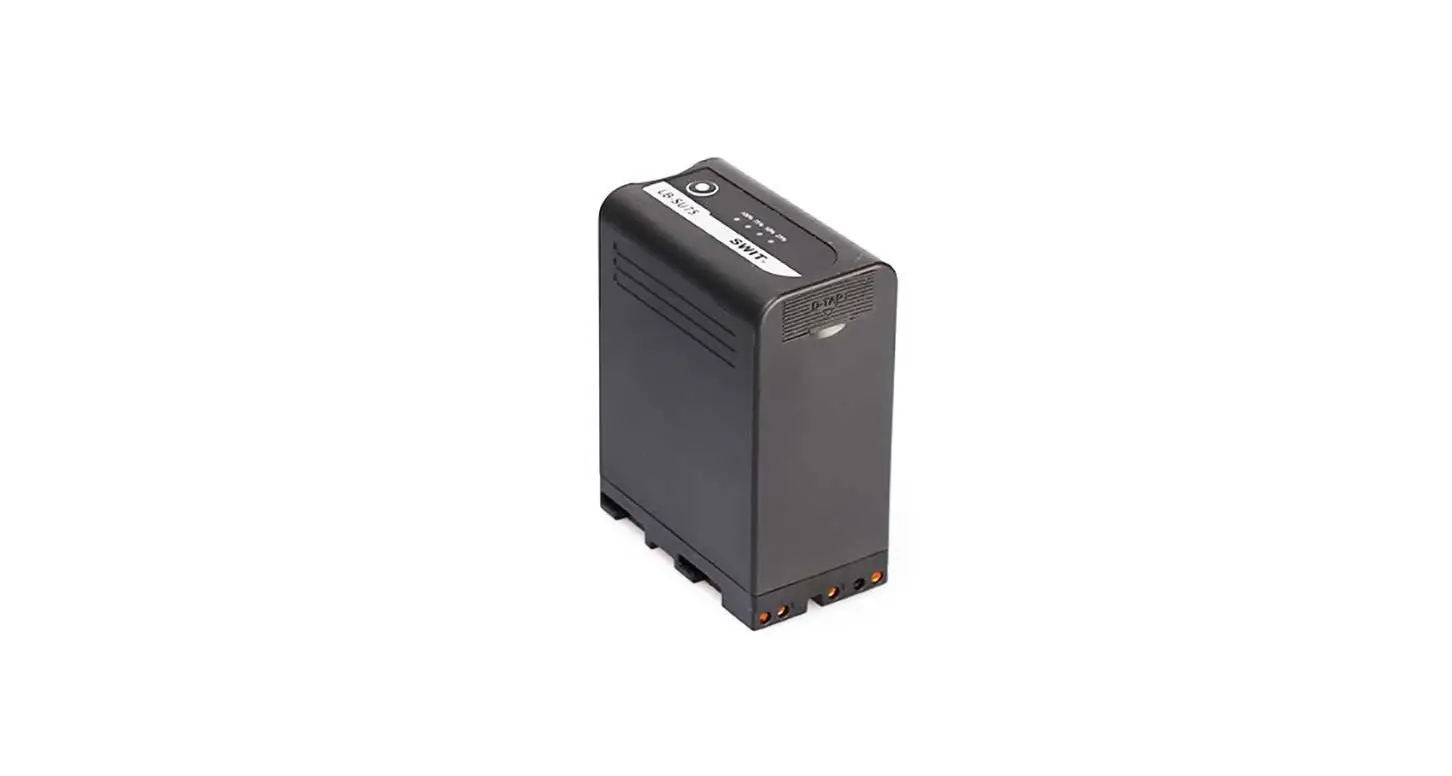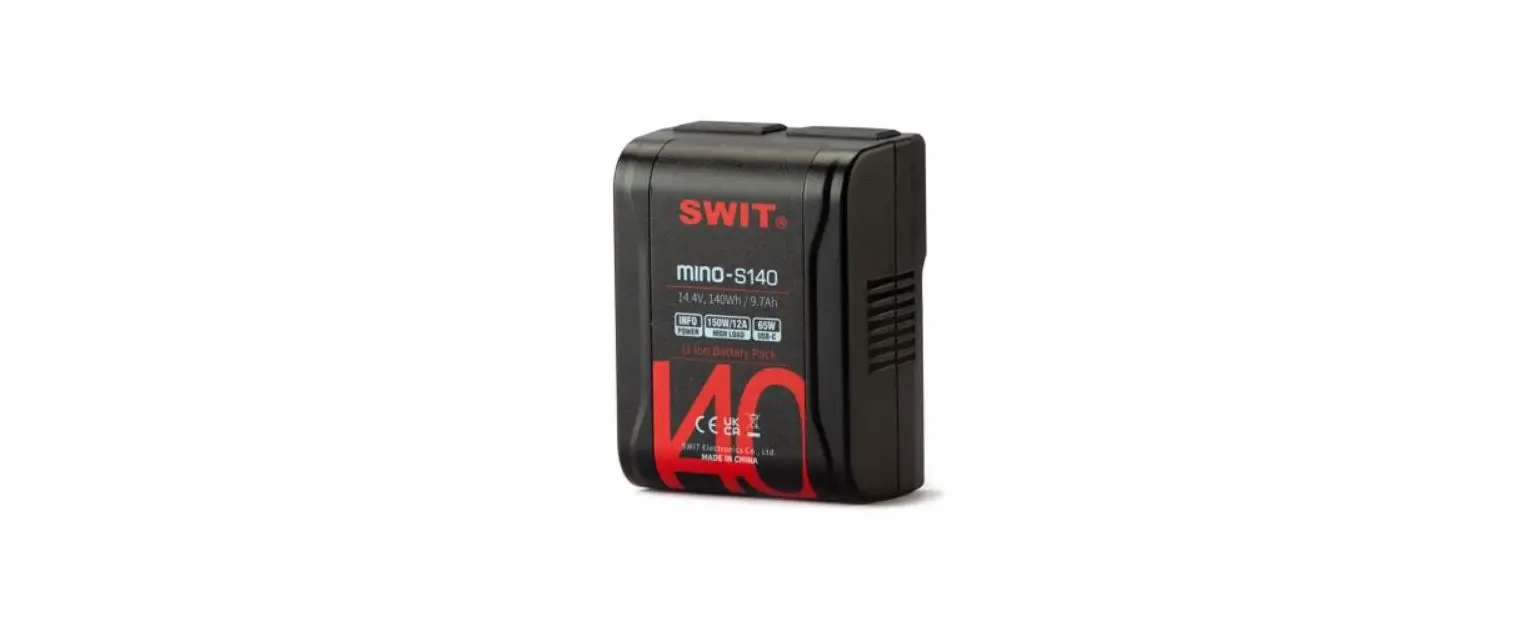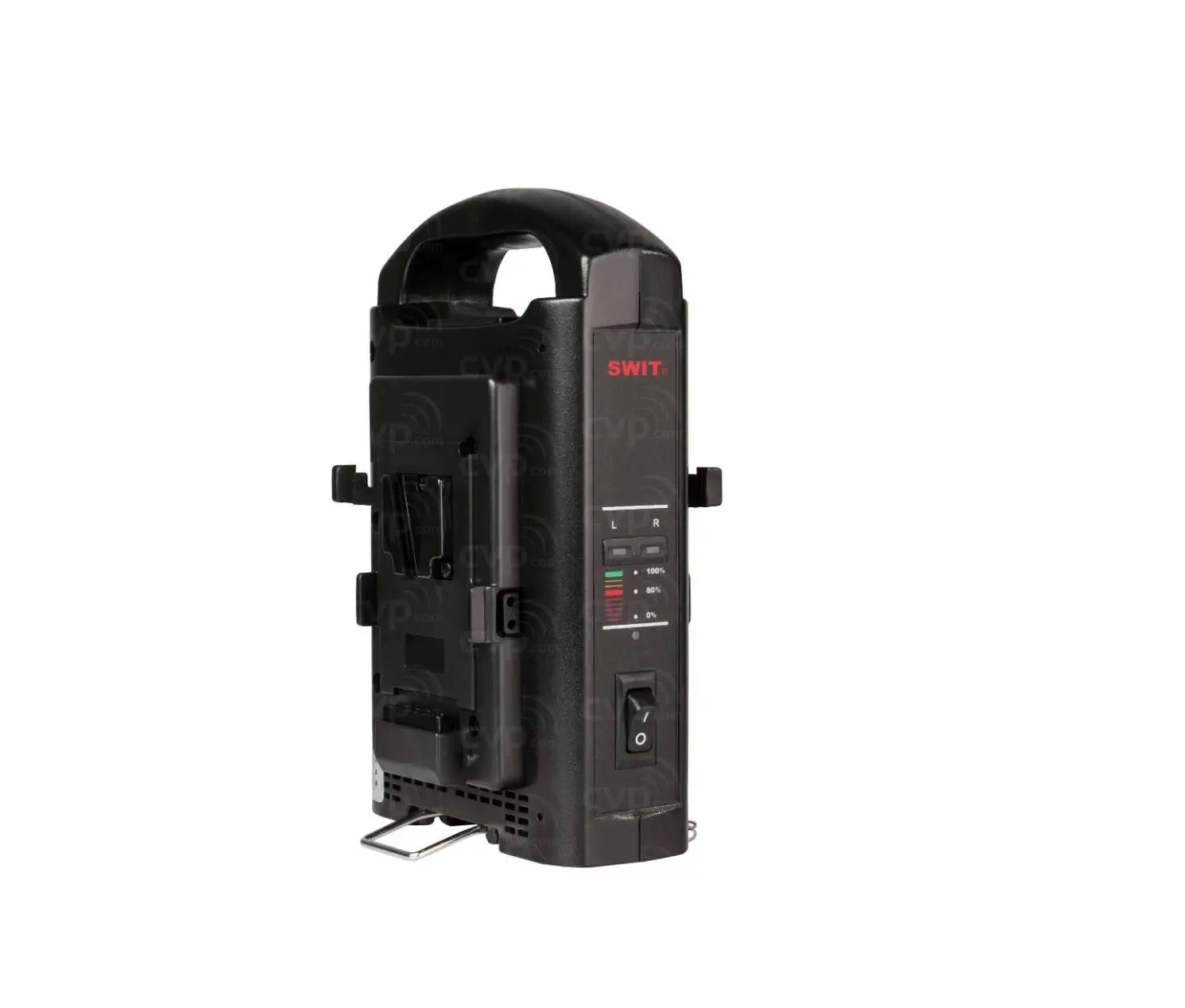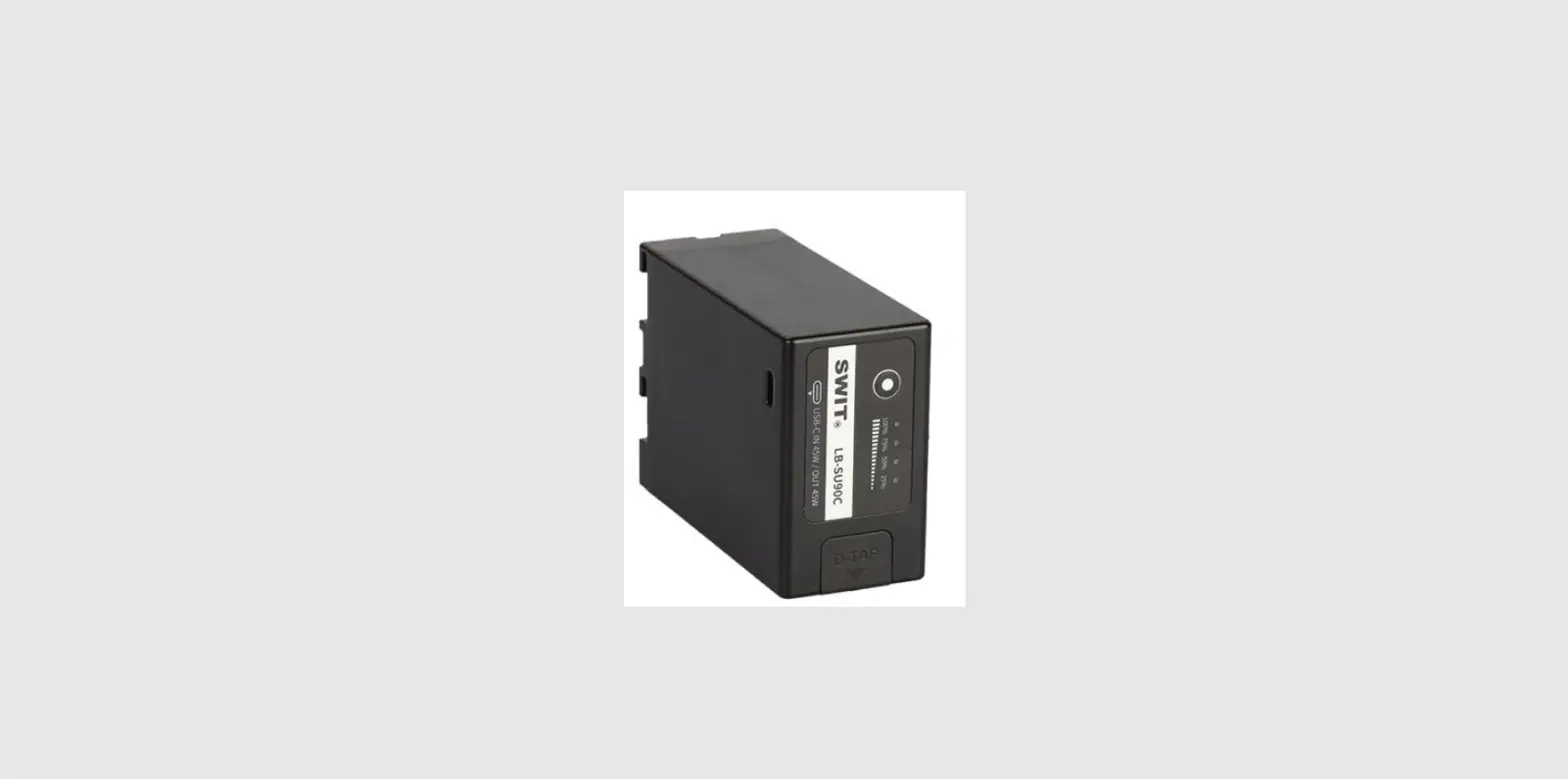
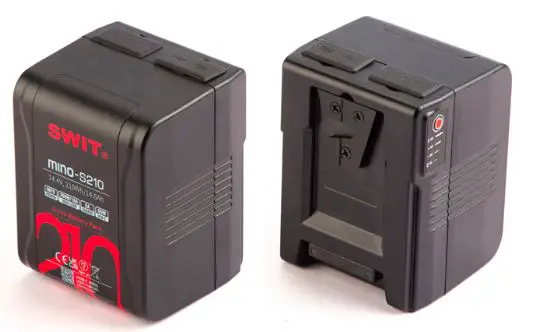
SWIT MINO-S70/S140/S210 Rechargeable Li-Ion Battery
Thank you for choosing SWIT products, please read this user manual before using and keep it properly for future reference.
Warning
Remember the following precautions to avoid fire and other safety hazards!
- Do not use the battery in a place where there is fire or heat to prevent overheating and rupture.
- Do not Pierce the battery case or attempt to open the case or disassemble the battery.
- Please use and store the battery within the specified temperature range.
- Do not charge the battery in the car or in direct sunlight.
- Do not attempt to use the damaged battery.
- Do not squeeze the shell to cause physical impact.
- Ensure that the power of the electrical device meets the battery specifications.
- Please use SWIT charger or SWIT recommended charger to prevent overheating, rupture and other dangers.
- Keep out of reach of children.
Appearance
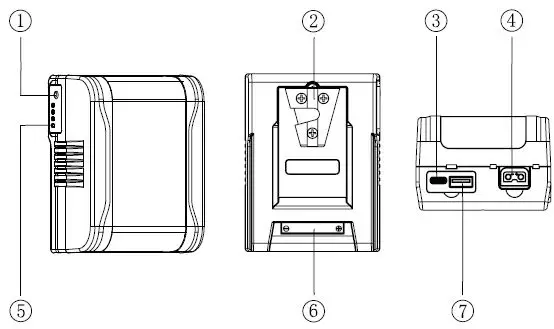
- CD Indicator button
- V-mount lock
- TYPE-C
- D-TAP
- Power indicator light
- Electric pole
- USB-A
Attention
- It is normal for batteries to get hot during charging and use.
- Keep the pole of the battery clean to ensure a better use experience
- Keep the battery in a cool and dry place for long-term storage. It is recommended to keep the battery level above 50%.
- After ten days, the battery will enter sleep mode automatically and the output will be turned off. Press the indicator light button to restore the output.
Product feature
- One both-way Type-c interface,can supply power to mobile device or be charged with Type-c charger.
- One both-way D-TAP interface,can supply power to other device or be charged with this interface.
- One USB-A interface,can supply power to other device.
- Four level LED show the life and percentage of the battery capacity.
- Built-in multiple control circuit, with temperature, voltage, current all-round protection.
Charging Instruction
- Supports using the universal TYPE-C charger,SWIT S-3812S, SWIT PC-P461S, SWIT S-3822S, SWIT SC-302S, SWIT PC-U130B, SWIT PC-U130B to charge.
- During the charging process, the LED light shows the percentage of remaining battery (25%,50%,75%,90%).
- Batteries can be charged in the temperature range of O ~ 40 ° C, but we recommend charging in the temperature range of 10 ~ 30 ° C to ensure optimal battery performance.
Discharging Instruction
- At low temperatures, the internal resistance of the battery increases, and the discharge time is shortened. When the load is heavy, the battery may be automatically cut off.
- USB and D-TAP interface overload will cause output shutdown, press the button to restore.
- Please put on the rubber cover immediately after use to avoid dust.
- The battery can discharge in -20° C ~ 50° C;The battery performs best when used in the temperature range of -10 ~ 40° C.
Indicator light
- The LED indicator from E to F respectively represents the percentage of electric quantity: 25%, 50%, 75%, 90%.

Troubleshoot
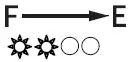 | The battery runs out or is protected.Wait for a period oftime and check the indicator status. If the indicator status is recovered, it indicates that the battery is exhausted. Charge the battery as soon as possible. |
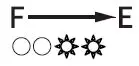 | Overcurrent, overtemperature or overvoltage of charge.Please remove the battery and wait for the battery to |
| recover by itself.Overcharging please put the battery in the shade, after a few minutes of cooling, the battery will automatically recover;Remove the battery and discharge it to reduce the battery voltage. | |
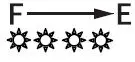 | The battery cannot be charged or discharged.Please put the battery in a cool place and wait for the core temperature to decrease (recommended> 30 minutes). Then hang the battery on the charger and try to charge. If the battery is charged normally, the battery will return to normal. |
Specification
| Model | MINO-S70 | MINO-Sl40 | MINO-S210 | ||
| Mount type | V-mount | V-mount | V-mount | ||
| Nominal voltage | 14.4V | 14.4V | 14.4V | ||
| Capacity | 70Wh/4.9Ah | 140Wh/9.7Ah | 210Wh/14.6Ah | ||
|
Interface | Electric pole x1 | Output | 100W/8A | 150W/12A | 200W/16A |
| n1 put | 16.8V 6A | ||||
|
TYPE-CXl |
Output | 65W(Max), Protocol: l.BCl.2,IOSlDSAMSUNG 2.QC2.0,3.0 3.FCP,SCP 4.PD2.0,3.0 | |||
| Input | 5V/9V/12V/15V/20V (Max) = 1.75A | 5V/9V/12V/15V/20V | 5V/9V/12V/15V/20V (Max):-:-:2.4A | ||
| D-TAPX 1 | Output | 100W/8A | 120W/10A | 120W/10A | |
| Input | 16.8V 3A | 16.8V 6A | |||
| USBXl | Output | 2A | 10W,5V:-:-:2A | ||
| Total Output | 100W/8A | 150W/12A | 200W/16A | ||
| Charging temperature | 0~40°( (suggest 10~30°() | ||||
| Discharging ternperature | -20°C~50°C (suggest-10~40°() | ||||
| Other parameters | Electromagnetic compatibility | EN55032,EN55035 | |||
| Safety | IEC62368, UN38.3 | ||||
| Dimension(mm) | 105.0 X 79.6 X 37.0 | 105.0 X 79.6 X 55.5 | 105.0X79.6X73.8 | ||
| Net weight | 0.419kg | 0.713kg | 1.020kg | ||