Contents hide
 CrewPlex Two Way I-O Headset Adaptor
 CrewPlex Two Way I-O Headset Adaptor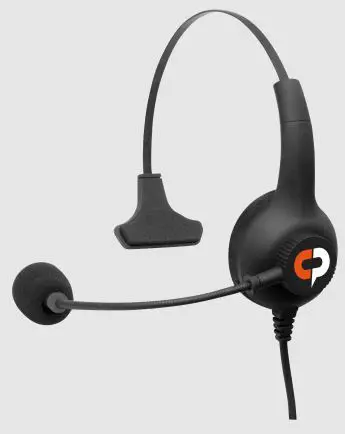
Overview
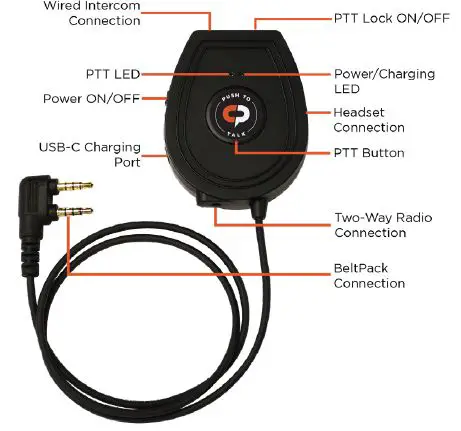
OPERATION
Two-Way I/O Headset Adapter
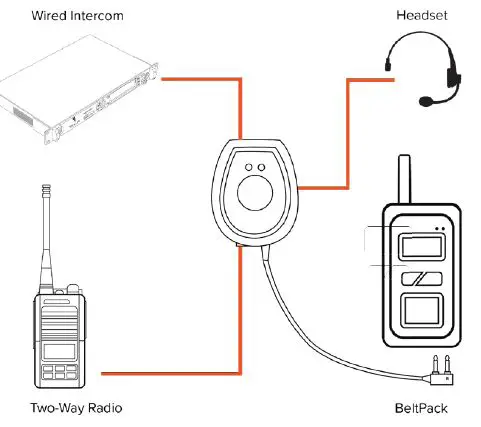
LED Indicators
| Power LED turns Blue | Power ON |
| Power LED OFF | Power OFF |
| Power LED turns Red | Charging |
| Power LED OFF | Fully Charged |
| PTT LED turns Red | PTT Engaged |
Connect to a Two-Way Radio
- Verify all of the equipment is powered off.
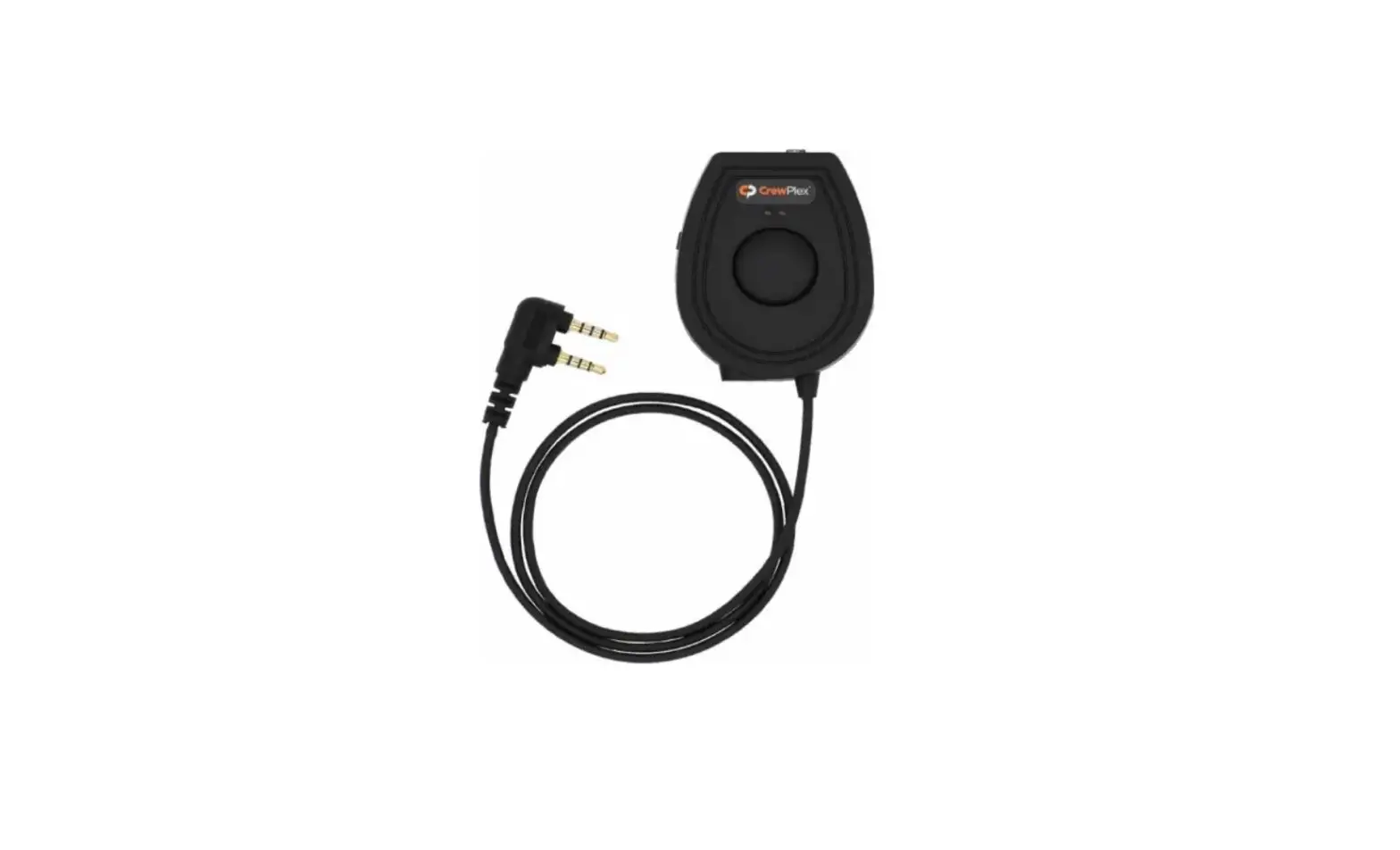
- Connect the 5 mm end of a two-way radio cable (not included) to the two-way radio connection on the bottom of the headset adapter.
- Connect the other end into the accessory port on a two-way radio.
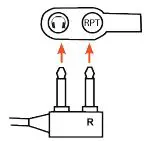
- Connect a beltpack using the cable attached to the headset adapter. Note: Correct orientation as shown to the right.

- Connect a headset to the adapter’s headset connection (optional).
- Set the two-way radio volume levels of the attached two-way radio to 70% of total volume.
- Set the volume of the attached beltpack to level 4.
- Power on all attached equipment.
- Adjust the beltpack volume and two-way radio volume levels as needed.
Connect to a Wired Intercom
- Verify all of the equipment is powered off.
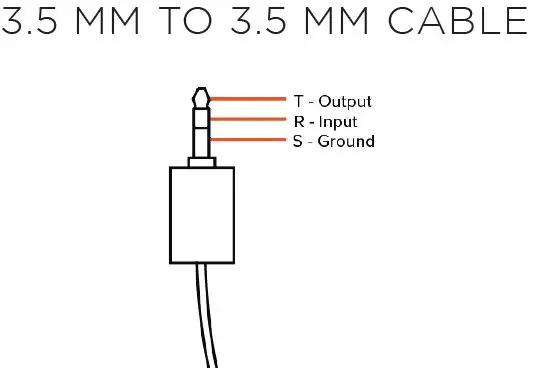
- Connect one end of the 3.5 mm to 3.5 mm audio cable to the wired intercom connection on the headset adapter.
- Connect the other end into a wired intercom system’s 4-Wire In/Out connection.
- Connect a beltpack using the cable attached to the headset adatper.
Note: Correct orientation as seen in the figure above. - Connect a headset to the adapter’s headset connection (optional).
- Set the In/Out volume/gain levels of the wired intercom in the center position.
- Power on all attached equipment.
- Adjust the beltpack volume and wired intercom volume/gain levels as needed.
To Talk over Connected Two-Way Radio
- Press and hold the PTT button on the adapter to trigger the PTT of the attached two-way radio.
- Press and hold the Top Button on any beltpack in the system to trigger the PTT of the attached two-way radio.
IN THIS BOX
WHAT’S INCLUDED WITH THE AUDIO I/O ADAPTER?
- CRC-2WAY-IO: Two-Way Radio In/Out Headset Adapter
- 3.5 mm to 3.5 mm Audio Cable
- USB-C Charging Cable
- Quick Start Guide
ACCESSORIES
OPTIONAL ACCESSORIES
- CRC-MOT-X83: CrewPlex Two-Way Radio Adapter for Motorola Radio
- CRC-KEN-2P: CrewPlex Two-Way Radio Adapter for Kenwood Radio
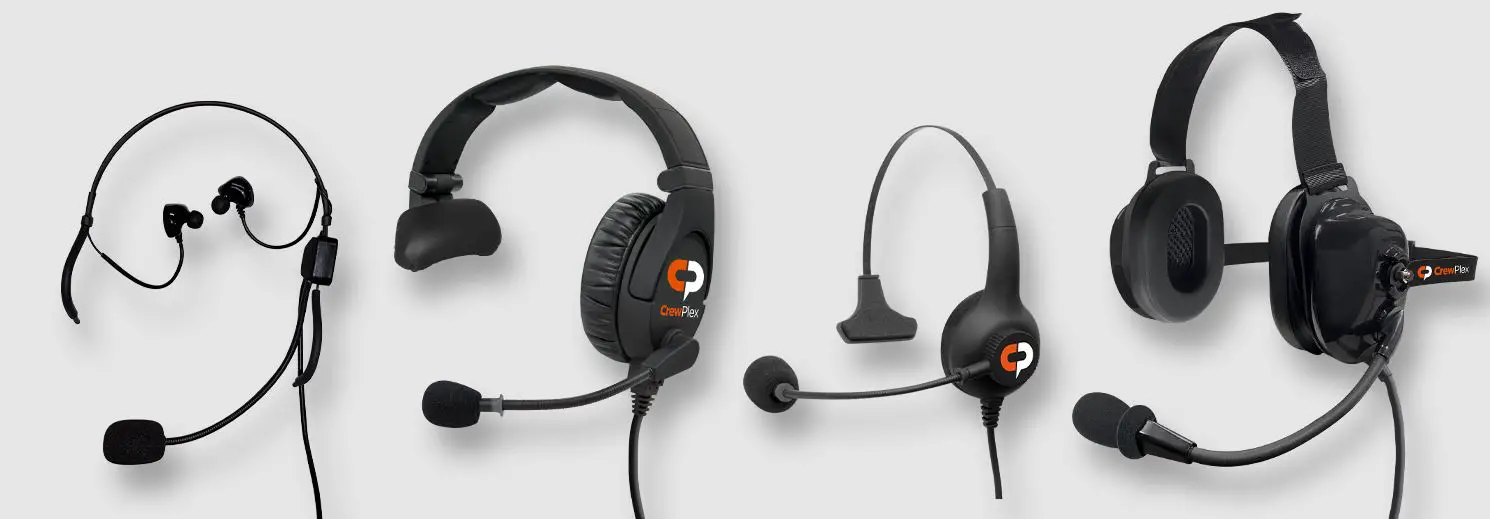
- Selection of compatible dual-mini (DMG) headsets (see CrewPlex website for more details)
CUSTOMER SUPPORT
CrewPlex offers technical support via phone and email from 07:00 to 19:00 Central Time (UTC−06:00), Monday through Friday. +1.334.321.1400 customer.[email protected] Visit www.crewplex.com for product support references and helpful documentation.
Additional Documentation
This is a quick start guide. For additional information on CrewPlex DR10, visit our support website. (Scan this QR code with your mobile device to navigate there quickly.)