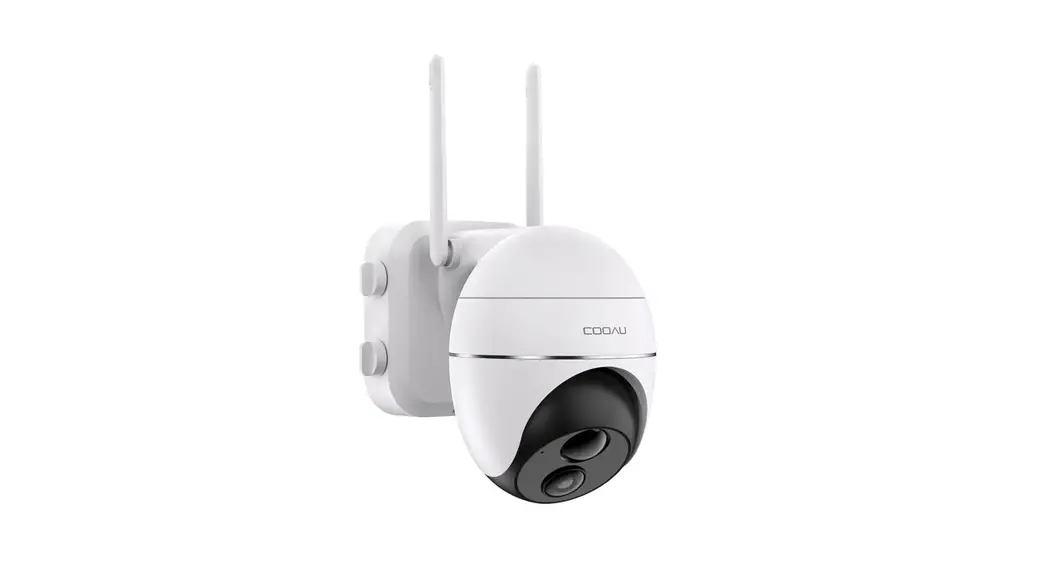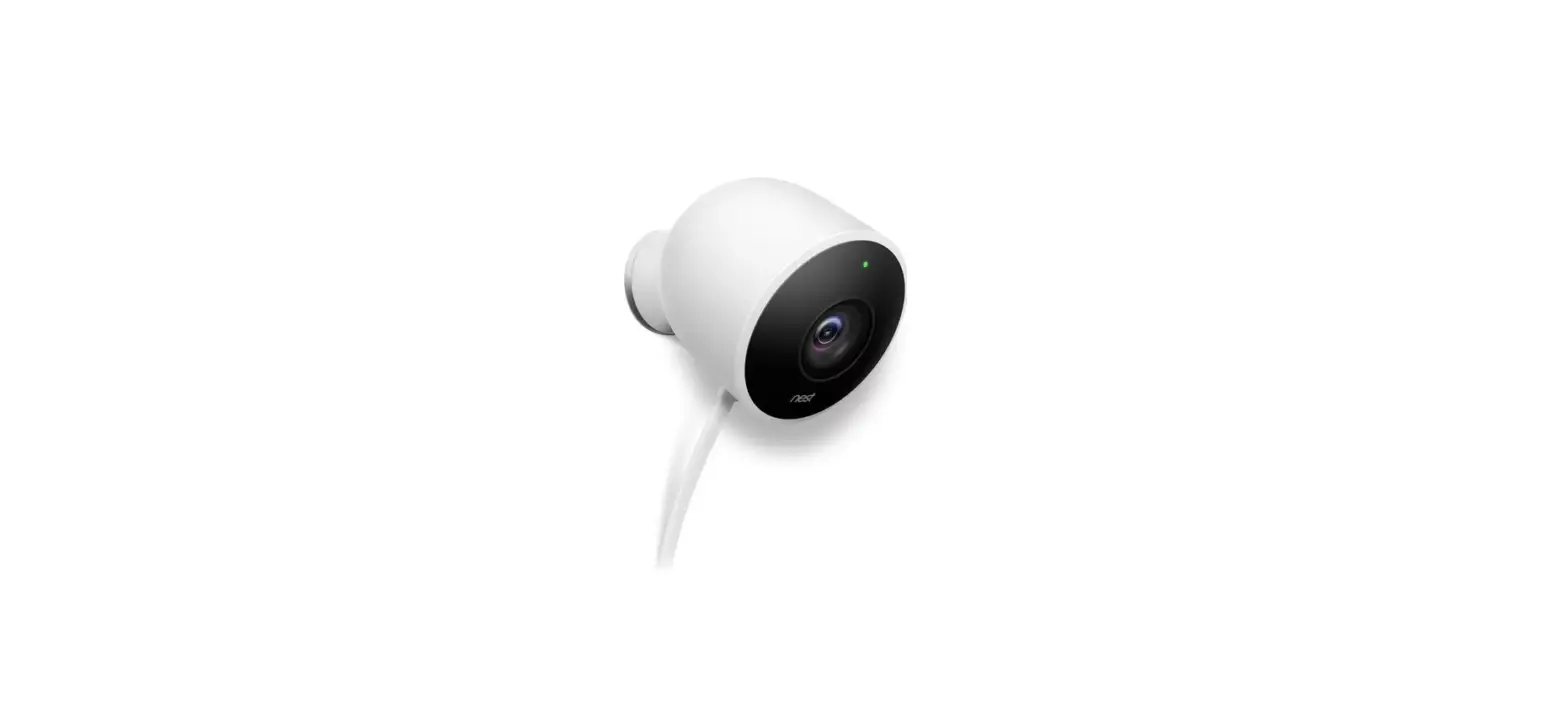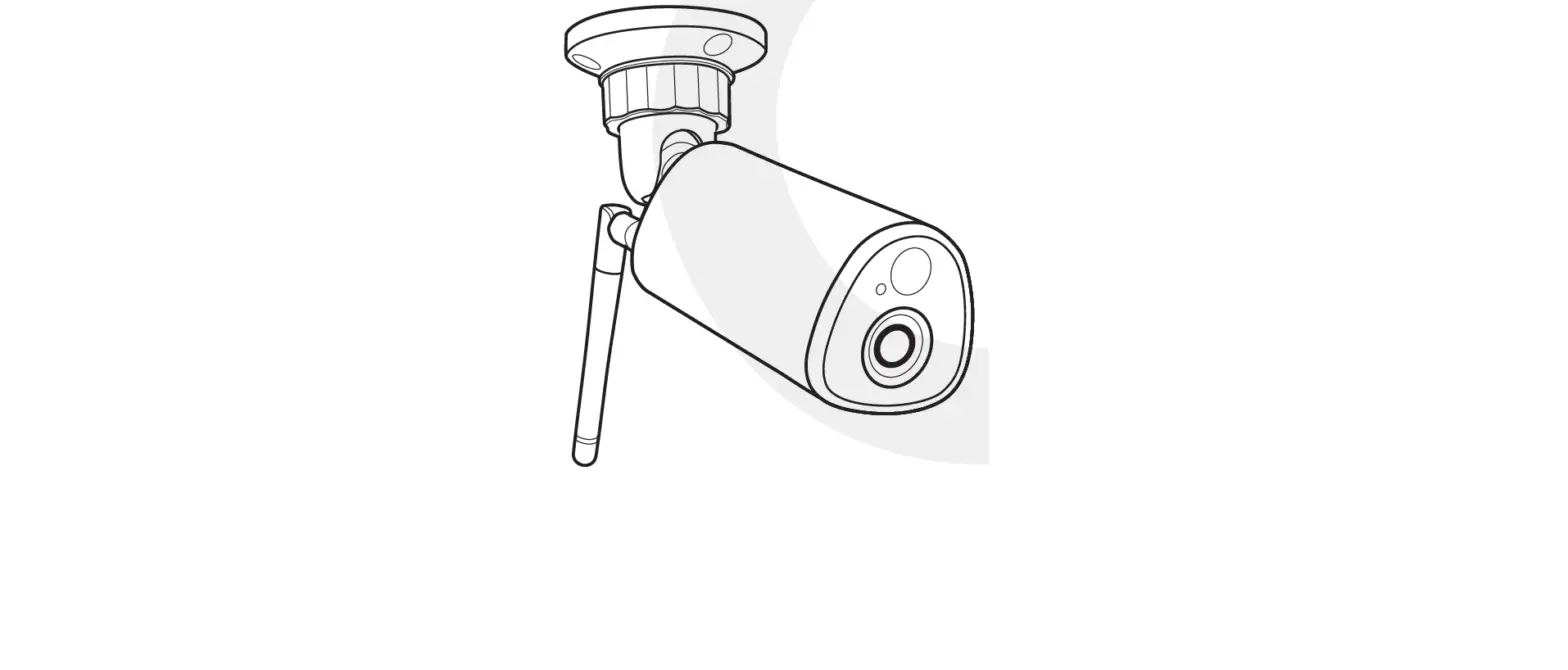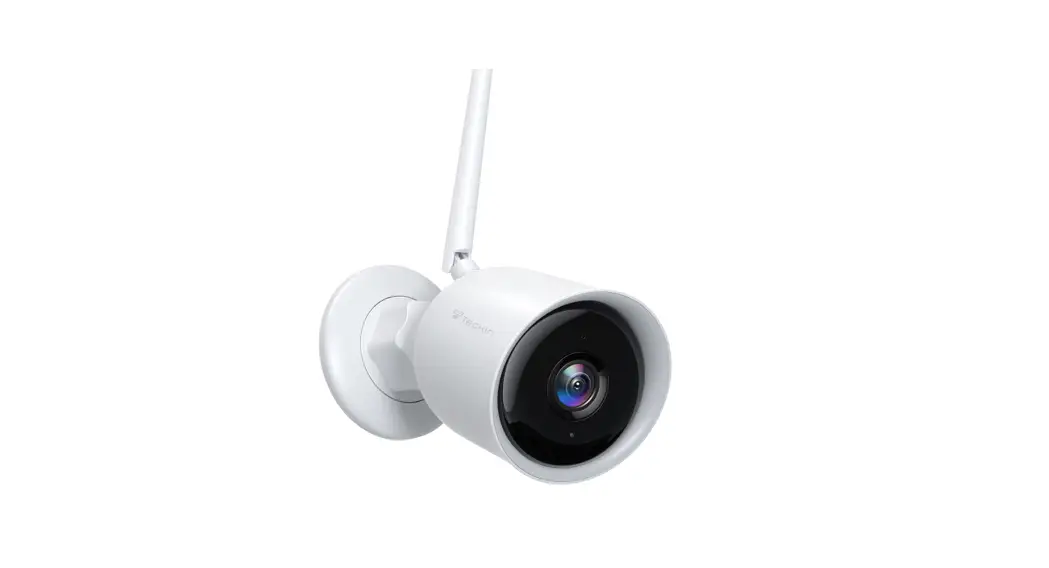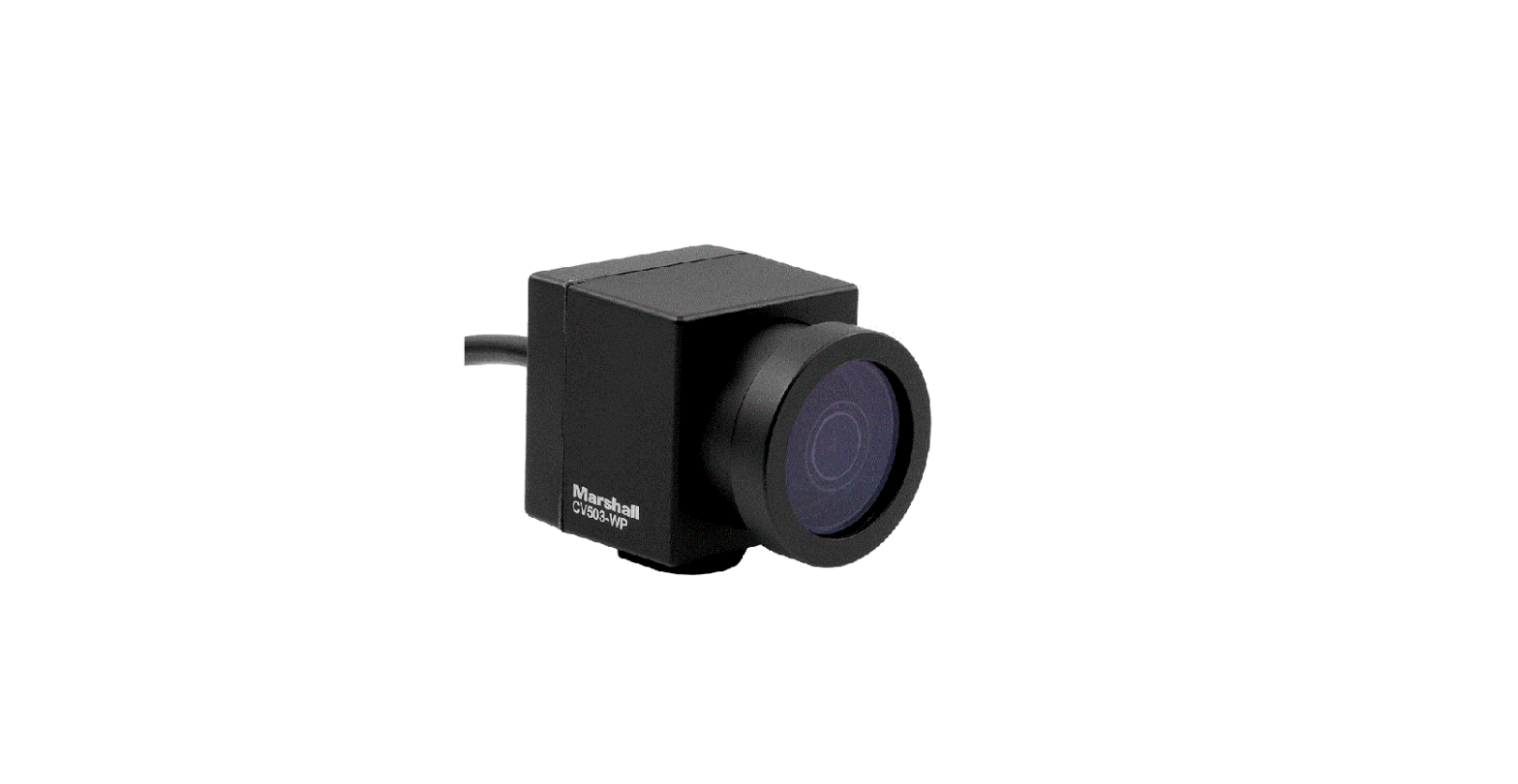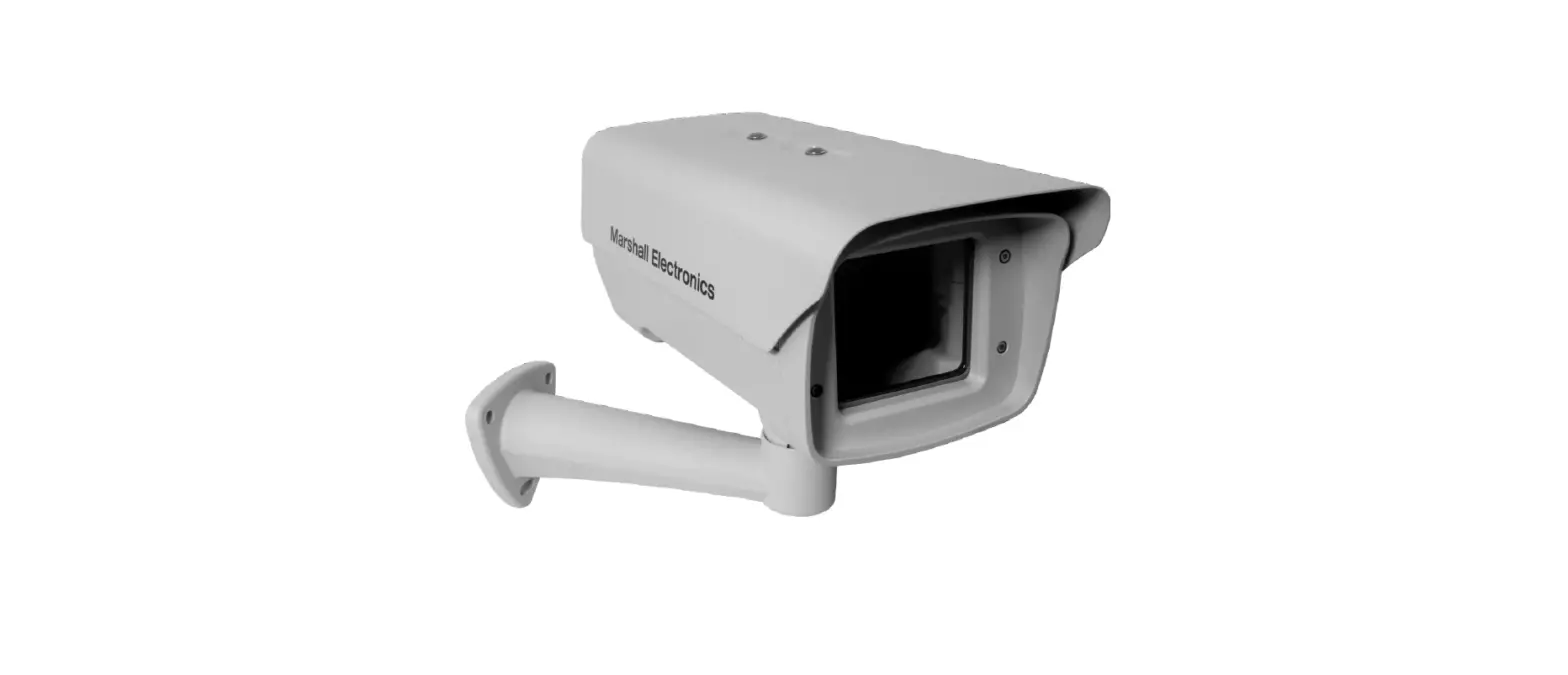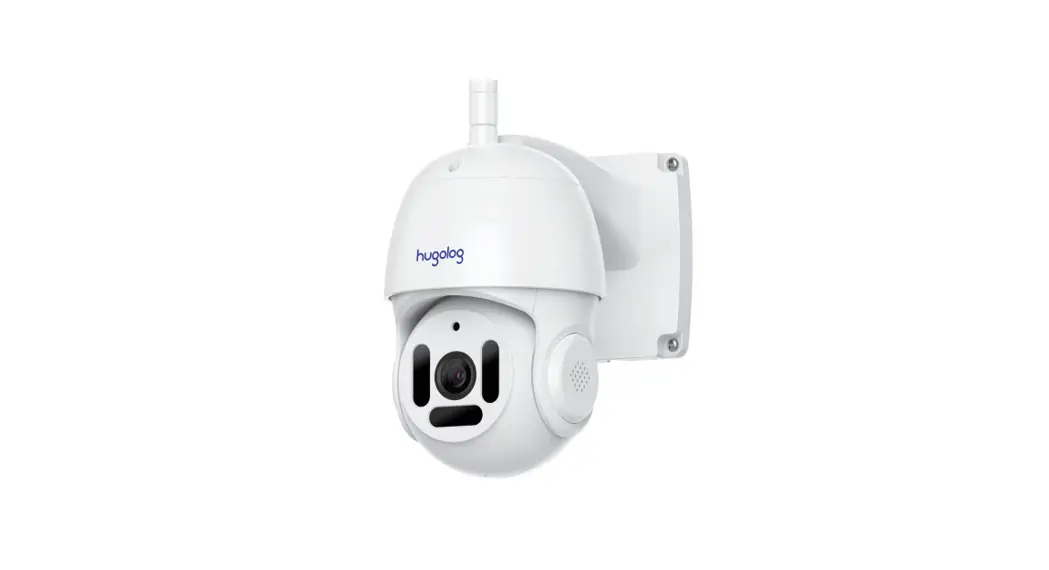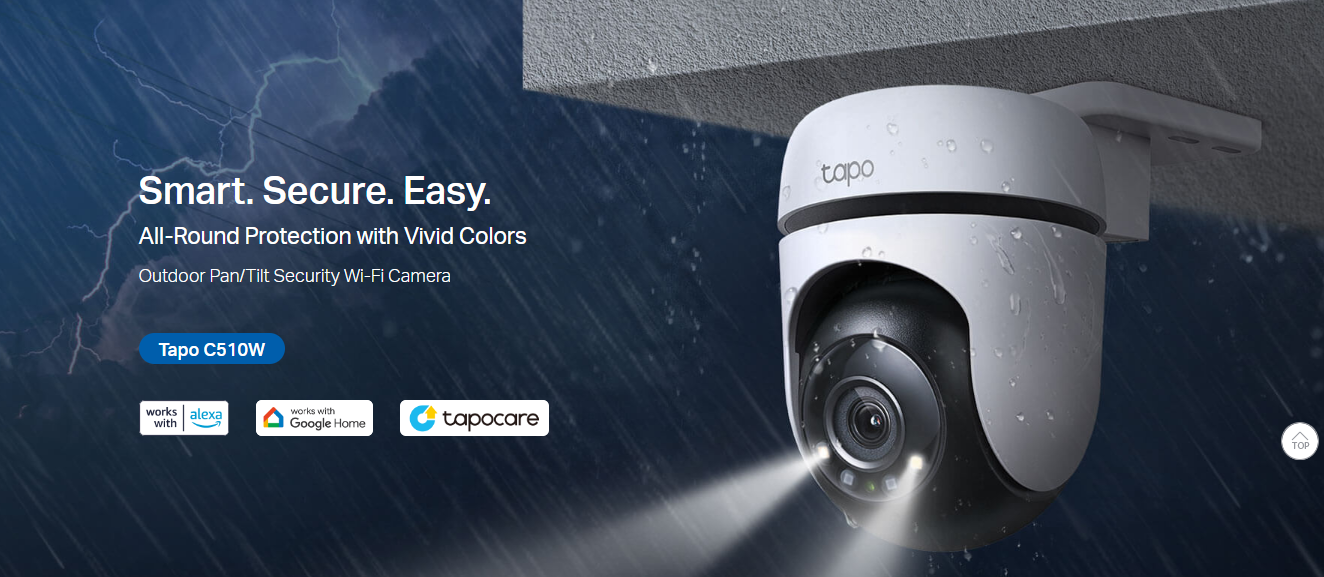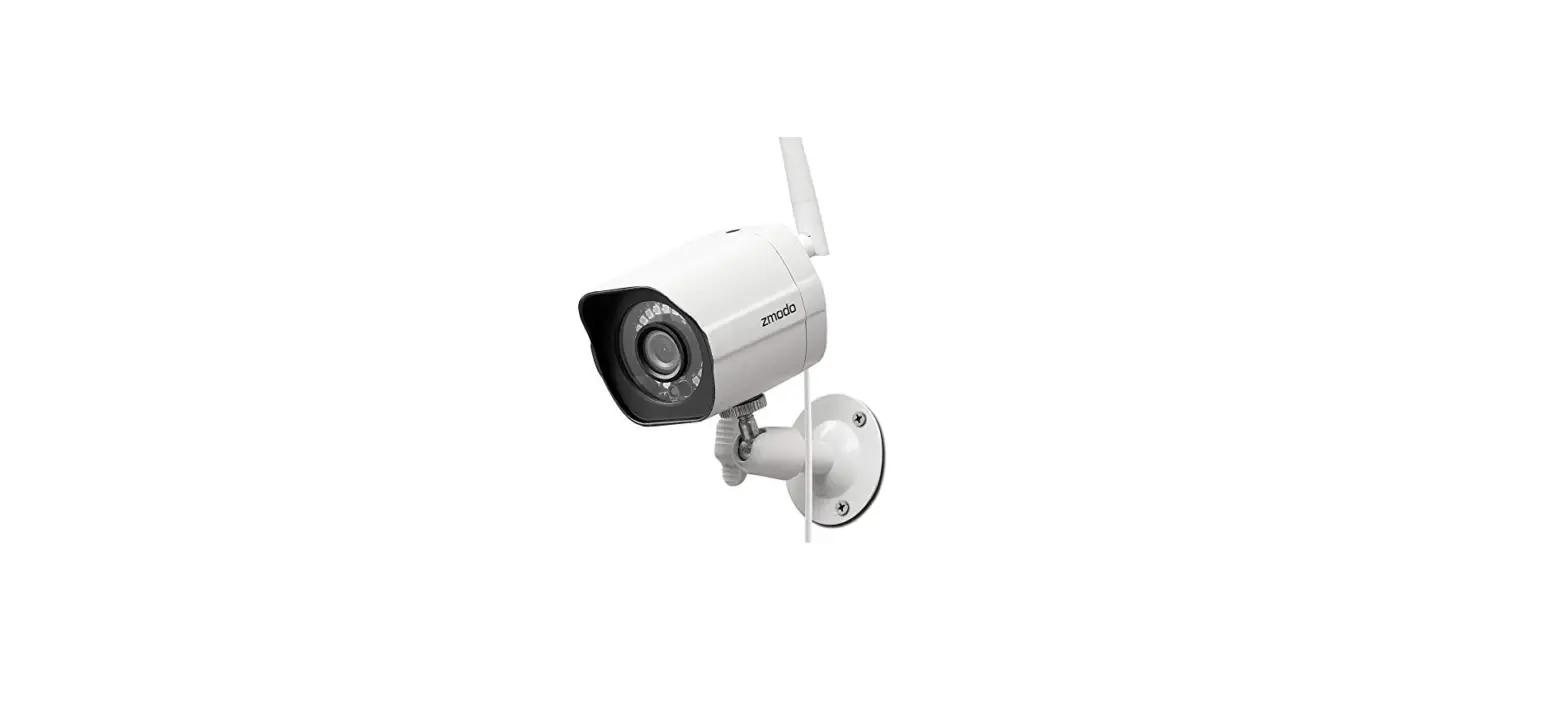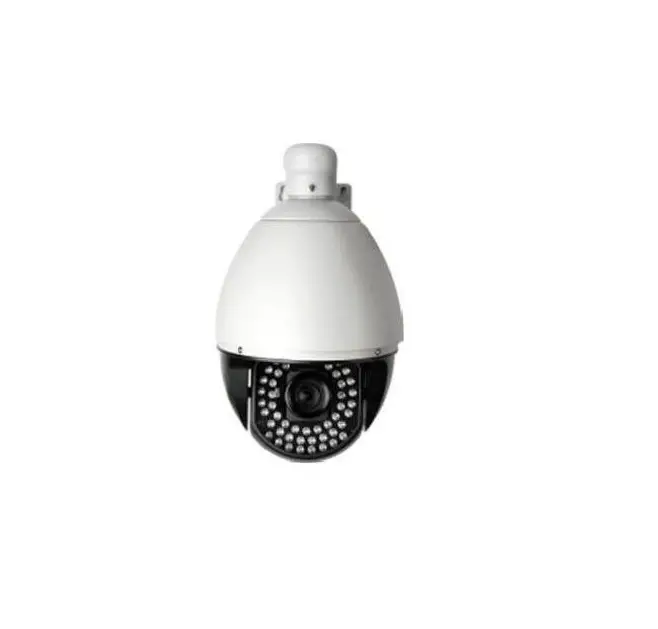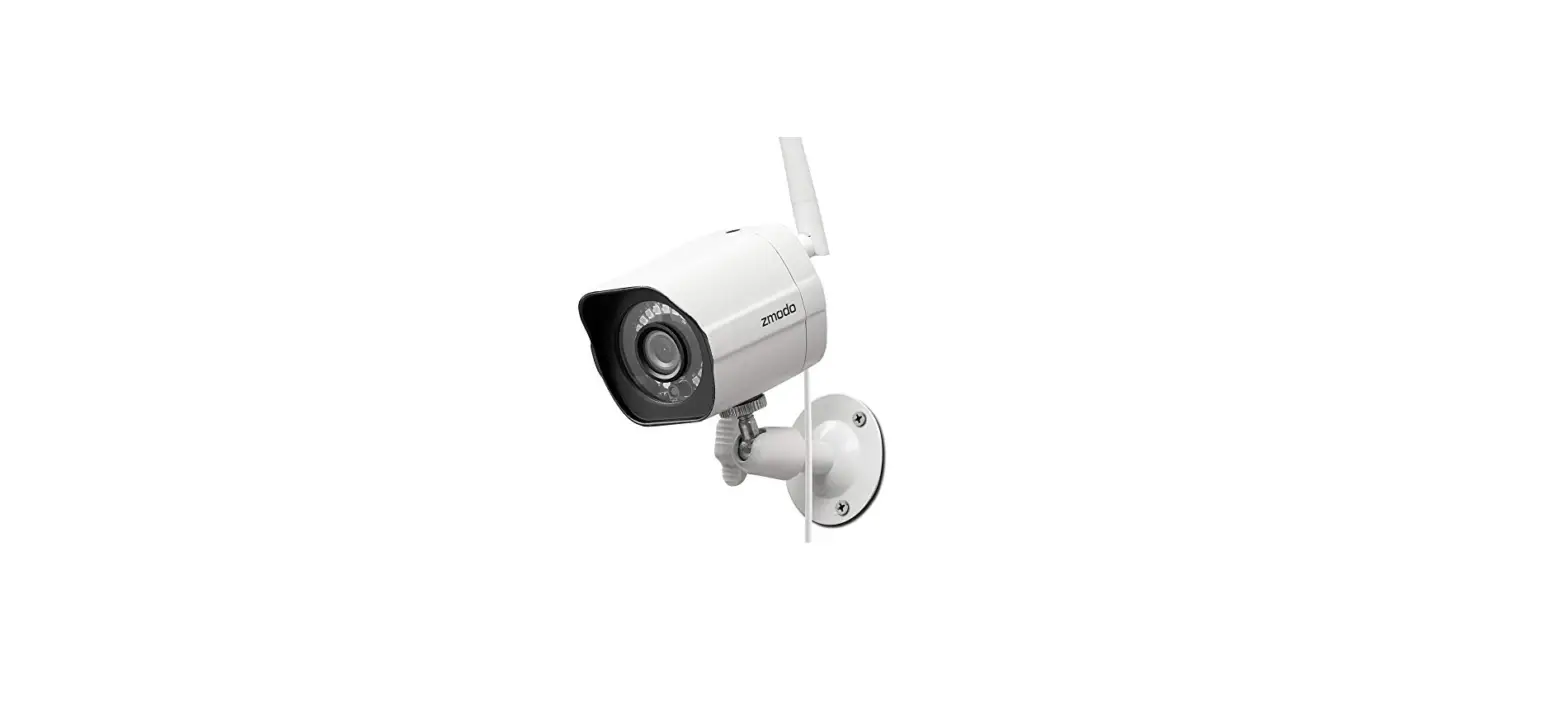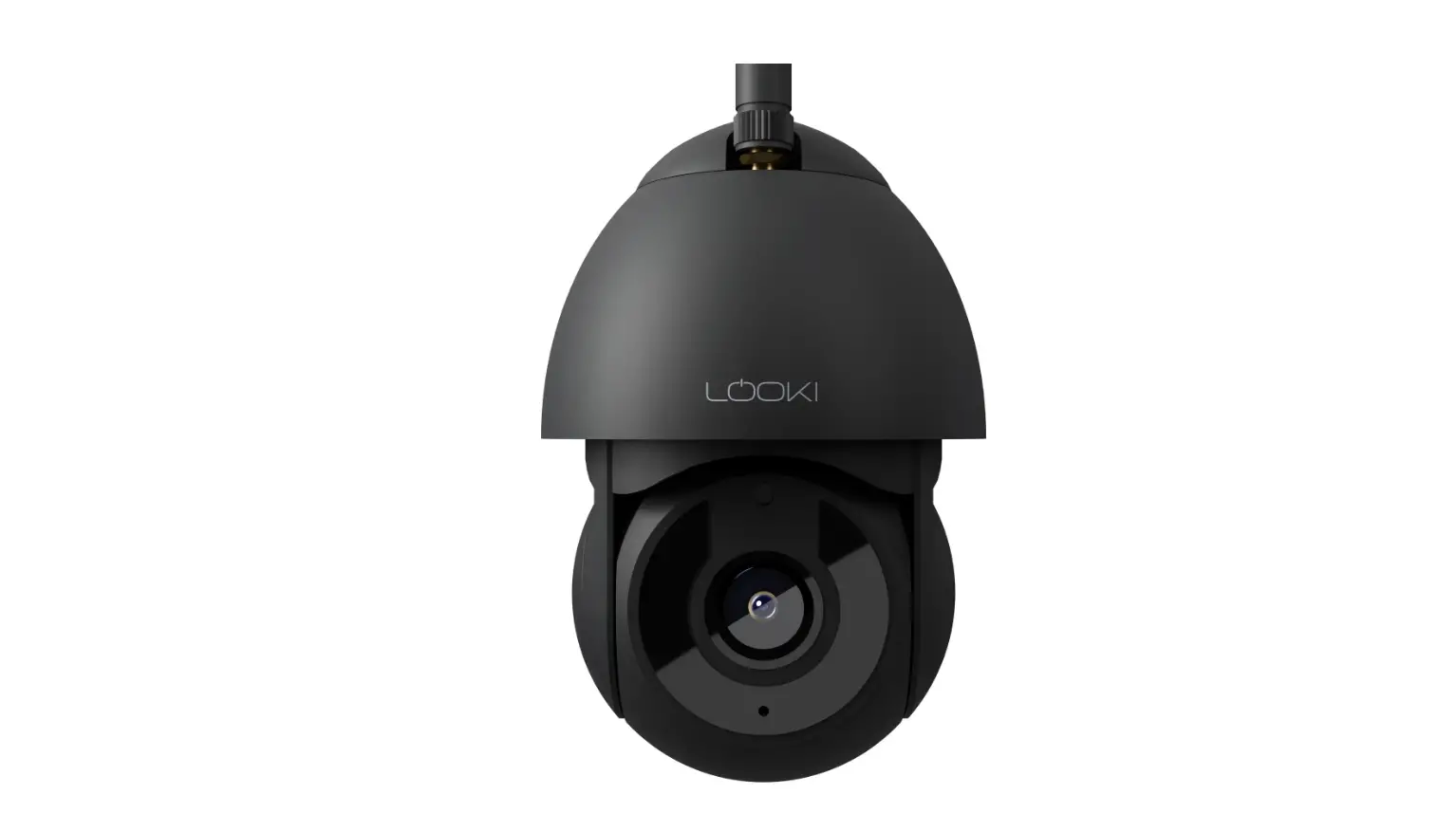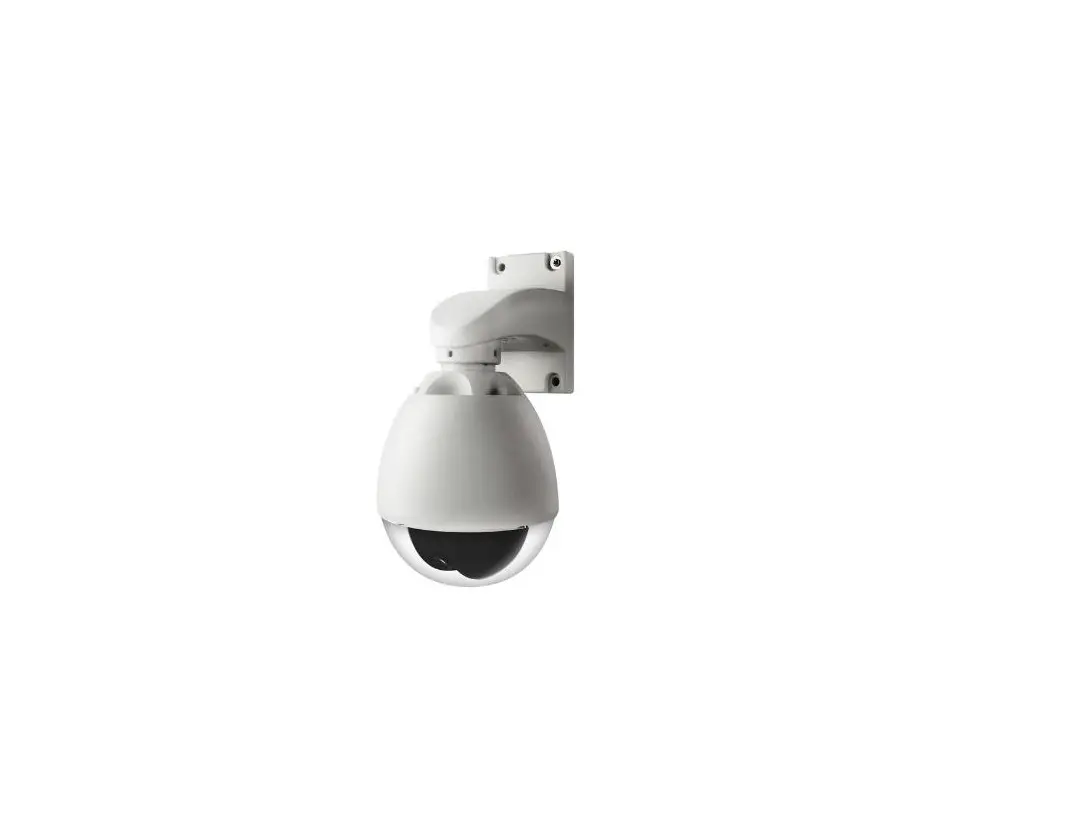
ZMODO CM-T1001BG Weatherproof
 Camera User Manual
1. CM-Tl00lBG
Step 1.
Install bracket
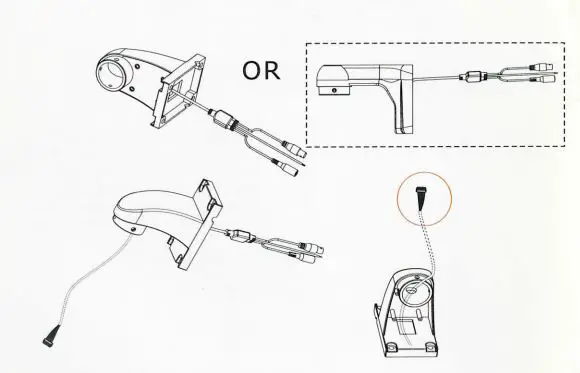
Step 2.
Install camera to bracket
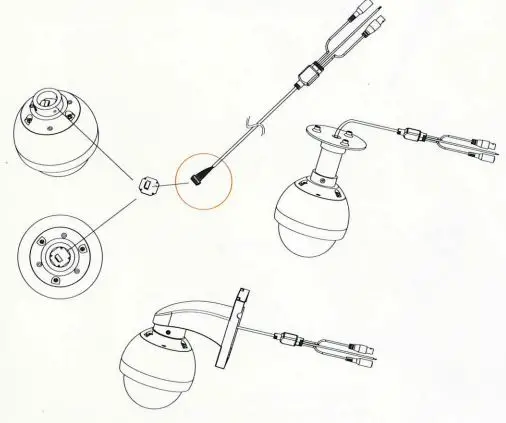
1. CM-T1002BG
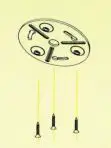
Step 1.
Install bracket on ceiling
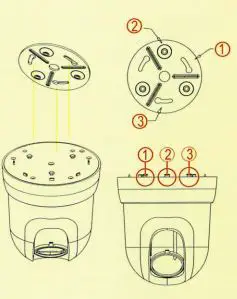
Step 2.
Install camera to bracket
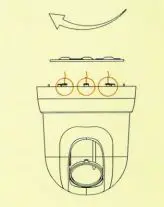
Step 3.
Rotate camera clockwise until hear a click sound
2. I-low to setup address (CM-T1002B-G)
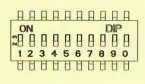
Step 1. Remove ceiling mount, Find DIP switch
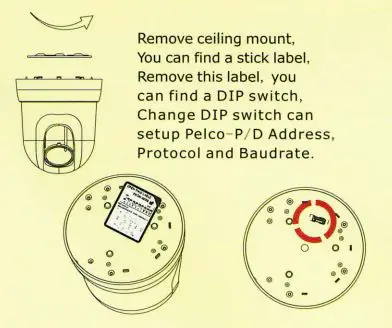
Step 2. Setup protocol After remove label, you can find a DIP switch, you can configuration address, protocol and baud rate by this DIP switch.
DIP 1 – 6 is address
If address is 1, DIP 1 is ON, another 2-6 is OFF
DIP 7-8 is baud rate
1200 2400 4800 9600
DIP? ON OFF ON OFF
DIPS OFF OFF ON ON
DIP 9 is protocol ON is Pleco- P, OFF is Pleco-D
DIP O is 485 terminal resistance ON is connect 120ohm resistance.
2. Connect Interface
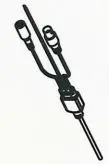
The dome camera cab le include power, RS-485, video out.

RS-485 interface is two cable Red or Green color is 485 A/ + White color is 485 B/ –
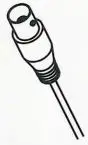
Video out interface
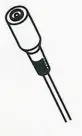
Power interface, t he dome cam era need connect +12V DC In side is an ode , Outside is cathode.
The dome camera can be setup address baud rate and protocol from PTC- 101.
3. How to setup address(CM-T1001BG)
The dome camera can be setup address baud rate and protocol by two ways, one is setup by DIP SWITCH, another is setup from PTC- 101.
How to setup Protocol and Baud rate by DIP SWITCH Open cover, you can find a DIP switch, you can configuration address, protocol and baud rate by this DIP switch. DIP 1 6 is address, If address is 1, DIP 1 is ON, another2-6 is OFF
DIP 7, 8 is baud rate, DIP? DIPS
9600bps OFF ON
4800bps ON ON
2400bps OFF OFF
1200bps ON OFF
DIP 9 is protocol, ON is Pleco- P, OFF is Pleco- D
DIP 0 is auto config .
ON is config by DIP switch
OFF is config by RS-485.
4. Function List
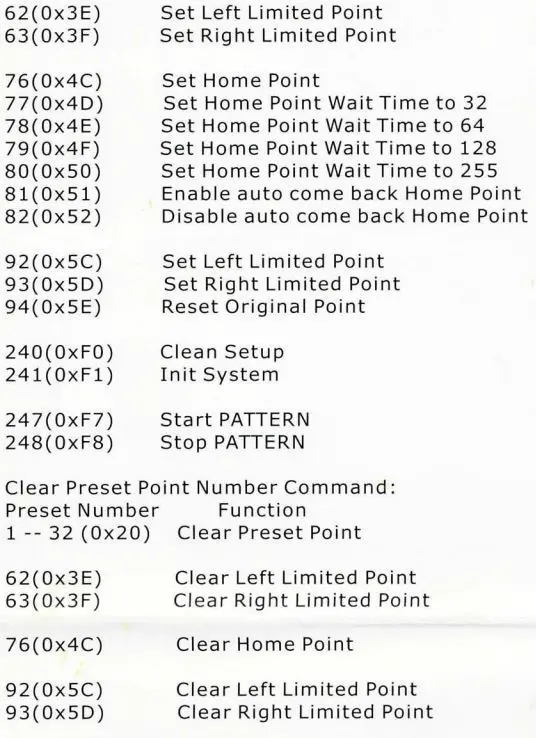
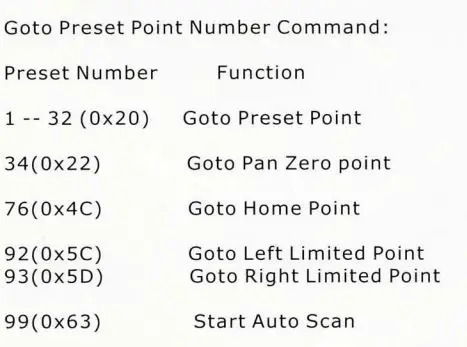
The dome camera use preset command to achieve some extended function. You can use CLEAR / SET / GOTO preset number to do some extended function
Set Preset Point Number Command:
Preset Number Function 1 – – 32 (0x20) Set Preset Point
 Pattern function:
start pattern learning, When camera at this mode, You ca n send GOTO preset point command, camera will auto record this point as pattern point. Send Set Pattern Stop command (00 21 00 00)stop pattern learning, Send Run Pattern command(00 23 00 00)
start/ stop pattern running. Also preset command 247 is start pattern running , preset 248 command is stop pattern.