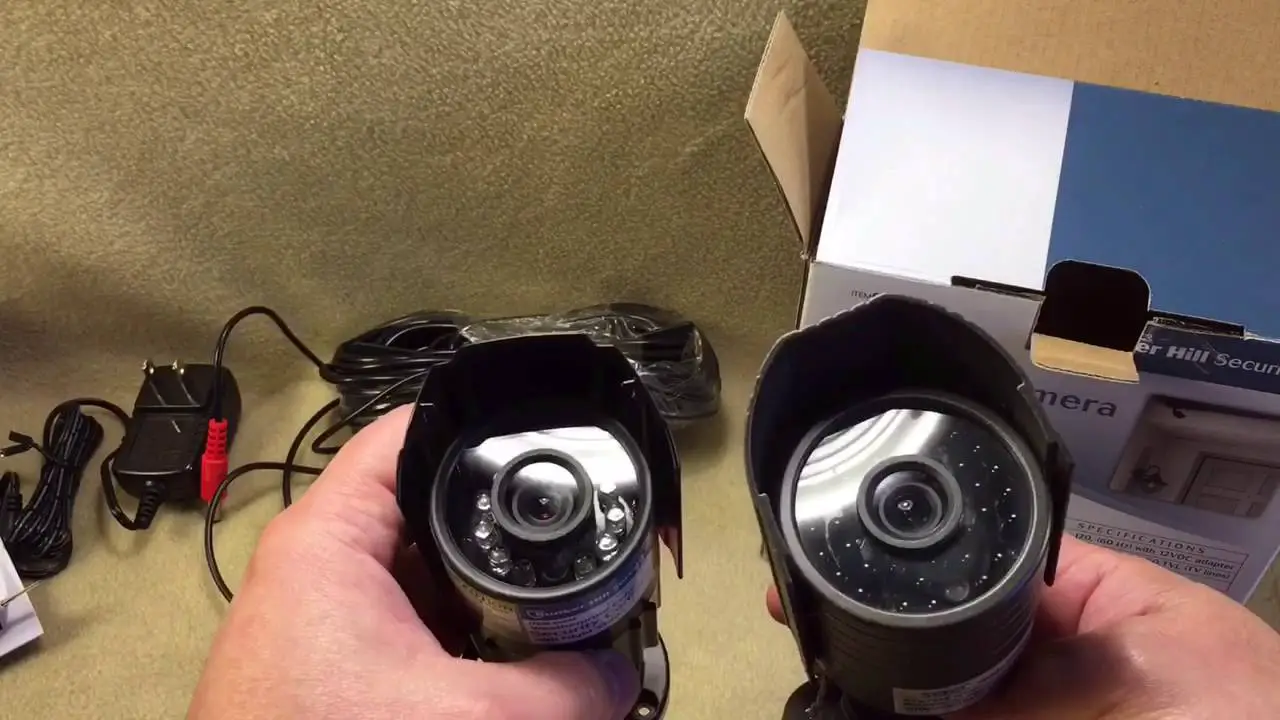
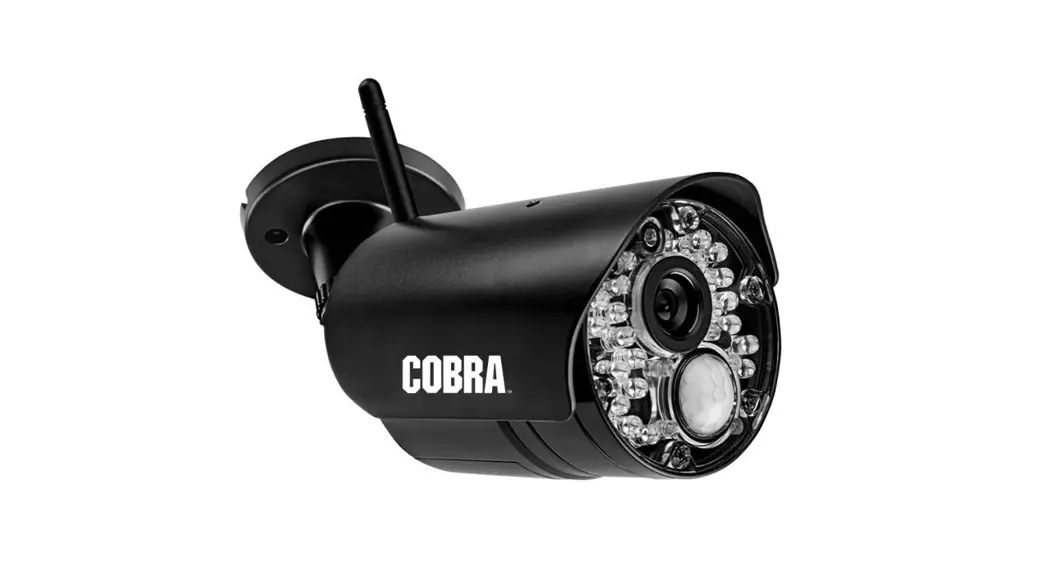
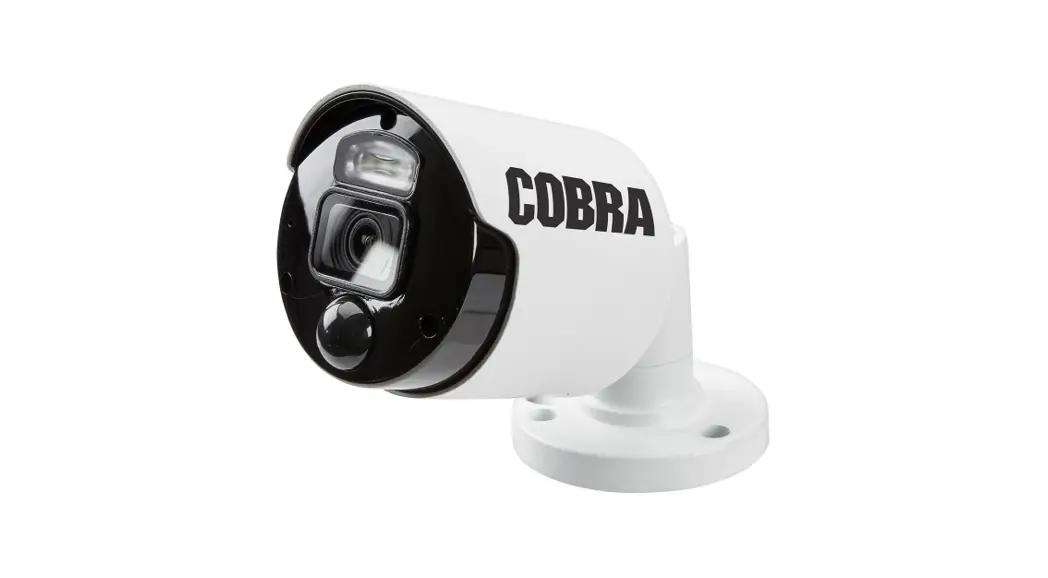
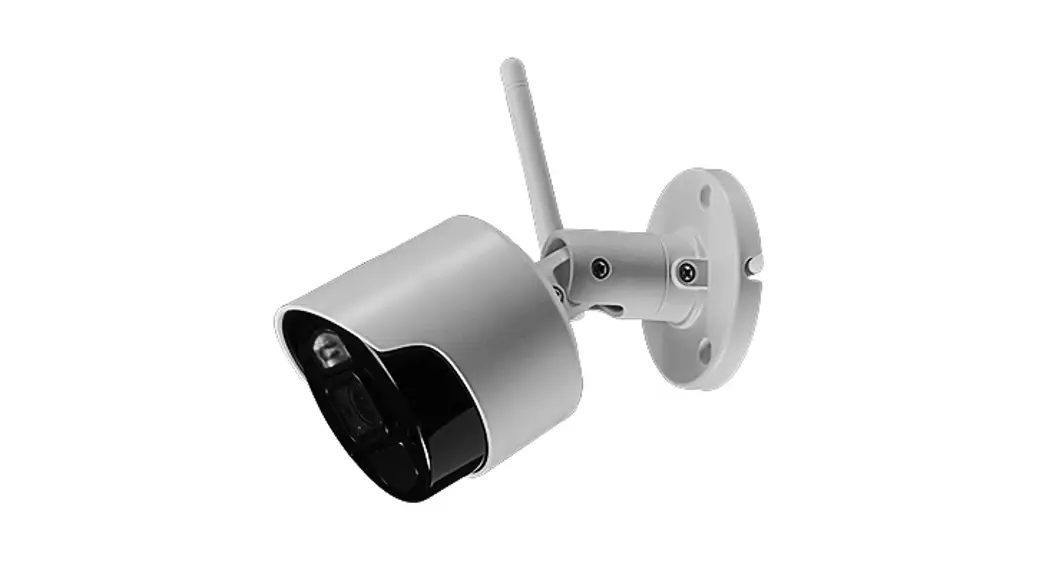
69654 Waterproof Color Security Camera
Product Information
The product is a 22l camera with night vision capabilities. The
user manual provides safety instructions for assembly, operation,
inspection, maintenance, and cleaning procedures. The manual also
includes important safety information and warnings to avoid
potential personal injury hazards.
Important Safety Information
- Read all safety warnings and instructions.
- Keep children and bystanders away while installing the
camera. - Do not overreach when installing the product.
- Do not operate electrically powered products in explosive
atmospheres. - The adapter must match the outlet. Never modify the plug in any
way. - Do not expose the Power Adapter of this product to rain or wet
conditions. - Product service must be performed only by a qualified
technician.
Product Usage Instructions
- When unpacking, check that all parts are included and
undamaged. - If any parts are missing or broken, call 1-888-866-5797 as soon
as possible. - Tools required for assembly and service may not be
included. - Read the user manual before using the product.
- Follow all safety warnings and instructions to avoid potential
personal injury hazards. - During installation, wear ANSI-approved safety goggles and keep
children and bystanders away from the area. - Mount the camera out of reach of children as it is not a
toy. - Never modify the plug of the adapter and ensure it matches the
outlet to reduce the risk of electric shock. - Do not expose the Power Adapter to rain or wet conditions to
avoid electric shock. - Operate the camera in a safe and dry environment away from
explosive atmospheres. - If the product requires service, contact a qualified
technician. - Save the user manual and receipt in a safe and dry place for
future reference.
Owner’s Manual & Safety Instructions
Save This Manual Keep this manual for the safety warnings and precautions, assembly,
operating, inspection, maintenance and cleaning procedures. Write the product’s serial number in the
back of the manual near the assembly diagram (or month and year of purchase if product has no number).
Keep this manual and the receipt in a safe and dry place for future reference.
22l
WITH NIGHT VISION
When unpacking, make sure that the product is intact and undamaged. If any parts are missing or broken,
please call 1-888-866-5797 as soon as possible.
Copyright© 2022 by Harbor Freight Tools®. All rights reserved. No portion of this manual or any artwork contained herein may be reproduced in any shape or form without the express written consent of Harbor Freight Tools. Diagrams within this manual may not be drawn proportionally. Due to continuing improvements, actual product may differ slightly from the product described herein.
Tools required for assembly and service may not be included.
Read this material before using this product. Failure to do so can result in serious injury. SAVE THIS MANUAL.
WARNING SYMBOLS AND DEFINITIONS This is the safety alert symbol. It is used to alert you to
potential personal injury hazards. Obey all safety messages that follow this symbol to avoid possible injury or death. Indicates a hazardous situation which, if not avoided, will result in death or serious injury. Indicates a hazardous situation which, if not avoided, could result in death or serious injury. Indicates a hazardous situation which, if not avoided, could result in minor or moderate injury.
Addresses practices not related to personal injury.
Important Safety Information
Read all safety warnings and instructions. Failure to follow the warnings and instructions may result in electric shock, fire and/or serious injury. Save all warnings and instructions for future reference.
Installation Safety
1. Keep children and bystanders away 3. Wear ANSI-approved safety
while installing a camera. Distractions
goggles during installation.
can cause you to lose control.
4. This product is not a toy. Mount
2. Do not overreach when installing
it out of reach of children.
this product. Keep proper footing
and balance at all times. This enables
better control in unexpected situations.
Page 2
For technical questions, please call 1-888-866-5797. Item 69654
Operation Safety
1. Do not operate electrically powered 4. Do not abuse the Power Cord. Never
products in explosive atmospheres,
use the cord for unplugging the plug
such as in the presence of flammable
from the outlet. Keep cord away
liquids, gases, or dust. Electrically
from heat, oil, sharp edges or moving
powered products create sparks
parts. Damaged or entangled cords
which may ignite the dust or fumes.
increase the risk of electric shock.
2. The adapter must match the outlet. 5. The warnings, precautions, and
Never modify the plug in any way.
instructions discussed in this instruction
Unmodified plugs and matching outlets
manual cannot cover all possible
will reduce risk of electric shock.
conditions and situations that may
3. Do not expose the Power Adapter of this product to rain or wet conditions. Water entering the Power Adapter will increase the risk of electric shock.
occur. It must be understood by the operator that common sense and caution are factors which cannot be built into this product, but must be supplied by the operator.
Service Safety
1. Product service must be performed only by a qualified technician.
2. When servicing a product, use only identical replacement parts.
3. Maintain this product with care. Keep this product clean. Do not use a damaged product. Tag damaged products “Do not use” until repaired.
4. Disconnect the Power Adapter from the power source before making any adjustments, changing accessories, or storing this product. Such preventive safety measures reduce the risk of electric shock.
5. Maintain labels and nameplates on the camera. These carry important safety information. If unreadable or missing, contact Harbor Freight Tools for a replacement.
SAVE THESE INSTRUCTIONS.
Item 69654 For technical questions, please call 1-888-866-5797.
Page 3
Grounding
TO PREVENT ELECTRIC SHOCK AND DEATH FROM INCORRECT GROUNDING WIRE CONNECTION: Check with a qualified electrician if you are in doubt as to whether the outlet is properly grounded. Do not modify the power cord plug provided with the camera. Never remove the grounding prong from the plug. Do not use the camera if the power cord or plug is damaged. If damaged, have it repaired by a service facility before use. If the plug will not fit the outlet, have a proper outlet installed by a qualified electrician.
1. The included adapter does not require grounding.
2. The adapter may be used in either of the 120 volt outlets shown in the preceding illustration. (See Figure A.)
Figure A: Outlets for 2-Prong Plug
Extension Cords
Note: Do not use an extension cord with this item’s adapter.
Symbology
Double Insulated
VAC Volts Alternating Current
A
Amperes
Specifications
Power Adapter
Resolution Cable Angle
Input: 100-240 VAC / 50-60 Hz / 0.3A Output: 12VDC / 0.2A / 2.4W 1280 x 480 80 feet 90º up and down, 360º side to side
Night Vision Type
Infrared LED’s with Low Light Sensor
Image Type
Daylight: Color Infrared: Black & White
Operating Temperature
14°F to 122° F
Page 4
For technical questions, please call 1-888-866-5797. Item 69654
Installation Instructions
Read the ENTIRE IMPORTANT SAFETY INFORMATION section at the beginning of this manual including all text under subheadings therein before set up or use of this product.
TO PREVENT SERIOUS INJURY FROM ELECTRIC SHOCK: Unplug the Power Adapter from its electrical outlet before installation.
Components
Camera
Cable
Modular Jack
Cable Phone Jack
Camera Phone Jack
White Audio Plug Yellow Video Plug
Black Power Plug
Before Mounting
Power Adapter
Adapter Jack
Wrench
Drywall Anchors Mounting Screws
1. Before mounting the Security Camera, test the camera by connecting all the cables and making sure that the unit functions properly as described in the following Set Up section.
2. When planning the mounting location and angle of the Camera, consider the following:
a. Do not mount the Camera in bright or direct sunlight.
b. At night windows can reflect back into the Camera, interfering with the image. Test the Camera in the intended location before mounting.
c. Choose a location high enough so that it is out of reach of children and others who might tamper with the unit, but still covers the desired viewing area adequately.
d. Take into consideration the length of the cable and the need to place the Modular Jack in a safe, dry location. Do not expose the Modular Jack to weather. Route the cord so as to avoid a tripping hazard.
Item 69654 For technical questions, please call 1-888-866-5797.
Page 5
Mounting
1. Mount the Camera to the chosen location, using the three included Screws through the three holes in the Camera Base.
Screw Holes
Camera Base
Camera
Note: The adhesive pad can be used to protect the wall. Do not use adhesive pad to mount outdoors, it is not weatherproof. 2. Adjust the Camera to the desired angle:
1800
0
360 0
WARNING! TO PREVENT SERIOUS INJURY: Check for hidden wiring before securing.
Page 6
For technical questions, please call 1-888-866-5797. Item 69654
Cable Connection
1. Connect the Camera Phone Jack to the Modular Jack.
5. Insert the Black Plug of the Cable into the Power Adapter’s cable connector.
2. Connect Modular Jack to Cable.
6. Then, plug the Power Adapter
3. Insert the Yellow Plug of the Cable into the Television/Monitor’s Video Input Port
into the nearest 120 volt, grounded, electrical outlet.
(Television/Monitor sold separately).
CAUTION! The Power Adapter MUST
4. Insert the White Plug of the Cable
be used indoors in a clean, dry location.
into the Television/Monitor’s
Audio Input Port.
Television/Monitor (not included)
Camera
Power Adapter
CH
Modular Jack
Cable
Item 69654 For technical questions, please call 1-888-866-5797.
Page 7
Operating Instructions
Read the ENTIRE IMPORTANT SAFETY INFORMATION section at the beginning of this manual including all text under subheadings therein before set up or use of this product.
1. Turn on the Television/Monitor and set to video/AV mode. The camera’s view should appear on the screen.
2. The Camera will operate continuously (day and night) while the Power Adapter is plugged in.
3. When not using the Camera, unplug the Power Adapter from the electrical outlet.
Page 8
For technical questions, please call 1-888-866-5797. Item 69654
Inspection, Maintenance, and Cleaning
Procedures not specifically explained in this manual must be performed only by a qualified technician.
TO PREVENT SERIOUS INJURY FROM ELECTRIC SHOCK: Unplug the Power Adapter from its electrical outlet before inspection, maintenance, or cleaning.
1. BEFORE EACH USE, inspect the general condition of the Camera. Check for loose screws, misalignment or binding of moving parts, cracked or broken parts, damaged electrical wiring, and any other condition that may affect its safe operation. If a problem occurs, have the problem corrected before further use. Do not use damaged equipment.
2. WEEKLY: Wipe off Camera Lens with a soft, clean, moist cloth. Then dry.
Troubleshooting
Problem Camera does not work.
Poor image quality. View undesirable.
Image on the television is upside down.
Possible Causes
Probable Solutions
1. No power at outlet.
2. Cables not properly connected.
1. Check power at outlet.
2. Check that all cables are securely connected.
Camera lens is dirty.
Clean Camera lens.
Camera out of adjustment.
Adjust Camera up, down, left, and right to obtain desired view.
Camera not mounted correctly. Reposition camera mount to mounting holes at the top rear of the camera (see page 8).
Item 69654 For technical questions, please call 1-888-866-5797.
Page 9
Parts List and Diagram
Part
Description
1 Camera
2 Power Adapter
3 Cable
4 Modular Jack
5 Screw Kit (3 screws, 3 anchors, and 1 wrench)
3
Qty 1 1 1 1 1
1
5 2 4
Record Product’s Serial Number Here: Note: If product has no serial number, record month and year of purchase instead.
Note: Some parts are listed and shown for illustration purposes only, and are not available individually as replacement parts. Specify UPC 193175465887 when ordering parts.
Page 10
For technical questions, please call 1-888-866-5797. Item 69654
PLEASE READ THE FOLLOWING CAREFULLY
THE MANUFACTURER AND/OR DISTRIBUTOR HAS PROVIDED THE PARTS LIST AND ASSEMBLY DIAGRAM IN THIS MANUAL AS A REFERENCE TOOL ONLY. NEITHER THE MANUFACTURER OR DISTRIBUTOR MAKES ANY REPRESENTATION OR WARRANTY OF ANY KIND TO THE BUYER THAT HE OR SHE IS QUALIFIED TO MAKE ANY REPAIRS TO THE PRODUCT, OR THAT HE OR SHE IS QUALIFIED TO REPLACE ANY PARTS OF THE PRODUCT. IN FACT, THE MANUFACTURER AND/OR DISTRIBUTOR EXPRESSLY STATES THAT ALL REPAIRS AND PARTS REPLACEMENTS SHOULD BE UNDERTAKEN BY CERTIFIED AND LICENSED TECHNICIANS, AND NOT BY THE BUYER. THE BUYER ASSUMES ALL RISK AND LIABILITY ARISING OUT OF HIS OR HER REPAIRS TO THE ORIGINAL PRODUCT OR REPLACEMENT PARTS THERETO, OR ARISING OUT OF HIS OR HER INSTALLATION OF REPLACEMENT PARTS THERETO.
FCC Statement:
Changes or modifications not expressly approved by Harbor Freight Tools could void the user’s authority to operate the equipment.
Note: This equipment has been tested and found to comply with the limits for a Class B digital device, pursuant to part 15 of the FCC Rules. These limits are designed to provide reasonable protection against harmful interference in a residential installation. This equipment generates, uses and can radiate radio frequency energy and, if not installed and used in accordance with the instructions, may cause harmful interference to radio communications. However, there is no guarantee that interference will not occur in a particular installation. If this equipment does cause harmful interference to radio or television reception, which can be determined by turning the equipment off and on, the user is encouraged to try to correct the interference by one or more of the following measures:
– Reorient or relocate the receiving antenna.
– Increase the separation between the equipment and receiver.
– Connect the equipment into an outlet on a circuit different from that to which the receiver is connected.
– Consult the dealer or an experienced radio/TV technician for help.
Item 69654 For technical questions, please call 1-888-866-5797.
Page 11
Limited 90 Day Warranty
Harbor Freight Tools Co. makes every effort to assure that its products meet high quality and durability standards, and warrants to the original purchaser that this product is free from defects in materials and workmanship for the period of 90 days from the date of purchase. This warranty does not apply to damage due directly or indirectly, to misuse, abuse, negligence or accidents, repairs or alterations outside our facilities, criminal activity, improper installation, normal wear and tear, or to lack of maintenance. We shall in no event be liable for death, injuries to persons or property, or for incidental, contingent, special or consequential damages arising from the use of our product. Some states do not allow the exclusion or limitation of incidental or consequential damages, so the above limitation of exclusion may not apply to you. THIS WARRANTY IS EXPRESSLY IN LIEU OF ALL OTHER WARRANTIES, EXPRESS OR IMPLIED, INCLUDING THE WARRANTIES OF MERCHANTABILITY AND FITNESS. To take advantage of this warranty, the product or part must be returned to us with transportation charges prepaid. Proof of purchase date and an explanation of the complaint must accompany the merchandise. If our inspection verifies the defect, we will either repair or replace the product at our election or we may elect to refund the purchase price if we cannot readily and quickly provide you with a replacement. We will return repaired products at our expense, but if we determine there is no defect, or that the defect resulted from causes not within the scope of our warranty, then you must bear the cost of returning the product. This warranty gives you specific legal rights and you may also have other rights which vary from state to state.
26677 Agoura Road · Calabasas, CA 91302 · 1-888-866-5797