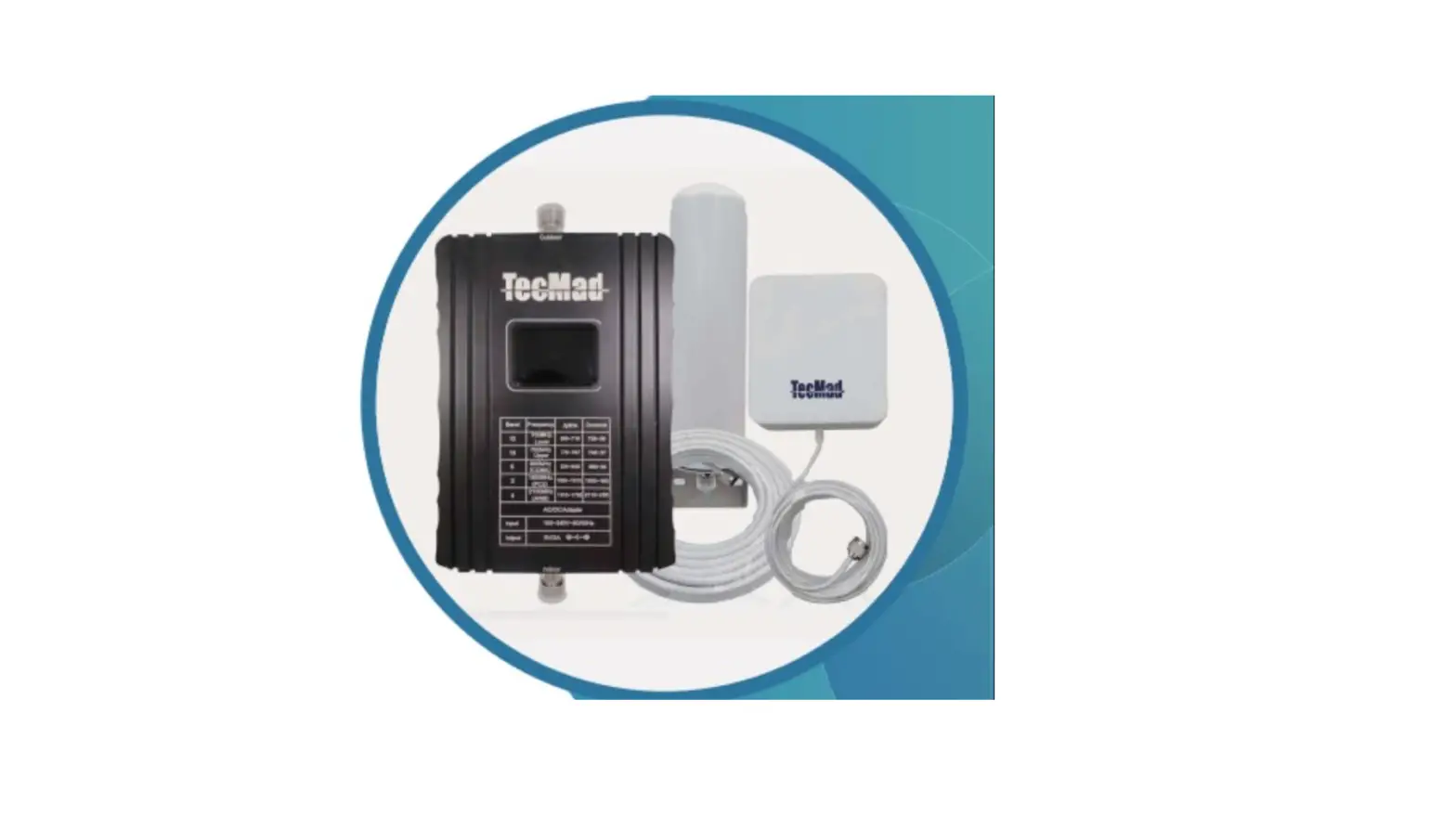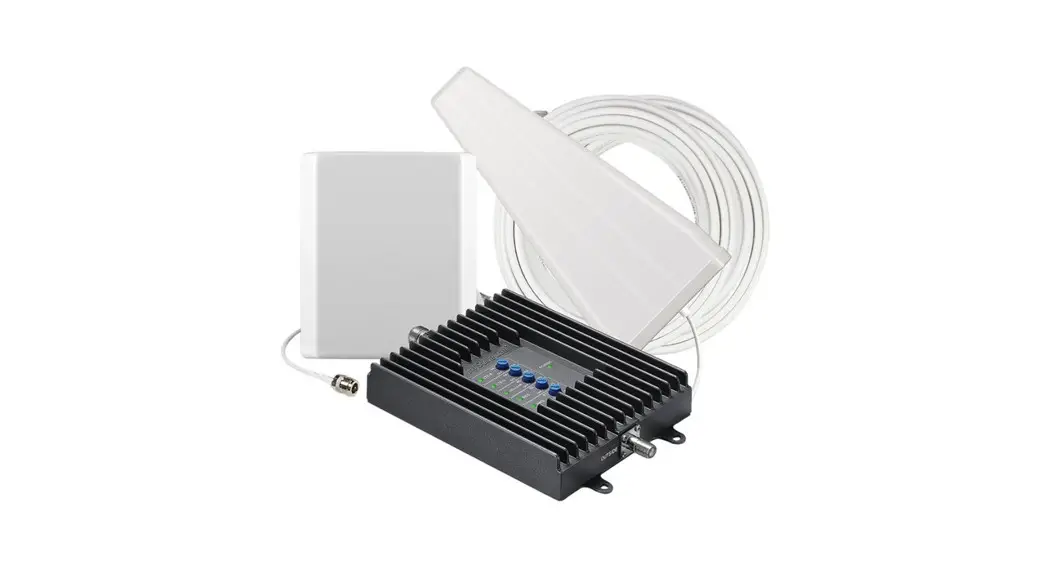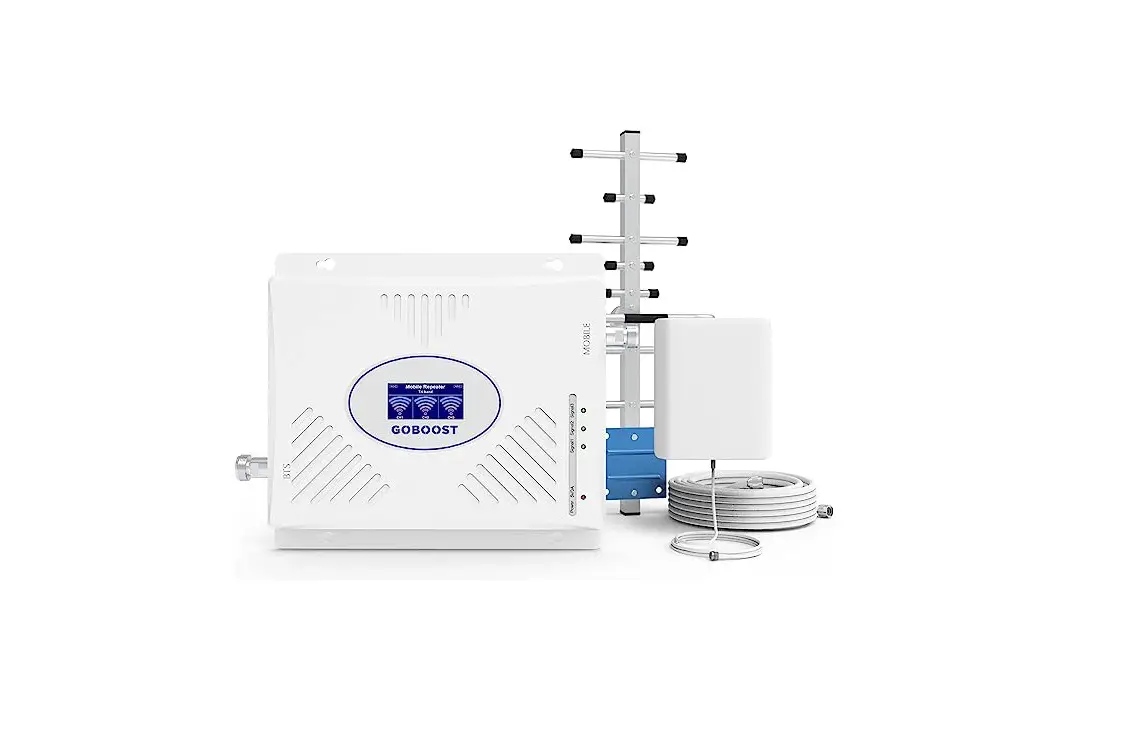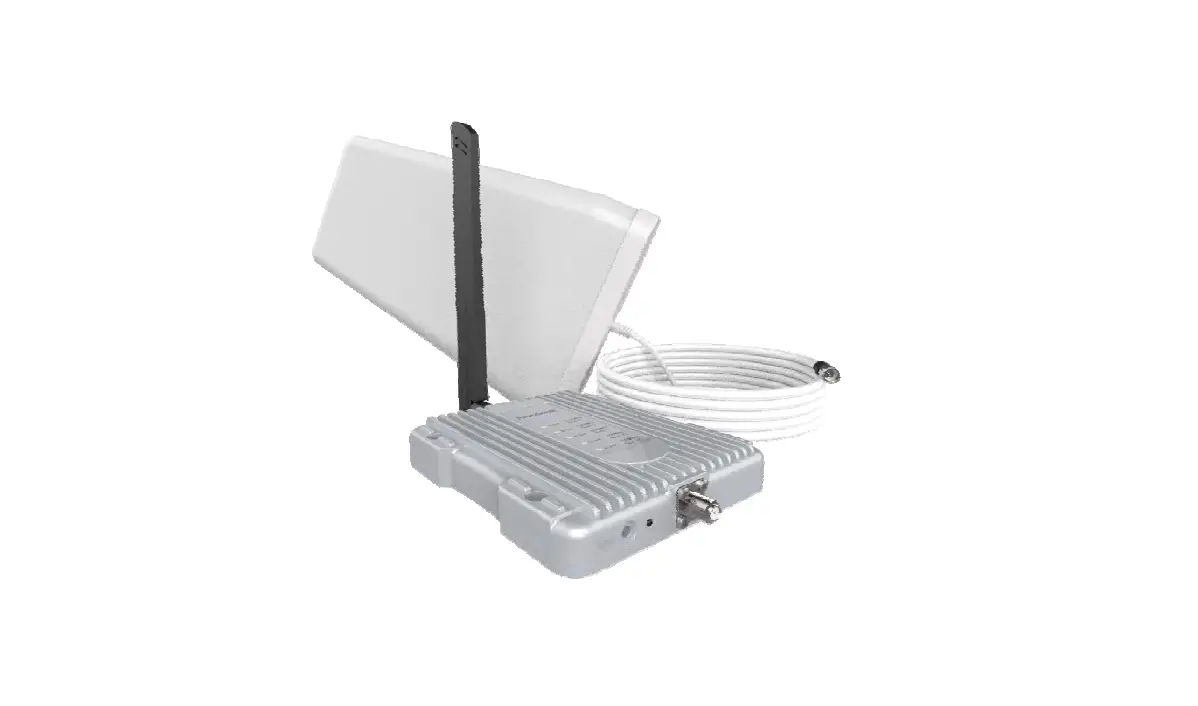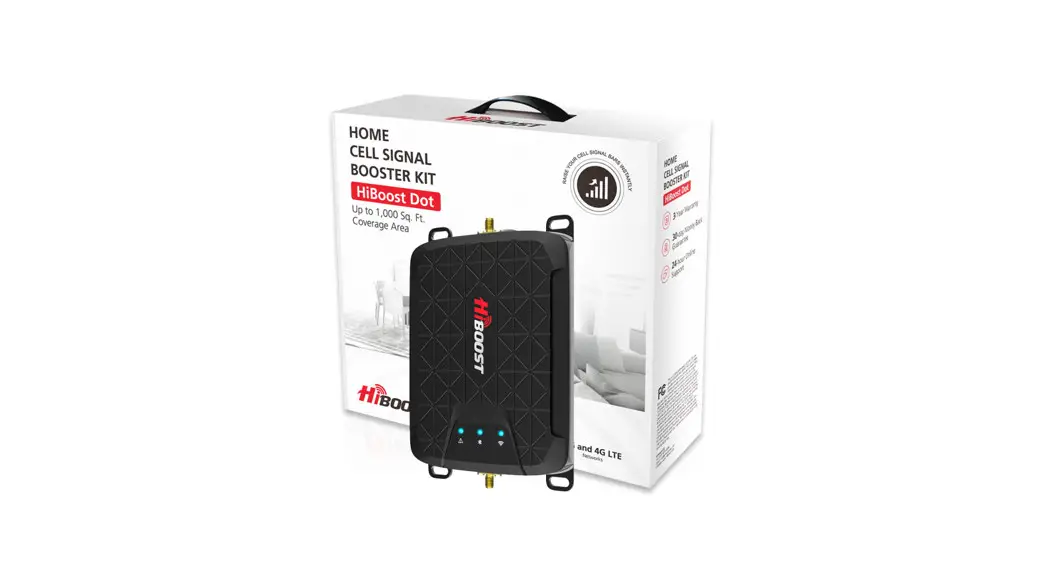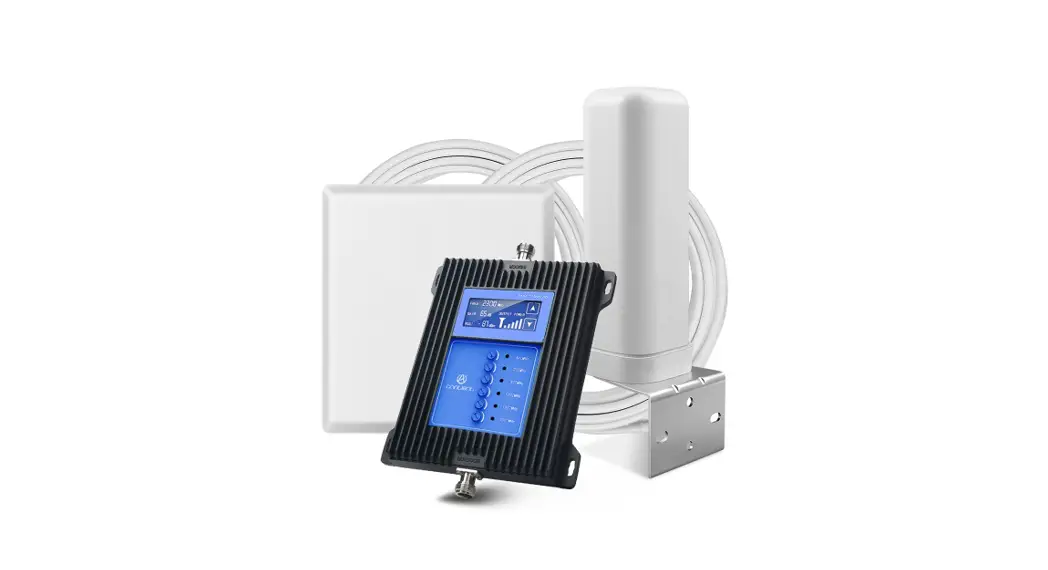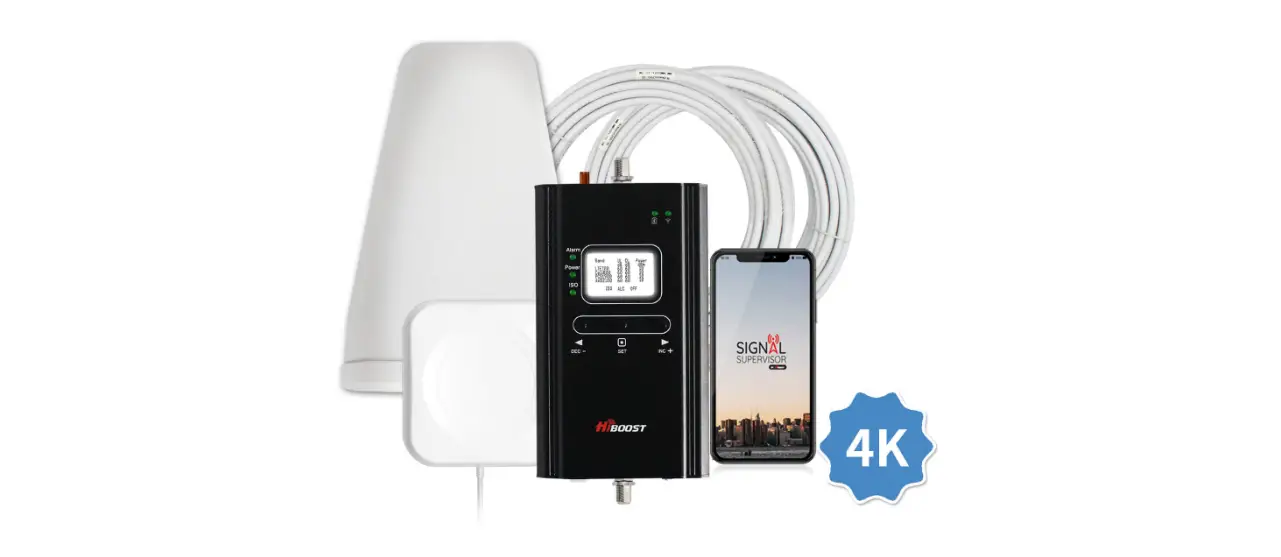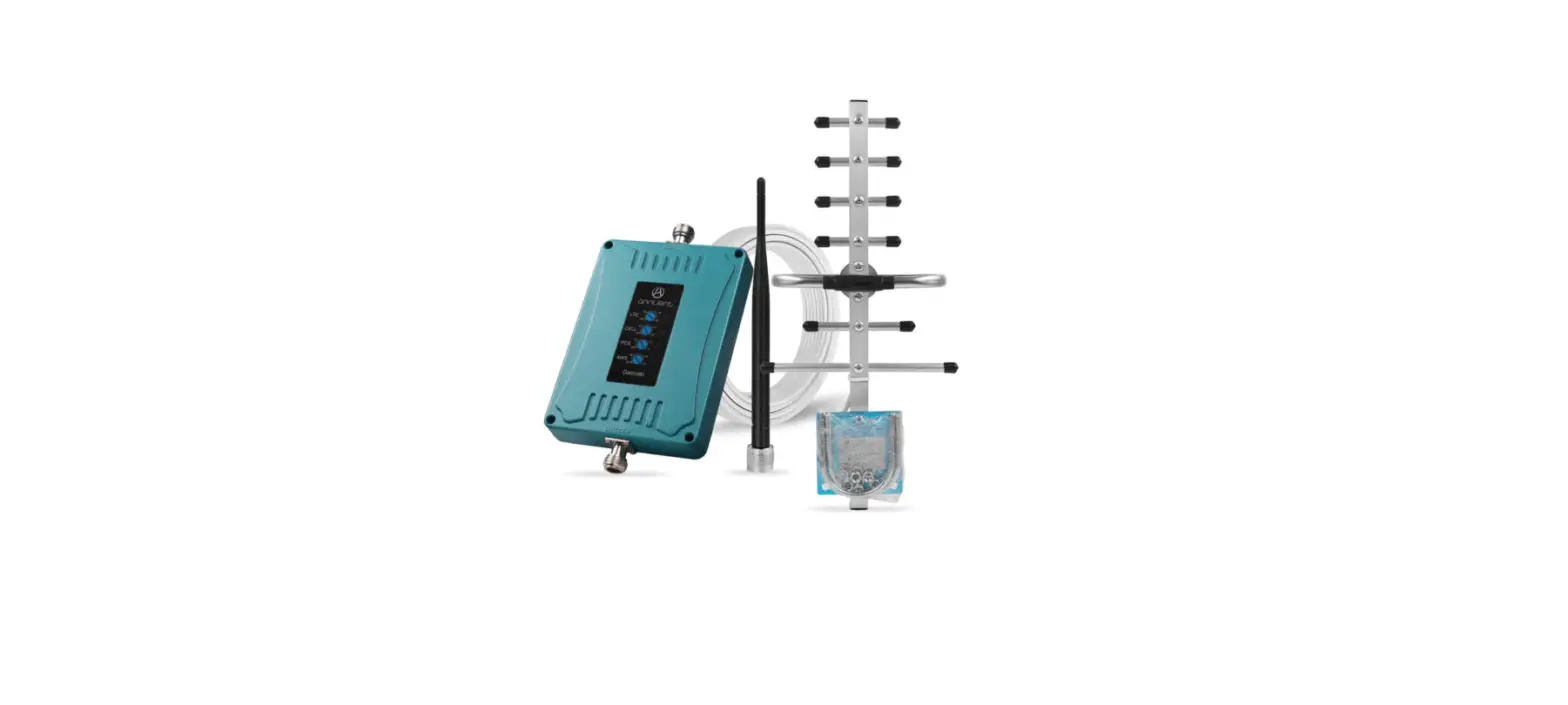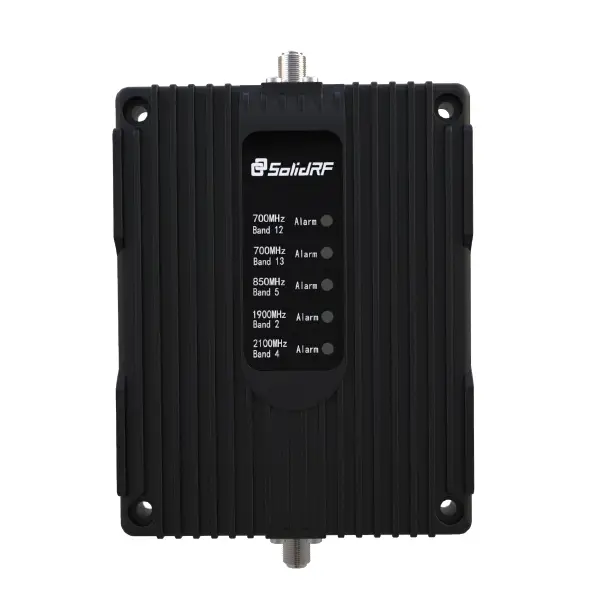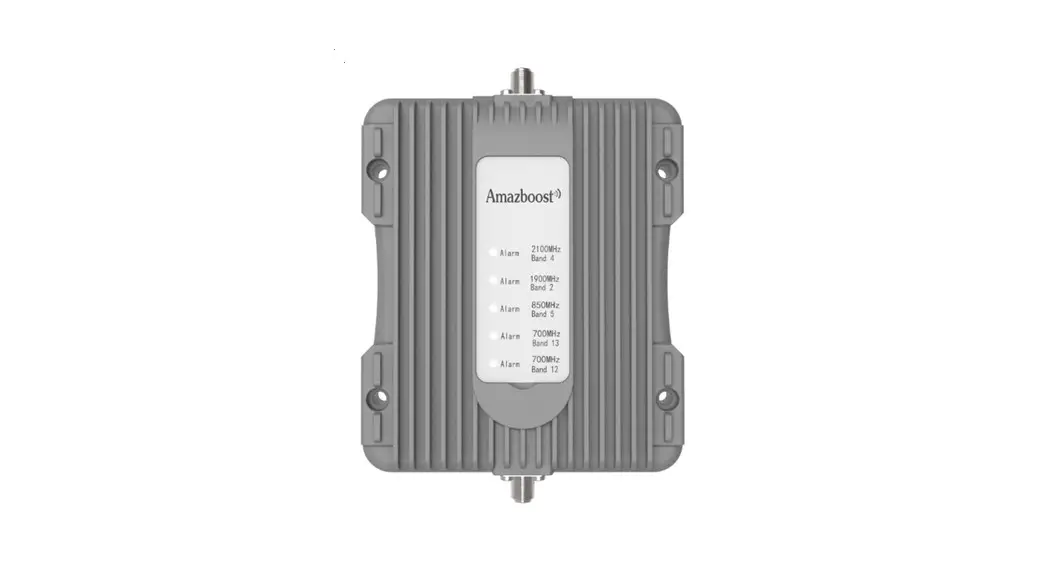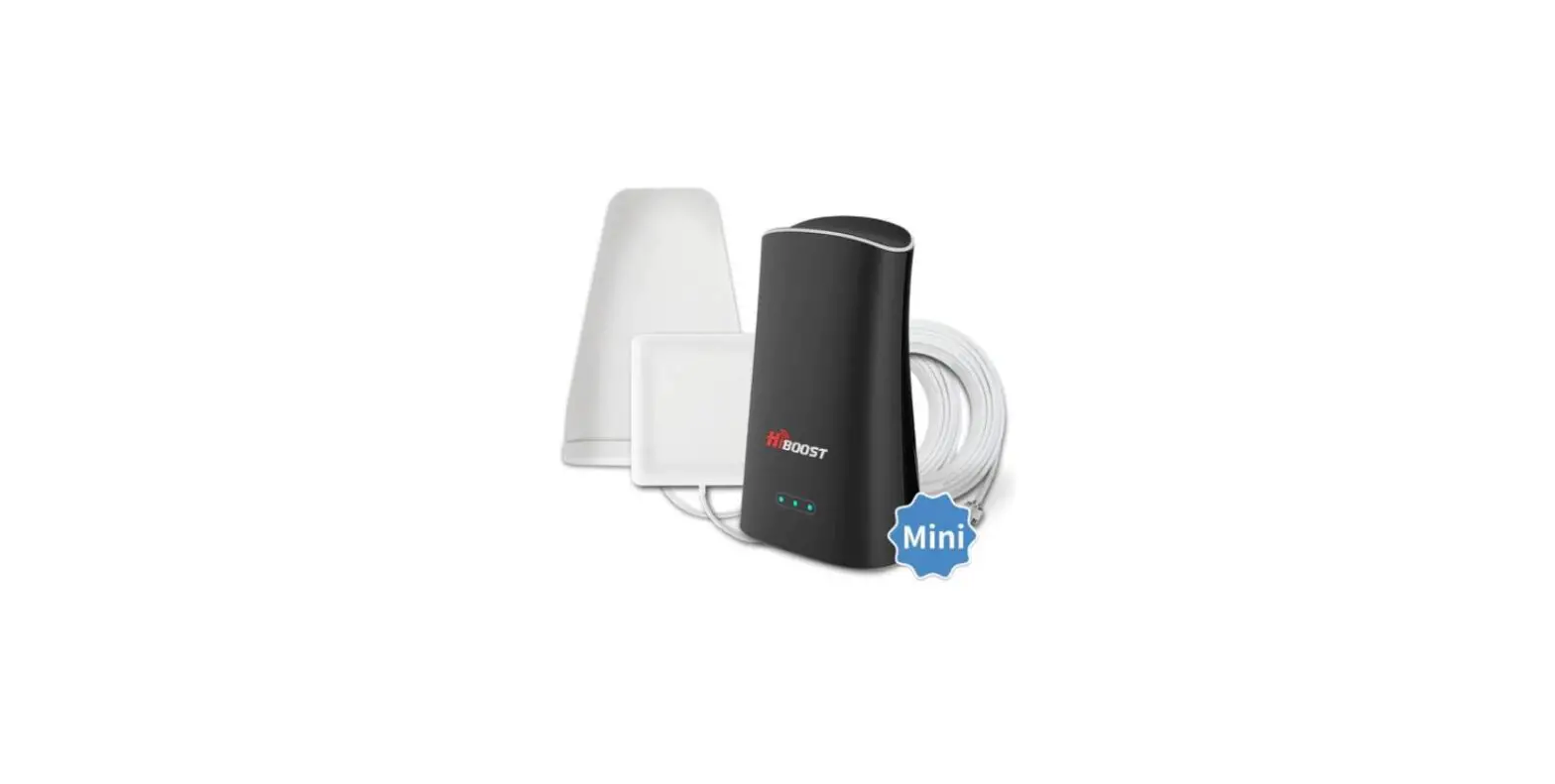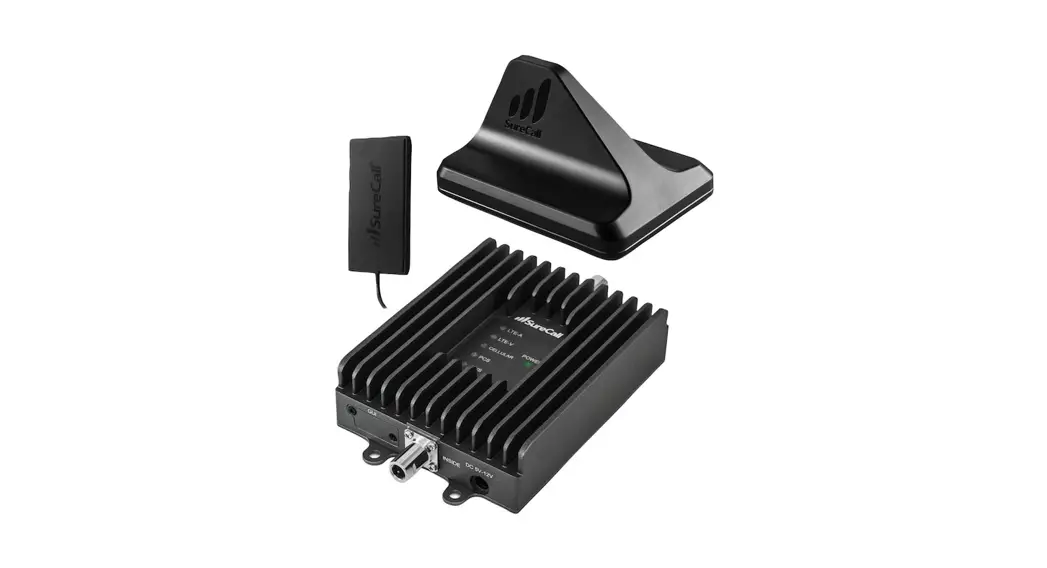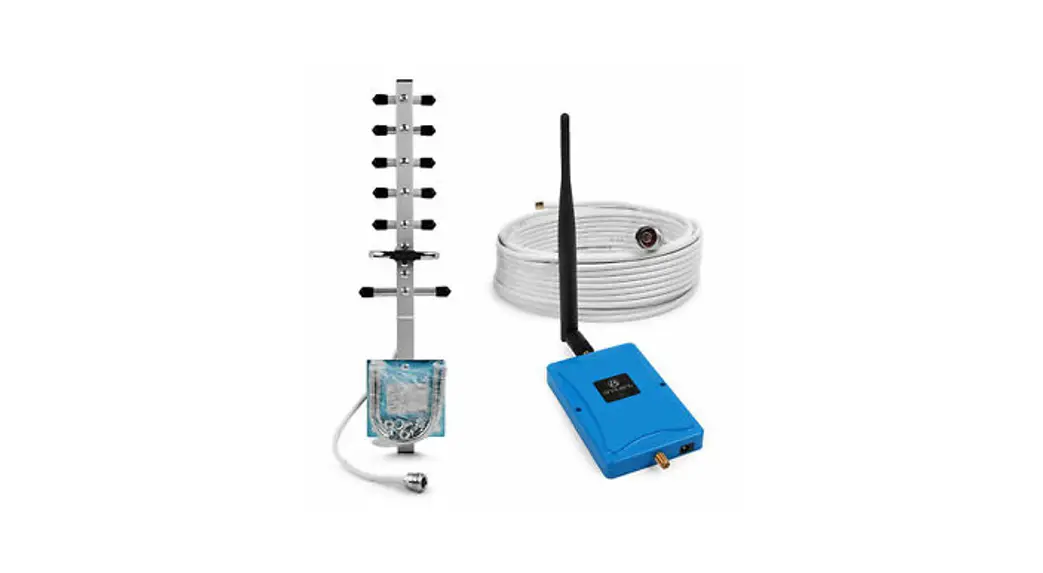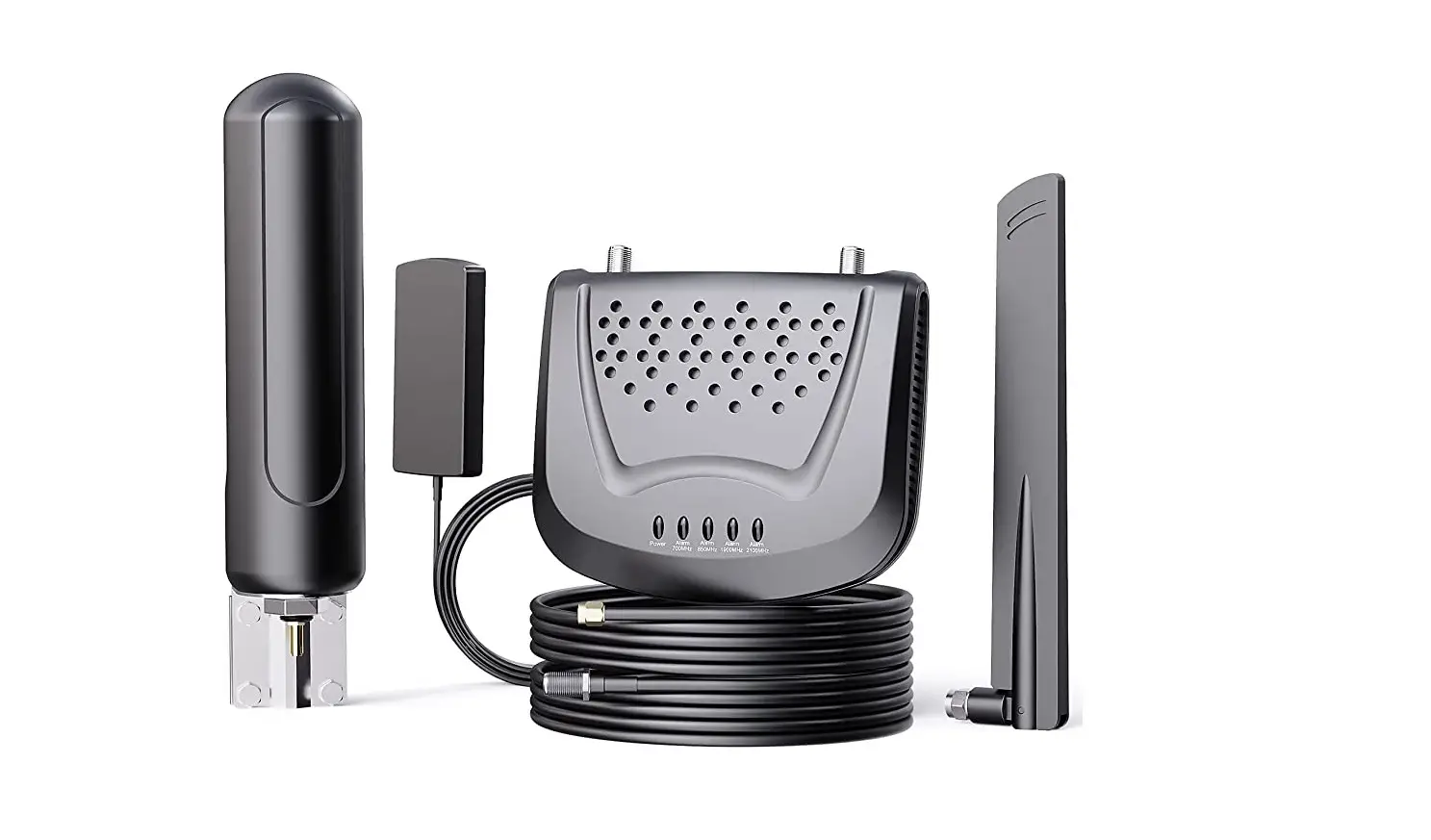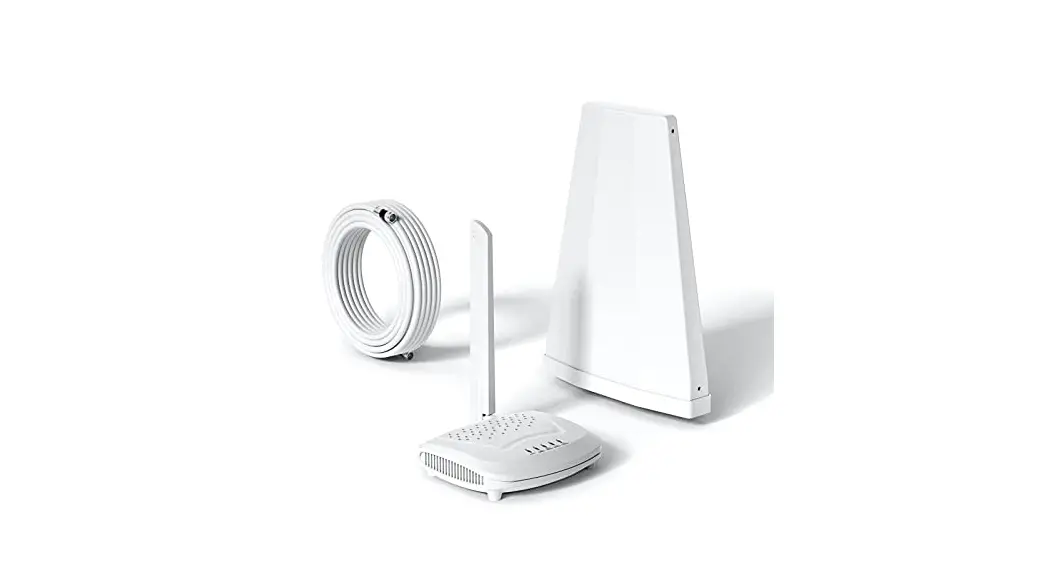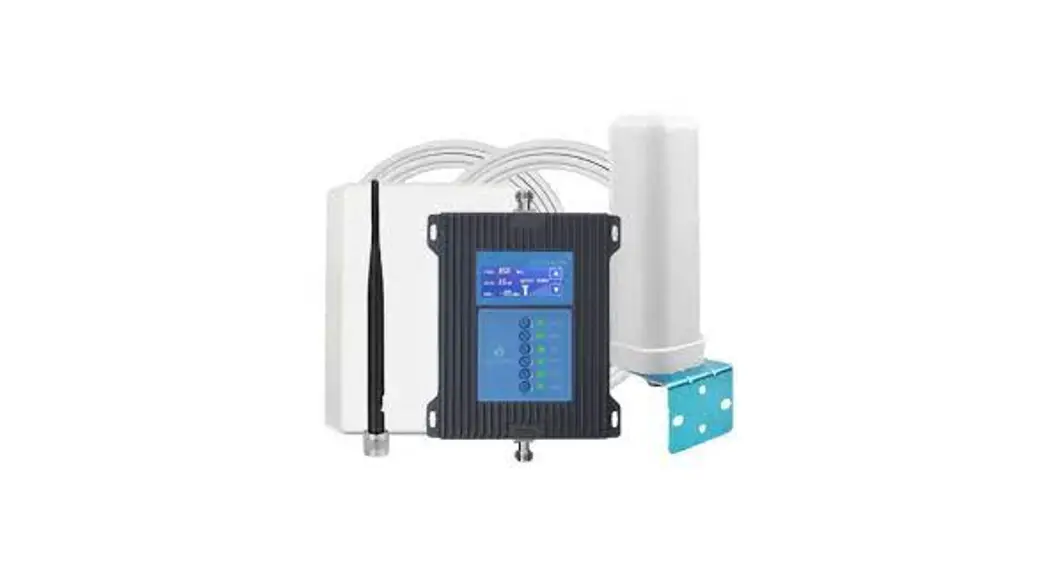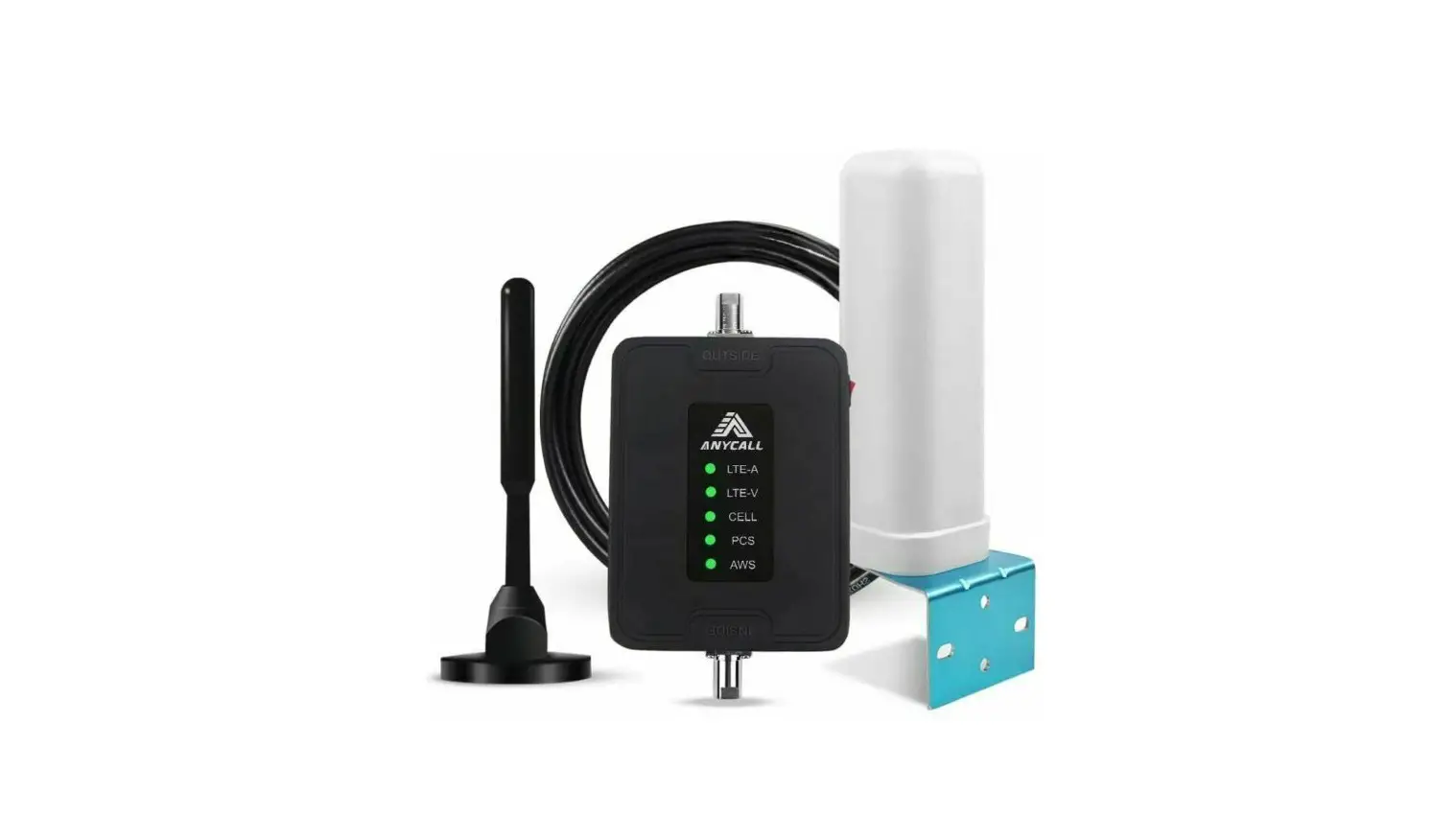

amazon B0922XCZ22 Cell Phone Booster
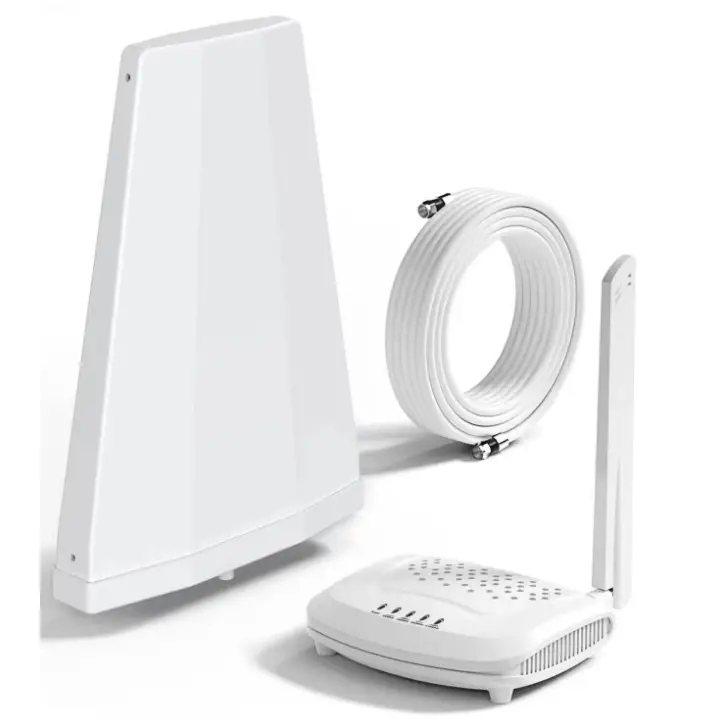
Several important things you need to do before placing an order, which will help you avoid buying the wrong booster that may not work for you.
- Test and confirm the frequency band you are using by the methods below, then choose the correct booster kit by the testing result.
- And, to make sure our booster works well with you, it needs you to have a good &stable signal outside. If your outdoor signal strength is less than 2 bars (worse than-100dBm) or unstable, our booster may not work well because it doesn’t generate a cell signal.
You can confirm your frequency band by the band testing methods below:
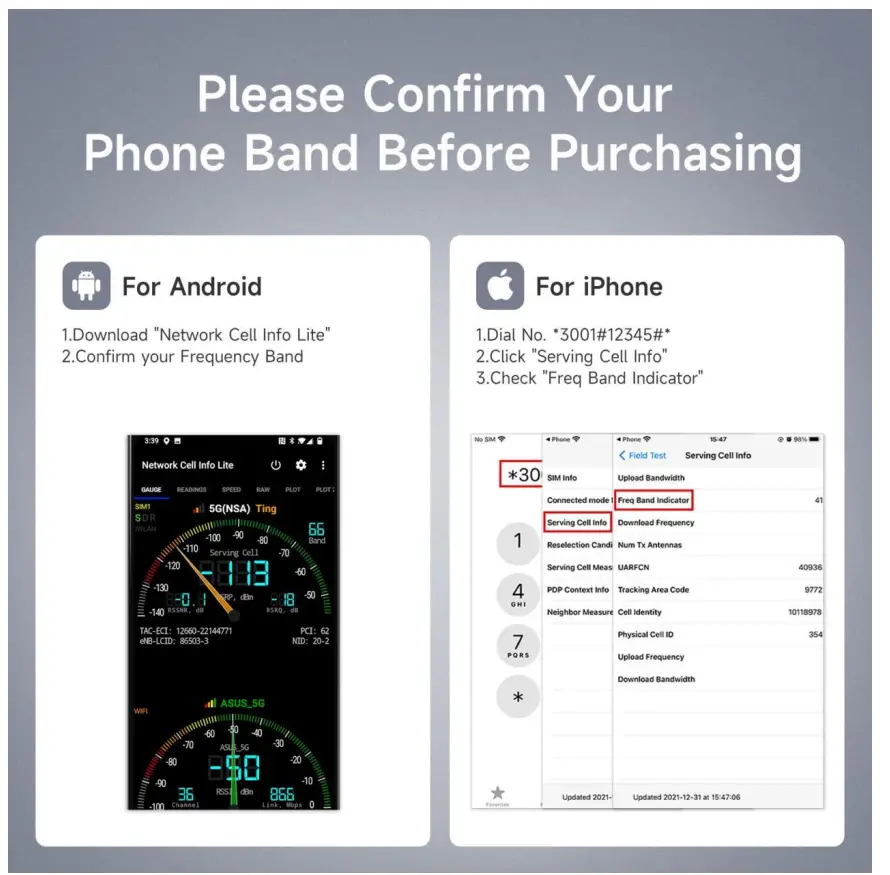
Note: Please make sure that the APP is getting access to your location before you get started to test the band (Turn on the GPS).
For iPhones:
- Dial *3001#12345#* (including the stars and pound signs), then press Call button;
- Click ‘Serving Cell Info’, and choose ‘LTE’ if needed before this step;
- Check ‘Freq Band Indicator’ to check your band;
- Click ‘Serving Cell Measurements’ to check the ‘Measured RSRP’ as your signal strength.
For Android:
There are some apps on Android, including free LTE Discovery and Network Cell Info Lite App
Here is the method for LTE Discovery:
- Download and install the app: LTE Discovery,
- Tap ‘SIGNALS’
- Check the band number.
Here is the method for Network Cell Info Lite:
- Download and install the app: Network Cell Info Lite
- Choose ’Signals‘ 3. Check ‘EARFCN