<<<User Manual
Cell Phone Signal Booster

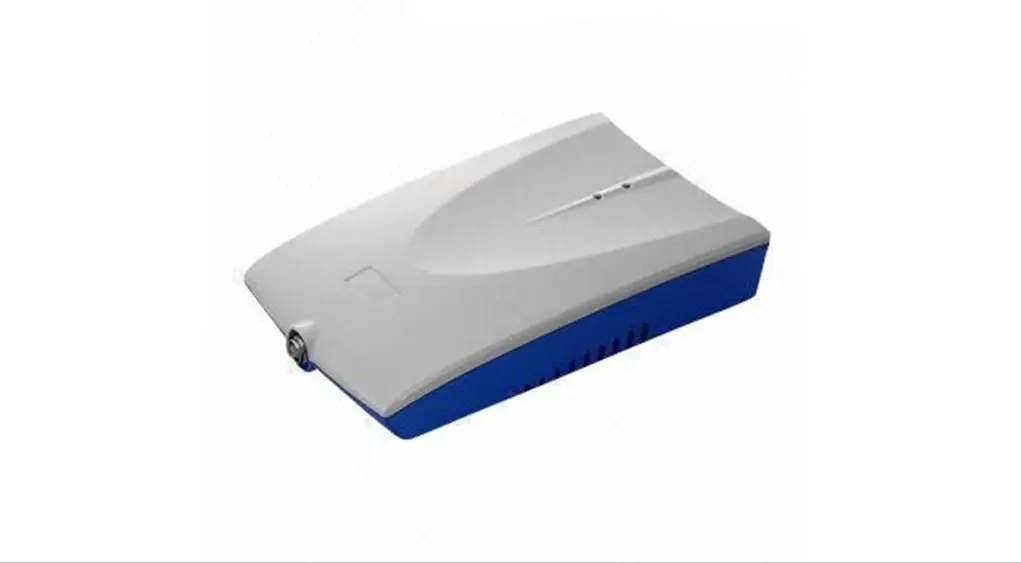
Product parameters
model
GB.3.CPA.4
Network
CDMA, LTE-B25
parameter
| Frequency Range | Frequency | Uplink | Downlink |
| CDMA | 824~849 | 869~894 | |
| LTE-B25 | 1850~1915 | 1930~1995 | |
| Output Power | 20±2 dBm | 10±2 dBm | |
| Gain | 53±5 dB | 59±3 dB | |
| Ripple in Band | CDMA≤6dB;LTE-B25≤6dB | |
| Spurious Emission | 9KHz~1GHz | ≤ -36 dBm |
| 1GHz~12.75GHz | ≤ -30 dBm | |
| Intermodulation Products | 9KHz~1GHz | ≤ -36 dBm |
| 1GHz~12.75GHz | ≤ -30 dBm | |
| VSWR | ≤3 | |
| MTBF | >50000 hours | |
| Power Supply | AC:100~240V, 50/ 60Hz;DC:5V 3A | |
| Power Comsumption | < 5.5W | |
| Impedance | 50 ohm | |
Mechanical Specification
| RF Connector | N-Female |
| Dimensions (D*W*H ) | 234*182*22mm |
| Packing size (D*W*H ) | 310*210*55mm |
| Net weight | <0.99KG |
| Gross weight | <1.26KG |
| Installation Type | Wall Installation |
| Environment Conditions | IP40 |
| Humidity | < 90% |
| Operating Temperature | -10℃ ~ 55℃ |
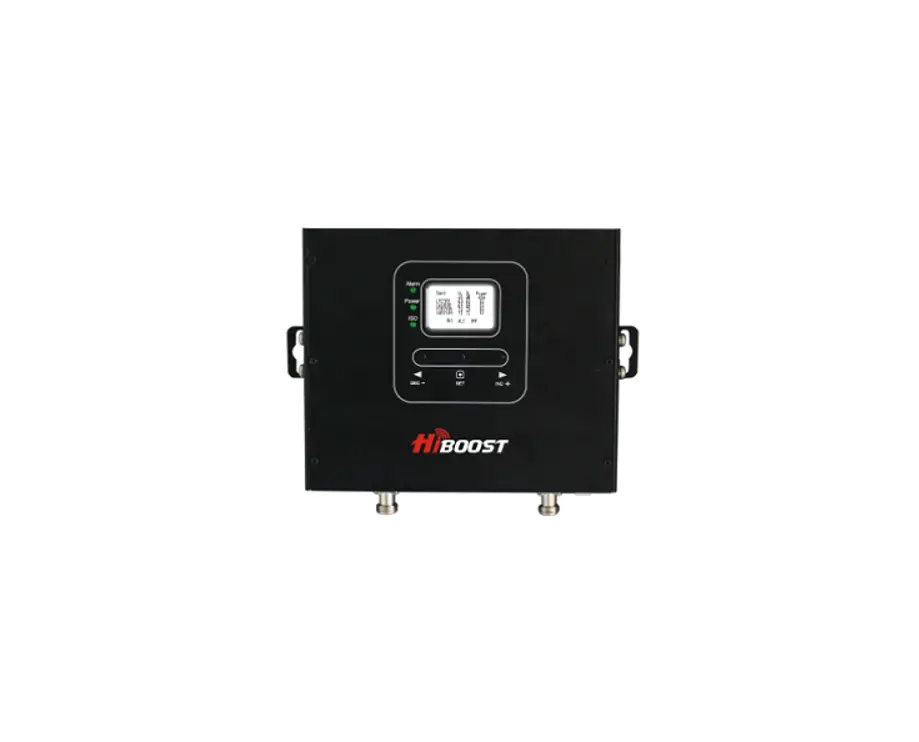
Product display
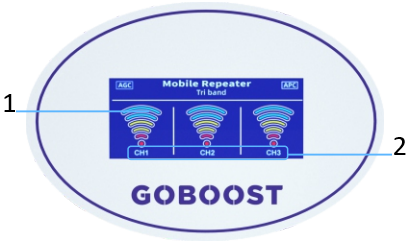
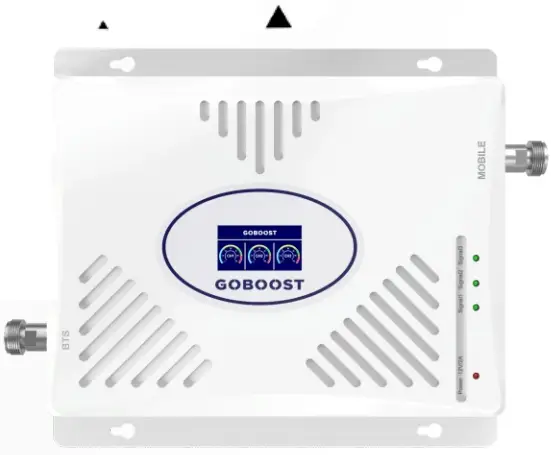
- Signal strength
- Channel
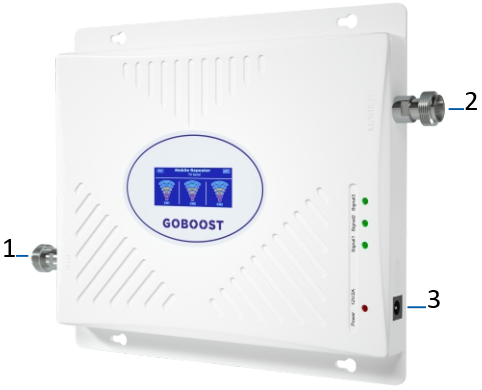
- Output gain
- Indoor port
- Power Supply
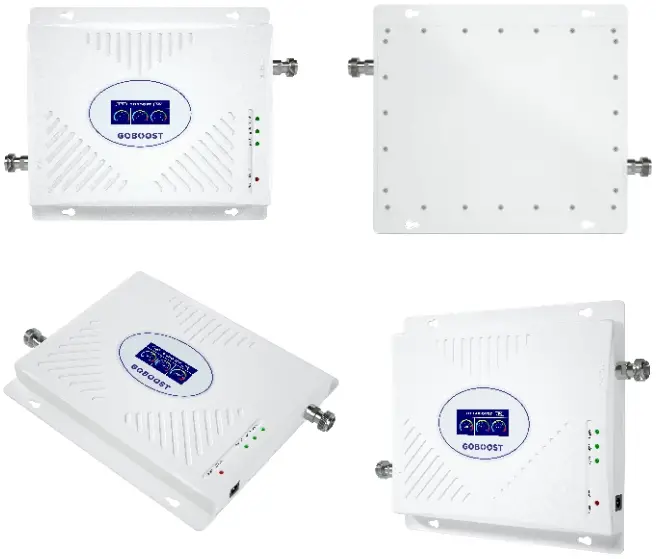
Installation steps
Step 1: Install the outdoor antenna on the roof or other positions where you can receive 4 bars of signal or more
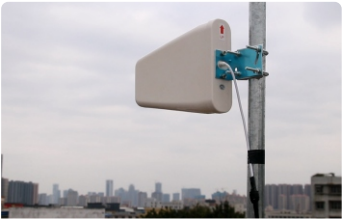
Step 2: Connect the outdoor antenna to the BTS port via the cable and tighten the connectors at both ends, make the outdoor antenna point to the base station
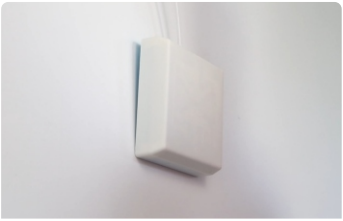
Step 3: Connect the indoor antenna to the MS port, and place the indoor antenna at a higher position so as to increase signal coverage
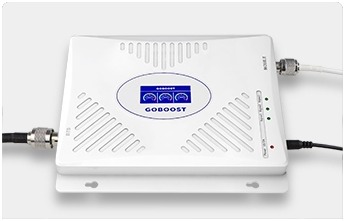
Step 4: After connecting and tightening the two antennas, plug in the power supply and check the condition of the signal display light
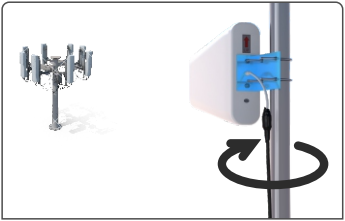
Step 5: Check whether the phone signal has been improved or not. If it is not ideal, you can adjust the height or direction of the outdoor antenna. A good outdoor signal is half of the success.
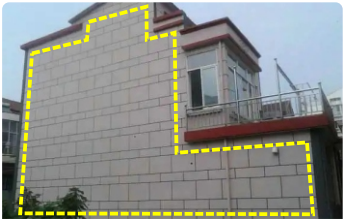
Attention: There must be a solid wall between the indoor antenna and the outdoor antenna to prevent self-oscillation.
installation drawing
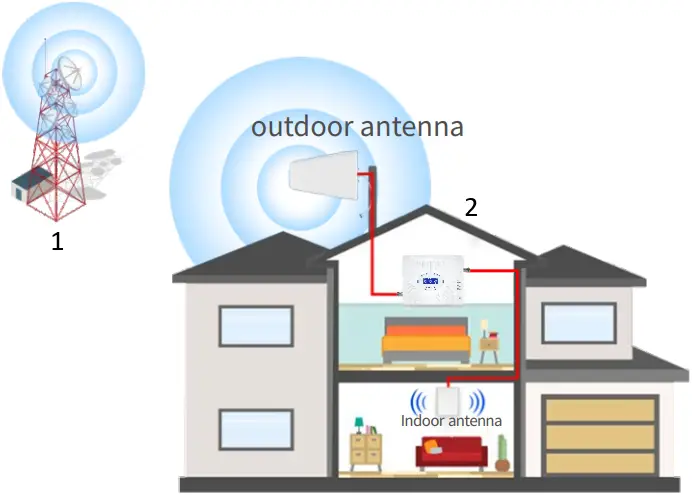
- base station
- host
Application Scenario
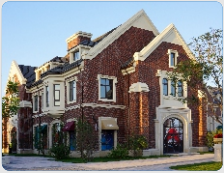
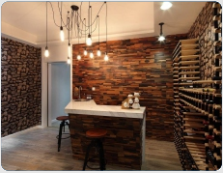
villa basement
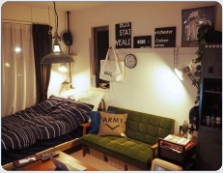
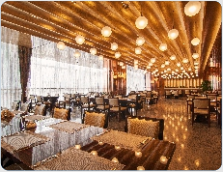
residence hotel
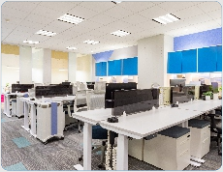
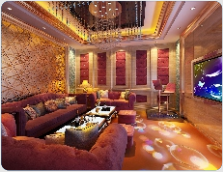
Office building Bar KTV
frequently asked question
| FAQ | Solutions |
| After the installation, the signal improvement is not significant, and the indoor coverage area is small | 1. Adjust the position and direction of the outdoor antenna 2. Check if the cable is properly connected 3. Raise the outdoor antenna so that it can receive better signals 4. Replace high-power amplifier 5. Replace a high gain outdoor antenna |
| The phone signal is full, but the call quality is poor | The distance between outdoor and indoor antennas are too close, so it is necessary to increase the distance between them, or increase barrier isolation between them |
| After installation, the signal did not improve, but it was worse | The distance between outdoor and indoor antennas are too close, so it is necessary to increase the distance between them, or increase barrier isolation between them |
| I have been using it normally before, but suddenly the signal is not good after using it for a period of time | 1. Check if water ingress at outdoor cable joints 2. Check if the power indicator light is normal 3. If there is no water ingress into the cable and the power indicator light is normal, it is possible that the amplifier has malfunctioned and needs to be returned to the factory for repair |
FCC Statement
- This equipment should be installed and operated with a minumum distance of 20 cm between the radiator and your body.
This is a CONSUMER device.
BEFORE USE, you MUST REGISTER THIS DEVICE with your wireless provider and have your provider’s consent. Most wireless providers consent to the use of signal boosters. Some providers may not consent to the use of this device on their network. If you are unsure, contact your provider.
You MUST operate this device with approved antennas and cables as specified by the manufacturer. Antennas MUST be installed at least 20 cm (8 inches) from any person.
You MUST cease operating this device immediately if requested by the FCC or a licensed wireless service provider.
WARNING. E911 location information may not be provided or may be inaccurate for calls served by using this device.
This device may be operated ONLY in a fixed location for in-building use.
(1) Usage of unauthorized antennas, cables, and/or coupling devices may result in poor effect and, in severe cases, equipment damage.
(2) a complete list of authorized antennas, cables, and/or coupling devices:
| Name | Model | Gain/Loss | Photo | |
| Indoor Antenna | Panel Antenna (default) | IBG-8NK-80/250 | 5dbi @824-894MHz 5dbi @1850-1990MHz | 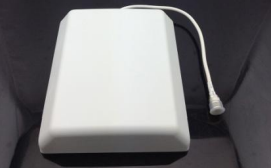 |
| Ceiling Antenna | IXD-3NK-80/250 | 3.5dbi @824-894MHz 3.5dbi @1850-1990MHz | 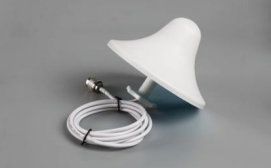 | |
| Outdoor Antenna | Log-periodic Antenna (default) | ODS-10NK-80/250 | 5dbi @824-894MHz 5dbi @1850-1990MHz | 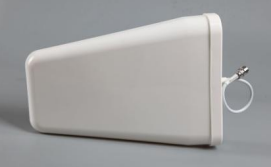 |
| Yagi Antenna | OBM-5NK-82/96 | 3dbi @824-894MHz 3dbi @1850-1990MHz | 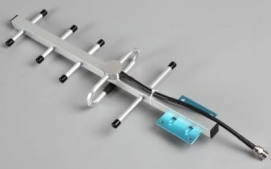 | |
| cable | Coaxial cable with N male cennector (default) | PTE-3D-FB-5NB | 3dbi @824-894MHz 3dbi @1850-1990MHz | 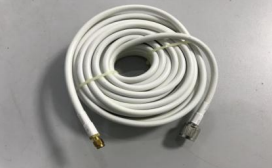 |
(3)the default antenna, cable, and/or coupling device that are shipped with the booster
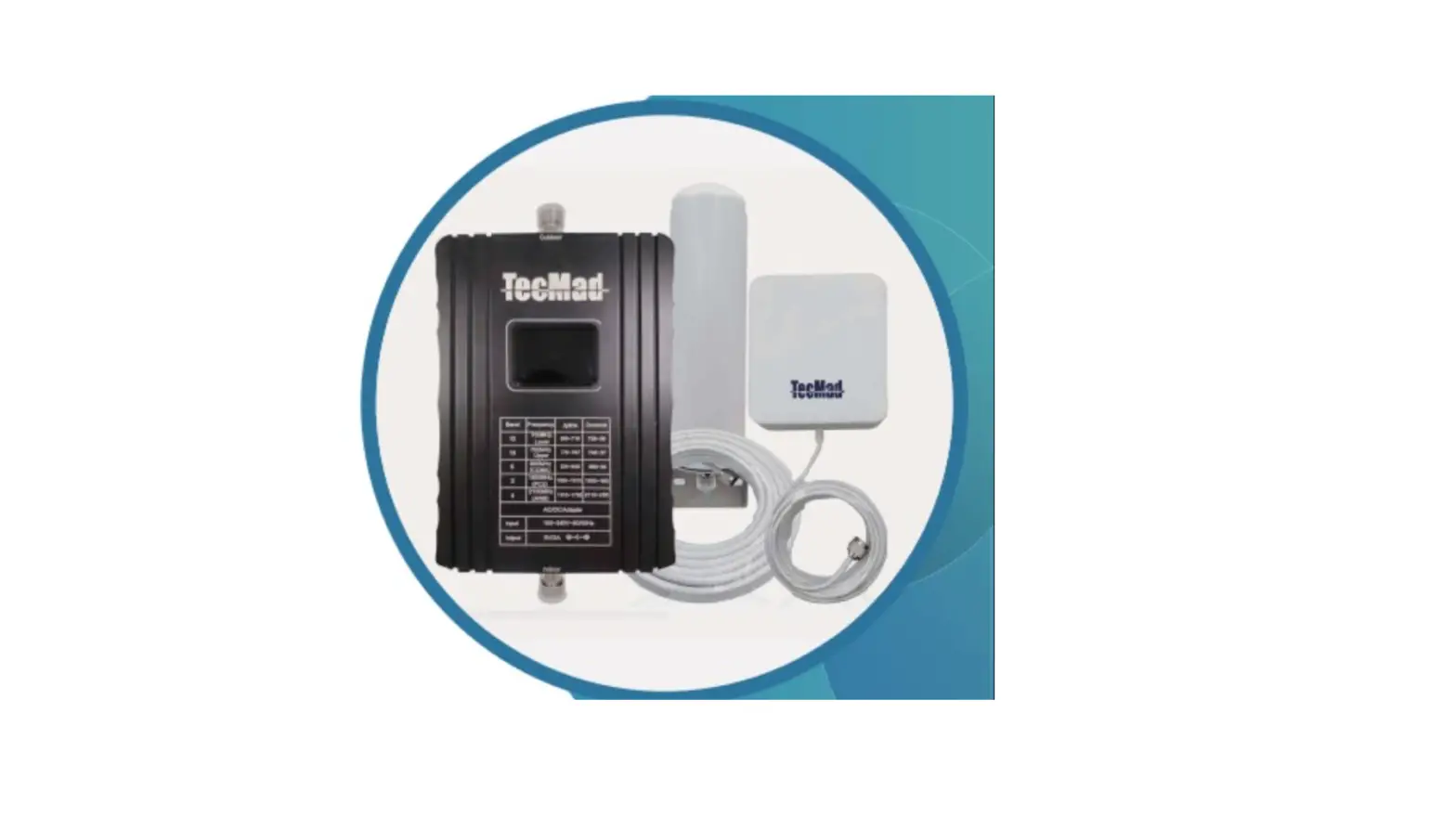
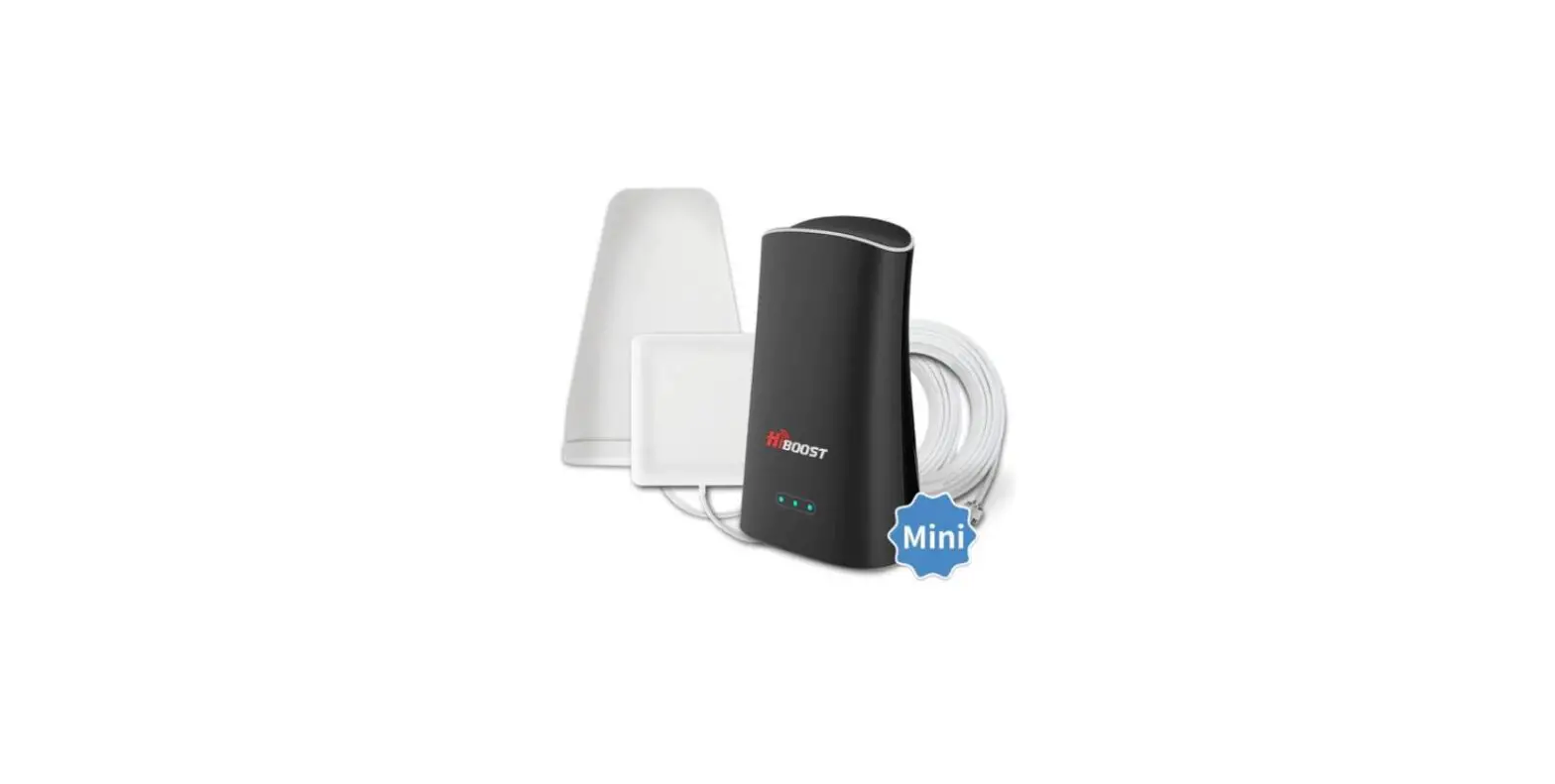
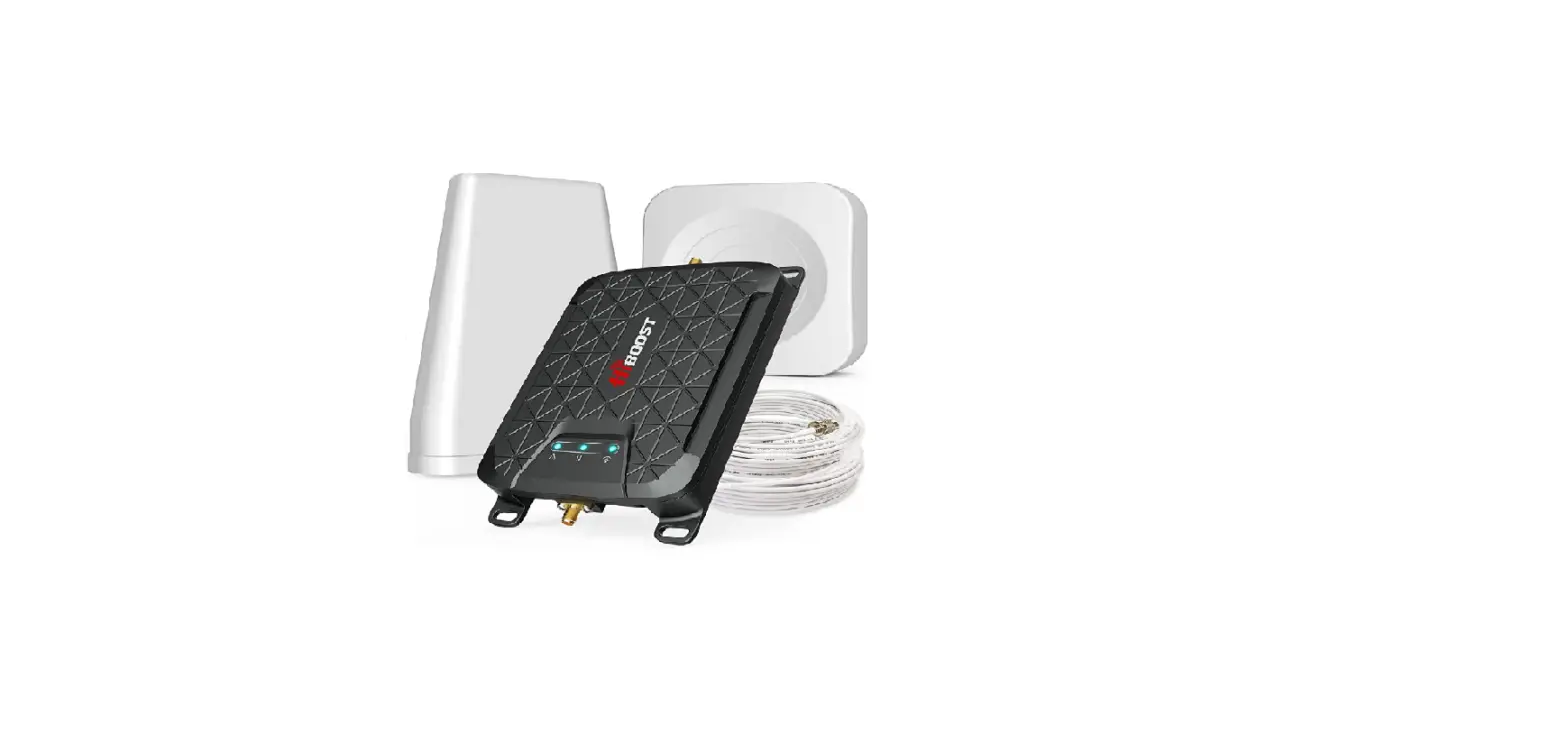
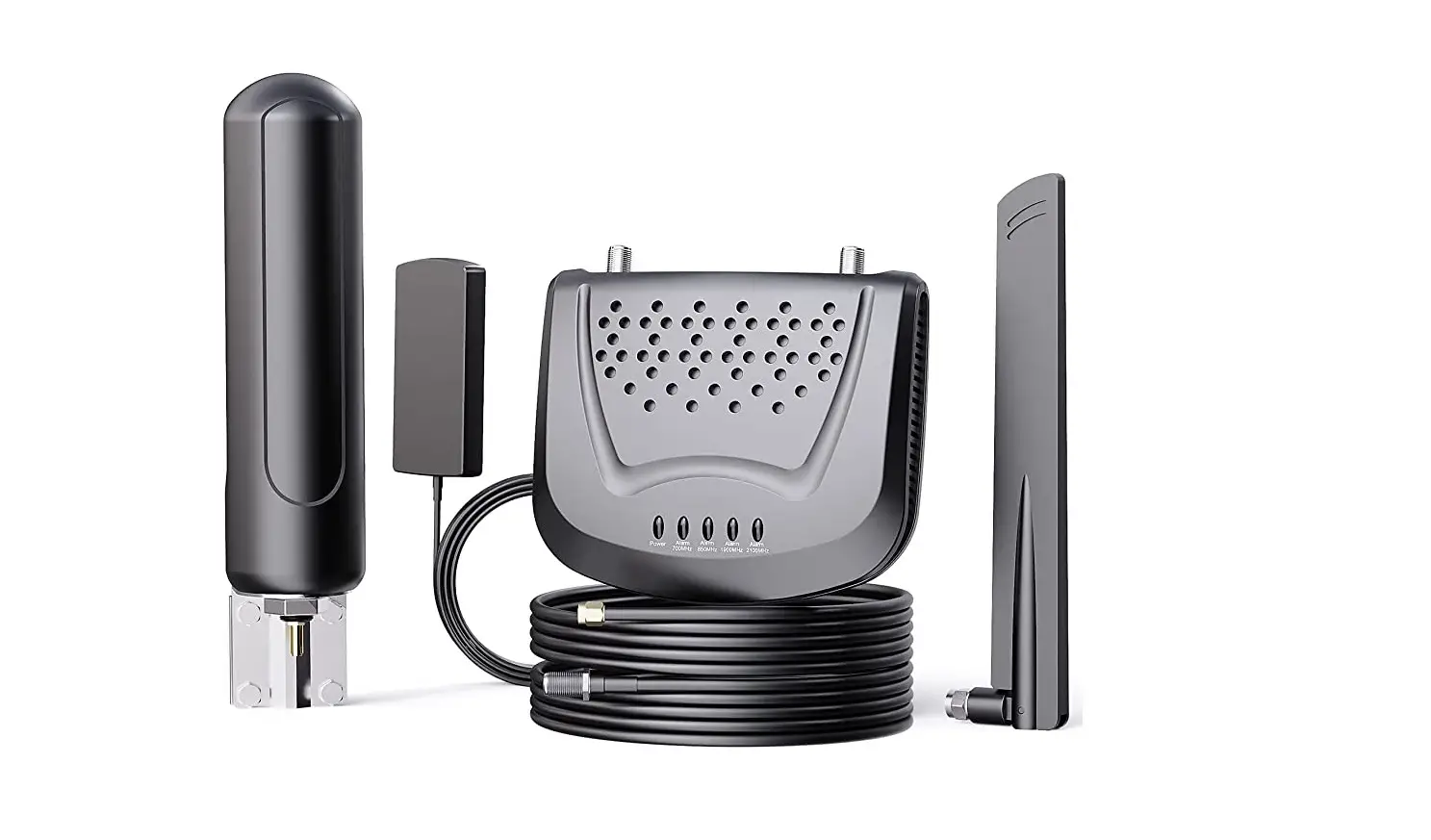
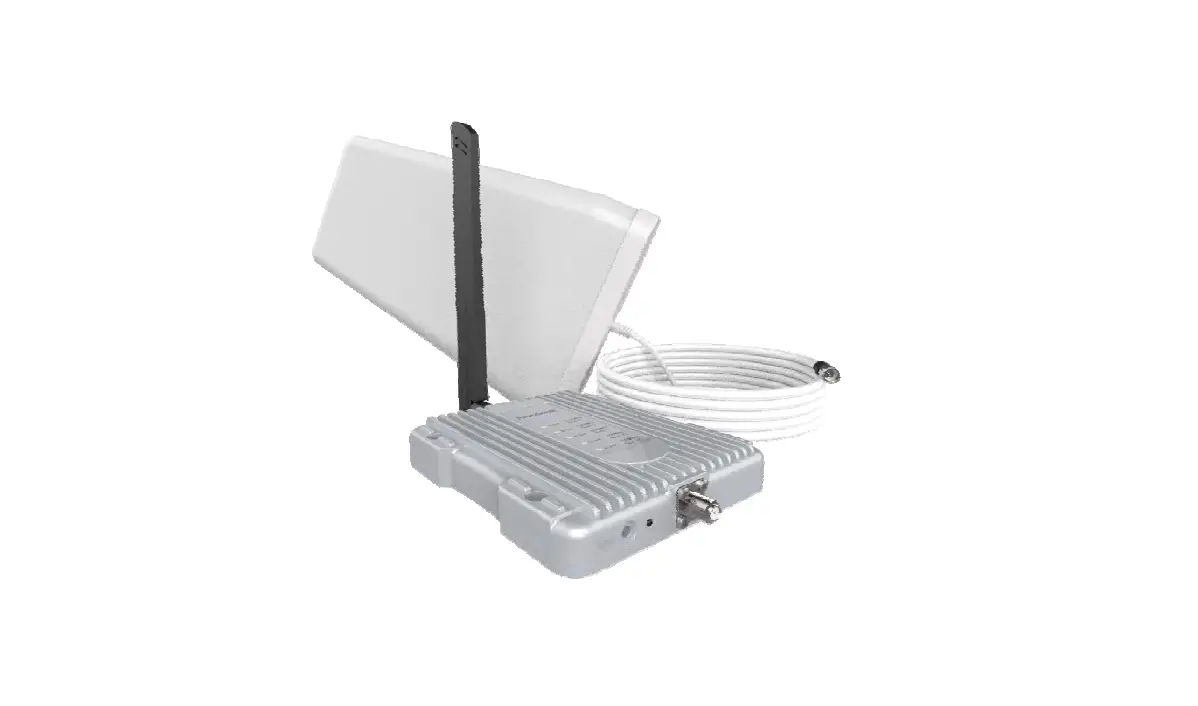
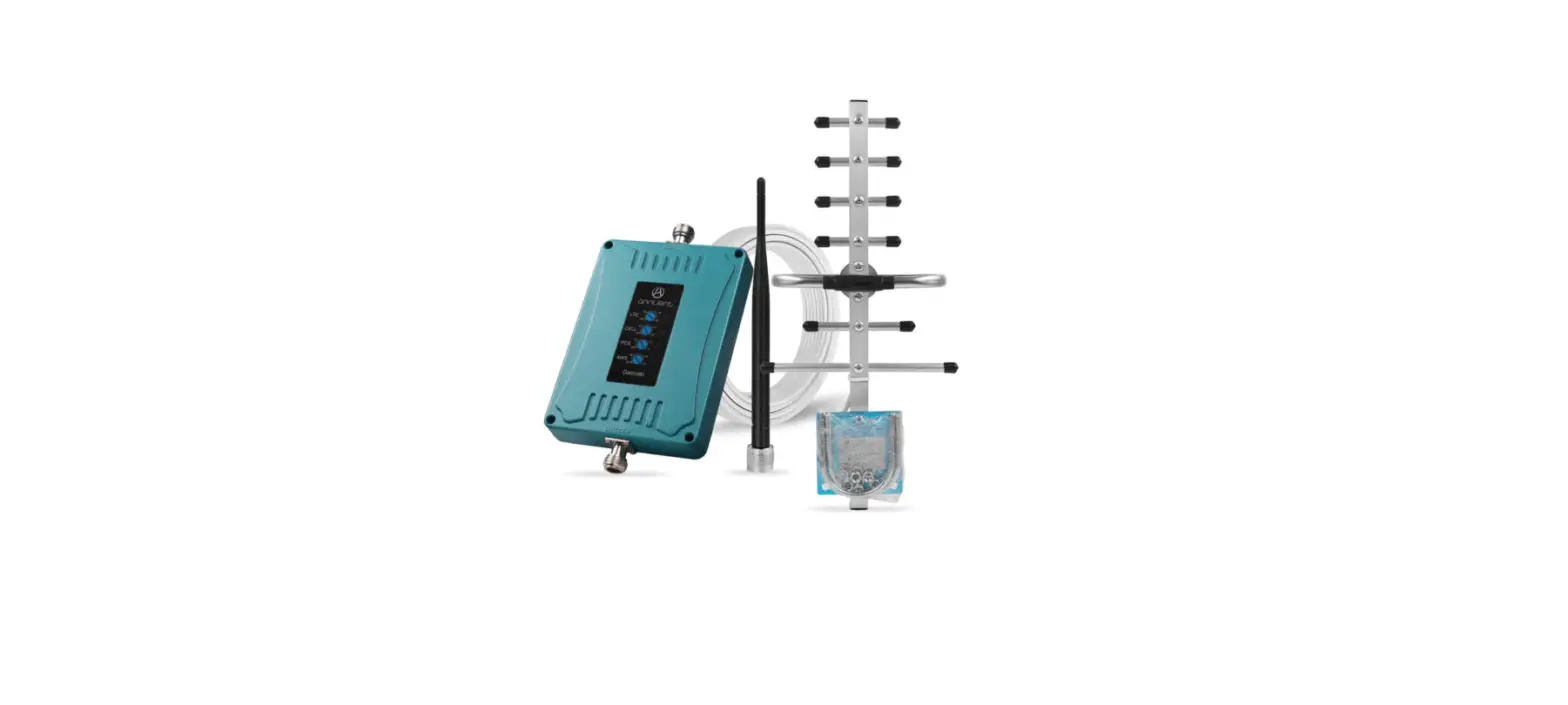
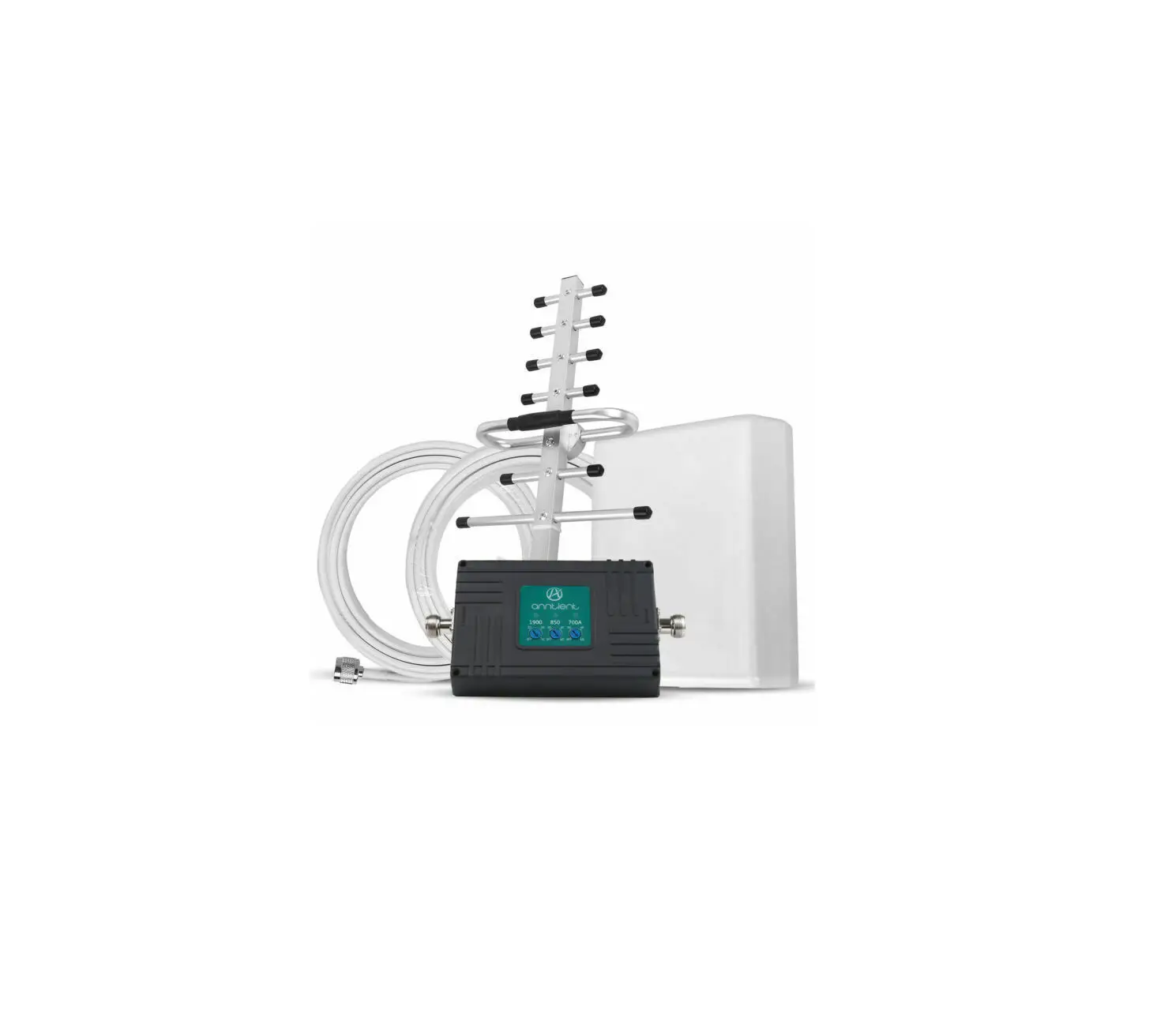
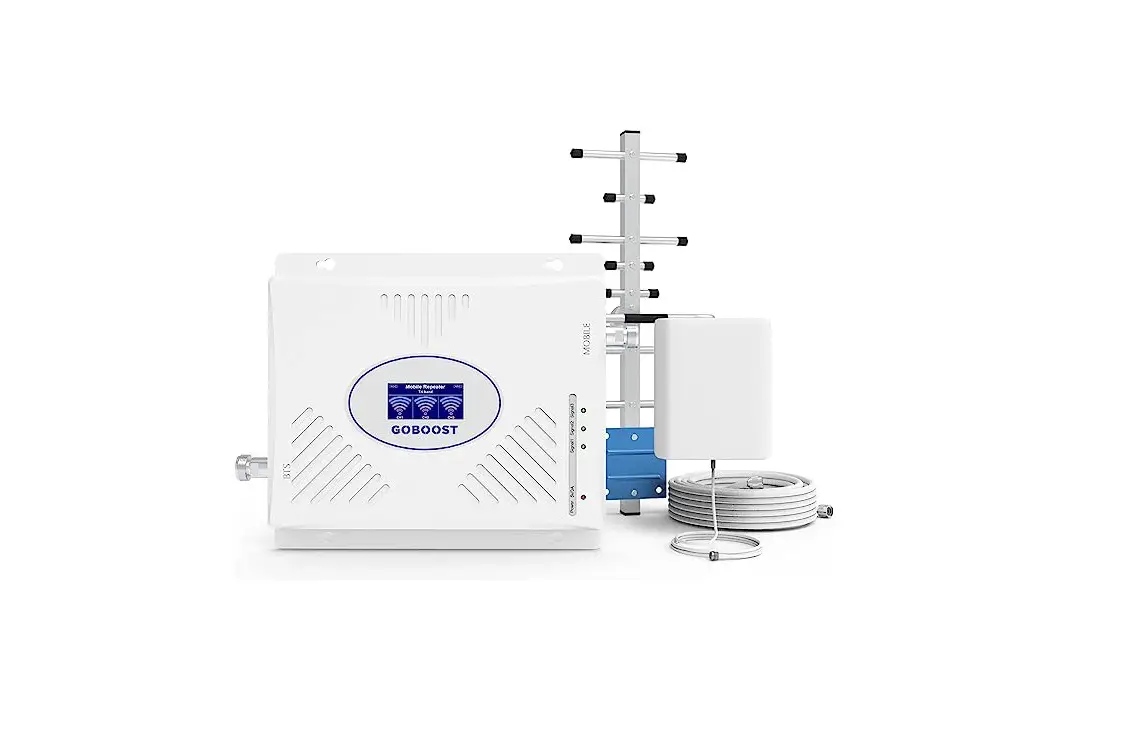
Log-periodic Antenna, Panel Antenna and CoaxialCable.
(4) The antenna is equipped with a U-shaped mounting bracket. The log-periodic antenna should be installed in a place with good outdoor signal. The panel antenna should be installed indoors and near the main device. If the amplification effect is not good after the installation is completed, the direction of the log-periodic antenna can be gradually adjusted to achieve better effect.
(5) The device has automatic sleep function, strong anti-interference ability, over-power protection function, good heat dissipation design, and no radiation. The working noise is as low as 6DB.
CPC-2-1-05 — Zone Enhancers – Spectrum management and telecommunications
http://www.ic.gc.ca/eic/site/smt-gst.nsf/eng/sf08942.html
Warning: Unauthorized antennas/cables and/or coupling devices are prohibited by FCC rules. Please contact FCC for details: 1-888-CALL-FCC
This device complies with Industry Canada license-exempt RSS standard(s). Operation is subject to the following two conditions: (1) this device may not cause interference, and (2) this device must accept any interference, including interference that may cause undesired operation of the device.
Shenzhen Gaobo Communication Technology Co., Ltd
C301, No. 71, Laiwu Shandong District, Tongsheng Community, Dalang Street, Longhua
District, Shenzhen, China
Contact:MrZhang
Tel:0755-85250797
Email:[email protected]
 CPC-2-1-05 — Zone Enhancers