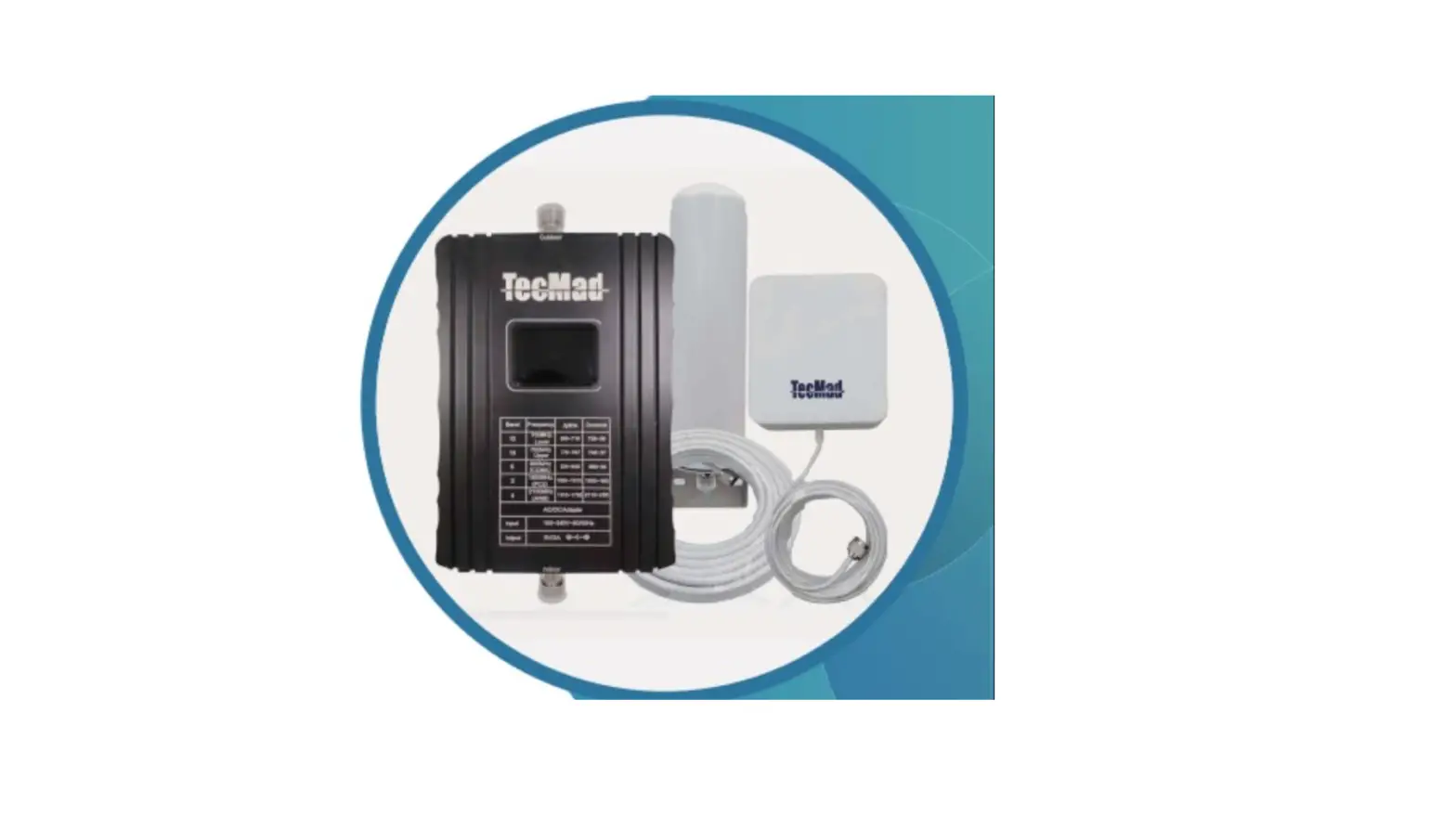
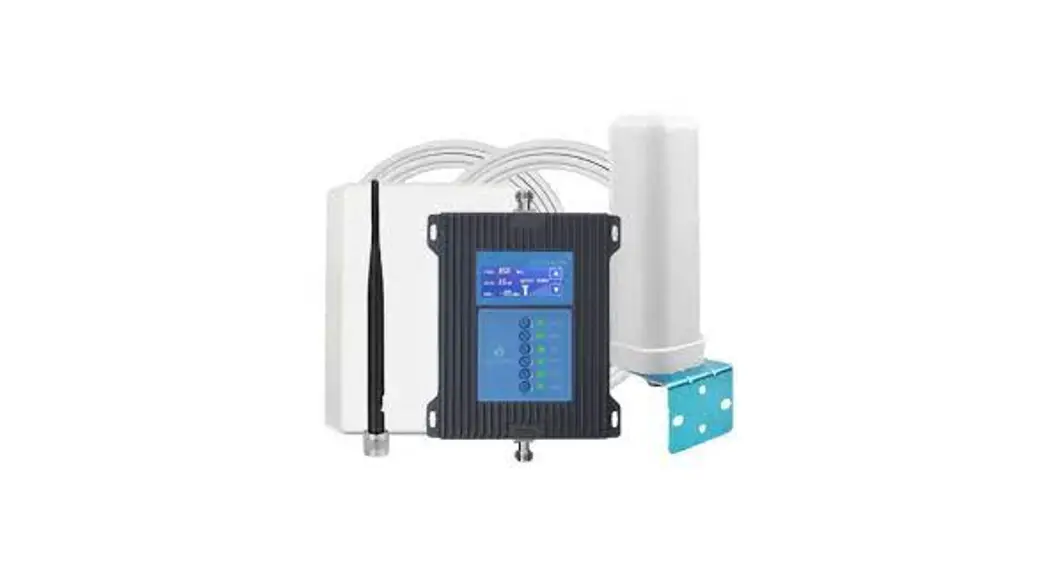
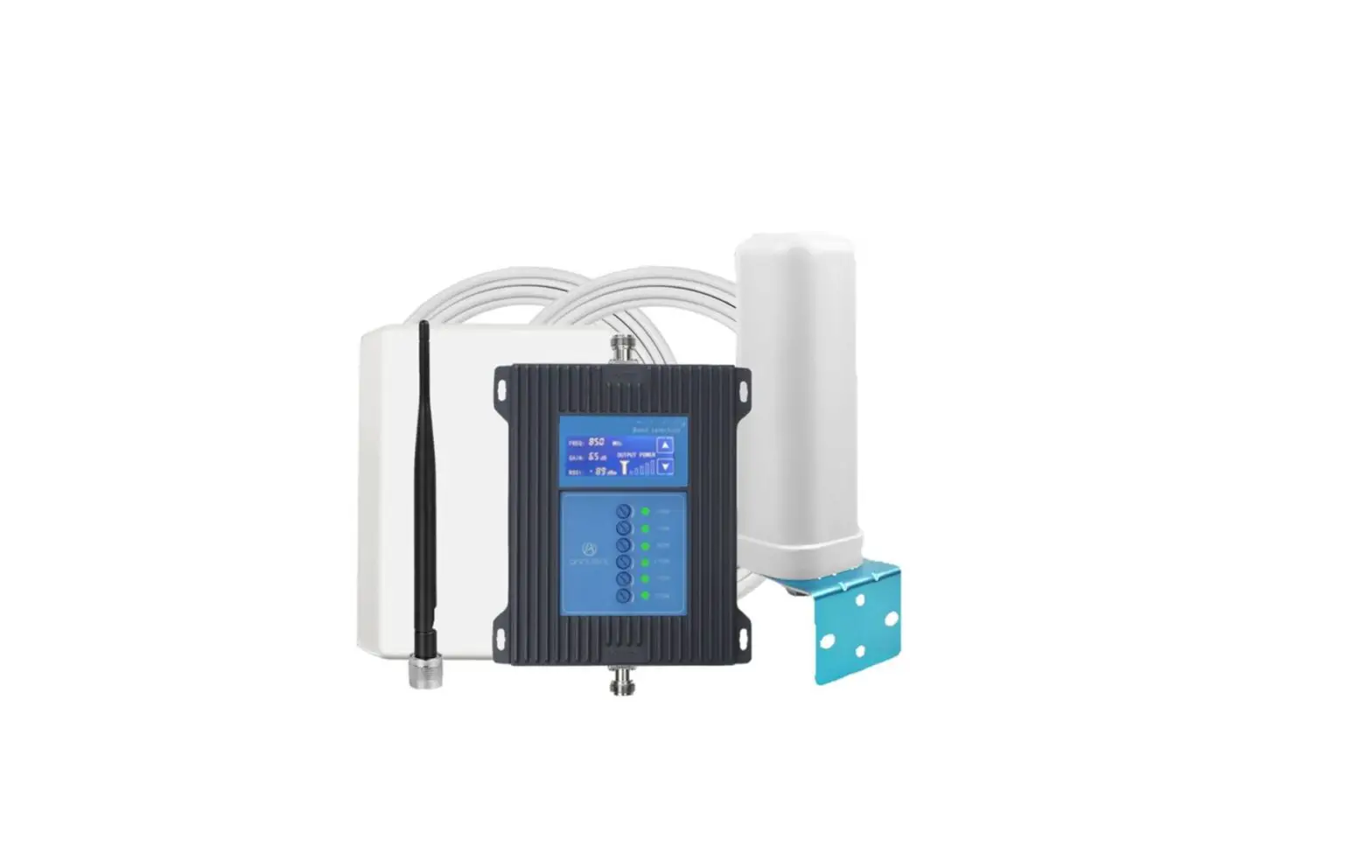
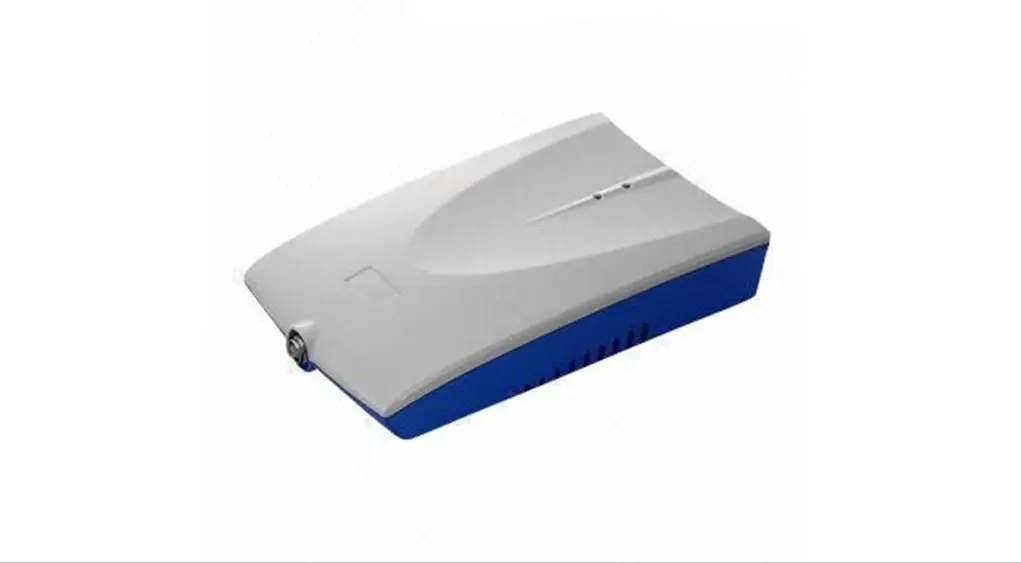
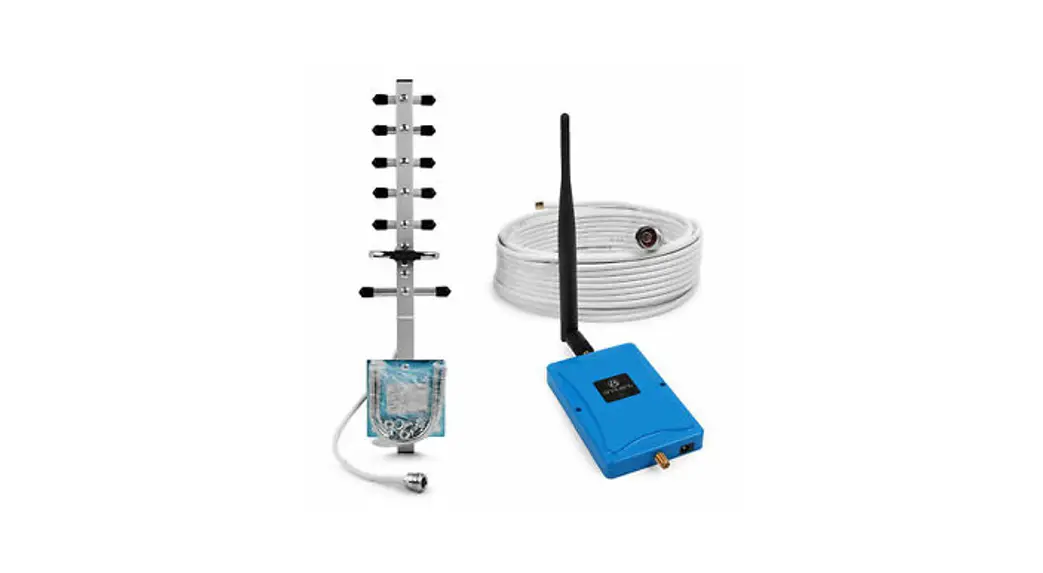
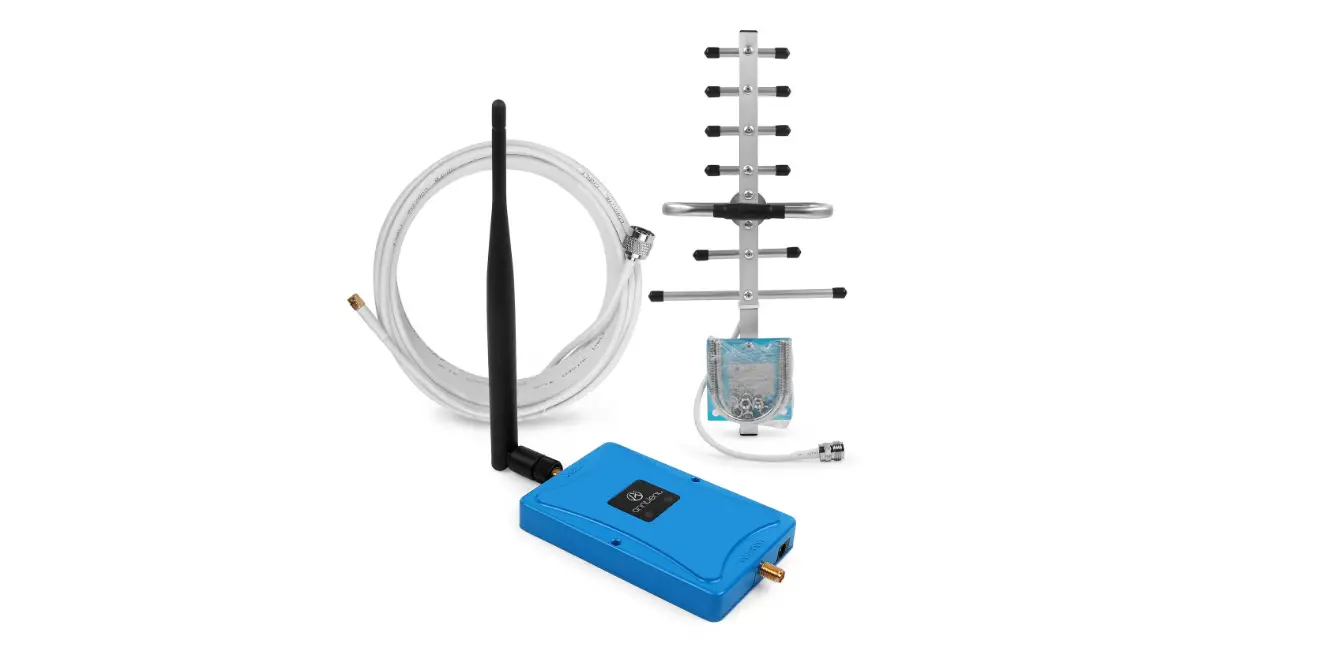
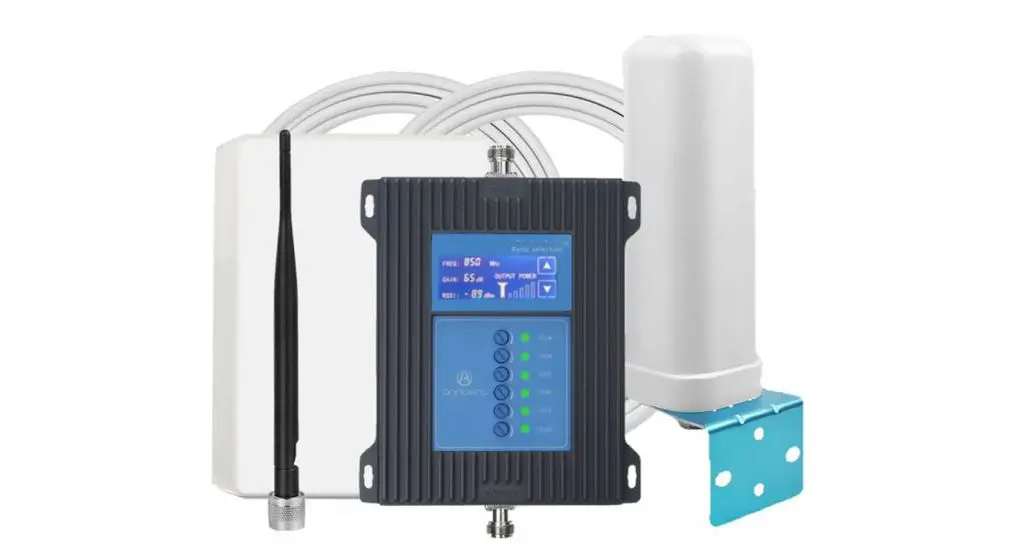
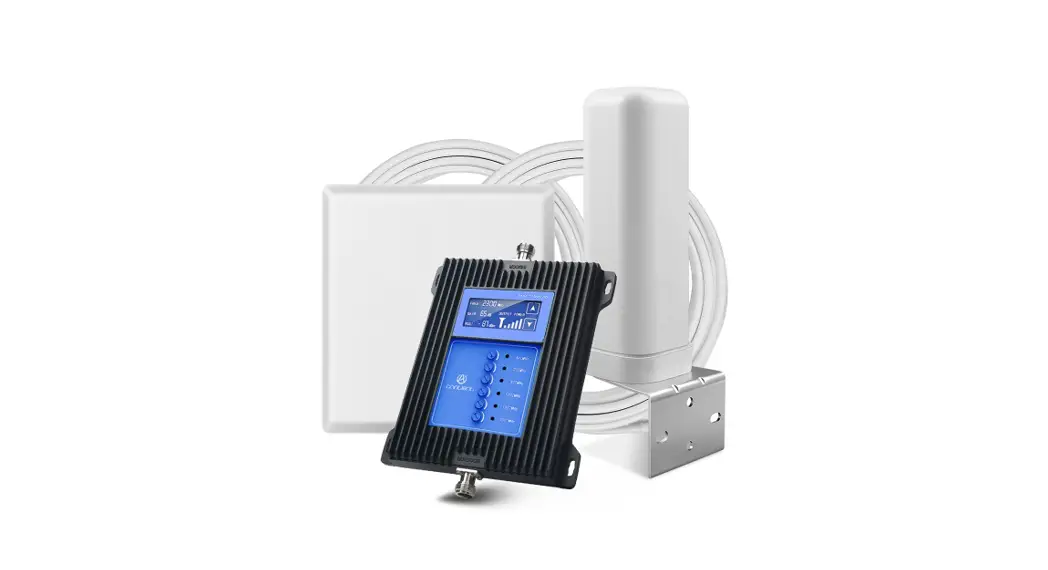
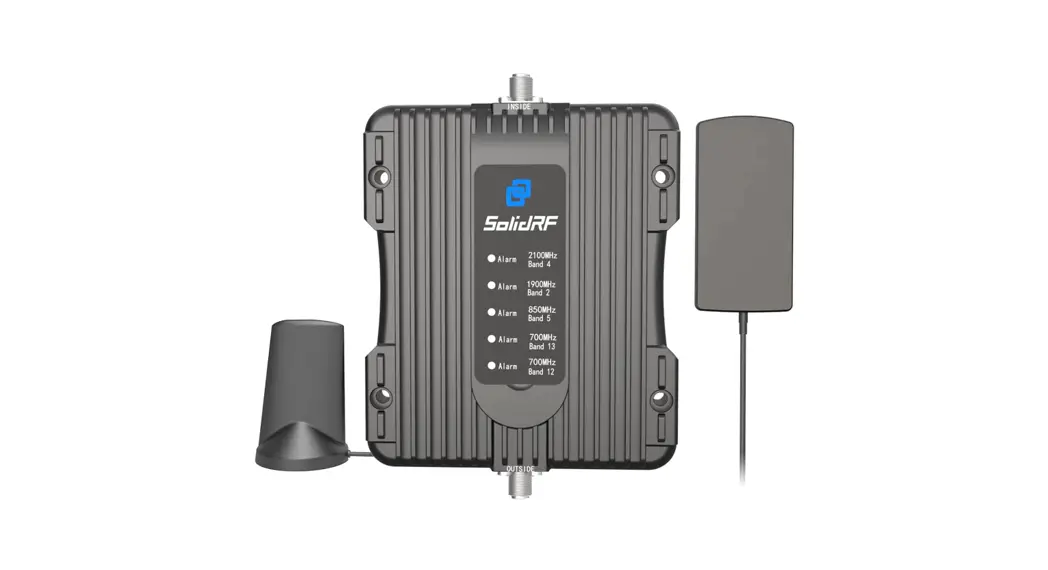
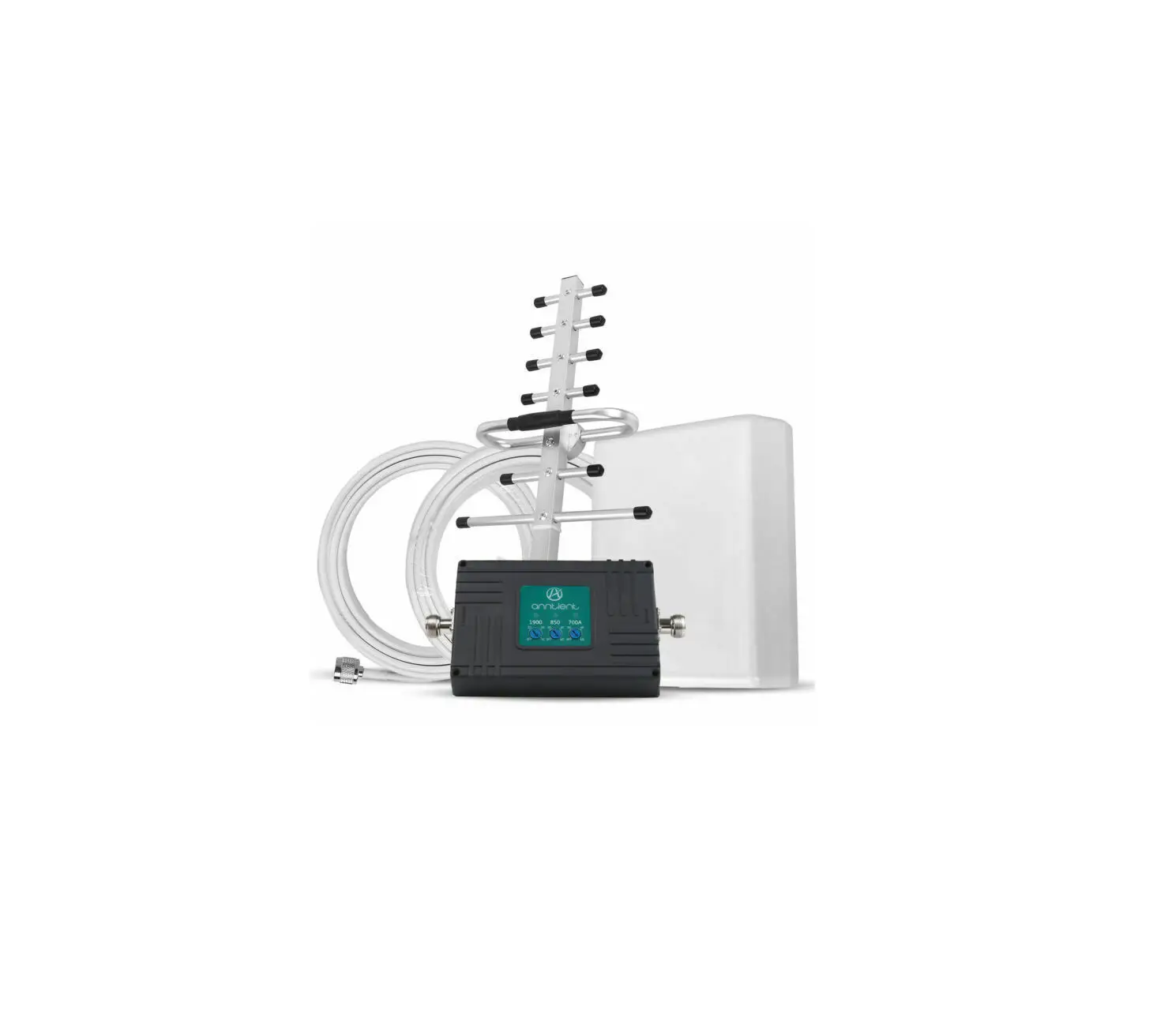
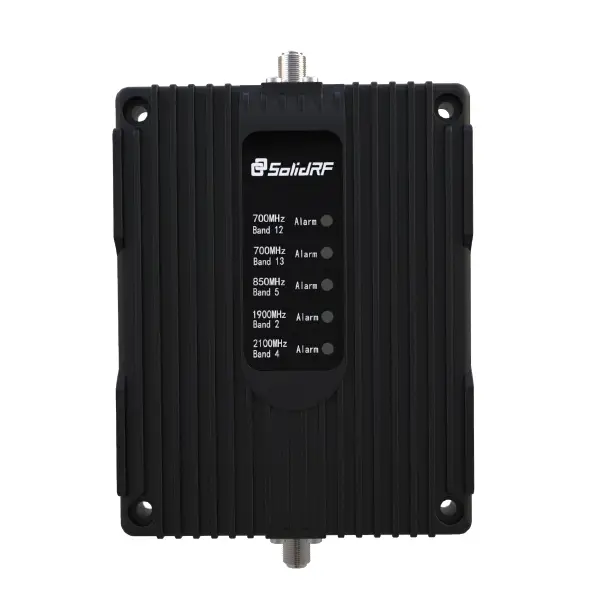
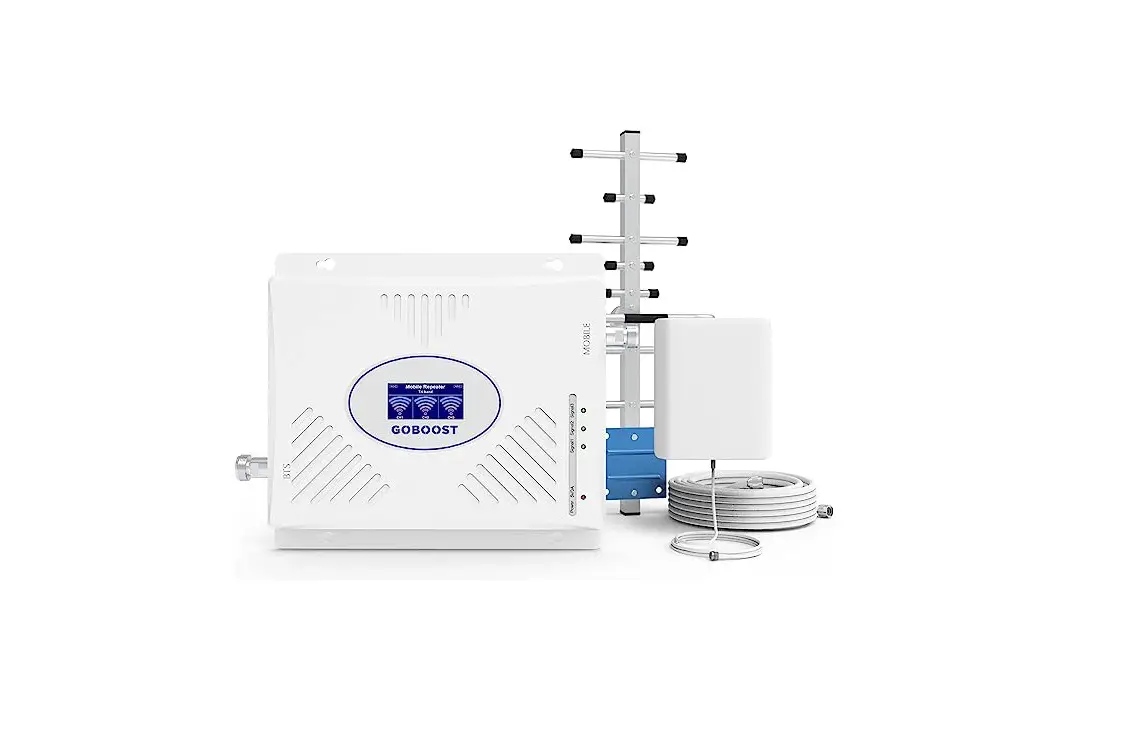
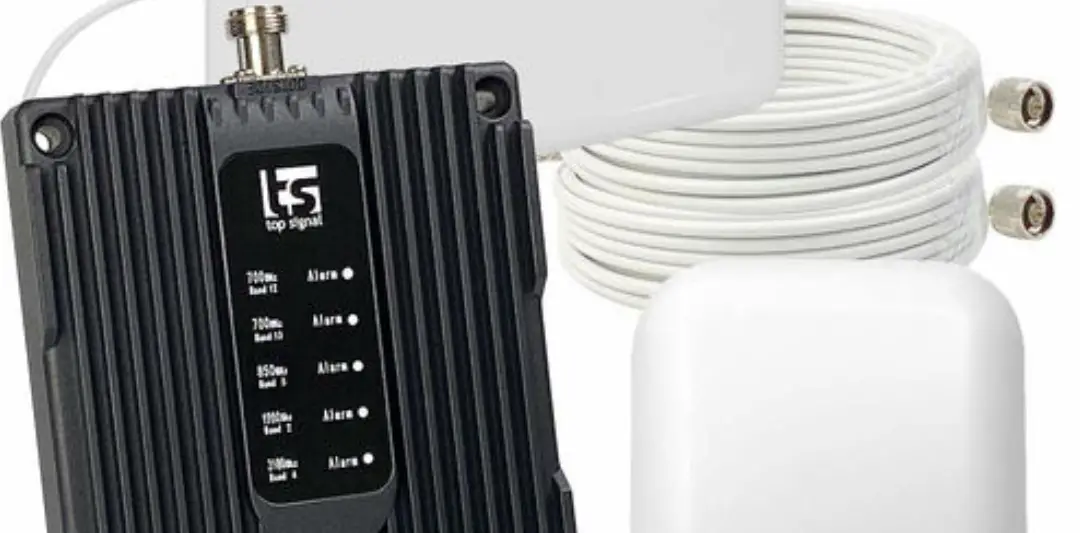
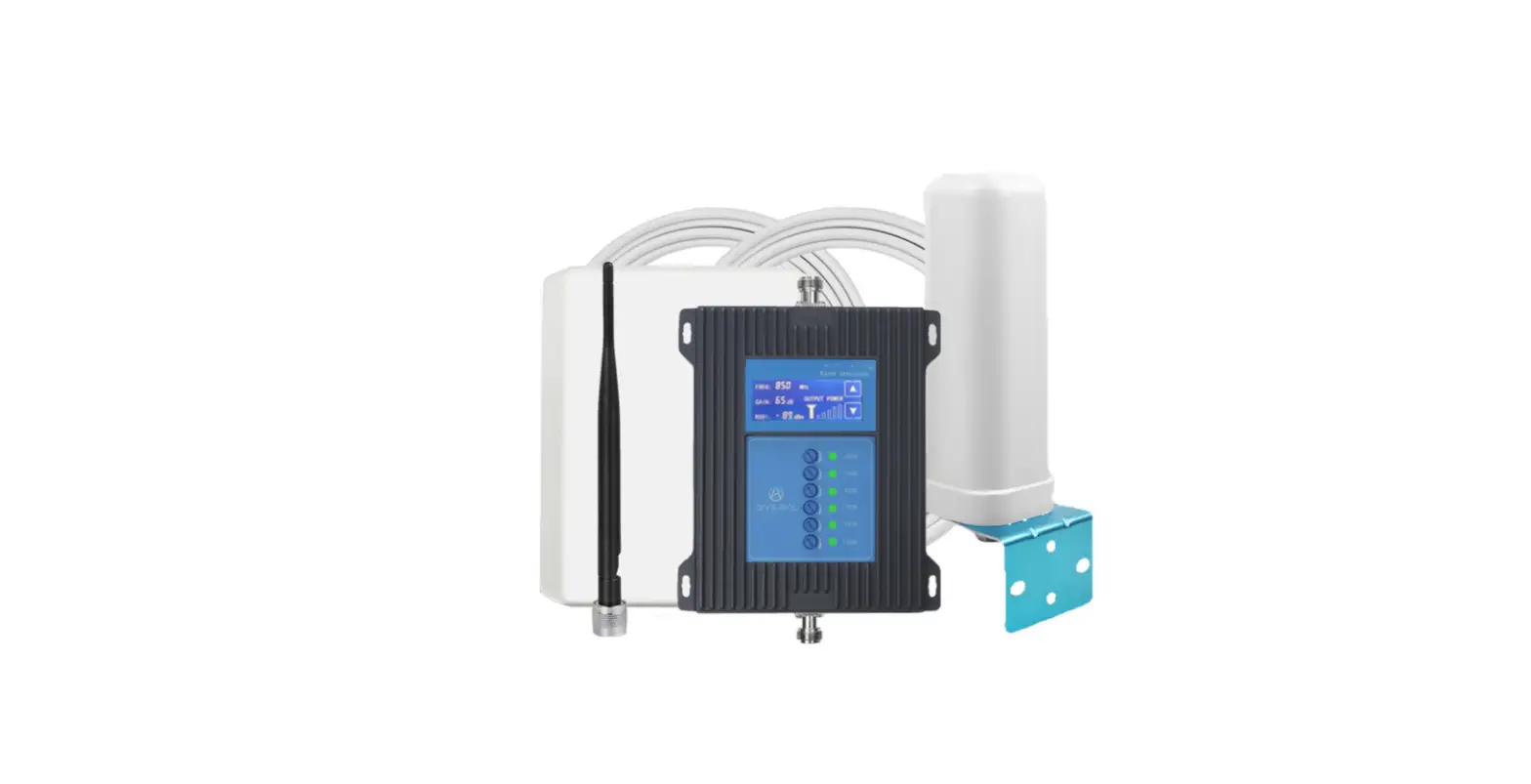
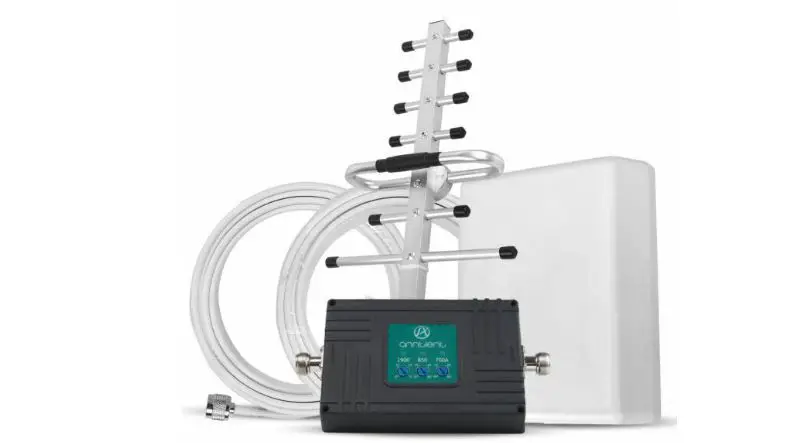
18P.5.LLCPA.1 Cell Phone Signal Booster
Product Information:
The product is a multi-functional blender that can be used for
various purposes such as blending, chopping, and grinding. It comes
with a powerful motor and multiple speed settings to suit different
blending needs. The blender also includes a detachable stainless
steel blade for easy cleaning and maintenance. With its large
capacity jar, you can prepare large batches of smoothies, soups,
sauces, and more.
Product Usage Instructions:
- Before using the blender, ensure that it is placed on a stable
and flat surface. - Make sure the blender jar is clean and dry before attaching it
to the base. - To attach the jar to the base, align the arrows on the jar and
base and twist it clockwise until it locks into place. - Add the desired ingredients into the jar. Make sure not to
exceed the maximum fill line indicated on the jar. - Place the lid securely on the jar to prevent any spills during
blending. - Select the desired speed setting by turning the knob on the
base. Start with a low speed and gradually increase it as
needed. - Press the power button to start the blending process. Hold it
down until you achieve the desired consistency. - Once you are done blending, release the power button and wait
for the blade to stop spinning before removing the jar from the
base. - Carefully remove the lid from the jar to pour out the blended
contents. - After use, detach the blade from the jar and clean it
thoroughly with warm soapy water. Rinse and dry before
reattaching. - Clean the jar, lid, and base with warm soapy water and a
sponge. Do not immerse the base in water. - Store the blender in a dry and safe place when not in use.
<<< User Manual
Cell Phone Signal Booster
Product parameters
model 18P.5.LLCPA.1 Network KW18P-LLCPA-B2/B4/B5/B12/B13/B17/B25/
parameter
Frequency Range
Output Power Gain
Frequency LTE -B12 LTE -B2 LTE -B4 LTE -B13 LTE -B5 LTE -B25 LTE -B17
Uplink
699~716 1850~1910 1710 – 1755 777~787 824~849 1850~1915 704-716 20±1 dBm 59±1 dB
Downlink
729~746 1930~1990 2110 – 215 746~756 869~894 1930~1995 734-746 11±1 dBm 58±1 dB
Bandwidth Ripple in Band
Spurious Emission
Intermodulation Products VSWR MTBF Power Supply Power Comsumption Impedance
17M+10M+25M+65M+70M
9KHz~1GHz 1GHz~12.75GHz
9KHz~1GHz 1GHz~12.75GHz
LTEB12/176dB;LTE -B136dB;CDMA 6dB;LTE -B256dB;LTE -B46dBLTE B26dB -36 dBm
-30 dBm
-36 dBm
-30 dBm
3 >50000 hours
AC100~240V, 50/ 60HzDC5V 3A
< 6W 50 ohm
Mechanical Specification
RF Connector Dimensions (D*W*H ) Packing size (D*W*H ) Net weight Gross weight Installation Type Environment Conditions Humidity Operating Temperature
N-Female N
253*160*28mm 335*220*50mm <0.53KG <0.87KG Wall Installation
IP40 < 90% -10 ~ 55
Product display
FREQUENCY LIGHT
Outputgain
POWER LIGHT Power Supply
Indoor port
Installation steps
installation drawing
Step 1: Install the outdoor antenna on the roof or other
positions where you can receive 4 bars of signal or more
Step 2: Connect the outdoor
antenna to the BTS port via the cable and tighten the
connectors at both ends, make the outdoor antenna point to the base station
base station
Step 3: Connect the indoor
antenna to the MS port, and place the indoor antenna at a higher position so as to increase signal coverage
outdoor antenna Booster
Indoor antenna
Step 4: After connecting and tightening the two antennas, plug in the power supply and check the condition of the signal display light
Step 5: Check whether the phone signal has been improved or not. If it is not ideal, you can adjust the height or direction of the outdoor antenna. A good outdoor signal is half of the success.
Application Scenario
villa
basement
residence
frequently asked question
FAQ
Solutions
After the installation, the signal improvement is not significant, and the indoor coverage area is small
1. Adjust the position and direction of the outdoor antenna 2. Check if the cable is properly connected 3. Raise the outdoor antenna so that it can receive better signals
4. Replace high-power amplifier
5. Replace a high gain outdoor antenna
The phone signal is full, but the call quality is poor
The distance between outdoor and indoor antennas are too close, so it is necessary to increase the distance between them, or increase barrier isolation between them
After installation, the signal did not improve, but it was worse
The distance between outdoor and indoor antennas are too close, so it is necessary to increase the distance between them, or increase barrier isolation between them
I have been using it normally before, but suddenly the signal is not good after using it for a
period of time
1. Check if water ingress at outdoor cable joints 2. Check if the power indicator light is normal 3. If there is no water ingress into the cable and the power indicator light is normal, it is possible that the amplifier has malfunctioned and needs to be returned to the factory for repair
FCC Statement
This equipment should be installed and operated with a minumum distance of 20cm between the radiato randyour body .
The antenna for the device must be installed to comply with the10 meter above ground maximum antenna height limitation
Attention: There must be a solid
wall between the indoor antenna and the outdoor antenna to prevent selfoscillation.
hotel
Office building
Bar KTV
(1)Usage of unauthorized antennas, cables, and/or coupling devices may result in poor effect and, in severe cases, equipment damage. (2)a complete list of authorized antennas, cables, and/or coupling devices:
Thi s devi ce compl i es wi t h par t 15 of t he FCC Rul es. Oper at i on i s subj ect t o t he f ol l owi ng t wo condi t i ons: ( 1) Thi s devi ce may not cause har mf ul i nt er f er ence, and ( 2) t hi s devi ce must accept any
i nt er f er ence r ecei ved, i ncl udi ng i nt er f er ence t hat may cause undesi r ed oper at i on